TikTok Shop Image Quality Standards for 2025: Seller Guide
Failing TikTok Shop moderation costs you prime “For You” feed placement and kills your conversion rate before a customer even sees your price. Uploading non-compliant media triggers automated listing suppressions that can take days to resolve through manual appeals, effectively pausing your revenue stream.
To meet TikTok Shop image quality standards for 2025, sellers must upload up to 9 square (1:1) images with a minimum resolution of 600x600 pixels. The main image must feature a pure white background with no watermarks or promotional text.
Quick Reference Table
Run a quick audit of your current creative assets against these baseline requirements to identify which listings are at risk of immediate suppression. TikTok’s automated system scans every upload for these specific technical parameters before your listing goes live.
| Requirement | Specification | Source / Verification |
|---|---|---|
| Minimum Resolution | 600 x 600 pixels | Official Seller Center Policy |
| Recommended Resolution | 800 x 800 pixels or higher | For “Good” Listing Tier |
| Aspect Ratio | 1:1 (Square) | Standard Mobile Display |
| Maximum File Size | 5MB per image | Upload Buffer Limit |
| Allowed Formats | JPG, JPEG, PNG, WEBP, HEIC, BMP | 2025 Expanded Support |
| Image Quantity | 1 to 9 images | Maximize “Good” Tier Status |
| Main Image Background | Pure White (#FFFFFF) | Mandatory for Primary Image |
[A quick reference infographic summarizing TikTok Shop’s 2025 image requirements, including the 600x600 pixel minimum and 5MB file size limit.]
Detailed Requirements
Configure your export settings in your photo editor to match these precise specifications. TikTok Shop’s algorithm prioritizes listings that meet the “Good” quality tier, which is heavily influenced by your image metadata and visual clarity. If you are migrating listings from Amazon or Shopify, do not assume your existing assets will pass; TikTok’s background-detection AI is significantly more aggressive than other platforms.
Main Image vs. Additional Images
Your primary image (the first slot in your listing) acts as the gatekeeper for your store’s health. TikTok requires a pure white background (#FFFFFF) for this specific slot. Off-white, light gray, or even slightly textured backgrounds will trigger an automated “Image Quality Issue” notification. This image must show the product clearly without any watermarks, borders, placeholders, or promotional text. Avoid adding “Best Seller” badges or “Free Shipping” icons directly onto the image; TikTok provides dynamic overlays for these features that do not violate policy.
Additional images (slots 2 through 9) allow for more creative freedom. Use these slots for lifestyle shots, infographics, and size charts. While the background rule is relaxed for these slots, the 1:1 aspect ratio remains mandatory. If you upload a 4:5 portrait image, TikTok will automatically crop it, potentially cutting off vital product information or your brand logo.
Understanding Listing Quality Tiers
TikTok categorizes every product listing into “Poor,” “Fair,” or “Good” tiers. To achieve the “Good” tier—which is essential for appearing in the Shop Tab’s organic recommendations—you must upload at least 5 high-quality images. These images should cover:
- The product from the front (Main Image).
- The product from the back or side.
- A close-up of the material or key feature.
- The product in use (lifestyle).
- Packaging or what’s included in the box.
Maintaining a high listing quality score directly impacts your Product Search Ranking within the app. Listings with only one or two images are often flagged as “incomplete” and receive significantly less traffic from the algorithm.
Common Rejection Reasons
💡 Skip the manual editing. PixelMatch batch-generates ecommerce-ready product images in 60 seconds — white background, lifestyle scenes, and variant mockups from a single source photo. Try PixelMatch free →
Identify the root cause of your listing rejections by checking the “Product Diagnostic” tool in the TikTok Shop Seller Center. Most rejections are not caused by human reviewers but by automated vision models that scan for specific “illegal” pixels.
Non-Compliant Backgrounds
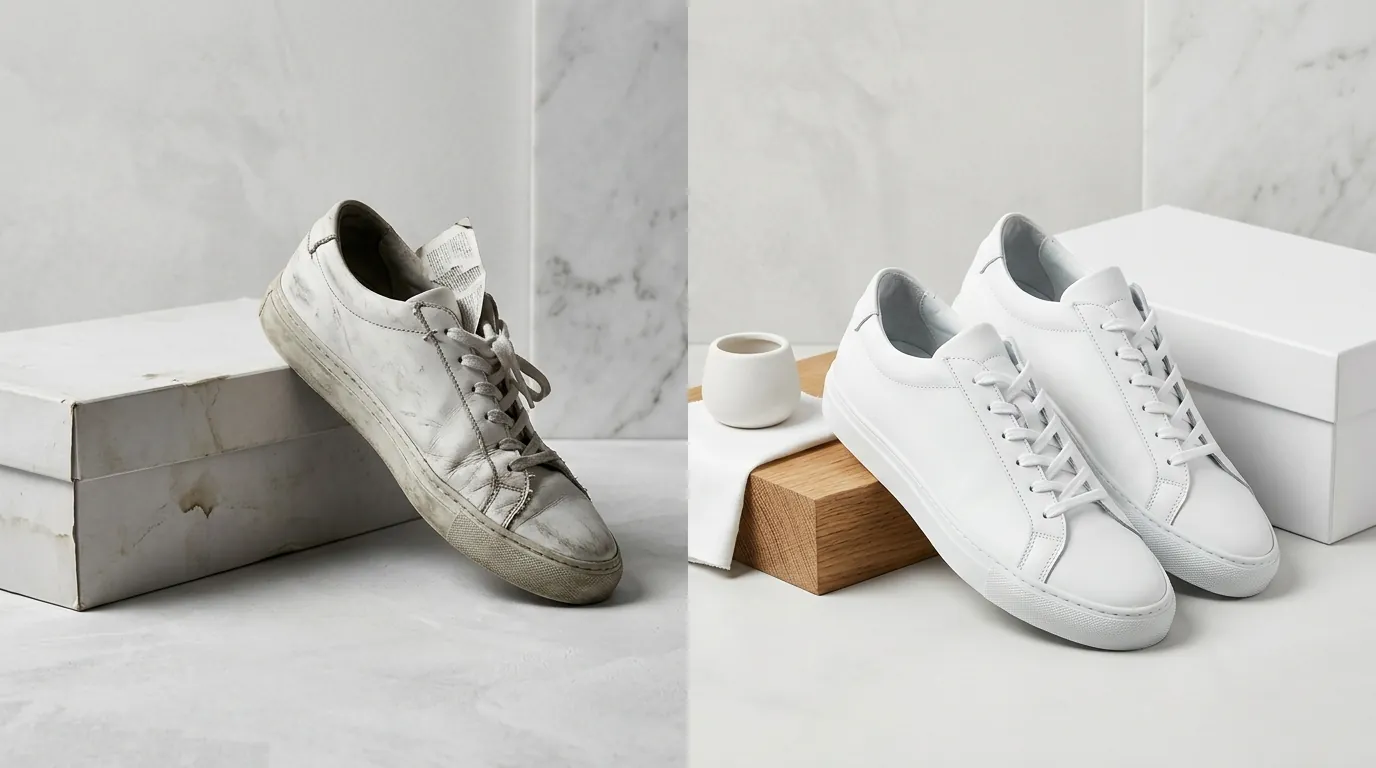
The most frequent rejection reason is failing the automated background check. TikTok’s AI looks for a specific color value of #FFFFFF. If your photographer used a physical white backdrop that has shadows in the corners, the AI will register these as gray gradients and reject the image. Even high-end tools like Photoroom’s Pro tier at $12.99/mo can occasionally leave a 1-pixel border of the original background, which is enough to trigger a flag. Ensure your background removal tool is set to “Hard Edge” or “Pure White” to avoid this loop.
Low Resolution and Compression Artifacts
Images falling below the 600x600 pixel threshold are blocked at the upload stage. However, a common pitfall is uploading an 800x800 image that has been heavily compressed. TikTok applies its own compression upon upload to ensure fast loading on mobile devices. If your original file is already pixelated, the secondary compression will make the product look “untrustworthy” to the AI, leading to a “Low Quality Image” rejection. Aim for a file size close to the 5MB limit to ensure enough data is present for a clean render.
Prohibited Overlays and Brand Infringement
Including brand logos (other than your own), promotional text, or watermarks on the main image violates the Product Listing Policy. This includes subtle watermarks often added by stock photo sites or supplier catalogs. TikTok also scans for “clickbait” elements, such as fake “Play” buttons or notification badges drawn onto the image. If you are selling a multi-pack, the main image must show the exact number of items the customer will receive; using a “3-pack” text overlay instead of showing three items visually is a common reason for rejection.
How to Fix Each Issue
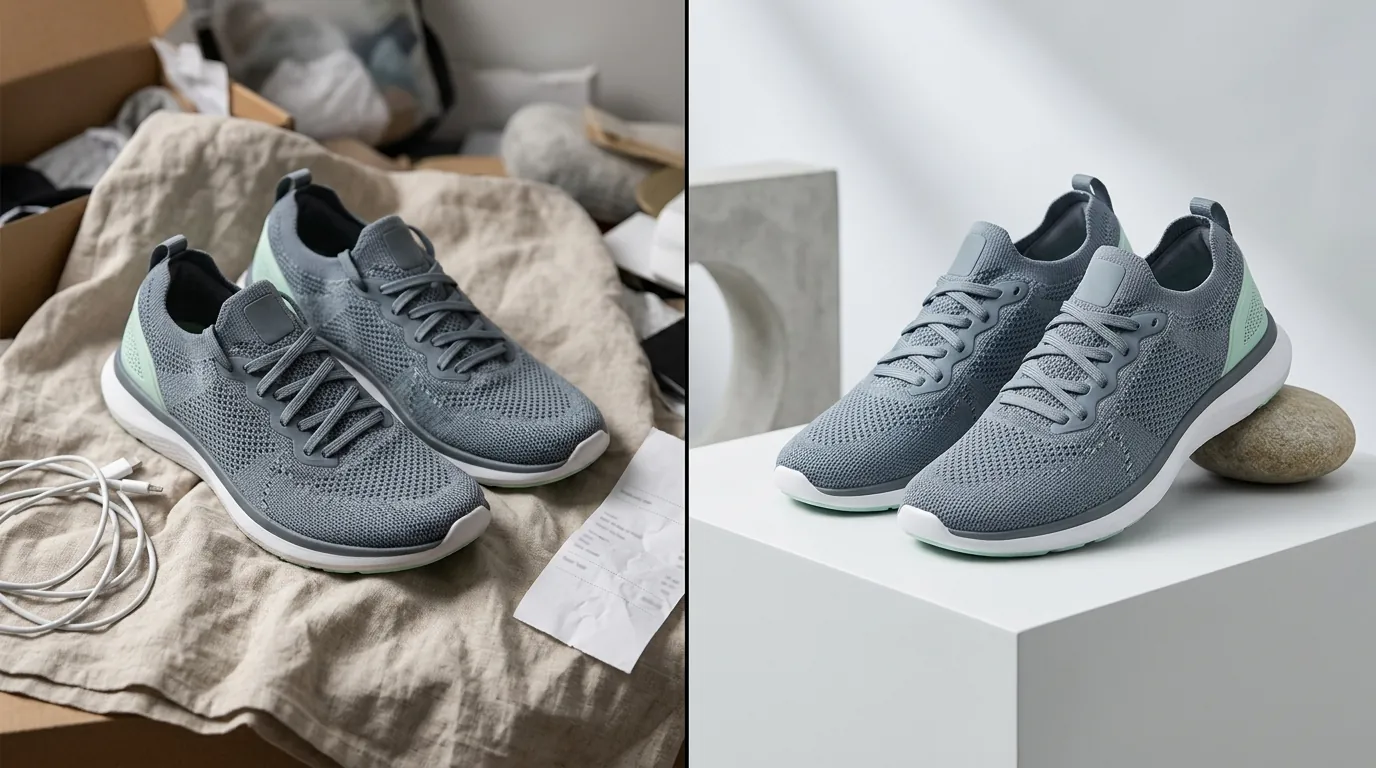
Execute a batch-processing workflow to fix your entire catalog at once rather than editing images SKU by SKU. For sellers managing hundreds of products across TikTok, Shopify, and Amazon, manual editing is the primary bottleneck to scaling.
Batch Background Correction
Use an AI image editor like PixelMatch to automatically strip non-compliant backgrounds and replace them with pure white (#FFFFFF). Unlike general-purpose editors, PixelMatch is designed for ecommerce workflows, ensuring that shadows are handled naturally while the background remains digitally pure. This allows you to pass TikTok’s automated moderation instantly. If you are currently using Adobe Express’s free tier, you may find the manual “clean up” process for batch uploads too slow for a high-volume TikTok Shop.
Upscaling Supplier Photos
If you are dropshipping or using supplier-provided assets that are low-resolution, use an AI upscaler to bring them to at least 800x800 pixels. This ensures crisp rendering on high-density mobile screens (like the iPhone 15/16 and latest Samsung Galaxy models). Crisp images are a prerequisite for the “Good” tier. PixelMatch can batch-upscale your entire library, maintaining edge sharpness without the “waxy” look typical of low-end AI filters.
Strategic Image Placement
Remove all text overlays and watermarks from your primary image immediately. Move your lifestyle shots, infographics, and size charts to image slots 2 through 9. This satisfies the “Pure White” rule for the main image while still providing the customer with the information they need to convert.
| Image Slot | Content Type | Background Rule |
|---|---|---|
| Slot 1 | Primary Product View | Strictly #FFFFFF White |
| Slot 2-4 | Different Angles | Flexible / Lifestyle |
| Slot 5 | Product in Use | Lifestyle / Contextual |
| Slot 6-7 | Features / Close-ups | Flexible |
| Slot 8-9 | Size Chart / Packaging | Infographic / Text allowed |
Catalog-Wide Audit
Audit your catalog to ensure every listing has at least 5 images. If you only have one or two photos of a product, use PixelMatch to generate high-quality AI lifestyle scenes. By placing your product in a realistic environment (e.g., a coffee shop, a modern living room, or an outdoor trail), you can fill all 9 slots without the cost of a professional photoshoot. This satisfies the algorithm’s quantity requirements and has been shown to improve conversion rates for multi-platform sellers.
Optimizing for the 2025 Mobile Experience
TikTok is a mobile-first platform, and its 2025 updates place a heavy emphasis on how images look on high-refresh-rate displays. The “Good” listing tier is not just a suggestion; it is a requirement for sellers who want to participate in TikTok Shop “Deals” events or “Flash Sales.”
Mobile-First Cropping
Because the TikTok Shop interface is dense with information (price, vouchers, ratings, and “Sold” counts), your product needs to occupy at least 80% of the image frame. If your product is too small within the 1:1 square, it will be unclickable on a mobile screen. When using PixelMatch, use the “Auto-Zoom” feature to ensure the product is centered and fills the frame appropriately for a 6.7-inch smartphone screen.
The Rise of WEBP and HEIC
As of early 2025, TikTok has expanded its API support for WEBP and HEIC. These formats provide superior quality at smaller file sizes compared to traditional JPGs. If you are shooting on an iPhone, you no longer need to convert HEIC files to JPG before uploading, which preserves more color depth and detail. However, ensure your batch processing tool supports these formats to avoid “Unsupported File Type” errors during bulk uploads.
Competitor Tool Comparison for TikTok Sellers
| Feature | PixelMatch | Pebblely | Canva Pro |
|---|---|---|---|
| Batch Processing | High (Optimized for 100+ SKUs) | Moderate | Low (Manual per image) |
| White Background Sync | Automated #FFFFFF | Manual per image | Manual “Background Remover” |
| Pricing | [Information not yet publicly available as of 2026-05-30] | $19/mo (Basic) | $120/year |
| TikTok Policy Check | Built-in | None | None |
Official Source Links
Stay updated on policy changes by frequently visiting these official documentation hubs. TikTok Shop policies can change with 24-hour notice, especially regarding AI-generated content and image metadata requirements.
- TikTok Shop Seller Center: Product Listing Policy
- TikTok Shop Academy: Improve Your Listing Quality Score
- TikTok Shop Partner Center: API Updates for Media
- TikTok For Business: Creative Center Best Practices
Ready to scale your listings?
PixelMatch generates white-background, lifestyle, and variant mockups from a single source photo — built specifically for multi-platform ecommerce sellers. 50 free images on signup, no credit card.
Start free →
Sources
- TikTok Shop Help Center: Product Image and Video Specifications
- TikTok Shop Academy: Listing Quality Tier Definitions
- TikTok Shop Partner Center: Media Upload API Documentation
- Photoroom: Pricing and Pro Features
- Pebblely: Subscription Tiers
- Canva: Pro Plan Pricing