
TikTok Shop Image Requirements for Flash Sales (2026)
Losing a high-traffic flash sale slot because of a “text overlay” rejection can stall your shop’s momentum for weeks. You need to align your creative assets with TikTok’s rigid automated moderation bots before you submit your campaign for approval.
TikTok Shop flash sale images must be 600x600 pixels minimum, 1:1 ratio, under 5MB, and JPG/PNG format. Never add promotional text or stickers to the main image; TikTok automatically overlays its own countdown timer and sale badges.
Quick Reference Table
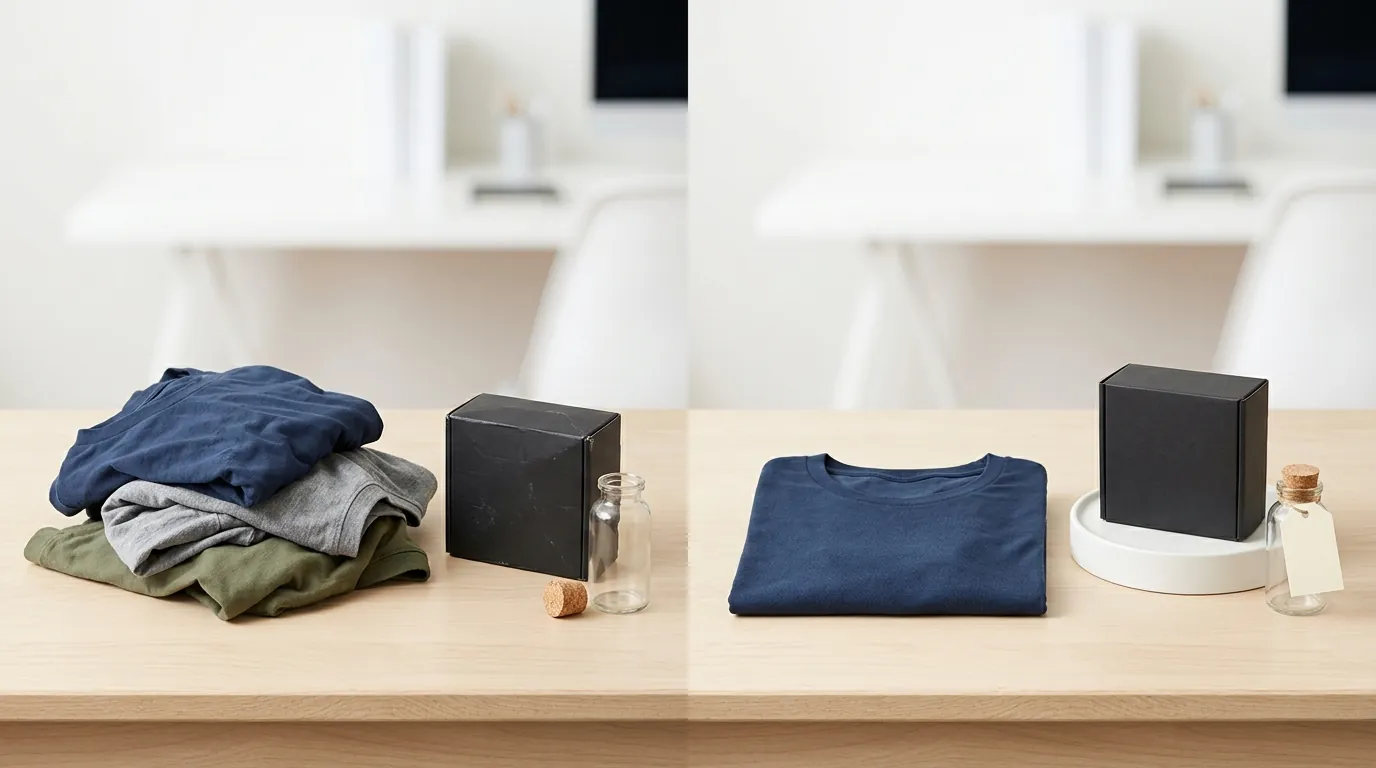
Audit your current product library against the following technical specifications to ensure your flash sale campaign isn’t rejected during the “Pending” phase.
| Requirement | Specification | Official Source |
|---|---|---|
| Minimum Dimensions | 600 x 600 pixels | TikTok Seller Help |
| Recommended Size | 800 x 800 pixels or higher | TikTok Seller Help |
| Aspect Ratio | 1:1 (Square) | TikTok Seller Help |
| Max File Size | 5MB | TikTok Seller Help |
| File Formats | JPG, JPEG, PNG | TikTok Seller Help |
| Image Count | Up to 9 images per listing | TikTok Seller Help |
| Main Image Rule | No text, logos, or watermarks | TikTok Seller Help |
Actionable Step: Open your TikTok Seller Center “Manage Products” tab and download your current main images. If they are not square or contain “Sale” text, you must replace them before applying for a Flash Sale promotion.
Detailed Requirements

TikTok Shop requires all product images to be exactly 1:1 aspect ratio to ensure they render correctly across the Shop Tab, Product Detail Pages (PDPs), and LIVE Shopping Bags. Because TikTok is a mobile-first platform, any deviation from the square format results in awkward cropping or gray bars that lower your click-through rate (CTR).
Dimensions and File Size Limits
Upload your images at 800x800 pixels or higher. While the system accepts 600x600 pixels, higher resolutions allow users to use the pinch-to-zoom feature on mobile devices without seeing compression artifacts. Keep your file size under 5MB. If you are using high-resolution exports from tools like Adobe Photoshop or Canva, ensure you use “Export for Web” to strip unnecessary metadata that inflates file size.
Background and Framing Rules
TikTok’s automated review system prefers a clean, solid background for the primary image. While lifestyle images are permitted in the secondary slots (images 2 through 9), the first image should ideally feature the product against a white or neutral background. The product should occupy between 60% and 90% of the frame. If the product is too small, it becomes indistinguishable in the “Flash Deal” scroll; if it’s too large, it may be covered by the native UI elements.
Native UI Overlays vs. Hardcoded Text
For flash sales, TikTok dynamically overlays a “Flash Deal” lightning logo and a live countdown timer directly onto your main image. Because of this native UI, you must use clean images without hardcoded promotional text. TikTok’s official policy states: “Don’t add any marketing or promotion stickers” and “Don’t add any text, graphics, or watermarks to the first image.” If you bake a “50% OFF” banner into your image, it will likely overlap with TikTok’s own “Flash Deal” badge, creating a cluttered, unprofessional look that triggers an automatic rejection.
Actionable Step: Use PixelMatch to batch-generate a set of clean, white-background images for your entire catalog. This ensures that when you toggle a Flash Sale on, your products are immediately compliant with the “no-text” rule for primary images.
Common Rejection Reasons
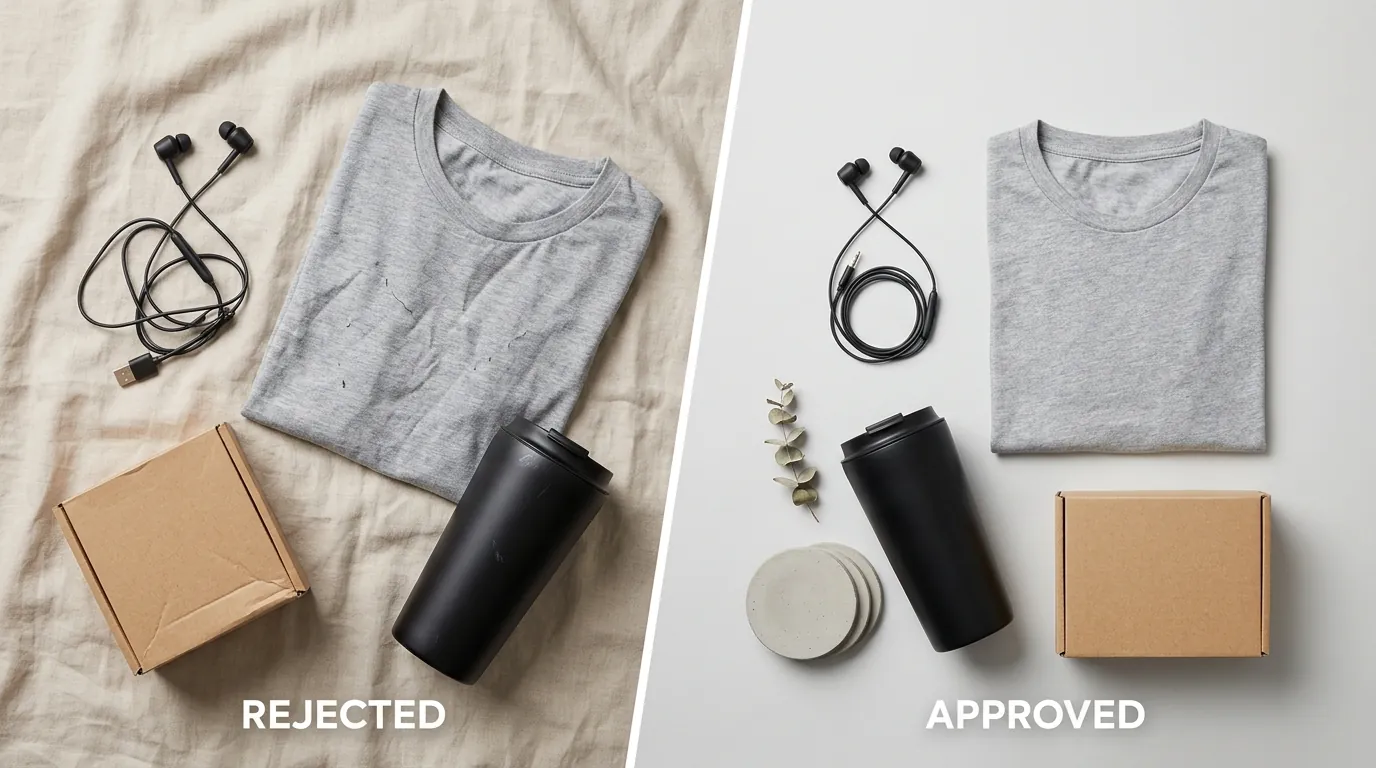
💡 Skip the manual editing. PixelMatch batch-generates ecommerce-ready product images in 60 seconds — white background, lifestyle scenes, and variant mockups from a single source photo. Try PixelMatch free →
The TikTok Shop moderation team uses AI-driven image recognition to scan every listing. Understanding why these bots flag images will save you days of back-and-forth communication with Seller Support.
Promotional Text and Stickers
Adding “50% OFF,” “Limited Time,” or “Flash Sale” banners to the main image is the most frequent cause for listing suspension. TikTok treats these as marketing or promotion stickers, which are strictly prohibited on the first image. The platform wants a uniform look in the Shop tab; they provide the promotional badges, so you don’t have to.
Blurry or Pixelated Uploads
Upscaling low-resolution images to meet the 600x600 pixel requirement often results in “soft” edges or visible pixelation. TikTok’s quality standards are designed to protect the user experience. If your image looks blurry on a standard smartphone screen, it will fail the catalog review process. Using mosaics or filters (like high contrast or blurring) that obscure the product details will also trigger an automatic failure.
Unauthorized Watermarks and Logos
Watermarks or unauthorized brand logos lead to immediate rejection. You cannot include a logo unless you have submitted and received approval for Brand Qualification in the Seller Center. Even with a qualified brand, the logo should be on the product or packaging itself, not floating as a digital watermark over the image.
Actionable Step: Review your “Failed” listings in the Seller Center. Look for the “Suspended” status and click “View Details” to see the specific reason. If it mentions “Image Quality” or “Inappropriate Content,” check your primary image for text overlays or watermarks immediately.
How to Fix Each Issue
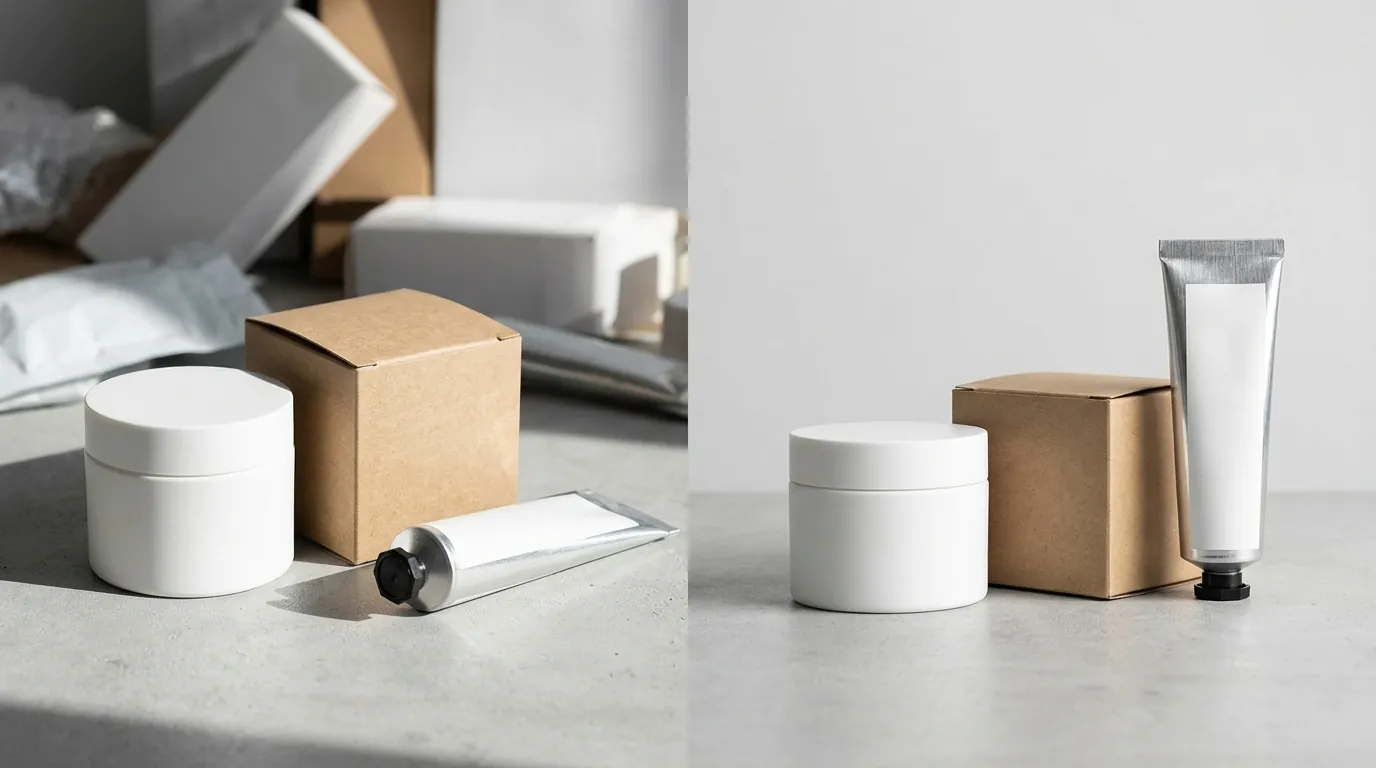
Correcting rejection issues is a matter of standardizing your workflow. You can manage a few listings manually, but if you are running a multi-platform store with hundreds of SKUs, you need an automated approach to stay compliant.
Automating Background Removal
Remove all text, graphics, and promotional stickers from your primary product image. If your images have busy backgrounds or “lifestyle” elements that interfere with the native Flash Deal countdown timer, use PixelMatch to batch-remove them and generate clean, compliant white backgrounds that meet TikTok’s 1:1 aspect ratio requirement. This process ensures the focus remains on the product, which is essential for conversion in the fast-scrolling Flash Sale section.
Standardizing Aspect Ratios
If your source photography is in 4:3 or 16:9, do not simply stretch the image to fit a square. This distorts the product and leads to rejection. Instead, use a canvas resizing tool to add white space (padding) around the product until the dimensions are equal. Ensure your image export settings compress files to under 5MB while maintaining at least 800x800 pixels for optimal clarity.
Ensuring Pricing and Policy Compliance
Image compliance is only half the battle for flash sales. You must also verify your pricing compliance: Flash Deal prices must be less than or equal to the lowest price paid in the past 30 days to be approved. If your pricing is compliant but your image is not, the deal will not go live.
For LIVE Flash Deals, remember that the pre-launch countdown is fixed at 5 minutes. Ensure your clean, compliant product images are loaded into the LIVE Shopping Bag before the timer starts. If the system detects a non-compliant image during the 5-minute countdown, it can pull the product from the live feed, wasting your airtime.
Actionable Step: Set up a “TikTok-Specific” export folder in your digital asset management system. Every image in this folder should be 1000x1000px, 72 DPI, PNG format, with no text. This makes optimizing images for multi-platform selling much faster when you expand from Shopify or Amazon to TikTok Shop.
Official Source Links
Stay updated on policy changes by frequently visiting the following official TikTok Shop Seller Center resources:
- TikTok Shop Seller Center: Product Listing Guidelines
- TikTok Shop Seller Center: Promotional Content Policy
- TikTok Shop Seller Center: Seller Flash Sale Overview
- TikTok Shop Seller Center: Image Quality Standards
Ready to scale your listings?
PixelMatch generates white-background, lifestyle, and variant mockups from a single source photo — built specifically for multi-platform ecommerce sellers. 50 free images on signup, no credit card.
Start free →
Sources
- TikTok Seller University: Product Listing Guidelines: `
- TikTok Seller University: Flash Sale Tool Rules: `
- TikTok Seller University: Brand Qualification Policy: `
- TikTok Seller University: Managing Product Images: `