TikTok Shop Image Specs for Video Shopping Ads (2026)
Stop wasting ad spend on rejected Video Shopping Ads (VSA) because your catalog images fail to meet TikTok’s rigid 2026 specifications. Uploading a low-resolution or cluttered photo doesn’t just look bad—it triggers an automatic system rejection that halts your entire campaign.
For TikTok Video Shopping Ads, catalog images must be a minimum of 600x600 pixels, though 800x800 is recommended for optimal clarity. Images must be JPG or PNG, under 5MB, and feature a solid, uncluttered background.
Quick Reference Table
Related: Midjourney v7 Leak Product Photography Prompts & 2026 Rules · Amazon Shop by Style AI Search Guide: 2026 Image Rules · TikTok Shop Mall Product Image Requirements 2025 Guide
Audit your current product catalog against the following technical thresholds before syncing your TikTok Shop to Ads Manager. If your images fall below these minimums, TikTok’s automated moderation will likely flag them as “Poor Quality,” preventing them from appearing in VSA Info Cards or Carousels.
| Feature | Requirement | Recommendation |
|---|---|---|
| Minimum Dimensions | 600 x 600 px | 800 x 800 px |
| Aspect Ratio | Strict 1:1 (Square) | 1:1 for main product image |
| Max File Size | 5MB | ≤ 100 KB (for carousels) |
| File Formats | JPG, JPEG, PNG | PNG (for transparency/quality) |
| Product Coverage | Min 60% of frame | 75% for mobile visibility |
| Background | Solid color | Pure white (#FFFFFF) |
| Carousel Images | 2 to 35 images | 5-7 images for engagement |
Detailed Requirements
TikTok Video Shopping Ads (VSA) dynamically pull images directly from your TikTok Shop catalog, meaning your catalog images must meet strict platform guidelines to be eligible for ads. Unlike standard feed ads where you upload a single creative, VSA success depends entirely on the health of your product feed. If one image in your catalog is non-compliant, the specific product variant may be suppressed from your ads.
Catalog Image Specs
Upload up to 9 square images per product listing to provide the algorithm with enough data to optimize your VSA. The primary image (the first one in your listing) is the most critical; it must show the front view of the physical product clearly. TikTok’s AI scans this image to ensure the product takes up at least 60% of the image frame. If the product is too small, it becomes indistinguishable on a mobile screen, leading to lower click-through rates (CTR) and potential ad rejection.
Backgrounds are not just a stylistic choice—they are a policy requirement. While the platform allows solid colors, pure white is recommended by TikTok for the primary image. This ensures that when the image is overlaid on a Video Shopping Ad Info Card, there is no clashing with the video background.
VSA Carousel & Info Card Specs
When running Carousel ads within the VSA framework, you have more flexibility with dimensions, but the system still enforces strict ratios. You can feature between 2 and 35 images in a single ad. The supported dimensions for these carousels include 640 x 640 px (Square), 1200 x 628 px (Horizontal), or 720 x 1280 px (Vertical).
However, for most multi-platform sellers, sticking to the square 1:1 ratio is the most efficient workflow, as it allows you to reuse assets across TikTok, Instagram, and Amazon without manual resizing. The “Info Card” specifically—the pop-up that appears during a video ad—pulls the 800 x 800 px recommended image from your catalog. If your catalog image is a rectangle, TikTok will auto-crop it, often cutting off essential parts of your product.
Common Rejection Reasons
💡 Skip the manual editing. PixelMatch batch-generates ecommerce-ready product images in 60 seconds — white background, lifestyle scenes, and variant mockups from a single source photo. Try PixelMatch free →
Run a manual “squint test” on your mobile device before finalizing your catalog. If you cannot clearly identify the product and its key features at 20% zoom, the TikTok moderation AI will likely flag it. Most rejections are not due to the product itself but the technical execution of the photo.
Blurry or Pixelated Images
TikTok’s automated moderation will reject images that are low quality or obscured by stickers or watermarks. Sellers often make the mistake of using “lifestyle” shots from social media that have been compressed multiple times. These images often fail the 600 x 600 px minimum check or contain artifacts that the AI interprets as “noise.”
Incorrect Aspect Ratio
Uploading non-square images for catalog products often results in automatic cropping or rejection. Because the VSA Info Card is designed for a 1:1 layout, the system requires a strict 1:1 ratio. If you upload a 4:5 portrait image, TikTok may crop the top and bottom, potentially removing your brand logo or the product’s primary feature.
Cluttered Backgrounds and Overlays
Using busy or non-solid backgrounds for the primary image violates the solid color requirement. Furthermore, TikTok is increasingly strict about text overlays. While you might want to put “50% OFF” on the image, TikTok’s Product Listing Guidelines prohibit images that are “obstructed by text, logos, or watermarks.” Save the promotional text for the ad copy or the video overlay, not the catalog image.
Cropped Products
The product must be shown in its entirety; images cropped to show only a portion of the main item will fail review. This is common in the apparel niche where sellers try to show a “detail shot” as the primary image. Always ensure the full silhouette of the item is visible within the 60% frame coverage area.
How to Fix Each Issue
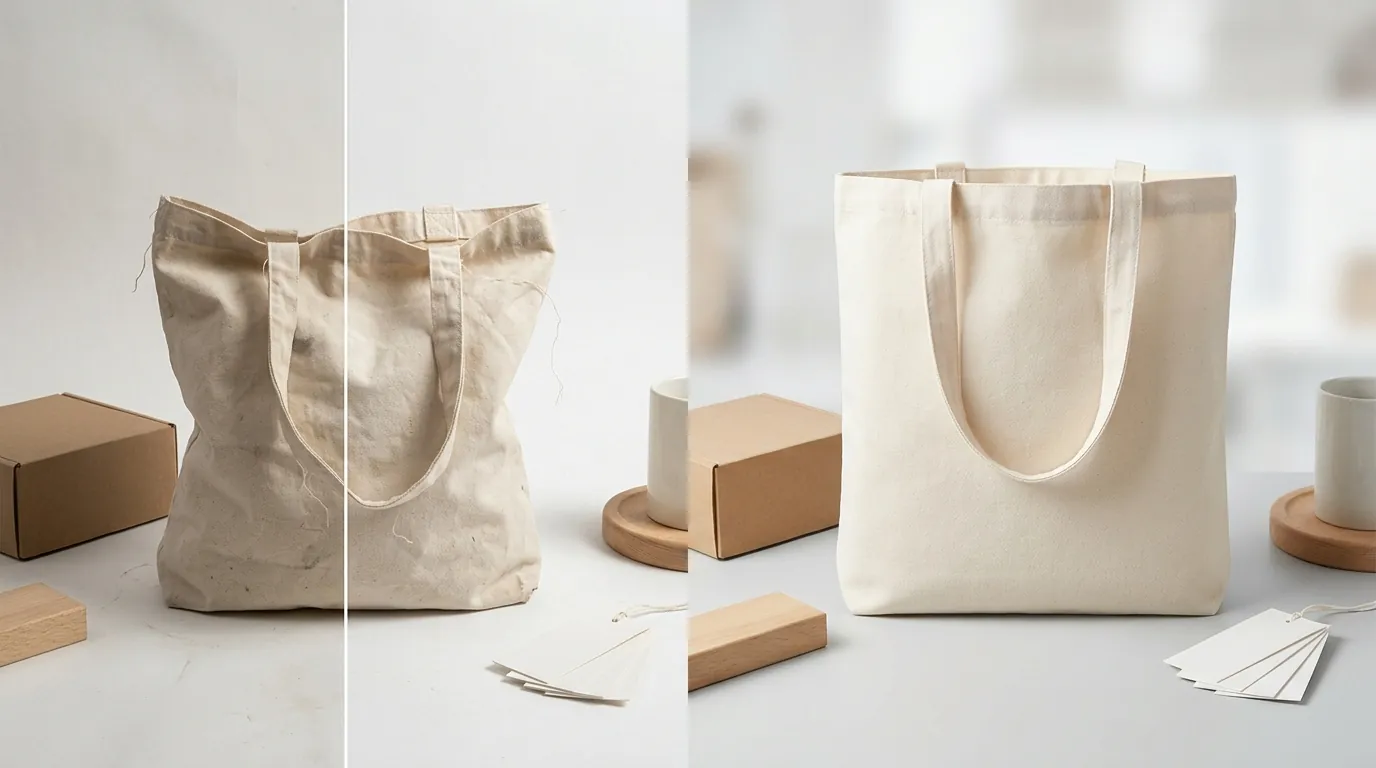
Standardize your creative workflow by implementing a “TikTok-First” image pipeline. Instead of editing photos one by one, use a batch image processor to enforce these specs across your entire SKU list at once.
Automating Image Compliance
Use a batch image processor like PixelMatch to automatically resize all your product photos to the recommended 800 x 800 px and enforce a strict 1:1 aspect ratio. This prevents the “stretched” or “squashed” look that occurs when you try to force a rectangular photo into a square slot.
For sellers with hundreds of SKUs, manually checking the 60% frame coverage is impossible. Tools like PixelMatch or Photoroom use AI to identify the product boundaries and automatically center the item, ensuring it meets the scale requirements for mobile viewing.
Background Removal & Resizing
Remove busy backgrounds and replace them with a pure white (#FFFFFF) background to comply with TikTok’s primary image rules. While Adobe Express and Canva offer background removal, PixelMatch is better suited for X workflow because of its ability to batch-generate consistent AI backgrounds that match TikTok’s “clean” aesthetic across thousands of images simultaneously.
Compress your files before uploading to the Seller Center. While the catalog allows up to 5MB, VSA Carousels perform best with images under 100 KB. Large files cause “pop-in” issues where the user swipes to the next product in a carousel and sees a blank loading screen, killing your conversion rate. Use a tool like TinyPNG or the built-in compression settings in your batch editor to strike the balance between clarity and speed.
Finally, convert all proprietary image formats (like iPhone HEIC files or WebP exports from Shopify) to standard JPG or PNG before attempting to upload. TikTok’s backend often fails to process WebP files correctly, leading to “broken image” icons in your Ads Manager.
Frequently Asked Questions
Can I use lifestyle images for TikTok Video Shopping Ads?
You should only use lifestyle images as secondary photos in your catalog (slots 2 through 9). The primary image must be on a solid background to pass initial moderation and ensure the Info Card remains readable when it pops up over your video content.
What is the maximum number of images I can have in a VSA Carousel?
TikTok allows between 2 and 35 images in a carousel ad. However, for the best user experience and fast loading times, most successful sellers stick to 5-10 high-quality images that highlight different angles or variants of the product.
Why does my product image look blurry on the TikTok app but clear on my computer?
This is usually due to an aspect ratio mismatch or excessive file size. If you upload a non-square image, TikTok’s server-side compression will stretch the pixels to fit the 1:1 container. Additionally, if your file is larger than 5MB, TikTok will aggressively compress it, causing visible artifacts. Aim for 800 x 800 px at a file size of approximately 200KB for the best results.
Does TikTok Shop support WebP or HEIC image formats?
No, the TikTok Ads Manager and Seller Center currently only support JPG, JPEG, and PNG. If you try to upload other formats, you may encounter an “Upload Failed” error or the image may simply not render in the ad preview.
Official Source Links
- TikTok Shop Product Listing Guidelines
- TikTok Ads Manager Catalog Product Parameters
- Specifications for Carousel Ads
- Info Card Ad Format Guide
Ready to scale your listings?
PixelMatch generates white-background, lifestyle, and variant mockups from a single source photo — built specifically for multi-platform ecommerce sellers. 50 free images on signup, no credit card.
Start free →