TikTok Shop Image Style Inconsistency Rejection Fix
Seeing your TikTok Shop listing status flip to “Rejected” because of “Style Inconsistency” is a frustrating bottleneck that halts your sales momentum. You need to strip away every non-compliant element and standardize your visual assets to satisfy the platform’s strict algorithmic quality checks.
Fix TikTok Shop “style inconsistency” rejections by using a pure white background for your main image with zero text or logos. Upload 5+ images (minimum 600×600 px) that exactly match your product detail page.
Quick Reference Table
Related: Google Merchant Center AI Image Metadata Requirements 2026 · Amazon Rufus SEO for Product Listings: 2026 Image Guide · Amazon AI Generated Content Disclosure Label Guide (2026)
Download this table as a standard operating procedure (SOP) for your creative team to ensure every batch of images meets the TikTok Shop Product Listing Policy before you hit the upload button.
| Feature | Requirement | Policy Detail |
|---|---|---|
| Main Image (Slot 1) | Pure White Background | No text, logos, watermarks, or borders allowed. |
| Minimum Resolution | 600 x 600 pixels | 1:1 Aspect Ratio is highly recommended for mobile optimization. |
| File Format | JPG, JPEG, or PNG | Maximum file size is 5 MB per image. |
| Image Quantity | Minimum of 5 images | Listings with <5 images are capped at “Fair” or “Poor” quality. |
| Content Consistency | Exact Match | Images must match the brand, color, and specs in the description. |
| Additional Slots | Lifestyle & Detail | Slots 2-9 can include lifestyle shots, but no duplicate angles. |
Detailed Requirements
Run a “Listing Quality” audit in your TikTok Seller Center today to identify products currently categorized in the “Fair” or “Poor” tiers. TikTok’s algorithm prioritizes listings that provide a high-quality visual experience, and failing to meet the 5-image minimum directly suppresses your visibility in the Shop tab and “For You” feed.
The most critical requirement is the “Main Image” (the first image displayed to customers). TikTok mandates a pure white background for this slot. This isn’t just a stylistic preference; it is a technical requirement for the platform’s search and recommendation engine to accurately index your product. If your main image features a lifestyle setting, a grey gradient, or a “Sales” badge, the system will flag it for style inconsistency.
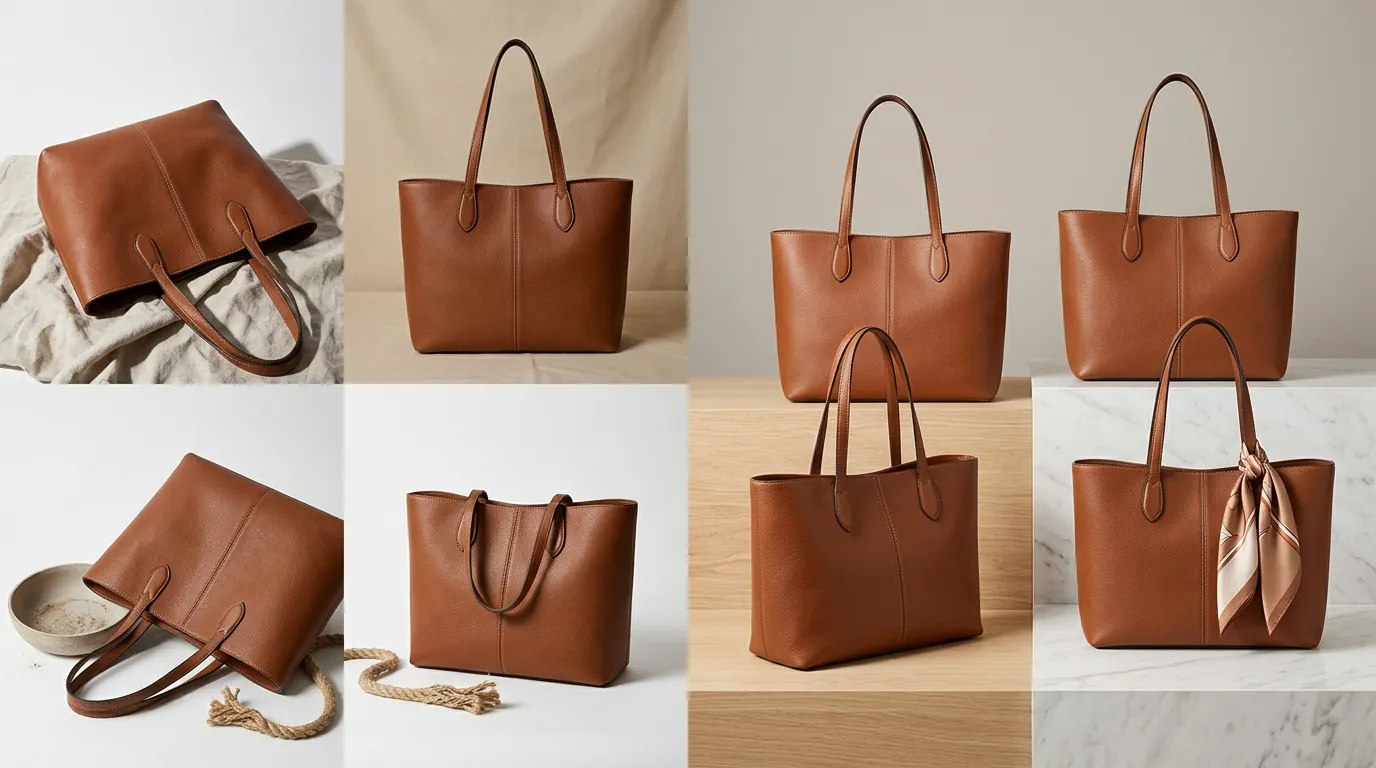
Beyond the main image, your gallery must provide a comprehensive view of the item. While the main image must be a front-facing, unobstructed view of the physical product, subsequent images should showcase:
- Alternative Angles: Side, back, and top-down views.
- Scale Context: The product being held or placed next to a common object.
- Lifestyle Usage: The product in its intended environment.
- Close-ups: High-resolution shots of texture, materials, or specific features.
Remember that multiple images showing the same angle are not allowed. If you upload three photos of the product from the exact same front-facing perspective, TikTok may reject the listing or lower its quality score, viewing the extra images as “filler” content that provides no value to the shopper.
Common Rejection Reasons
💡 Skip the manual editing. PixelMatch batch-generates ecommerce-ready product images in 60 seconds — white background, lifestyle scenes, and variant mockups from a single source photo. Try PixelMatch free →
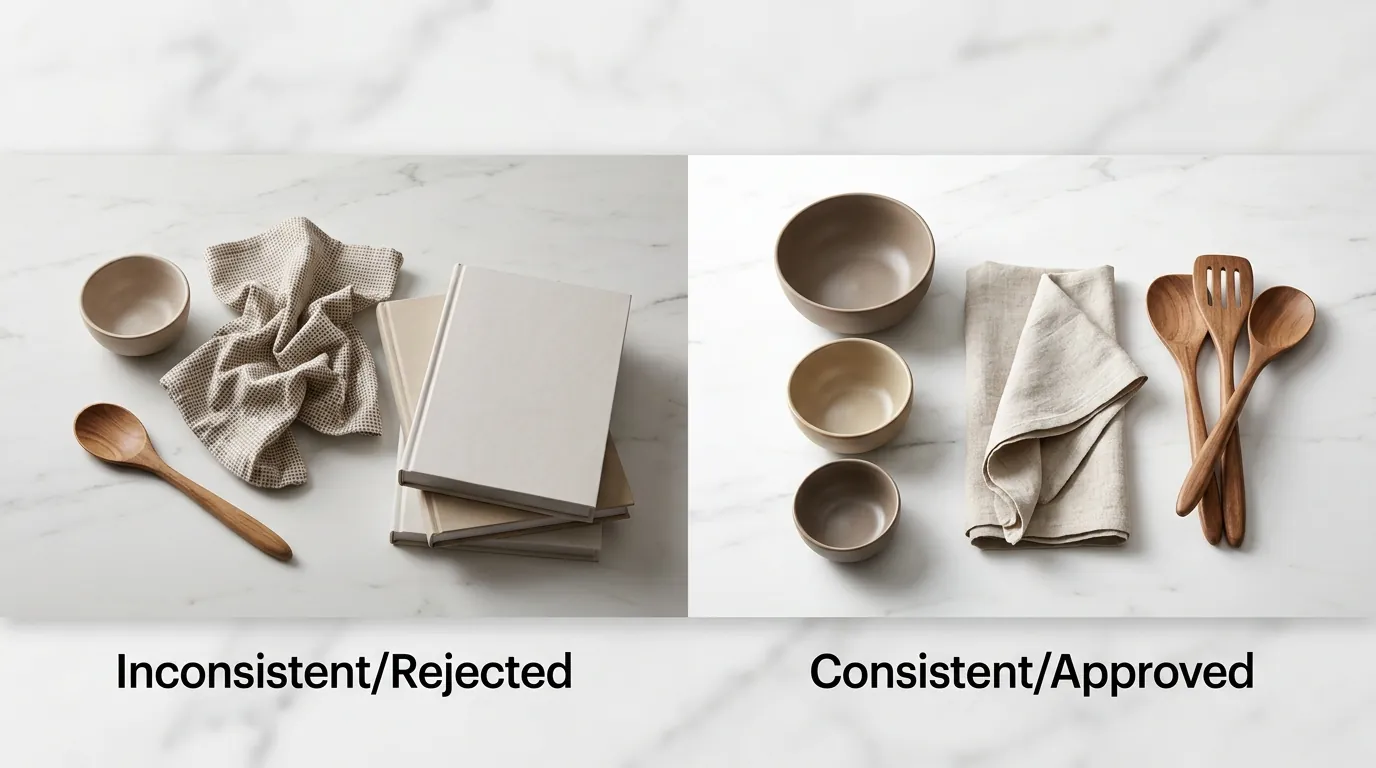
Inspect your Slot 1 images for any OCR-readable (Optical Character Recognition) text—such as “Free Shipping,” “20% Off,” or brand logos—that triggers the “Style Inconsistency” flag. TikTok Shop is moving toward a highly standardized catalog look, similar to Amazon’s Main Image requirements, to prevent the feed from looking cluttered or “spammy.”
Style Inconsistency and Main Image Violations
The most frequent cause of rejection is the presence of added graphics. This includes:
- Watermarks: Transparent brand logos or copyright symbols.
- Borders: Solid or decorative frames around the image.
- Promotional Badges: “Best Seller,” “New Arrival,” or price tags.
- Collages: Combining multiple photos into the main image slot.
If your main image is not a pure white background, it is an automatic candidate for rejection. Even high-end lifestyle photography is prohibited in the first slot; save those for slots 2 through 9.
Misleading Content and False Displays
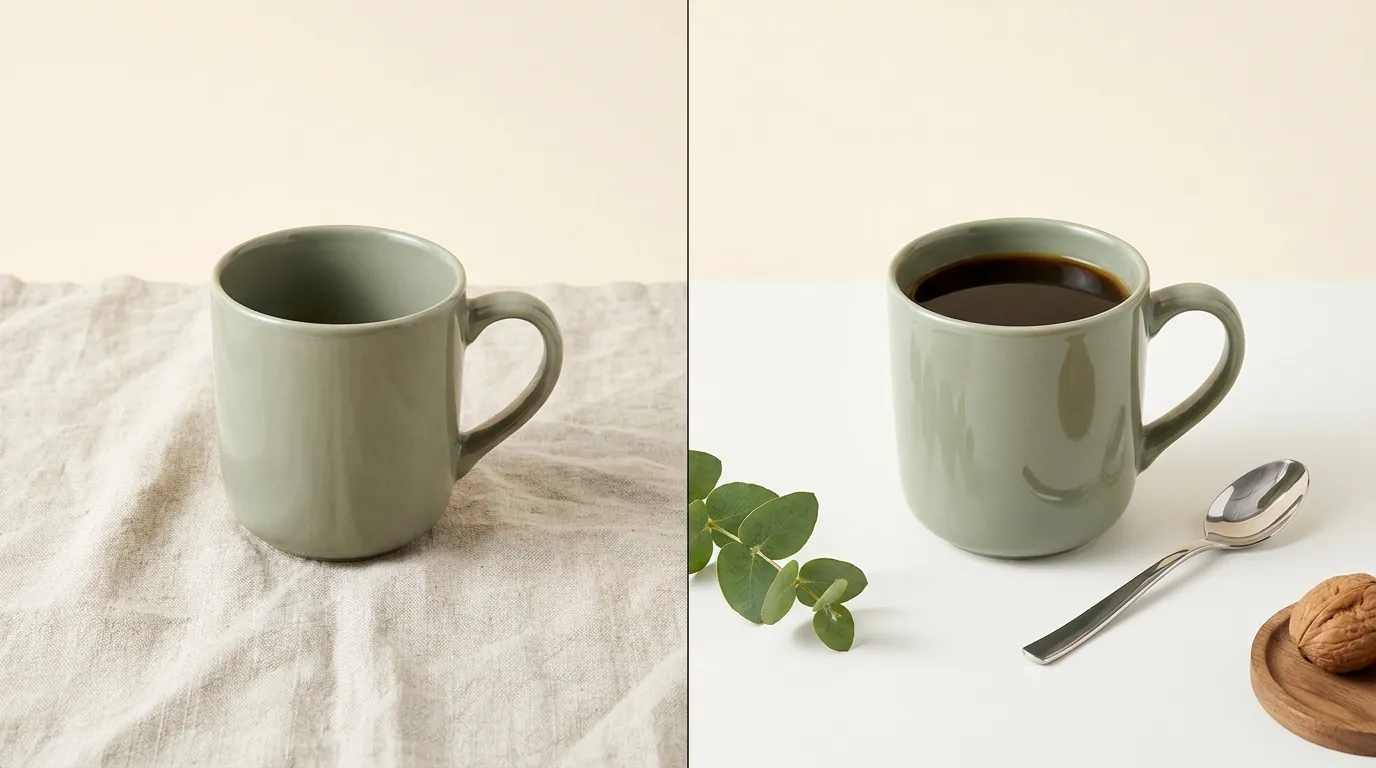
TikTok’s moderation team (and AI) compares your images against your product title and description. If your image shows a blue vacuum cleaner but your description says “Red,” the listing will be flagged for misleading content. This also applies to quantity; if your image shows a pack of three but the listing is for a single unit, you face a “false display of information” violation.
Technical Quality Issues
Blurry, pixelated, or heavily filtered images are rejected because they appear unprofessional and may be used to hide product defects. Ensure your images meet the 600×600 px minimum, though 1200×1200 px is the industry standard for ensuring crisp zoom functionality on mobile screens. Images that use filters to drastically alter the product’s color are also prohibited, as they lead to high return rates and customer complaints.
How to Fix Each Issue
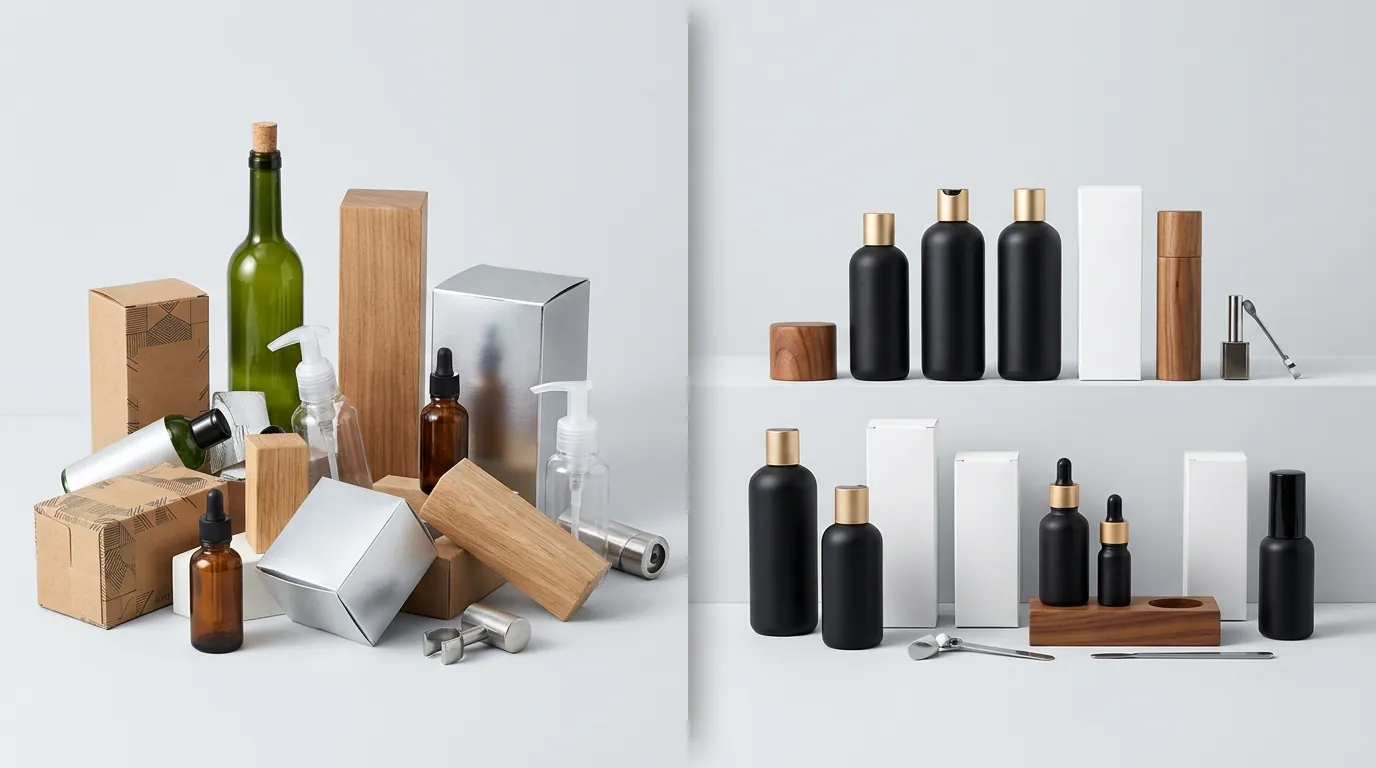
Execute a batch-removal of all non-white backgrounds using a dedicated AI background remover to ensure 100% compliance across your entire catalog. If you have hundreds of SKUs, manually editing each one in Photoshop is not a viable strategy for a multi-platform seller.
Step 1: Fix the Main Image
Strip all text overlays, badges, and watermarks from your primary photo. Use a tool like PixelMatch to batch-generate compliant pure white backgrounds from your existing product photography. Alternatively, for single-image edits, you can use Photoroom ($12.99/mo for Pro) to quickly isolate the subject and apply the required hex code for white (#FFFFFF).
Step 2: Fill the Gallery to the “Good” Tier
If your listing is rejected or underperforming because you only have two or three photos, you must add more. If you don’t have the budget for a new photoshoot, you can use PixelMatch to batch-generate compliant alternative angles and lifestyle shots. By uploading a few base photos, AI can render the product in different settings or from different perspectives, allowing you to hit the 5-image minimum required for a high quality score without manual retouching.
Step 3: Verify Metadata Consistency
Cross-reference your images with your “Product Detail Page” (PDP). Check that:
- The brand name visible on the product matches the “Brand” field in the listing.
- The color shown in the images matches the “Color” variant selected.
- Any claims made in the description (e.g., “Includes a carrying case”) are visually represented in the gallery.
Step 4: Final Technical Pass
Before re-uploading, ensure every file is a JPG or PNG under 5 MB. If your files are too large, use a compressor to reduce the size without sacrificing the 600×600 px minimum resolution. Once uploaded, check the “Listing Quality” section in the Seller Center to confirm your status has moved to “Active” and “Good.”
Official Source Links
- TikTok Shop Product Listing Policy
- TikTok Shop Listing Quality Guidelines
- TikTok Shop Avoid Misleading Content Guide
Frequently Asked Questions
Can I use a lifestyle image as my main photo on TikTok Shop?
No, the main image (Slot 1) must have a pure white background with no lifestyle elements, text, or graphics. You should place your lifestyle images in slots 2 through 9 to show the product in use.
Why was my listing rejected for “Style Inconsistency” even though my background is white?
This rejection often occurs if your main image includes logos, watermarks, or promotional text like “Buy 1 Get 1 Free.” TikTok’s Listing Quality Guidelines require the main image to be a clean, physical view of the product without any digital overlays or obstructions.
How many images do I need for a “Good” quality listing score?
You must upload at least 5 images to achieve a “Good” listing tier. Listings with fewer than five images are penalized in search rankings and may be flagged as “Fair” or “Poor,” which limits your store’s organic reach.
What are the maximum file size and resolution for TikTok Shop images?
Each image must be a maximum of 5 MB and a minimum of 600×600 pixels. For the best performance on mobile devices, a 1:1 aspect ratio (square) is recommended to ensure the product fills the screen correctly.
Ready to scale your listings?
PixelMatch generates white-background, lifestyle, and variant mockups from a single source photo — built specifically for multi-platform ecommerce sellers. 50 free images on signup, no credit card.
Start free →
Sources
- TikTok Seller Center: Product Listing Policy
- TikTok Seller Center: Listing Quality Guidelines
- TikTok Seller Center: Avoid Misleading Content
- Photoroom: Pricing and Pro Features