TikTok Shop Listing Policy Crackdown 2026: Image Rules & Fixes
Your TikTok Shop dashboard just flagged 50 listings as “Frozen,” and your daily revenue is plummeting while you wait for a manual review that may never come. In 2026, TikTok Shop has moved away from manual spot-checks to an aggressive, AI-driven enforcement model that penalizes any listing failing to meet strict “Listing Quality” thresholds.
TikTok Shop Listing Policy Crackdown 2026: Image Rules & Fixes
In 2026, TikTok Shop is strictly enforcing listing quality tiers using AI risk scoring. To avoid frozen listings, ensure your main image is at least 600×600 px, features a pure white background, and contains no watermarks or promotional text.
Quick Reference Table
Related: Amazon Climate Pledge Friendly Image Requirements (2026) · Etsy AI Image Disclosure Requirements 2026: Seller Guide · Stable Diffusion 3 Product Text Rendering Guide for Sellers
Run a full audit of your current media assets against the 2026 technical requirements before uploading new SKUs. TikTok’s automated scrapers now reject files that deviate even slightly from these specifications, particularly regarding background hex codes and aspect ratios.
| Requirement | Specification | Enforcement Level |
|---|---|---|
| Minimum Resolution | 600×600 px (800×800 px+ recommended) | Hard Block |
| Maximum File Size | 5MB per image | Upload Error |
| Supported Formats | JPEG, JPG, PNG | System Restricted |
| Image Quantity | Maximum 9 images per listing | Hard Cap |
| Main Image BG | Pure White (#FFFFFF only) | AI Risk Flag |
| Text/Watermarks | Zero tolerance for promotional text/logos | Immediate Freeze |
| Aspect Ratio | 1:1 (Square) | Recommended |
Detailed Requirements
Audit your Seller Center “Growth” tab immediately to identify which listings fall into the “Poor” or “Fair” categories. TikTok Shop now uses a three-tier quality system to determine which products receive algorithmic preference in the “Shop” tab and which are suppressed from search results.
Listing Quality Tiers Explained
TikTok Shop categorizes every product into three distinct Listing Quality Tiers: Poor, Fair, and Good.
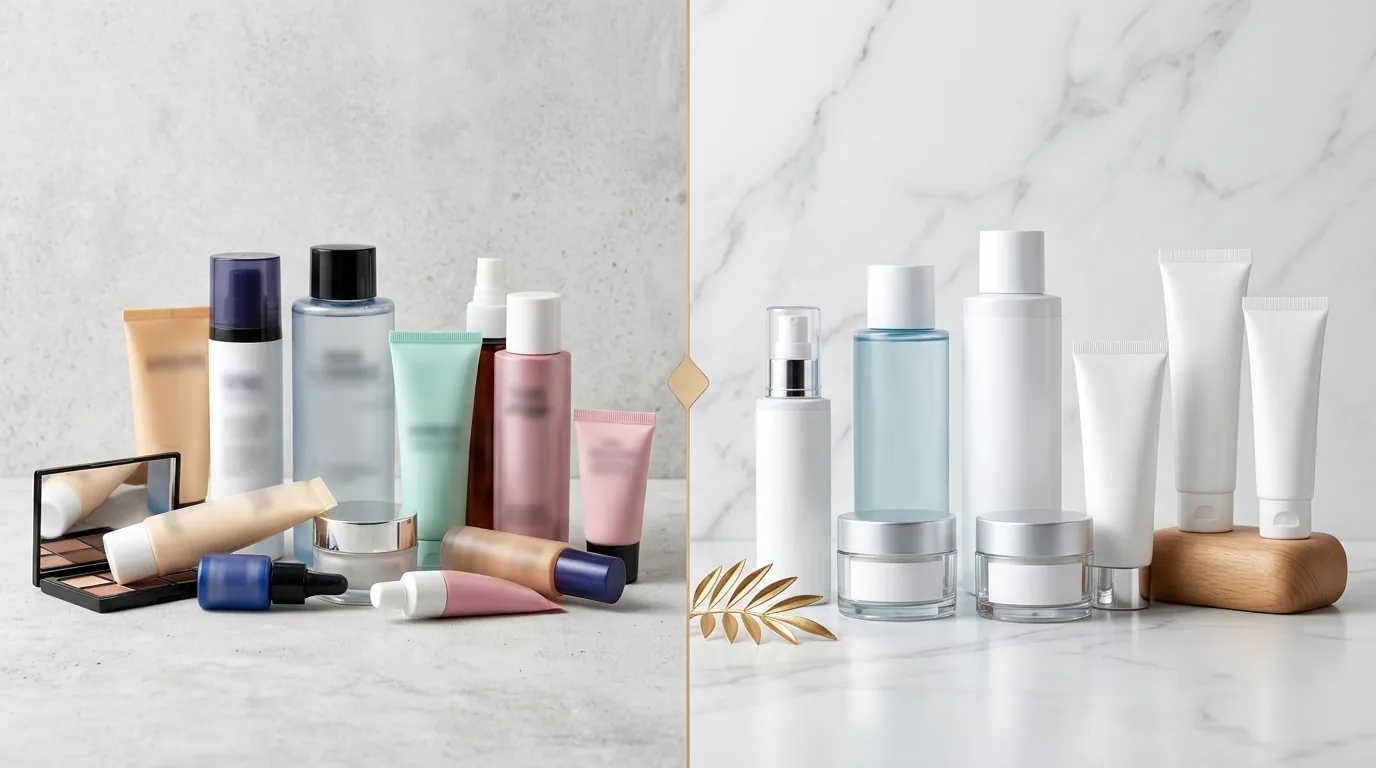
- Poor: These listings are at high risk of being “Frozen.” They typically feature fewer than 3 images, low-resolution files (under 600px), or missing mandatory attributes like brand or material.
- Fair: These listings are visible but receive lower search weight. They usually meet the minimum image count but fail on background consistency or lack a comprehensive product description.
- Good: To achieve the “Good” tier, you must provide at least 5 high-resolution images and complete all “Optional” attribute fields. “Good” listings receive the highest organic reach and are eligible for platform-wide flash sales.
Main Image vs. Supplemental Images
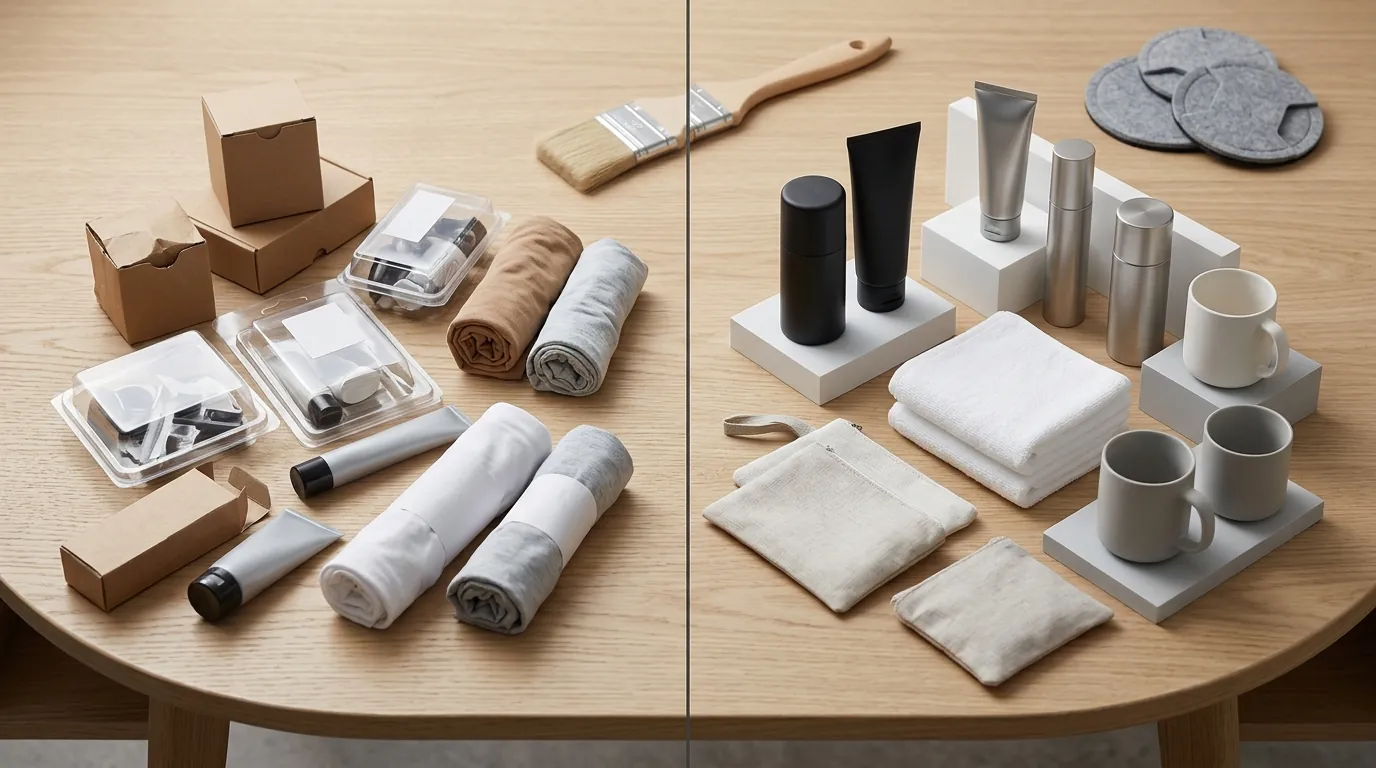
Your primary image (the first slot in your listing) is subject to the most intense scrutiny. TikTok’s 2026 policy mandates pure white backgrounds (#FFFFFF) for the main image to pass automated background checks. This is not a suggestion; the AI risk scoring system specifically looks for off-white, light gray, or textured backgrounds and flags them as non-compliant.
Supplemental images (slots 2 through 9) offer more creative freedom. This is where you should include:
- Lifestyle Shots: The product in use in a real-world setting.
- Infographics: Sizing charts or feature callouts (though these must be clean and professional).
- Scale Images: The product next to a common object to show size.
Common Rejection Reasons
💡 Skip the manual editing. PixelMatch batch-generates ecommerce-ready product images in 60 seconds — white background, lifestyle scenes, and variant mockups from a single source photo. Try PixelMatch free →
Monitor your “Product Diagnostic” tool daily to catch listings that have been flagged by AI risk scoring. Unlike previous years where a human moderator might overlook a small logo, the 2026 automated system is binary: compliance or suppression.
AI Risk Scoring in 2026
The “Frozen” or “Under Review” status is often the result of a high AI risk score. This score is generated the moment you hit “Submit” or “Update.” The algorithm analyzes pixel patterns to detect:
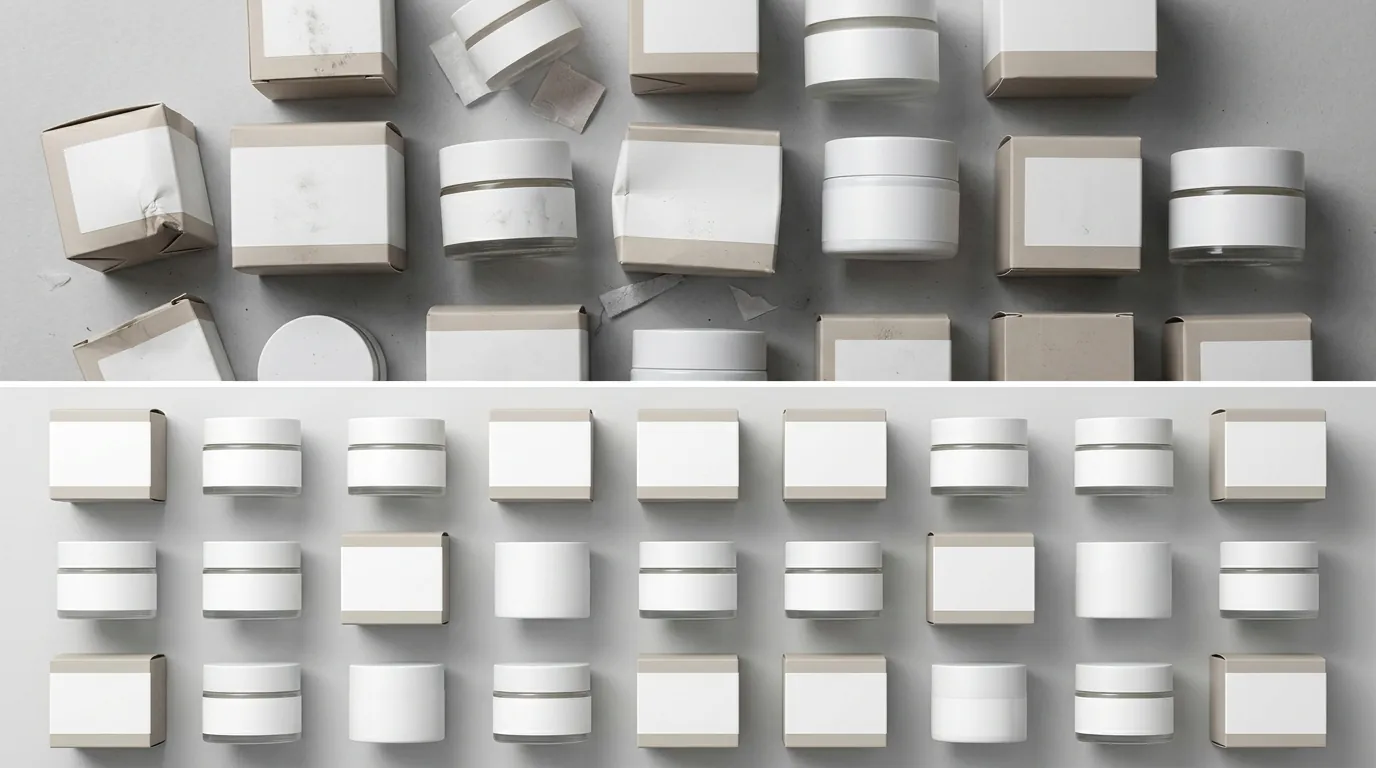
- Background Inconsistency: Even a subtle gradient or a shadow that isn’t perfectly white can trigger automated background check failures.
- Restricted Content: The AI scans for medical claims, prohibited logos, or “before and after” imagery that violates TikTok’s health and safety policies.
- Clickbait Elements: Any watermarks, promotional text, or price callouts (e.g., “50% OFF” or “Free Shipping” stickers) embedded in the image will result in an immediate rejection.
The “Unqualified Image” Flag
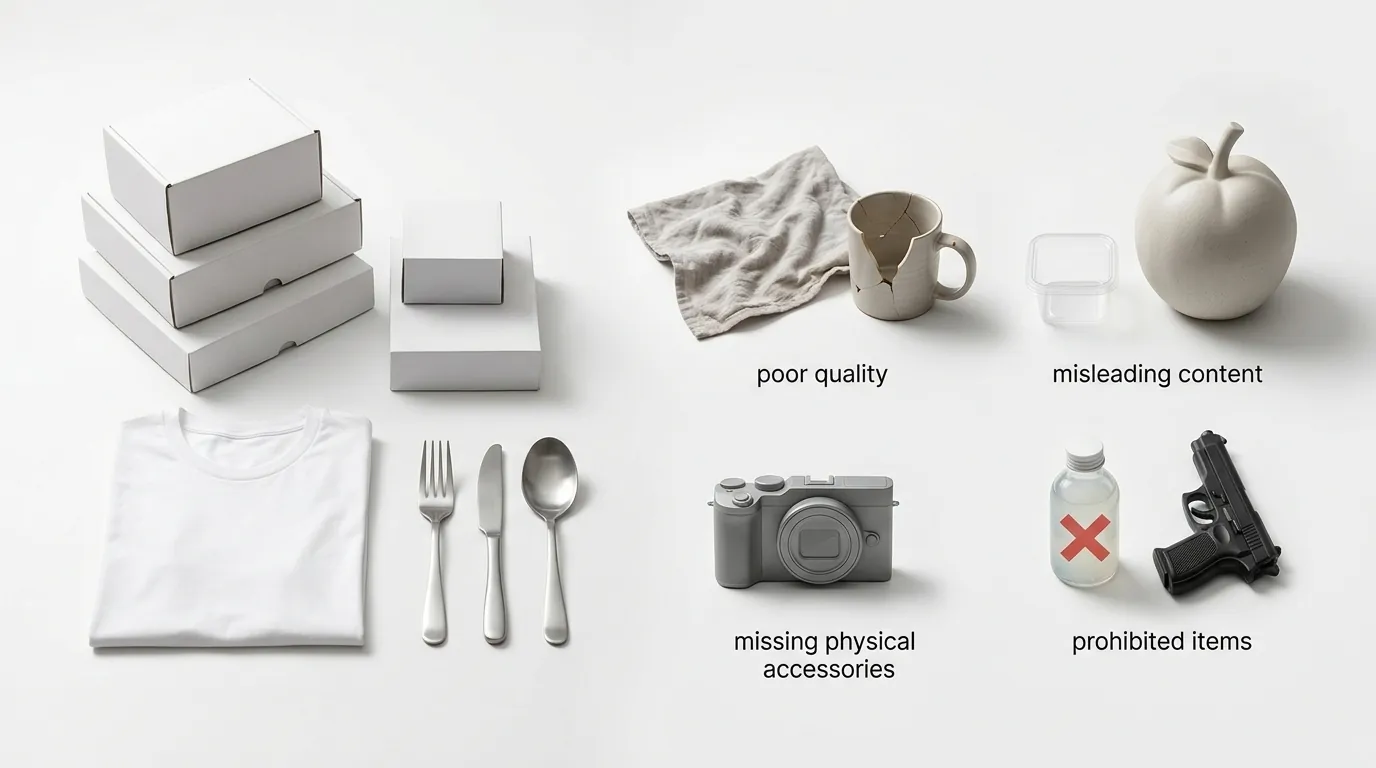
One of the most frustrating 2026 errors is the “Unqualified Image of Product” flag. This occurs when a seller fails to provide enough visual data for the AI to verify the product’s physical characteristics. For high-risk categories like Electronics, Beauty, and Fashion, TikTok now expects to see six different views: front, back, top, bottom, left, and right. If you only upload two or three photos, the system assumes the listing is “low quality” or potentially fraudulent, leading to a “Frozen” status.
How to Fix Each Issue
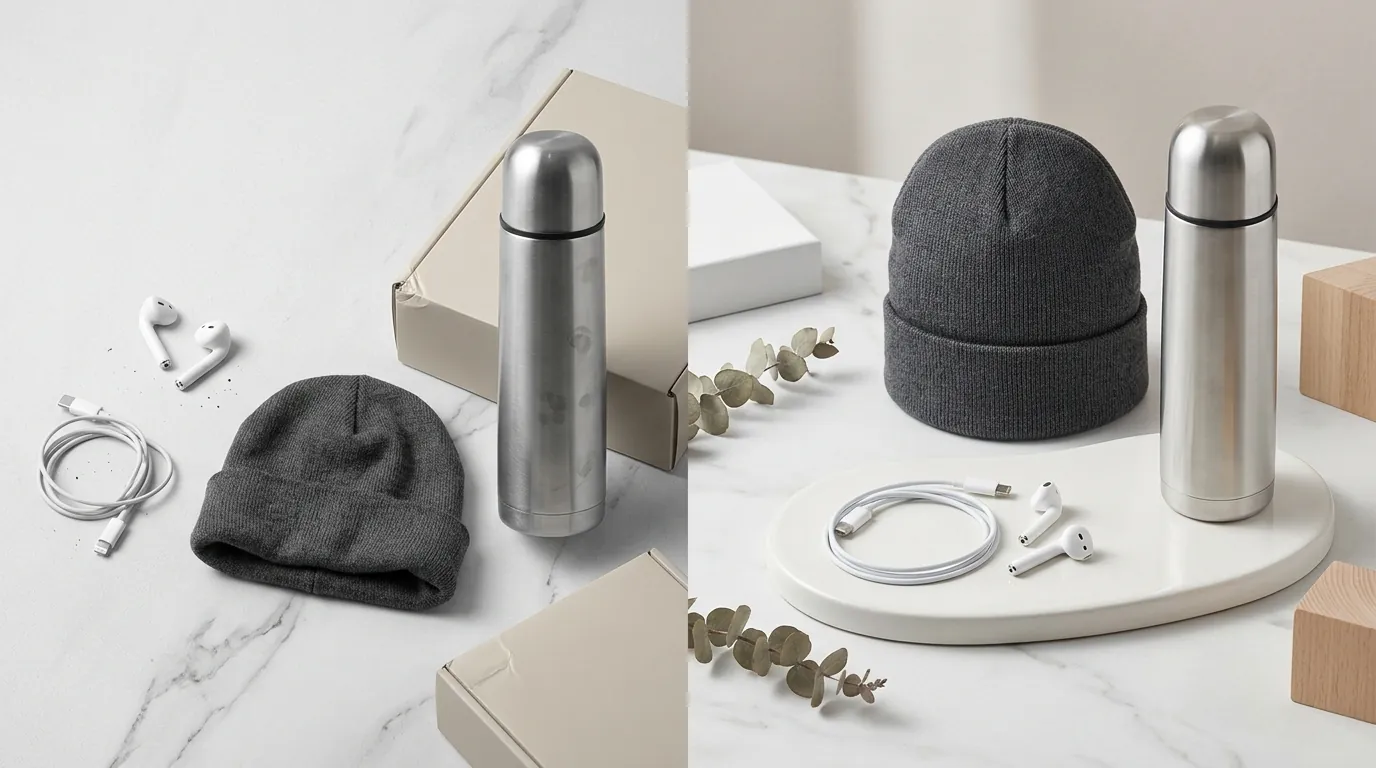
Switch your workflow from manual editing to a batch-processing model to stay ahead of these policy shifts. If you are managing hundreds of SKUs across TikTok, Amazon, and Shopify, manually fixing backgrounds is no longer viable.
Batch-Editing Backgrounds with PixelMatch
When TikTok flags your listings for non-white backgrounds, you need a tool that can batch-remove non-compliant backgrounds and replace them with the required #FFFFFF white instantly. PixelMatch is specifically designed for multi-platform sellers who need to take a lifestyle image used on Shopify and convert it into a TikTok-compliant main image in seconds.
To fix a batch of frozen listings:
- Export your flagged image URLs from TikTok Seller Center.
- Upload them to PixelMatch to remove shadows, gradients, and off-white artifacts.
- Set the output to 800×800 px to ensure you hit the “Good” quality tier.
- Re-upload to TikTok Shop, ensuring you have at least 5 images per product to maximize visibility.
Navigating the Appeals Process
If your listing is frozen despite following the rules, you must act within a strict window. TikTok Shop’s 2026 enforcement policy requires you to file your first appeal within 30 days of being notified of the violation. If that appeal is rejected, you have a final 15-day window to submit a second appeal with additional evidence.
When appealing an image rejection:
- Provide Raw Files: Upload the original, unedited photo from your camera or phone to prove the product is in your possession.
- Reference the Spec: Explicitly state in the appeal notes that the image is 800x800 px and uses a #FFFFFF background.
- Check Category Alignment: Sometimes a listing is frozen because the image doesn’t match the category. Ensure your “Product Category” accurately reflects what is shown in the photo.
Official Source Links
Stay updated by bookmarking the following official TikTok Shop Seller Center resources. Policy changes in 2026 occur quarterly, and these links are the first places where new “Listing Quality” metrics are published.
- TikTok Shop Product Detail Pages & Listing Quality Guidelines
- TikTok Shop Seller Enforcement Policy (Appeal Timelines)
- TikTok Shop Content Quality Guidelines
Frequently Asked Questions
What is the fastest way to unfreeze a TikTok Shop listing?
The fastest way is to identify the specific violation in the “Product Diagnostic” tab, fix the image (usually by removing text or changing the background to #FFFFFF), and re-submit. Most AI-based re-reviews take between 2 to 24 hours. If the automated review fails again, you must submit a manual appeal with raw, unedited photos of the product.
Can I use the same images for TikTok Shop and Amazon?
Yes, but you must ensure they meet the stricter of the two policies. While Amazon allows for some flexibility in secondary images, TikTok Shop’s 2026 AI risk scoring is much more sensitive to “promotional text” and “watermarks.” If your Amazon images have “BPA Free” or “Made in USA” badges embedded in the graphics, you must remove them for TikTok Shop to avoid a listing freeze.
Why was my listing rejected for “Unqualified Image” even though the photo is high-quality?
This usually means you haven’t provided enough angles of the product. For many categories in 2026, TikTok requires a comprehensive view of the item. Ensure you have uploaded at least five images showing the front, back, and sides of the product to satisfy the “Listing Quality” algorithm.
Does the #FFFFFF background rule apply to all images?
No, the pure white background (#FFFFFF) is only mandatory for the Main Image (the first image in your listing). Supplemental images can feature lifestyle backgrounds, infographics, or different colors, provided they do not contain prohibited text or watermarks.
Ready to scale your listings?
PixelMatch generates white-background, lifestyle, and variant mockups from a single source photo — built specifically for multi-platform ecommerce sellers. 50 free images on signup, no credit card.
Start free →
Sources
- TikTok Shop Academy: Product Listing Guidelines
- Pro Photo Studio: TikTok Shop Product Photography Guide 2026
- Lighter Image: TikTok Shop Image Optimization & Policy
- TikAdTools: Understanding Frozen & Under Review Listings