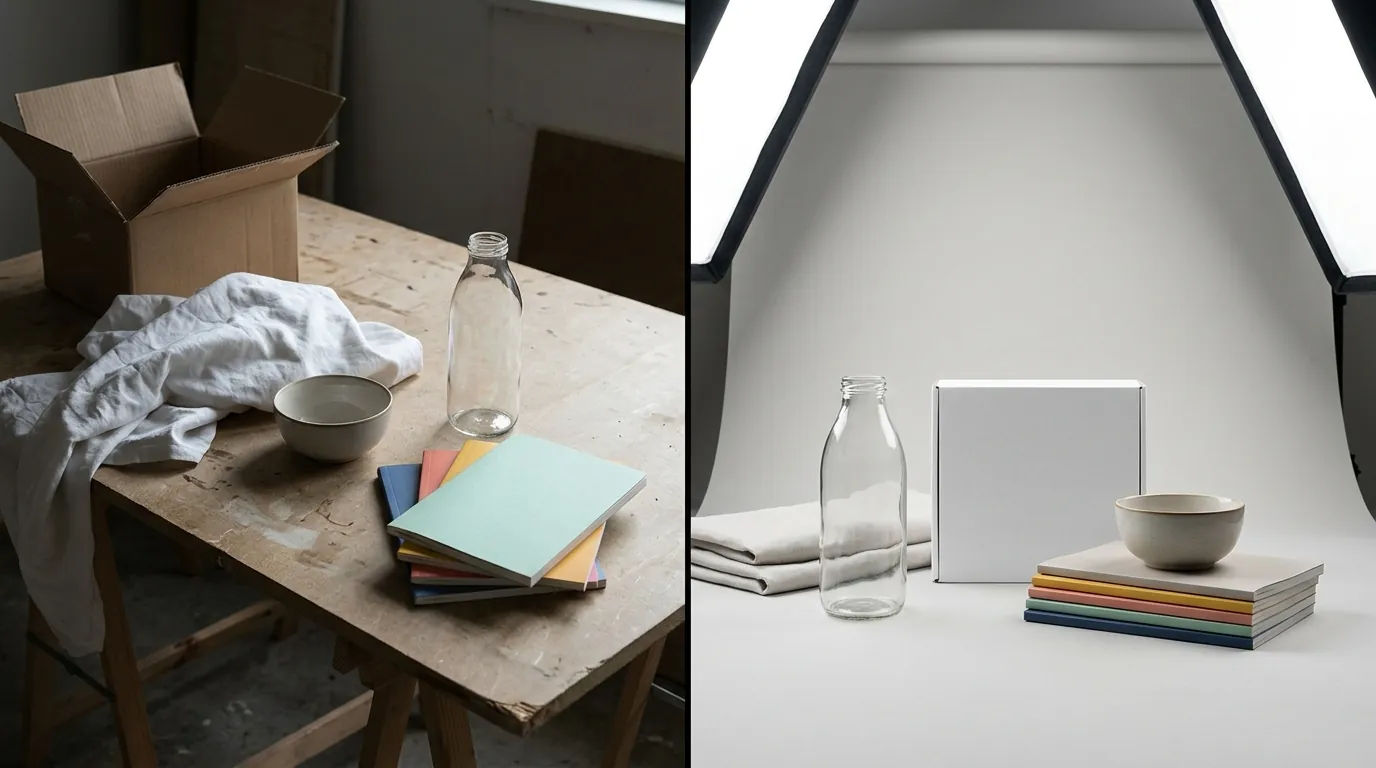
TikTok Shop Mall Product Image Requirements 2025 Guide
Stop losing sales to “Listing Suppressed” notifications because your hero image has a 2% off-white tint. TikTok Shop Mall enforces the platform’s strictest visual standards, and failing to meet the exact pixel-perfect requirements will keep your products hidden from the Mall’s premium traffic.
TikTok Shop Mall requires 5 to 9 product images per listing. Images must be JPG or PNG, under 5MB, and at least 600x600 pixels. Main images need a pure white background.
Quick Reference Table
Related: TikTok Shop AI Model Policy Leak 2026: Seller Guide · Amazon Rufus Visual Search Image Optimization Guide (2026) · Shopify Magic 2.0 Image Editor Beta Guide: Specs & Rules
Run a resolution audit on your current creative assets before attempting a bulk upload to the TikTok Seller Center. The platform’s automated moderation AI scans for specific metadata and visual markers; if your file is even one pixel off the 1:1 ratio, the system may flag the listing for “Image Quality Issues.”
| Requirement | Specification | Mandatory for Mall? |
|---|---|---|
| Minimum Resolution | 600 x 600 pixels | Yes |
| Recommended Resolution | 1000 x 1000 pixels or higher | Highly Recommended |
| Aspect Ratio | 1:1 (Square) | Yes |
| File Format | JPG, JPEG, or PNG | Yes |
| Maximum File Size | 5MB per image | Yes |
| Quantity | Minimum 1, Recommended 5-9 | Yes (for ‘Good’ tier) |
| Main Image Background | Pure White (#FFFFFF) | Yes |
To ensure your listings are optimized for 2025 mobile displays, set your export settings to 1200x1200px. While the 600px minimum is the hard floor, higher resolutions allow the TikTok “zoom” feature to function without pixelation, which is a key metric for Mall conversion rates.
Detailed Requirements
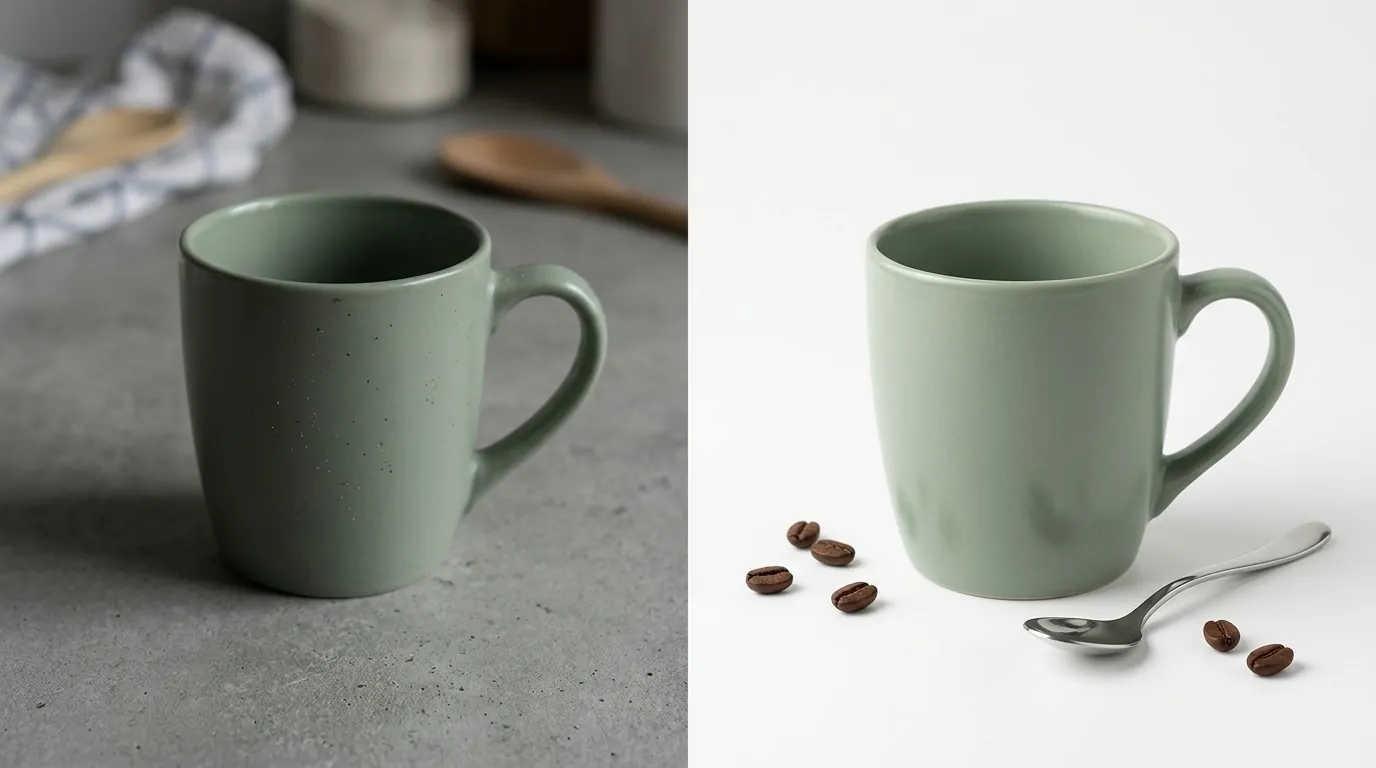
TikTok Shop Mall enforces stricter visual standards than standard TikTok Shop, requiring a “100% Authentic” presentation to maintain consumer trust. Unlike the standard marketplace where lifestyle images sometimes pass as primary photos, Mall sellers are held to a professional retail standard similar to Amazon’s Brand Registry or Tmall.
Main Image vs. Additional Images
Navigate to your “Manage Products” tab and examine your primary slot. The main image is your digital storefront window. TikTok’s Product Listing Policy dictates that the primary image must show the front physical view of the product clearly.
For additional images (slots 2 through 9), you have more creative freedom, but you must still adhere to the 1:1 aspect ratio. Use these slots to build a comprehensive visual narrative:
- The Scale Shot: Place the product next to a common object (like a hand or a smartphone) to communicate size.
- The Detail Shot: Use a high-resolution close-up to show fabric texture, stitching, or electronic ports.
- The Lifestyle Shot: Show the product in use. For Mall sellers, these must still look professionally lit and high-end.
TikTok Shop Mall Specific Rules
To maintain your Mall status, you must reach the “Good” listing quality tier. TikTok categorizes listings into Poor, Fair, and Good based on the completeness of the data and the quality of the media.
To hit the “Good” tier, you must:
- Upload at least 5 high-quality images.
- Ensure every image exceeds the 600x600 resolution threshold.
- Avoid “noise” in your images—this includes cluttered backgrounds, heavy shadows, or reflections that obscure the product.
For fashion categories, the requirements expand. You should include a size chart as one of your images, and if using models, the model dimensions and the size they are wearing should be clearly stated in the product description to complement the visual assets.
Common Rejection Reasons
💡 Skip the manual editing. PixelMatch batch-generates ecommerce-ready product images in 60 seconds — white background, lifestyle scenes, and variant mockups from a single source photo. Try PixelMatch free →
Audit your rejected listings by clicking on the “Suspended” or “Failed” tabs in the Seller Center. TikTok uses a combination of AI-driven image recognition and human moderation to enforce its Product Listing Policy. If your images fail, it is usually due to one of four technical or policy-based errors.
Non-White Backgrounds
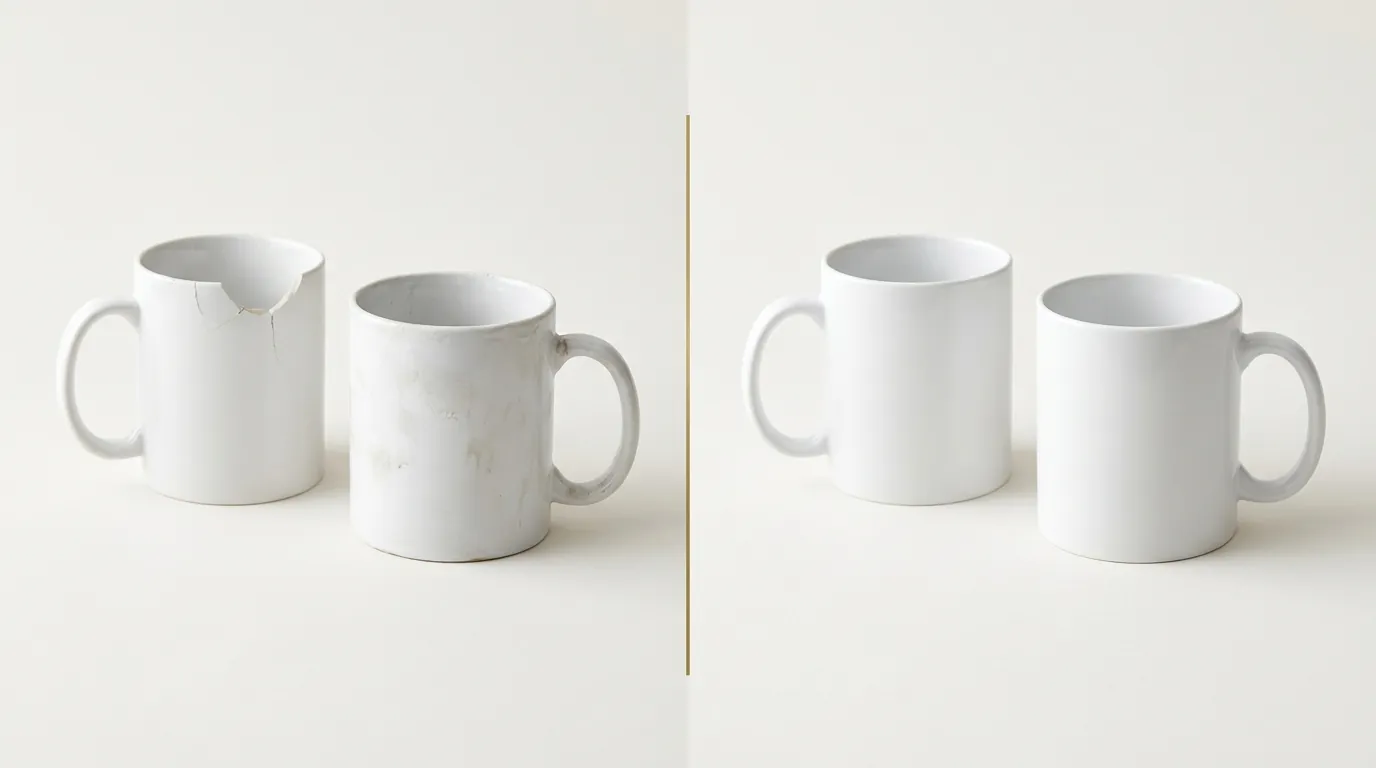
The most frequent cause for Mall rejection is a primary image that uses an off-white, gray, or gradient background. TikTok’s AI looks for the specific hex code #FFFFFF. If you shot your photos against a physical white backdrop but didn’t post-process them, the shadows and lighting variations will result in a “non-compliant background” flag.
Incorrect Dimensions and Ratios
Uploading images smaller than 600x600 pixels or using non-square aspect ratios (like 4:5 or 16:9) will cause the image to be stretched or cropped awkwardly in the TikTok feed. This triggers an automatic quality rejection because it degrades the user experience on the mobile app.
Prohibited Content Overlays
Do not place QR codes, website links, or social media handles on your images. TikTok’s Listing Policy strictly prohibits any elements that direct traffic off-platform. Additionally, avoid “clickbait” text like “Best Seller,” “Free Shipping,” or “Number 1 Rated” directly on the image. These claims must be in the text description, not the visual assets.
Unsupported Formats and Metadata
Uploading WebP or HEIC files directly from a smartphone often leads to upload errors. While these formats are efficient for storage, TikTok requires JPG, JPEG, or PNG. Furthermore, images with excessive metadata or corrupted headers from low-quality “free” online converters can cause the Seller Center’s “Media Center” to hang during the upload process.
How to Fix Each Issue
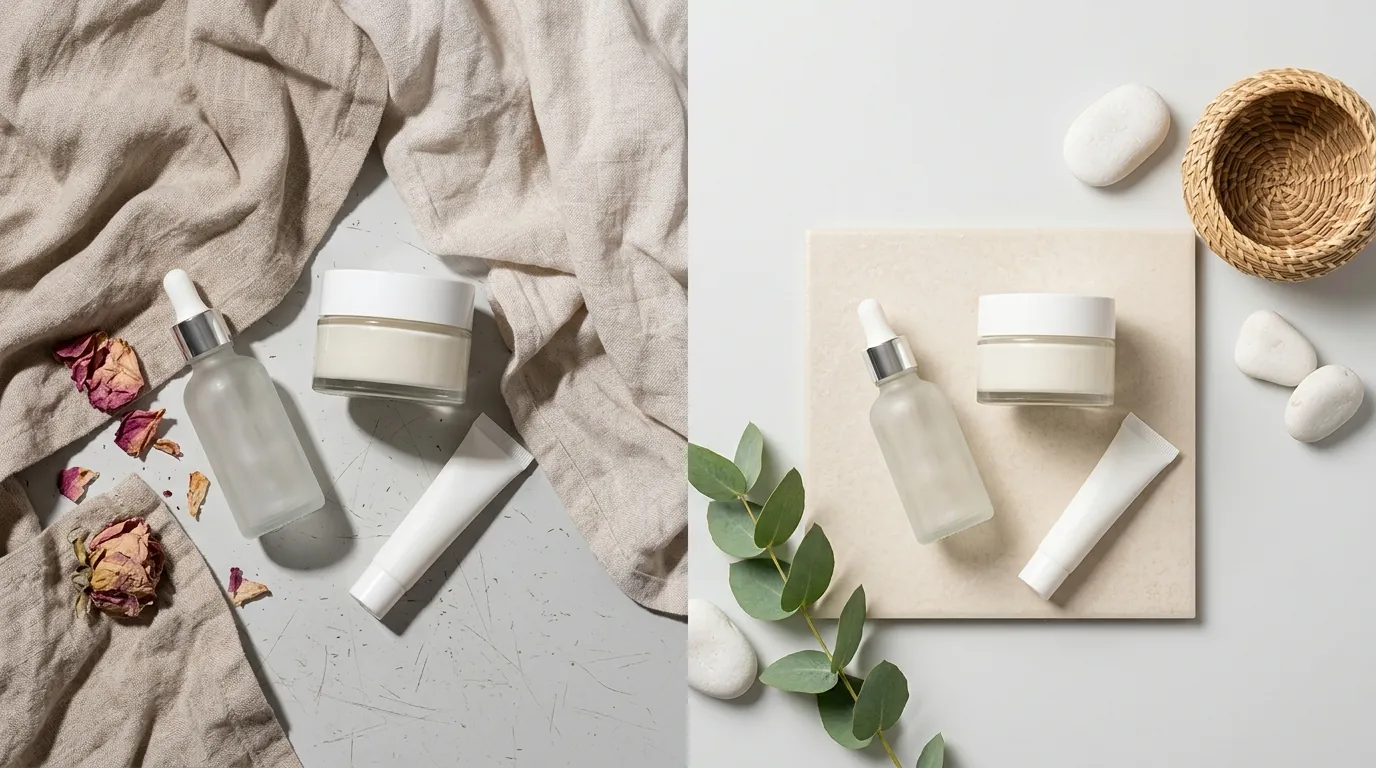
Standardize your image production workflow to avoid the manual labor of fixing listings one by one. For multi-platform sellers, the goal is to create a “Master Asset” that can be adapted for TikTok Shop Mall, Amazon, and Shopify simultaneously.
Format Conversion and Resizing
Convert all HEIC or WebP files to JPG before you begin the upload process. Use a batch processing tool to ensure all images are exactly 1:1. If you are starting with a vertical lifestyle shot, do not simply stretch it to fit a square; instead, use “Generative Fill” or “Canvas Expansion” to add space to the sides while keeping the product centered.
Ensure your final files are under the 5MB limit. If your high-res 4000px images are too large, use a compression tool that maintains clarity while stripping unnecessary metadata.
Using PixelMatch for Bulk Compliance
PixelMatch is specifically designed for the multi-platform seller who needs to batch-remove non-compliant backgrounds and replace them with the TikTok-mandated pure white background.
Unlike generic editors, PixelMatch allows you to:
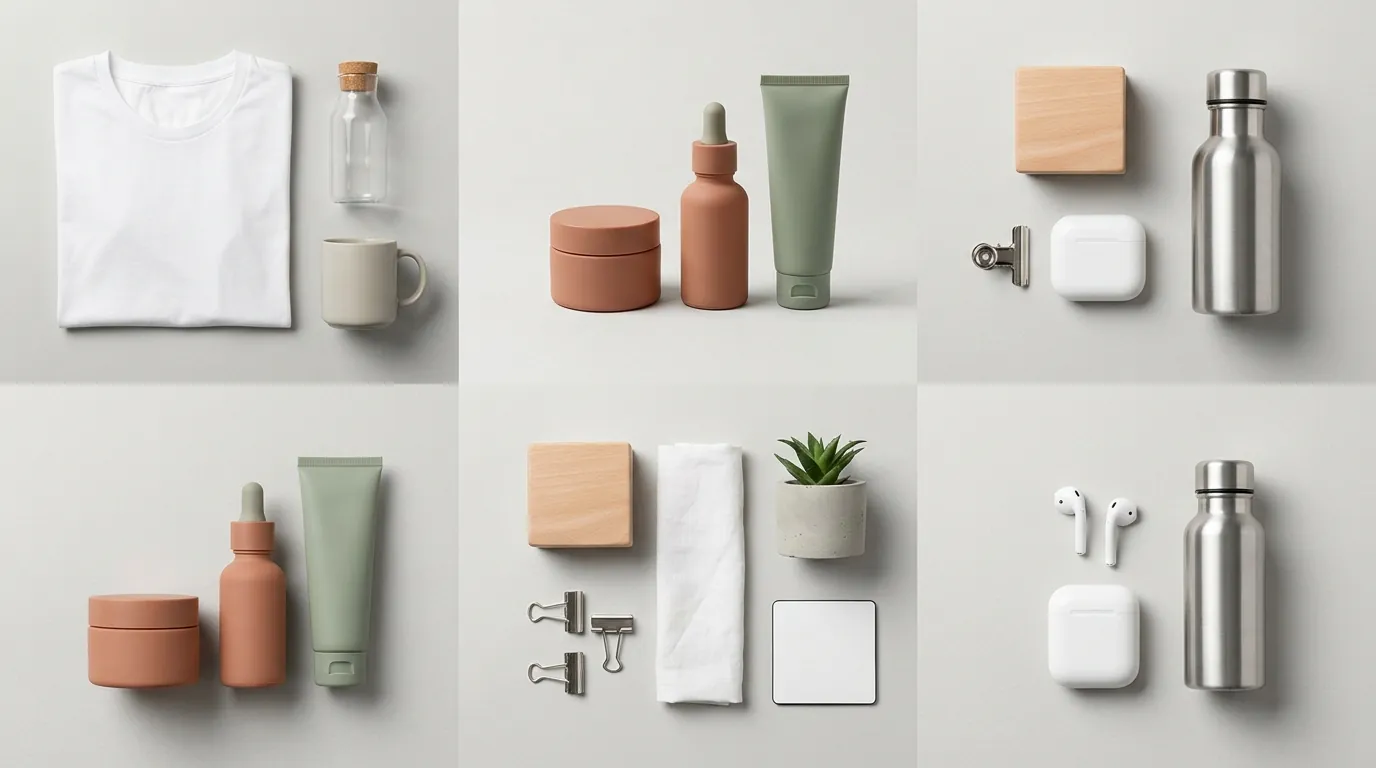
- Batch-Generate AI Backgrounds: For your secondary images (slots 2-9), you can generate high-end lifestyle scenes that match your brand aesthetic without a physical photoshoot.
- Enforce Hex-Code Accuracy: Automatically set your primary image background to #FFFFFF, ensuring you pass the AI moderation check every time.
- Standardize Sizing: Set a “TikTok Mall” preset that automatically resizes, pads, and centers your product images to 1200x1200px.
This workflow is significantly faster than using tools like Canva Pro at $15/mo or Adobe Express at $9.99/mo, which often require manual adjustments for each individual image. PixelMatch is better suited for the TikTok Mall workflow because it handles the batch-generation of AI-enhanced lifestyle images while maintaining the strict technical specs required for the main “hero” shot.
Listing Audit and Shop Health
Regularly check the “Shop Health” tab in your TikTok Seller Center. If you see a dip in “Listing Quality Score,” it is often because your images have been flagged retrospectively as policies update.
Run a weekly check for:
- Low Resolution Flags: Replace any images that were uploaded before the current 2025 standards were strictly enforced.
- Watermark Flags: Ensure no brand logos are floating in the corner of the image (unless the logo is physically part of the product).
- Duplicate Image Flags: TikTok’s AI can penalize shops that use the exact same image for multiple different SKUs. Use PixelMatch to generate slight variations in lifestyle backgrounds to keep each listing unique.
Frequently Asked Questions
Can I use a lifestyle image as my main photo on TikTok Shop Mall?
No, TikTok Shop Mall requires the primary image to have a pure white background. While standard TikTok Shop listings are sometimes more lenient, Mall listings are held to a higher professional standard to ensure a consistent, clean look across the premium “Mall” tab. You should save your lifestyle images for the 2nd through 9th image slots.
What happens if my product is white and the background must be white?
To prevent a white product from “disappearing” into a pure white background, you should use subtle professional shadowing. TikTok’s Listing Quality Guidelines allow for natural shadows that define the product’s shape, provided the background itself remains #FFFFFF. Tools like PixelMatch can automatically inject these “contact shadows” to maintain compliance while ensuring the product remains visible.
Is there a limit to how many images I can upload per product?
TikTok Shop allows a maximum of 9 images per product listing. To reach the “Good” quality tier, which can improve your search visibility and eligibility for Mall promotions, you must upload at least 5 images. Each image must be under 5MB.
Does TikTok Shop Mall allow text overlays for sales or discounts?
No, text overlays like “50% Off” or “Limited Time Offer” are strictly prohibited on product images according to the TikTok Shop Product Listing Policy. Including such text can lead to your listing being suppressed or your Mall status being reviewed. All promotional information should be handled through the “Promotions” tool in the Seller Center, which adds a compliant badge to your listing automatically.
Official Source Links
- TikTok Shop Academy: Product Image Specifications
- TikTok Shop Seller Center: Listing Quality Tier Guide
- TikTok Shop: Product Listing Policy & Prohibited Content
- Photoroom Pricing and Features
- Canva Pro Pricing
- Adobe Express Premium Plans
Ready to scale your listings?
PixelMatch generates white-background, lifestyle, and variant mockups from a single source photo — built specifically for multi-platform ecommerce sellers. 50 free images on signup, no credit card.
Start free →