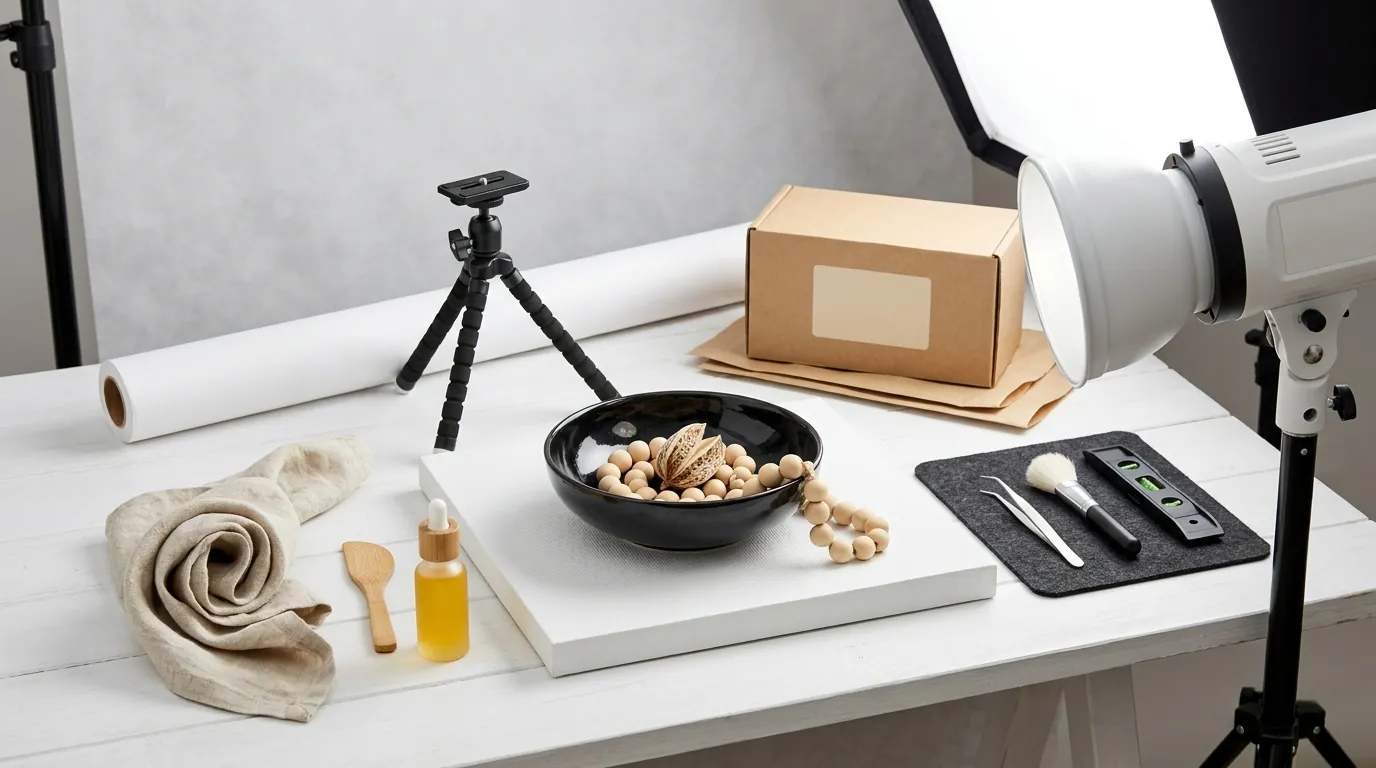
TikTok Shop Product Image Quality Score Guide (2026)
Stop losing sales to the “Listing Quality Diagnosis” tool because your background isn’t white enough or your pixel count is too low. Fix your TikTok Shop product image quality score today to ensure your products remain eligible for TikTok’s algorithm-driven “For You” feed and Shop tab placements.
To achieve a “Good” TikTok Shop product image quality score, upload at least 5 images (800x800px recommended, 600x600px minimum) in JPG/PNG format under 5MB. The main image must feature a pure white background with no text, logos, or watermarks.
Quick Reference Table
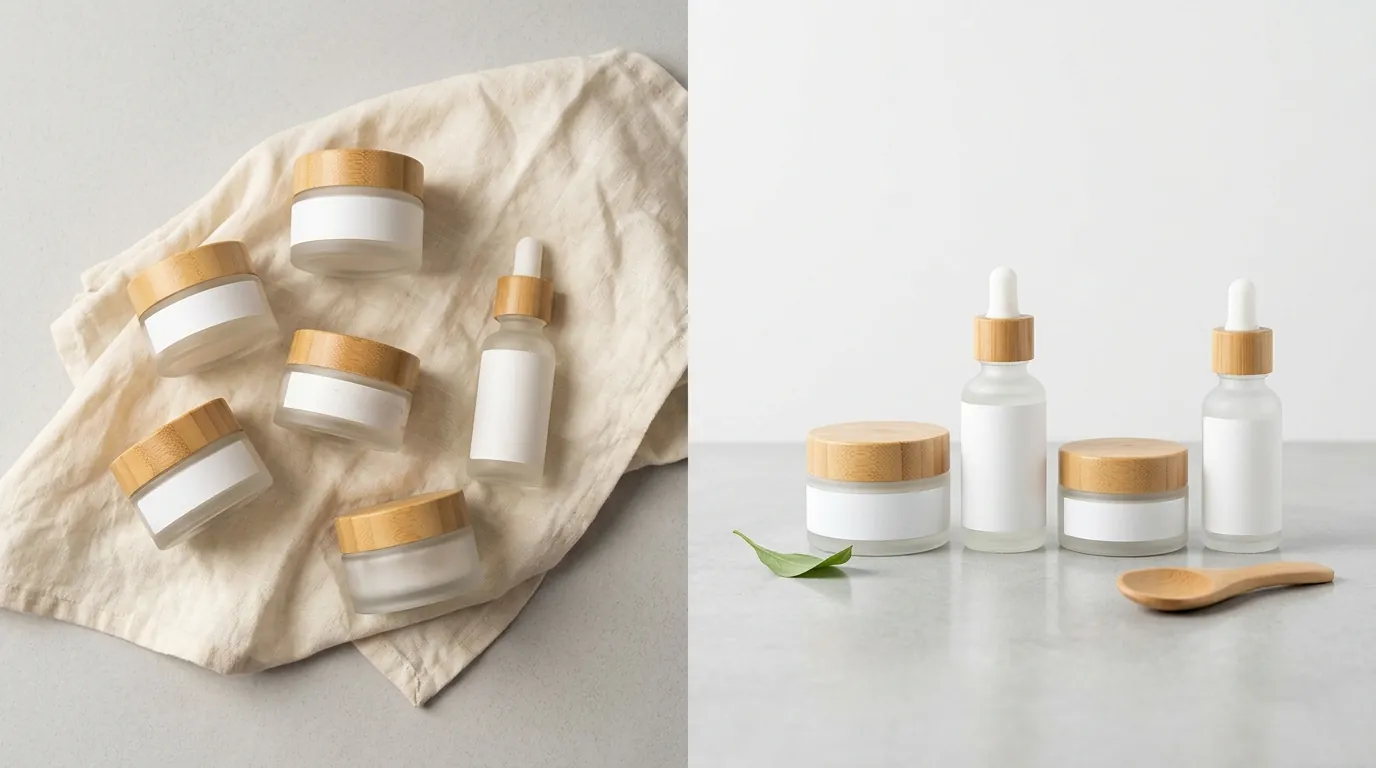
Download this checklist and apply it to your export settings before uploading any new SKUs to the TikTok Seller Center. TikTok’s automated moderation system scans these metadata and visual points instantly upon listing creation.
2026 TikTok Shop Image Specifications
| Feature | Requirement | Recommendation |
|---|---|---|
| Minimum Resolution | 600 x 600 pixels | 800 x 800 pixels |
| Aspect Ratio | 1:1 Square | 1:1 Square |
| File Format | JPG, JPEG, or PNG | PNG (for clarity) |
| Max File Size | 5MB per image | Under 2MB (for faster loading) |
| Image Quantity | Minimum 1 image | At least 5 images |
| Main Image Background | Pure White or Neutral | Pure White (#FFFFFF) |
| Text/Watermarks | Strictly Prohibited on Main Image | Zero text/logos |
Actionable Step: Open your TikTok Seller Center, navigate to Products > Manage Products, and click on the “Listing Quality Diagnosis” tab. Export the list of “Poor” and “Fair” listings to identify which SKUs require immediate image updates to meet these 2026 specs.
Detailed Requirements
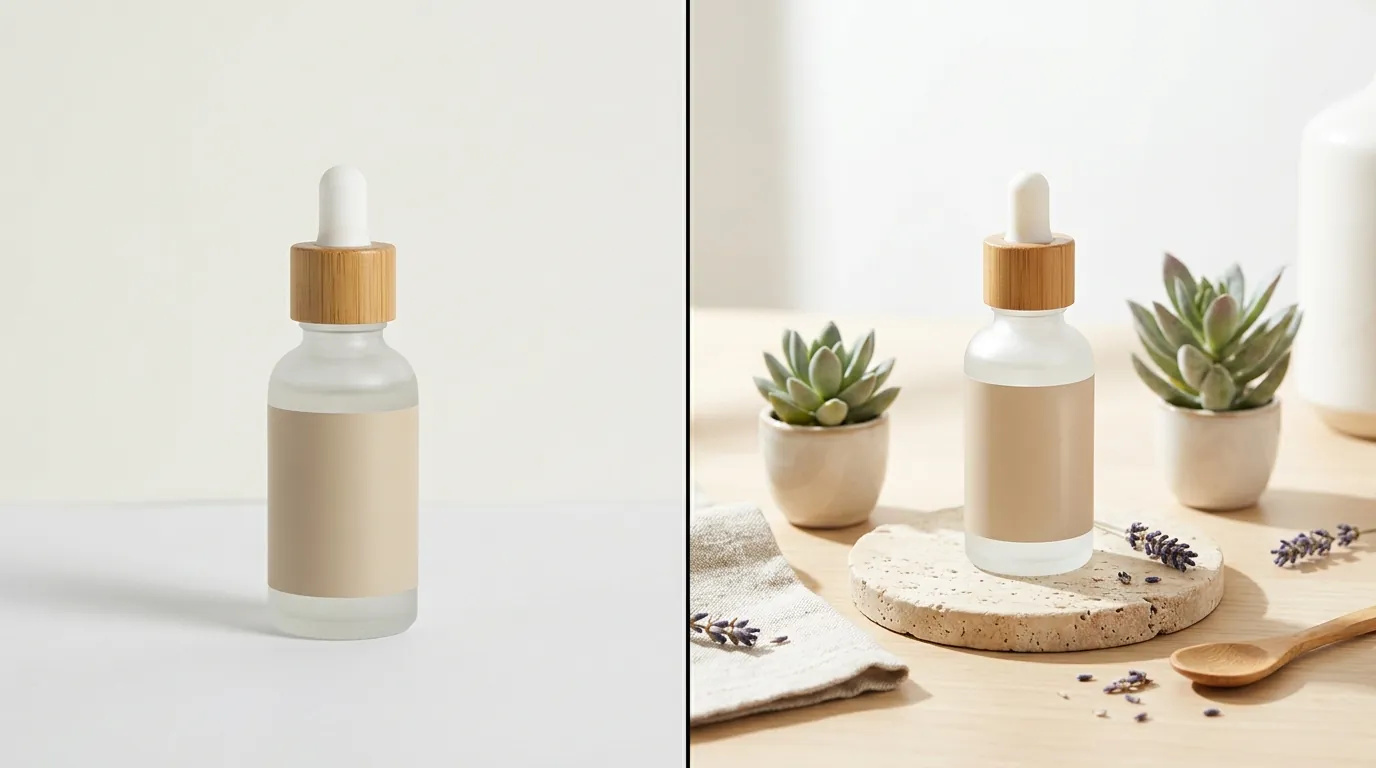
TikTok categorizes product listings into three quality tiers: Poor, Fair, and Good. Falling into the “Poor” or “Fair” category doesn’t just look bad; it actively throttles your organic reach. TikTok’s algorithm prioritizes “Good” listings in search results and the Shop tab because they provide a better user experience and higher conversion rates.
Listing Quality Tiers Explained
The “Good” tier is the gold standard for multi-platform sellers looking to scale. To reach this status, you must go beyond the bare minimum requirements. TikTok’s internal scoring system looks for at least 5 high-resolution images and a comprehensive set of product attributes. If you only upload the minimum of one image, your listing will likely be stuck in the “Fair” tier, even if that single image is perfect.
The quality score is not static. If TikTok’s AI detects that your images are being flagged by users or leading to high return rates due to “item not as described,” your score can drop. High-quality images must accurately represent the product’s color, scale, and texture to maintain a “Good” rating over time.
Main Image vs. Additional Images
The main image (the first one in your gallery) is subject to the strictest moderation. It must show the front physical view of the product on a white or neutral background. While “neutral” is technically allowed, pure white (#FFFFFF) is the safest choice to avoid automated AI rejections.
Main images must be completely free of watermarks, text, logos, or promotional claims like “Best Seller,” “Free Shipping,” or “20% Off.” These overlays are better suited for your TikTok Shop ads or your secondary lifestyle images.
Secondary images (images 2 through 9) offer more creative freedom. This is where you should include:
- Lifestyle shots: The product in use.
- Detail shots: Close-ups of fabric, stitching, or technical components.
- Infographics: Size charts or “what’s in the box” visuals.
- Scale references: Showing the product next to a common object (like a hand or a phone) to prevent size-related returns.
Actionable Step: Audit your top 10 best-selling SKUs. Ensure each has exactly 5 or more images. If a listing has 4 images, use PixelMatch to generate a high-quality lifestyle shot from your existing product photo to push the listing into the “Good” tier.
Common Rejection Reasons
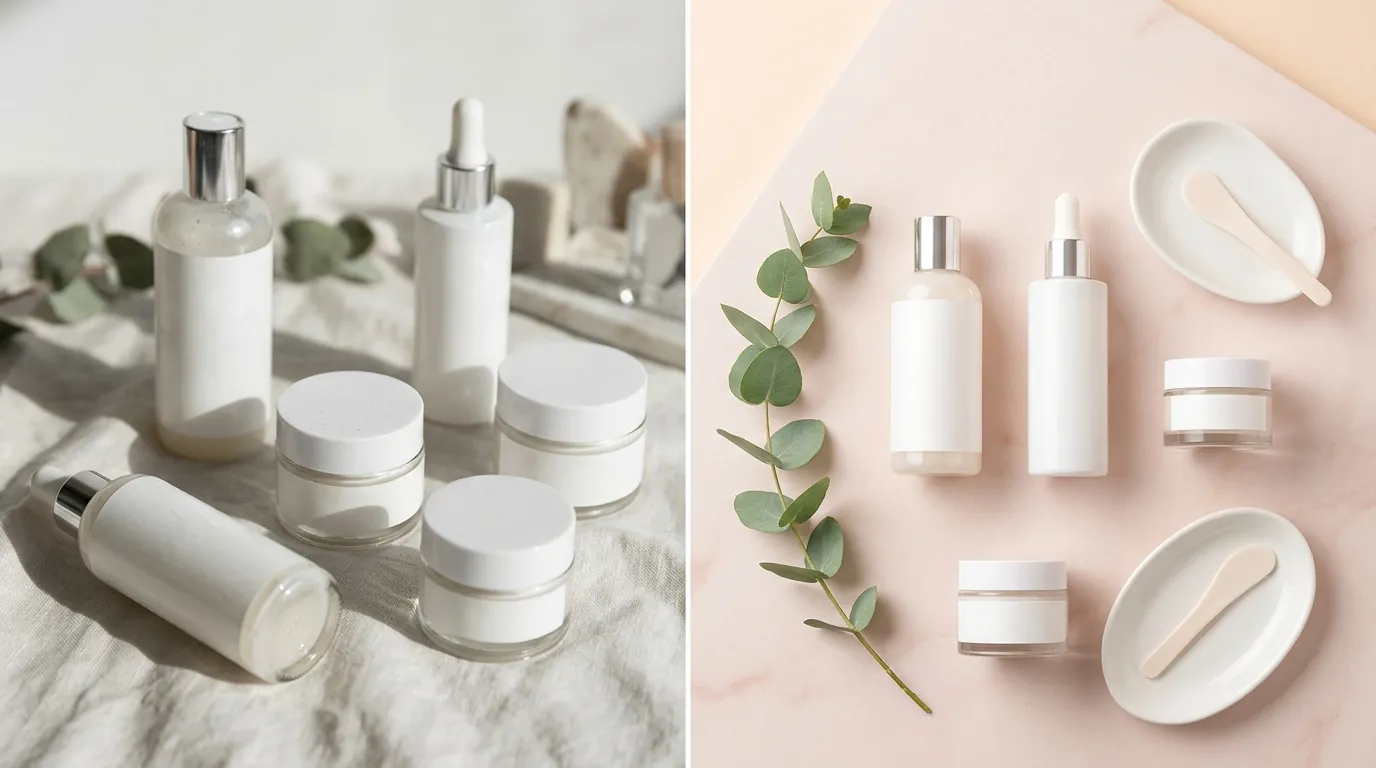
💡 Skip the manual editing. PixelMatch batch-generates ecommerce-ready product images in 60 seconds — white background, lifestyle scenes, and variant mockups from a single source photo. Try PixelMatch free →
TikTok Shop uses a combination of machine learning and human review to police image quality. Because the volume of listings is so high, the initial “gatekeeper” is almost always an AI. This AI is programmed to be highly sensitive, often resulting in “false positive” rejections for minor infractions.
Automated AI Background Rejections
One of the most frustrating experiences for sellers is having a main image rejected for a “non-compliant background” when it looks white to the human eye. TikTok’s AI frequently rejects main images if the background is off-white, light gray, or contains subtle gradients or shadows. The system is looking for pure white (#FFFFFF).
If your photographer used a physical white backdrop, the lighting often creates “gray” corners. TikTok’s AI sees these as a violation of the “clean background” rule. To pass consistently, you must use digital background removal to ensure every pixel surrounding the product is a true hex code #FFFFFF.
Text and Watermark Violations
Any promotional text, brand logos, or price callouts embedded in the primary product image will trigger an automatic rejection. This includes:
- Brand Watermarks: Even faint, transparent logos in the corner.
- Certification Badges: “Organic,” “CE,” or “FDA Approved” stickers (these should be in secondary images).
- Time-Sensitive Offers: “Limited Time Only” or “Flash Sale” text.
TikTok wants the Shop tab to look like a clean, professional catalog. Text-heavy images make the platform look cluttered and “spammy,” which is why the AI is tuned to flag even small amounts of text on the first image.
Incorrect File Format and Resolution
Uploading WebP files will fail immediately, as TikTok Shop strictly enforces the JPG and PNG only rule. While WebP is great for Shopify or custom web stores, TikTok’s backend is not currently optimized to process it for product listings.
Furthermore, images falling under the 600x600 pixel minimum or appearing pixelated are flagged for poor quality. If you are dropshipping or using supplier images, these photos are often compressed multiple times before they reach you. Uploading a 400x400px image and trying to “stretch” it to 600px will result in a blurriness rejection.
Actionable Step: Use a hex-color picker tool (like the one built into Chrome DevTools) to test the background of your main images. If the background reads anything other than #FFFFFF, run the image through a background removal tool before re-uploading.
How to Fix Each Issue
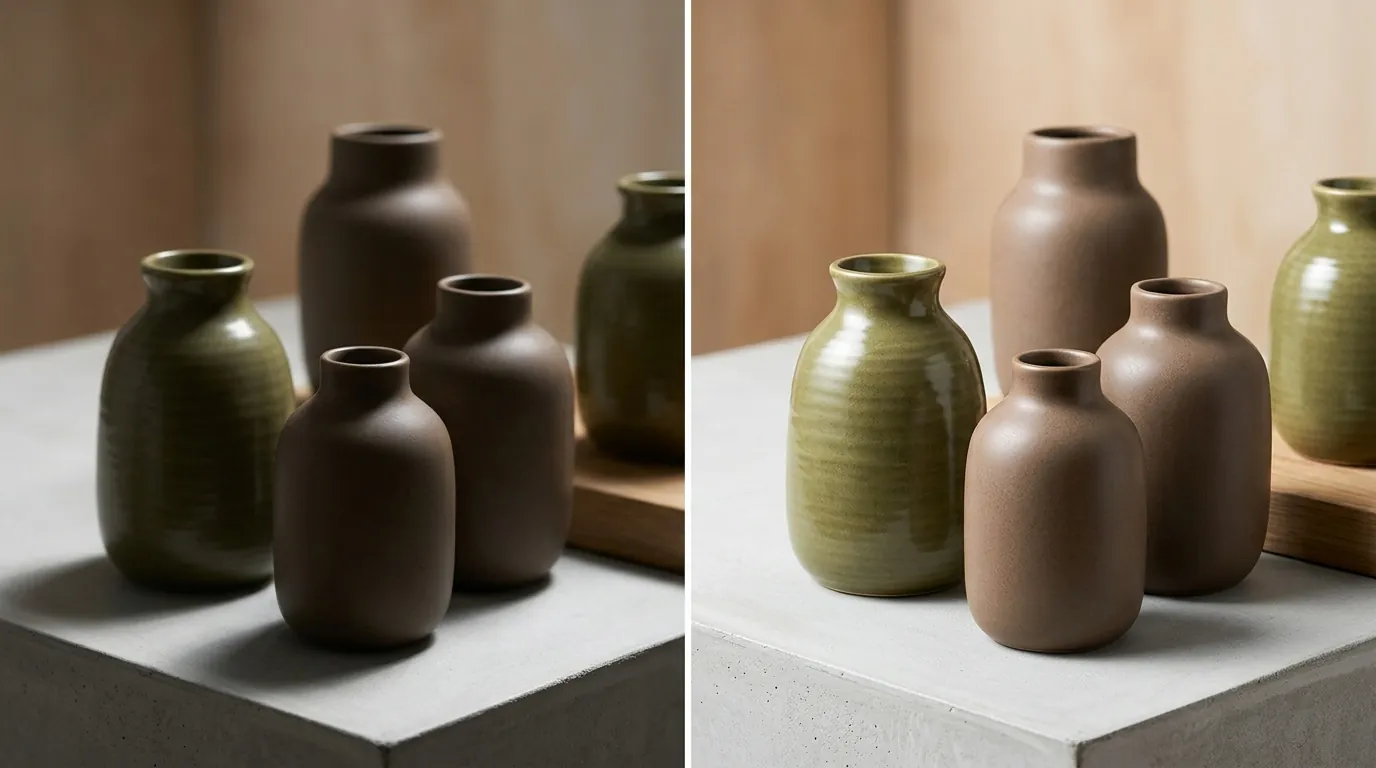
Correcting these issues manually for a catalog of 500 SKUs is impossible. Multi-platform sellers need a workflow that handles batch processing while maintaining the specific “look” required by TikTok’s unique audience.
Batch-Editing for Pure White Backgrounds
Instead of manually masking every product in Photoshop, use PixelMatch to batch-remove non-compliant backgrounds and replace them with pure white (#FFFFFF). This ensures 100% compliance with TikTok’s AI moderation. Unlike generic background removers that can leave “fringing” (small bits of the old background around the edges), PixelMatch uses AI specifically trained on ecommerce products to ensure clean edges even on complex items like jewelry or lace.
If you are using tools like Photoroom’s Pro tier at $12.99/mo or Adobe Express Premium at $9.99/mo, you can achieve similar results, but PixelMatch is better suited for the TikTok workflow because it allows you to generate the required 5+ images in one go by placing your product in different high-quality AI-generated environments for your secondary slots.
Upscaling Low-Res Photos
If your supplier photos are under 600x600px, do not simply resize them in a standard photo editor. This will lead to pixelation and a “Low Quality” rejection. Use an AI upscaler to reach the recommended 800x800 pixels without losing clarity. AI upscaling works by “predicting” the missing pixels rather than just stretching existing ones, resulting in a sharp image that passes TikTok’s blurriness check.
Removing Text and Logos
If your only available product shots have “Property of [Supplier Name]” or “50% Off” watermarks, you must remove them from the primary image. You can crop the image if the text is at the edges, but this often ruins the 1:1 aspect ratio. A better approach is using an AI object removal tool to “in-paint” the area where the text was.
Once the text is removed, ensure the product remains centered. TikTok’s AI prefers the product to occupy roughly 60% to 80% of the image frame.
Converting and Resizing Files
Ensure your export settings are strictly set to JPG or PNG. If you are managing a multi-channel store, you might be tempted to use the same images for your Shopify site and TikTok Shop. However, Shopify often converts images to WebP for speed. When downloading images from your own site to upload to TikTok, check the file extension.
Maintain a 1:1 aspect ratio during the export. If your original photo is a 4:5 portrait (common for fashion), do not stretch it. Instead, “pad” the sides with pure white space to create a perfect square. Finally, keep the file under the 5MB limit by adjusting the quality slider to 80-90% during export; this reduces file size significantly with no visible loss in quality.
Actionable Step: Set up a “TikTok Export” preset in your image editing software. Settings: Format: PNG, Dimensions: 1000x1000px, Aspect Ratio: 1:1, Background: #FFFFFF. Run your entire “Poor Quality” list through this preset.
Comparison of Image Editing Tools for TikTok Shop (2026)
Choosing the right tool depends on your volume and whether you need to generate new content or just fix existing photos.
| Tool | Best For | Price (as of 2026-05-30) | TikTok Compliance Feature |
|---|---|---|---|
| PixelMatch | Batch-generating all 5+ required images from one photo. | [Information not yet publicly available as of 2026-05-30] | 1-click “TikTok White” background batching. |
| Photoroom | Mobile-first sellers who need quick background swaps. | Pro tier at $12.99/mo | Excellent batch background removal. |
| Canva | Creating secondary infographics and size charts. | Pro at $119.99/yr | Easy text overlays for secondary images. |
| Adobe Express | High-end retouching with Firefly AI integration. | Premium at $9.99/mo | Generative fill for removing complex watermarks. |
| Remove.bg | Simple, no-frills background removal. | 40 credits for $9.00 | Purely background removal, no generative features. |
Mastering the “Good” Tier for Multi-Platform Success
Optimizing product images for multiple marketplaces is a balancing act. While Amazon requires a 1600px longest side for zoom, TikTok is happy with 800px. While Etsy loves “moody” lifestyle shots as main images, TikTok demands the sterile white background.
To succeed as a multi-platform seller in 2026, you cannot use a “one-size-fits-all” image. You must have a master folder for each SKU containing:
- The “Raw” high-res product cutout.
- The “TikTok Main” (1:1, White BG, No Text, 800px).
- The “Amazon Main” (1:1, White BG, No Text, 1600px).
- The “Lifestyle Set” (AI-generated environments for different platform vibes).
By hitting the “Good” tier on TikTok Shop, you aren’t just avoiding rejections—you are feeding the algorithm exactly what it needs to put your product in front of thousands of potential buyers. High-quality images lead to higher Click-Through Rates (CTR), which in turn signals to TikTok that your product is “trending,” leading to even more organic traffic.
Actionable Step: Create a “Master Asset” folder for your brand. Within each SKU folder, create a sub-folder named “TikTok_Optimized.” Use PixelMatch to populate this folder with the 5 required images (1 white background, 4 lifestyle) to ensure every new listing starts at the “Good” tier from day one.
Official Source Links
- TikTok Shop Seller Center: Product Listing Policy
- TikTok Shop Seller Center: Upgrading your listing quality
- TikTok For Business: Best practices for catalog
- TikTok Shop Academy: Image and Video Specifications
Ready to scale your listings?
PixelMatch generates white-background, lifestyle, and variant mockups from a single source photo — built specifically for multi-platform ecommerce sellers. 50 free images on signup, no credit card.
Start free →