
TikTok Shop Thumbnail Aspect Ratio Requirements 2026
Running a high-volume TikTok Shop in 2026 means playing by a set of rules that the algorithm enforces with zero sentiment. If your thumbnails are even a few pixels off the 1:1 requirement, you aren’t just risking a “Poor” quality score—you are actively throttling your store’s organic reach and inviting the TikTok Seller Center to shadowban your listings.
Quick Reference Table
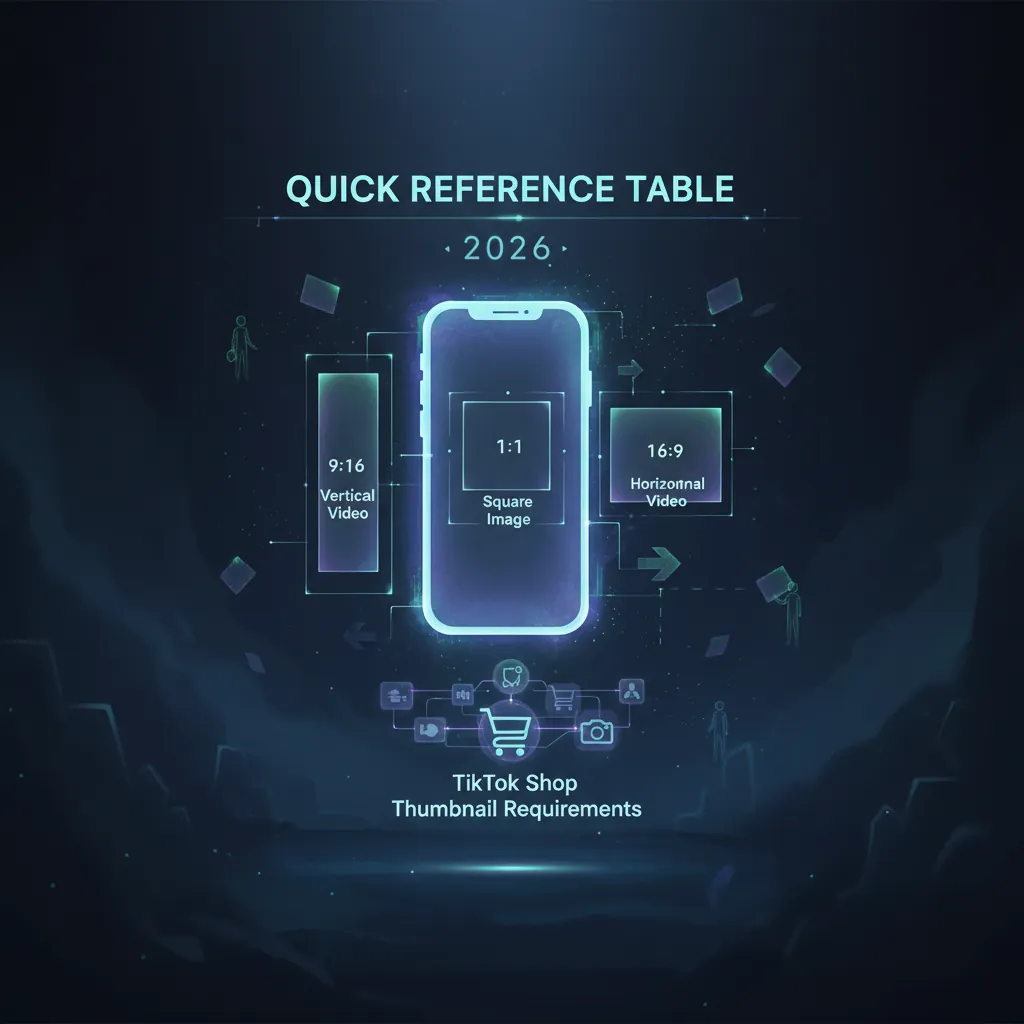
Audit your current product catalog against the technical thresholds below to ensure your listings remain active and eligible for the “Good” quality tier. TikTok Shop’s automated review system scans every upload for these specific metadata tags and visual properties.
| Requirement | 2026 Specification | Impact of Non-Compliance |
|---|---|---|
| Aspect Ratio | 1:1 (Strict Square) | Automatic white-border padding or rejection |
| Minimum Resolution | 600 x 600 pixels | ”Poor” tier categorization; blurry display |
| Recommended Resolution | 1000 x 1000 pixels | Optimal clarity for 2026 mobile displays |
| Maximum File Size | 5MB | Upload failure in Seller Center |
| Accepted Formats | JPG, JPEG, PNG | System error during batch upload |
| Main Image Background | Pure White (RGB 255, 255, 255) | Listing suppression in search results |
| Quantity Limit | 9 images total / 3 per variant | Inability to save product changes |
Actionable Step: Download your current “Product Performance” report from the TikTok Seller Center and cross-reference your bottom 10% of converting SKUs against this table. If they are 3:4 or 4:3 ratio, prioritize them for immediate resizing.
Detailed Requirements

Enforce a strict 1:1 aspect ratio across your entire catalog to prevent TikTok’s system from “fixing” your images for you. While the 2026 Seller Center interface may permit the upload of vertical (3:4) or horizontal (4:3) images, the platform’s front-end display is hard-coded for squares. When you upload a non-square image, TikTok’s automated processing engine adds thick white bars to the top or sides to force the 1:1 fit. This reduces the visual footprint of your product by up to 30%, making your thumbnail look cluttered and unprofessional compared to competitors who fill the entire square frame.
The ‘Good’ Tier Listing Criteria
Aim for the “Good” listing tier to unlock maximum algorithmic priority in the Shop tab and “For You” page (FYP) product cards. As of 2026-05-19, TikTok Shop categorizes every listing into Poor, Fair, or Good tiers based on data completeness and visual quality. To hit the “Good” threshold, you must meet the following image-specific benchmarks:
- Quantity: Upload at least 5 high-resolution images. Listings with only 1 or 2 images are capped at the “Fair” tier.
- Resolution: Every image must exceed 600 x 600 pixels. For the high-density displays common in 2026, TikTok’s internal documentation strongly suggests 1000 x 1000 pixels to ensure the “Zoom” feature remains crisp.
- Clarity: Use the TikTok “Product Optimizer” tool to check for “Image Quality” flags. Images with high compression artifacts or AI-generated “hallucinations” in the background will be flagged as Poor.
Main Image vs. Variant Images
Distinguish your main thumbnail from your variant and lifestyle images to satisfy different policy layers. Your primary image (the first slot) must feature the product on a pure white or neutral background without any distractions. This is the image used in search results and the Shop home feed.
For variant images, TikTok allows up to 3 photos per specific SKU variation (e.g., color, size, or material). These variant images are critical for reducing return rates, as they confirm the exact item the buyer has selected. While the main image must be objective and “clean,” your secondary images (slots 2 through 9) can include:
- Contextual/Lifestyle Shots: The product in a real-world setting.
- Scale References: The product being held or placed next to common objects.
- Detail/Texture Zooms: High-resolution close-ups of fabric, ingredients, or hardware.
Actionable Step: Open your TikTok Seller Center “Product Manager” and verify that your main image occupies at least 85% of the frame. If there is too much “dead space” around the product, crop the image closer to the edges while maintaining the 1:1 ratio.
Common Rejection Reasons
💡 Skip the manual editing. PixelMatch batch-generates ecommerce-ready product images in 60 seconds — white background, lifestyle scenes, and variant mockups from a single source photo. Try PixelMatch free →
Purge all promotional overlays from your thumbnails to avoid the “Listing Rejected” status that plagues multi-platform sellers. TikTok Shop’s 2026 moderation AI is significantly more aggressive than Amazon or Shopify at detecting text within images. If the system identifies marketing slogans, it will block the listing until the image is replaced.
Promotional Text and Watermarks
Remove any text that describes a deal, a ranking, or a shipping promise. Common triggers for automatic rejection include:
- Marketing Claims: “Best Seller,” “Top Rated,” “2026 New Arrival.”
- Logistics Promises: “Free Shipping,” “Ships in 24 Hours,” “US Stock.”
- Pricing Tags: Including the price or “Sale” stickers directly on the image.
- Third-Party Logos: Watermarks from other platforms or creator handles.
Technical and Visual Violations
Avoid using “Before and After” comparisons in your main thumbnail. While these are popular in the beauty and home-cleaning niches, TikTok Shop policies as of May 2026 generally restrict these to the product description or video content to prevent “misleading functionality” claims. Furthermore, ensure your files are not exported in unsupported formats like WebP or HEIC. While these formats offer great compression, the TikTok Seller Center still requires standard JPG or PNG files for catalog stability.
| Feature | Approved (Good Tier) | Rejected (Poor Tier) |
|---|---|---|
| Background | Solid white or light grey | Messy room, busy street, or gradient |
| Text | No text on image | ”50% OFF” or “Buy 1 Get 1” |
| Product View | Full product, front-facing | Cropped edges or partial view |
| Watermarks | Clean, no logos | Brand logo covering the product |
| Resolution | 1000 x 1000 px | 400 x 400 px (Pixelated) |
Actionable Step: Perform a “text-detection” audit. If you are migrating listings from a platform that allows “Free Shipping” badges on thumbnails, you must strip these layers before importing the CSV to TikTok Shop.
How to Fix Each Issue

Standardize your image processing workflow to handle the specific constraints of TikTok Shop without doubling your design hours. For sellers managing thousands of SKUs across TikTok, Amazon, and eBay, manual editing is no longer a viable strategy.
Manual Fixes for Single SKUs
Use dedicated image editors like Canva, Adobe Express, or Photoroom for one-off corrections or new product launches. If you have a vertical image that you need to convert to a square, do not “stretch” the image to fit the 1:1 box—this will distort the product and lead to customer complaints. Instead, use a “padding” or “expand” tool.
In Photoroom or Adobe Express, you can set your canvas to 1000 x 1000 and place your original image in the center. Use AI-fill or a simple solid white background to fill the remaining gaps. This preserves the product’s original proportions while meeting the 1:1 requirement.
Batch Processing for Large Catalogs
Switch to PixelMatch for high-volume catalog synchronization. While tools like Removebg are excellent for simple background subtraction, PixelMatch is better suited for multi-platform sellers who need to batch-resize hundreds of SKUs to TikTok’s exact 1:1, 1000x1000 specs simultaneously.
When you are syncing a catalog from Shopify (which might use various ratios) to TikTok Shop, PixelMatch allows you to:
- Automate 1:1 Padding: Automatically add white space to non-square images without manual cropping.
- Bulk AI Background Removal: Ensure every main thumbnail meets the pure white background policy in one click.
- Smart Compression: Reduce file sizes to just under the 5MB limit while maintaining the high resolution required for the “Good” tier.
- Policy-Compliant Generation: Generate AI product photography that places your item in “lifestyle” settings for slots 2-9, ensuring you hit the 5-image minimum for algorithmic priority.
Actionable Step: Set up a “TikTok Shop Preset” in your image processing tool. This preset should include: 1:1 Aspect Ratio, 1000px width, PNG output, and a “Center-Fit” crop setting. Run your next batch of 50 listings through this preset before uploading.
Official Source Links

Stay updated by monitoring the official TikTok Shop documentation. Policies regarding listing quality and image specs are updated frequently to combat spam and improve the mobile shopping experience.
| Resource Name | Purpose | Link/Location |
|---|---|---|
| TikTok Shop Seller Center | Product Detail Page (PDP) Guidelines | seller.tiktok.com/help |
| TikTok Shop Academy | Listing Quality Tier Definitions | Search “Listing Quality” in Academy |
| TikTok For Business | Catalog Management & API Specs | ads.tiktok.com/help |
| TikTok Shop Policy Center | Prohibited Content & IP Rules | seller-us.tiktok.com/policy |
Ready to scale your listings?
PixelMatch generates white-background, lifestyle, and variant mockups from a single source photo — built specifically for multi-platform ecommerce sellers. 50 free images on signup, no credit card.
Start free →
Sources
- TikTok Shop Seller Center: Product Detail Pages & Listing Quality Guidelines (Updated October 2025)
- TikTok Shop Seller Center: Product Listing Policy (Updated May 2026)
- TikTok Shop Academy: Upgrading Your Listing Quality (September 2024)
- TikTok Shop Seller Center: Brand Circumvention Policy (Effective May 28, 2026)
- TSL Agency: TikTok Shop Product Images Specification Guide (April 2026)
- Hootsuite: Social Media Image Sizes for All Networks (May 2026)
- Medium: TikTok & Reels Aspect Ratio Guide (March 2026)
- Influencer Marketing Hub: TikTok Outlines Best Practices for High-Quality Listings (May 2025)