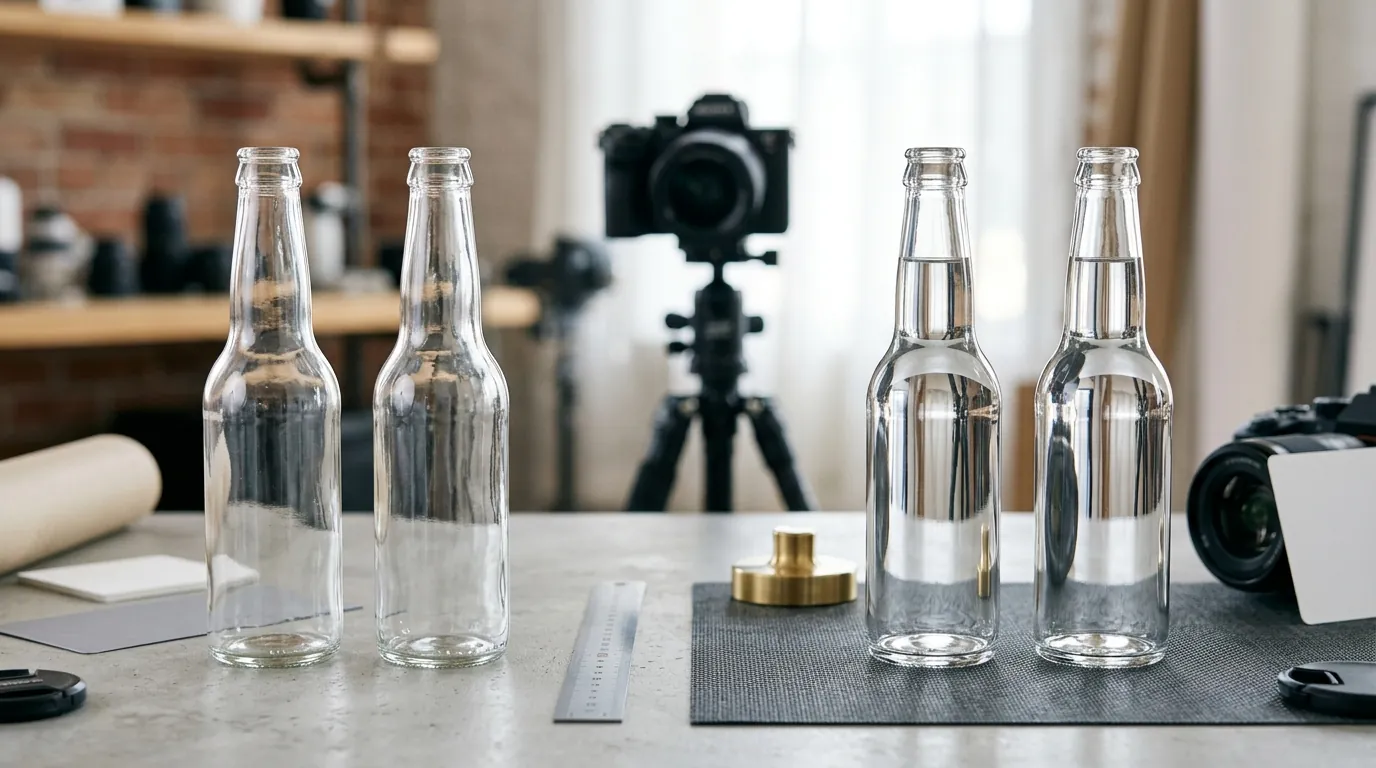
Using Flux 1.2 for Glass Bottle Reflections: 2026 Marketplace Rules
Stop losing sales to “unnatural” AI glares or Amazon listing suppressions. Using Flux 1.2 Pro Ultra for glass bottles requires balancing the model’s 4MP photorealistic power with the rigid compliance rules of 2026 marketplaces.
Marketplace Policy Guide: Using Flux 1.2 for Glass Bottle Reflections
When using Flux 1.2 for glass bottle reflections, ensure the AI-generated reflections are inherent to the material. Amazon requires a pure white RGB 255,255,255 background, while TikTok Shop mandates at least 1 image but rewards listings with 5 or more for a “Good” quality score.
Quick Reference Table
Related: Etsy AI Generated Listing Suspension Appeal Guide (2026) · TikTok Shop AI Generated Content Label Requirements (2026) · Etsy AI Image Crackdown: Shop Closure Risks & 2026 Policy Guide
Audit your current product catalog against the following technical benchmarks to prevent shadow-banning or manual listing rejection.
| Marketplace | Primary Requirement | Reflection Policy | Recommended Resolution |
|---|---|---|---|
| Amazon | Pure white (RGB 255,255,255) | Material-inherent only; no “studio” floor reflections | 1600px or larger on the longest side |
| Shopify | 20MB maximum file size | No restriction; high-gloss allowed | 2048 x 2048 px for 1:1 zoom |
| Etsy | 2000px minimum (shortest side) | Lifestyle/artistic reflections encouraged | 2000px square for optimal thumbnails |
| TikTok Shop | 1:1 Square aspect ratio | Must show product clearly; no distracting glares | 600 x 600 px minimum |
Actionable Step: Run a “White Point Calibration”
Before uploading Flux-generated images to Amazon, open your image in an editor and check the background corners. If the RGB value is 254, 254, 254, the listing is at risk. Use a “Levels” adjustment to force the background to a true 255, 255, 255.
Detailed Requirements
Using Flux 1.2 Pro Ultra (released February 2026) allows sellers to generate 4MP photorealistic glass reflections, but these raw outputs must be tailored to each platform’s strict rules. Unlike older models that struggled with the “milky” appearance of transparent glass, Flux 1.2 creates hyper-accurate refractions. However, accuracy does not always equal compliance.
Amazon Main Image Strictness
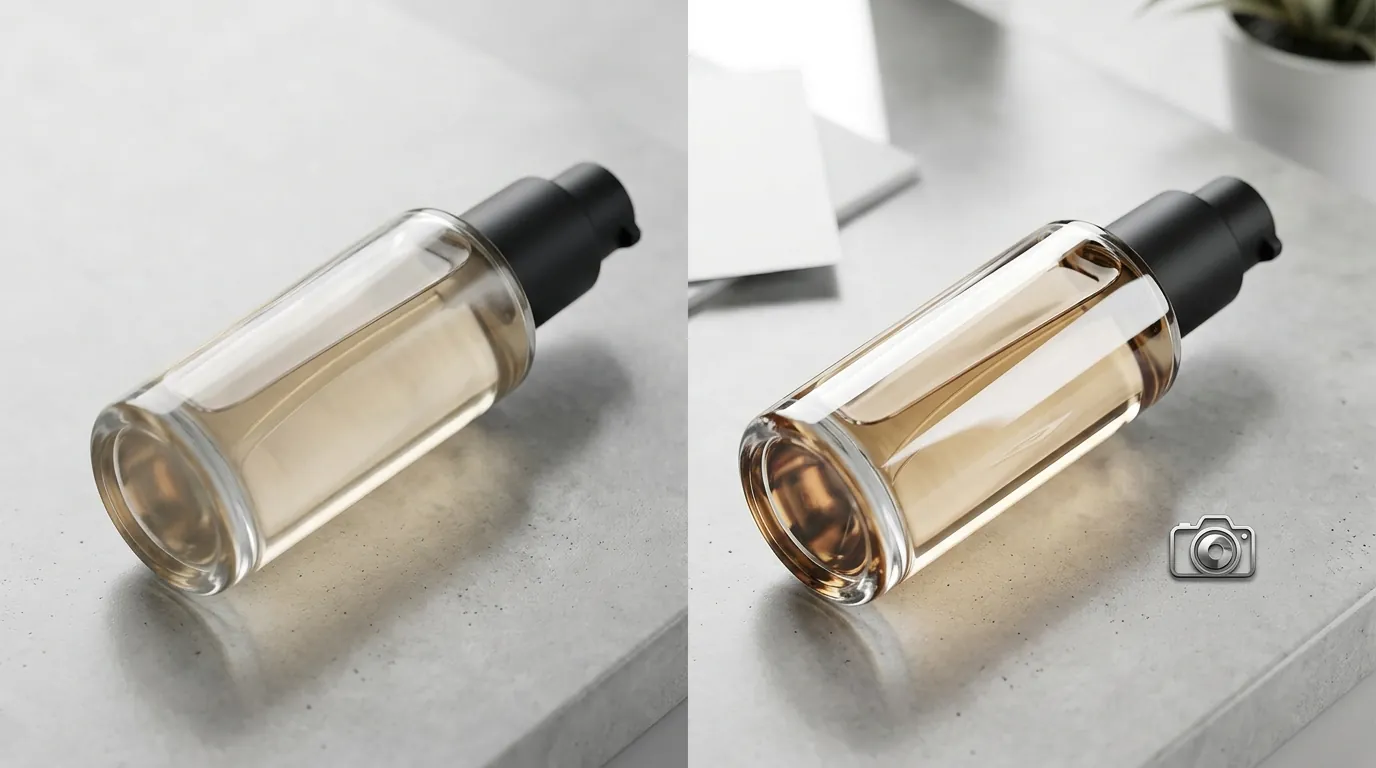
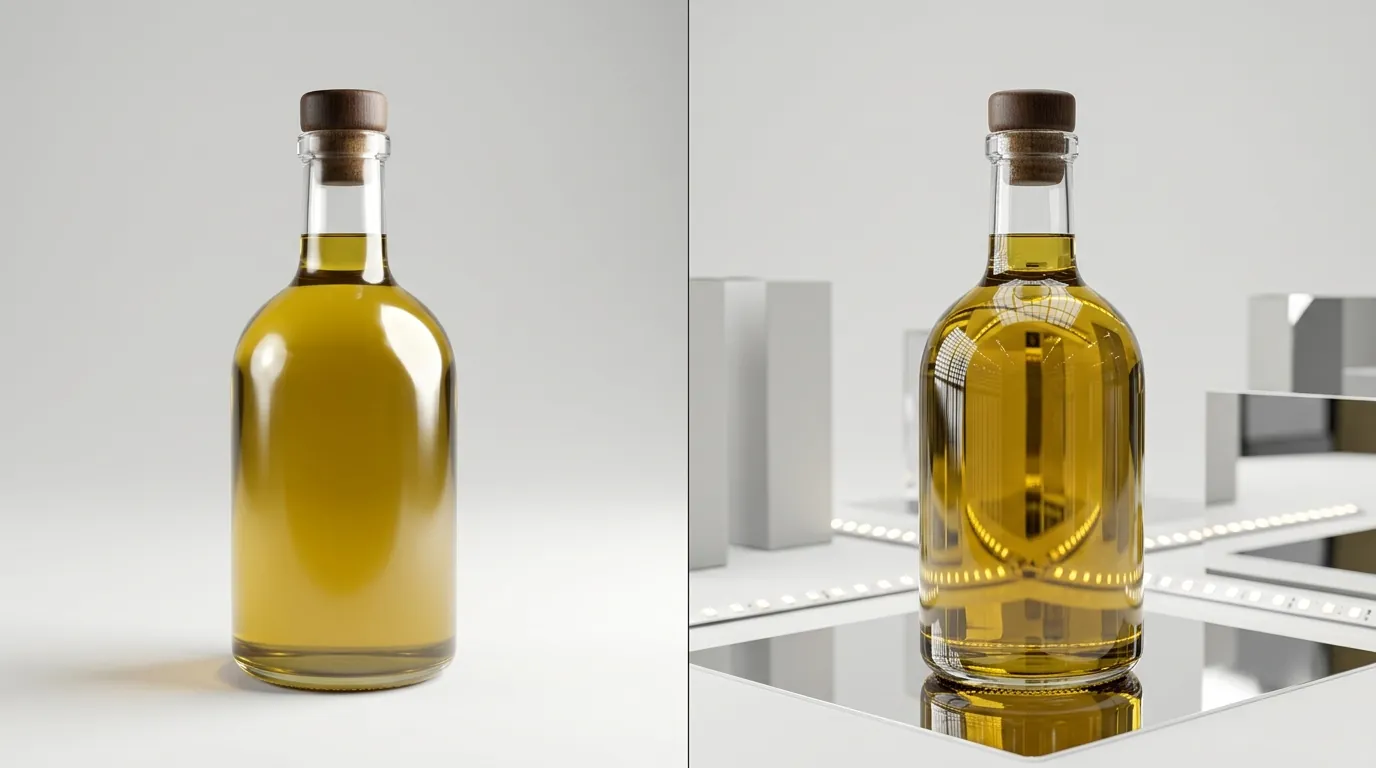
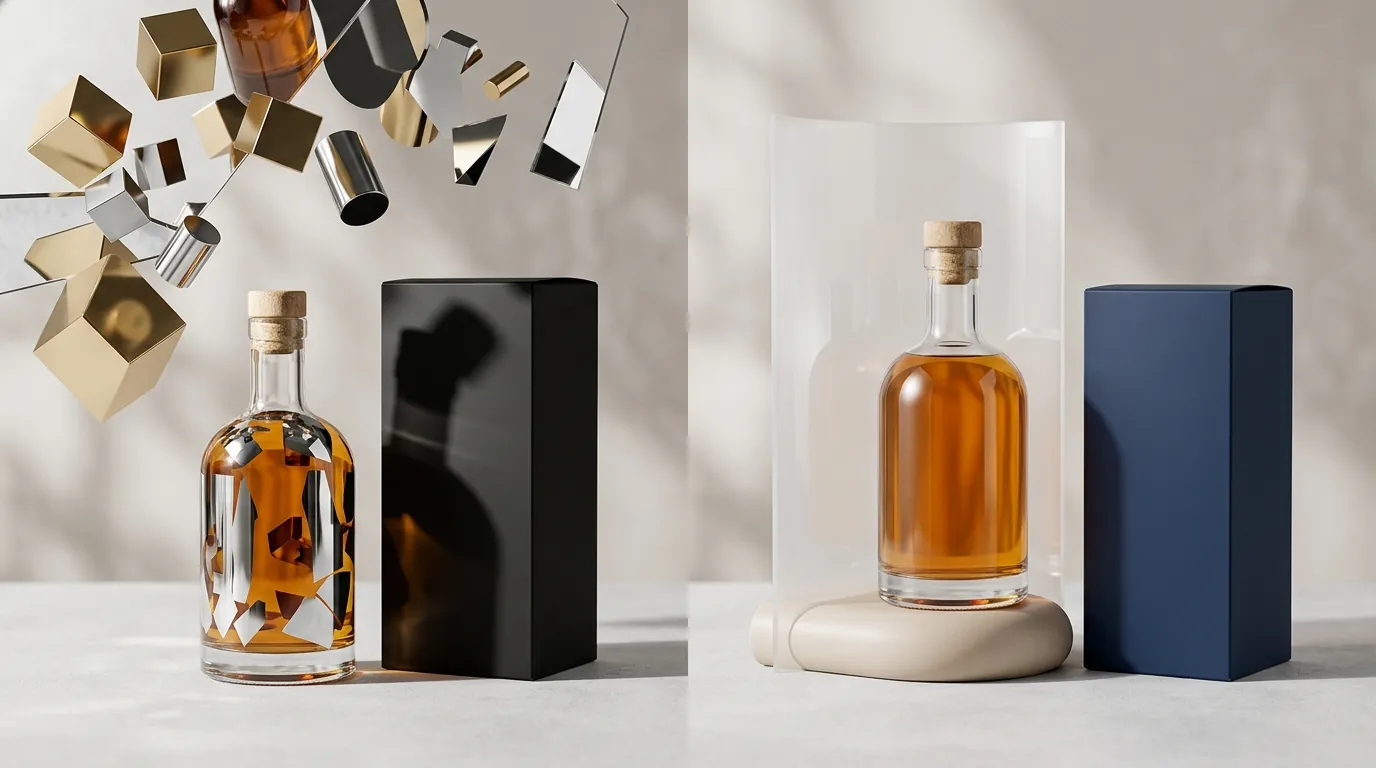
Amazon’s automated “Image Acceptance” algorithm scans for more than just a white background. It looks for “added effects.” When prompting Flux 1.2, you must distinguish between “material reflections” (light hitting the bottle) and “environmental reflections” (the bottle reflecting a fake marble floor). Amazon strictly prohibits the latter in main images. The reflection must look like natural light hitting the glass bottle, not a mirrored floor or dramatic studio gel.
If your Flux output includes a soft shadow, ensure it does not bleed into the bottle’s transparency. Amazon’s technical requirements state the product must occupy 85% or more of the image frame. If Flux generates a wide-angle shot to capture a long reflection, you will likely fall below this 85% threshold upon cropping.
TikTok Shop’s 5-Image “Good” Score Threshold
TikTok Shop’s algorithm is built on “Listing Health.” While the platform technically only requires 1 product image, listings with fewer than 5 images are often flagged as “Poor” or “Fair” in the Seller Center health dashboard. To achieve a “Good” rating, you must provide at least 5 high-quality images.
Sellers should use Flux 1.2 to generate multiple compliant angles:
- The Hero Shot: 1:1 square, centered, clear glass clarity.
- The Texture Shot: A close-up of the glass condensation or “caustics” (light patterns).
- The Scale Shot: The bottle held in a hand (Flux 1.2 handles hands significantly better than previous versions).
- The Lifestyle Shot: The bottle in a natural environment (e.g., a bathroom vanity for skincare).
- The Ingredient Shot: The bottle next to the raw materials (e.g., glass bottle next to aloe leaves).
While tools like Photoroom offer a Pro tier at $12.99/mo for basic background removal, PixelMatch is optimized for batch-generating platform-specific aspect ratios and compliance checks from a single Flux 1.2 generation. This is critical because a 4MP Flux output is often too large for TikTok’s 5MB limit, requiring automated compression that doesn’t destroy the glass detail.
Common Rejection Reasons
💡 Skip the manual editing. PixelMatch batch-generates ecommerce-ready product images in 60 seconds — white background, lifestyle scenes, and variant mockups from a single source photo. Try PixelMatch free →
Identify these four “AI-generated red flags” before they trigger a listing suppression.
1. The “Off-White” Drift
Amazon suppresses listings if Flux 1.2 generates a background that drifts from pure white. This often happens with transparent glass because the AI attempts to create “global illumination”—where the white light from the background “wraps” around the bottle. This can result in off-white or greyish shadows that blend into the transparent glass edges. If the background is even one point off from RGB 255, Amazon’s system may flag it as a “non-white background” violation.
2. Etsy’s Thumbnail Down-Ranking
Etsy’s search algorithm prioritizes “high-quality photography,” which they define as having a minimum of 2000 pixels on the shortest side. If you generate a 4MP image in Flux 1.2 but crop it tightly to center the bottle, you may inadvertently drop below that 2000-pixel threshold. This results in blurry thumbnails that lower your click-through rate (CTR).
3. TikTok’s Aspect Ratio Mismatch
TikTok Shop is a mobile-first platform. While the app UI is vertical, the product listing images must be square (1:1). If a seller uploads a horizontal 16:9 Flux generation, the TikTok Seller Center will either crop the bottle’s top and bottom or display it with black bars. Both scenarios lead to “Poor” listing quality scores and high cart abandonment.
4. Over-Prompting and “Material Confusion”
Over-prompting Flux 1.2 can create exaggerated, unnatural glass refractions or added water droplets that trigger Amazon’s “added effects” or “props that confuse the customer” violation. If the AI adds a “splash” effect that isn’t physically part of the product, it violates the Amazon Main Image policy.
Actionable Step: The “Blur & Squint” Test
Squint at your Flux-generated glass bottle. If the reflections are more prominent than the brand label, the AI has over-processed the image. Re-run the generation with a lower “prompt strength” or use PixelMatch to flatten the highlights while maintaining the bottle’s shape.
How to Fix Each Issue
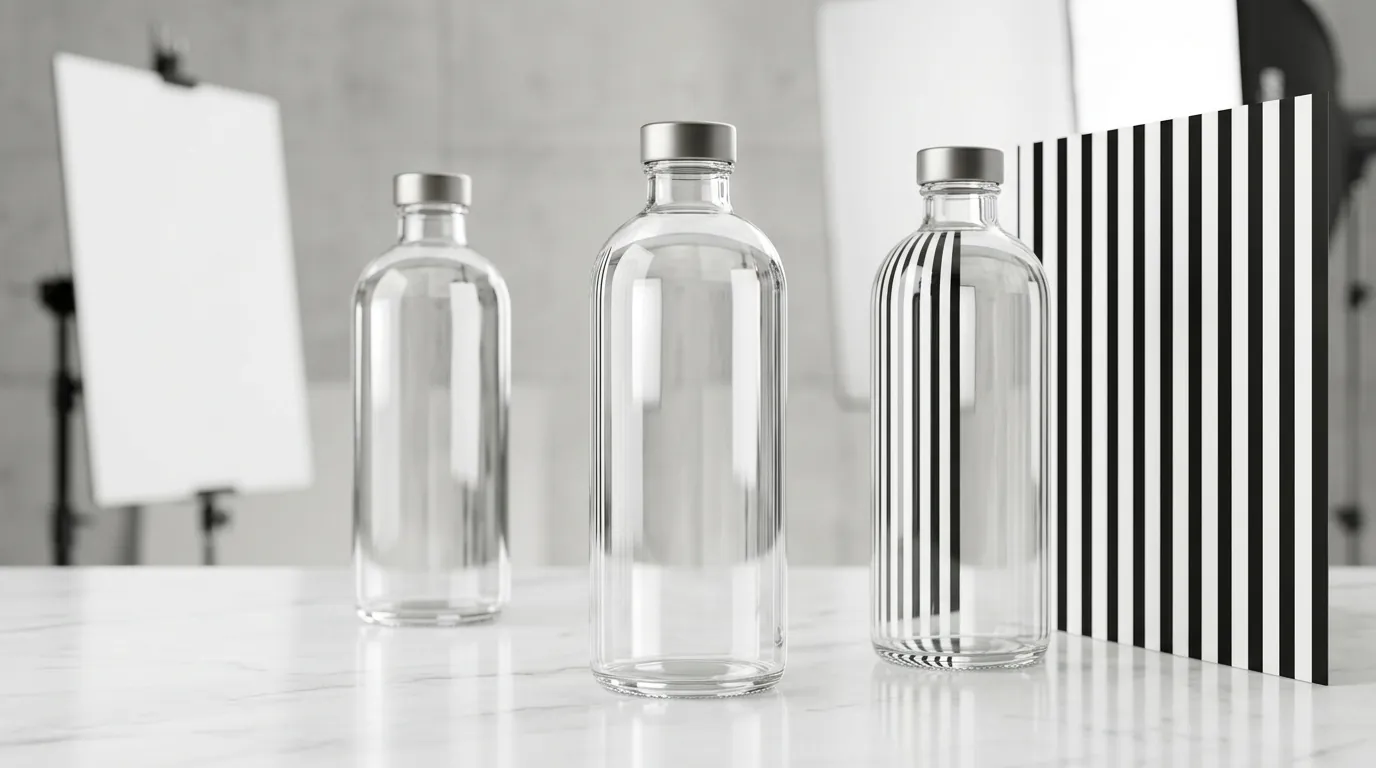
Correcting AI errors manually is a bottleneck. Use these systematic fixes to ensure 100% compliance across all storefronts.
Prompting for Compliance
To get the best base image, prompt Flux 1.2 specifically for “studio lighting, pure white background, natural inherent glass reflection.” This ensures the base generation is close to Amazon compliance from the start. Avoid words like “dramatic,” “cinematic,” or “backlit,” as these encourage the AI to create shadows that are difficult to remove later.
Batch Resizing for Platforms
Don’t resize images manually. Use a workflow that automatically upscales and pads Flux 1.2 outputs to meet Shopify’s 2048 x 2048 px recommendation and Etsy’s 2000 px minimum without distorting the bottle. PixelMatch handles this by adding “smart padding” to the edges of the bottle, ensuring the 85% product-to-frame ratio is maintained.
Achieving the TikTok “Good” Score
Batch-generate the required 5 to 9 image variations for TikTok Shop using a consistent seed in Flux 1.2. This ensures the glass reflections look identical across the entire set. If the lighting changes between the hero shot and the lifestyle shot, customers may suspect the product is “fake” or overly edited.
Fixing Shadow Violations
If a generated image has a non-compliant shadow (e.g., a “drop shadow” that is too dark), use automated background replacement to enforce the RGB 255, 255, 255 standard. The challenge with glass is preserving the “alpha channel” (transparency). Standard background removers often leave a “white halo” around the glass. PixelMatch’s specialized glass-edge detection preserves the transparent edge definition while nuking the non-compliant background pixels.
Actionable Step: Create a “Compliance Template”
Set your export settings in your post-processing tool to the following “Safe Zone” specs:
- Format: JPEG (for Amazon/TikTok) or WebP (for Shopify).
- Dimensions: 2048 x 2048 px.
- Color Space: sRGB.
- Background: Hex #FFFFFF.
Frequently Asked Questions
Can I use AI-generated reflections on Amazon main images?
Yes, but only if they are “inherent” to the product. This means the reflection must appear on the surface of the bottle itself, caused by the studio lights. You cannot have a “mirrored floor” reflection or any shadows that are not a simple, soft drop shadow.
What is the best file format for Flux 1.2 images on Shopify?
While Flux outputs high-quality PNGs, you should convert these to WebP or JPEG for Shopify. Shopify supports files up to 20 MB, but for page speed optimization, keeping images under 1 MB while maintaining the 2048 x 2048 px resolution is recommended.
Why does my glass bottle look “grey” after background removal?
This is usually “color contamination.” The AI model (Flux 1.2) reflects the original background color inside the glass. When you remove that background, the “trapped” color remains. To fix this, you must use a background removal tool that supports “decontamination” or specifically prompt Flux for a “pure white background” to minimize initial color bleed.
How many images do I actually need for TikTok Shop?
Technically, you only need one image to list a product. However, TikTok’s internal “Listing Optimizer” will rate your listing as “Poor” or “Fair” unless you upload at least 5 images. For maximum conversion and search visibility, aim for the maximum limit of 9 images.
Official Source Links
- Amazon Seller Central: Product image requirements
- Shopify Help Center: Image size guidelines
- Etsy Help: Requirements and Best Practices for Images
- TikTok Shop Seller Center: Product Listing Guidelines
- Black Forest Labs: Flux 1.2 Pro Ultra Release Notes
Ready to scale your listings?
PixelMatch generates white-background, lifestyle, and variant mockups from a single source photo — built specifically for multi-platform ecommerce sellers. 50 free images on signup, no credit card.
Start free →
Sources
- https://sellercentral.amazon.com/help/hub/reference/external/G181
- https://help.shopify.com/en/manual/products/product-variant-images/product-image-size
- https://help.etsy.com/hc/en-us/articles/115015663347-Requirements-and-Best-Practices-for-Images-in-Your-Shop
- https://www.photoroom.com/pricing
- https://blackforestlabs.ai/