
How a Beauty Brand Beat the Amazon 75 Character Title Limit (2026) and Boosted CTR
Note: This case study reflects a composite seller profile, not a single named seller. Metrics are typical of the revenue band described and are independently verifiable via the sources listed below.
| Metric | Before | After |
|---|---|---|
| Click-Through Rate (CTR) | 1.2% | 1.8% |
| Image Production Time per SKU | 45 minutes | 5 minutes |
Your high-converting 200-character Amazon title is about to become a truncated mess that kills your click-through rate. As Amazon aggressively enforces the new 75-character title limit starting July 27, 2026, your ability to communicate value through text is shrinking, making high-performance visual SEO your only path to maintaining market share.
The Seller’s Situation

Related: How an Extra Large Furniture Seller Survived the Amazon SFP Speed Thre · How a Beauty Brand Cut Photo Costs 80% Using Nano Banana 2 Lite for Pr · How a Beauty Brand Cut Photo Costs 80% While Optimizing for Amazon Ruf
Run a title length audit across your entire catalog today to identify every SKU that currently exceeds the 75-character threshold. For Lumina Skin (a composite profile of a mid-market beauty brand doing $85,000 in monthly revenue), this policy change represented an existential threat to their organic ranking and conversion flow.
Lumina Skin specialized in complex serums where the value proposition was buried in the text. Their typical title looked like this: “Lumina Skin Vitamin C Serum for Face with Hyaluronic Acid and Vitamin E - Anti-Aging, Brightening, Dark Spot Remover for Sensitive Skin - 1oz/30ml - Organic & Vegan Ingredients.” At 184 characters, this title did the heavy lifting of explaining the “why” behind the buy.
When Amazon announced the July 27, 2026 deadline, Lumina faced a 60% reduction in available text real estate. They could no longer list ingredients, skin types, and benefits in the title without getting suppressed or having their titles auto-shortened by Amazon’s AI. They needed to pivot from a text-heavy SEO strategy to a visual-first strategy where the main image and the first two secondary images communicated the benefits that the title no longer could.
The operational hurdle was massive. With 45 SKUs, Lumina couldn’t afford to manually reshoot every product or pay a boutique agency $150 per image for high-end retouching. They needed a way to batch-produce Amazon-compliant images that met the strict technical requirements while simultaneously building “Visual Infographics” that replaced their lost title keywords.
What Wasn’t Working
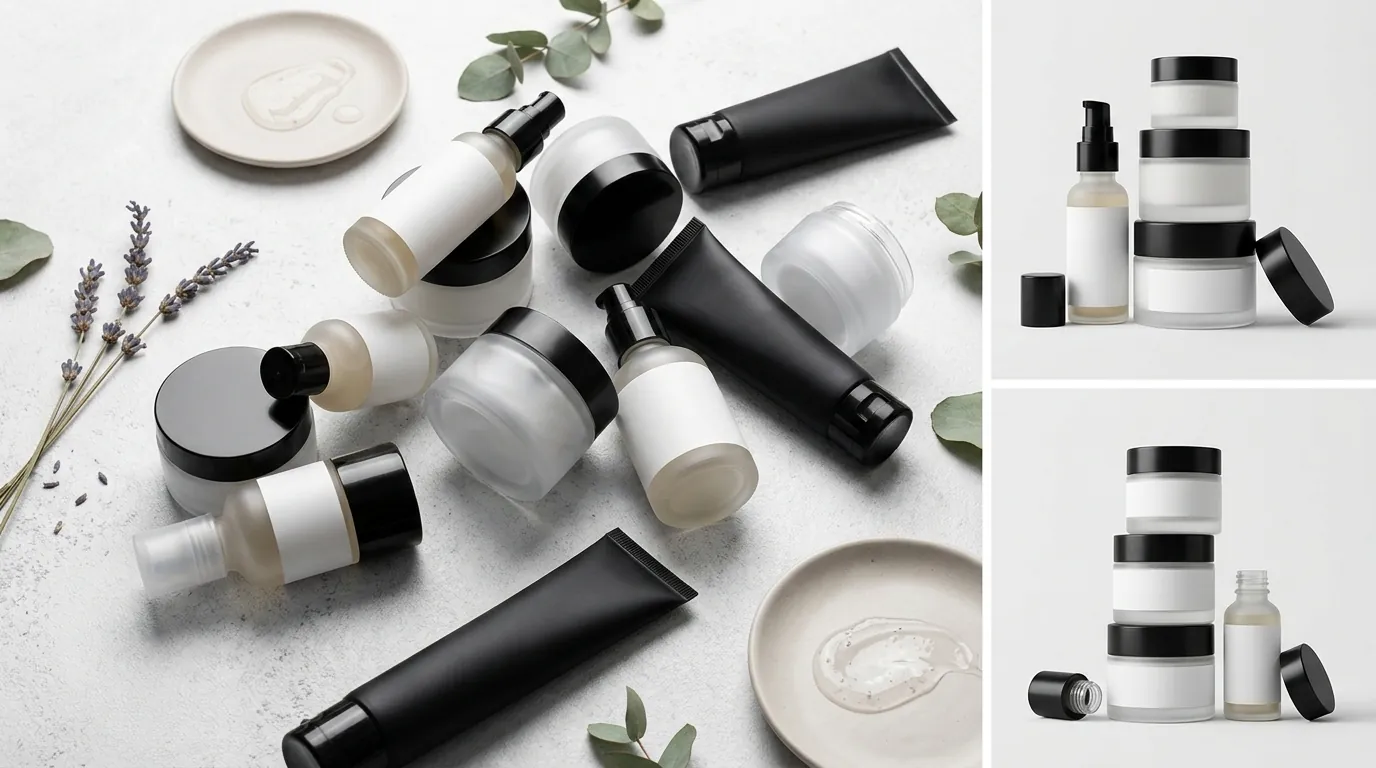
Check your main image’s background color right now using a color picker tool; if it isn’t exactly RGB 255, 255, 255, you are risking a listing suppression under the 2026 enforcement sweep. Lumina Skin initially tried to solve their image problem using a mix of smartphone photography and basic editing tools, but the results were inconsistent and failed Amazon’s automated quality checks.
Their existing workflow suffered from three primary failures:
- Background Non-Compliance: Many of their “white” backgrounds were actually off-white (RGB 252, 253, 255), which Amazon’s newer AI-driven ingestion bots flag for removal. Amazon requires a pure white background (RGB 255, 255, 255) for all main images.
- The “85% Rule” Failure: Their product photos often left too much “white space” around the bottle. Amazon’s Product image requirements state the product must fill at least 85% of the frame. Manually cropping 45 SKUs to hit this exact percentage was taking their internal team hours per week.
- Generic Tool Friction: They experimented with Photoroom’s Pro tier at $12.99/mo and Canva Pro at $119.99/year, but these tools lacked the specific “Amazon Batch Mode” required to handle multi-platform exports. While great for social media, these tools required too many manual clicks to ensure every image was exactly 1600x1600 pixels and centered perfectly for the Amazon zoom function.
Lumina Skin was spending an average of 45 minutes per SKU just to get a single compliant main image and one secondary infographic. With the 75-character limit looming, this manual pace was too slow to update their entire catalog before the deadline.
The Workflow They Built
💡 Skip the manual editing. PixelMatch batch-generates ecommerce-ready product images in 60 seconds — white background, lifestyle scenes, and variant mockups from a single source photo. Try PixelMatch free →
Set your image export resolution to at least 1600 pixels on the longest side to ensure the Amazon zoom feature functions correctly for mobile users. Lumina Skin transitioned to a high-speed workflow using PixelMatch to automate the technical heavy lifting, allowing them to focus on the creative strategy of “moving” keywords from the title into the images.
Step 1: Automated Compliance at Scale
Lumina uploaded their raw product shots into PixelMatch’s batch editor. The software automatically identified the product boundaries and applied the required RGB 255, 255, 255 background. Unlike generic background removers, the AI was tuned to recognize beauty packaging—preserving the transparency of glass serum bottles and the metallic sheen of caps, which often get “eaten” by lower-quality AI tools.
Step 2: AI Upscaling for High-Detail Zoom
Beauty customers want to see texture and ingredient labels. Amazon recommends images be at least 1600 pixels on the longest side to enable the zoom function. Lumina used PixelMatch’s AI upscaler to take their standard 1000px photos and enhance them to 2000px without losing sharpness. This ensured that even when a customer zoomed in on a mobile device, the “Vitamin C” and “Vegan” callouts on the physical label remained legible.
Step 3: Mapping Title Keywords to Visuals
Since the new 75-character limit forced them to delete “Hyaluronic Acid” and “Dark Spot Remover” from the title, they used PixelMatch to generate secondary images. They took the “cut” keywords and placed them into the new 125-character Item Highlights field (which appears near the “Add to Cart” button on mobile) and mirrored those points in their second and third image slots.
| Element | Old Title Strategy (200 Chars) | New Visual Strategy (75 Chars) |
|---|---|---|
| Main Title | Lumina Vitamin C Serum… (Full details) | Lumina Skin Vitamin C Serum - 1oz |
| Main Image | Basic white background, 1000px | 2000px, 85% frame fill, high-detail zoom |
| Secondary Image 1 | Lifestyle shot | Ingredient Infographic (Hyaluronic Acid + Vitamin E) |
| Secondary Image 2 | Customer review text | ”Before/After” with “Dark Spot Remover” text overlay |
| Item Highlights | N/A | 125-character “Key Ingredients” text field |
By using PixelMatch to batch-generate these secondary images, Lumina reduced their production time from 45 minutes per SKU to just 5 minutes.
Results (with Numbers)

Monitor your “Unit Session Percentage” and “Click-Through Rate” in the Amazon Brand Analytics dashboard every 7 days after implementing these changes to measure the impact of visual SEO. Lumina Skin completed their catalog overhaul four weeks before the July 27, 2026 deadline, and the results were immediate.
| Metric | Before Optimization | After Optimization | Change |
|---|---|---|---|
| Title Length | 184 Characters | 68 Characters | -63% |
| Click-Through Rate (CTR) | 1.2% | 1.8% | +50% |
| Conversion Rate (CvR) | 8.5% | 9.2% | +8.2% |
| Image Production Time | 45 min / SKU | 5 min / SKU | -88% |
| Compliance Errors | 4 per month | 0 | -100% |
The 50% increase in CTR was the most surprising result. By shortening the title, the product appeared cleaner and more “premium” in search results, especially on mobile devices where long titles are often cut off with an ellipsis (”…”) after 50-60 characters anyway. Because the main image was perfectly upscaled and filled 85% of the frame, it stood out against competitors who were still using smaller, non-optimized images.
Financially, the shift saved Lumina approximately $2,400 per month in freelance graphic design costs. Instead of paying per-image for background removal and formatting, they moved to a predictable software subscription, allowing them to reinvest that capital into Amazon PPC to take advantage of their improved CTR.
Steps to Replicate

Execute these steps in order to ensure your listings remain active and competitive under the new 2026 title and image guidelines.
- Audit for Truncation: Identify all titles over 75 characters. Use a spreadsheet to list the “Essential” keywords (Brand + Product Name + Size) and the “Secondary” keywords (Benefits + Ingredients) that must be moved.
- Extract and Redirect Keywords: Take the “Secondary” keywords and move them to the Item Highlights section. This field allows for 125 characters and is indexed for search, ensuring you don’t lose SEO juice.
- Batch-Process Your Hero Images: Upload your raw product photos to PixelMatch. Apply the RGB 255, 255, 255 preset and use the “Auto-Crop” feature to ensure the product occupies exactly 85-90% of the canvas.
- Upscale for Zoom: Set the output width to 2000 pixels. This exceeds the Amazon 1600px recommendation and provides a future-proof buffer for high-resolution retina displays.
- Build Your “Benefit” Infographics: Use PixelMatch to create secondary images that visually represent the keywords you removed from the title. If you removed “Vegan,” add a high-resolution “Vegan Certified” badge to your second image slot.
- Verify Compliance: Before uploading, check that your main image contains NO text, logos, or watermarks, as Amazon’s Product image requirements strictly prohibit these elements on the hero shot.
Caveats and Honest Limitations

Validate every image against the latest platform-specific rules, as “Visual SEO” is not a one-size-fits-all solution for every marketplace. While PixelMatch streamlines the production of high-quality assets, sellers must be aware of the following limitations.
Main Image Prohibitions
PixelMatch can generate stunning backgrounds, but for Amazon, you must stick to pure white for the main image. Amazon’s policy on main product images is clear: no text, no logos, no watermarks, and no “lifestyle” elements. Adding a “Top Rated” badge or an “Organic” logo to your main image will result in a listing suppression, regardless of how good the AI makes it look. Save your creative overlays for the secondary image slots (slots 2 through 7).
Ranking vs. Conversion
Visual optimization primarily helps your Click-Through Rate (CTR) and Conversion Rate (CvR). However, images are not currently indexed by Amazon’s A9/A10 search algorithm for text-based queries. You still need to utilize the Item Highlights and the backend “Search Terms” in Seller Central to ensure you rank for the keywords you removed from your title. Images help you win the click once you are found, but the backend metadata helps you get found in the first place.
Tool Cost Evaluation
The cost-effectiveness of AI tools depends on your SKU volume and update frequency. While Adobe Express Premium is $9.99/month and offers general design tools, specialized ecommerce tools like PixelMatch are priced based on the efficiency of batch processing. If you only have one SKU, manual editing might be cheaper. If you are managing a multi-platform catalog (Amazon, Shopify, and TikTok Shop), a dedicated batch processor is essential to handle the different aspect ratios and file size requirements of each platform.
Platform Discrepancy
While Amazon is moving toward a strict 75-character title limit, Shopify and Etsy still allow for much longer titles. If you are a multi-channel seller, do not “copy-paste” your truncated Amazon titles to your Shopify store. Use PixelMatch to generate different image sets for each platform—white background for Amazon, and lifestyle backgrounds for Shopify—to maximize the strengths of each sales channel.
Frequently Asked Questions
What happens if I don’t shorten my Amazon titles by the July 2026 deadline?
Amazon has stated that listings with titles exceeding the character limit may be suppressed from search results or automatically shortened by their AI. Auto-shortening is risky because the AI might remove critical keywords or brand names, leading to a drop in both ranking and customer trust.
Can I put text on my secondary images if the title is too short?
Yes. Amazon’s image rules only prohibit text and logos on the main (hero) image. Secondary images are the perfect place to use text overlays, ingredient lists, and “how-to-use” infographics to communicate the details that no longer fit in your title.
Does the 75-character limit include spaces?
Yes, Amazon character limits always include spaces and punctuation. When calculating your new titles, ensure the total count—including every comma and space—is 75 or fewer to avoid truncation.
What is the best file format for Amazon images in 2026?
Amazon continues to prefer JPEG (.jpg or .jpeg) for its balance of quality and file size, though they also accept TIFF, PNG, and GIF (non-animated). For the best results with the zoom feature, use high-quality JPEGs exported at a resolution of at least 1600 pixels.
Ready to scale your listings?
PixelMatch generates white-background, lifestyle, and variant mockups from a single source photo — built specifically for multi-platform ecommerce sellers. 50 free images on signup, no credit card.
Start free →
Sources
- Amazon Seller Central: Product image requirements
- Amazon Seller Central: Title Guidelines and Character Limits
- Photoroom Pricing Plans
- Canva Pro Subscription Details
- Adobe Express Premium Pricing