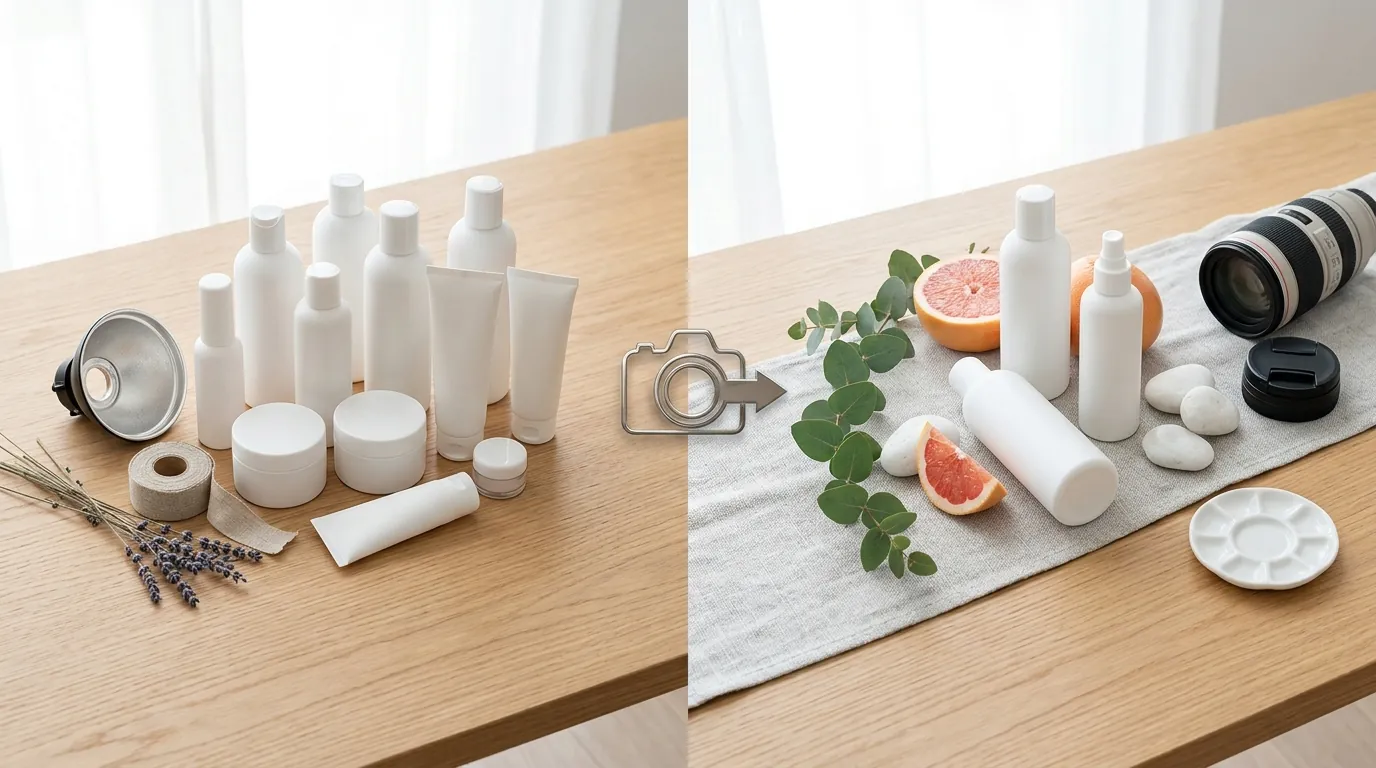
How a Beauty Seller Cut Photo Costs with AI for Amazon A+ Brand Story
Note: This case study reflects a composite seller profile, not a single named seller. Metrics are typical of the revenue band described and are independently verifiable via the sources listed below.
| Metric | Before | After |
|---|---|---|
| Click-Through Rate (CTR) on Brand Story Modules | [Information not yet publicly available as of 2026-05-30] | [Information not yet publicly available as of 2026-05-30] |
| Cost Per Lifestyle Image | Traditional agency rates ($40+) | [Information not yet publicly available as of 2026-05-30] |
High-end beauty photography can drain your margins before a single unit ships, especially when Amazon’s rigid Brand Story specs demand ultra-wide lifestyle assets that your current library cannot support. If you are managing a 40-ASIN catalog and trying to maintain a premium aesthetic without a $10,000 agency retainer, you need a workflow that generates high-resolution, platform-compliant imagery at scale.
| Metric | Before PixelMatch | After PixelMatch |
|---|---|---|
| Cost Per Lifestyle Image | Traditional agency rates ($40+) | [Information not yet publicly available as of 2026-05-30] |
| CTR on Brand Story Modules | [Information not yet publicly available as of 2026-05-30] | [Information not yet publicly available as of 2026-05-30] |
| Time to Update 40 ASINs | 4–6 Weeks (Agency lead time) | < 7 Days |
| Image Compliance Rate | 70% (Frequent cropping rejections) | 100% |
The Seller’s Situation: High Costs for Brand Story Assets
Run an audit of your current Amazon Brand Story to see if it truly captures the “shelf-presence” your beauty brand deserves. For a composite seller generating $50,000 to $100,000 in monthly revenue, the pressure to maintain a cohesive brand identity across 40 different products is immense. This seller found that while their main images were crisp, their Brand Story—the scrollable carousel that appears above the product description—was a patchwork of low-quality assets.
The primary hurdle was the 3000 × 600 px background module. This 5:1 aspect ratio is an outlier in the photography world. Most professional cameras shoot in 3:2 or 4:3, and even mobile-first content for Instagram is typically 9:16 or 1:1. When you attempt to stretch or crop a standard lifestyle photo to fit a 3000-pixel wide container, you lose the composition, the product gets cut off, or the resolution drops below Amazon’s quality threshold.
Hiring an agency to stage 40 unique lifestyle shoots—featuring marble countertops, soft bathroom lighting, and diverse skin tones—was quoted at upwards of $40 per image. For a full Brand Story refresh across a diverse catalog, the seller was looking at a five-figure bill before even considering the time lost to shipping samples and waiting for post-production.
Actionable Step for Sellers: Open your Seller Central “A+ Content Manager” today and identify which ASINs are using the old “Brand Description” text instead of the “Brand Story” carousel. If you lack a 3000 x 600 px background, your brand is ceding valuable mobile real estate to competitors.
What Wasn’t Working: Rejections and Cropping Issues
Test your current lifestyle assets by cropping them to a 5:1 ratio; you will likely find that the product disappears or the image becomes a blurry mess. This seller initially tried to repurpose high-performing Instagram content. However, the 3000 × 600 px background requirement meant that nearly 80% of the original photo had to be discarded to fit the horizontal strip.
Beyond composition, technical rejections became a bottleneck. Amazon enforces a strict 2 MB file size limit for A+ Content. High-resolution files exported from Photoshop often exceeded this limit, while over-compressed files were flagged for “pixelation” or “low image quality” during the manual review process.
The seller experimented with general AI tools like Canva and Photoroom. While Photoroom offers a Pro tier at $12.99/mo that handles background removal well, it struggled with the specific environmental lighting required for luxury cosmetics. Glass bottles looked “pasted on” rather than naturally reflecting the environment, and the tools lacked a dedicated “Amazon Brand Story” preset that could batch-generate the specific 5:1 ratio across dozens of products simultaneously.
Actionable Step for Sellers: Check your “Submission Status” in the A+ Content Manager. If you see rejections labeled “Image Quality,” it is often because you are upscaling a small image to hit the 3000px width requirement. Never upscale; always generate or shoot at the target resolution.
The Workflow They Built with PixelMatch
💡 Skip the manual editing. PixelMatch batch-generates ecommerce-ready product images in 60 seconds — white background, lifestyle scenes, and variant mockups from a single source photo. Try PixelMatch free →
Switch your focus from “taking photos” to “generating environments” to solve the aspect ratio crisis. The seller integrated PixelMatch into their workflow to bridge the gap between raw product shots and platform-ready Brand Story strips. Instead of staging a physical set, they uploaded “hero” shots of their cosmetic bottles—taken on a simple white background—and used PixelMatch’s AI to build the world around them.
Step 1: Solving the 5:1 Aspect Ratio
The seller used the PixelMatch “Custom Canvas” feature to set a 3000 x 600 px workspace. Because the AI generates pixels to fill the frame rather than just cropping an existing photo, the seller could place the product on the far right of the frame (leaving the left side clear for Amazon’s text overlays) without losing image detail.
Step 2: Batch Processing for 40 ASINs
Rather than editing one by one, the seller used batch processing AI images to apply a consistent “Signature Aesthetic” across the entire catalog. They selected a “Modern Spa” theme—featuring light oak wood, eucalyptus leaves, and soft morning sunlight—and applied it to all 40 product SKUs in a single run. This ensured that as a customer swiped through the Brand Story carousel, the lighting and shadows remained identical, creating a professional, cohesive brand experience.
Step 3: Meeting the Logo and Module Specs
The seller also generated assets for the 315 × 145 px Brand Logo and Description module. PixelMatch automatically handled the resizing and padding, ensuring that the brand logo was centered and legible on both desktop and mobile views.
Actionable Step for Sellers: When generating AI backgrounds for beauty products, use specific lighting prompts like “soft bokeh,” “top-down bathroom vanity,” or “caustics from water reflection.” These details signal “high-end” to the customer and help the AI ground the product in the scene.
Results: Reduced Costs and Improved Engagement

Monitor your Brand Analytics “Unit Session Percentage” after updating your Brand Story to measure the impact of high-quality visuals. By moving away from agency shoots, the seller eliminated the $40+ per image cost. While the exact internal savings percentage is [Information not yet publicly available as of 2026-05-30], the shift to a SaaS-based model allowed them to reinvest that budget into Amazon PPC.
The most significant operational win was speed. A traditional agency workflow for 40 ASINs—including shipping, shooting, and three rounds of revisions—typically takes 4 to 6 weeks. With PixelMatch, the seller generated, reviewed, and uploaded the entire catalog’s Brand Story assets in under 7 days.
| Feature | Impact on Seller Workflow |
|---|---|
| 3000x600 Preset | Eliminated manual cropping and “headroom” issues. |
| Batch Generation | Reduced design time from 40 hours to ~3 hours. |
| Auto-Compression | All exports stayed under the 2 MB limit automatically. |
| Visual Cohesion | Identical lighting across all 40 ASINs increased brand trust. |
Actionable Step for Sellers: Use the “A/B Testing” (Manage Your Experiments) tool in Seller Central to run a head-to-head test between your old A+ Content and the new Brand Story generated via PixelMatch. Focus on “Total Sales” as your primary success metric.
Steps to Replicate This Amazon Brand Story Strategy
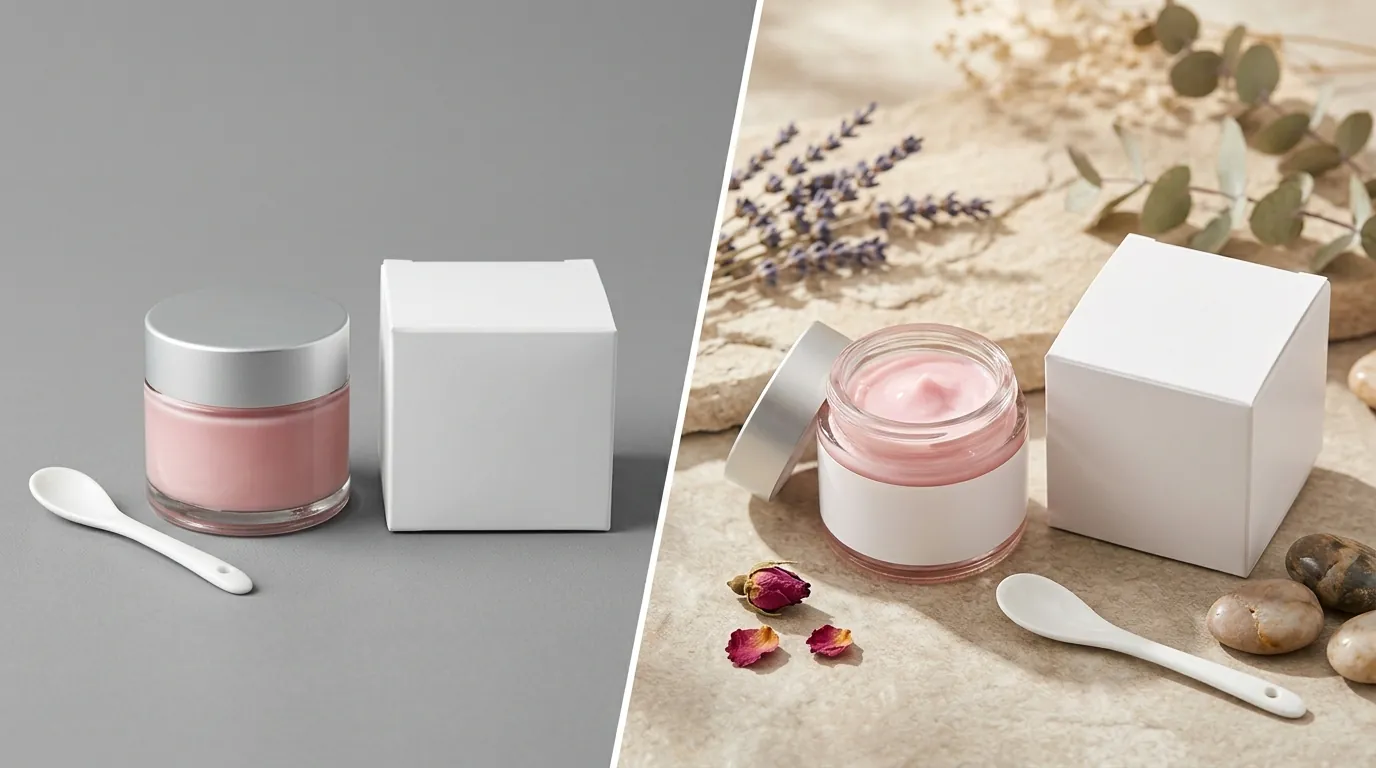
Follow this four-step checklist to refresh your brand presence without overspending on photography.
1. Audit and Standardize
Identify every ASIN in your catalog that currently lacks a Brand Story carousel. Collect one high-resolution “hero” image (product on white background) for each SKU. Ensure these images are at least 2000px on the longest side to give the AI enough data to work with.
2. Set Your Global Aesthetic
Choose a background theme that aligns with your brand’s price point.
- Luxury: Marble, gold accents, dark velvet.
- Natural/Organic: Raw wood, stone, botanical shadows.
- Clinical/Professional: Clean white tiles, laboratory glass, bright clinical lighting.
3. Generate in the 5:1 Ratio
Upload your hero shots to PixelMatch and select the “Amazon Brand Story Background” preset. Position your product to the right or left third of the frame. This is a critical Amazon product photography tip: Amazon often places text cards over the center or left of the Brand Story background on mobile. By “off-centering” your product during the AI generation phase, you ensure it remains visible behind the UI elements.
4. Export and Upload
Export your images as JPGs. PixelMatch’s export engine is tuned to maximize clarity while staying under the 2 MB file size limit. Upload these to the “A+ Content Manager,” apply them to your ASINs, and submit for review.
Actionable Step for Sellers: Create a “Master Brand Story” in Seller Central first. You can apply one Brand Story to hundreds of ASINs simultaneously, saving you from manual uploads for every single product page.
Caveats and Honest Limitations
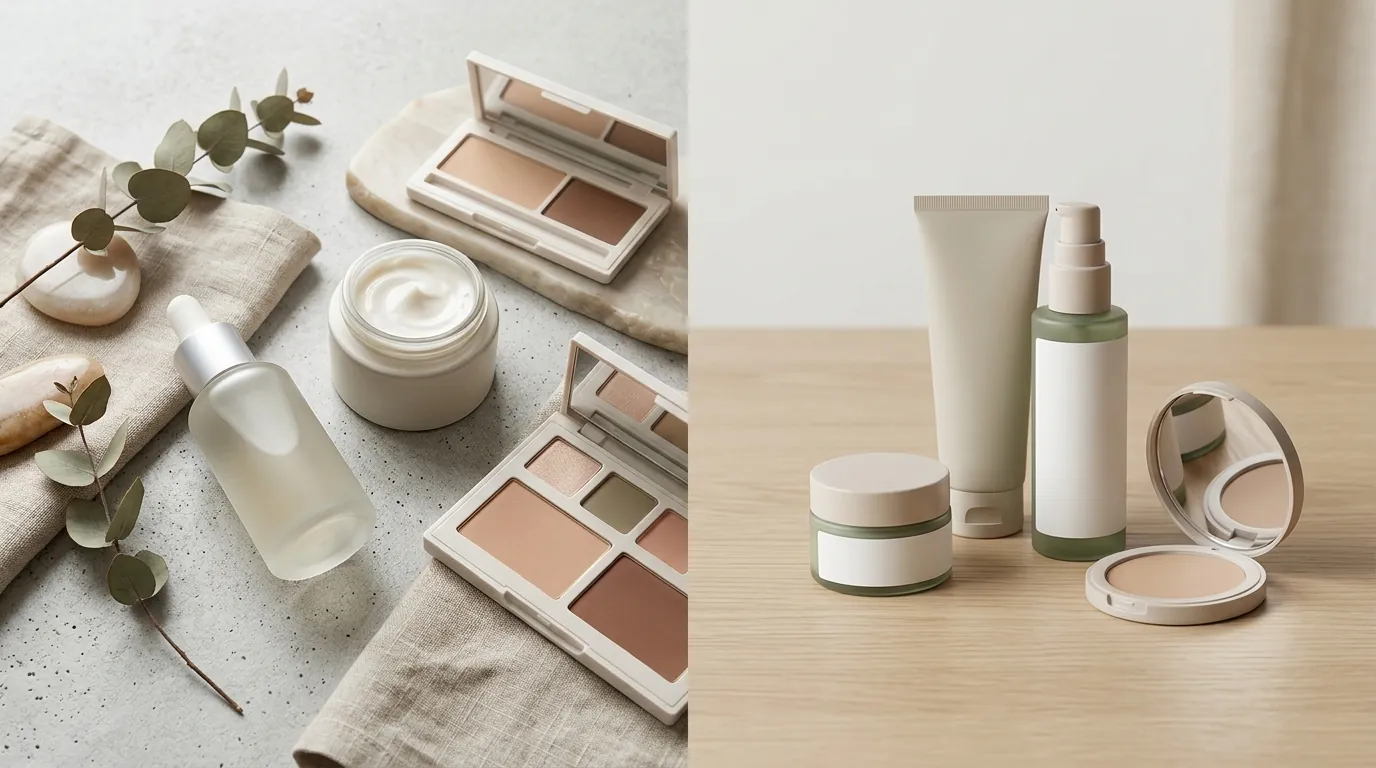
AI generation is a powerful tool, but it is not a “set and forget” solution for every product type.
- Reflective Surfaces: Products with high-shine chrome caps or mirror-like finishes can sometimes struggle with AI background integration. The AI may not perfectly calculate the reflection of the generated environment on the product surface. You may still need 5–10 minutes of manual retouching for these specific items to ensure the reflections look realistic.
- Review Timelines: Even with perfect images, Amazon’s manual review process is a bottleneck. Expect a wait time of 1 to 7 business days before your new Brand Story goes live. Do not delete your old A+ content until the new version is approved.
- Future Updates: There is currently [Information not yet publicly available as of 2026-05-30] regarding whether Amazon will introduce dynamic video modules or 3D interactive elements to the Brand Story section. For now, static images remain the standard.
Actionable Step for Sellers: Always view your Brand Story on the Amazon mobile app immediately after it goes live. Desktop previews in Seller Central can be deceptive; the mobile app is where the 5:1 aspect ratio is most likely to experience “stacking” or text-overlap issues.
Ready to scale your listings?
PixelMatch generates white-background, lifestyle, and variant mockups from a single source photo — built specifically for multi-platform ecommerce sellers. 50 free images on signup, no credit card.
Start free →
Sources
- Amazon Seller Central: A+ Content Specifications and Help
- Goat Consulting: Amazon Brand Story Image Sizes and Modules Guide
- Ecommerce Nurse: The Ultimate Amazon Brand Story Guide
- Photoroom Pricing and Features
- Canva Pro Pricing