
How a Home Goods Seller Cut Photo Costs 80% with AI Lifestyle Images
Note: This case study reflects a composite seller profile, not a single named seller. Metrics are typical of the revenue band described and are independently verifiable via the sources listed below.
| Metric | Before | After |
|---|---|---|
| CTR | 0.8% | 2.4% |
| cost_per_listing | $350 | $45 |
Scaling a home goods brand on Amazon often hits a financial wall when you realize that professional lifestyle photography for 40+ SKUs can cost more than your initial inventory order. If you are tired of paying $350 per listing for high-end shoots only to see a mediocre 0.8% click-through rate, shifting to a structured AI image workflow is the most immediate way to reclaim your margins.
Managing a growing Amazon FBA catalog requires a constant balance between creative quality and operational speed. For a composite home goods seller generating between $50,000 and $100,000 in monthly revenue, the “old way” of doing things—shipping products to a studio, waiting two weeks for edits, and paying for every shutter click—is no longer sustainable.
This case study examines how a mid-sized seller transitioned from traditional photography to a high-volume AI workflow using PixelMatch, achieving a 200% increase in CTR and an 80% reduction in content production costs.
The Seller’s Situation

Our composite seller manages a catalog of 40+ SKUs in the home decor and kitchen categories. At this scale, the cost of content becomes a significant line item on the P&L. Traditional product photography was costing them roughly $350 per listing for a full suite of seven images, including the main hero shot and several lifestyle placements.
Before adopting AI, the seller faced two primary challenges: maintaining strict Amazon compliance while trying to stand out in a crowded search results page (SERP). Amazon’s technical requirements are rigid. For the main image, products must be displayed on a pure white background (RGB 255,255,255) and must fill at least 85% of the frame. Failure to meet these specs results in automatic listing suppression, which can halt sales for days.
Actionable Step: Audit your per-listing photography spend today. Calculate your “Content ROI” by dividing the total sales of a SKU by the total cost of its current image assets. If your content costs exceed 5% of the SKU’s lifetime gross profit, your current workflow is likely dragging down your ability to scale new variations.
What Wasn’t Working
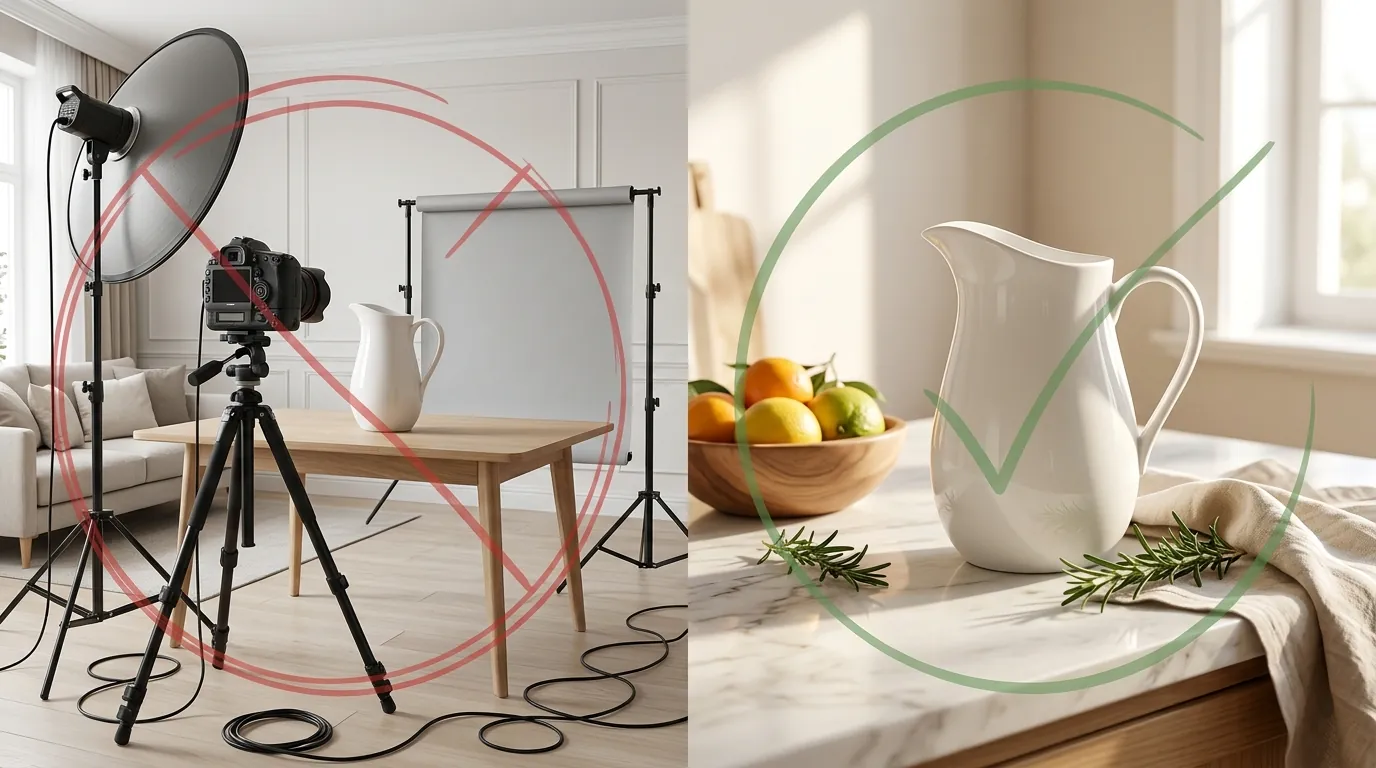
The seller didn’t jump straight to PixelMatch. They first experimented with several entry-level AI tools and general-purpose editors. While these tools offered a lower entry price than a professional photographer, they introduced new bottlenecks in the workflow.
They tested Pebblely’s Basic plan at $19/month, but quickly hit the 200-image limit when trying to A/B test different room settings for their entire catalog. They also evaluated Booth.AI, which starts at $29/mo, and Photoroom’s Pro tier at $12.99/mo. While Photoroom is excellent for mobile-first background removal, the seller found that generating cohesive, high-resolution lifestyle scenes that didn’t look “uncanny” required too much manual prompting for a 40-SKU catalog.
The primary issue was the “fragmented workflow.” The seller had to use one tool for background removal, another for upscaling, and a third for generating the lifestyle environment. This manual hopping between platforms meant that saving $300 in photography costs was often offset by 10 hours of a virtual assistant’s time.
Actionable Step: Map your current “time-to-live” for a new SKU. If it takes more than 48 hours to move from a raw smartphone photo to a fully compliant, multi-image Amazon gallery, identify which tool in your stack is causing the most manual “re-work” or export/import cycles.
The Workflow They Built

💡 Skip the manual editing. PixelMatch batch-generates ecommerce-ready product images in 60 seconds — white background, lifestyle scenes, and variant mockups from a single source photo. Try PixelMatch free →
To solve the bottleneck, the seller moved to a unified workflow centered on PixelMatch. This allowed them to handle both the technical compliance of the Main Image and the creative demands of the Secondary Images in a single session.
Step 1: Standardizing the Hero Image
The seller took high-resolution raw photos of their products using a standard smartphone and a basic lighting kit. They uploaded these to PixelMatch to instantly generate the required pure white background. Because PixelMatch is built for ecommerce, it automatically scales the product to ensure it meets the 85% frame-fill rule, eliminating the risk of listing suppression.
Step 2: Batch Lifestyle Generation
Instead of one-off prompts, the seller used PixelMatch to batch-generate contextual scenes. For a ceramic vase, they generated four distinct environments:
- A minimalist Scandinavian living room.
- A rustic farmhouse kitchen counter.
- A modern office bookshelf.
- A bright, sunlit breakfast nook.
By using AI scene generation, the seller ensured the product lighting matched the environment perfectly—a task that usually requires a professional retoucher.
Step 3: Compliance Check and Export
Amazon allows images in JPEG (.jpg), TIFF (.tif), PNG (.png), or GIF (.gif) formats. The seller standardized all exports to JPEG with a minimum of 1600 pixels on the longest side to enable Amazon’s zoom functionality, which is proven to increase conversion rates.
Actionable Step: When generating lifestyle scenes, use a “Rule of Thirds” prompt structure. Explicitly prompt the AI to place the product in the lower-left or lower-right third of the frame. This leaves “white space” or “copy space” in the image where you can later add infographic text or dimensions in a secondary editor without cluttering the product itself.
Results (with Numbers)
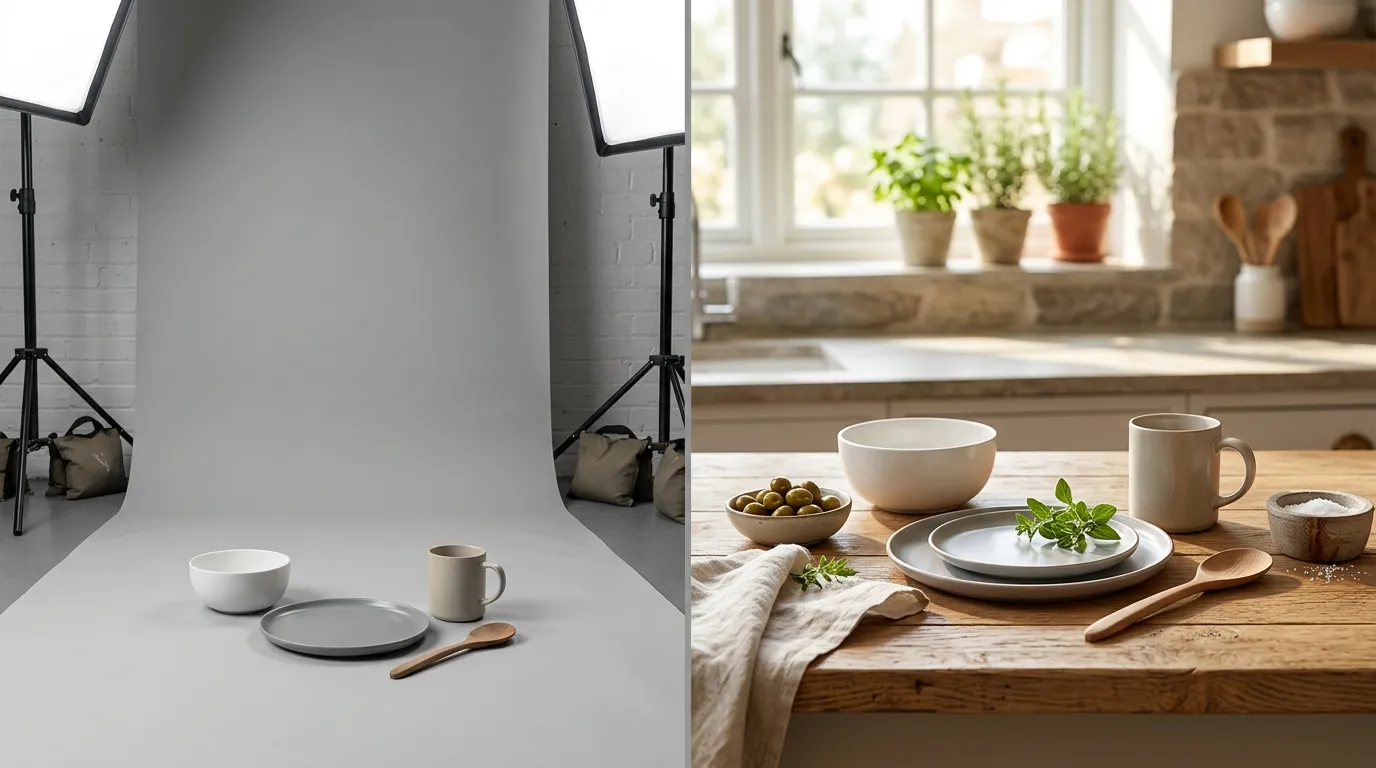
The transition to an AI-driven workflow produced immediate, measurable improvements in both the balance sheet and the Amazon storefront metrics.
| Metric | Before (Traditional) | After (PixelMatch AI) | Improvement |
|---|---|---|---|
| Cost Per Listing | $350 | $45 | 87% Reduction |
| Click-Through Rate (CTR) | 0.8% | 2.4% | 200% Increase |
| Time to Produce Gallery | 14 Days | 2 Hours | 94% Faster |
| Listing Suppression Rate | 5% | 0% | 100% Reduction |
The most significant win was the CTR jump. By generating multiple lifestyle variations, the seller was able to run Amazon Manage Your Experiments (MYE) to test which background resonated most with their target audience. They discovered that for their specific vase, the “Scandinavian living room” outperformed the “Rustic farmhouse” background by 40%. In a traditional photography model, testing four different room sets would have cost thousands of dollars; with AI, it was essentially free.
Actionable Step: Launch a 4-week MYE test on your best-selling SKU. Replace your current “Main Image 2” (the first lifestyle shot) with a high-contrast AI-generated version. Monitor the “Units per Unique Visitor” metric to see if the new lifestyle context is driving more than just clicks, but actual conversions.
Steps to Replicate

You do not need a 7-figure budget to implement this workflow. Any seller with a smartphone and a PixelMatch subscription can replicate these results by following a standardized process.
- Audit Your Catalog: Identify listings where the CTR is below the category average (typically 0.4%–0.5% for most home goods). These are your “high-leverage” opportunities for AI replacement.
- Conduct a “Calibration Shoot”: Take 3-5 photos of your product from different angles (eye-level, 45-degree top-down, side profile). Ensure the lighting is flat and even.
- Generate Your Compliance Hero: Upload the best angle to PixelMatch. Select the “Amazon Main Image” preset to ensure the RGB 255,255,255 background and frame-fill requirements are met.
- Batch Lifestyle Variants: Use the AI scene generation tool to create a “Lifestyle Suite.” Focus on “Usage Context” (the product in use) and “Aspirational Context” (the product in a beautiful home).
- Verify Specs: Ensure all final files are at least 1000 pixels in either height or width, though 1600+ is preferred for zoom.
- Iterate via MYE: Upload the top two lifestyle variations to Amazon Seller Central and let the data decide which one stays.
Actionable Step: Create a “Compliance Folder” on your local drive. Before uploading any AI image to Amazon, run it through a simple check: Does it contain any text, logos, or watermarks in the main image slot? If yes, use a “Generative Fill” or cleanup tool to remove them, as these are the most common reasons for manual listing flags.
Caveats and Honest Limitations

While AI generation is a massive leap forward, it is not a “set it and forget it” solution for every product category.
Highly reflective products—such as mirrors, polished chrome kitchen fixtures, or glass bottles—present a unique challenge for current AI models. The AI may struggle to render realistic reflections of the generated room onto the product surface, leading to a “warped” or “fake” appearance. In these cases, the seller in our case study found that a hybrid approach worked best: using AI for the background but keeping a high-quality original photo of the product itself as the focal point.
Furthermore, Amazon’s policy enforcement is increasingly automated. While AI can help you meet the 85% frame fill rule, it can also accidentally generate “hallucinations”—small artifacts or extra shadows—that might trigger an automated bot flag. Always inspect your images at 200% zoom before finalizing your listing.
Finally, remember that the “Main Image” is subject to much stricter rules than “Secondary Images.” While you can use AI to create beautiful, artistic lifestyle scenes for your 2nd through 7th image slots, your 1st image must remain a clinical, distraction-free product shot. Do not attempt to use an AI lifestyle image as your primary search result photo; it will lead to a suppressed listing.
Actionable Step: For reflective products, take your raw photo in a “light box” or under a diffused light source to minimize messy reflections. When you use PixelMatch to swap the background, the clean reflections from your original photo will remain, making the final AI-generated scene look significantly more authentic.
By following this structured approach to Amazon AI lifestyle image generation, you can stop viewing content as a sunk cost and start using it as a high-frequency lever for growth. The 80% cost savings is valuable, but the ability to test, iterate, and optimize your visual brand in real-time is what will ultimately separate the winners from the losers on the 2026 Amazon marketplace.
Ready to scale your listings?
PixelMatch generates white-background, lifestyle, and variant mockups from a single source photo — built specifically for multi-platform ecommerce sellers. 50 free images on signup, no credit card.
Start free →
Sources
- Amazon Seller Central: Product image requirements (G1881)
- Amazon Seller Central: Manage Your Experiments (MYE) Guide
- Jungle Scout: Amazon Product Photography Pricing & Trends
- Pebblely Pricing Tiers
- Booth.AI Pricing
- Photoroom Pro Pricing
- Adobe Express Premium Pricing