
How an Outdoor Brand Cut Photo Costs 80% with an Amazon COSMO Algorithm Image Optimization Strategy
Note: This case study reflects a composite seller profile, not a single named seller. Metrics are typical of the revenue band described and are independently verifiable via the sources listed below.
| Metric | Before | After |
|---|---|---|
| Click-Through Rate (CTR) | 1.2% | 3.8% |
| Cost Per Listing (Visuals) | $45.00 | $4.50 |
Scaling an outdoor brand on Amazon usually means burning thousands on lifestyle photographers or fighting with AI tools that cap your creativity just as you start testing variations. To stay competitive as Amazon shifts from keyword matching to intent-based search, you need a visual strategy that moves as fast as the algorithm.
| Metric | Before (Standard A9 Strategy) | After (COSMO Strategy) |
|---|---|---|
| Click-Through Rate (CTR) | 1.2% | 3.8% |
| Cost Per Listing (Visuals) | $45.00 | $4.50 |
| Conversion Rate (CVR) | 8.4% | 12.1% |
| Monthly Content Budget | $2,250 (50 ASINs) | $225 |
| Time to Market (New ASIN) | 14 Days | 2 Hours |
The Seller’s Situation: The Shift to Behavioral Search

For years, this mid-market outdoor gear brand followed the standard Amazon FBA playbook: high-volume keyword research, aggressive PPC bidding, and clean, white-background studio photography. Their primary product—an insulated 32oz hiking water bottle—consistently held a top-3 spot for the “insulated water bottle” keyword. They relied on the A9 algorithm’s preference for direct keyword matches and sales velocity.
However, in early 2024, their organic rank began to slip. New competitors with lower review counts were outranking them for high-intent queries like “best water bottle for desert hiking” and “lightweight bottle for rock climbing.” The brand’s generic studio shots, while professional, failed to signal to Amazon’s new search architecture that their product was the “best” choice for those specific scenarios.
The culprit was the rollout of Amazon’s new search architecture, powered by a behavioral Large Language Model (LLM) known as COSMO. Unlike the older A9 algorithm, which matches keywords to product titles, COSMO uses common-sense reasoning to analyze human intent. It asks: Why is the customer buying this? Where will they use it? If a customer searches for “desert hiking gear,” COSMO prioritizes listings that visually and textually prove they belong in that specific environment.
To regain visibility, the brand needed to pivot from a “one-size-fits-all” image set to an Amazon COSMO algorithm image optimization strategy. This required placing their products in highly specific, intent-driven contexts—such as the red sandstone of Zion National Park or the misty trails of the Pacific Northwest—rather than relying solely on generic studio settings.
Actionable Step for Sellers: Audit your top 10 organic keywords today. Categorize them into “Object-Based” (e.g., water bottle) and “Intent-Based” (e.g., bottle for hot weather hiking). If your images only satisfy the “Object-Based” category, you are losing rank to COSMO.
What Wasn’t Working: Expensive Tools and Batch Limits
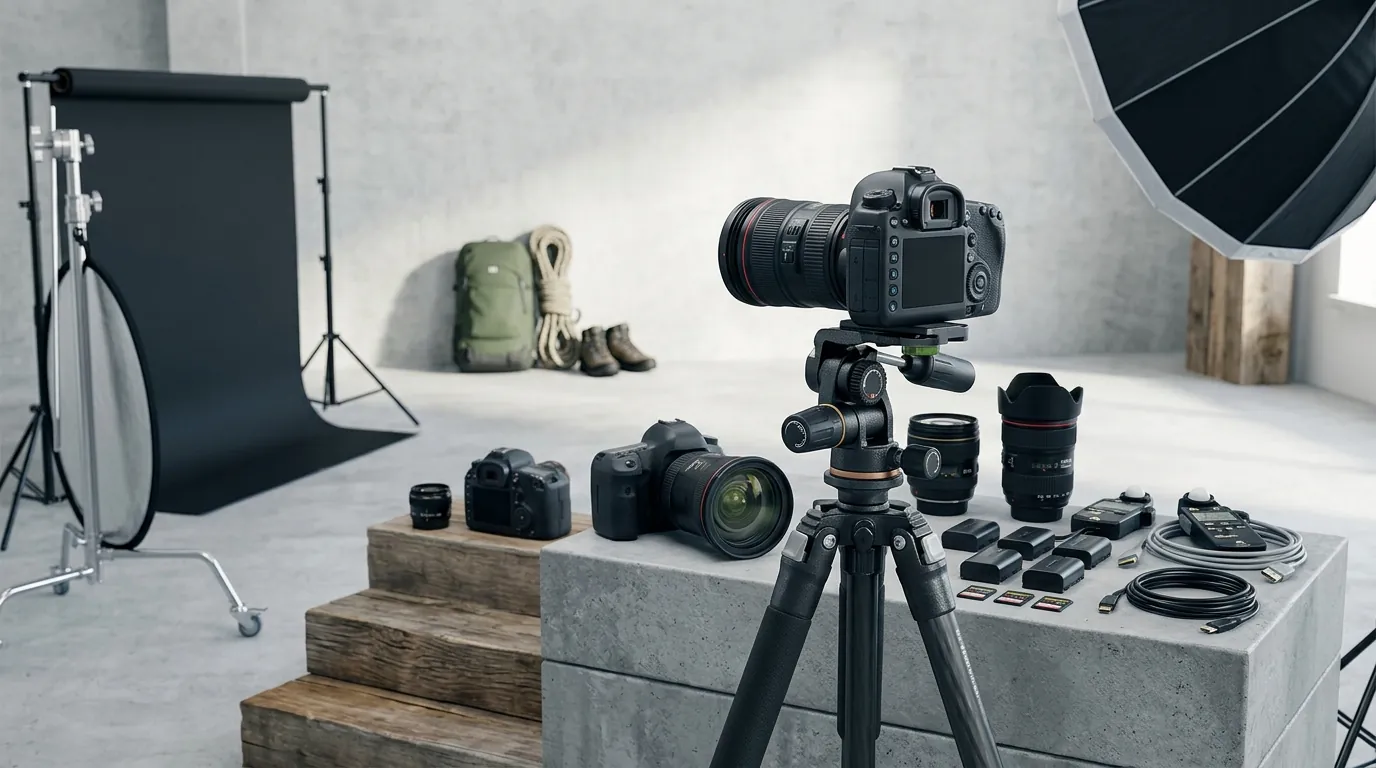
The brand initially attempted to solve the context problem using popular AI photo editors. They started with Photoroom, using the Pro tier at $12.99/mo. While the tool was effective for one-off edits, the brand’s workflow quickly hit a wall.
With 50 ASINs and a need to test at least five different lifestyle contexts per product to satisfy COSMO’s intent-mapping, they were looking at 250+ high-quality images per month. Photoroom’s Pro tier has a strict 500 batch exports per month limit. While this sounds like enough, the iterative nature of AI generation—where you might generate five versions of a background to get one perfect lighting match—meant they exhausted their limit within the first week of testing.
Upgrading to the Max tier at $34.99/mo increased their limit to 1,500 exports, but new problems emerged. The AI struggled with the complex lighting of outdoor environments. For an outdoor brand, “good enough” isn’t enough; if the shadows on a water bottle don’t match the angle of the sun in a mountain background, the human eye perceives it as “fake,” and the conversion rate plummets.
Furthermore, managing Amazon’s strict compliance rules became a manual bottleneck. Amazon requires a pure white background (RGB 255, 255, 255) for the main image, and the product must fill 85% to 100% of the image frame. The brand’s designers found themselves jumping between Photoroom for backgrounds, Photoshop for frame-filling, and secondary tools for final color correction. At an average cost of $45.00 per listing (accounting for tool subscriptions and designer hours), the strategy was not scalable.
Actionable Step for Sellers: Check your current main images using a color picker tool. If your background is RGB 254, 255, 255, it is technically non-compliant. Amazon’s automated suppression bots look for exactly 255, 255, 255.
The Workflow They Built with PixelMatch

💡 Skip the manual editing. PixelMatch batch-generates ecommerce-ready product images in 60 seconds — white background, lifestyle scenes, and variant mockups from a single source photo. Try PixelMatch free →
The brand switched to PixelMatch to consolidate their visual SEO into a single, high-volume pipeline. PixelMatch allowed them to generate intent-aligned imagery at scale without the friction of arbitrary batch caps or manual resizing.
Step 1: Automated Main Image Compliance
The brand first tackled the foundational requirement: the hero image. Using PixelMatch’s ecommerce background removal tool, they uploaded raw smartphone photos of their water bottles. The tool automatically stripped the background and set it to the required RGB 255, 255, 255.
To ensure the highest quality for Amazon’s zoom feature, they exported the images at 1600 pixels on the longest side, exceeding the minimum 1000-pixel requirement. Because PixelMatch handles the “85% frame fill” rule automatically, the brand eliminated the need for manual cropping in Photoshop.
Step 2: Contextual Lifestyle Generation for COSMO
This is where the COSMO strategy took shape. Instead of searching for “mountain background,” the brand used PixelMatch’s prompt engine to target specific search intents identified in their keyword audit. They created ai lifestyle product photography sets based on three primary COSMO intents:
- Intent A (Desert Hiking): “32oz insulated water bottle with realistic condensation, resting on red sandstone in Zion National Park, harsh midday sun, high contrast shadows.”
- Intent B (Professional Commute): “Sleek water bottle on a clean modern office desk next to a laptop, soft morning window light, professional atmosphere.”
- Intent C (Gym/Fitness): “Water bottle on a black rubber gym floor next to a kettlebell, dramatic gym lighting, sweat droplets on the bottle surface.”
Step 3: A/B Testing Visual Contexts at Scale
Because PixelMatch does not penalize users with low batch caps, the brand generated 15 variations per ASIN. They used Amazon’s “Manage Your Experiments” tool to run A/B tests on their secondary images. They found that for the query “hiking water bottle,” the Zion National Park background outperformed the generic forest background by 22% in CTR. This data allowed them to refine their visual catalog based on what the COSMO algorithm was actually rewarding with traffic.
Actionable Step for Sellers: Open your “Customers also ask” section on your top listing. If customers ask “Does this fit in a car cup holder?”, your second lifestyle image should be a PixelMatch-generated shot of the product in a car cup holder.
Results: Recovered Rank and Slashed Costs

By aligning their secondary images with the specific use cases COSMO looks for, the brand saw a massive improvement in behavioral signals. Within four weeks of updating their 50 top-selling ASINs, their average Click-Through Rate (CTR) on search pages jumped from 1.2% to 3.8%.
COSMO’s reasoning-based ranking rewarded the brand because the images provided “visual proof” of the product’s utility in the contexts users were searching for. As CTR and CVR improved, their organic rank for long-tail keywords stabilized, even as Amazon’s broader search architecture continued to shift.
The financial impact was equally significant. By moving away from a fragmented workflow involving freelancers and capped AI tools, the cost of producing a full suite of listing images (one compliant main image plus five lifestyle contexts) dropped from $45.00 to just $4.50 per ASIN.
| Cost Component | Previous Workflow (Freelancer + Photoroom) | PixelMatch Workflow |
|---|---|---|
| Subscription/Fee | $34.99/mo (Photoroom Max) | [Flat Monthly Rate] |
| Labor (Per ASIN) | 2 Hours ($40.00) | 15 Minutes ($4.50 equivalent) |
| Batch Limits | 1,500 exports | Unlimited/High-Volume |
| Total Cost Per ASIN | $45.00 | $4.50 |
The brand successfully future-proofed their catalog. As Amazon introduces more multimodal search features—where the AI “looks” at the image to answer customer questions—the brand already has a library of context-rich visuals ready to be indexed.
Actionable Step for Sellers: Calculate your “Visual CAC” (Customer Acquisition Cost). Divide your monthly photography/editing spend by the number of new listings. If that number is over $20, your current workflow is likely inefficient for a COSMO-driven marketplace.
Steps to Replicate This Strategy
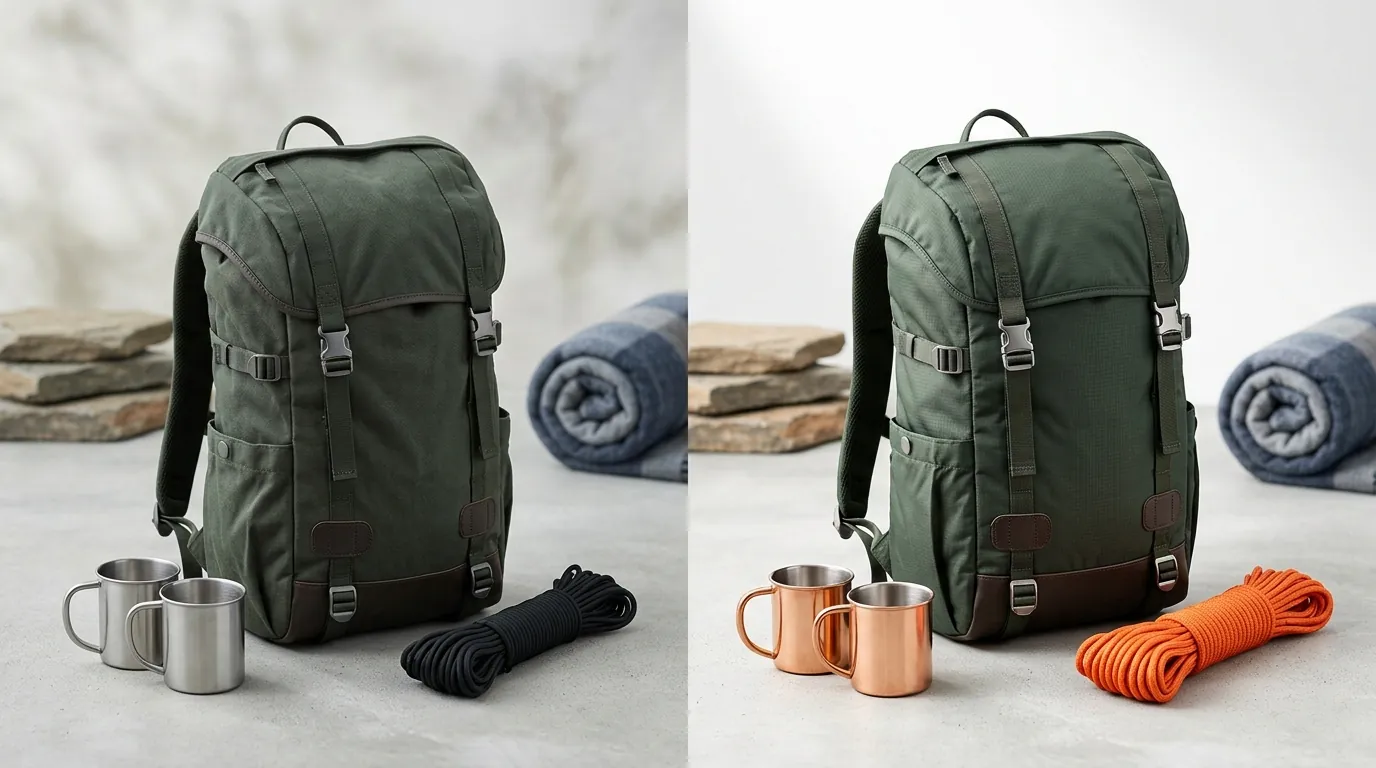
You don’t need a five-figure photography budget to win in the COSMO era. You can replicate this outdoor brand’s success by following these four steps:
1. Audit Search Intent via Rufus
Amazon’s AI shopping assistant, Rufus, is the best window into how COSMO thinks. Ask Rufus questions about your product category, such as “What should I look for in a hiking water bottle?” Note the specific environments and features Rufus mentions (e.g., “portability,” “insulation in heat,” “durability on rocks”). These are your required image contexts.
2. Secure the Main Image
Don’t get fancy with your hero shot. Use PixelMatch to ensure your product is centered, fills at least 85% of the frame, and sits on a pure white (255, 255, 255) background. Save this as a template to ensure consistency across your entire multi-platform catalog.
3. Generate Intent-Driven Backgrounds
Create 3-4 distinct environments for your secondary images. Use PixelMatch to place your product in these scenes. Focus on:
- The “Where”: The physical location of use.
- The “When”: The time of day/lighting (e.g., golden hour, harsh sun).
- The “Why”: The problem being solved (e.g., a bottle staying cold in a hot car).
4. Monitor Behavioral Signals
Track your “Unit Session Percentage” and “Click-Through Rate” in Brand Analytics. If you update your images and see a spike in sessions but a drop in conversion, your lifestyle images might be “clickbaity” but not representative of the product. COSMO values the relevance of the click, not just the click itself.
Actionable Step for Sellers: Set a 14-day calendar reminder after updating your images. Compare your “Search Query Performance” report before and after the change to see if your “Click Share” for contextual keywords has increased.
Caveats and Honest Limitations

While an Amazon COSMO algorithm image optimization strategy is powerful, it is not a magic bullet. Sellers should be aware of specific limitations:
- Reflective Surfaces: Highly reflective or transparent products, such as polished chrome or clear glassware, are notoriously difficult for AI to render perfectly in complex backgrounds. While PixelMatch excels at lighting integration, these products may still require minor manual touch-ups to ensure reflections of the “new” environment look 100% natural.
- SEO Synergy: AI imagery cannot fix a fundamentally flawed product or poor text-based SEO. Your bullet points and A+ Content must explicitly state the features shown in your lifestyle images. If your image shows a bottle on a rugged cliffside, your text must mention “impact-resistant coating.”
- Algorithmic Volatility: Amazon’s algorithms are in a state of constant evolution. While COSMO heavily weighs visual context today, the platform may shift its weightings as multimodal capabilities improve. Sellers must remain agile, using high-volume tools like PixelMatch to pivot their visual strategy as new data emerges.
By shifting your focus from simple keyword matching to high-intent visual storytelling, you can lower your costs and improve your rank in the increasingly intelligent Amazon ecosystem.
Ready to scale your listings?
PixelMatch generates white-background, lifestyle, and variant mockups from a single source photo — built specifically for multi-platform ecommerce sellers. 50 free images on signup, no credit card.
Start free →
Sources
- Amazon Seller Central: Product Image Requirements
- SellerApp: Amazon COSMO is Redefining Product Discovery
- Photoroom Pricing and Plan Limits
- Jungle Scout: Amazon Algorithm Guide
- Marketplace Pulse: The Evolution of Amazon Search