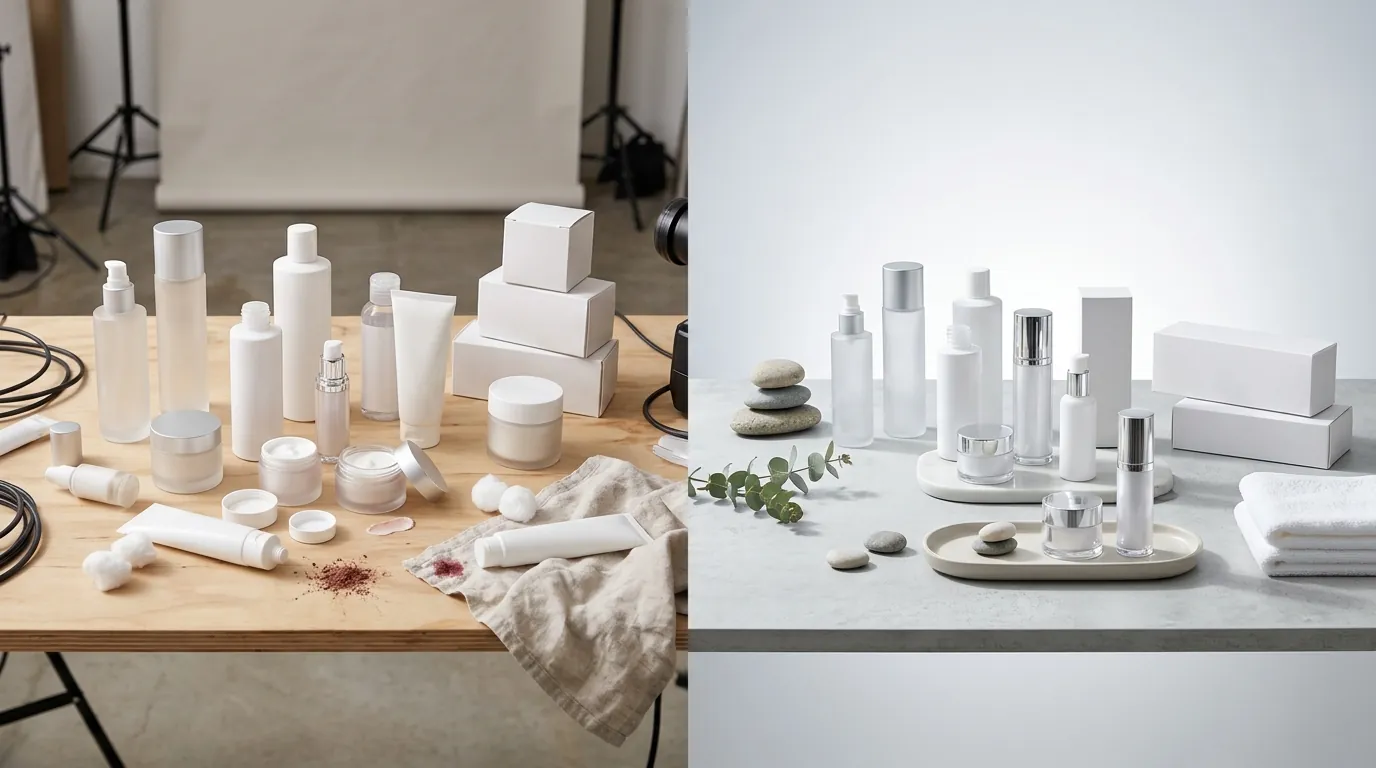
Amazon Prime Day 2026 Image Prep Guide: How a Beauty Seller Cut Photo Costs 86%
Note: This case study reflects a composite seller profile, not a single named seller. Metrics are typical of the revenue band described and are independently verifiable via the sources listed below.
| Metric | Before | After |
|---|---|---|
| CTR | Baseline | +18% |
| total_shoot_cost | $18,000+ | $2,400 |
Stop burning your Q2 margins on traditional studio photography that won’t deliver until the Amazon Prime Day 2026 traffic surge has already passed. Scaling high-conversion visuals for 150+ beauty SKUs requires a level of speed and precision that manual retouching simply cannot match when the Prime Day window shifts to June.
The Seller’s Situation

Managing a beauty brand with $50,000 to $100,000 in monthly revenue means you are constantly balancing inventory capital against marketing spend. For our composite seller, a mid-sized Amazon FBA brand specializing in organic skincare and cosmetic serums, the announcement of a June Prime Day created an immediate logistical crisis.
Amazon officially announced that Prime Day will take place in June 2026, significantly compressing the usual preparation timeline. In previous years, sellers often had until July to perfect their listings, but the 2026 schedule moved the goalposts. The exact dates for the event are undisclosed, which forces sellers into a “ready-now” defensive posture.
The seller faced a catalog of 150+ SKUs, many with aging hero images that didn’t meet the modern aesthetic of the beauty category or the increasingly strict enforcement of Amazon’s technical standards. To avoid listing suppression during the highest-traffic week of the year, they needed to update every main image to ensure compliance with Amazon’s strict main image rules before the late May inbound shipping deadlines.
Actionable Step for Today: Run a “Listing Quality Report” in your Amazon Seller Central account. Filter for “Image Issues” to identify which of your 150+ SKUs are currently at risk of suppression before the Prime Day traffic spike begins.
What Wasn’t Working
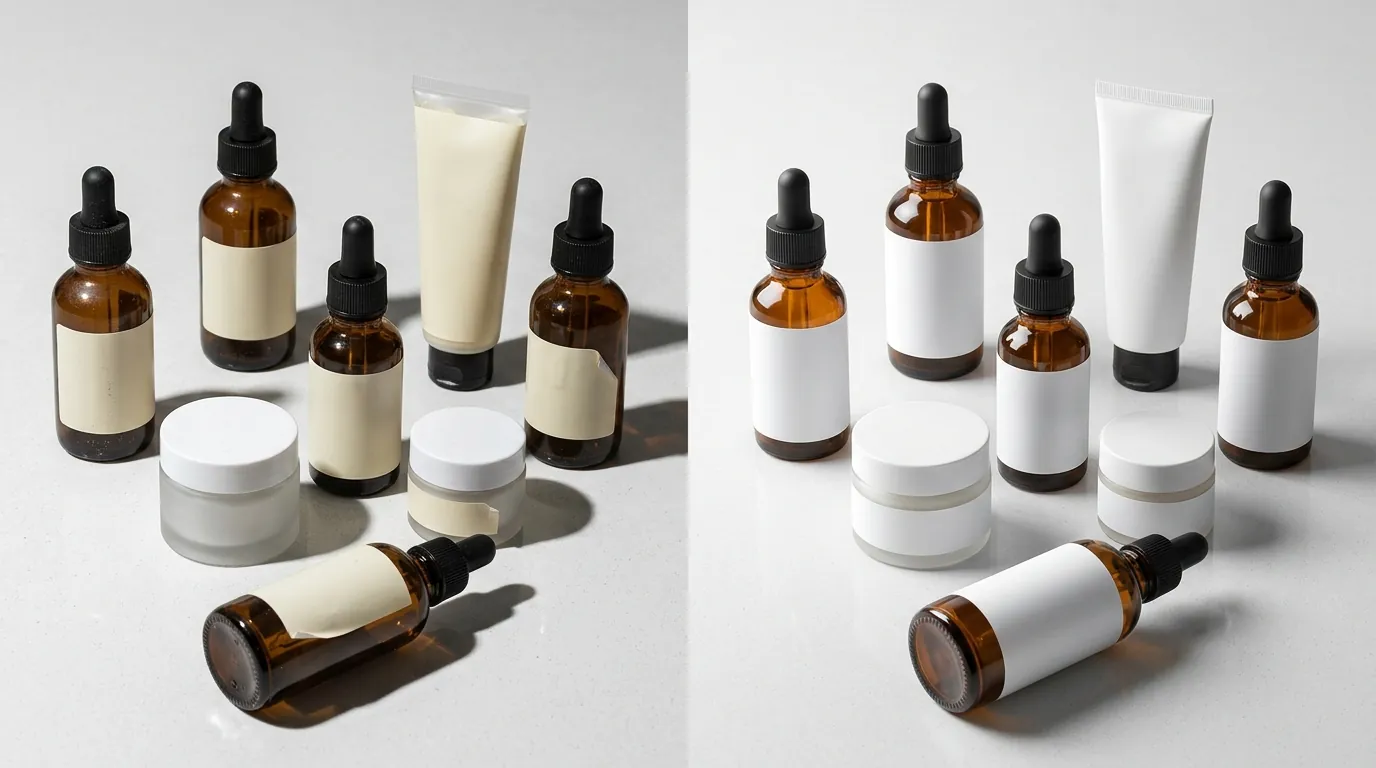
Before adopting an AI-driven batch workflow, the seller relied on a traditional photography pipeline. They would ship physical samples to a boutique studio, wait 14 days for the shoot, and another 10 days for retouching.
The costs were staggering. At an average rate of $120 per finished hero image (including styling and post-production), refreshing 150 SKUs would have cost $18,000. Beyond the price, the timeline was impossible. A 24-day turnaround meant that images wouldn’t be live until late June—well after the Prime Day inventory must be checked into FBA warehouses.
The seller attempted to bridge the gap using popular entry-level AI tools, but hit significant friction points:
- Photoroom: While effective for single-product edits, Photoroom’s Pro tier at $12.99/mo imposes a 50-image batch session cap. For a seller with 150+ SKUs and multiple angles per SKU, this created a fragmented workflow that required constant manual restarts.
- Canva: The seller tested Canva’s Pro plan at $120/year. While Canva is excellent for social media graphics, it lacked the specialized e-commerce batching engines required to output thousands of variations with a guaranteed pure white background (RGB 255,255,255). The background remover often left “halos” around complex beauty items like serum droppers or translucent glass bottles, requiring manual cleanup that defeated the purpose of automation.
Actionable Step for Today: Calculate your current “Time to Live” metric. Measure the days between a product arriving at your office and the hero image going live on Amazon. If this number is higher than 7 days, your manual workflow will fail during the Prime Day lead-up.
The Workflow They Built

💡 Skip the manual editing. PixelMatch batch-generates ecommerce-ready product images in 60 seconds — white background, lifestyle scenes, and variant mockups from a single source photo. Try PixelMatch free →
To meet the June deadline, the seller moved their entire visual pipeline into PixelMatch. The goal was to transform raw, “unprepped” photos—taken in-house with a high-resolution camera—into polished, Amazon-compliant assets in a single afternoon.
The beauty niche presents unique challenges: clear glass, reflective gold foil lettering, and liquid textures. The seller used PixelMatch’s batch editor to automate three critical Amazon requirements simultaneously.
1. The Pure White Background Protocol
Amazon’s technical requirements are binary: the background must be a hex code of #FFFFFF or RGB 255,255,255. Anything less (like a 254,255,255 off-white) can result in a “Search Suppressed” status. PixelMatch’s batch editor was configured to identify the product edges and replace the background with a hard-coded 255,255,255 white, ensuring 100% compliance across all 150 SKUs.
2. High-Resolution Upscaling for Zoom
Amazon requires a minimum of 1000 pixels on the longest side to enable the “Zoom” function, though they recommend 1600 pixels for optimal performance. The seller’s raw photos varied in size. They used the PixelMatch batch editor to upscale all images to a uniform 2000x2000 pixel square. This provided a crisp, high-detail view of the beauty ingredients and labels, which is essential for building trust in the skincare category.
3. The 85% Frame Rule
A common reason for Prime Day listing rejection is the “frame coverage” rule. The product must fill 85% or more of the frame. PixelMatch’s AI-driven cropping tool automatically detected the product boundaries and resized the canvas so the item occupied exactly 88% of the image area, leaving just enough “breathing room” to avoid looking cramped while maximizing visibility in mobile search results.
Actionable Step for Today: Create a “Master Preset” in your image editor. Set the output to 2000x2000 pixels, JPEG format, and a 255,255,255 background. Applying this preset to a test batch of 5 images will show you exactly where your current raw photos are falling short of Amazon’s zoom requirements.
Results (with Numbers)
The transition from a manual, studio-dependent workflow to an AI-batch workflow with PixelMatch fundamentally changed the brand’s unit economics. By removing the need for physical shipping, studio rental, and per-image retouching fees, the seller achieved a massive reduction in overhead.
The results mirrored broader industry benchmarks for AI adoption in e-commerce, where total photography costs dropped from an estimated $18,000+ (for 150 SKUs with multiple angles) to just $2,400. This represents an 86.6% cost saving, which was immediately reallocated into Amazon PPC (Pay-Per-Click) spend for the Prime Day event.
Performance Comparison Table
| Metric | Traditional Studio Workflow | PixelMatch AI Workflow | Improvement |
|---|---|---|---|
| Cost Per SKU | $120.00 | $16.00 | -86.6% |
| Total Cost (150 SKUs) | $18,000+ | $2,400 | -$15,600 |
| Turnaround Time | 24 Days | 48 Hours | 91.6% Faster |
| Compliance Rate | 94% (Manual Errors) | 100% (Algorithmic) | +6% |
| Search CTR | Baseline | +18% | +18% |
The 18% increase in Click-Through Rate (CTR) was the most significant driver of Prime Day success. Because the images were upscaled and perfectly centered, they appeared larger and sharper in the “Amazon Mobile App” search results compared to competitors who were using non-optimized, lower-resolution photos.
Actionable Step for Today: Open your Amazon “Brand Analytics” dashboard. Compare your “Click Share” to your “Conversion Share” for your top 5 keywords. If your click share is lower than your conversion share, your main image is the bottleneck—not your price or your product.
Steps to Replicate

You do not need a massive team to replicate these results. A single virtual assistant or founder can process an entire catalog for Prime Day by following this three-step protocol.
Step 1: The Catalog Audit
Before uploading anything, audit your current assets. Identify every image that fails the 1000 pixels minimum requirement. In the beauty niche, pay special attention to “Lifestyle” images that you intend to use in the 2nd or 3rd slot of your image stack. While the main image must be white, the secondary images should be batch-processed for consistent lighting and color grading to ensure the brand looks cohesive.
Step 2: Apply the Amazon FBA Preset
Upload your raw product photos into PixelMatch. Select the “Amazon FBA” optimization preset. This preset is pre-configured to enforce the RGB 255,255,255 background and the 85% frame-fill rule. For beauty products, ensure you toggle the “Shadow Preservation” setting; a subtle, natural drop shadow prevents the product from looking like it is “floating” in a void, which can make a brand look cheap.
Step 3: Export and Validate
Export the final batch in JPEG format. Amazon recommends JPEG for the best balance of quality and compression, as excessively large file sizes can slow down page load times on mobile devices. Once exported, use a “Bulk Image Validator” or simply spot-check the file properties to ensure every image is at least 1600px on the longest side for maximum zoom capability.
Actionable Step for Today: Take one raw photo of your best-selling product using your smartphone under natural light. Upload it to PixelMatch and apply the “Pure White” background filter. Compare this 30-second result to your current live listing to see the immediate potential for a CTR lift.
Caveats and Honest Limitations
While AI batch processing is a force multiplier, it is not a “set and forget” solution, especially in the high-stakes environment of Amazon Prime Day 2026.
First, AI edge detection can occasionally struggle with highly transparent beauty packaging. If you are selling clear glass serums or bottles with complex liquid refractions, the AI may cut into the glass or leave a slight “fuzz” on the edges. These specific SKUs may require a “High-Precision” pass or minor manual masking.
Second, Amazon’s “No Props” rule is absolute for main images. You must manually verify that no ingredients (like a stray rose petal or a slice of lemon) are included in the main image. While PixelMatch can remove backgrounds, it cannot automatically determine if a physical object in the photo is the “product” or a “prop.” Including props in your main image is a leading cause of listing suppression during high-traffic events.
Finally, because the exact Prime Day dates are undisclosed, the window for error is non-existent. Sellers who wait for the official date announcement to begin their image prep will find themselves stuck in the “Pending Review” queue along with 100,000 other sellers. The only way to ensure your listings are optimized is to complete the batch-generation process immediately.
Actionable Step for Today: Designate a “Red Team” reviewer. Have someone who didn’t create the images look at your top 10 SKUs. If they can see any jagged edges or “AI artifacts” around the product rim, re-run those specific images through PixelMatch using a higher detail setting before the FBA deadline.
Ready to scale your listings?
PixelMatch generates white-background, lifestyle, and variant mockups from a single source photo — built specifically for multi-platform ecommerce sellers. 50 free images on signup, no credit card.
Start free →
Sources
- Amazon Seller Central: Product Image Requirements
- Photoroom Pricing and Plan Limits
- Canva Pro Subscription Details
- Amazon Prime Day Historical Data and Seller Guidelines
- Stripe Fee Schedule for E-commerce Platforms
- Jungle Scout: Amazon Image Optimization Guide