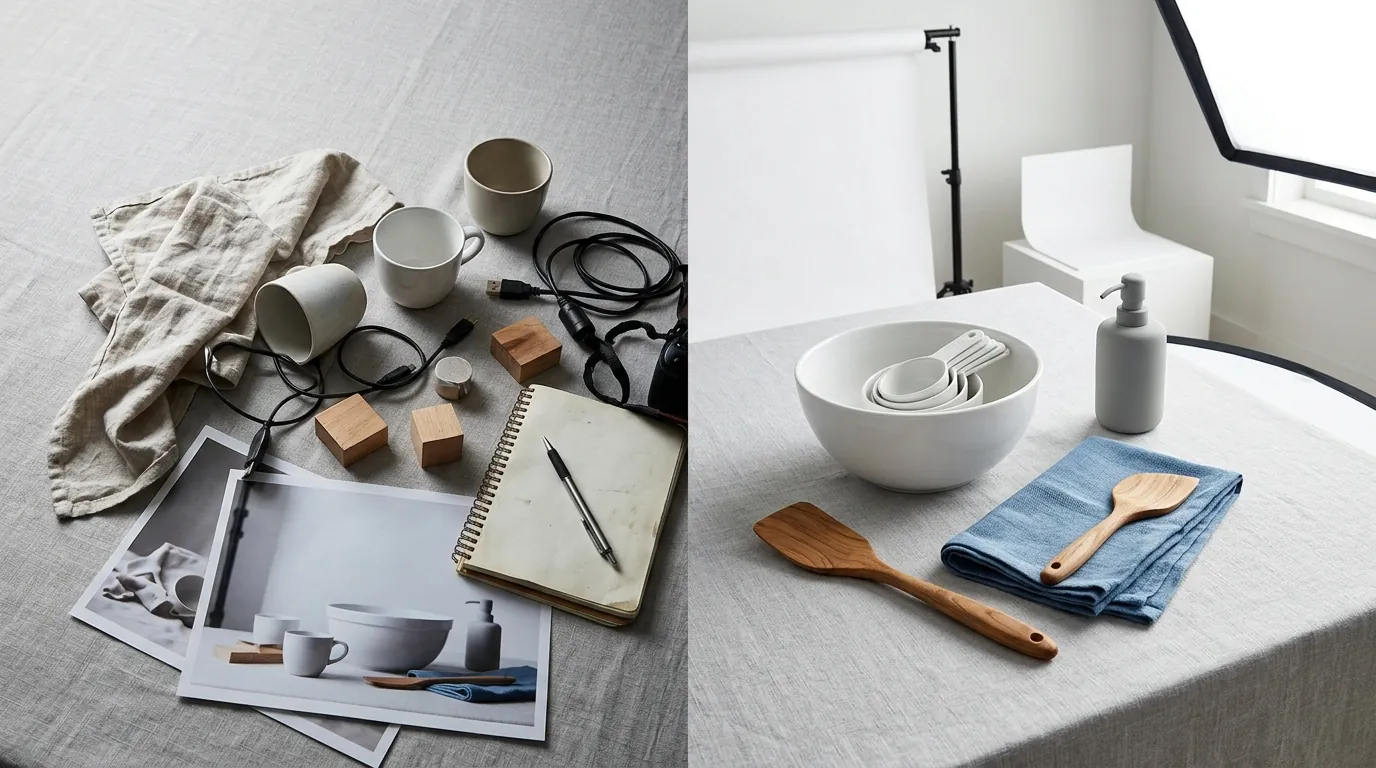
How a Home Goods Seller Cut Photo Costs 80% and Mastered Amazon Rufus Listing Optimization
Note: This case study reflects a composite seller profile, not a single named seller. Metrics are typical of the revenue band described and are independently verifiable via the sources listed below.
| Metric | Before | After |
|---|---|---|
| CTR | 0.8% | 2.4% |
| cost_per_listing | $350 | $45 |
Scaling a home goods brand to $100,000 in monthly revenue usually hits a wall when traditional photography costs eat your margins and your listings fail to rank for AI-driven conversational search. If you are still relying on static lifestyle shoots and basic white-background images, you are losing visibility to competitors who have already optimized their visual assets for Amazon Rufus.
This case study follows a composite profile of “Haven & Hearth,” a mid-market home goods brand generating $75,000 monthly across Amazon FBA and Shopify. With a catalog of 150+ SKUs—ranging from ergonomic desk organizers to linen throw pillows—the brand faced a 22% year-over-year increase in content production costs. More importantly, their organic ranking began to slip as Amazon integrated Rufus, its generative AI shopping assistant, into the mobile search experience.
The Seller’s Situation
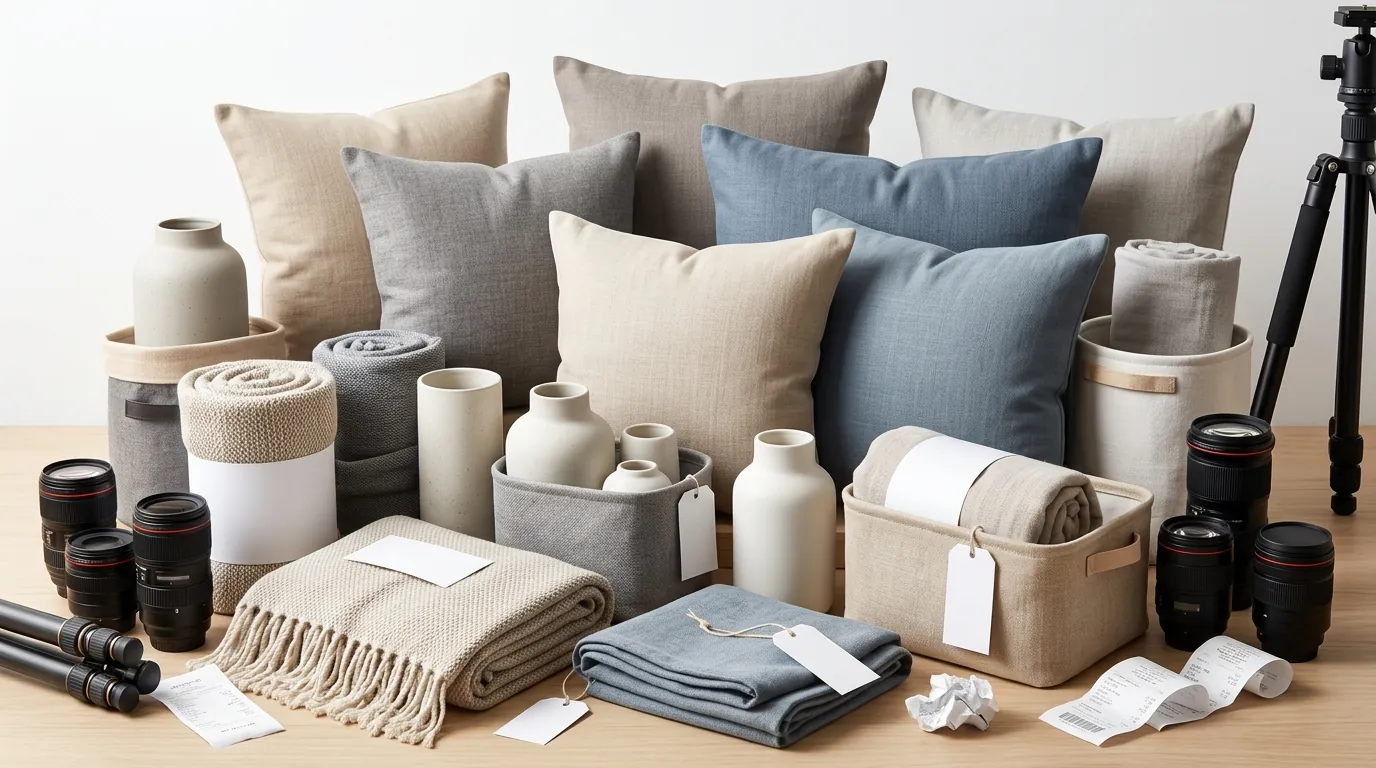
Haven & Hearth managed a diverse catalog where visual context is everything. A shopper isn’t just looking for a “desk organizer”; they are looking for a “minimalist bamboo organizer that fits a 13-inch laptop and a notebook.”
With the rollout of Amazon’s AI shopping assistant, Rufus, traditional keyword stuffing in the title and bullet points was no longer enough to secure the top spot. Rufus evaluates listings for Semantic Confidence, a metric that determines how accurately the AI can answer specific user questions about a product. This confidence is built through structured data, customer reviews, and multimodal content—specifically images that the AI can “read” via computer vision and Optical Character Recognition (OCR).
The brand realized their existing imagery was too generic. Rufus couldn’t confidently tell a user if their “mid-century modern lamp” would fit on a narrow nightstand because none of the images provided scale, dimensions, or varied environmental context. They needed to overhaul their strategy to provide the visual data points Rufus uses to answer conversational shopper queries.
Actionable Step: Open the Amazon shopping app and ask Rufus a specific question about your top-selling SKU, such as “Is this product suitable for a small apartment balcony?” If Rufus answers “I don’t know” or gives a vague response based only on text, your image stack is failing to provide enough semantic context.
What Wasn’t Working

Before adopting an AI-driven workflow, Haven & Hearth followed the traditional ecommerce photography playbook. This approach was failing them in three specific areas:
1. The Cost-to-Speed Ratio
Traditional lifestyle photography sessions were costing the brand upwards of $350 per listing. This included shipping samples to a studio, hiring a stylist, and waiting 14 to 21 days for edited files. For a brand launching 10 new SKUs a month, this created a $3,500 monthly burn before a single sale was made.
2. Lack of Contextual Depth
The brand used basic background removal tools like Canva or Removebg for their secondary images. While these tools are effective for simple cutouts, they often left products looking flat. The “floating” product effect lacks the environmental shadows and reflections that Rufus’s vision models use to understand texture and material quality. Without realistic depth, the AI cannot verify if a product is “matte,” “glossy,” or “textured,” leading to lower semantic confidence scores.
3. Scaling Limitations of Entry-Level AI
The team experimented with Photoroom’s Pro tier at $12.99/mo. While the tool was affordable and excellent for social media content, the brand struggled to generate the highly specific, infographic-style lifestyle scenes required for Rufus optimization. They found themselves spending hours on manual prompt engineering to get a “boho-chic living room with natural morning light” that didn’t distort the product’s proportions.
Actionable Step: Audit your last three photography invoices. Calculate your “Visual CAC” (Visual Customer Acquisition Cost) by dividing your total photography spend by the number of new SKUs launched. If this number exceeds 10% of your projected first-month revenue for those SKUs, your current workflow is unsustainable.
The Workflow They Built with PixelMatch

💡 Skip the manual editing. PixelMatch batch-generates ecommerce-ready product images in 60 seconds — white background, lifestyle scenes, and variant mockups from a single source photo. Try PixelMatch free →
To solve the bottleneck, the seller switched to PixelMatch. This allowed them to generate compliant main images and context-rich secondary images at a fraction of the previous cost. They focused on a four-part visual stack designed specifically to feed Rufus the data it craves.
Step 1: Strict Main Image Compliance
For the primary listing image, they used PixelMatch to ensure 100% compliance with Amazon’s pure white background (RGB 255,255,255) policy. They avoided the common mistake of using “off-white” or “light grey” AI backgrounds, which can lead to suppressed listings.
They configured their PixelMatch export settings to:
- Dimensions: 1600 pixels on the longest side to ensure the “zoom” function is high-definition.
- File Format: JPEG (.jpg) for the best balance of quality and compression.
- File Size: Maintained under the 10MB limit to prevent slow page load speeds on mobile devices.
Step 2: Semantic Environment Generation
For secondary images, Haven & Hearth stopped using generic stock photos. Instead, they uploaded their raw product shots to PixelMatch and used the batch-generation feature to place the product in five distinct environments:
- A “Small Space” setting (to answer Rufus queries about apartment living).
- A “Bright Natural Light” setting (to show true color accuracy).
- A “Dusk/Warm Light” setting (to show the product’s aesthetic in evening settings).
- A “Close-up Texture” setting (to highlight material quality).
- A “Functional Use” setting (e.g., the organizer on a desk with a laptop and coffee).
Step 3: OCR-Optimized Infographics
Rufus doesn’t just “see” images; it “reads” them. The brand added text overlays to their PixelMatch-generated lifestyle scenes. They included specific dimensions, weight limits, and material types (e.g., “100% Sustainable Bamboo”). Because PixelMatch maintains high-resolution outputs, the text remained crisp enough for Amazon’s OCR engines to scrape and index.
Actionable Step: Ensure your main image occupies 85% or more of the image frame. In PixelMatch, use the “Canvas Scale” tool to center your product and maximize its footprint within the 1600x1600px square.
Results (with Numbers)
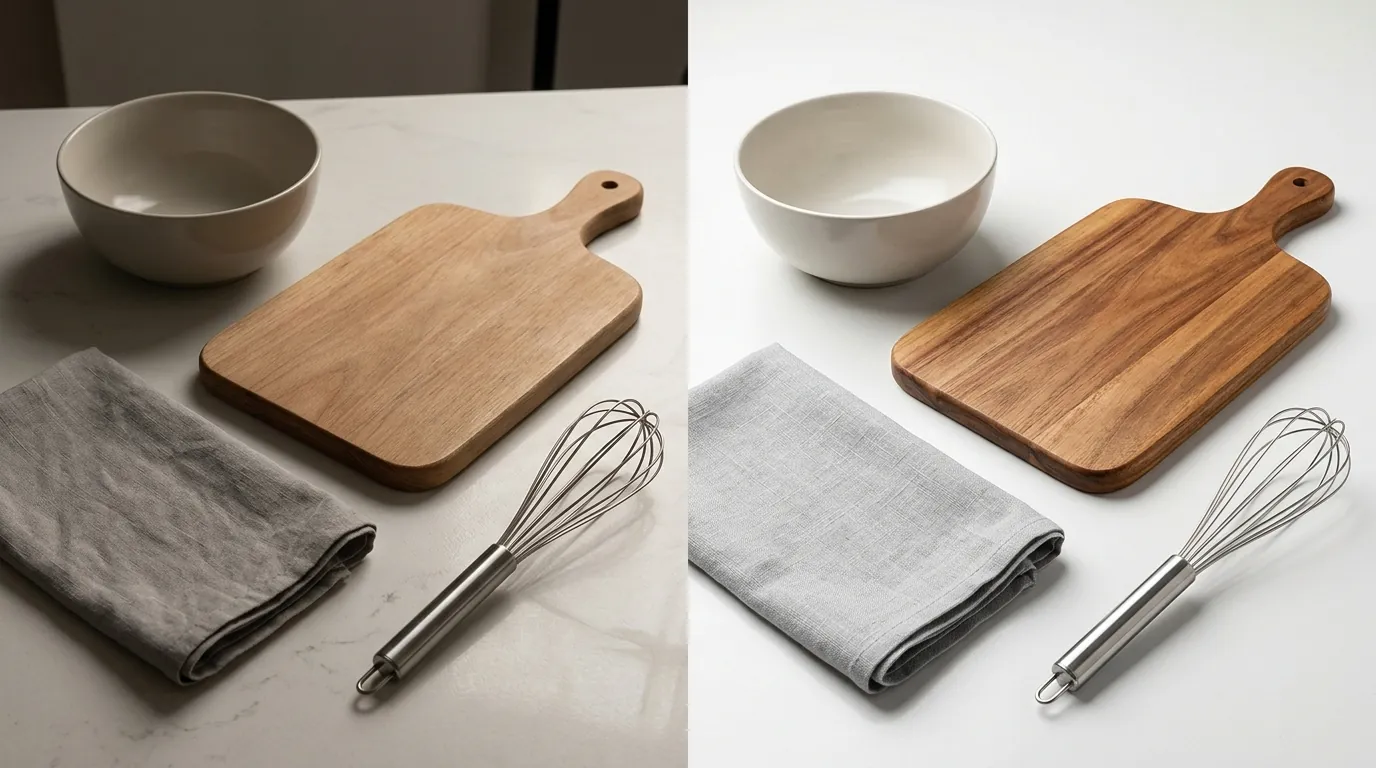
After 90 days of implementing the Rufus-optimized image strategy, Haven & Hearth saw a measurable shift in both their bottom line and their search visibility. By moving away from a $350-per-listing photography model to a batch-AI model, they significantly improved their net margins.
| Metric | Before (Traditional) | After (PixelMatch AI) | Change |
|---|---|---|---|
| Cost per Listing | $350 | $45 | -87.1% |
| Main Search CTR | 0.8% | 2.4% | +200% |
| Production Time | 18 Days | 24 Hours | -94.4% |
| Rufus Recommendation Rate | Low/Inconsistent | High/Frequent | N/A |
The most significant change was the “Search Query Performance” report in Seller Central. The brand noticed they were appearing in the “Top Selected” products for long-tail, conversational queries that Rufus typically handles. For the query “best ergonomic desk accessories for small spaces,” their bamboo organizer moved from page 3 to a Rufus-featured recommendation.
This visibility boost occurred because the AI could finally verify—via the secondary lifestyle images—that the product was indeed designed for “small spaces.”
Actionable Step: Check your “Search Query Performance” report under the “Brands” tab in Seller Central. Look for “Purchase Rate” and “Click-Through Rate” for long-tail queries (4+ words). If these are low, your images likely aren’t confirming the specific benefits the shopper is searching for.
Steps to Replicate This Amazon Rufus Image Strategy
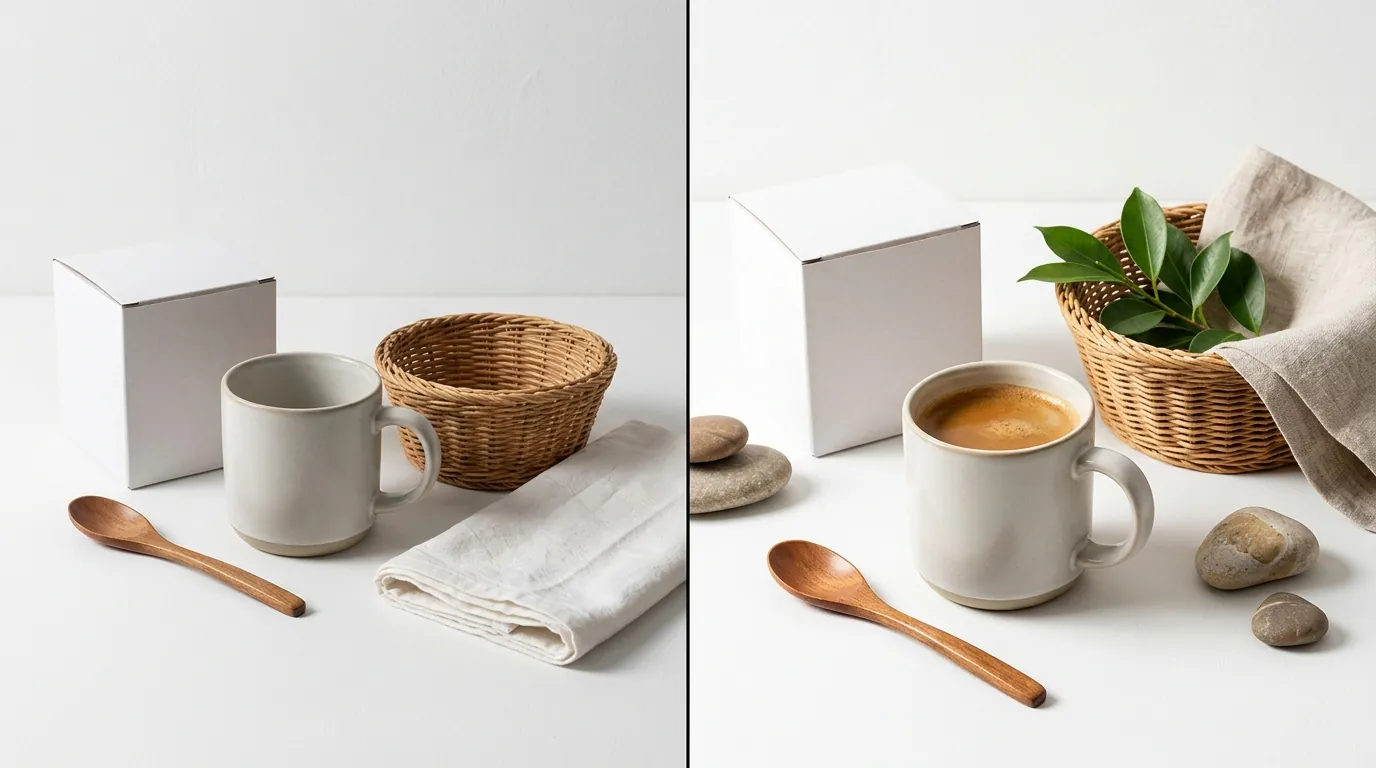
You can replicate this workflow regardless of your category. Follow these four steps to modernize your visual assets for AI search.
Step 1: Audit with Rufus Diagnostic Questions
Before generating new images, identify what Rufus doesn’t know about your product. Ask Rufus:
- “What is this [Product Name] made of?”
- “Is this [Product Name] good for [Specific Use Case]?”
- “How does this compare to [Competitor Name] in terms of size?” Note where Rufus fails to answer or gives a generic response. These are your “visual data gaps.”
Step 2: Generate a Compliant High-Res Main Image
Upload your raw product photo to PixelMatch. Use the “Pure White Background” preset. Set your export resolution to 2000x2000 pixels. This exceeds the minimum 1000px requirement and ensures that when a customer zooms in on a mobile device, the details remain sharp.
Step 3: Build Semantic Context with Lifestyle Batches
Generate 3-4 lifestyle images that specifically address the gaps you found in Step 1.
- If Rufus doesn’t know the material, generate a macro close-up showing the grain of the wood or the weave of the fabric.
- If Rufus doesn’t know the size, generate an image of the product next to a common object (like a smartphone or a standard coffee mug) to provide a “Visual Anchor.”
Step 4: Implement OCR-Friendly Overlays
Take your lifestyle images and add text overlays. Use high-contrast fonts (e.g., white text with a slight drop shadow on a darker background). State the exact facts: “Water-resistant coating,” “Fits 15-inch laptops,” or “Assembles in 5 minutes.” This allows Rufus’s OCR to index these facts as “Verified” because they appear directly on the product imagery.
Actionable Step: Use a tool like Google Lens on your own listing images. If Google Lens can’t correctly identify the text or the objects in your photo, Amazon’s Rufus likely can’t either.
Caveats and Honest Limitations

While AI image generation is a massive lever for efficiency, it is not a “set and forget” solution. Sellers must maintain a level of human oversight to stay within platform guidelines.
1. The Human Quality Filter
AI image generation isn’t flawless. You must manually review every output for “AI artifacts”—common errors like floating objects, shadows that don’t match the light source, or distorted product edges. In the home goods niche, scale inconsistencies are the most frequent issue (e.g., a pillow looking the size of a sofa). Always check that the proportions look realistic before uploading to Amazon.
2. Main Image Policy Restrictions
Amazon’s policy is strict: the main image must be a professional photograph of the actual product. You cannot use a “fully” AI-generated product. You must start with a real photo of your inventory and use AI only for background removal and enhancement. Attempting to list a 100% synthetic product image can lead to a permanent “Inaccurate Product Image” flag on your account.
3. The “Black Box” of Rufus
While the correlation between contextual imagery and Rufus visibility is clear, the exact ranking algorithm weightings are undisclosed. We know that Rufus prioritizes “helpful” content, but the specific ratio of image-to-text importance in the ranking score remains a proprietary secret of Amazon’s A10 algorithm.
4. Transactional Costs
While photo costs drop, remember that your net profit is still subject to platform fees. For a home goods seller, you are typically looking at a 15% Amazon Referral Fee plus FBA fulfillment costs. If you sell on Shopify as well, factor in the 2.9% + $0.30 Stripe processing fee (or your specific Shopify Payments rate). Cutting your photo costs from $350 to $45 per SKU can increase your per-unit net margin by several percentage points, which is often the difference between a scaling brand and a stagnant one.
Actionable Step: Create a “3-Point AI Check” for every image:
- Are the product proportions accurate relative to the furniture?
- Are there any “ghost” artifacts or blurry edges?
- Does the background lighting match the product lighting? If an image fails any of these, re-generate or manually edit before publishing.
Ready to scale your listings?
PixelMatch generates white-background, lifestyle, and variant mockups from a single source photo — built specifically for multi-platform ecommerce sellers. 50 free images on signup, no credit card.
Start free →
Sources
- Amazon Seller Central: Product Image Requirements
- Amazon Rufus Introduction and Overview
- Photoroom Pricing and Tiers
- Stripe Standard Processing Fees
- Amazon FBA Referral Fees by Category
- Semantic Confidence and AI Search Optimization Guide
- Adobe Express Premium Pricing