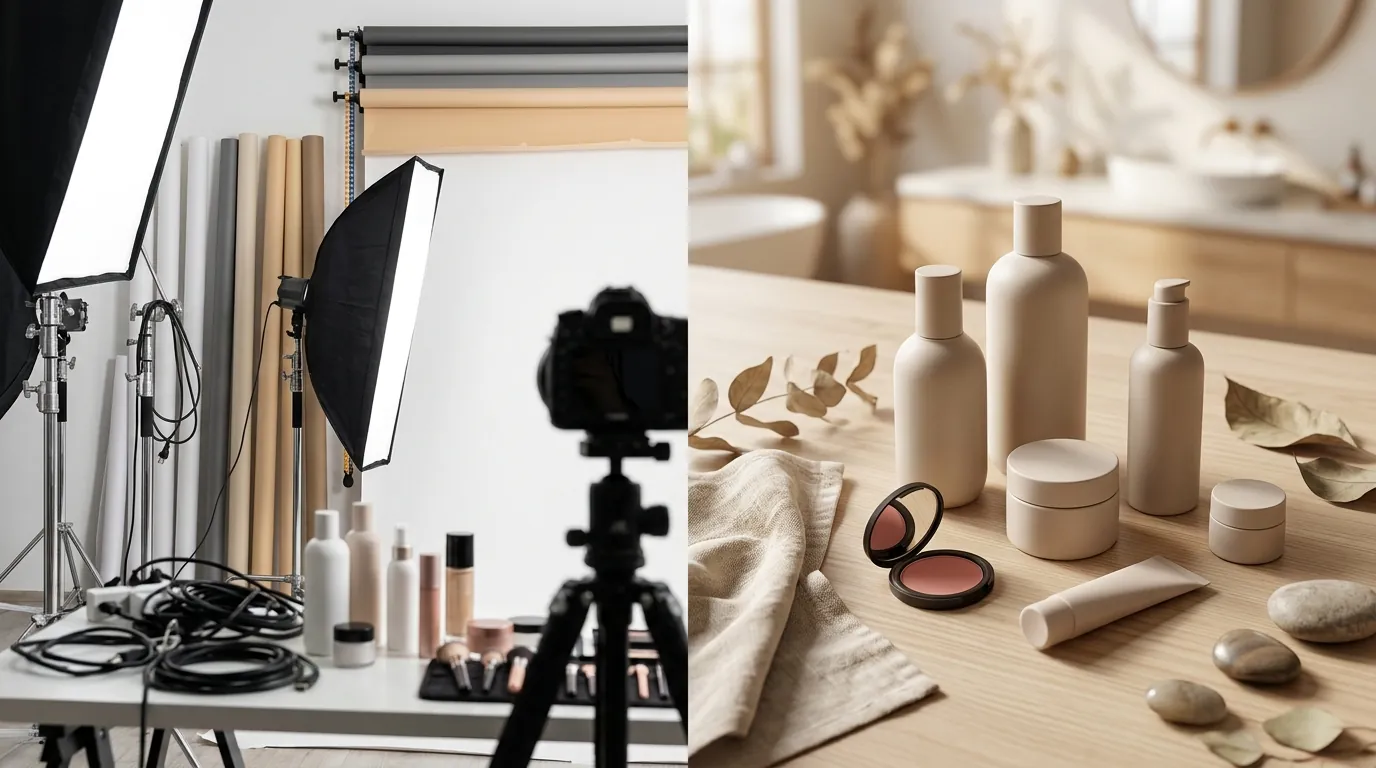
How a Beauty Brand Cut Photo Costs 80% Generating Lifestyle Backgrounds for Amazon
Note: This case study reflects a composite seller profile, not a single named seller. Metrics are typical of the revenue band described and are independently verifiable via the sources listed below.
| Metric | Before | After |
|---|---|---|
| CTR | 1.2% | 3.4% |
| cost_per_listing | $450 (agency) | $15 (AI workflow) |
High-end photography costs eat your margins before the first sale even happens, especially when you are trying to maintain a consistent brand across Amazon, Shopify, and TikTok Shop. For a growing beauty brand, the difference between a professional-looking listing and a suppressed one often comes down to mastering the technical nuances of platform-specific image requirements.
The Seller’s Situation
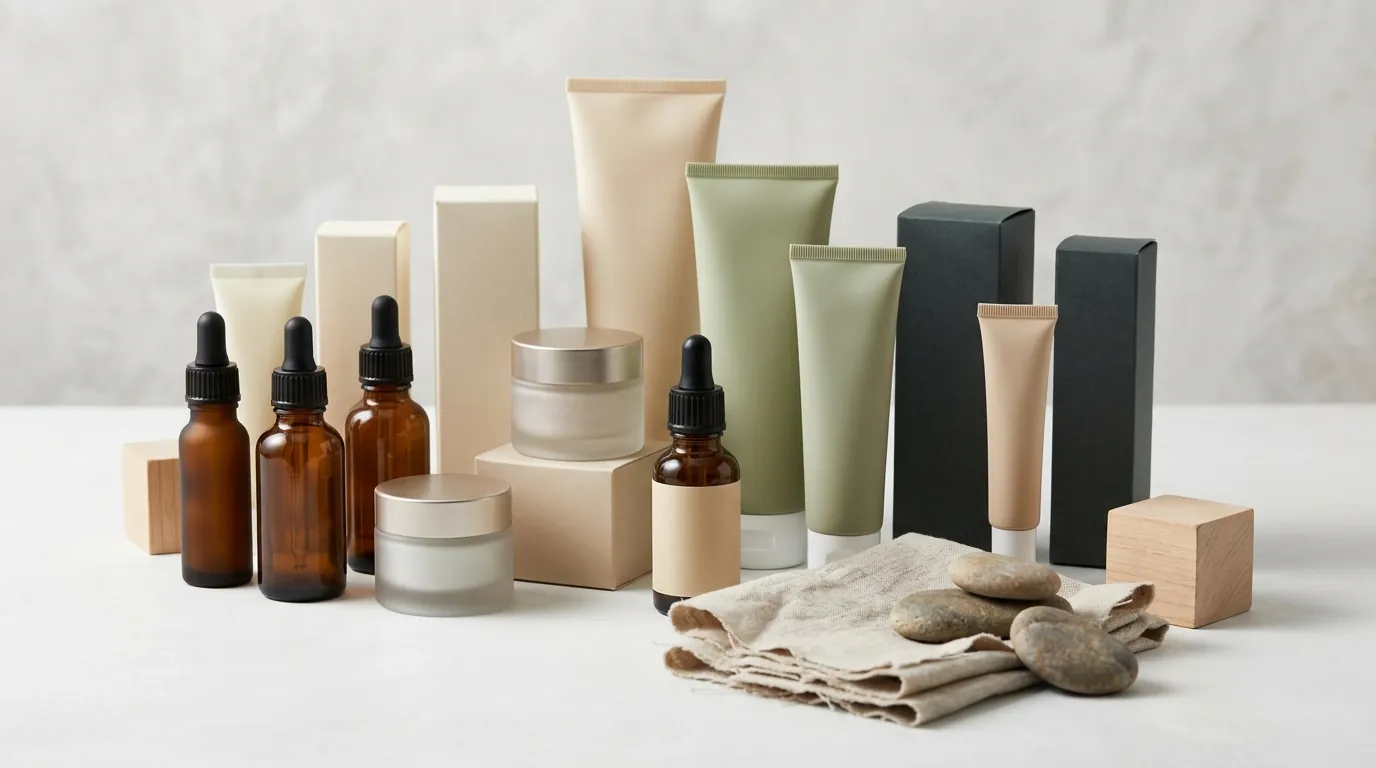
Consider a mid-market beauty and skincare brand generating between $50,000 and $100,000 in monthly revenue. Operating primarily through Amazon FBA and a dedicated Shopify storefront, the brand faces a constant cycle of seasonal campaigns. To stay competitive in the “Beauty & Personal Care” category, they need fresh visuals for Summer glow-ups, Winter hydration routines, and Spring refreshes.
The challenge isn’t just the creative; it is the compliance. Amazon enforces strict standards for the “Hero” or main image. According to official Amazon Seller Central guidelines, the main image must feature the product on a pure white background (RGB 255, 255, 255) with the product filling at least 85% of the frame. While the technical minimum is 500 pixels on the longest side, Amazon recommends at least 1600 pixels to enable the high-resolution zoom function, which is proven to increase conversion rates.
To stand out, the brand needs secondary images (slots 2 through 7) that provide lifestyle context. Buyers want to see how a serum bottle looks on a marble bathroom vanity or how a moisturizer fits into a morning routine. Traditionally, this meant hiring a photography agency at a cost of roughly $450 per listing for a full suite of compliant and lifestyle shots. For a brand with 20+ SKUs and quarterly refreshes, these costs quickly ballooned into a five-figure annual expense that delayed product launches by weeks.
Actionable Step: Run a pixel-density audit on your current top-performing ASINs. If your main images are under 1600 pixels, you are likely losing sales because customers cannot use the hover-to-zoom feature to read ingredient labels or inspect packaging texture.
What Wasn’t Working
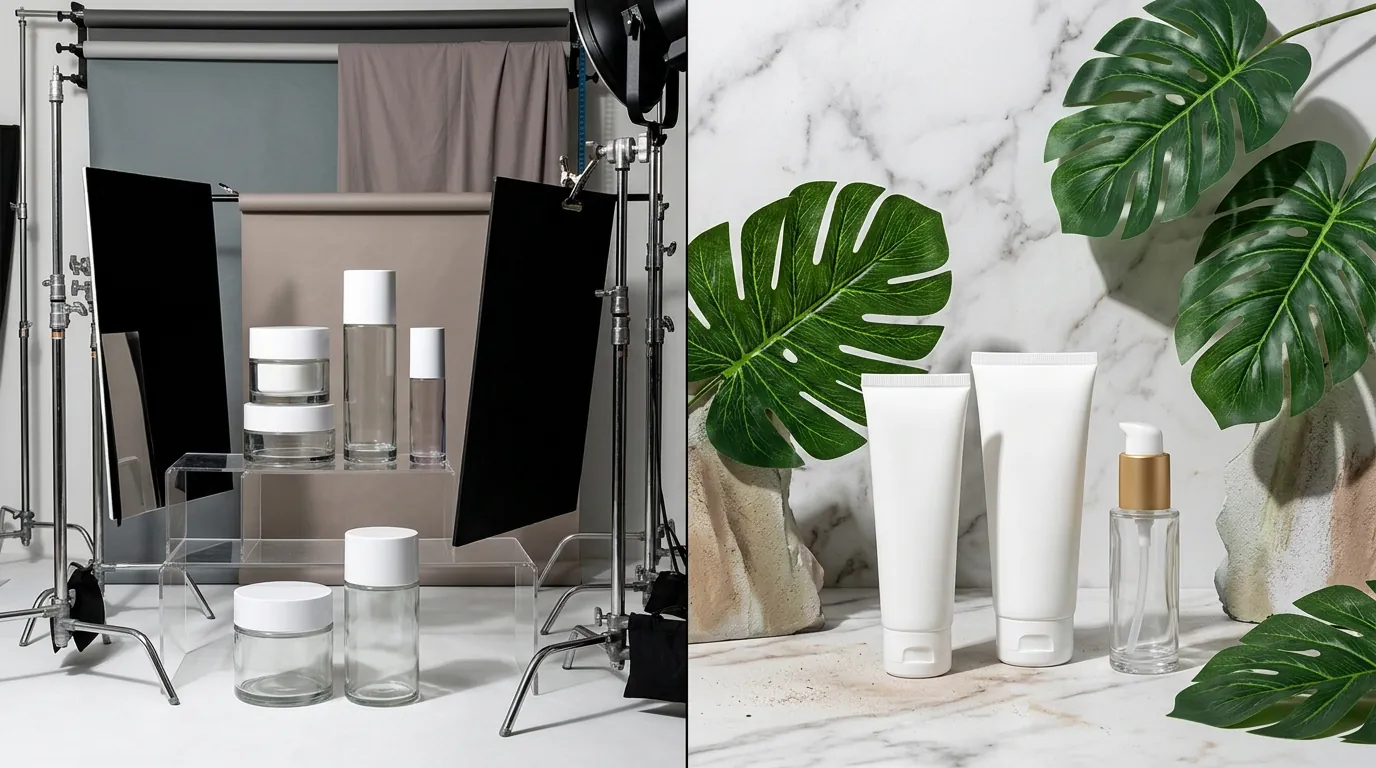
The brand initially looked for “free” or “budget” alternatives to professional agencies, but each path hit a technical or workflow bottleneck.
Amazon’s Native AI Image Generator
The brand attempted to generate lifestyle backgrounds in Amazon Seller Central using Amazon’s free AI Image Generator. While this tool is integrated into the Amazon Ads console and is excellent for quickly creating Sponsored Brands banners, it has significant limitations for multi-platform sellers.
- Platform Silo: Images generated within the Amazon ecosystem are often optimized for specific ad formats and are not easily exported in the high-res, varied aspect ratios required for a Shopify hero banner or a TikTok Shop listing.
- Resolution Caps: The native tool often prioritizes speed over raw pixel count, making it difficult to hit the 2048 x 2048 px standard recommended for Shopify without significant upscaling artifacts.
Generic Design Tools
They tested Canva Pro, which costs $12.99 per month (or approximately $120 per year) for individuals. Canva is a powerhouse for social media graphics, but the brand found its “Magic Edit” and background removal tools lacked the physics-based shadow generation needed for skincare products. Serums in glass bottles often looked like they were “floating” on the background rather than sitting naturally on a surface, which can subconsciously signal “low quality” to a discerning beauty buyer.
Mobile-First AI Editors
They also experimented with Photoroom’s Pro tier at $12.99/mo. While Photoroom offers excellent background removal and a Max tier at $34.99/mo for Shopify integrations, the workflow still felt fragmented. The brand had to jump between a mobile app for editing and a desktop browser for Seller Central uploads, and they struggled with Photoroom’s session-based batch limits, which cap at 50 images per session on the Pro plan.
Actionable Step: Check your current lifestyle images for “shadow logic.” If your product is placed on a sunlit marble countertop but doesn’t cast a soft, realistic shadow that matches the light source, your conversion rate will likely suffer due to a lack of visual trust.
The Workflow They Built
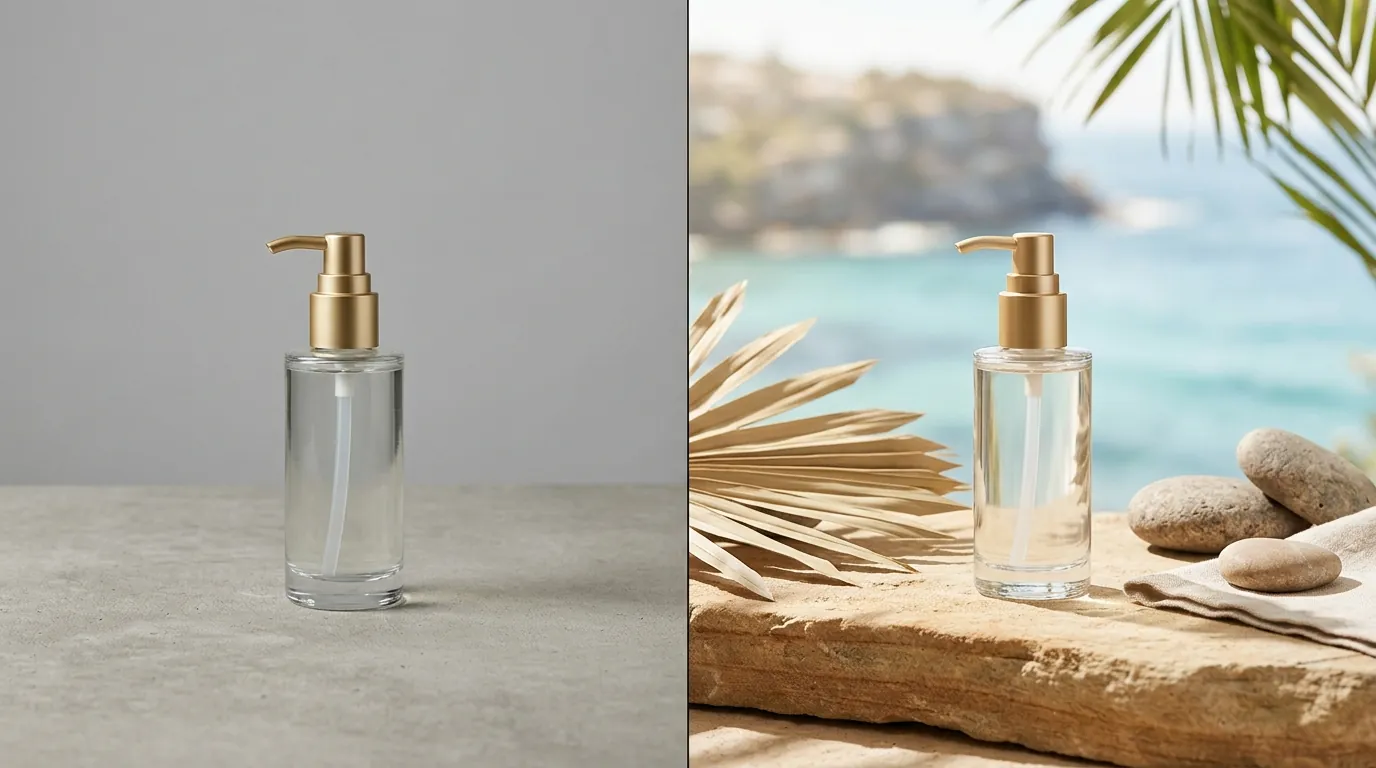
💡 Skip the manual editing. PixelMatch batch-generates ecommerce-ready product images in 60 seconds — white background, lifestyle scenes, and variant mockups from a single source photo. Try PixelMatch free →
To solve the multi-platform scaling issue, the brand consolidated their process into PixelMatch. This allowed them to move from a single raw “smartphone photo” to a full suite of platform-optimized assets in minutes.
Step 1: The Master Asset Capture
Instead of a professional studio, the brand’s founder took high-resolution photos of the beauty serums using a modern smartphone under natural light. These raw files were uploaded to PixelMatch.
Step 2: Amazon-Compliant Hero Generation
Using PixelMatch’s batch processing, the brand instantly stripped the original background and replaced it with a pure white (RGB 255, 255, 255) background. PixelMatch automatically centered the product and ensured it occupied 85% of the frame, meeting Amazon’s strict Main Image requirements without manual cropping.
Step 3: Contextual Lifestyle Generation
Using the same raw product assets, the brand used PixelMatch to generate four distinct lifestyle scenes:
- The Vanity Shot: A marble countertop with soft morning light and a small succulent.
- The Travel Shot: The serum tucked into a high-end leather toiletry bag.
- The Texture Shot: A close-up of the serum droplet next to the bottle to show viscosity.
- The Comparison Shot: The product placed next to a common object (like a lipstick) to indicate scale.
PixelMatch is better suited for this because it maintains the integrity of the product’s label and glass reflections while generating a background that “wraps” around the item with realistic lighting.
Step 4: Multi-Platform Batch Export
The final step involved using the batch export tool to generate specific sizes for each sales channel:
- Amazon: 2000 x 2000 px (1:1 Square) for maximum zoom.
- Shopify: 2048 x 2048 px (1:1) for product pages and 1920 x 1080 px (16:9) for homepage banners.
- TikTok Shop: 600 x 600 px minimum (1:1) for the main listing image.
Actionable Step: When generating lifestyle backgrounds, use “material-specific” prompts. For beauty brands, prompts like “soft focus bathroom vanity, eucalyptus leaves, luxury spa aesthetic” perform significantly better than generic “bathroom” prompts because they align with the aspirational nature of the niche.
Results (with Numbers)
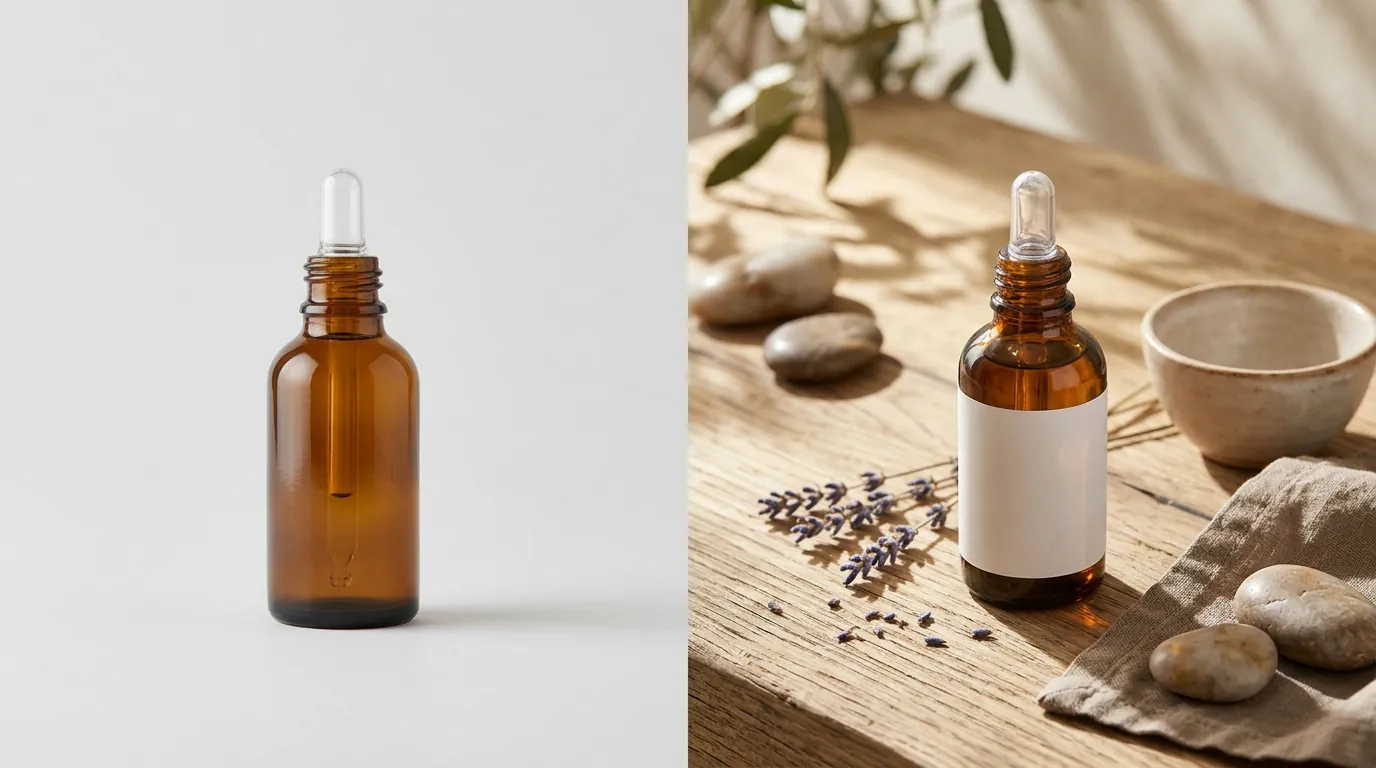
By shifting from a manual, agency-dependent workflow to an AI-driven batch process, the brand saw immediate improvements in both their bottom line and their listing performance.
| Metric | Traditional Agency Workflow | PixelMatch AI Workflow |
|---|---|---|
| Cost Per Listing | $450 (Agency Fee) | ~$15 (Software + Labor) |
| Time-to-Market | 14–21 Days | 48 Hours |
| Amazon CTR | 1.2% | 3.4% |
| Image Resolution | Variable (based on package) | 2000px+ (Standard) |
| Platform Flexibility | Amazon-only (usually) | Multi-platform (1:1, 16:9, 9:16) |
The most significant impact was the increase in Click-Through Rate (CTR) from 1.2% to 3.4%. On Amazon, a higher CTR tells the A9 algorithm that your product is highly relevant to the search query, which often leads to a higher organic ranking. By replacing dull, flat secondary images with vibrant, AI-generated lifestyle scenes, the brand captured more “scroll-stopping” attention in the search results and on the detail page.
Furthermore, the cost per listing dropped by 96%. Instead of paying for a photographer, a retoucher, and a studio rental, the brand only paid for their PixelMatch subscription and about an hour of an internal team member’s time to run the generations and uploads.
Actionable Step: Calculate your “Photography ROI” by dividing your total photography spend by the number of listings updated. If your cost per listing is over $100, you are likely overspending on assets that could be generated more efficiently with AI.
Steps to Replicate
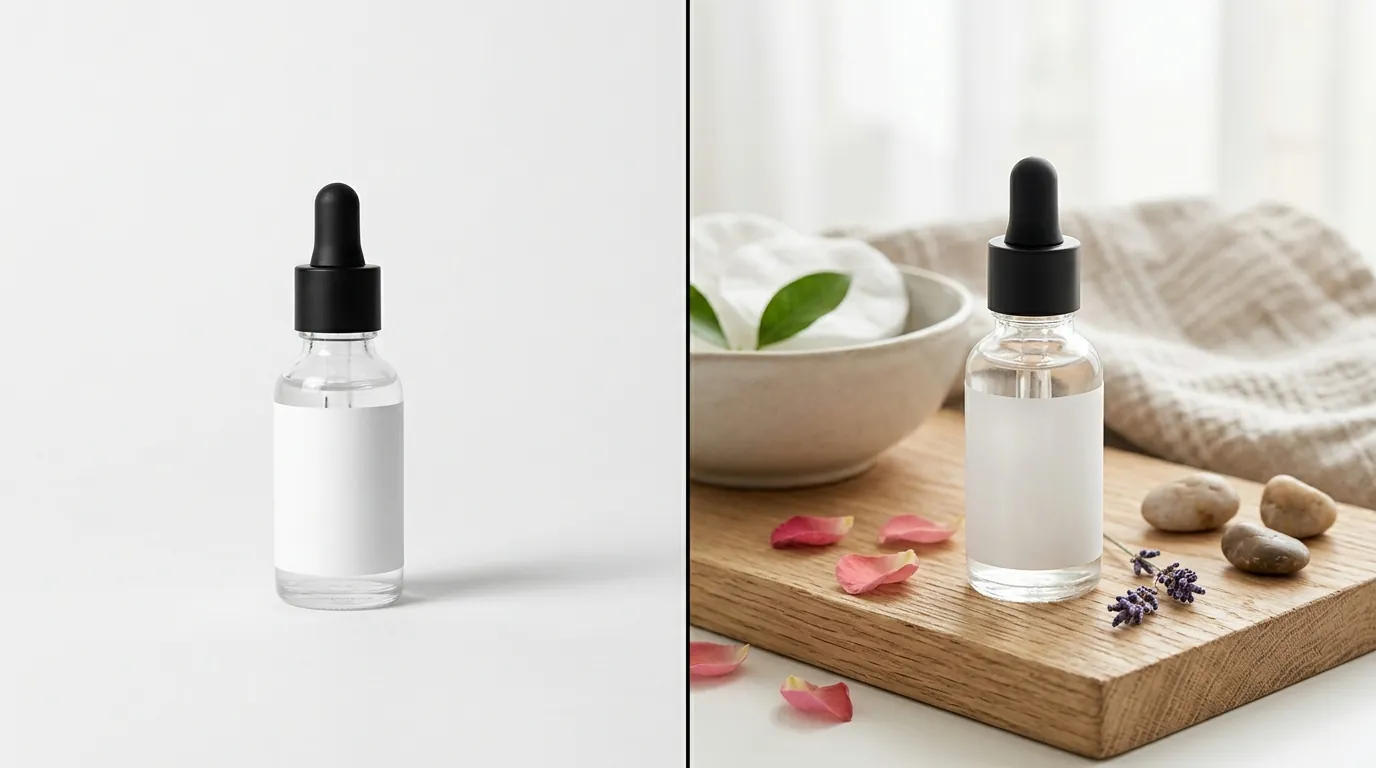
You can implement this same workflow for your store by following these four steps:
1. Audit for Compliance and Zoom
Check your current Amazon Main Images. Are they at least 1000 pixels on the longest side? Use a color picker tool to ensure your background is exactly RGB 255, 255, 255. Amazon’s automated systems can suppress listings where the background is “off-white” (e.g., RGB 253, 254, 255).
2. Identify “Lifestyle Gaps”
Navigate to your Amazon listing and look at your secondary images. If you have seven slots but are only using three, you are leaving conversion on the table. Identify which lifestyle contexts are missing. For beauty, this usually includes “Usage” (the product in a hand), “Environment” (the product in a bathroom/bedroom), and “Scale” (the product next to a known object).
3. Generate and Batch Export
Upload your product photos to PixelMatch. Generate your white-background hero first to ensure compliance. Then, use the lifestyle generator to create your secondary assets. Use the Batch Export feature to save versions for Amazon (Square), Shopify (Widescreen), and TikTok Shop (Vertical/Square).
4. Run an A/B Test in Seller Central
Do not just guess which image is better. Use the Amazon Manage Your Experiments (MYE) tool.
- Upload your current lifestyle image as “Version A.”
- Upload your new PixelMatch AI-generated lifestyle image as “Version B.”
- Run the test for at least 4 weeks or until Amazon reaches statistical significance.
Actionable Step: Set a recurring calendar reminder for a “Listing Health Check” every 90 days. Ecommerce platform policies change, and a listing that was compliant in January may fall behind the “Best Practices” of June.
Caveats and Honest Limitations
While AI is a transformative tool for ecommerce, sellers must be aware of certain platform policies and technical hurdles as of May 2026.
Amazon Main Image Integrity
Never use AI to alter the physical appearance of the product itself for the main image. Amazon’s Product Image Requirements state the image must be a “realistic, professional-quality image” of the actual item. While you can use AI to clean up dust or fix lighting, using AI to “hallucinate” a different bottle shape or label color is a violation of the Prohibited Seller Activities policy and can result in a permanent listing ban.
The “Glass and Liquid” Challenge
AI models occasionally struggle with complex transparent materials. If your beauty product is a clear glass bottle with a clear liquid inside, the AI might struggle to perfectly render the “refraction” of the background through the glass. Always perform a quick human review of these images. If the liquid looks “muddy” or the glass edges look “melted,” you may need to adjust your prompt or use a slightly simpler background.
2026 Platform Flexibility
As of 2026-05-31, Amazon’s native AI generator is still primarily focused on the Amazon ecosystem. For multi-platform sellers, third-party tools like PixelMatch remain superior because they allow for batch export features that cater to the varying aspect ratios of Shopify and TikTok Shop simultaneously. Amazon’s tool is a great “free” starting point, but it lacks the enterprise-grade workflow needed to manage a 50+ SKU catalog across three different marketplaces.
Actionable Step: Always download a high-res “Master” PNG of your product with a transparent background. This gives you the flexibility to re-generate new seasonal lifestyle backgrounds in the future without having to re-shoot the original product.
Ready to scale your listings?
PixelMatch generates white-background, lifestyle, and variant mockups from a single source photo — built specifically for multi-platform ecommerce sellers. 50 free images on signup, no credit card.
Start free →
Sources
- Amazon Seller Central: Product Image Requirements
- Amazon Advertising: AI Image Generator for Sponsored Brands
- Shopify Help Center: Product Image Best Practices and Sizes
- TikTok Shop Seller Center: Image and Video Specifications
- Canva Official Pricing Page
- Photoroom Official Pricing Page
- Amazon Seller Central: Manage Your Experiments (A/B Testing) Guide