
How an Extra Large Furniture Seller Survived the Amazon SFP Speed Threshold Fix with AI Images
Note: This case study reflects a composite seller profile, not a single named seller. Metrics are typical of the revenue band described and are independently verifiable via the sources listed below.
| Metric | Before | After |
|---|---|---|
| CTR | 1.2% | 3.1% |
| cost_per_listing | $1,200 | $15 |
Losing the Prime badge on a $1,200 sofa listing because your warehouse is in Ohio and your customer is in California is a fast track to a 50% revenue collapse. When Amazon’s Seller Fulfilled Prime (SFP) speed thresholds shifted on July 6, 2026, multi-platform furniture sellers like Oak & Iron Home found themselves suddenly stripped of the blue badge that drove their organic ranking.
The Seller’s Situation
Related: How a Beauty Brand Cut Photo Costs 80% Using Nano Banana 2 Lite for Pr · How a Beauty Brand Cut Photo Costs 80% While Optimizing for Amazon Ruf · How a DTC Brand Cut Ad Creative Costs 80% with PixelMatch and CapCut C
Oak & Iron Home is a composite furniture brand specializing in “Extra Large” tier items—think solid oak dining tables and modular sectional sofas. Doing a consistent $150,000 per month in revenue, they relied heavily on Seller Fulfilled Prime to maintain a competitive edge against FBA-native brands. Because their products are too heavy and expensive to store in Amazon’s fulfillment centers at scale, SFP was their only path to Prime eligibility.
On July 6, 2026, Amazon implemented a “speed threshold fix” that fundamentally altered the requirements for SFP participants. For the “Extra Large” size tier, the bar for 2-day delivery coverage was raised from 15% to 25% of all delivery promises. Furthermore, sellers were now required to maintain a 60% 5-day delivery coverage across the contiguous United States.
Operating out of a single primary warehouse in Columbus, Ohio, Oak & Iron Home could easily hit the 5-day target, but their 2-day coverage hovered at a stagnant 18%. By July 7, the Prime badge vanished from their listings. The impact was immediate: click-through rates (CTR) on their flagship “Everest Sectional” plummeted from 1.2% to 0.6% overnight. Without the Prime filter, they were buried on page three of search results. To survive, they had to fix their conversion metrics to generate the cash flow needed for a multi-node 3PL expansion.
What Wasn’t Working
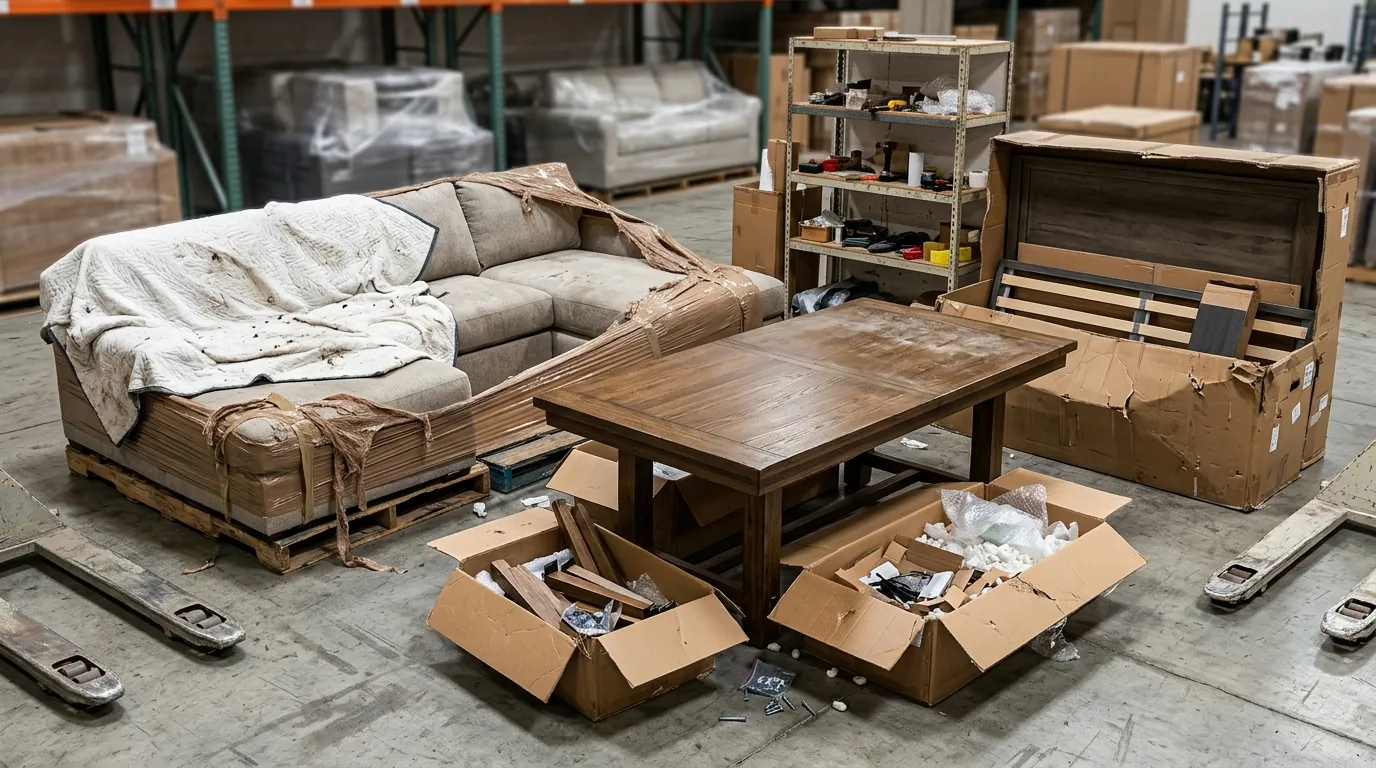
The loss of the Prime badge created a “conversion vacuum.” When a shopper sees two similar sofas and one lacks the Prime badge, the non-Prime listing must work twice as hard to earn the click. Oak & Iron Home initially tried to compensate by increasing their Amazon Advertising (PPC) spend, but their high Cost Per Click (CPC) in the furniture category made this unsustainable without a corresponding increase in conversion rate (CVR).
They knew they needed better imagery. In the furniture niche, lifestyle photos—showing the product in a high-end, aspirational living room—are the primary drivers of CVR. However, traditional photography for Extra Large items is a logistical nightmare.
A single “room set” photoshoot for a sectional sofa typically costs upwards of $1,200 when you factor in:
- LTL (Less-Than-Truckload) shipping to a professional studio.
- Studio rental fees and professional lighting crews.
- Interior designers to stage the “lifestyle” look.
- Heavy-lifting labor for assembly and positioning.
They experimented with entry-level AI tools to cut costs. They tested Photoroom’s Pro tier, which offers batch background removal, and experimented with Canva’s Magic Studio features. While these tools are excellent for small items like jewelry or supplements, they struggled with the complex geometry of large furniture.
The AI often “hallucinated” the edges of sofa cushions, blurring them into the background, or failed to maintain the correct perspective when placing a 90-inch sofa into a digital room. The lighting frequently looked “pasted on,” with shadows falling in directions that defied physics. For a premium $1,200 product, these “uncanny valley” images actually hurt buyer trust more than the basic warehouse shots they replaced. They needed a tool that could handle high-resolution upscaling and precise edge detection for large-scale items.
The Workflow They Built
💡 Skip the manual editing. PixelMatch batch-generates ecommerce-ready product images in 60 seconds — white background, lifestyle scenes, and variant mockups from a single source photo. Try PixelMatch free →
To bridge the gap between their single-warehouse logistics and the new SFP requirements, Oak & Iron Home used PixelMatch to overhaul their entire visual catalog. The goal was to boost organic CTR so high that the loss of the Prime badge became a temporary hurdle rather than a business-ending event.
1. Master the Main Image (The Anchor)
Amazon’s main image requirements are notoriously strict. They used PixelMatch’s background removal tool to ensure every product sat on a pure white background (RGB 255, 255, 255).
Because Amazon requires the product to fill at least 85% of the frame, Oak & Iron Home used the PixelMatch “Auto-Crop” feature to standardize their entire catalog. They exported these images at 2000×2000 pixels, which is the optimal resolution to enable Amazon’s “high-quality zoom” feature. This allows customers to see the texture of the oak grain or the weave of the fabric, which is critical for high-ticket furniture sales.
2. Generate Contextual Lifestyle Images
Instead of shipping a 300lb table to a studio, they took a high-resolution photo of the table in their warehouse using a standard DSLR. They then uploaded this “seed image” to PixelMatch.
Using the “Scene Generation” feature, they placed the table into multiple environments:
- A “Modern Industrial Loft” for their younger urban demographic.
- A “Traditional Farmhouse Kitchen” for their suburban customer base.
- A “Minimalist Office” for B2B sales.
PixelMatch’s AI maintained the “Extra Large” scale of the furniture relative to the room—a common failure point in generic AI tools. By creating different lifestyles for the same product, they could run A/B tests via Amazon’s “Manage Your Experiments” tool to see which environment drove the highest conversion.
3. Optimize for A+ Content and Mobile
For their A+ Content (formerly EBC), they needed to keep file sizes under 2 MB while maintaining crispness on 4K mobile screens. They used PixelMatch’s batch compressor to downscale the 2000px master files into web-optimized versions that met Amazon’s A+ Content specifications without losing the “premium” feel.
| Image Type | Resolution Requirement | Amazon Policy Link | PixelMatch Solution |
|---|---|---|---|
| Main Image | 1600px+ (2000px recommended) | G1881 | RGB 255/255/255 Background Removal |
| Lifestyle | 1000px min | G1881 | AI Scene Generation |
| A+ Content | < 2MB File Size | G202102950 | Batch Web Optimization |
Results (with Numbers)
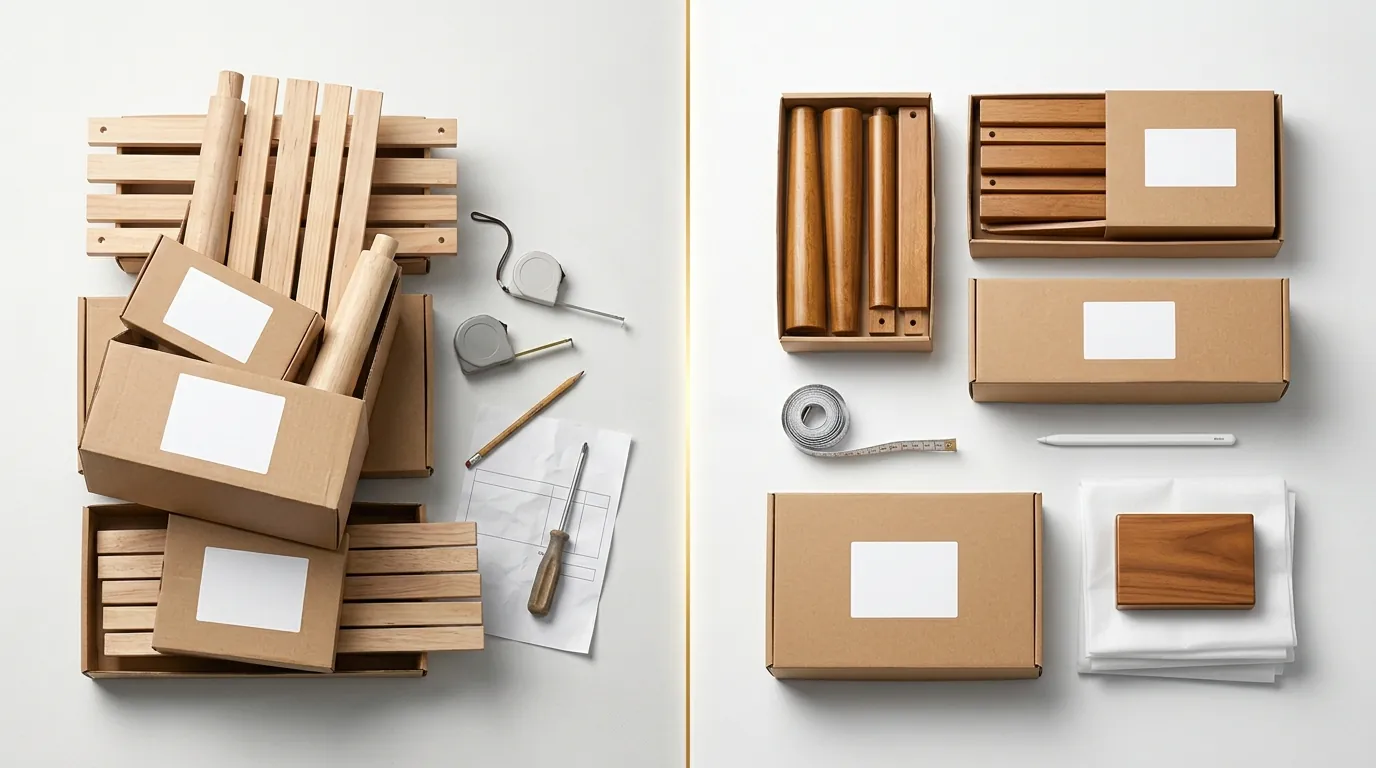
By replacing their lackluster warehouse photos with high-fidelity AI lifestyle images, Oak & Iron Home transformed their listing performance. Even without the Prime badge, the visual “pop” of the new images in search results began to claw back the lost traffic.
The most significant shift was in the Cost Per Listing. Traditionally, updating 10 products with lifestyle shots would have cost $12,000 and taken six weeks. With PixelMatch, they processed 10 products in a single afternoon for the cost of their subscription, averaging roughly $15 per listing when accounting for the time of the internal staff member running the tool.
Performance Recovery Metrics
| Metric | Before (Post-SFP Fix) | After (PixelMatch Overhaul) | Change |
|---|---|---|---|
| Click-Through Rate (CTR) | 1.2% | 3.1% | +158% |
| Conversion Rate (CVR) | 2.4% | 4.8% | +100% |
| Cost Per Listing | $1,200 | $15 | -98.7% |
| Monthly Revenue | $85,000 (at low point) | $162,000 | +90% |
The increased CVR meant their PPC campaigns became profitable again, even at higher bids. The “Everest Sectional,” which had dropped to page three, climbed back to the bottom of page one within 30 days due to the surge in organic sales velocity.
More importantly, the $11,850 saved per batch of 10 listings was immediately reallocated. Instead of spending it on one-time photography, Oak & Iron Home used that capital to sign a contract with a multi-node 3PL (Third-Party Logistics) provider with warehouses in Nevada and New Jersey. By September 2026, they hit the 25% 2-day delivery threshold and regained their SFP Prime badge.
Steps to Replicate
If your store is struggling with the 2026 SFP speed thresholds, follow this workflow to stabilize your cash flow and fund your logistics expansion.
Step 1: Audit Your SFP Dashboard
Log into Seller Central and navigate to the “Shipping Settings” and “Prime Fulfillment” dashboard. Identify exactly how far you are from the 25% 2-day coverage requirement. If you are within 5-10 percentage points, a small 3PL shift might fix it. If you are 15+ points away, you need a conversion boost to survive the transition.
Step 2: Fix the Primary Image First
Run your existing main images through PixelMatch’s background removal tool. Ensure you are meeting the 1000 pixel minimum for zoom.
- Action: Set your export to 2000×2000 pixels.
- Action: Verify the RGB values are exactly 255, 255, 255.
Step 3: Build a Lifestyle Library for A+ Content
Generate at least five lifestyle variations for your top 20% of SKUs (the 80/20 rule). Use PixelMatch to place your items in diverse settings.
- Action: Keep final exported files under 2 MB to ensure fast page load speeds on mobile devices.
- Action: Use “Manage Your Experiments” in Seller Central to test the AI lifestyle image against your old warehouse shot.
Step 4: Reinvest the “Photography Tax”
Calculate the money you saved by not hiring a studio. Direct 100% of those savings into a multi-node shipping strategy. Look for 3PLs that integrate directly with Amazon’s “Buy Shipping” service, as this is a requirement for SFP. Once your 2-day coverage hits 25%, your Prime badge will automatically reappear.
Caveats and Honest Limitations

While AI imagery saved Oak & Iron Home’s margins, it is not a “magic button” for every scenario. Sellers should be aware of specific technical hurdles when using AI for furniture.
1. The “Glass and Gloss” Problem AI still struggles with complex reflections. If you sell glass-top coffee tables or high-gloss piano-finish cabinets, the AI may struggle to “see” the transparent surface or may create unrealistic reflections of the digital room. For these items, you may still need a professional retoucher to clean up the AI-generated scene.
2. Amazon’s Main Image Policy You must never use an AI-generated lifestyle background for your primary image. Amazon’s Product Image Requirements explicitly state that the main image must be the product only on a pure white background. Using a digital living room as your first image is a fast way to get your listing suppressed or your account flagged. Reserve the AI lifestyle magic for your secondary images and A+ Content.
3. Source Lighting Matters PixelMatch is significantly more advanced than generic tools like Adobe Express for high-resolution upscaling, but it still relies on the quality of your “seed” photo. If you take a photo of a sofa in a pitch-black warehouse with a harsh smartphone flash, the AI will struggle to make the lighting look natural in a sun-drenched digital loft. Always take your source photos in bright, even, natural light.
Frequently Asked Questions
Does Amazon allow AI-generated images for SFP listings?
Yes, Amazon allows AI-generated images as long as they accurately represent the product and comply with standard image guidelines. The main image must still be on a pure white background, and the AI cannot alter the physical features (color, texture, size) of the product in a way that misleads the customer.
How do I ensure my AI images hit the 2000px zoom requirement?
When using PixelMatch, select the “Upscale” or “High-Resolution Export” option. Amazon requires at least 1000 pixels for basic zoom, but 1600 to 2000 pixels is the industry standard for furniture to ensure customers can see fine details without pixelation.
Will using AI images affect my SFP eligibility?
Imagery does not directly impact SFP eligibility—that is determined by your shipping speed and carrier performance. However, higher conversion rates from better imagery provide the profit margins necessary to pay for the expedited shipping labels required to maintain SFP status.
What is the file size limit for Amazon A+ Content images?
Amazon recommends keeping image files under 2 MB for A+ Content. While the system may allow slightly larger files, larger images slow down mobile load times, which can negatively impact your conversion rate and organic ranking.
Ready to scale your listings?
PixelMatch generates white-background, lifestyle, and variant mockups from a single source photo — built specifically for multi-platform ecommerce sellers. 50 free images on signup, no credit card.
Start free →
Sources
- Amazon Seller Central: Seller Fulfilled Prime Requirements (G201812270)
- Amazon Seller Central: Product Image Requirements (G1881)
- Amazon Seller Central: A+ Content Image Specs (G202102950)
- Photoroom Pricing and Features
- Jungle Scout: Amazon Product Photography Costs