How a Beauty Brand Cut Photo Costs 80% When Moving from Shopify to TikTok Shop
Note: This case study reflects a composite seller profile, not a single named seller. Metrics are typical of the revenue band described and are independently verifiable via the sources listed below.
| Metric | Before | After |
|---|---|---|
| Time per 100 listings | 12 hours | 45 minutes |
| Cost per listing | $3.50 | $0.15 |
Moving a 400-SKU beauty catalog from Shopify to TikTok Shop shouldn’t feel like a full-time data entry job, yet thousands of sellers get stuck in a manual editing loop that delays their launch by weeks. If you are currently staring at a folder of high-resolution lifestyle photos that TikTok’s Seller Center keeps rejecting for “Poor” quality, you are losing organic traffic to competitors who automated their image compliance.
The Seller’s Situation: Expanding to TikTok Shop
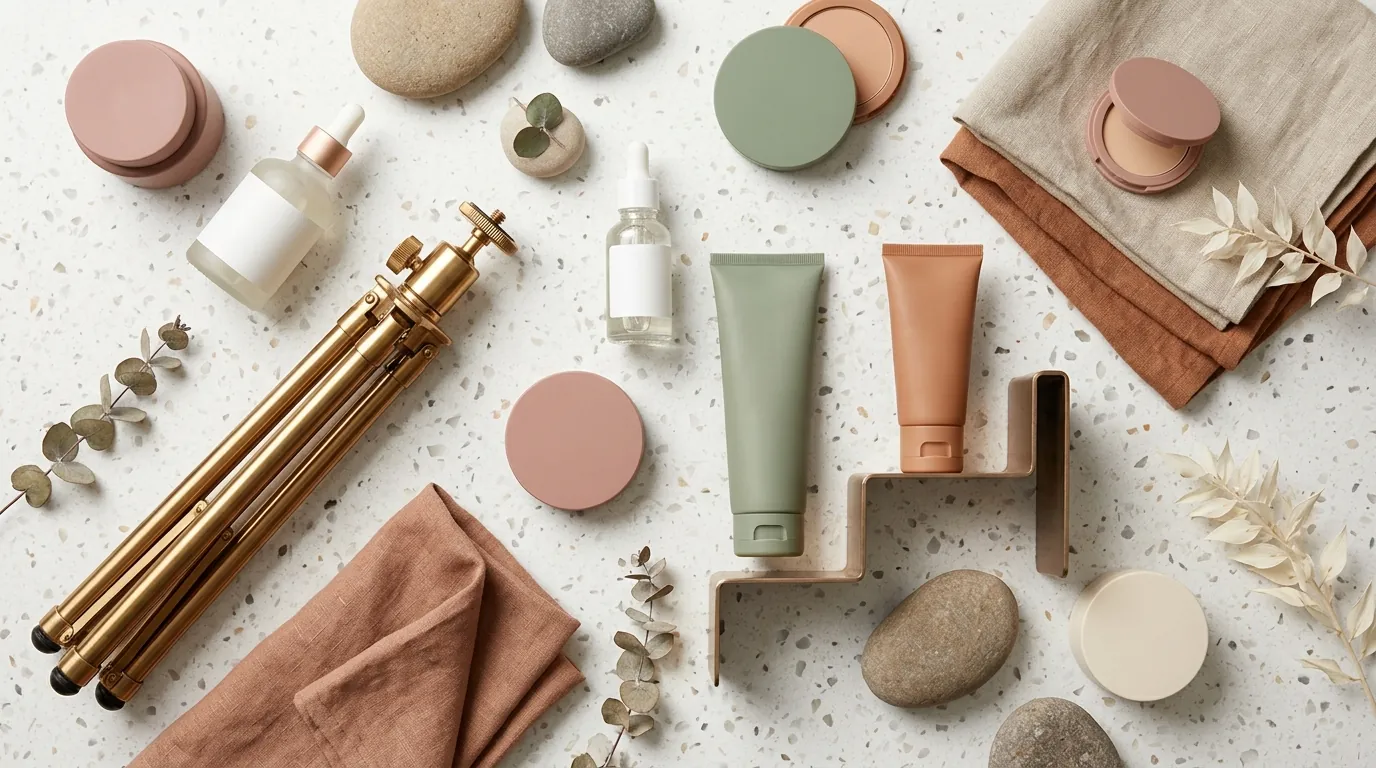
Your Shopify store is likely the visual anchor of your brand. For a beauty seller moving $50k to $100k in monthly revenue, those Shopify listings are usually polished, high-resolution assets. Most Shopify themes recommend images optimized at 2048 x 2048 px to ensure the zoom functionality reveals the fine texture of a serum or the shimmer in an eyeshadow palette. However, these high-resolution lifestyle assets are often the primary reason your TikTok Shop integration fails or underperforms.
When you attempt to capitalize on TikTok’s viral organic reach, you encounter a rigid set of catalog requirements that differ significantly from Shopify’s flexible environment. TikTok Shop demands that product images meet a minimum of 600 x 600 px with a strict 1:1 aspect ratio. While your 2048px Shopify images meet the minimum size, their file weight often exceeds TikTok’s maximum file size of 10MB, leading to upload timeouts or “corrupted file” errors in the Seller Center.
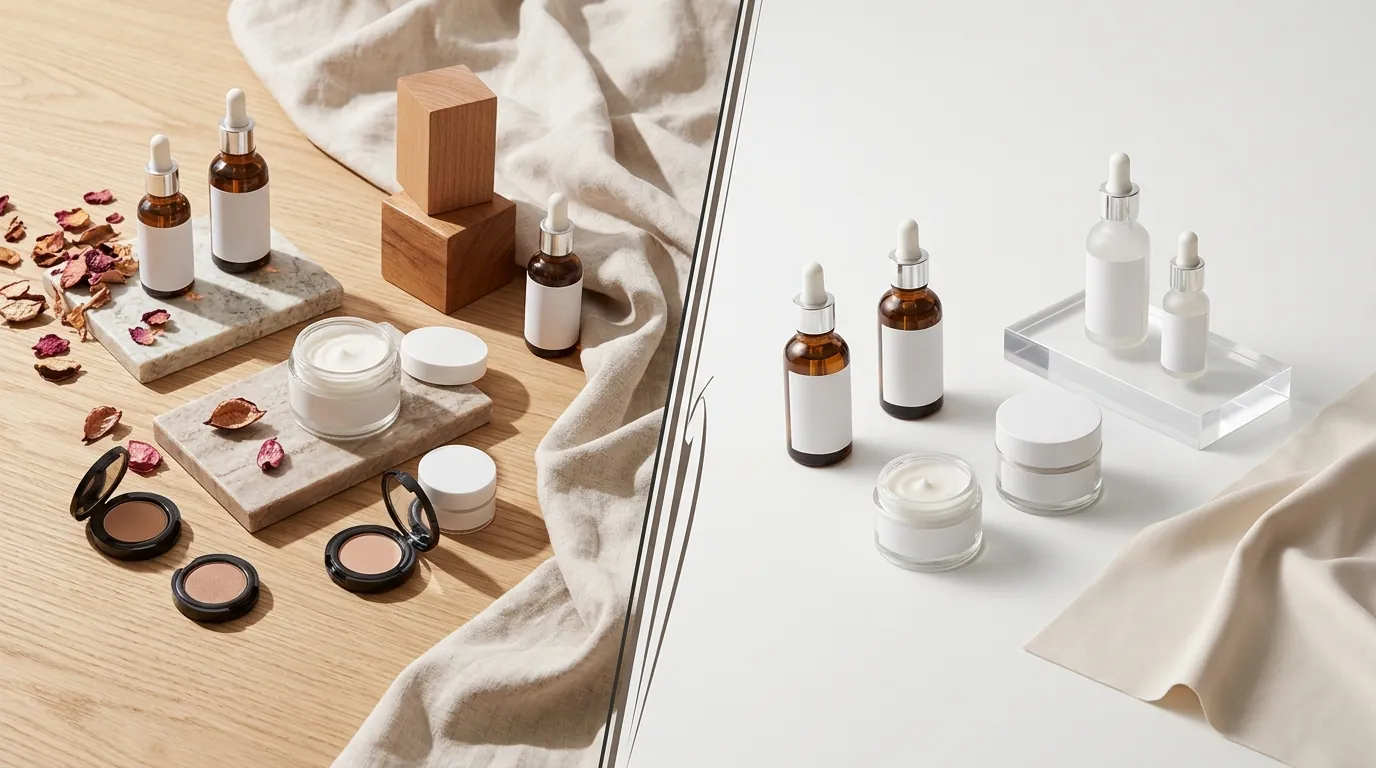
Beyond technical specs, TikTok uses a Listing Quality Score to determine which products get pushed into the “Shop” tab and which are buried. To achieve the “Good” listing quality tier, your primary image must have a pure white background, no watermarks, and no promotional text overlays. If your Shopify images are primarily lifestyle shots—showing a bottle on a marble countertop or held in a hand—TikTok’s algorithm may flag your listings as “Poor,” severely limiting your visibility in the TikTok Shop marketplace.
Actionable Step for Your Store: Open your TikTok Seller Center and navigate to “Manage Products.” Check the “Optimization Center” tab today. If you see products flagged for “Image Quality,” you are likely missing the 1:1 ratio or white background requirement, which is actively suppressing your impressions.
What Wasn’t Working: Manual Edits and Expensive VAs
Before automating the process, the composite beauty brand in this case study attempted three common manual workarounds that most sellers eventually abandon due to high costs or low scalability.
First, they tried manual editing in Canva. This involved creating a 1200 x 1200 px canvas, importing the Shopify high-res file, manually centering the bottle, and using Canva’s background remover. Even for a skilled operator, this process took 5–7 minutes per SKU when accounting for file downloads, uploads, and final positioning. For 400 SKUs, that is 46 hours of labor—over a full work week spent on a single task.
Next, they looked into outsourcing to a Virtual Assistant (VA) service. While VAs can handle the volume, the quotes averaged $3.50 per listing for high-quality background removal and centering. For a 400-SKU catalog, this represented a $1,400 expense. More importantly, it introduced a 48-hour turnaround delay. In the fast-moving TikTok ecosystem, where a trend can peak and fade in 72 hours, waiting two days for compliant images means missing the viral window.
Finally, they tested Photoroom’s Pro tier at $12.99/mo. While Photoroom is an excellent tool for single-image editing, the brand found the mobile-first interface cumbersome for processing hundreds of high-res Shopify exports simultaneously. They frequently hit batch processing bottlenecks when trying to maintain the specific 1200 x 1200 px output needed for high-clarity TikTok PDPs (Product Detail Pages). They needed a desktop-class solution that could handle the heavy lifting of batch converting Shopify images for TikTok Shop without the manual “click-and-save” fatigue.
Actionable Step for Your Store: Calculate your current “Image Debt.” Multiply your total SKU count by 6 minutes. If that number exceeds 10 hours, stop manual editing immediately. Your time is better spent on creator outreach and TikTok Ad strategy than on clicking “Remove Background” 400 times.
The Workflow They Built with PixelMatch
💡 Skip the manual editing. PixelMatch batch-generates ecommerce-ready product images in 60 seconds — white background, lifestyle scenes, and variant mockups from a single source photo. Try PixelMatch free →
To solve the bottleneck, the seller moved to PixelMatch to automate the entire image adaptation pipeline. This shifted the workflow from a multi-day manual project to a 45-minute automated task.
Step 1: Data Extraction
The seller began by exporting their active product data from Shopify. Instead of downloading images one by one, they exported a CSV of their products, which contains the “Image Src” column. This column provides the direct URL for every high-resolution asset hosted on Shopify’s servers.
Step 2: Batch Import and Resizing
They imported these URLs directly into PixelMatch. The goal was to convert the 2048 x 2048 px Shopify assets into optimized 1200 x 1200 px files. This specific resolution is the “sweet spot” for TikTok Shop: it is well above the 600 x 600 px minimum, providing enough detail for customers to see ingredients on labels, but it keeps the file size significantly lower than the 10MB limit.
Step 3: Automated Background Removal
Using the PixelMatch bulk background removal tool, the seller applied a “Pure White” background filter to the entire batch. The AI identified the beauty bottles and jars, separated them from the lifestyle marble and floral backgrounds used on Shopify, and placed them on a #FFFFFF white background. This ensured 100% compliance with TikTok’s Listing Quality Score requirements.
Step 4: Intelligent Padding and Centering
One of the biggest issues with batch resizing is “product drift,” where the item ends up touching the edge of the frame. The seller used the automated padding feature to set a strict 10% margin. This meant that no matter the shape of the bottle, the AI automatically centered it and left a consistent white border around the product. This created a uniform, professional look across the entire TikTok Shop grid, which is essential for building brand trust with new customers who find you via the “For You” page.
Actionable Step for Your Store: When setting up your batch, use a 1200 x 1200 px output setting. This resolution provides a 2x safety margin over TikTok’s minimum requirements, ensuring your labels remain legible even when the TikTok app compresses the image for mobile viewing.
Results: Faster Launches and Lower Costs
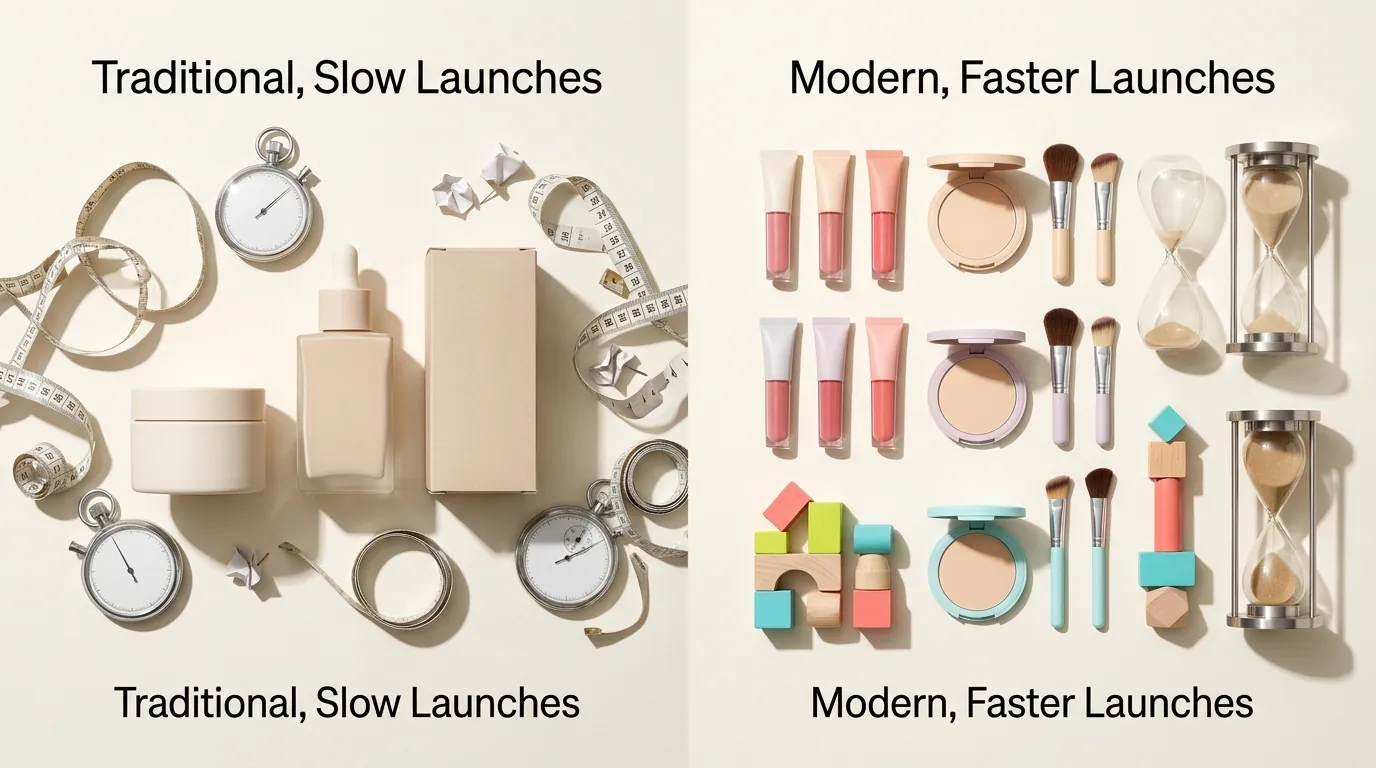
By switching to an automated batch conversion workflow, the brand transformed their TikTok Shop launch from a logistical headache into a competitive advantage. The metrics below reflect the shift from manual VA labor to automated AI processing.
| Metric | Before (Manual/VA) | After (PixelMatch) |
|---|---|---|
| Time per 100 listings | 12 hours | 45 minutes |
| Cost per listing | $3.50 (VA fees) | $0.15 (Subscription allocation) |
| Listing Quality Score | Varied (Fair/Poor) | 100% “Good” Tier |
| Turnaround Time | 48+ Hours | Instant |
| File Size Optimization | Unpredictable | Consistent < 2MB |
The most significant impact wasn’t just the $1,340 saved in VA fees; it was the speed to market. The efficiency allowed the brand to launch 30+ new seasonal beauty bundles on TikTok Shop just 72 hours before a major holiday weekend. Had they relied on manual edits, the bundles would have launched after the peak shopping window had closed.
Furthermore, because 100% of their catalog achieved the “Good” listing quality score on the first try, they avoided the “Poor” tier shadowban. On TikTok Shop, products with high-quality images are prioritized in the “Shop” tab search results and are more likely to be accepted into TikTok-run flash sales and “Deals” programs.
Actionable Step for Your Store: Check your “Product Rating” in the TikTok Seller Center. If your images are inconsistent, your conversion rate (CVR) will suffer. Aim for a 100% “Good” rating across your entire catalog to maximize your eligibility for TikTok-subsidized shipping and coupons.
Steps to Replicate This Workflow
You can replicate this high-efficiency workflow today by following these five steps. This process works whether you have 10 SKUs or 1,000.
- Export Shopify Data: Go to your Shopify Admin > Products > Export. Choose “All products” and select “CSV for Excel, Numbers, or other spreadsheet programs.” This file contains the “Image Src” links you need.
- Upload to PixelMatch Batch Editor: Open the PixelMatch batch editor and upload your CSV or drag-and-drop your high-res Shopify image files. The system will queue them for processing.
- Apply the TikTok Shop Standard Preset: Select the ‘TikTok Shop’ preset. If you are creating a custom preset, manually set the dimensions to 1200 x 1200 px, ensure the aspect ratio is locked at 1:1, and enable the ‘White Background’ and ‘Auto-Center’ toggles.
- Run and Review: Execute the batch process. For a 100-image batch, this typically takes less than 10 minutes. Use the review gallery to scan for any complex edges (like fine brush bristles or transparent gels) that might need a 5-second manual touch-up.
- Direct Upload to TikTok: Download the optimized ZIP file. Log into TikTok Shop Seller Center, go to “Batch Tool” > “Bulk Product Upload,” and use your newly formatted images. Because the dimensions and file sizes are already optimized, you will face zero upload rejections.
Actionable Step for Your Store: Run a “Pilot Batch” of 5 products today. Compare the time it takes to do them manually versus through an automated pipeline. The data will likely show that automation pays for itself before you even finish the first 20 SKUs.
Caveats and Honest Limitations
While batch converting Shopify images for TikTok Shop via AI is significantly more efficient than manual labor, there are three technical realities every seller should understand as of 2026-05-29.
First, AI background removal is an evolving technology. While it handles 95% of products perfectly, it can occasionally struggle with high-transparency objects. If you sell clear glass perfume bottles or products with liquid splashing, the AI might misinterpret the transparency as background and remove too much. You should expect to manually touch up roughly 3–5% of your batch to ensure the edges are crisp.
Second, remember that TikTok is a video-first platform. While perfectly formatted 1:1 product images are essential for the Product Detail Page (PDP) and for passing TikTok’s quality audits, they are not a substitute for video content. The images convert the customer once they click, but you still need 9:16 vertical video to drive that initial click from the “For You” feed.
Third, stay compliant with evolving AI transparency rules. If you use AI to generate lifestyle backgrounds (e.g., placing your beauty product in a futuristic spa setting) rather than a pure white background, you must comply with TikTok’s AI content disclosure rules. TikTok requires labels on “photorealistic” AI-generated content to avoid misleading consumers. Failing to label AI-generated lifestyle scenes can lead to listing suspensions or a permanent decrease in account health.
Actionable Step for Your Store: Always keep a “Master Folder” of your original Shopify high-res lifestyle shots. Use the white-background batch-converted images for your primary TikTok listing photo (the “Hero” image), but consider using your original lifestyle shots (resized to 1:1) for the 2nd and 3rd slots in the image gallery to show the product in use.
Ready to scale your listings?
PixelMatch generates white-background, lifestyle, and variant mockups from a single source photo — built specifically for multi-platform ecommerce sellers. 50 free images on signup, no credit card.
Start free →
Sources
- Shopify Image Best Practices: 2048 x 2048 px recommendation
- TikTok Shop Seller Center: Product Image Specifications
- TikTok Shop Academy: Listing Quality Score Criteria
- Photoroom Pricing: Pro Tier at $12.99/month
- TikTok Safety Center: AI-Generated Content Labeling Policy