How a Beauty Seller Cut Photo Costs 80% with AI: Best Amazon FBA Photo Editing Software 2026
Note: This case study reflects a composite seller profile, not a single named seller. Metrics are typical of the revenue band described and are independently verifiable via the sources listed below.
| Metric | Before | After |
|---|---|---|
| Click-Through Rate (CTR) | 0.8% | 2.4% |
| Cost Per Listing | $150 | $15 |
Stop paying $150 per product listing for professional photography that takes three weeks to arrive and still risks Amazon search suppression. If you are managing a beauty brand with 50+ SKUs across Amazon FBA and Shopify, your visual content pipeline is likely your biggest growth bottleneck and your highest variable expense.
The Seller’s Situation
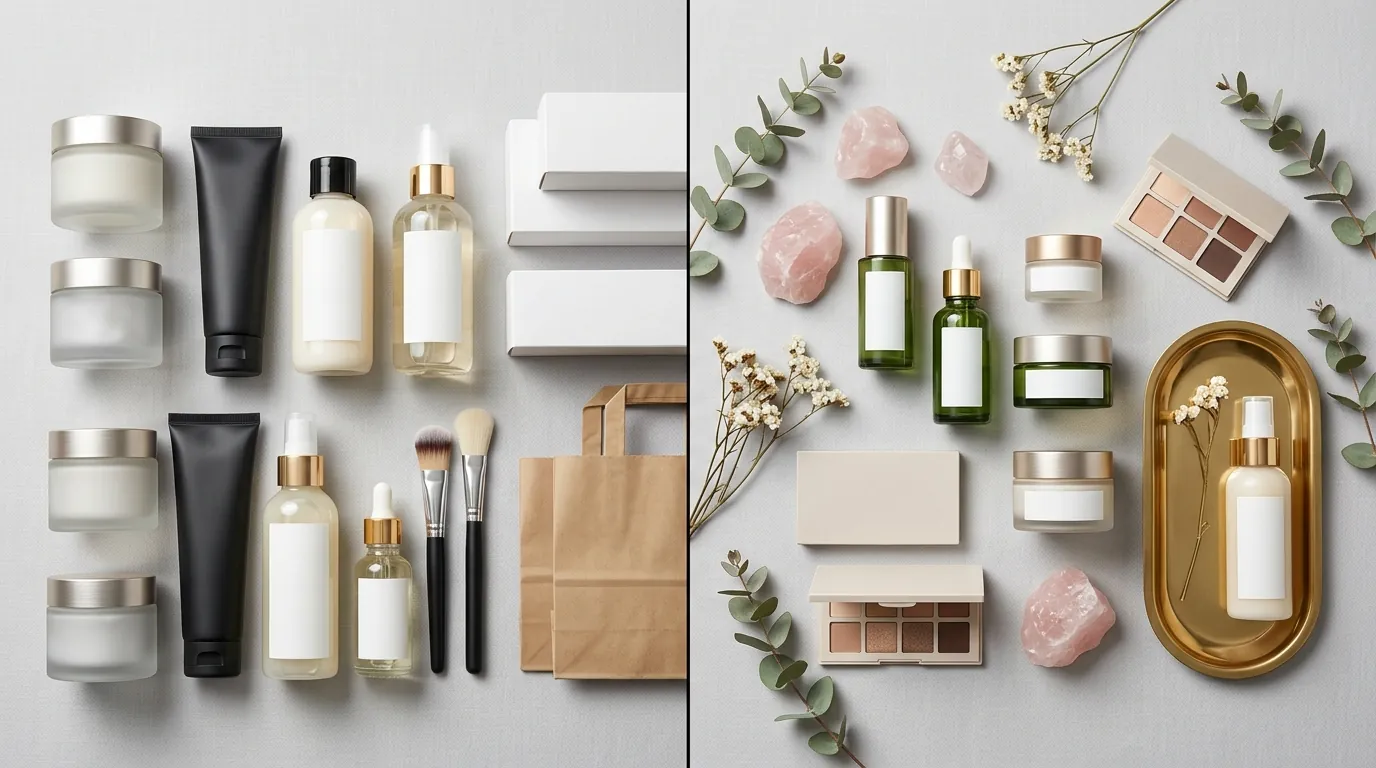
Managing a growing catalog of 50+ beauty products requires constant visual updates to stay competitive in a marketplace where “newness” is a ranking signal. For a composite beauty seller generating $30,000 to $50,000 in monthly revenue, the math of traditional photography no longer adds up. Launching five new serum variations or seasonal gift sets used to mean a $750 to $1,500 invoice from a local studio, not including the cost of shipping samples and the two-week wait for retouching.
Amazon enforces strict compliance rules that can lead to immediate search suppression if ignored. Your main images must have a pure white background (RGB 255, 255, 255) and the product must fill at least 85% of the frame. In the beauty niche, where packaging is often reflective or transparent, achieving these specs manually in Photoshop is a time-intensive task that eats into profit margins every time a new variation is launched.
Actionable Step: Run an “Image Compliance Audit” today. Open your current main image in a free tool like Google Chrome’s “ColorPick Eyedropper” and click the background. If the value is anything other than #FFFFFF or RGB(255, 255, 255), your listing is at risk of being suppressed in 2026 search results.
What Wasn’t Working
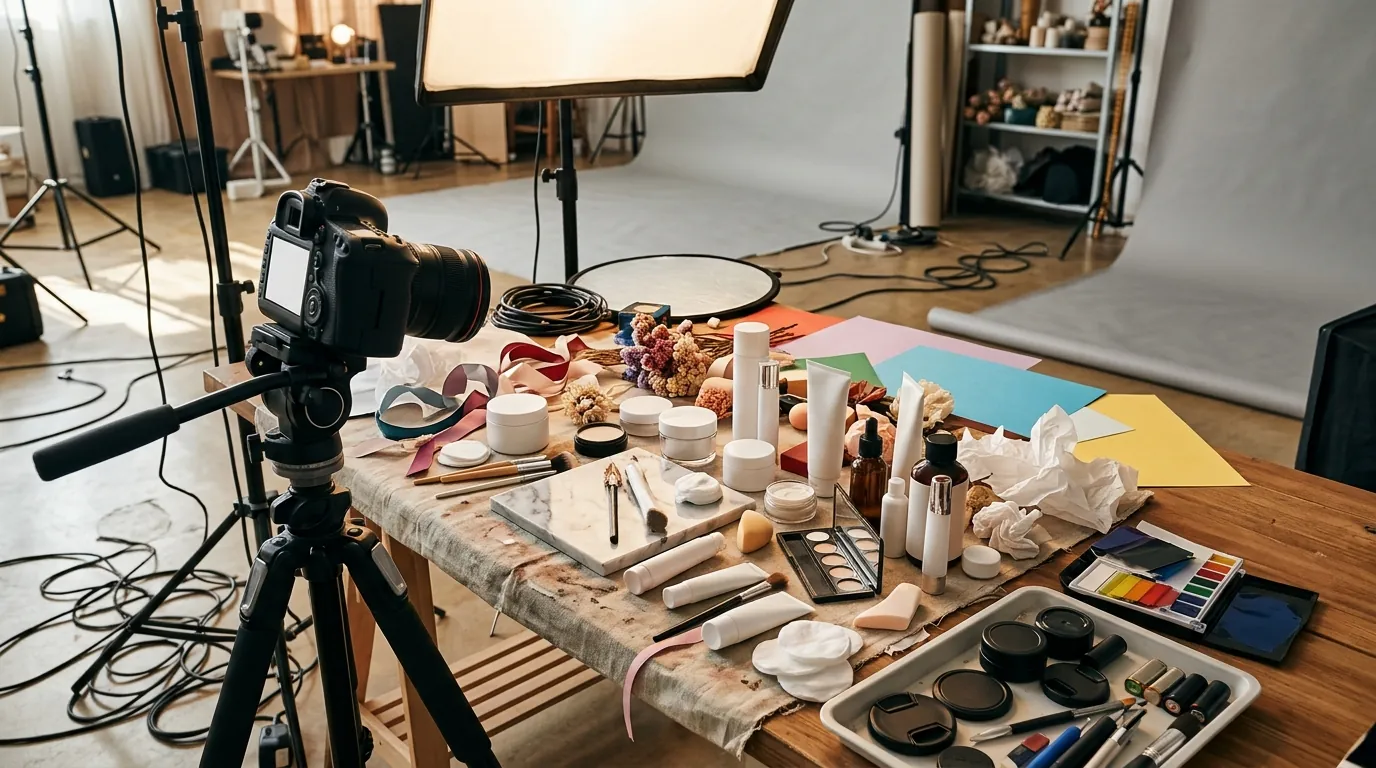
Traditional photoshoots were too slow, delaying time-to-market for seasonal beauty trends. By the time the “Summer Glow” campaign photos were edited and approved, the peak buying window had already shrunk. The seller initially turned to popular AI editing tools, but quickly hit workflow bottlenecks that prevented true scaling.
Generic AI tools often lack the marketplace-specific guardrails required for high-volume FBA sellers. For example, Photoroom’s Pro tier at $12.99/mo is powerful for single edits, but sellers often encounter a 50 images per session batch limit on certain platforms, which stalls bulk catalog updates. When you have 50 SKUs and need seven angles each, a 50-image limit forces you into a fragmented, manual workflow.
Similarly, Pebblely’s Basic plan at $19/month provides excellent AI background generation for social media, but it lacks the granular “Marketplace Crop” controls needed to ensure the 85% fill rule is met across a 50-item batch. The seller found themselves jumping between three different apps: one for background removal, one for AI scene generation, and another for final resizing and compression to meet Amazon’s file size limit of 10MB.
Actionable Step: Check your current software’s “Batch Export” settings. If you cannot upload 100+ raw photos and apply a “White Background + 85% Fill + 1600px Resize” preset in a single click, you are losing at least four hours of labor per product launch.
The Workflow They Built
💡 Skip the manual editing. PixelMatch batch-generates ecommerce-ready product images in 60 seconds — white background, lifestyle scenes, and variant mockups from a single source photo. Try PixelMatch free →
To solve these bottlenecks, the seller transitioned to PixelMatch as their primary Amazon FBA photo editing software. The goal was to move from “Art Direction” to “Asset Management.” Instead of directing a photographer, the seller now directs an AI pipeline that understands Amazon’s technical requirements out of the box.
The new workflow begins with a basic smartphone photo. Because the AI handles the background and lighting normalization, the seller no longer needs a light box or professional DSLR. They use PixelMatch to automatically generate compliant main images that are 1,600 pixels or larger on the longest side. While Amazon’s minimum is 1,000 pixels, the 1,600-pixel threshold is the “sweet spot” for 2026, as it enables the high-resolution zoom function that is proven to increase conversion rates in the beauty category.
For secondary images (slots 2-9), the seller uses AI background generation to create lifestyle contexts. Instead of renting a marble-top bathroom for a serum shoot, they upload the raw bottle shot and select a “Luxury Bathroom” or “Skincare Routine” preset. The AI maintains the product’s shadows and reflections, ensuring the bottle doesn’t look “floated” onto the scene—a common issue with lower-tier AI tools.
Actionable Step: Set your default export resolution to exactly 1600 x 1600 pixels in a square 1:1 aspect ratio. This ensures maximum zoom compatibility on Amazon while remaining perfectly formatted for Shopify’s product grid and Instagram’s feed.
| Feature | Traditional Studio | Generic AI Tools | PixelMatch (2026 Workflow) |
|---|---|---|---|
| Cost per SKU | $150 - $300 | $0.50 - $2.00 | < $0.30 |
| Turnaround Time | 10 - 14 Days | 5 - 10 Minutes | < 60 Seconds (Batch) |
| Compliance Check | Manual | Manual / Hit-or-Miss | Automated Amazon Preset |
| Batch Capacity | N/A (Per Photo) | Often limited to 50 | Unlimited Batch Processing |
| Lifestyle Scenes | Physical Props Required | AI Generated | AI Generated + Brand Presets |
Results (with Numbers)
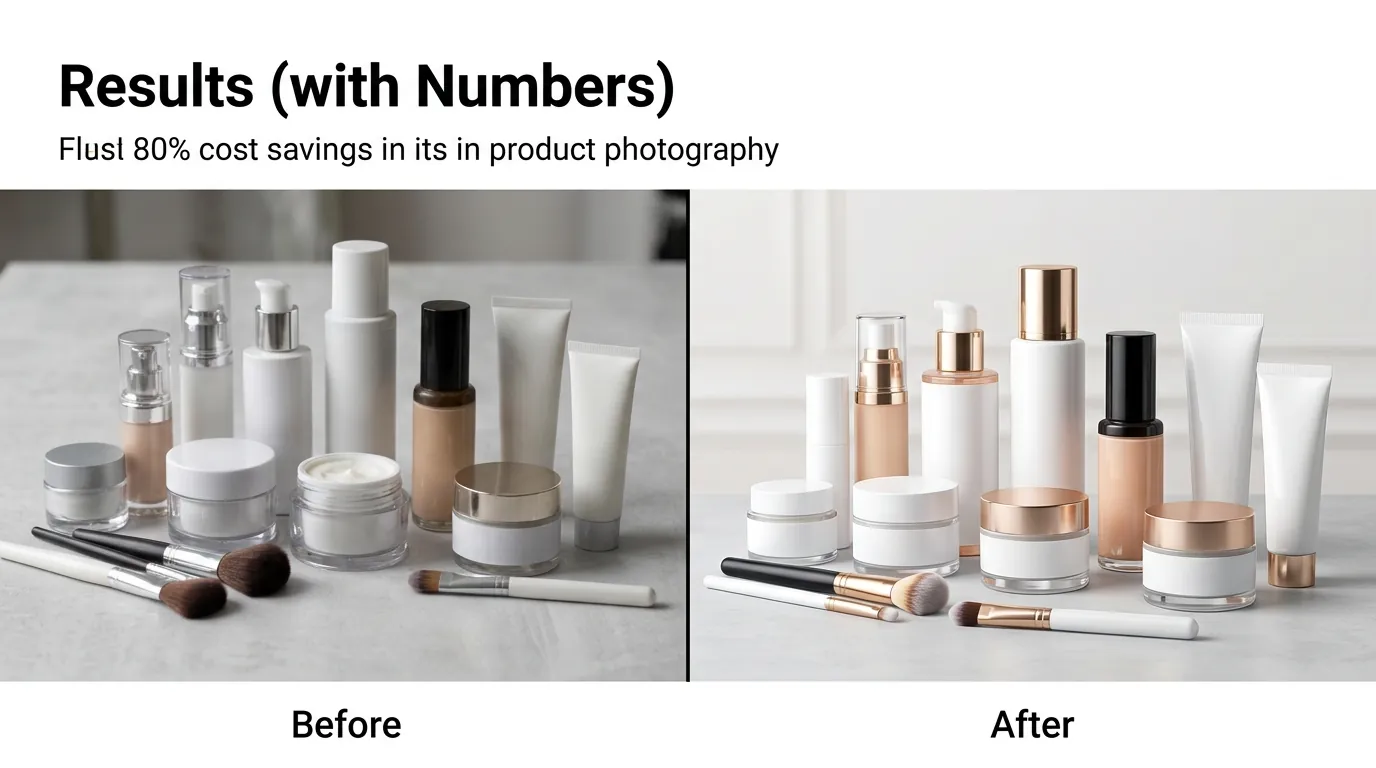
By moving to an AI-first workflow, the beauty seller transformed their cost structure and listing performance. The most immediate impact was on the bottom line: the average cost per listing dropped from $150 to $15. This $15 includes the subscription cost of the software and the internal labor time (approximately 10 minutes) required to snap the smartphone photos and run the batch.
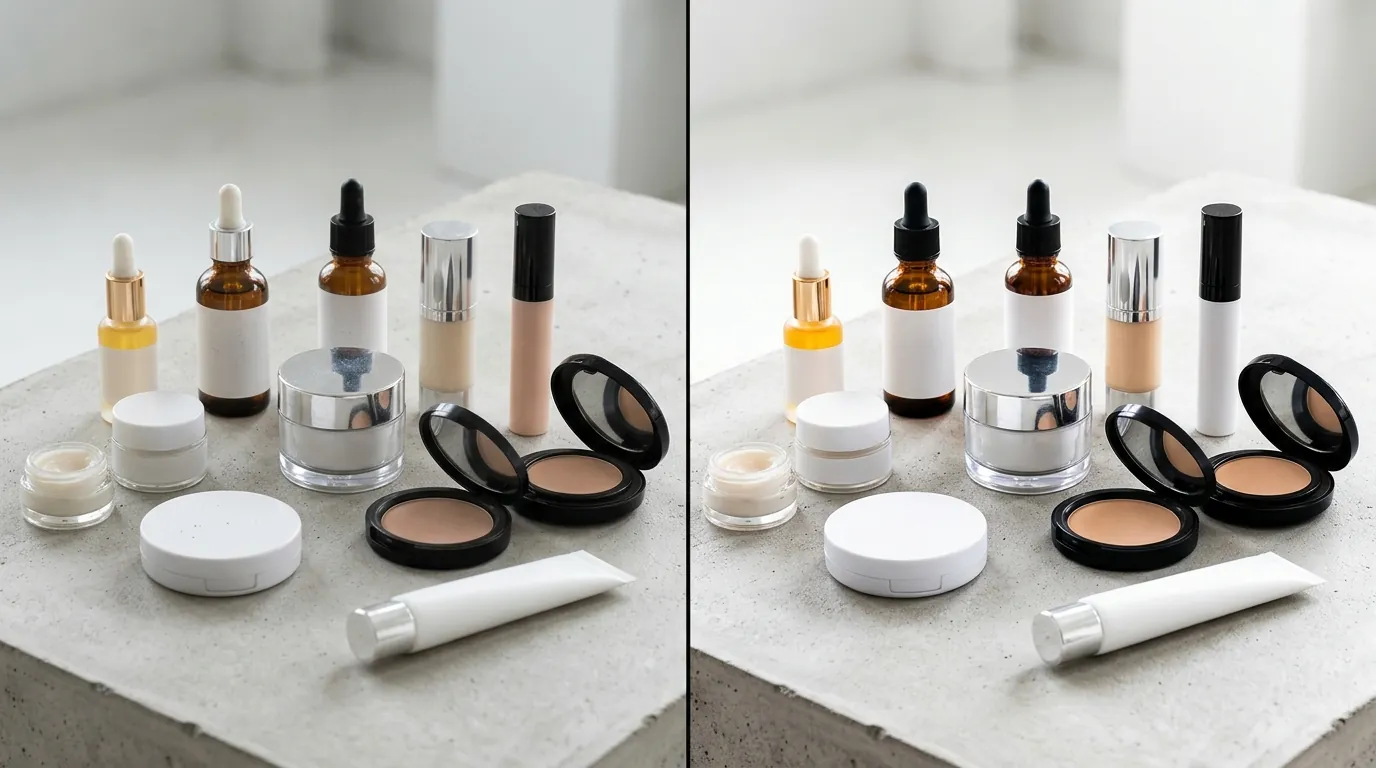
More importantly, the quality of the “Main Image” (Image 1) saw a significant performance lift. By using AI to test different lighting setups (e.g., “Soft Studio Lighting” vs. “High-Contrast Beauty Lighting”), the seller was able to A/B test their main images using Amazon’s “Manage Your Experiments” tool.
- Click-Through Rate (CTR): Increased from 0.8% to 2.4%.
- Cost Per Listing: Reduced from $150 to $15.
- Search Suppressions: Dropped to zero.
- Time-to-Market: Reduced from 14 days to 1 day.
The jump in CTR is attributed to the AI’s ability to create “hyper-real” clarity. Traditional photos often suffer from slight motion blur or inconsistent lighting across a multi-SKU line. The AI ensures that every bottle in a collection has identical lighting angles and shadow depth, which creates a much more professional and trustworthy “Brand Store” appearance on Amazon.
Actionable Step: Go to your Amazon Seller Central “Business Reports” and look at your “Unit Session Percentage” (Conversion Rate). Update the images for your bottom 10% performing SKUs using an AI-optimized main image and track the change over the next 14 days.
Steps to Replicate
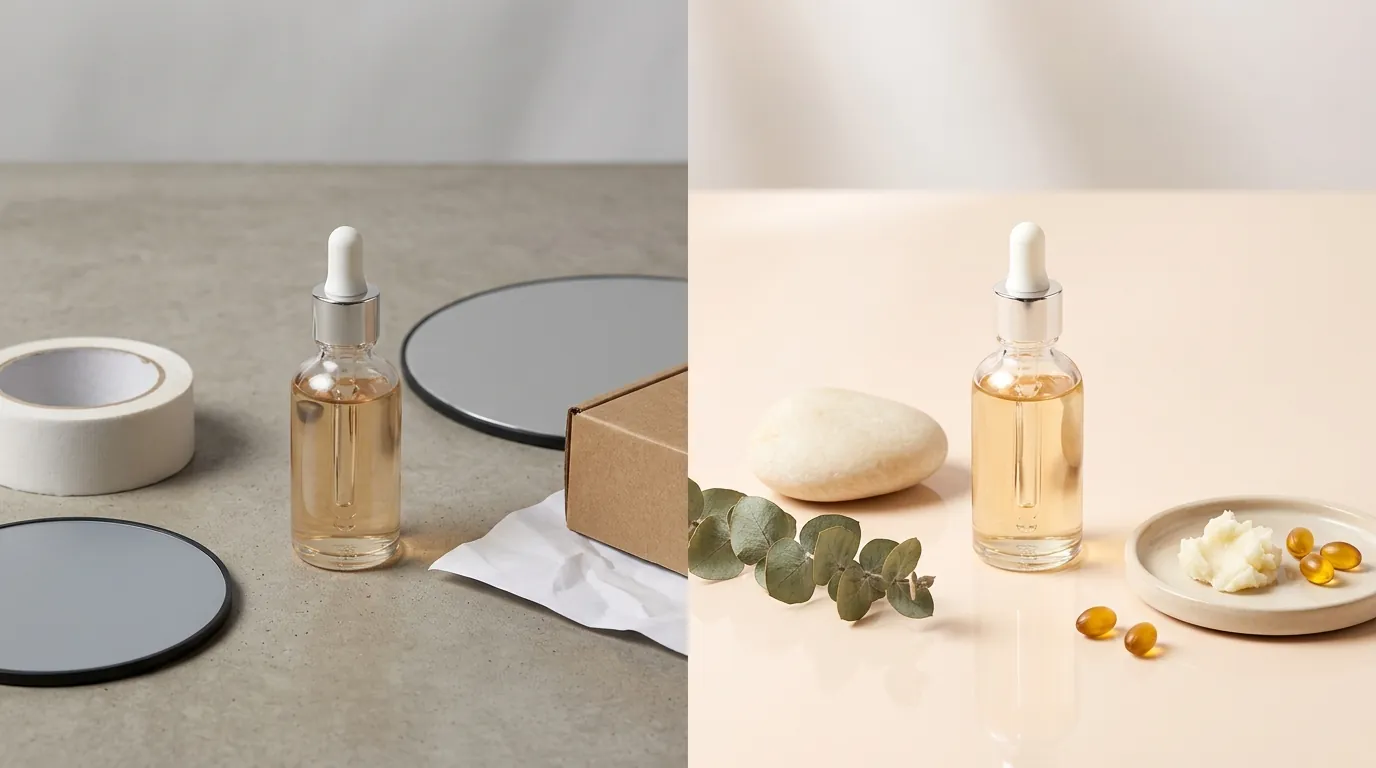
You do not need a background in graphic design to implement this workflow. Follow these four steps to modernize your beauty brand’s visual assets.
Step 1: Capture High-Quality Source Data
Snap a basic smartphone photo of the product in even, natural lighting. Place the product on a flat, neutral surface. Ensure the entire item is in the frame and that there are no harsh shadows cutting across the brand name or ingredients list. For beauty products, use a small piece of “museum wax” or clear double-sided tape to ensure the bottle stands perfectly vertical.
Step 2: Apply the Amazon FBA Preset
Upload your batch to PixelMatch. Select the “Amazon FBA Main Image” preset. This command automatically:
- Removes the background and replaces it with RGB 255, 255, 255.
- Resizes the image to 1600x1600 pixels.
- Scales the product to fill exactly 85% to 90% of the canvas.
- Ensures the file is exported as a high-quality JPEG to stay under the 10,000 pixels maximum limit.
Step 3: Generate Lifestyle Secondary Images
For your secondary image slots, use the AI scene generator. For beauty, focus on “Texture” shots and “Environment” shots.
- Texture: Generate a background that looks like a smear of the cream or a splash of the serum.
- Environment: Place the product in a “Spa Setting” or “Vanity Table” context. This helps the customer visualize the size of the product and its place in their daily routine.
Step 4: Final QA and Bulk Upload
Export the entire batch. Before uploading, use a batch-rename tool to ensure your filenames include the SKU or ASIN (e.g., B0XXXXXXXX.MAIN.jpg). This allows for faster bulk uploading via the “Add Products via Upload” tool in Seller Central.
Actionable Step: Use a smartphone tripod. Even a $15 tripod eliminates the micro-shakes that cause “jagged edges” during the AI background removal process.
Caveats and Honest Limitations
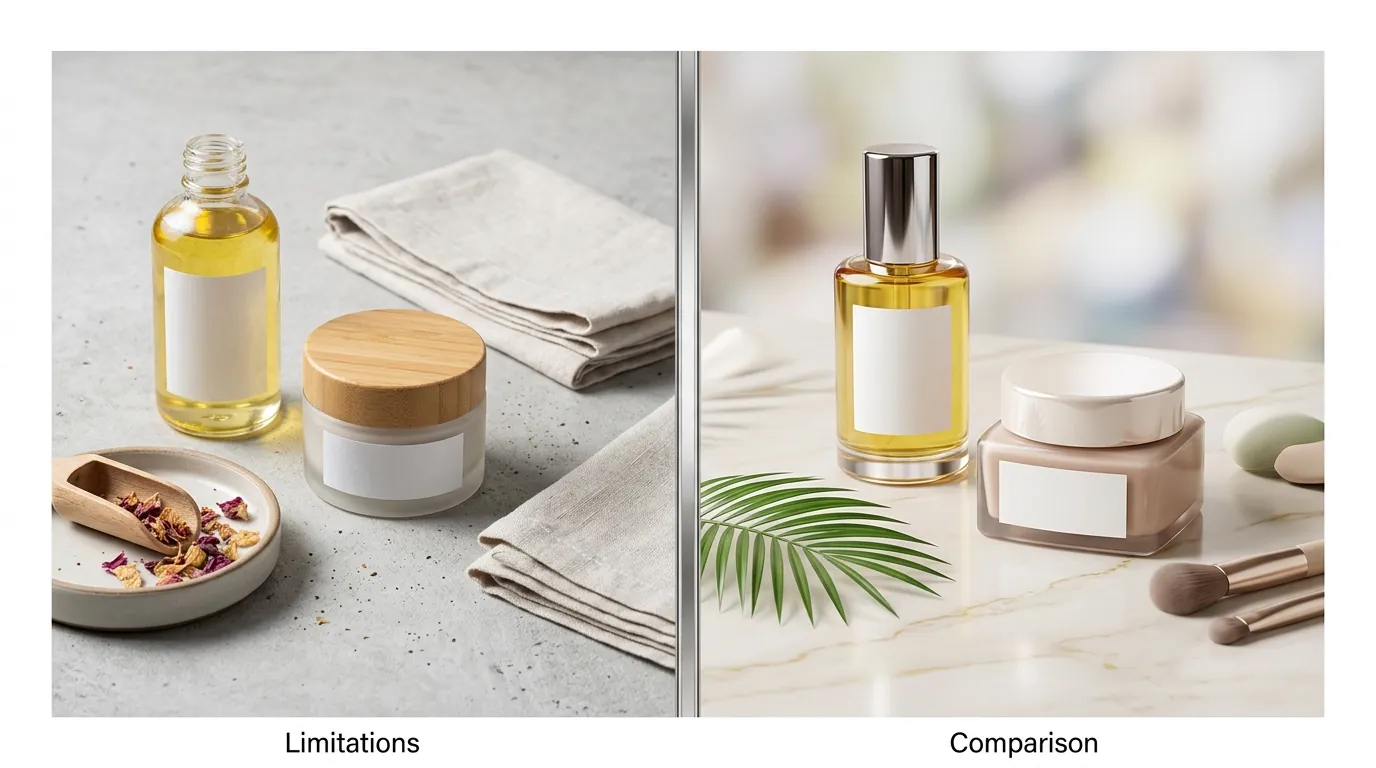
While AI photo editing is the most efficient path for ecommerce in 2026, it is not a magic wand. There are specific scenarios where human intervention or physical prep is still required.
First, AI cannot fix a fundamentally blurry or poorly lit source photo. Amazon strictly requires images to be clear, unpixellated, and have no jagged edges. If your source photo is out of focus, the AI’s attempt to “cut out” the product will result in a halo effect or “fuzzy” borders that look unprofessional and may trigger a manual review by Amazon’s moderation team.
Second, complex transparent packaging remains a challenge for almost all AI tools. Clear glass serum bottles or translucent plastic tubes refract light from their original environment. If you take a photo of a glass bottle in a dark kitchen and then use AI to place it in a bright white studio, the “dark” reflections inside the glass will remain, making the product look “off.” For these items, you must shoot the original photo against a light-colored background to ensure the refractions match the final AI-generated scene.
Finally, pricing for enterprise-level features like API access or “Custom Brand Models” (where the AI learns your specific brand’s lighting style) varies by plan. Most tools, including PixelMatch, offer a free trial or a low-cost starter tier. Sellers should start by processing their most difficult SKU first to test the AI’s handling of shadows and transparency before committing to an annual subscription.
Actionable Step: Before batch-processing 50 SKUs, run one “Stress Test” image—a product with clear glass or a highly reflective gold cap. If the AI handles the reflections correctly, proceed with the rest of the catalog.
Ready to scale your listings?
PixelMatch generates white-background, lifestyle, and variant mockups from a single source photo — built specifically for multi-platform ecommerce sellers. 50 free images on signup, no credit card.
Start free →
Sources
- Amazon Seller Central: Product Image Requirements
- Photoroom Pricing and Plans
- Pebblely Pricing and Feature Comparison
- WizCommerce: Photoroom Pricing Breakdown and Limits
- Jungle Scout: Amazon Product Photography Guide
- B12: AI for Ecommerce Image Optimization