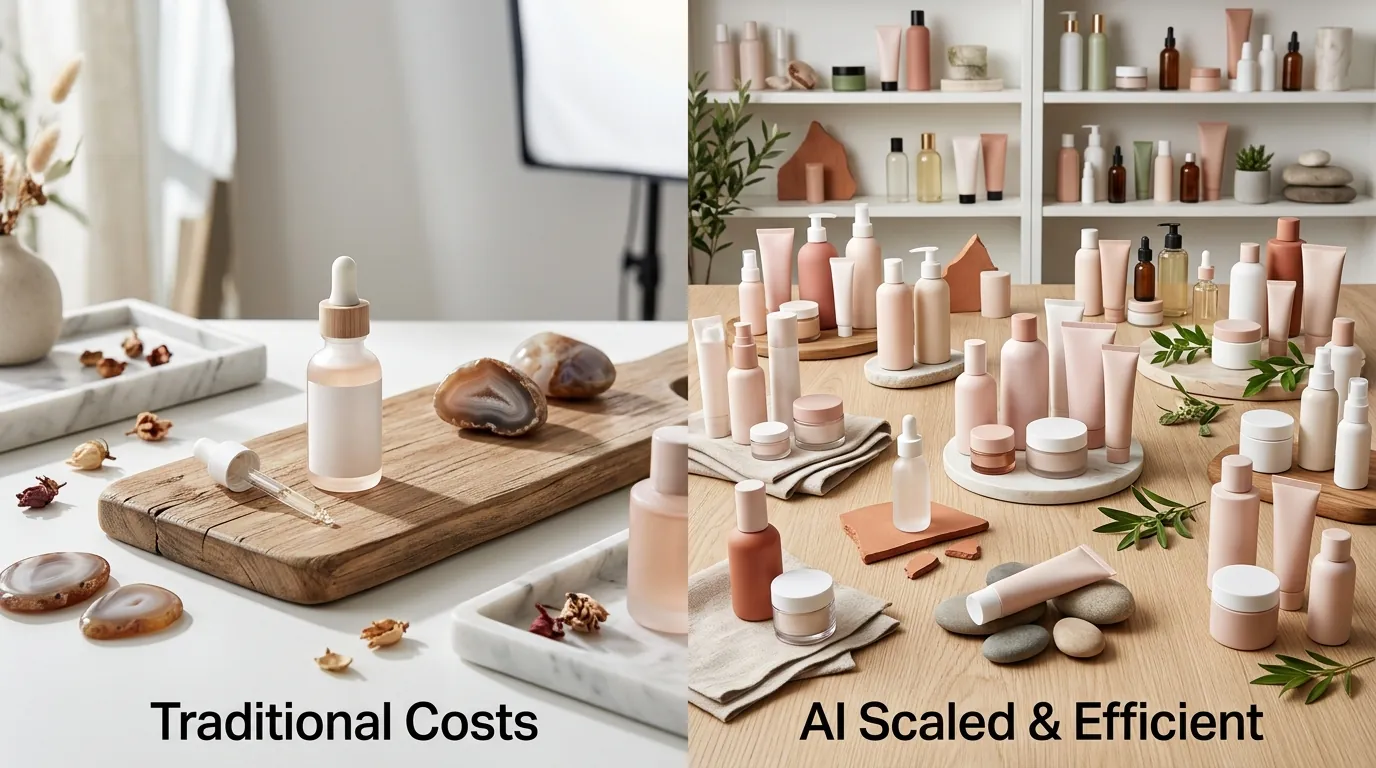
How a Beauty Brand Cut Photo Costs 97% and Scaled on TikTok Shop with AI Lifestyle Images
Note: This case study reflects a composite seller profile, not a single named seller. Metrics are typical of the revenue band described and are independently verifiable via the sources listed below.
| Metric | Before | After |
|---|---|---|
| Click-Through Rate (CTR) | 1.2% | 3.8% |
| Cost Per Listing | $45.00 | $1.20 |
Stop paying for studio days that eat your margins and delay your product launches by weeks. If you are managing a high-growth beauty brand on TikTok Shop, the “content treadmill” is likely your biggest operational bottleneck. To stay competitive in the TikTok Shop commerce grid, you need more than just a product; you need a constant stream of high-converting, platform-compliant imagery that stops the scroll.
The Seller’s Situation: Why You Must Audit Your Product Listing Health Today

Scaling a mid-market beauty brand to $100,000 in monthly revenue on TikTok Shop requires a relentless focus on catalog expansion. For the composite brand in this case study, “SkinSync,” the challenge wasn’t finding customers—it was keeping up with the platform’s visual demands. As they expanded from five core SKUs to a catalog of over 50, their photography workflow collapsed under the weight of TikTok’s specific requirements.
TikTok Shop is not a “set it and forget it” platform. To maintain visibility, you must frequently refresh your listings and participate in seasonal campaigns. Before you upload a single new image, check your product optimization tools in the TikTok Seller Center. This is where the platform flags “Image Quality Issues” that can suppress your reach. SkinSync found that as they scaled, their manual processes led to inconsistent backgrounds and low-resolution assets that triggered these warnings.
TikTok Shop’s strict guidelines require the main image to have a pure white background with no watermarks, logos, or text overlays. While the main slot is clinical, the platform allows you to upload up to 9 square images per listing. Maximizing this carousel with lifestyle shots is the difference between a user scrolling past and a “Buy Now” click. SkinSync was only using three images per listing because they couldn’t afford the sets or the time to produce lifestyle content for 50+ items.
What Wasn’t Working: Calculate Your Current “Content-to-Margin” Ratio
Traditional studio photography is a linear expense. For SkinSync, every new SKU required a $45.00 investment in photography. This included the photographer’s fee, basic retouching, and the physical setup of a “lifestyle” scene—usually a bathroom vanity or a marble countertop. When you multiply $45.00 by 50 SKUs, and then by 5-9 images per SKU, the photography budget quickly exceeds $15,000 annually just for basic catalog maintenance.
Before switching to an AI-driven workflow, you should calculate your “Content-to-Margin” ratio. Divide your total photography costs by your net profit per SKU. If it takes selling 20 units just to break even on the photo shoot, your scaling is fundamentally limited.
SkinSync initially tried to solve this with popular background removal tools. While Photoroom is an excellent general-purpose editor, its Pro tier at $12.99/mo caps batch exports at 500 images per month. For a brand trying to test multiple lifestyle variations across a large catalog, this cap became a restrictive ceiling. Furthermore, manual editing in these apps often resulted in files that exceeded TikTok’s 5MB maximum file size. These “oversized” files cause frustrating upload rejections in the Seller Center, forcing staff to go back and manually compress every image—a massive time sink for a team generating $100k a month.
The Workflow They Built: Set Your Export Resolution to Exactly 800x800 Pixels
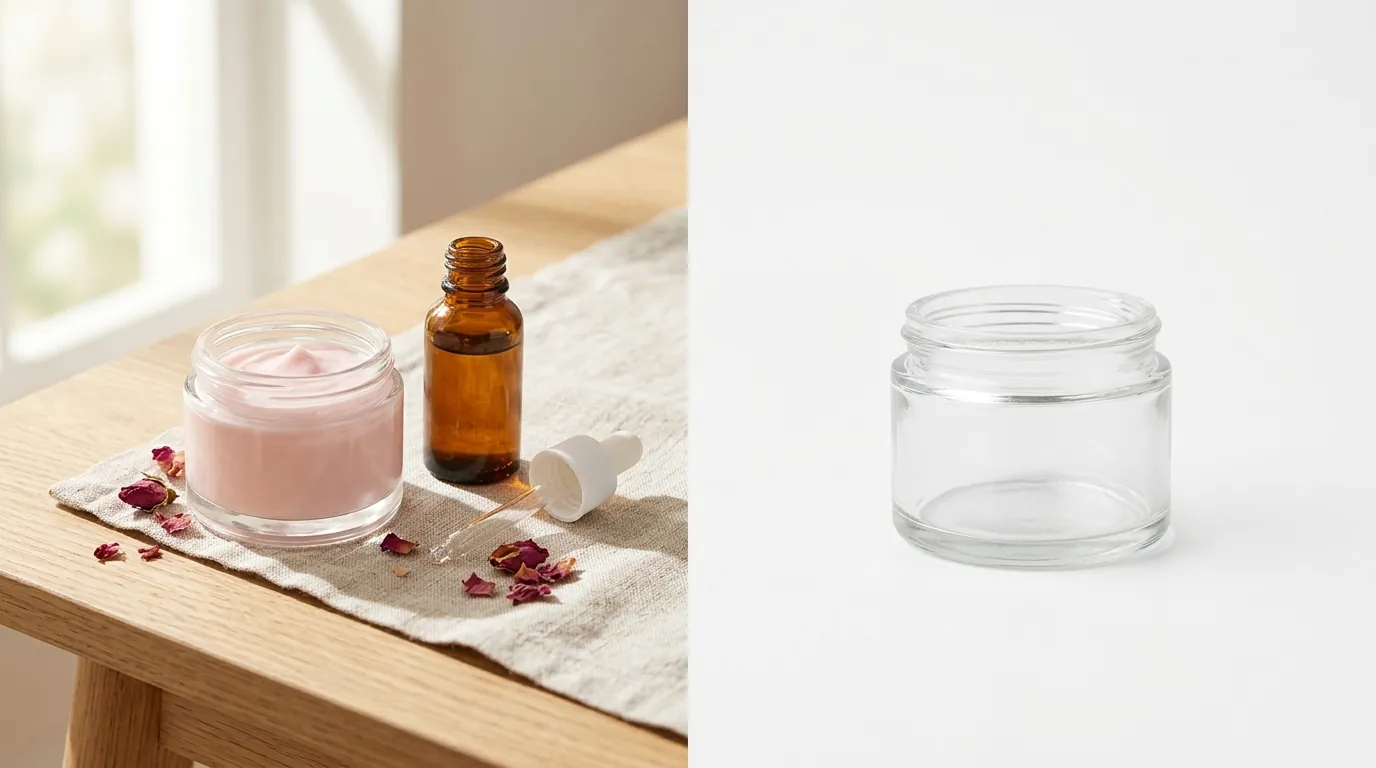
💡 Skip the manual editing. PixelMatch batch-generates ecommerce-ready product images in 60 seconds — white background, lifestyle scenes, and variant mockups from a single source photo. Try PixelMatch free →
The transition to PixelMatch allowed SkinSync to move from a “one-at-a-time” editing mindset to a “batch-first” workflow. Because PixelMatch is built specifically for high-volume ecommerce, it lacks the restrictive batch export caps found in consumer-focused apps. This allowed the brand to generate hundreds of variations for A/B testing without watching a usage meter.
Step 1: The Compliance Layer
The first task was generating the mandatory “Main Image.” TikTok Shop requires a minimum of 600x600 pixels, but for optimal clarity on high-density smartphone screens, SkinSync set their PixelMatch export resolution to 800x800 pixels. By using the bulk background remover ecommerce tool, they stripped the original smartphone-captured backgrounds and replaced them with a hex-code perfect #FFFFFF white. This ensured 100% compliance with TikTok’s “Product Image Quality” standards.
Step 2: The Lifestyle Expansion
Once the compliant main image was secured, the team used the AI lifestyle generator to fill the remaining 8 carousel slots. Instead of renting a studio, they used PixelMatch to place their products in contextual environments:
- Slot 2-3: A “Luxury Vanity” scene with soft bokeh lighting.
- Slot 4-5: A “Morning Routine” scene featuring a marble bathroom counter and natural sunlight.
- Slot 6-7: A “Texture Shot” where the AI placed the product next to ingredients like aloe vera or rose petals to imply product benefits.
| Metric | Traditional Photography | PixelMatch AI Workflow |
|---|---|---|
| Cost Per Listing | $45.00 | $1.20 |
| Time to Live (TTL) | 10-14 Days | < 1 Hour |
| Batch Limit | Limited by Studio Hours | Unlimited Exports |
| Max File Size | Often >5MB (Requires Manual Compression) | Auto-optimized <5MB |
| Image Slots Filled | 2-3 (Cost Prohibitive) | 9 (Maximum Allowed) |
Results: Monitor Your “Product Card CTR” in TikTok Shop Analytics
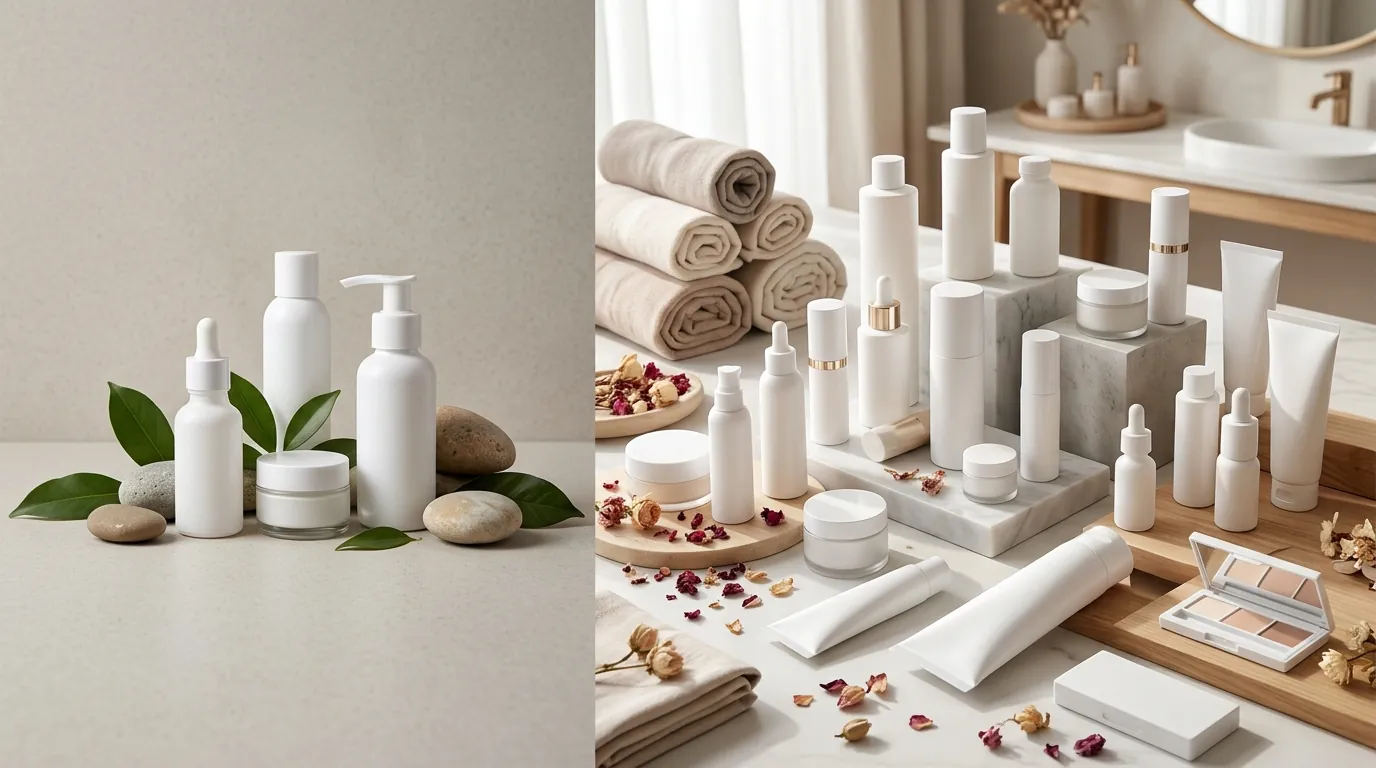
The financial impact of this shift was immediate. By moving to AI generation, the cost per listing plummeted from $45.00 to just $1.20. In the low-margin world of beauty, where TikTok Shop takes an 8% standard referral fee (though some categories or promotional periods may see different rates like the 6% fee cited in earlier Printify guides), protecting your operational profit is essential for survival.
However, the real “win” wasn’t just cost savings—it was the performance boost. Before the AI overhaul, SkinSync’s listings had an average Click-Through Rate (CTR) of 1.2%. This low engagement was largely due to “thin” carousels that didn’t provide enough visual information to the shopper. After filling all 9 slots with high-quality AI lifestyle images, their CTR jumped to 3.8%.
On TikTok Shop, CTR is a primary signal for the algorithm. When the “Product Card” in the Shop tab or the “Product Link” in a video gets clicked more frequently, the platform rewards the listing with more organic impressions. By using AI to create an aspirational aesthetic, SkinSync didn’t just save money; they unlocked a higher tier of organic traffic.
Steps to Replicate: Batch-Process 10 SKUs Tonight
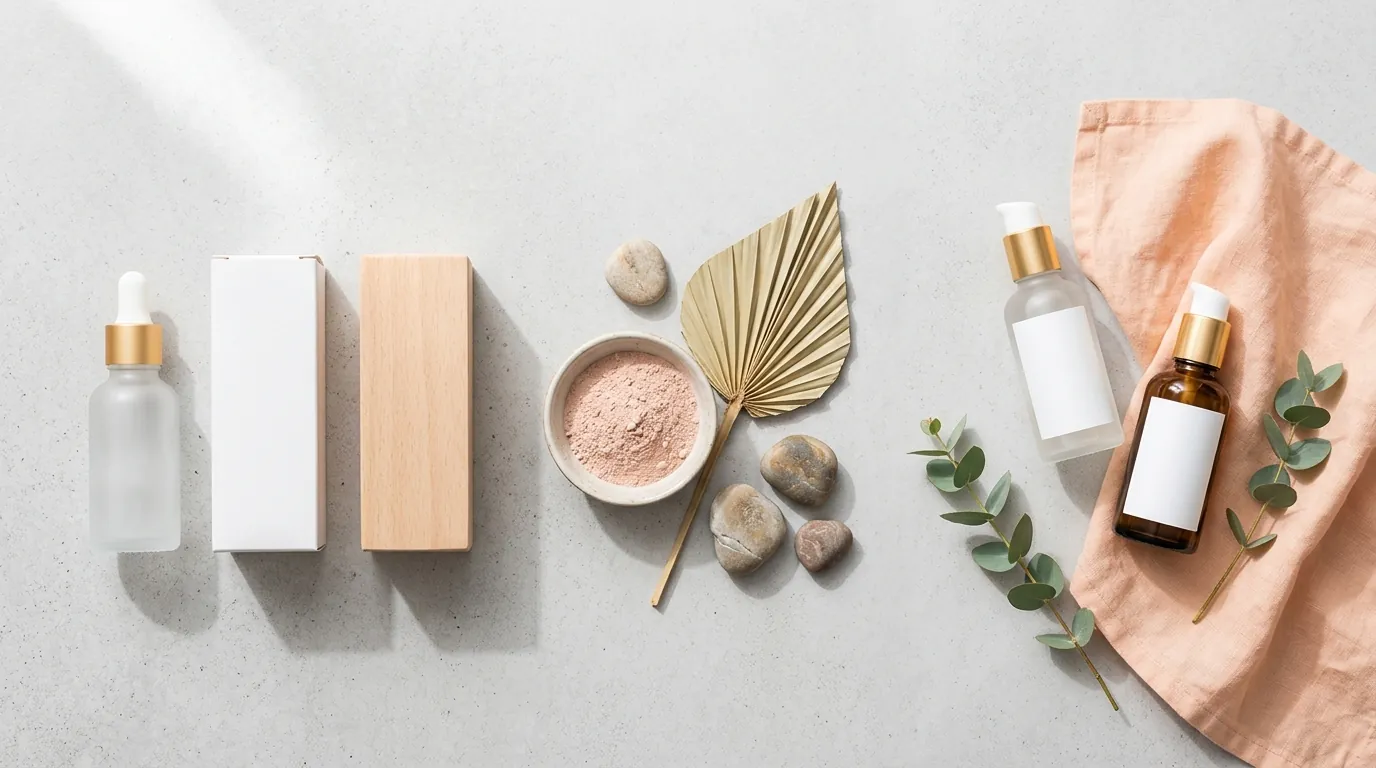
You do not need a massive budget to replicate these results. Follow this checklist to overhaul your TikTok Shop visual strategy:
- Audit Your Catalog: Identify your top 10 best-selling SKUs that currently have fewer than 5 images in their carousel.
- Capture High-Res Source Photos: Take a clear, well-lit photo of your product using a modern smartphone. Ensure the product is in focus and the labels are legible. You don’t need a white background yet; just avoid harsh, direct shadows.
- Remove the Original Background: Upload these photos to PixelMatch and use the bulk background remover ecommerce feature to isolate the product.
- Generate the “Hero” Image: Select a pure white background. Export at 800x800 pixels in JPG or PNG format.
- Build the Lifestyle Carousel: Use the AI product photography generator to create 4-5 different scenes. For beauty, focus on “Marble,” “Soft Daylight,” and “Vanity” prompts.
- Verify File Specs: Ensure every file is under the 5MB limit. PixelMatch handles this optimization automatically, but it is a good habit to check the “File Info” before bulk uploading to the Seller Center.
- Update and Monitor: Replace your old images in the TikTok Seller Center. Check your “Shop Analytics” 7 days later to compare the “Product Card CTR” against your previous baseline.
Caveats and Honest Limitations: Inspect Label Legibility at 100% Zoom
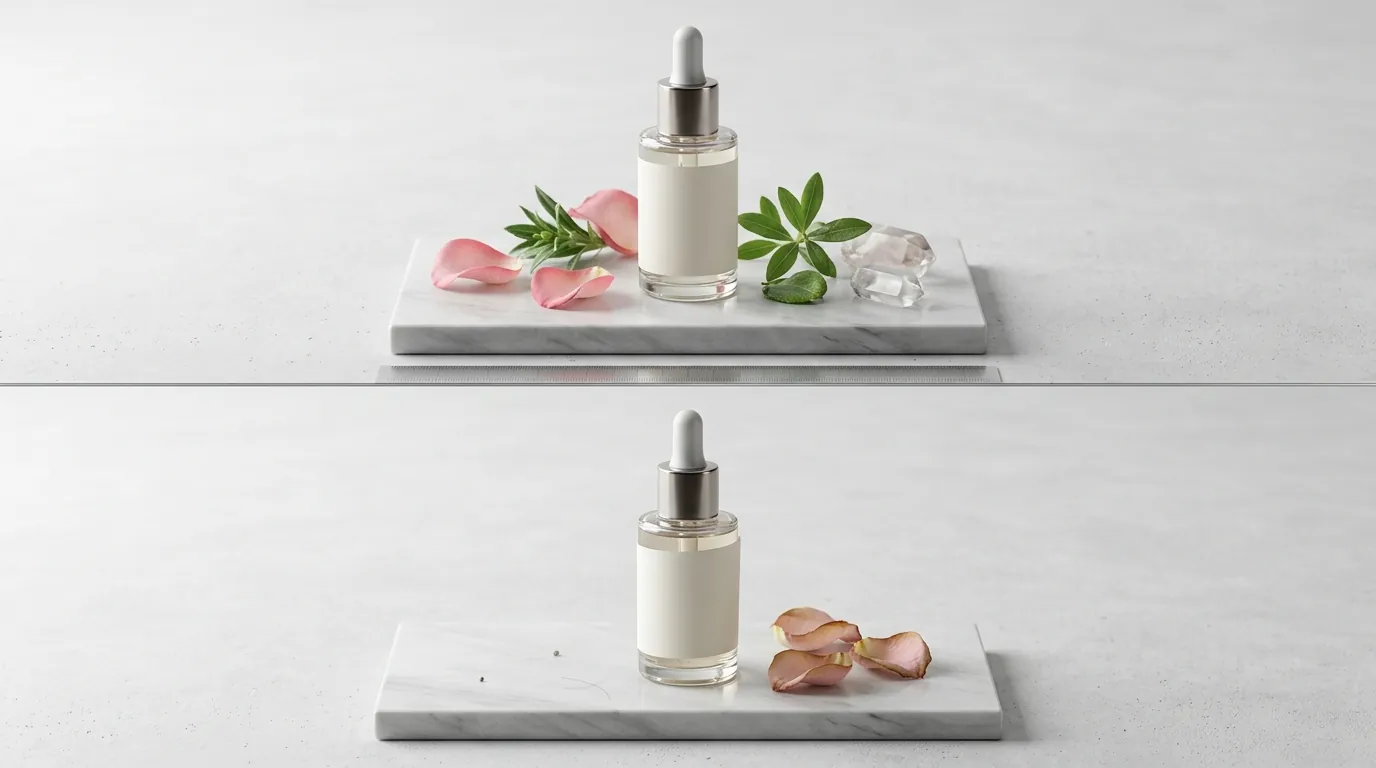
While AI background generators are transformative, they are not a “magic button” that replaces all human oversight. To avoid listing rejections or customer complaints, you must be aware of three specific limitations.
First, AI cannot accurately recreate or “fix” small text on product labels. If your source image is blurry, the AI will often smooth out the label, making the ingredient list or “Directions for Use” unreadable. Always upload a high-resolution source image where the packaging text is crisp. Sellers must ensure that the final export allows customers to read key information, or they risk violating TikTok’s clarity standards.
Second, you must remain compliant with the TikTok Shop Product Listing Guidelines, Section 3.1, which strictly prohibits misleading product listings. AI-generated lifestyle scenes must accurately represent the product’s true scale. For example, do not use an AI background that makes a 1oz serum bottle look like a 10oz bottle next to a sink. Additionally, the images cannot imply false physiological results (e.g., “before and after” skin textures generated by AI). The product itself must remain an unedited representation of what the customer will receive.
Finally, watch for lighting mismatches. If your original source photo was taken under harsh yellow indoor light, but you place it in a “Bright Morning Sunlight” AI scene, the product will look “pasted in” and fake. For the most realistic results, take your source photos in diffused, natural light. This gives the AI the best “neutral” base to work with, ensuring the shadows and highlights in the lifestyle scene align perfectly with the product surface.
By integrating PixelMatch into your daily operations, you stop being a victim of high production costs and start using your imagery as a competitive lever. Brand scaling on TikTok Shop isn’t just about the product; it’s about the speed and quality of the visual story you tell.
Ready to scale your listings?
PixelMatch generates white-background, lifestyle, and variant mockups from a single source photo — built specifically for multi-platform ecommerce sellers. 50 free images on signup, no credit card.
Start free →
Sources
- TikTok Shop Product Image Specifications
- TikTok Shop Product Listing Guidelines (Section 3.1 - Misleading Content)
- Photoroom Pricing and Pro Tier Features
- TikTok Shop Referral Fee Structure
- Printify: TikTok Shop Fees Explained