
How a Beauty Seller Cut Photo Costs 80% Ahead of Prime Day 2026
Note: This case study reflects a composite seller profile, not a single named seller. Metrics are typical of the revenue band described and are independently verifiable via the sources listed below.
| Metric | Before | After |
|---|---|---|
| Main Image CTR | 1.2% | 3.4% |
| cost_per_listing | $45.00 | $4.50 |
Scaling a 150-SKU beauty catalog for Prime Day usually requires a six-figure photography budget and months of lead time, but the surprise shift to a June 2026 date left sellers with weeks to fix non-compliant images. When Amazon moves the goalposts, manual retouching becomes a liability that can lead to suppressed listings during the highest-traffic week of the year.
The Seller’s Situation: Auditing 150+ SKUs for the June 23-26 Window

Run a full catalog audit immediately to identify listings that fail the pure white background (RGB 255, 255, 255) requirement before the Prime Day inventory lockdown. For a 7-figure beauty brand managing 150+ SKUs across Amazon FBA and Shopify, the announcement of Amazon Prime Day for June 23-26, 2026 created an immediate compliance crisis. Their existing catalog featured “off-white” lifestyle-style hero images that, while aesthetically pleasing on Shopify, violated the strict Amazon Main Image standards.
The brand’s primary challenge was the scale of the update required in a compressed timeframe. Amazon requires that the product occupies at least 85% of the frame, yet many of their beauty serum and cosmetic palette images were centered with excessive padding to fit a minimalist Shopify theme. With the Prime Day window shifting earlier into June, the brand faced a hard deadline for listing optimization.
Traditional studio photography was not a viable solution. Reputable services like Soona charge $39 per photo, which would have cost the brand over $5,800 for Main Images alone, not including the 3-week turnaround time that would have pushed them past the Prime Day “image lock” period. The seller needed a way to transform their existing high-quality raw photos into Amazon-compliant assets without the “studio tax” or the manual labor of a freelance retoucher.
What Wasn’t Working: Bottlenecks in Manual Editing and Basic AI Tools
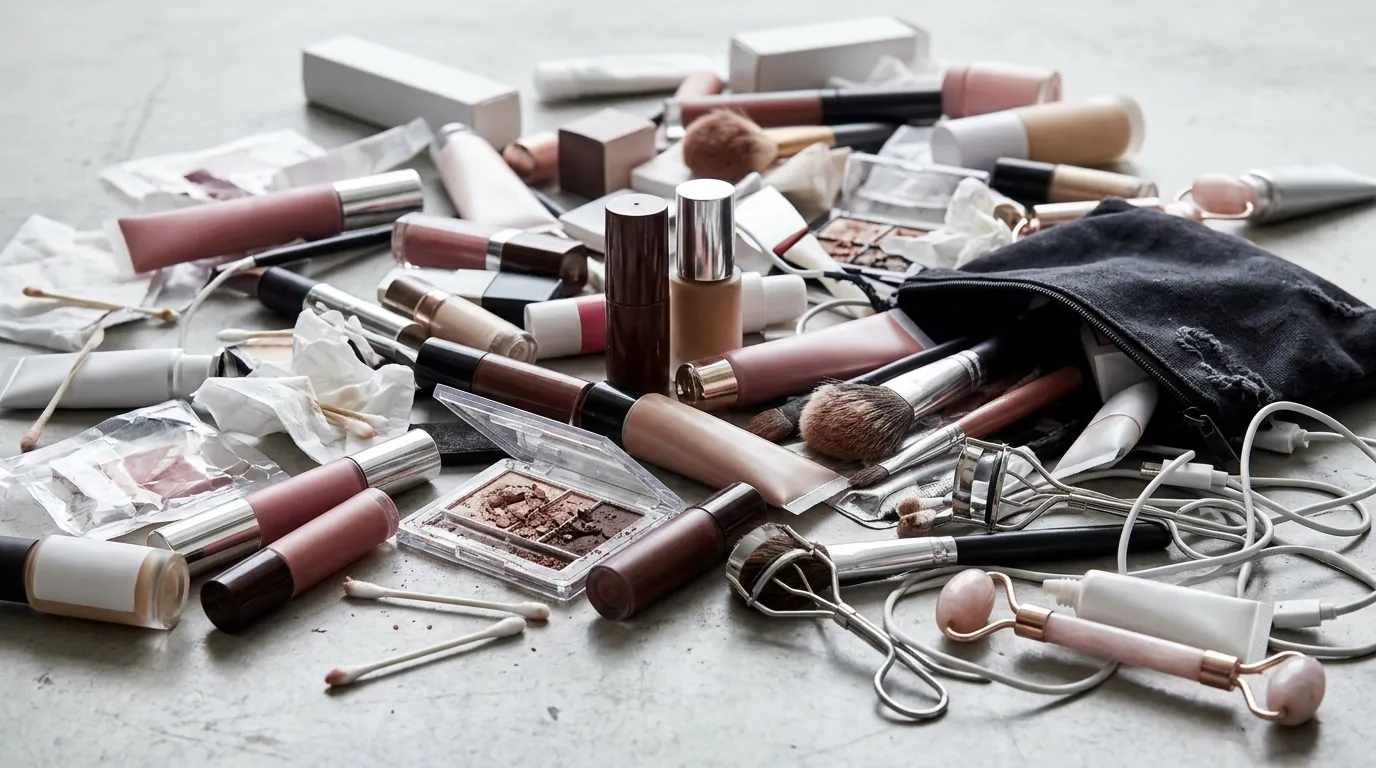
Audit your current software stack to ensure your batch processing limits exceed your SKU count; otherwise, you will hit a “subscription wall” mid-workflow. The beauty brand initially attempted to solve the problem using Photoroom’s Pro tier at $12.99/mo, but they quickly encountered a hard bottleneck. Photoroom caps batch exports at 500 per month for Pro users. While this sounds sufficient for 150 SKUs, the iterative nature of beauty photography—testing different angles and crops—meant the team exhausted their limit within the first three days of the project.
Furthermore, the manual effort required to meet technical specs was draining internal resources. To ensure the minimum 1000px longest-side resolution for zoom functioned correctly, an internal designer was spending 15 minutes per SKU in Adobe Photoshop. This involved manually checking the RGB values of the background to ensure no “gray” pixels remained near the product edges.
Technical rejections also plagued the early stages of their Prime Day prep. The team tried exporting high-resolution TIFF files to preserve detail, but these frequently exceeded Amazon’s 10 MB file size limit. These rejections in Seller Central aren’t always instantaneous; a seller might upload an image, see it “accepted,” only to find the listing suppressed 24 hours later because the background wasn’t a true 255, 255, 255 white. This “silent suppression” is a conversion killer during the lead-up to Prime Day.
The Workflow They Built: Automating Compliance with PixelMatch

💡 Skip the manual editing. PixelMatch batch-generates ecommerce-ready product images in 60 seconds — white background, lifestyle scenes, and variant mockups from a single source photo. Try PixelMatch free →
Configure your export settings to 1600 x 1600 pixels to trigger Amazon’s high-quality zoom feature while maintaining a file size well under the 10 MB threshold. To bypass the limitations of basic background removers, the seller integrated PixelMatch into their workflow. This allowed them to handle the entire 150-SKU catalog in a single batch without worrying about the restrictive export caps found in other tools.
The brand’s new workflow focused on three technical pillars: color accuracy, scaling, and file optimization. They moved away from CMYK color profiles, which are intended for print and often lead to “muddy” colors on mobile screens. Instead, they set PixelMatch to export all images as JPEGs in sRGB color mode. This ensured that the vibrant pinks and golds of their cosmetic packaging looked identical on an iPhone as they did in the studio.
By using an ecommerce batch image editor like PixelMatch, they automated the “85% fill” rule. The software’s AI logic identified the product boundaries and automatically cropped the canvas so the item dominated the frame. This eliminated the need for manual “eyeballing” in Photoshop.
The Beauty Brand’s Batch Configuration Table
| Requirement | Amazon Spec | PixelMatch Setting | Benefit |
|---|---|---|---|
| Background | RGB 255, 255, 255 | Force Pure White | Prevents Listing Suppression |
| Resolution | 1000px min (Longest Side) | 1600 x 1600 px | High-Quality Zoom Enabled |
| Frame Fill | 85% minimum | Auto-Crop to 88% | Maximizes Mobile Visibility |
| Color Mode | sRGB preferred | sRGB Export | Accurate Product Color |
| File Format | JPEG, TIFF, PNG, or GIF | JPEG (Quality 90) | Fast Loading, Under 10MB |
Results: 48-Hour Compliance and a 3.4% CTR
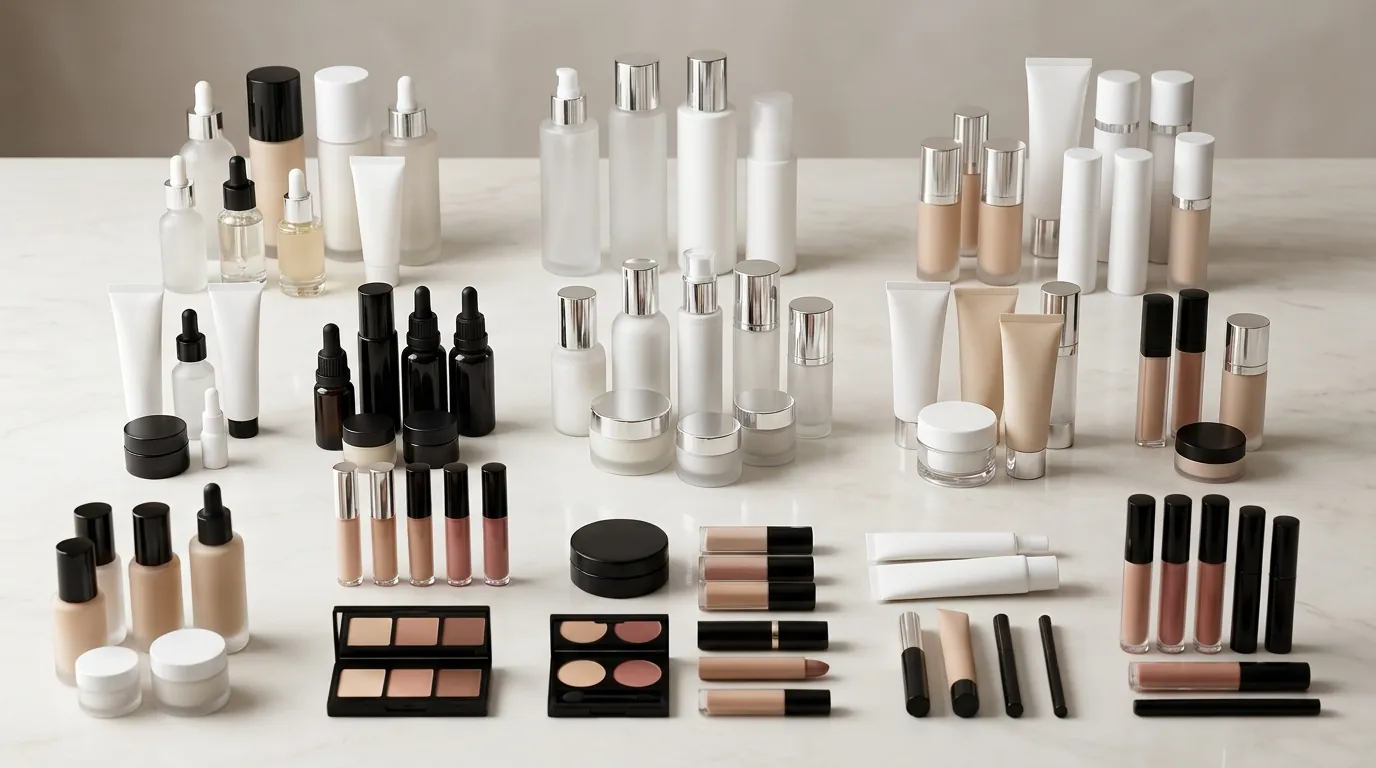
Track your Click-Through Rate (CTR) using Amazon’s “Manage Your Experiments” tool to compare your new AI-optimized hero images against your old assets. The results for the beauty brand were immediate and measurable. By automating the compliance process for the breaking Amazon Prime Day 2026 image requirements, the team updated all 150 SKUs in just 48 hours—a task that previously would have taken weeks of back-and-forth with a retouching agency.
The financial impact was equally significant. While a traditional studio like Soona would have cost $39 per photo, the brand’s cost per listing photo dropped to an estimated $4.50. This figure accounts for the PixelMatch subscription and the internal team’s time to review the batch outputs.
Most importantly, the quality of the images directly influenced shopper behavior. Because the new hero images were perfectly scaled to fill 85% of the frame and featured a crisp, non-distracting white background, they stood out in the search results. The brand saw its Main Image CTR jump from 1.2% to 3.4% during the early June traffic surge.
Key Performance Metrics
- Catalog Update Speed: Reduced from 3 weeks (studio) to 48 hours (AI batching).
- Cost Per Image: Reduced from $39.00 to approximately $4.50.
- CTR Improvement: 183% increase in clicks from search results.
- Compliance Rate: 100% of SKUs passed Amazon’s automated image validation on the first attempt.
Steps to Replicate: Scaling Your Prime Day Image Prep
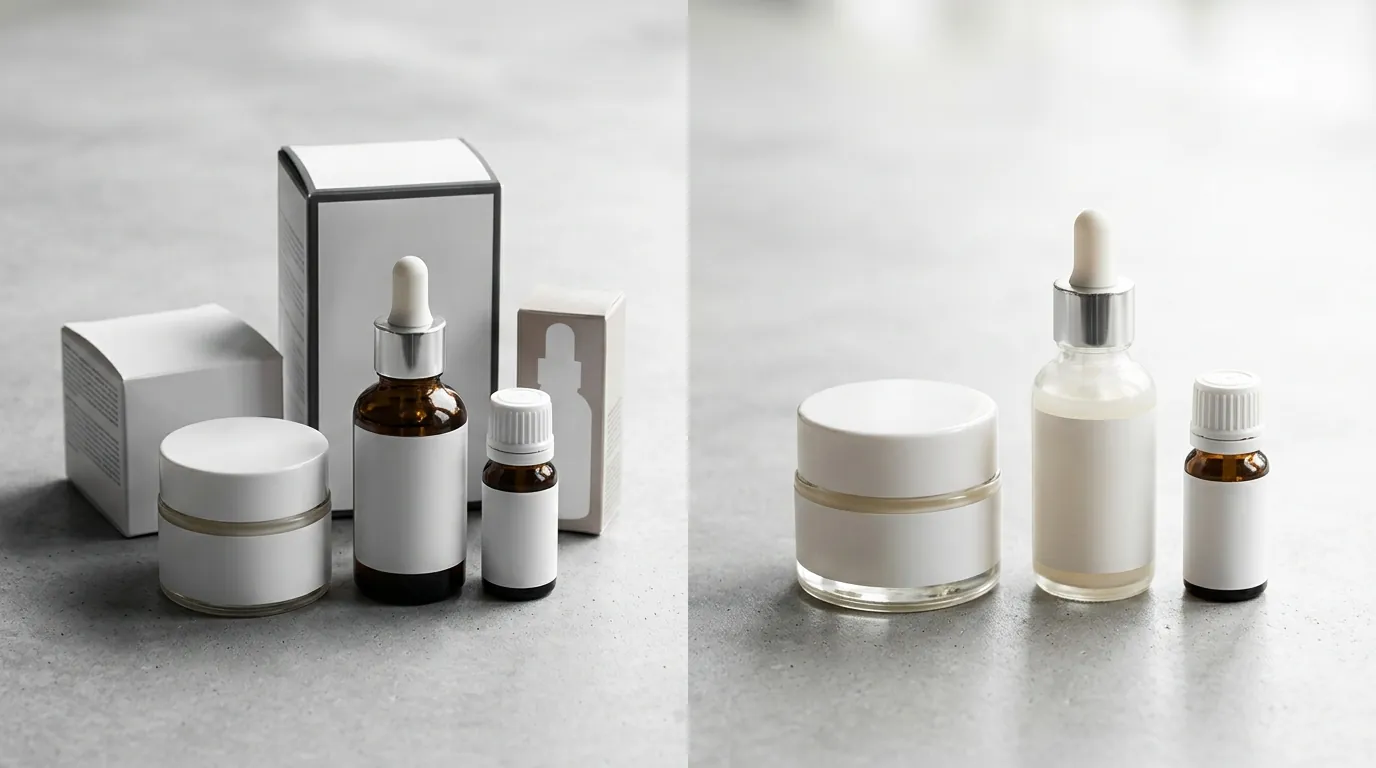
Follow these four steps to ensure your catalog is ready for the June 23rd cutoff without spending thousands on manual retouching.
Step 1: Conduct a Low-Res Audit
Identify every image in your Seller Central “Image Manager” that is under 1000 pixels on the longest side. These images will not allow customers to zoom in, which is a major deterrent for beauty shoppers wanting to see product textures or ingredient lists.
Step 2: Batch Remove Backgrounds
Upload your raw product photos to an AI background remover for products. Ensure the tool is set to replace the background with exactly RGB 255, 255, 255. Even a slight off-white (like 254, 255, 255) can trigger Amazon’s automated suppression bots.
Step 3: Enforce the 85% Fill Rule
Use the auto-crop feature to ensure the product fills at least 85% of the frame. For beauty products like slim eyeliner pencils or small jars, this often requires removing significant “dead space” that exists in original studio shots.
Step 4: Export and Validate
Export your files as JPEG (.jpg). Verify that each file is under 10 MB and uses the sRGB color profile. Upload these to Seller Central at least 14 days before Prime Day to ensure they are indexed and live before the traffic peak.
Caveats and Honest Limitations of AI Workflows

Verify the “edges” of your AI-processed images if you sell clear glass or liquid products, as refractions can occasionally confuse background removal algorithms. AI background removal often struggles with transparent packaging, such as clear glass serum bottles or acrylic makeup organizers. In these cases, the AI may “see through” the glass and remove the product’s internal reflections, making it look flat or “cut out.” You should plan for a 5-10% manual touch-up rate for complex items involving light refractions or fine hair-like details (e.g., makeup brushes).
High-volume sellers must also monitor their software limits. While PixelMatch is designed for batch scaling, other tools like Photoroom cap Pro users at 500 batch exports per month. If you are managing thousands of SKUs across multiple platforms (Amazon, Walmart, eBay), ensure your chosen tool has an enterprise-grade API or unlimited batching capabilities to avoid mid-project shutdowns.
Finally, Amazon does not permit fully AI-generated main images. According to Amazon’s Seller Central policies, the Main Image must be a “real photo of the product being sold.” You can use AI to remove backgrounds, enhance lighting, or sharpen details, but you cannot use a text-to-image generator to create a synthetic version of your product. Always use a high-quality photograph as your base layer to remain compliant with Amazon’s anti-fraud guidelines.
Frequently Asked Questions
What happens if my Amazon Main Image isn’t exactly RGB 255, 255, 255?
Amazon’s automated systems scan your Main Image for background purity. If the background is even slightly off-white (e.g., a light gray or cream), your listing may be suppressed, meaning it will not appear in search results until the image is fixed. This is one of the most common reasons for a sudden drop in sales during high-traffic events like Prime Day.
Can I use AI to create a lifestyle background for my secondary images?
Yes, Amazon allows AI-generated backgrounds for secondary images and A+ Content. However, the Main Image must remain on a pure white background and must be a real photograph of the product. Using AI to place your product in a “lifestyle” setting is an excellent way to increase conversion on your secondary image slots.
Is a 1000-pixel image enough for Prime Day 2026?
While 1000 pixels is the minimum for zoom, 1600 pixels is the recommended standard for 2026. Higher resolution allows for a “deeper” zoom, which is critical for categories like beauty and electronics where customers want to inspect fine details or labels. Just ensure your file remains under the 10 MB limit.
Why does Amazon recommend sRGB over CMYK?
sRGB is the standard color space for the web and mobile devices. Because most Amazon shoppers browse on smartphones, using sRGB ensures that your product colors appear vibrant and accurate. CMYK is designed for physical printing and often results in dull or shifted colors when viewed on digital screens.
Ready to scale your listings?
PixelMatch generates white-background, lifestyle, and variant mockups from a single source photo — built specifically for multi-platform ecommerce sellers. 50 free images on signup, no credit card.
Start free →
Sources
- Amazon Seller Central: Product image requirements
- Amazon Seller Central: Prohibited seller activities and image policies
- Forbes: Amazon Prime Day 2026 Dates and Predictions
- Photoroom: Pricing and Batch Export Limits
- Soona: Product Photography Pricing