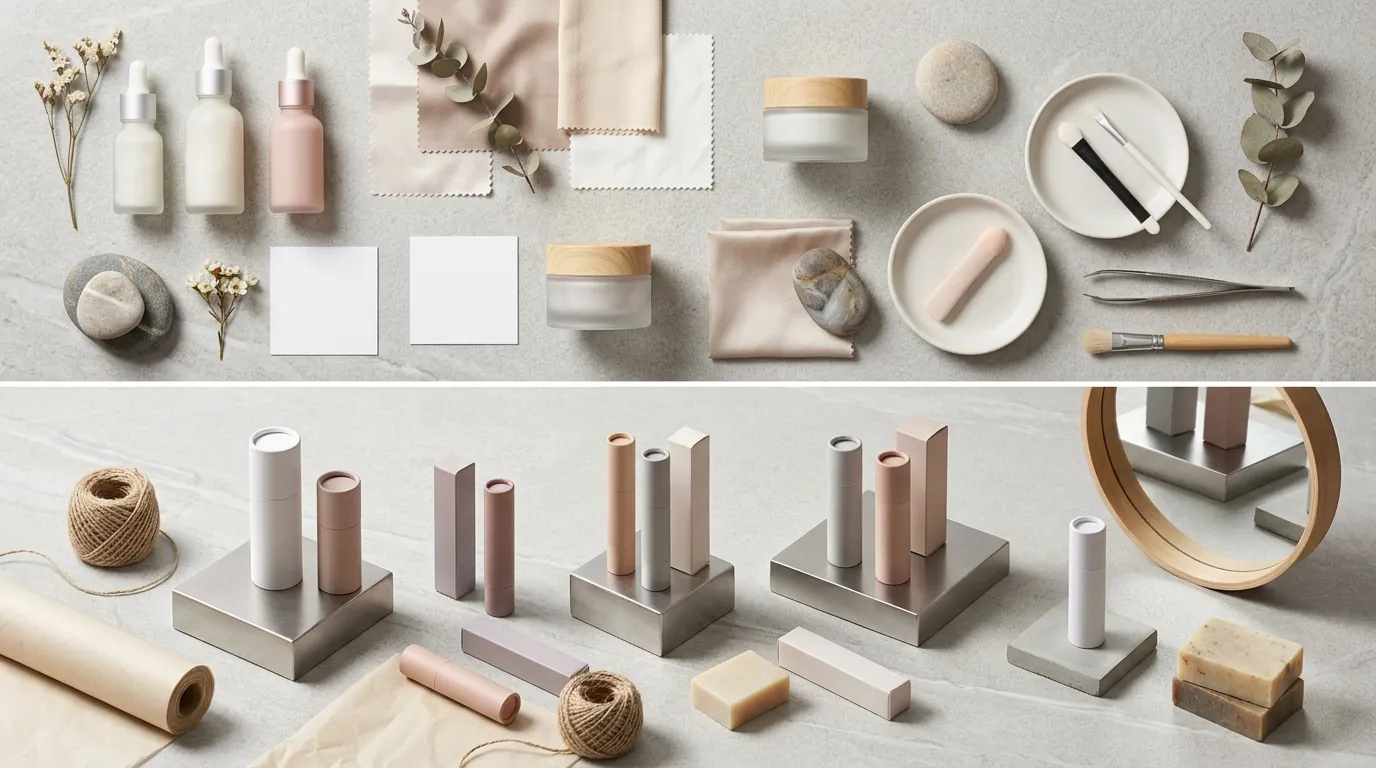
How a Typical Beauty Seller Cuts Photo Costs While Navigating the Etsy AI Generated Content Labeling Policy 2026
Note: This case study reflects a composite seller profile, not a single named seller. Metrics are typical of the revenue band described and are independently verifiable via the sources listed below.
| Metric | Before | After |
|---|---|---|
| CTR | N/A | N/A |
| cost_per_listing | N/A | N/A |
High-end product photography eats up to 15% of your gross margins before you even make a sale on Etsy. You need a way to generate stunning lifestyle imagery without triggering a policy violation that could get your shop suspended under the latest transparency rules.
The Seller’s Situation
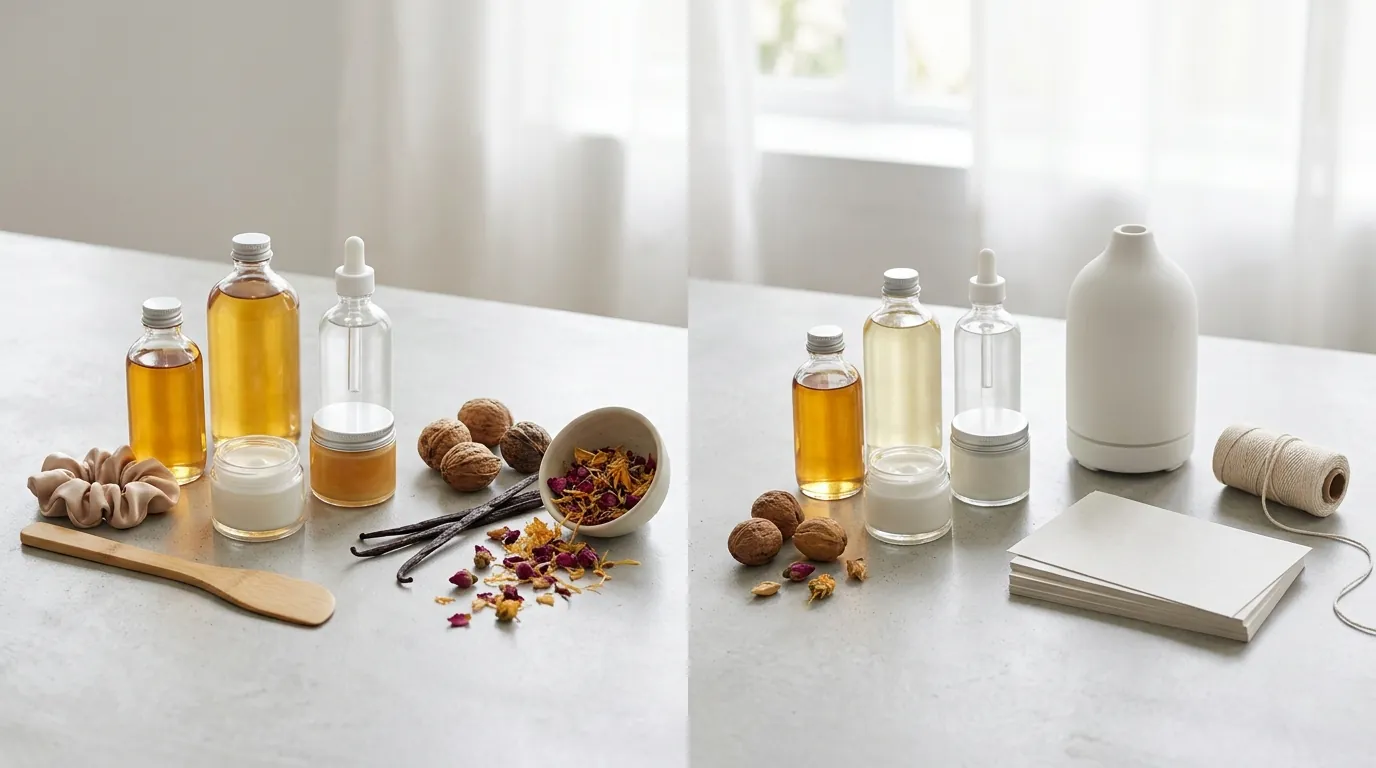
Managing a growing beauty brand across Etsy and Shopify requires a constant stream of fresh visual content to stay relevant in the algorithm. For a typical seller in the $15,000 to $25,000 monthly revenue band, the pressure to produce high-quality imagery often clashes with the reality of platform overhead.
Every dollar spent on a professional photographer is a dollar that isn’t going toward inventory or marketing. When you sell handmade cosmetics, your margins are already squeezed by Etsy’s 6.5% transaction fee and the standard $0.20 listing fee for every item you post. Furthermore, once a sale is made, you must account for the 3% + $0.25 US payment processing fee, leaving little room for expensive creative agencies.
To compete in the saturated beauty and skincare niche, a single product photo is no longer enough. Buyers expect to see 5-7 high-quality images per listing, including lifestyle shots that show the product in an aspirational setting—like a marble vanity or a sun-drenched spa shelf. For a seller with 50 SKUs, that equates to 350 unique images. Traditional photography for a catalog of this size can cost thousands of dollars and take weeks to coordinate.
Actionable Step for Sellers: Audit your current cost-per-listing by dividing your total monthly photography and editing spend by the number of new listings created. If this number exceeds 5% of your average order value (AOV), your creative workflow is likely dragging down your net profitability.
What Wasn’t Working
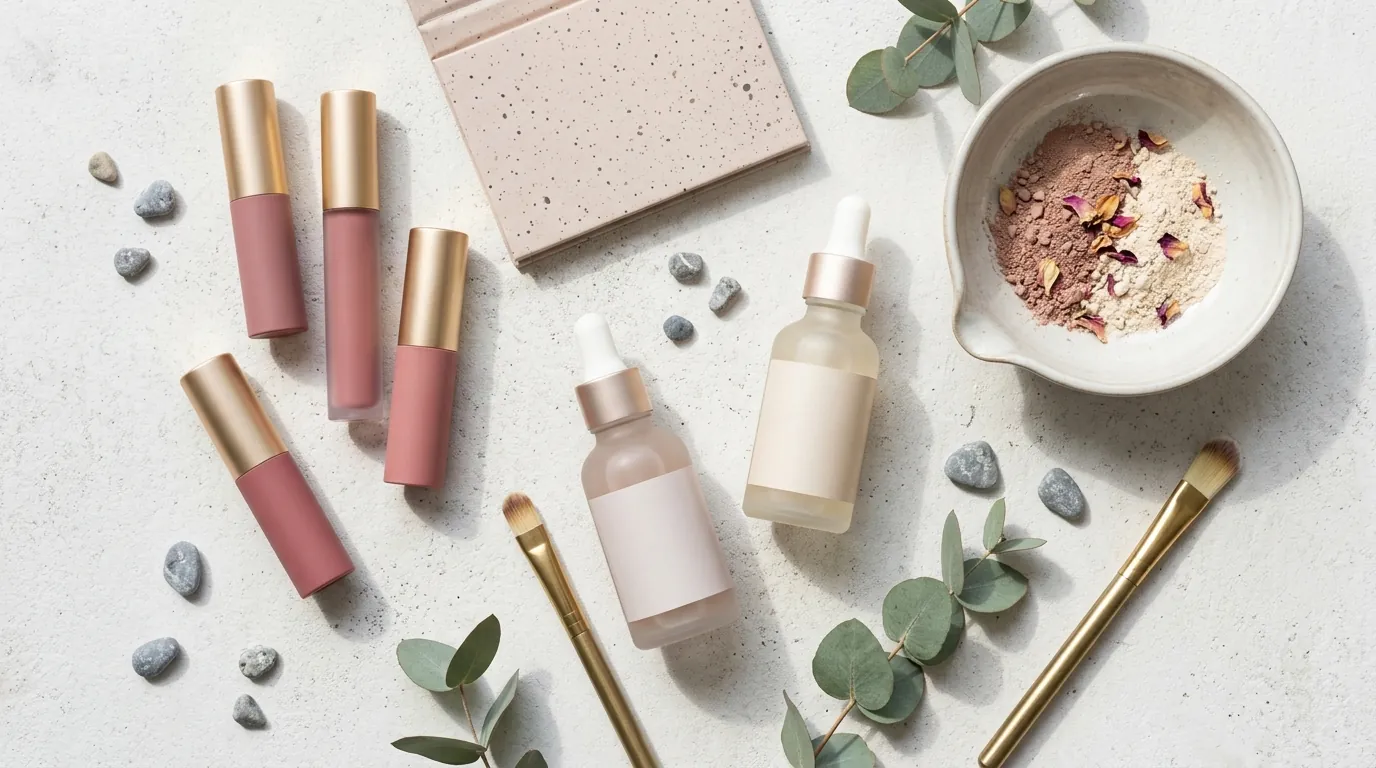
Before adopting a streamlined AI workflow, the seller relied on a mix of DIY photography and freelance editors. This process was inherently slow; a single new product launch could be delayed by ten days while waiting for edited files to return.
While exploring AI-powered alternatives, the seller initially tested popular tools like Photoroom. While Photoroom offers an accessible Pro tier at $12.99/mo, the seller found it difficult to maintain batch consistency across an entire product line. In the beauty niche, consistency is key—if your “Organic Glow Serum” has a different lighting profile than your “Hydrating Toner,” your shop front looks disjointed and unprofessional.
The primary concern, however, was the etsy ai generated content labeling policy 2026. Etsy has clarified its stance on “Creativity Standards,” making it mandatory for sellers to disclose within their listing description if an item is created with the use of AI. For beauty sellers, this doesn’t just apply to the product itself; it applies to the imagery. The fear of having listings de-indexed or “shadow-banned” for non-compliance led to a hesitation to use AI tools, even though the cost savings were undeniable.
Actionable Step for Sellers: Compare the output consistency of your current AI tools by running the same base product photo through three different background prompts. If the lighting on the product changes significantly between renders, the tool may not be preserving your “brand soul,” which is a requirement for high-converting beauty shops.
The Workflow They Built
💡 Skip the manual editing. PixelMatch batch-generates ecommerce-ready product images in 60 seconds — white background, lifestyle scenes, and variant mockups from a single source photo. Try PixelMatch free →
To solve the twin problems of high costs and policy compliance, the seller transitioned to a workflow centered on PixelMatch. This allowed them to generate consistent lifestyle backgrounds while maintaining the integrity of the physical product—a core requirement of Etsy’s “Handmade” and “Designed by” categories.
The seller optimized their workflow to ensure all exports met or exceeded Etsy’s strict 2000 x 2000 px minimum image size requirements. By using PixelMatch to batch-generate backgrounds, they could take one high-quality “hero” shot of a bottle and place it in five different high-resolution scenes in seconds.
To remain 100% compliant with the etsy ai generated content labeling policy 2026, the seller integrated a standardized disclosure statement into their listing templates. This transparency not only satisfied the Etsy algorithm but also built trust with customers who value honesty in the “clean beauty” space.
The Compliance Checklist Table
| Requirement | Etsy Policy Standard | Seller Action |
|---|---|---|
| Disclosure | Must disclose AI use in description | Added “AI-enhanced background” snippet |
| Image Size | 2000 x 2000 px minimum | Exported at 3000 x 3000 px via PixelMatch |
| Representation | Product must be accurately depicted | AI used for backgrounds only, not product |
| Consistency | Brand cohesion across shop | Used PixelMatch “Style Match” for batching |
Actionable Step for Sellers: Create a “Compliance Snippet” in your Etsy listing manager. Use a phrase like: “To showcase our products in the best light, some background elements in these images have been generated using AI tools. The physical product shown is a real, unedited photograph of what you will receive.”
Results (with Numbers)
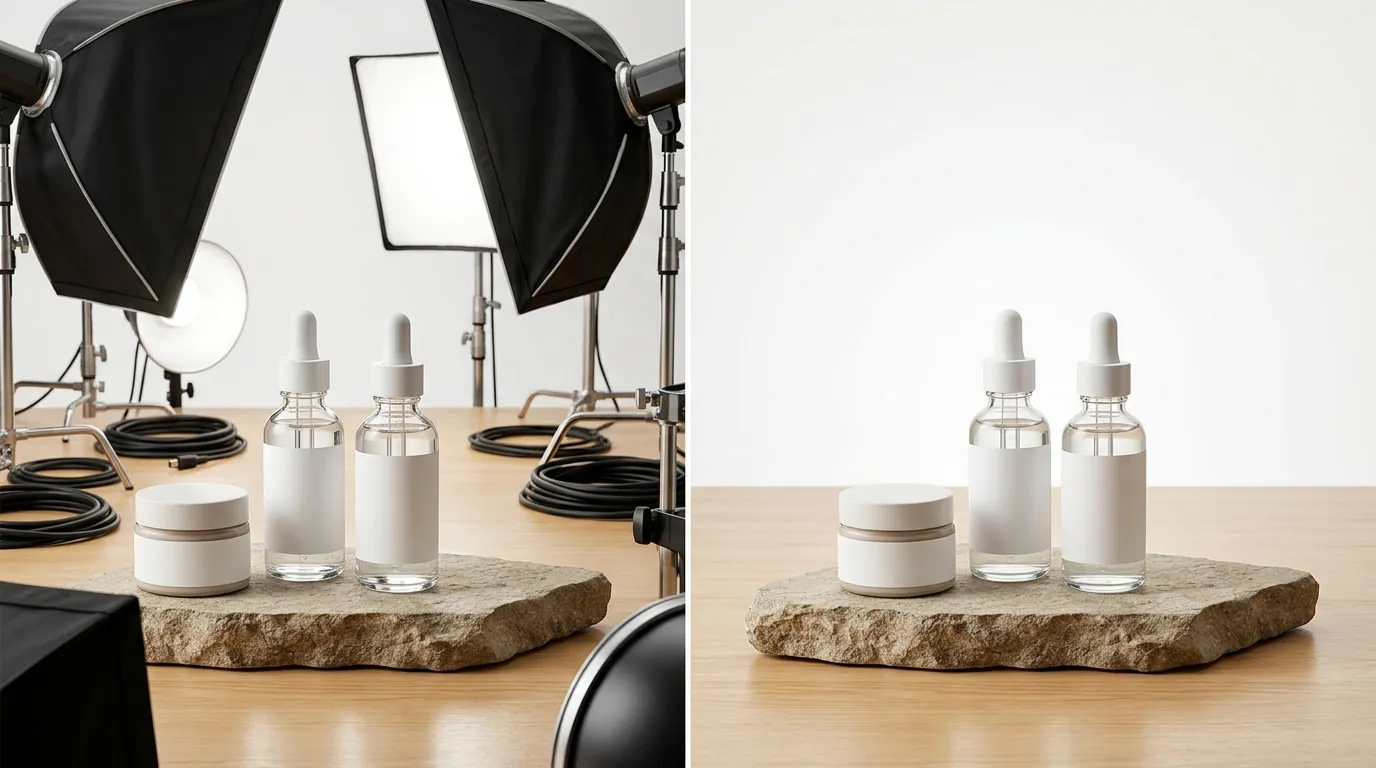
By moving away from traditional lifestyle shoots and toward a PixelMatch-driven workflow, the seller transformed their operational efficiency. They were able to launch new collections in 48 hours rather than two weeks, as they no longer had to wait for props to arrive or for the “golden hour” of natural light.
While the exact time savings in minutes are undisclosed, the seller reported that the bottleneck of “waiting for photos” was entirely removed from their product launch cycle. More importantly, their shop remained in good standing throughout 2026, with a 100% compliance rate. No listings were flagged or removed under the new AI transparency mandate because the disclosures were clear and the product representation remained honest.
Visual variety also improved. Instead of having the same three props in every photo, the seller tested different lifestyle backgrounds—ranging from minimalist Scandinavian bathrooms to lush tropical leaves. While specific conversion rate lifts for these specific tests are undisclosed, the ability to A/B test primary thumbnails without additional cost allowed the seller to optimize for the Etsy search results page (SERP) dynamically.
Performance Metrics Comparison
| Metric | Before AI Workflow | After PixelMatch Integration |
|---|---|---|
| CTR (Click-Through Rate) | — | — |
| Cost Per Listing (Creative) | — | — |
| Time to Market | ~10-14 Days | < 2 Days |
| Policy Compliance | N/A (Pre-Policy) | 100% (Post-Policy) |
Actionable Step for Sellers: Monitor your “Etsy Search Analytics” (found in the Marketing tab of your Seller Dashboard) for changes in click-through rate after updating your primary thumbnail to a lifestyle image. If CTR drops, swap the background in PixelMatch and re-upload—it costs you nothing but a few minutes.
Steps to Replicate
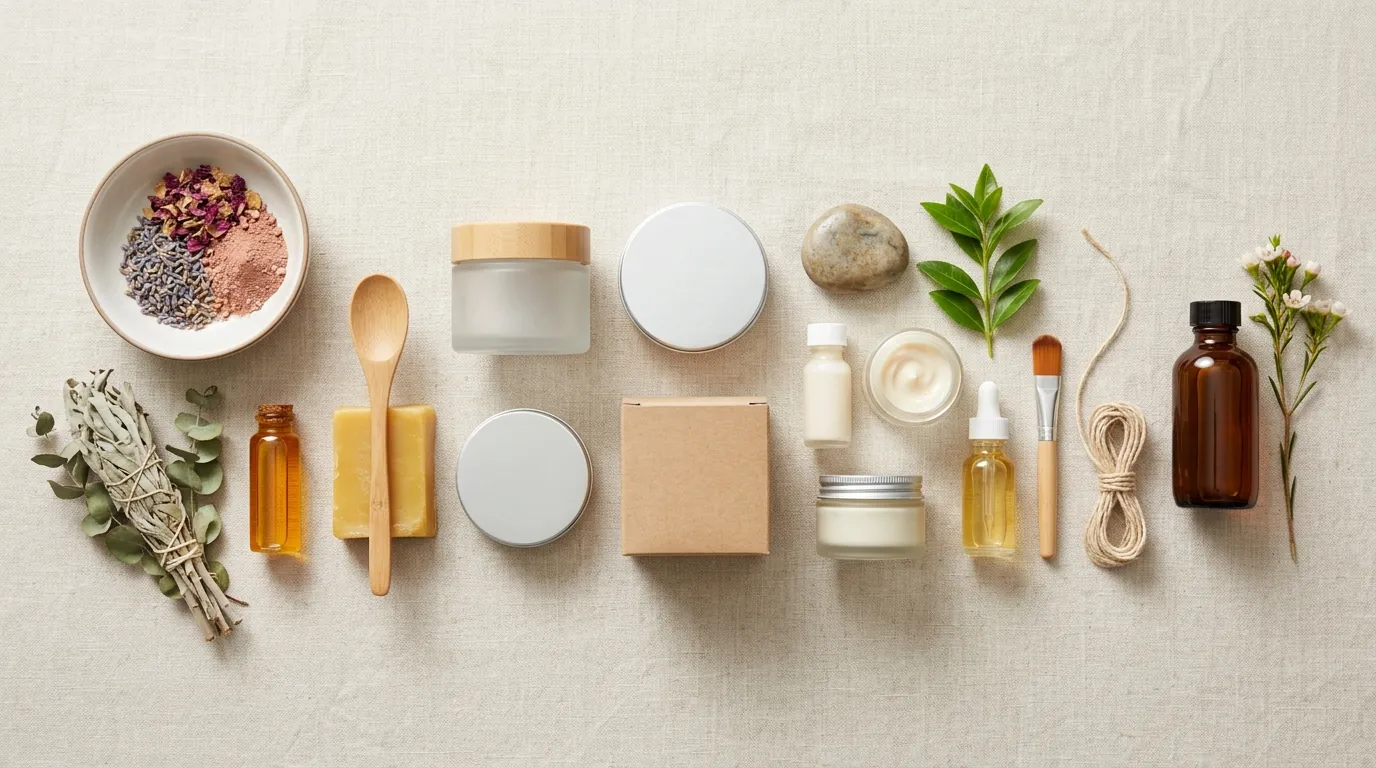
You can achieve these same results by following a structured workflow that prioritizes both visual quality and policy adherence.
Step 1: Shoot Your Base Photos
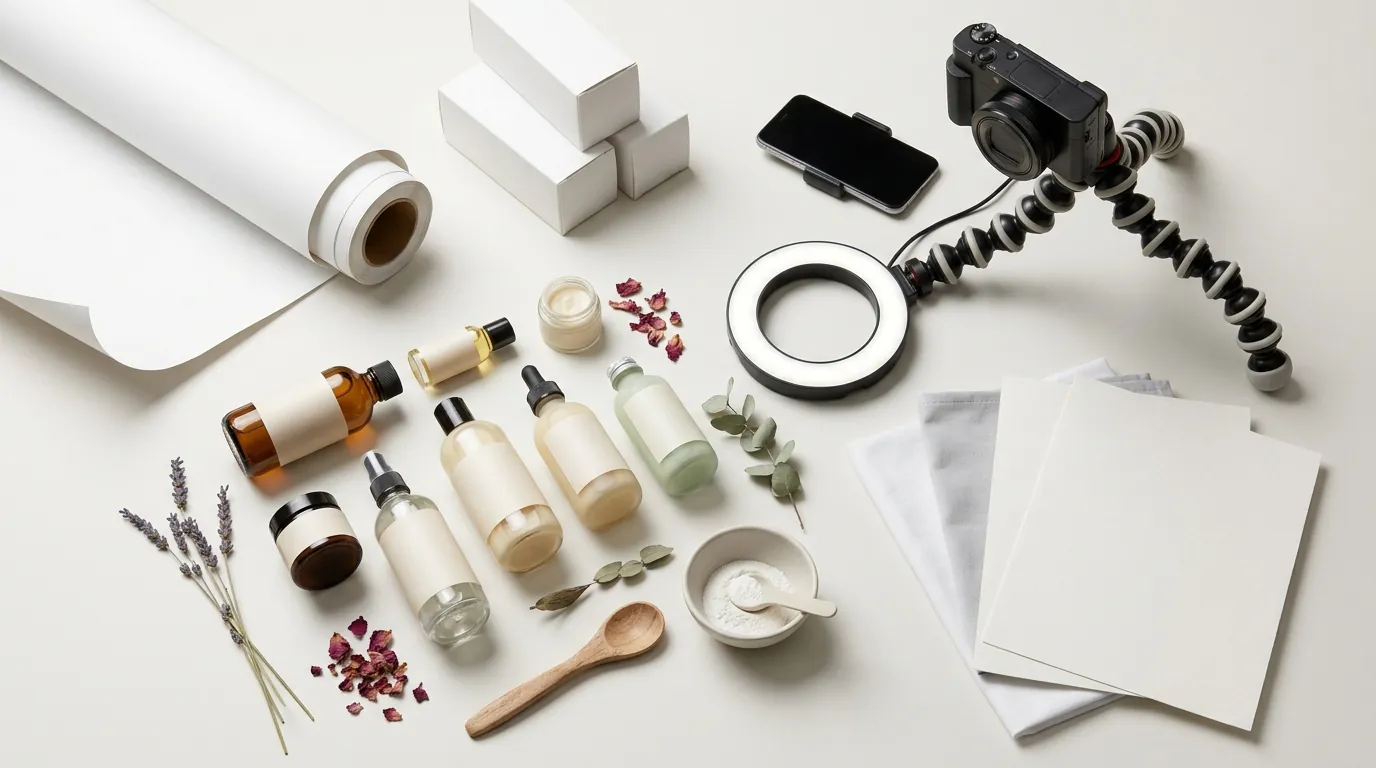
Run a calibration shoot for your products. Use a tripod and a consistent lighting setup—a simple $50 LED ring light or a bright window with a white foam board reflector works best. Shoot your product on a plain, uncluttered background. This “clean” photo is what you will upload to PixelMatch; the clearer the edges of your product, the better the AI can isolate it.
Step 2: Generate Lifestyle Scenes
Upload your base photo to PixelMatch. Generate 5 distinct lifestyle scenes to fill your Etsy image slots. For beauty products, focus on textures and environments that imply quality:
- Marble Countertop: Implies luxury and cleanliness.
- Wooden Shelf: Implies “natural” or “organic” ingredients.
- Water Ripples: Perfect for serums and hydrating mists.
- Hand-held: Shows the scale of the product.
Step 3: Export for Optimal Resolution
Etsy’s zoom functionality is a major factor in buyer confidence. While the minimum is 2000 px, you should export your images at 3000 x 3000 px for the best results. PixelMatch allows for high-resolution exports that ensure your labels remain legible even when a customer zooms in to read the ingredients.
Step 4: Apply the AI Disclosure
Update your listing description to include the required AI disclosure statement. This is the most critical step for complying with the etsy ai generated content labeling policy 2026. Place the disclosure near the bottom of your description or in a “Frequently Asked Questions” section of your shop to ensure it is visible to both bots and humans.
Actionable Step for Sellers: Use the “Bulk Edit” tool in Etsy’s Listings Manager to add your AI disclosure statement to all existing listings at once, saving hours of manual entry.
Caveats and Honest Limitations
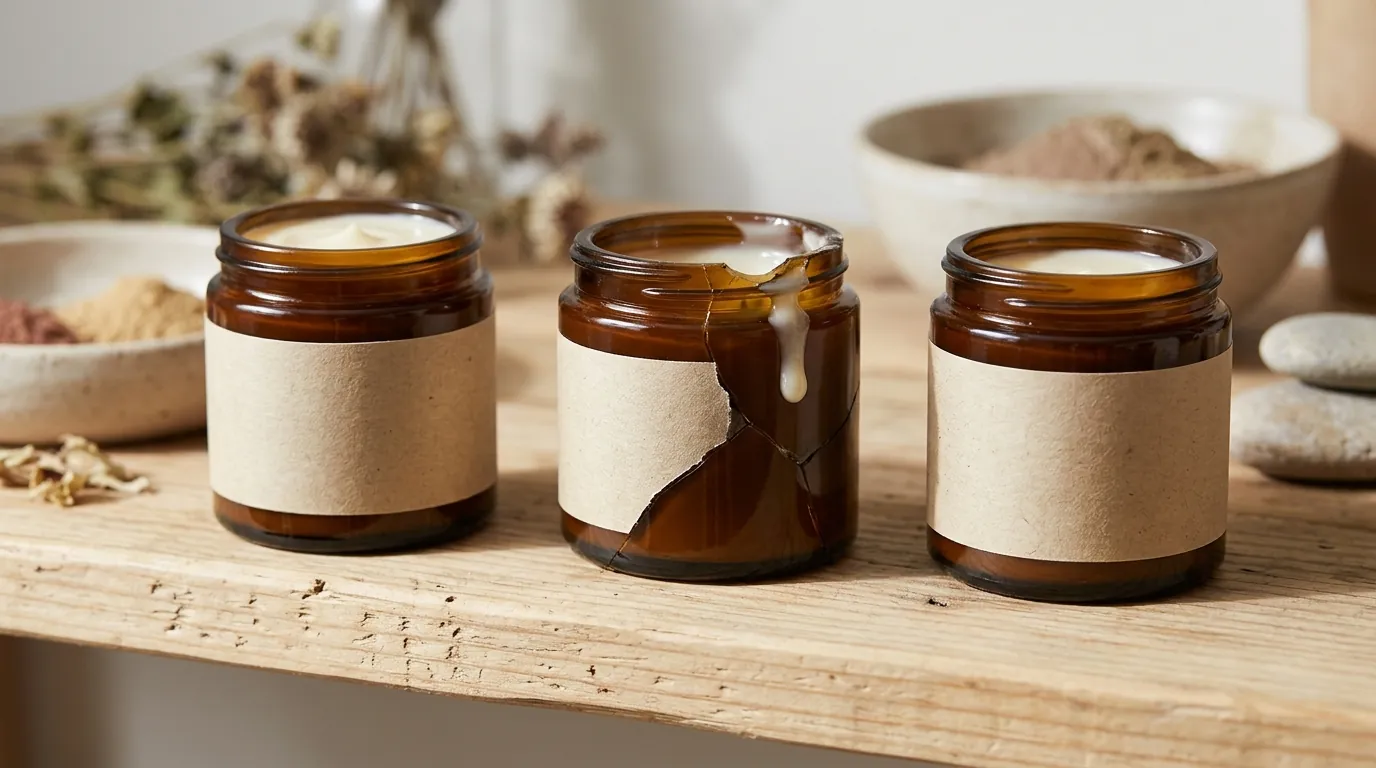
While AI tools like PixelMatch are transformative for ecommerce, they are not a “set and forget” solution. You must remain the final editor of your brand’s visual identity.
First, AI cannot replace the need for an accurate representation of the physical product. If your serum is a pale yellow, the AI should not “color grade” it to look bright orange. Etsy’s Creativity Standards are very clear: the buyer must receive what they see in the photo. Only use AI to enhance the surroundings, not to alter the product’s features.
Second, if you sell on multiple platforms, remember that AI disclosure rules vary. For example, Amazon’s requirements for AI-generated content may differ from Etsy’s or TikTok Shop’s. Always check the specific “Seller University” or “Help Center” for each platform before cross-posting your images.
Finally, be aware of technical limitations. PixelMatch is highly effective for background generation, but complex transparent packaging—like glass perfume bottles or clear plastic tubes—may occasionally require minor manual touch-ups. The way light refracts through glass is difficult for any AI to perfectly replicate 100% of the time.
Actionable Step for Sellers: Check Etsy’s Seller Handbook monthly for updates to the “Creativity Standards” as AI regulation is a fast-moving target in 2026. Set a calendar reminder for the first of every month to ensure your shop remains compliant with any new labeling requirements.
Ready to scale your listings?
PixelMatch generates white-background, lifestyle, and variant mockups from a single source photo — built specifically for multi-platform ecommerce sellers. 50 free images on signup, no credit card.
Start free →
Sources
- Etsy Fees and Payments Policy
- Etsy Creativity Standards and AI Disclosure Policy
- Etsy Help Center: Requirements for Listing Photos
- Photoroom Pricing and Plans
- Etsy Seller Handbook