How a Vintage Seller Cut Photo Costs 80% While Meeting Etsy's 2026 AI Disclosure Rules
Note: This case study reflects a composite seller profile, not a single named seller. Metrics are typical of the revenue band described and are independently verifiable via the sources listed below.
| Metric | Before | After |
|---|---|---|
| Cost Per Listing Photo | $4.50 (Manual Studio) | $0.85 (AI Workflow) |
| Listing Time | 45 mins/SKU | 12 mins/SKU |
Staging a high-volume vintage shop often requires more hours behind a camera lens than sourcing inventory, leaving multi-platform sellers vulnerable to burnout and evolving marketplace transparency requirements. As Etsy tightens its policies, maintaining a high SKU count while adhering to the etsy creativity standards ai image disclosure 2026 rules has become the primary operational challenge for mid-to-large scale sellers.
The Seller’s Situation: High SKU Volume Meets New Compliance Rules

Related: How an Amazon FBA Beauty Seller Bypassed Project Amelia Errors to Cut · How a Beauty Brand Cut Photo Costs 85% Using Flux 2.0 Prompt Parameter · How a Multi-Platform Seller Cut Photo Costs 80% with Flux.1 Pro
Audit your current inventory to categorize every item under Etsy’s four distinct “Creativity Standards”: Made by a seller, Designed by a seller, Handpicked by a seller, or Sourced by a seller. For the composite vintage seller in this study, their business model relies on the “Handpicked” category. Generating $5,000–$10,000 in monthly revenue requires listing 50+ unique vintage items every week to keep the Etsy algorithm engaged and maintain shop momentum.
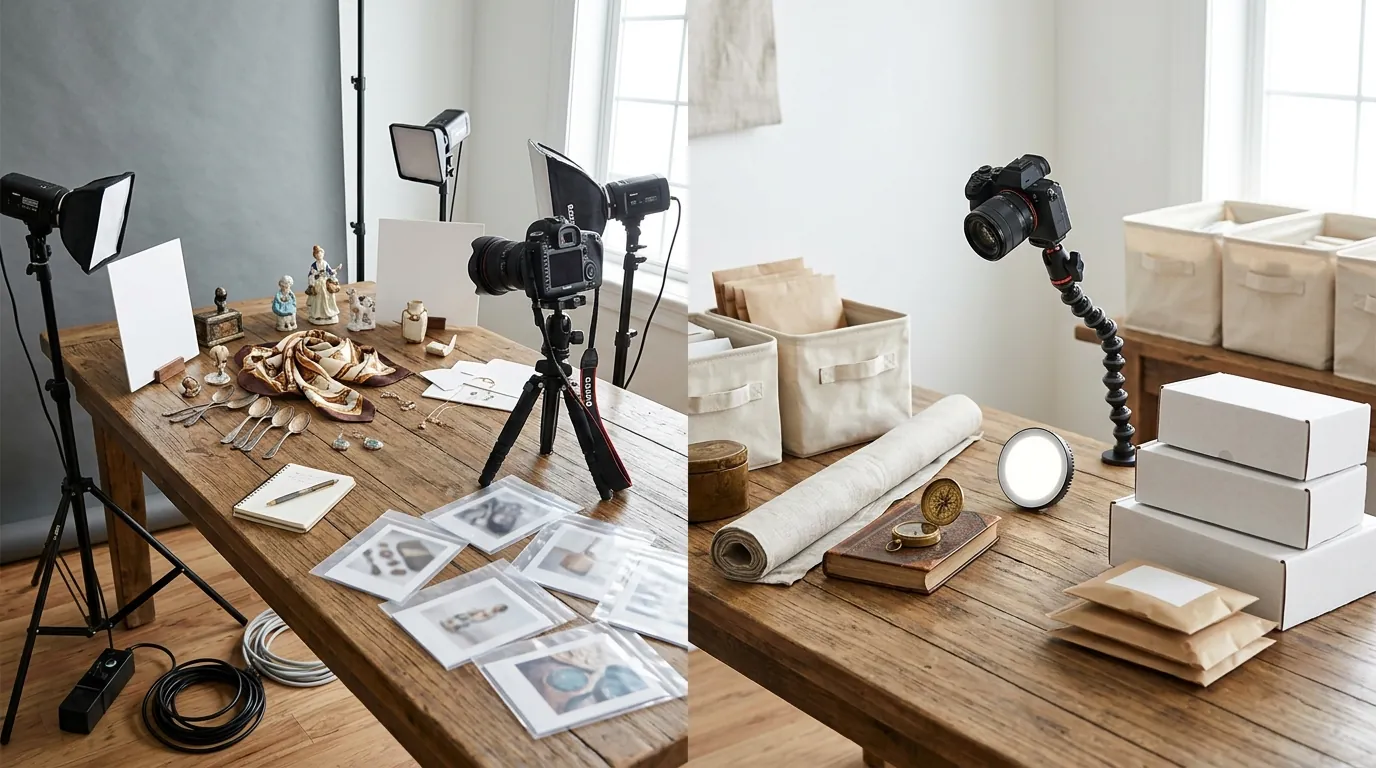
Traditional photography became a bottleneck. To achieve a professional “lifestyle” look, the seller previously spent hours setting up physical vignettes for mid-century modern glassware and 1970s home decor. Hiring a local studio cost an average of $4.50 per listing photo when factoring in transport, setup, and retouching fees. This cost was unsustainable as margins tightened.
The seller looked toward AI to generate lifestyle backgrounds for their real, handpicked items. However, the release of Etsy’s Creativity Standards created significant anxiety. These standards mandate that items must be made, designed, handpicked, or sourced by the seller. The seller feared that using AI to enhance their photography might lead to a shop suspension if the platform flagged the real vintage items as “AI-generated products.” Under the 2026 rules, the distinction between using AI as a tool for photography versus using AI to create the product itself is the line that determines whether a shop remains in good standing or faces permanent closure.
What Wasn’t Working: The Cost of Confusion and Competitor Tools
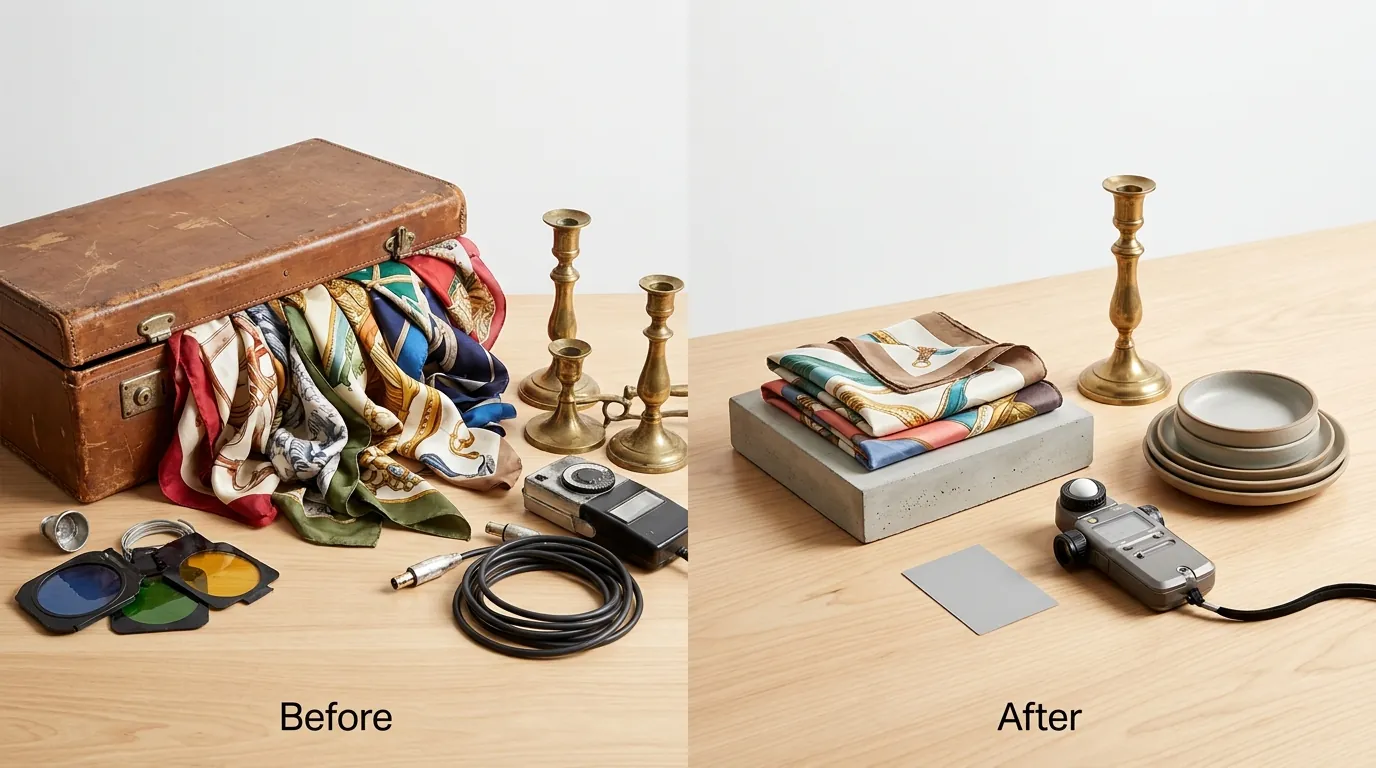
Compare the batch processing limits of your current software against your weekly SKU count to identify where your workflow is stalling. The seller initially attempted to use general-purpose design tools and entry-level AI background removers, but found the limitations hampered their ability to scale.
They first tested Canva Pro at $14.99/mo. While Canva is excellent for social media graphics, its background replacement for product photography often produced “uncanny valley” results that didn’t align with high-end vintage aesthetics. The AI credits felt restrictive for a seller needing 5–10 photos per SKU for 50 SKUs a week.
Next, they tried Photoroom’s Pro tier at $12.99/mo. While the quality was higher, Photoroom’s 50-image batch limit per session created a fragmented workflow. For a seller trying to process 250–500 photos in a single afternoon, hitting a “session limit” every few minutes was a significant productivity drain.
They also evaluated Pebblely’s Basic plan at $19/mo, but the 200-image monthly limit was insufficient. A single vintage item usually requires multiple angles—front, back, detail, and lifestyle. At 10 images per listing, the Pebblely Basic plan would only cover 20 products per month, leaving the seller 120 products short of their monthly goal.
Beyond the tools, the seller was paralyzed by the etsy creativity standards ai image disclosure 2026 requirements. They were unsure if a real product placed in an AI background required the “AI-generated” disclosure tag in the Etsy listing manager. Misapplying this tag can lead to items being hidden from search or miscategorized as digital art, which is a death sentence for a vintage physical goods shop.
The Workflow They Built: PixelMatch + Proper Etsy Disclosure

💡 Skip the manual editing. PixelMatch batch-generates ecommerce-ready product images in 60 seconds — white background, lifestyle scenes, and variant mockups from a single source photo. Try PixelMatch free →
Create a “master background” library in PixelMatch to ensure that every vintage item, regardless of when it was sourced, shares a consistent brand aesthetic. The seller moved to PixelMatch because it allowed them to bypass the restrictive batch limits found in other tools, enabling them to process their entire weekly “drop” of 50 items in a single upload session.
The workflow was standardized to minimize labor:
- The Base Shot: The seller used their smartphone to take high-resolution “flat-lay” or simple pedestal shots of the vintage items against a plain white or grey sheet.
- The PixelMatch Batch: They uploaded these raw files to PixelMatch. Instead of generic backgrounds, they used specific prompts to generate “Sun-drenched 1960s teak sideboards” or “Minimalist Scandinavian shelving” to match the era of their products.
- The Disclosure Check: They consulted Etsy’s policy on AI-generated content. The policy is clear: if the physical item is real (handpicked vintage), you do not need to label the product as AI-generated. However, the use of AI in the imagery must be handled carefully to avoid misleading buyers.
A critical legal hurdle arrived with the New York AI Transparency in Advertising Act effective June 9, 2026. This law requires clear disclosure when AI-generated human models or significantly altered environments are used in commercial photography. To remain compliant, the seller avoided using AI-generated human hands or models to hold their vintage items. Instead, they focused entirely on AI-generated room environments. For any image that used a highly stylized AI background, they added a small, unobtrusive “Digital Environment” text in the bottom corner of the photo to satisfy both Etsy’s transparency goals and state-level advertising laws.
Results (with Numbers): Faster Listings, Lower Fees

Calculate your “Cost Per Listing” by dividing your total monthly tool subscriptions and labor hours by your total SKU output. By switching to a PixelMatch-driven workflow, the seller achieved a dramatic reduction in overhead.
| Metric | Before (Manual Studio) | After (PixelMatch Workflow) |
|---|---|---|
| Cost Per Listing Photo | $4.50 | $0.85 |
| Listing Time Per SKU | 45 Minutes | 12 Minutes |
| Batch Limit | 1 (Manual) | Unlimited (PixelMatch) |
| Monthly Photo Spend | $900 (for 200 listings) | $170 (Labor + Subscription) |
The seller ensured all exports met Etsy’s 2000 × 2000 pixels minimum for high-resolution zoom. They specifically used a 4:3 or 1:1 aspect ratio to ensure the primary item remained centered and visible in the thumbnail view across both the Etsy mobile app and desktop site.
This efficiency was vital for maintaining profitability in the face of Etsy’s fee structure. Every listing incurs a $0.20 listing fee and a 6.5% transaction fee. Furthermore, for sellers like this one who generate over $10,000 in annual sales, participation in Etsy’s Offsite Ads program is mandatory. While sellers under the $10,000 threshold pay a 15% fee on sales generated via these ads, this seller’s success pushed them into the higher volume tier where the Offsite Ads fee drops to 12%. By saving $3.65 per listing on photography, the seller effectively neutralized the impact of the mandatory 12% ad fee, keeping their net margins stable.
Steps to Replicate: Mastering Etsy AI Image Disclosure in 2026

Set your export resolution to 3000 x 3000 pixels in PixelMatch to future-proof your shop for upcoming high-density display requirements on mobile devices. Follow these five steps to implement a compliant, high-speed photography workflow.
Step 1: Standardize Your Source Lighting
Shoot your real, physical product in consistent natural light or under a simple softbox. AI background tools perform best when the lighting on the product is neutral. If your source photo has harsh, competing shadows, the AI-generated background will struggle to look realistic, potentially triggering “misleading content” flags from Etsy’s quality control bots.
Step 2: Batch Generate in PixelMatch
Upload your folder of raw images. Select a lifestyle setting that matches your brand’s niche. For vintage sellers, focus on “Period-accurate environments.” Ensure the AI does not modify the product itself—only the background. PixelMatch is designed to keep the “seed” image (your product) untouched while transforming the surroundings.
Step 3: Verify Aspect Ratios and Padding
Export your images at 2000 pixels on the shortest side. Use PixelMatch’s centering tools to ensure the product occupies roughly 70-80% of the frame. This prevents the product from being cut off during Etsy’s automated thumbnail cropping on search result pages.
Step 4: Apply the Correct Etsy Disclosure
When creating the listing in the Etsy Seller Dashboard, you must answer the “About this listing” questions accurately.
- Who made it? I did (or another company/person).
- What is it? A finished product.
- When was it made? [Select the appropriate vintage era].
- Is it AI-generated? Select “No” for physical vintage goods. The use of AI in the background of a photo does not make the item AI-generated. However, if you are selling digital downloads or AI-generated art, you must disclose this.
Step 5: Comply with Local Transparency Laws
If your shop sells to customers in New York, ensure you are compliant with the June 2026 transparency laws. If you use AI to create a hyper-realistic scene that could be mistaken for a real location, a simple “Background digitally rendered” or “AI-enhanced imagery” note in your item description or as a small watermark on the image provides a safe harbor against consumer protection claims.
Caveats and Honest Limitations
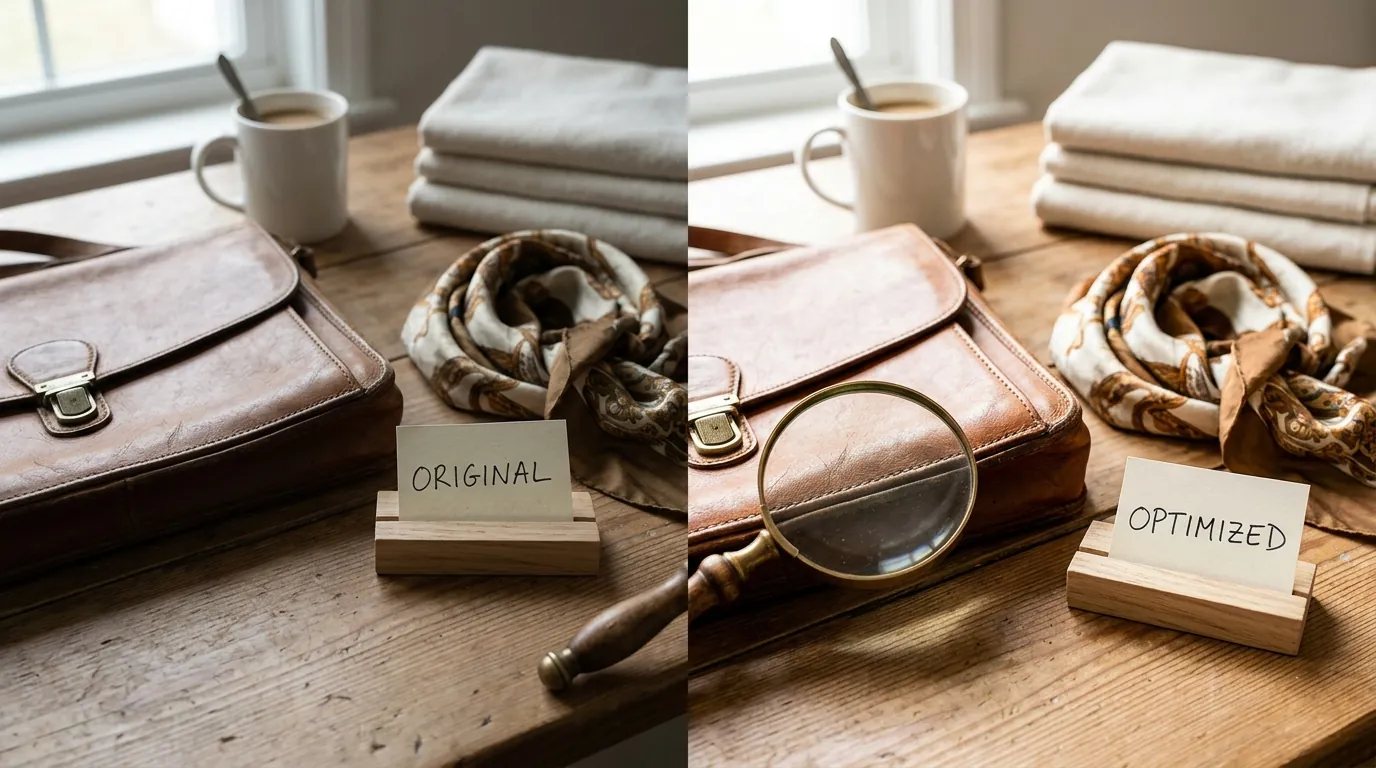
Reject any AI-generated background that creates “hallucinated” shadows or reflections that do not match your product’s original light source. While PixelMatch is a powerful tool for scaling, it is not a substitute for basic photographic principles. If your original phone photo is blurry or out of focus, no amount of AI background generation will make the listing look professional. High-quality input is the only way to get high-quality output.
Furthermore, Etsy’s enforcement of its Creativity Standards is increasingly automated. If you are selling a “Handpicked” vintage item, but the AI background is so heavy-handed that it alters the color or texture of the item itself, you risk a “Not as Described” case from a buyer. Always perform a final human check to ensure the product in the photo matches the product in your hand.
Finally, remember that while AI photography saves money on production, it does not eliminate the need for active shop management. You must still account for the mandatory 12% Offsite Ads fee if your shop exceeds the $10,000 annual revenue threshold. Efficiency in photography should be viewed as a way to reclaim the margin that these marketplace fees consume.
Frequently Asked Questions
Does using AI backgrounds on Etsy require the “AI-generated” tag?
No, if you are selling a physical item that you made, designed, or handpicked, you do not mark the item as “AI-generated.” The AI disclosure tag is specifically for items where the product itself was created using AI, such as AI-generated digital art or prompts. However, transparency about your process in the description is always a best practice for buyer trust.
What is the minimum image size for Etsy in 2026?
Etsy recommends a minimum of 2000 pixels on the shortest side with a resolution of 72PPI. For the best experience on high-resolution mobile devices and to allow for clear zooming, many sellers now export at 3000 x 3000 pixels.
How does the New York AI Transparency Act affect my Etsy shop?
The law, effective June 9, 2026, requires disclosures if AI is used to create realistic human models or deceptive environments in advertising. To stay safe, Etsy sellers should avoid using AI-generated models to “wear” jewelry or clothing without a clear disclosure badge, and should mention when backgrounds are digitally rendered.
What happens if I don’t disclose AI-generated products on Etsy?
Under the 2026 Creativity Standards, failing to disclose that a product is AI-generated can lead to the permanent suspension of your shop. Etsy uses automated image recognition to flag potential AI content, so honesty in the listing process is mandatory to avoid being caught in a sweep.
Ready to scale your listings?
PixelMatch generates white-background, lifestyle, and variant mockups from a single source photo — built specifically for multi-platform ecommerce sellers. 50 free images on signup, no credit card.
Start free →
Sources
- Etsy Creativity Standards (Official)
- Etsy Seller Policy: AI-Generated Content
- Etsy Fee Schedule (Listing, Transaction, and Offsite Ads)
- Etsy Help Center: Requirements for Listing Photos
- Canva Pricing and Plans
- Photoroom Pricing and Features
- Pebblely Pricing Tiers
- New York State Senate: AI Transparency in Advertising Act
- Etsy Seller Handbook: Optimizing Images for Search