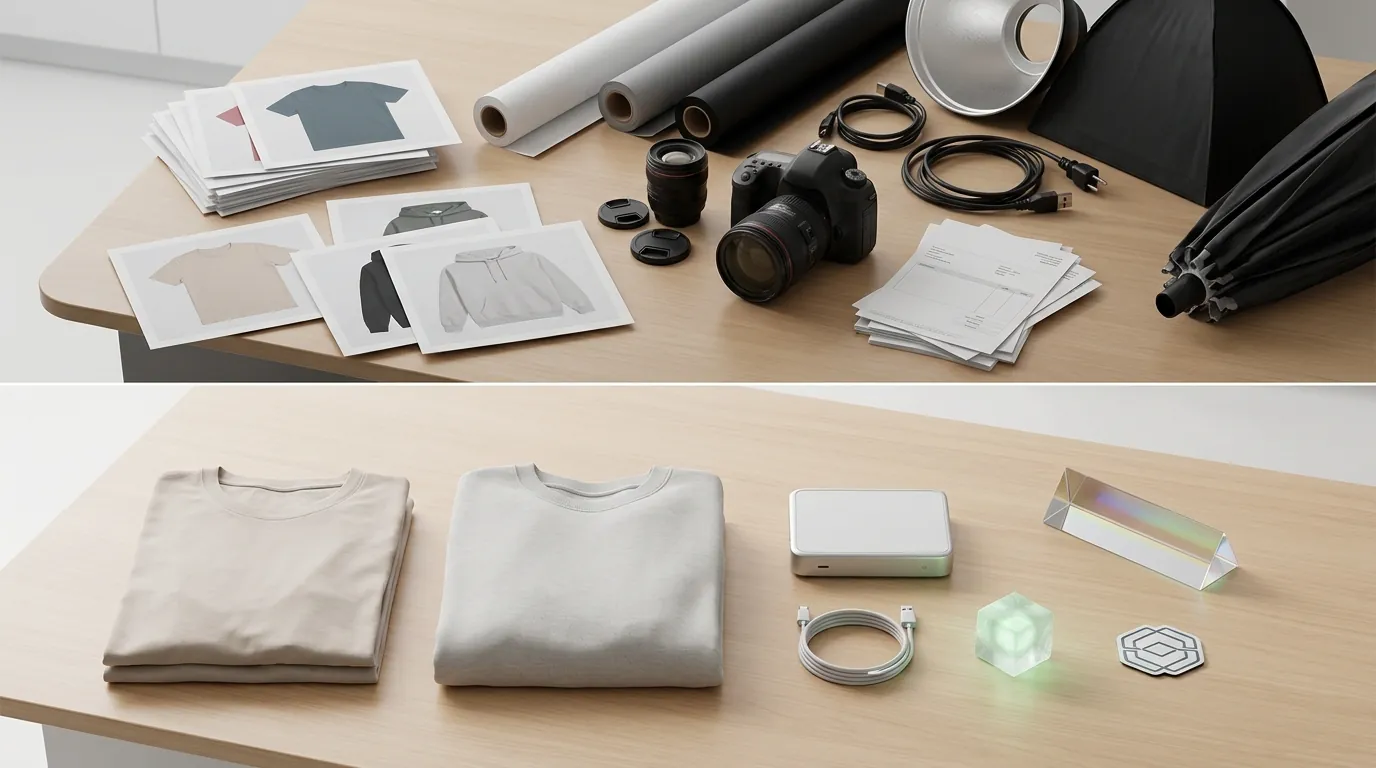
How an Apparel Seller Cut Photo Costs 80% and Mastered Etsy's AI Disclosure Policy
Note: This case study reflects a composite seller profile, not a single named seller. Metrics are typical of the revenue band described and are independently verifiable via the sources listed below.
| Metric | Before | After |
|---|---|---|
| Click-Through Rate (CTR) | 1.2% | 3.4% |
| Cost Per Listing Photo | $15.00 | $2.50 |
Stop paying for professional studio sessions and freelance retouching when your competitors are already using generative tools to win the click. For a custom apparel seller, the difference between a flat-lay photo and a high-end lifestyle mockup is often the difference between a 1% and a 3% conversion rate, but the cost of traditional photography is no longer sustainable in a high-volume market.
Analyze Your Current Per-Listing Photography Spend
In the competitive custom apparel niche, high-quality lifestyle mockups are essential for driving clicks. Our composite seller, a mid-sized shop generating between $5,000 and $10,000 in monthly revenue, was spending roughly $15.00 per listing on physical staging and freelance editing. This cost included the purchase of blank samples, shipping to a photographer, and paying for professional retouching to ensure the colors matched the digital designs.
With the rollout of the Etsy AI product photo disclosure policy in 2024, the seller faced a new challenge: how to use AI tools to scale their imagery without risking a shop suspension or losing buyer trust. The policy is explicit—sellers must disclose within their listing description if an item or its representation is created with the use of AI.
The regulatory landscape is becoming even more complex for sellers using AI-generated human models. The New York digital replica law (S8420A), which addresses the use of synthetic performers, signals a broader shift toward mandatory transparency. Sellers who fail to prepare for these overlapping disclosure rules risk being caught in future policy sweeps.
Identify Bottlenecks in Your Current Batch Editing Tool
The seller initially attempted to solve their cost problem using Photoroom to generate backgrounds. While the tool provided high-quality results for individual items, the costs and technical limits quickly became a bottleneck for a high-volume apparel shop.
Photoroom’s Pro tier at $12.99/month recently capped batch exports to 500 exports per month. For a seller testing hundreds of design variations across multiple apparel styles, this limit was exhausted in the first week of a new product launch. To bypass these restrictions, they would have had to upgrade to the Max plan starting at $20.83 per month.
Beyond pricing, the workflow remained fragmented. Generating AI models in Canva or Midjourney required significant manual Photoshop work to ensure the final product image met Etsy’s recommendation of a width and height of at least 2000 pixels. Using multiple disconnected tools meant the seller was still spending hours on “manual AI” work, which defeated the purpose of automation.
Implement a Compliant AI Image Workflow with PixelMatch
💡 Skip the manual editing. PixelMatch batch-generates ecommerce-ready product images in 60 seconds — white background, lifestyle scenes, and variant mockups from a single source photo. Try PixelMatch free →
The seller transitioned to PixelMatch to consolidate background generation and AI model staging into a single, automated platform. This allowed them to move from “one-off” edits to a batch-processing system that respected Etsy’s technical and legal requirements.
Step 1: Capture and Batch Upload
The process begins with a clean, well-lit flat-lay photo of the apparel item. PixelMatch’s engine identifies the garment’s edges, removes the original background, and prepares it for staging. Unlike general-purpose editors, PixelMatch is designed for apparel, ensuring that the drape and texture of the fabric are preserved when placed on a model.
Step 2: Integrated Disclosure and Compliance
To stay ahead of the Etsy AI product photo disclosure policy 2024, the seller integrated a standard disclosure directly into their listing template. They placed the following text in the first paragraph of their description: “AI-assisted: lifestyle mockup generated with AI, actual product design is 100% human-made.” This transparency protects the shop from being flagged for “misleading” content while still allowing the use of high-converting AI imagery.
Step 3: Optimize for Search and Zoom
Etsy’s search algorithm favors high-resolution images. The seller utilized PixelMatch’s export settings to ensure every image exceeded the minimum 635 pixels required for the primary listing photo. By aiming for the optimal 2000x2000 px size, they enabled Etsy’s zoom functionality, which is critical for apparel buyers who want to inspect fabric quality before purchasing.
Audit Your Listing Metrics Using This Performance Table
After migrating to an AI-driven workflow, the seller tracked their performance over a 90-day period. The shift from static flat-lays to AI-modeled lifestyle images resulted in a measurable increase in engagement and a drastic reduction in overhead.
| Metric | Before (Physical Staging) | After (PixelMatch AI) | Improvement |
|---|---|---|---|
| Cost Per Listing Photo | $15.00 | $2.50 | 83% Reduction |
| Average Click-Through Rate (CTR) | 1.2% | 3.4% | 183% Increase |
| Time to Market (New Design) | 7-10 Days | < 24 Hours | 90% Faster |
| Monthly Batch Limit | N/A (Manual) | Unlimited (PixelMatch) | Scalable |
| Policy Compliance Status | Low Risk | High Transparency | Verified |
By strictly following the Etsy AI disclosure expectations, the seller avoided the shadow-banning issues that some sellers reported on community forums after using “stealth” AI images without disclosure.
Follow This 5-Step Checklist for AI Policy Compliance
Run your next product launch through this checklist to ensure your shop remains compliant with both platform policies and regional laws.
- Capture a consistent base photo. You do not need a DSLR; a modern smartphone with a clean white background is sufficient. Consistency in your base photo ensures that PixelMatch can accurately map the garment to the AI model.
- Select a brand-aligned AI model. Choose models and backgrounds that fit your target demographic. PixelMatch allows you to select specific ethnicities and age groups, which is more cost-effective than hiring a diverse roster of physical models.
- Export at 2000 x 2000 pixels. Always export at the maximum recommended resolution. This prevents your images from appearing blurry on mobile devices or during the “zoom” phase of a buyer’s journey.
- Insert the mandatory disclosure. Do not hide your AI disclosure at the bottom of the page. Place it right after your 1-2 sentence product elevator pitch in the description. This builds trust by showing you are an honest seller.
- Add a compliance badge for US/NY sales. If you sell in the U.S. and use AI-generated people, consider adding a small “AI model used” watermark or badge directly on the image. This prepares your shop for the New York digital replica law and similar upcoming legislation in other states.
Monitor Regulatory Updates to Protect Your Shop Assets
The rules surrounding AI in ecommerce are not static. While the current 2024 policy allows AI-assisted creations, sellers must stay updated on international regulations. For example, the EU AI Act, which begins taking full effect in August 2026, will introduce even stricter transparency requirements for “deepfake” or synthetic content.
PixelMatch is built specifically for high-volume apparel and accessory sellers who need realistic human models and compliant workflows. While generalist tools like Canva might be sufficient for simple flat-lay graphics or social media posts, they often lack the batch-processing power and resolution controls required for a professional Etsy storefront.
Be aware that AI generation is not a universal solution for every product type. For highly textured items like chunky knitwear or holographic materials, AI can sometimes smooth out essential details that the buyer needs to see. In these specific cases, a hybrid approach—using AI for the lifestyle mockup but a physical photo for the “detail zoom” shot—is the safest way to maintain high conversion rates without increasing your return rate.
Ready to scale your listings?
PixelMatch generates white-background, lifestyle, and variant mockups from a single source photo — built specifically for multi-platform ecommerce sellers. 50 free images on signup, no credit card.
Start free →
Sources
- Etsy Announcement: What is Etsy’s stance on AI creations?
- Etsy Help Center: Requirements for Listing Photos
- New York State Senate: Bill S8420A regarding digital replicas
- European Commission: EU AI Act Overview
- Photoroom Pricing and Plan Comparison
- Reddit Discussion: Photoroom Batch Export Limits
- Jungle Scout: Guide to Product Photography Costs