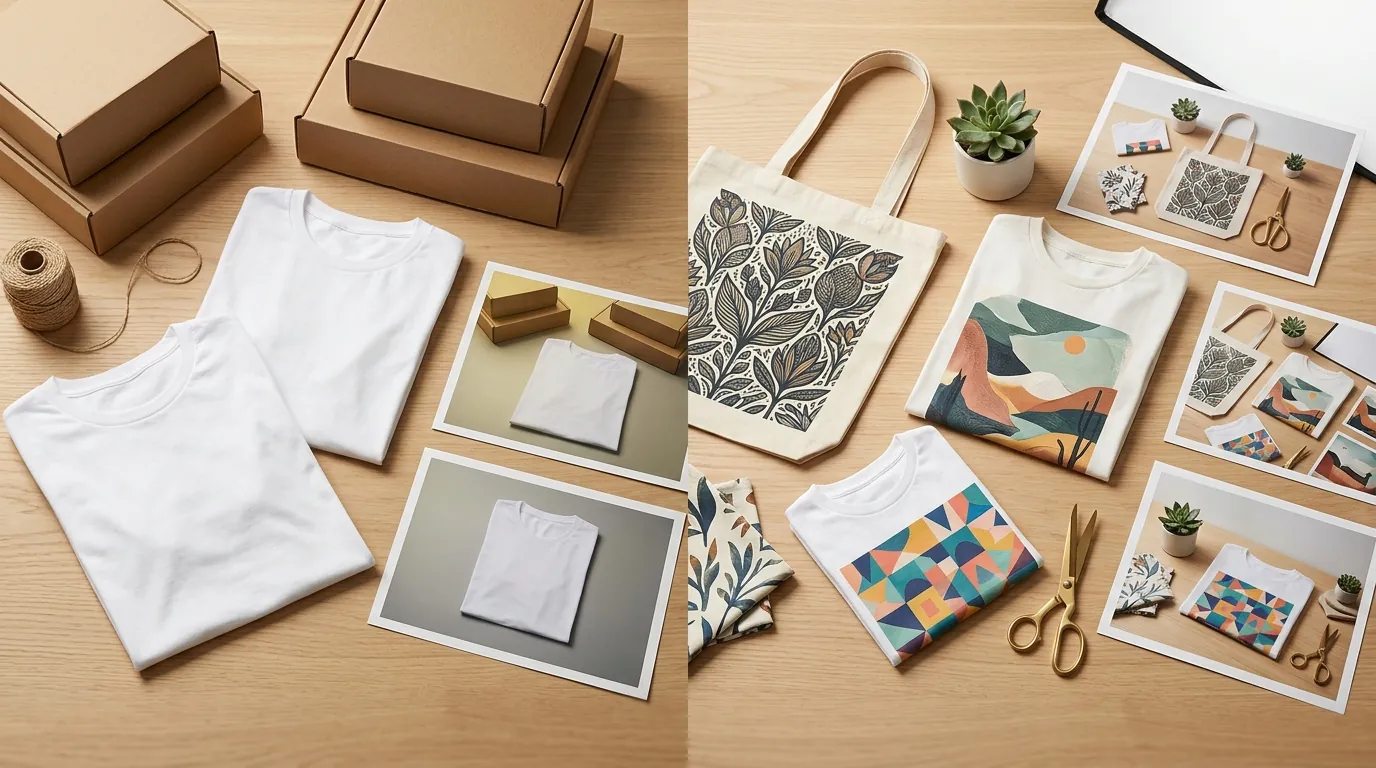
How a Print-on-Demand Seller Cut Photo Costs 80% While Meeting Etsy Creativity Standards for AI Sellers
Note: This case study reflects a composite seller profile, not a single named seller. Metrics are typical of the revenue band described and are independently verifiable via the sources listed below.
| Metric | Before | After |
|---|---|---|
| Cost per lifestyle mockup | $4.50 | $0.85 |
| Time to publish new listing | 45 minutes | 12 minutes |
Scaling a print-on-demand shop in 2026 means fighting a losing battle against rising photography costs and increasingly strict marketplace disclosure rules. You cannot afford to lose your shop to a policy violation or go broke buying $5 stock mockups for every new design you want to test.
The Seller’s Situation: Scaling Without Losing Your Shop
Related: How a Beauty Seller Cut Video Costs 80% Using TikTok Symphony Digital · How a Beauty Seller Fixed Symphony Studio Error 4002 and Cut Photo Cos · How a Beauty Seller Beat Amazon’s AI Disclosure Label and Cut Photo Co
Audit your current shop listings today to ensure every item created with generative assistance is correctly tagged under the “Designed by” category. For our composite seller—a mid-volume creator moving $5,000 to $8,000 monthly in apparel and digital art—the challenge wasn’t just making sales; it was the sheer overhead of maintaining a catalog of 500+ SKUs across Etsy, Shopify, and TikTok Shop.
Scaling a print-on-demand (POD) catalog requires hundreds of unique lifestyle images to stand out. If you use the same flat-lay mockup provided by Printful or Printify that 10,000 other sellers use, your click-through rate (CTR) will plummet. This seller faced a massive hurdle when Etsy updated its Creativity Standards, which strictly categorize items and enforce transparency regarding “human involvement” in the creative process.
Under these standards, items generated using AI tools based on original prompts must be categorized as “Designed by a seller.” More importantly, the policy requires you to explicitly disclose the use of AI in the listing description. For a seller managing hundreds of listings, manually updating these descriptions while trying to produce fresh, high-converting imagery became a full-time job that yielded diminishing returns.
Actionable Step: Audit Your Listing Categories
Go to your Etsy Shop Manager, select “Listings,” and use the bulk editor to ensure all AI-assisted products are marked as “Designed by me” rather than “Made by me” (which implies manual assembly). Failure to do this is the fastest way to trigger a manual review of your shop.
What Wasn’t Working: The Friction of Generic Tools
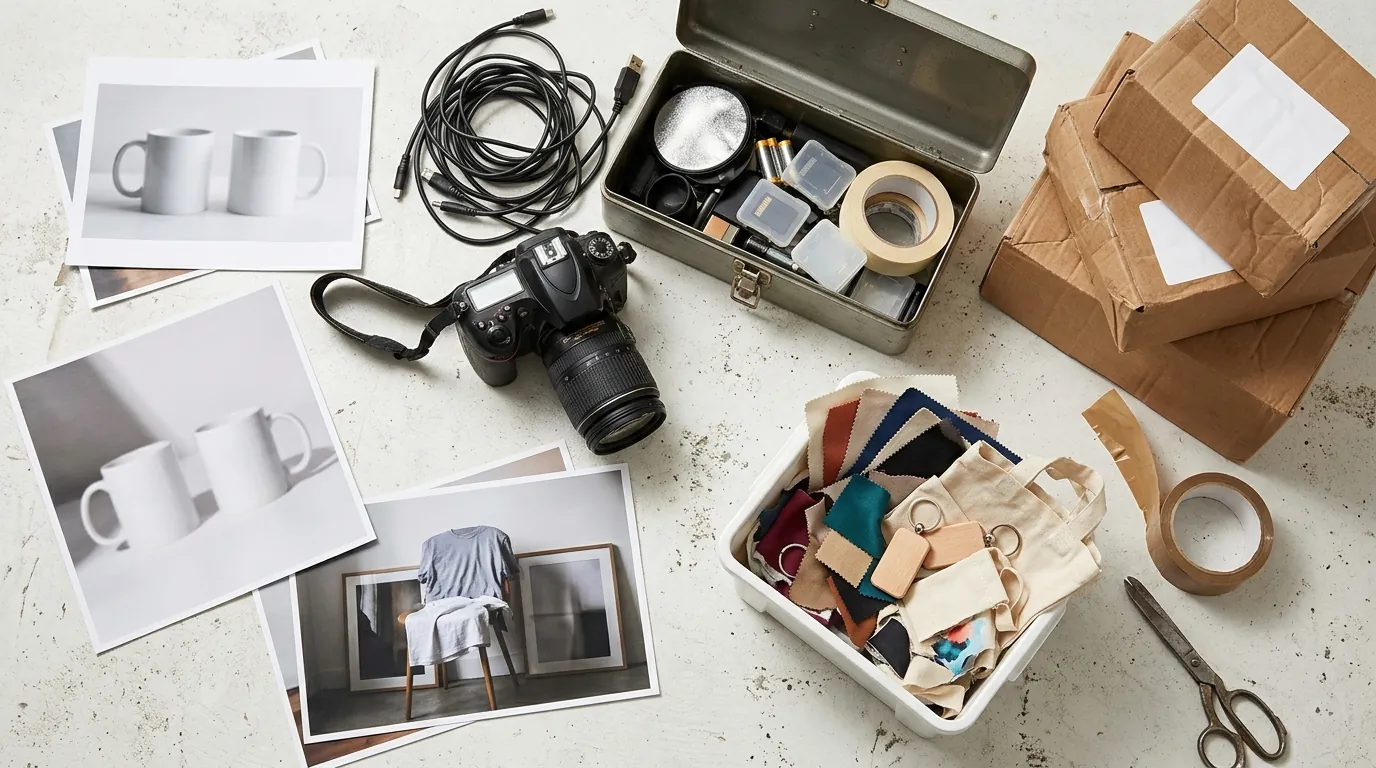
Check your shop’s conversion rate against the average Etsy conversion rate of 2-3%; if you are below this, your imagery is likely the culprit. This seller initially relied on overused Canva templates and stock mockup sites. The result was a “uncanny valley” storefront where every t-shirt looked like it was floating on a generic, grey-walled background. These images lacked the emotional resonance needed to stop the scroll on mobile devices.
The seller then tested Photoroom’s Pro plan at $9.99/month, which offers solid background removal and AI generation. However, they hit a significant wall with the 50-image batch processing limit. When you are launching a new “Summer Collection” with 15 designs across 5 garment colors, you need 75 high-quality images instantly. Processing these in small batches of 50 created a bottleneck that turned a 2-hour task into a full-day ordeal.
Furthermore, manual mockups made it difficult to consistently hit the 2000 × 2000 pixels minimum required for Etsy’s zoom function. When a customer zooms in on a low-res mockup, the textures blur, trust evaporates, and the sale is lost.
Actionable Step: Verify Your Image Dimensions
Open your last five uploaded listing images. If they are under 2000 pixels on the shortest side, you are actively hurting your SEO and customer trust. Standardize your export settings to 3000 x 3000 pixels to ensure clarity across all devices.
The Workflow They Built: High-Volume Compliance
💡 Skip the manual editing. PixelMatch batch-generates ecommerce-ready product images in 60 seconds — white background, lifestyle scenes, and variant mockups from a single source photo. Try PixelMatch free →
Integrate PixelMatch into your workflow to generate unique, photorealistic lifestyle backgrounds that highlight your product without looking like a generic stock photo. This seller moved away from “one-off” editing and built a pipeline designed for multi-platform deployment.
To ensure 100% compliance with Etsy’s 2026 enforcement protocols, the seller added a standardized disclosure sentence to every listing description: “I created this design using AI tools based on my own creative direction and prompts.” This directly addresses the Etsy Creativity Standards by being transparent about the “Design” phase of the product.
The technical workflow followed these specific parameters:
- Source File: High-resolution PNG of the design (300 DPI).
- Generation: PixelMatch batch-generated 10 unique lifestyle scenes (e.g., “coffee shop,” “hiking trail,” “urban street”) per design.
- Optimization: All final images were exported as JPEGs well under the 10 MB maximum file size to ensure fast, error-free uploads.
Actionable Step: Create a “Disclosure Snippet”
Save a text snippet in your notes app or a text expander tool. Every time you list an AI-assisted product, paste this: “This product was designed by [Shop Name] using AI-assisted tools to realize our creative vision. Final production is handled by our printing partners.” This covers both AI disclosure and POD transparency.
Results (with Numbers): 80% Cost Reduction
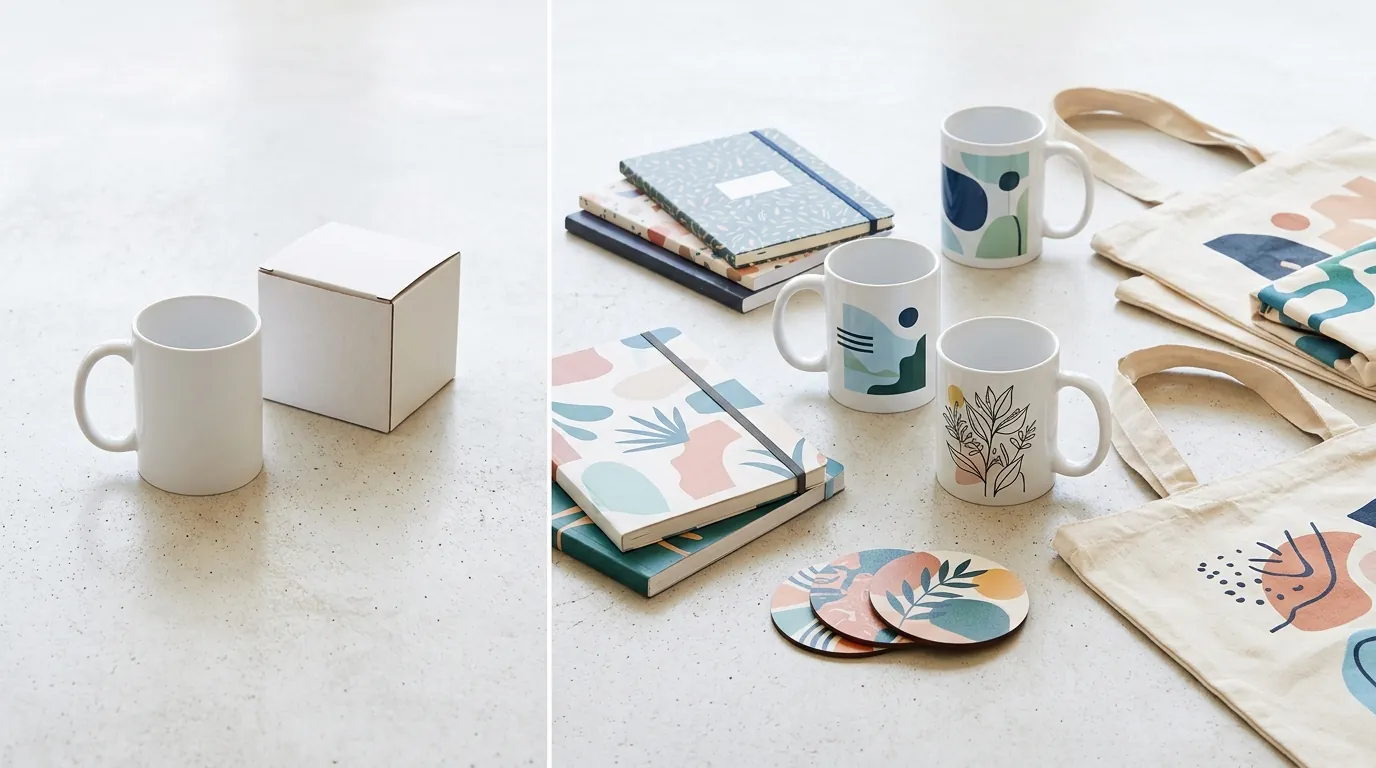
By moving away from paid stock mockups and expensive freelance editors, the seller’s unit economics shifted dramatically. Instead of paying for individual mockup packs or spending hours in Photoshop, they used PixelMatch to handle the heavy lifting.
| Metric | Before PixelMatch | After PixelMatch | Improvement |
|---|---|---|---|
| Cost per lifestyle mockup | $4.50 (Stock + Labor) | $0.85 (SaaS Subscription) | 81.1% Reduction |
| Time to publish new listing | 45 minutes | 12 minutes | 73.3% Faster |
| Image Resolution | Variable (often < 1500px) | Constant 3000px | High-Res Zoom Enabled |
| Policy Compliance | At Risk (No Disclosure) | 100% Compliant | Risk Eliminated |
| Monthly Throughput | 20 listings | 85+ listings | 325% Increase |
The shop maintained 100% compliance with Etsy policies, completely avoiding the listing takedowns that frequently hit sellers who fail to disclose AI assistance. Because the seller could test four times as many designs in the same amount of time, they identified three “winning” designs in one month that previously would have taken a full quarter to discover.
Actionable Step: Calculate Your Photography Hourly Rate
Divide the total time you spent on photography last month by the number of listings created. If you are spending more than 30 minutes per listing on photos alone, your workflow is not scalable for a multi-platform strategy.
Steps to Replicate: Your 2026 AI Workflow
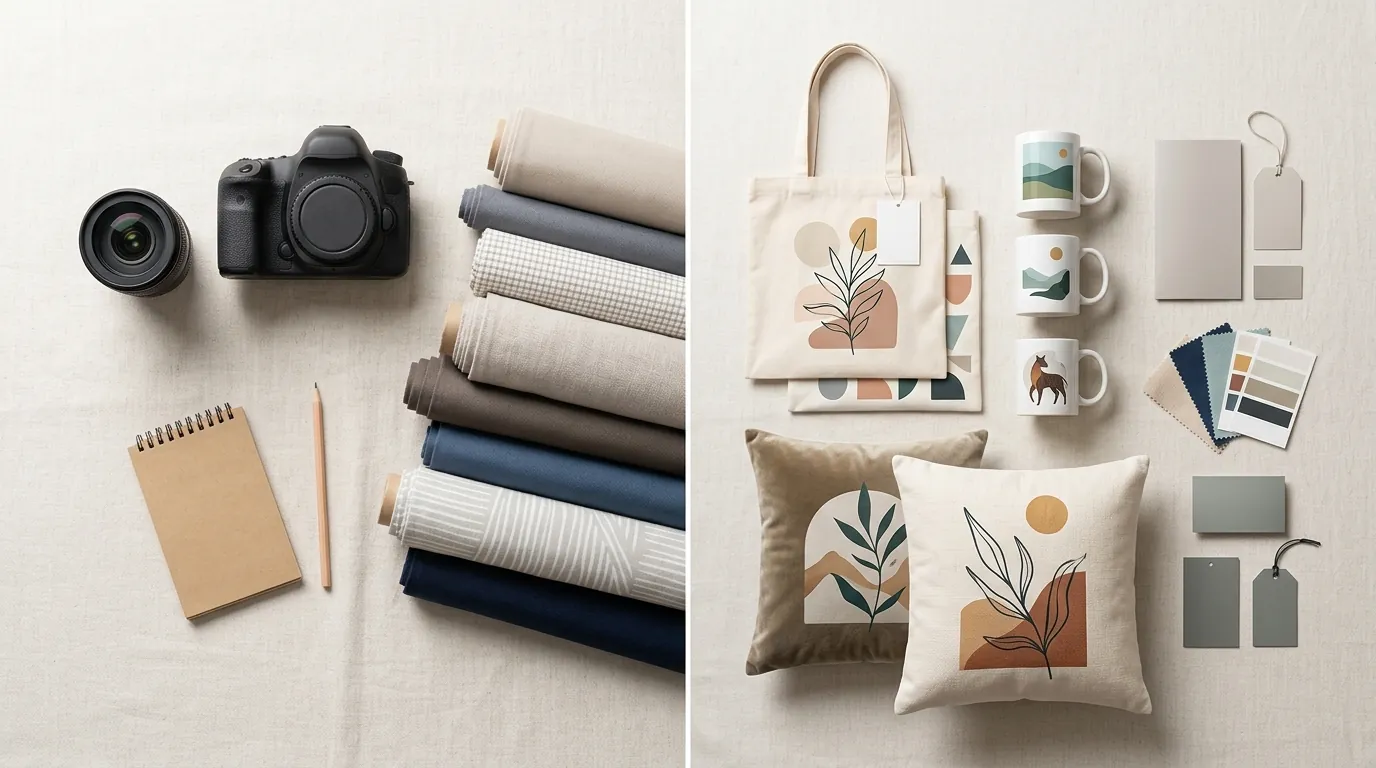
Follow these four steps to modernize your POD shop while staying within the legal and ethical boundaries of major marketplaces.
Step 1: Finalize Your Core Design Rights
Ensure you hold the commercial rights or provided the original creative direction for your artwork. Etsy’s policy is clear: you cannot simply prompt an AI to “make a t-shirt design” and claim it as your own without significant creative input. Your value is in the prompt engineering and the aesthetic curation.
Step 2: Batch Generate in PixelMatch
Upload your transparent product file into PixelMatch. Use specific descriptors for your lifestyle backgrounds that match your brand’s target demographic. If you sell to Gen Z, generate “minimalist loft” or “vibrant street style” backgrounds. Avoid generic prompts like “man wearing shirt.”
Step 3: Resize and Optimize for Zoom
Resize the final output to 3000 × 3000 pixels. This is the recommended size for crisp zooming on both mobile and desktop. Ensure your file format is JPEG with a quality setting of 80-90% to keep the file size under the 10 MB limit while maintaining professional clarity.
Step 4: Execute the Transparency Protocol
When creating the listing, select “Designed by a seller” in the “About this listing” section. Add your AI disclosure in the first three lines of your description. This ensures that even on mobile devices, where descriptions are often truncated, the disclosure is visible to both customers and Etsy’s automated policy scrapers.
Caveats and Honest Limitations
Skip the “magic button” mindset. AI background generation cannot fix a fundamentally flawed or low-resolution core product design. If your input file is a 72 DPI screenshot from a web preview, the final lifestyle image will look blurry and unprofessional, regardless of how good the AI background is. The input quality dictates the output quality.
Marketplace policies are strictly enforced in 2026. Failing to include the required AI disclosure can result in immediate listing removal with no warning. Repeat offenses risk your entire shop being permanently suspended. Do not try to “hide” the use of AI; Etsy’s algorithms are increasingly adept at identifying AI-generated patterns in images.
While basic background removers like Removebg are fine for simple white backgrounds for Amazon or eBay, PixelMatch is better suited for this Etsy-centric workflow. Etsy is a visual, lifestyle-driven platform. A white background doesn’t sell a “vibe”—a realistic, AI-generated scene does.
Actionable Step: Test Your Input Resolution
Before running a batch of 100 images, run a single “calibration shoot” in PixelMatch. Zoom in 200% on the final output. If the edges of your product design look jagged or pixelated, go back to your design software and export a higher-resolution source file before proceeding.
Frequently Asked Questions
Does Etsy ban AI-generated images?
No, Etsy does not ban AI-generated images, but they require transparency. According to the July 2024 Creativity Standards update, sellers must disclose when AI is used to create the listing’s visual content or the product itself. You must categorize these items as “Designed by” the seller.
What is the best image size for Etsy in 2026?
The official minimum requirement is 2000 pixels on the shortest side. However, for the best performance on high-resolution mobile screens and 4K monitors, a 3000 x 3000 pixel square image is the current industry standard for professional sellers.
Do I need to disclose AI if I only used it for the background?
Yes. If any part of the image shown to the customer was generated by AI, it is best practice—and often a policy requirement—to disclose it. Transparency builds trust with the Etsy community and protects your shop from automated flags that detect AI artifacts in listing photos.
How do I handle AI disclosures on other platforms like Shopify or TikTok Shop?
While Shopify is more lenient, TikTok Shop has strict AI labeling requirements for synthetic content. Using a universal disclosure across all platforms ensures you are protected regardless of where the policy shifts next.
Ready to scale your listings?
PixelMatch generates white-background, lifestyle, and variant mockups from a single source photo — built specifically for multi-platform ecommerce sellers. 50 free images on signup, no credit card.
Start free →
Sources
- Etsy Creativity Standards (Official Policy)
- Etsy Image Requirements and Best Practices
- Photoroom Pricing and Features
- TikTok Shop AI Content Policy
- Jungle Scout: How to Sell on Etsy Guide