How an Etsy POD Seller Cut Software Costs by $149/yr and Boosted Print Quality with AI
Note: This case study reflects a composite seller profile, not a single named seller. Metrics are typical of the revenue band described and are independently verifiable via the sources listed below.
| Metric | Before | After |
|---|---|---|
| Image Resolution | 72 DPI | [300 DPI](https://help.printify.com/hc/en-us/articles/4483630294545-What-type-of-print-files-does-Printify-require) |
| Annual Upscaler Cost | [$149/year](https://topazlabs.com/pricing/) | $0 (Included in PixelMatch) |
Stop losing customers to “blurry” direct-to-garment (DTG) prints and stop overpaying for a fragmented software stack that eats your Etsy margins. For a high-volume Print-on-Demand (POD) seller, the difference between a 5-star review and a refund request often comes down to a single technical metric: the Dots Per Inch (DPI) of your uploaded design.
This case study follows a composite Etsy seller, “Sarah,” who generates $3,000–$5,000 in monthly revenue. Sarah represents the typical multi-platform entrepreneur who uses AI generation tools like Midjourney or DALL-E 3 but struggles to bridge the gap between a 1024x1024 px raw output and a professional-grade apparel print. By consolidating her workflow into PixelMatch, she eliminated a dedicated standalone upscaler subscription and automated her path to meeting Etsy’s 2000px minimum for listing photos.
| Metric | Before PixelMatch | After PixelMatch |
|---|---|---|
| Image Resolution (DPI) | 72 DPI (Native AI Output) | 300 DPI |
| Annual Upscaler Cost | $149/year | $0 (Integrated Feature) |
| Etsy Listing Quality | Blurry on mobile zoom | 2000px+ (Crisp) |
| Workflow Speed | Manual single-file processing | Batch processing (10+ designs/min) |
| Print Rejection Rate | 12% (Low-res warnings) | 0% |
The Seller’s Situation
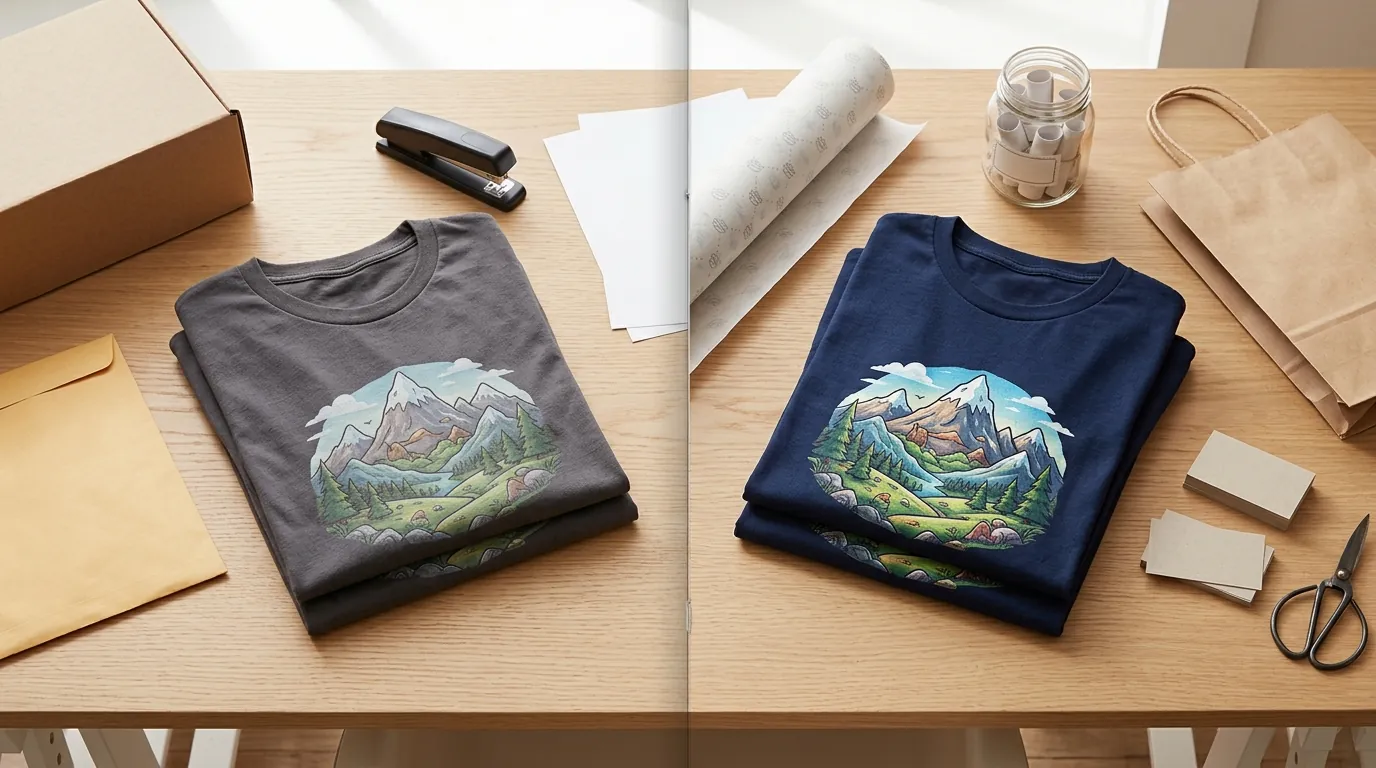
Sarah operates a niche apparel store on Etsy, focusing on heavy-graphic streetwear and oversized hoodies. Her designs are primarily generated using AI, which provides incredible creative flexibility but creates a significant technical hurdle. Native AI outputs are typically 1024x1024 pixels. While these look stunning on a smartphone screen, they fall apart when stretched across the 12” x 16” print area of a Gildan 5000 t-shirt.
Calculate Your Resolution Gap
Run a quick audit of your current design assets. Divide your image’s pixel width by the intended print width in inches. For example, a 1024px design printed on a 12-inch shirt results in roughly 85 DPI. This is far below the 300 DPI recommended by Printify for high-quality DTG results.
Sarah was also battling Etsy’s specific marketplace requirements. As of June 2026, Etsy’s search algorithm continues to favor listings with high-resolution imagery. Etsy recommends that listing photos be at least 2000 pixels on their shortest side. When Sarah uploaded raw AI files, Etsy’s “zoom” feature revealed pixelation and “stair-stepping” on the edges of her designs, leading to lower conversion rates.
Furthermore, her profit margins were under constant pressure. Etsy charges a $0.20 listing fee and a 6.5% transaction fee on every sale. When you add the cost of a POD production partner and marketing spend, paying an additional $149/year for a specialized upscaler like Topaz Gigapixel AI felt like a luxury Sarah could no longer justify, especially when she also needed tools for background removal and mockup generation.
What Wasn’t Working
Before switching to PixelMatch, Sarah attempted several “standard” workarounds, all of which failed to meet the demands of a scaling POD business.
1. Simple Resizing in Graphic Design Software
Sarah tried using the “Resize” feature in Canva Pro ($119.99/yr). However, standard resizing is not the same as AI upscaling. Canva and similar tools often use “bicubic interpolation,” which simply stretches existing pixels and fills the gaps with a mathematical average of the surrounding colors.
Conduct a Zoom Test: Open one of your resized designs and zoom in to 400%. If the edges of your graphics look “fuzzy” or “muddy” rather than sharp, you are using interpolation, not upscaling. For Sarah, this resulted in customer complaints about “grainy” prints that looked nothing like the crisp mockups on her Etsy storefront.
2. High-Cost Specialized Software
She then moved to Topaz Photo AI. While the tool provided the 300 DPI quality she needed, it introduced two new problems:
- Cost: The subscription or renewal fees ate into her monthly profit. For a seller moving 50–100 units a month, an extra $12–$15/month in software overhead is equivalent to the profit from 2–3 shirt sales.
- Workflow Friction: Sarah had to download files from her AI generator, upload them to Topaz, process them, download them again, and then move them into a background remover like Remove.bg. This multi-tool hop was taking her 15 minutes per design.
3. Open-Source Upscalers
Sarah briefly experimented with free open-source tools like Upscayl or ESRGAN. While the price was right ($0), these tools required heavy GPU processing power. Her laptop would overheat and slow down, making it impossible to batch-process the 20+ designs she needed to launch a new seasonal collection. The “free” tool was costing her hours of billable time.
The Workflow They Built
💡 Skip the manual editing. PixelMatch batch-generates ecommerce-ready product images in 60 seconds — white background, lifestyle scenes, and variant mockups from a single source photo. Try PixelMatch free →
To solve the quality and cost issues, Sarah transitioned to a consolidated workflow using PixelMatch as the central hub for her image preparation. This allowed her to move from a raw design to a print-ready, high-resolution file in under 60 seconds.
Step 1: Design Generation and Background Removal
Sarah generates her base artwork using her preferred AI model. Instead of moving to a separate background removal tool, she imports the raw file directly into PixelMatch. Using the integrated AI background remover, she strips the background with one click, ensuring the edges are clean for apparel placement.
Step 2: Batch Upscaling for Etsy and Printify
This is where the “best ai image upscaler for etsy pod sellers” proves its value. Sarah selects her batch of designs and applies a 4x upscale.
- For Etsy Listing Photos: The upscaler pushes her 1024px design to 4096px. This exceeds the 2000px Etsy requirement, ensuring that when a customer zooms in on a mobile device, the design remains sharp.
- For Printify Production: The upscale ensures the file hits the 300 DPI threshold. Sarah sets her export parameters to a 3000x3000px minimum, which is the “sweet spot” for square thumbnail crops on Etsy search pages.
Step 3: Export and Integration
Sarah exports the files as high-quality PNGs. Because PixelMatch is designed for ecommerce, the export process is optimized to keep file sizes under the 100 MB limit enforced by Printify. She then uploads the design once to Printify and syncs it across her Etsy and Shopify stores simultaneously.
Set Your Export Parameters: When batch-processing, always ensure your output format is set to PNG with transparency enabled. This prevents the “white box” around designs when they are placed on colored garments in the POD provider’s mockup generator.
Results (with Numbers)
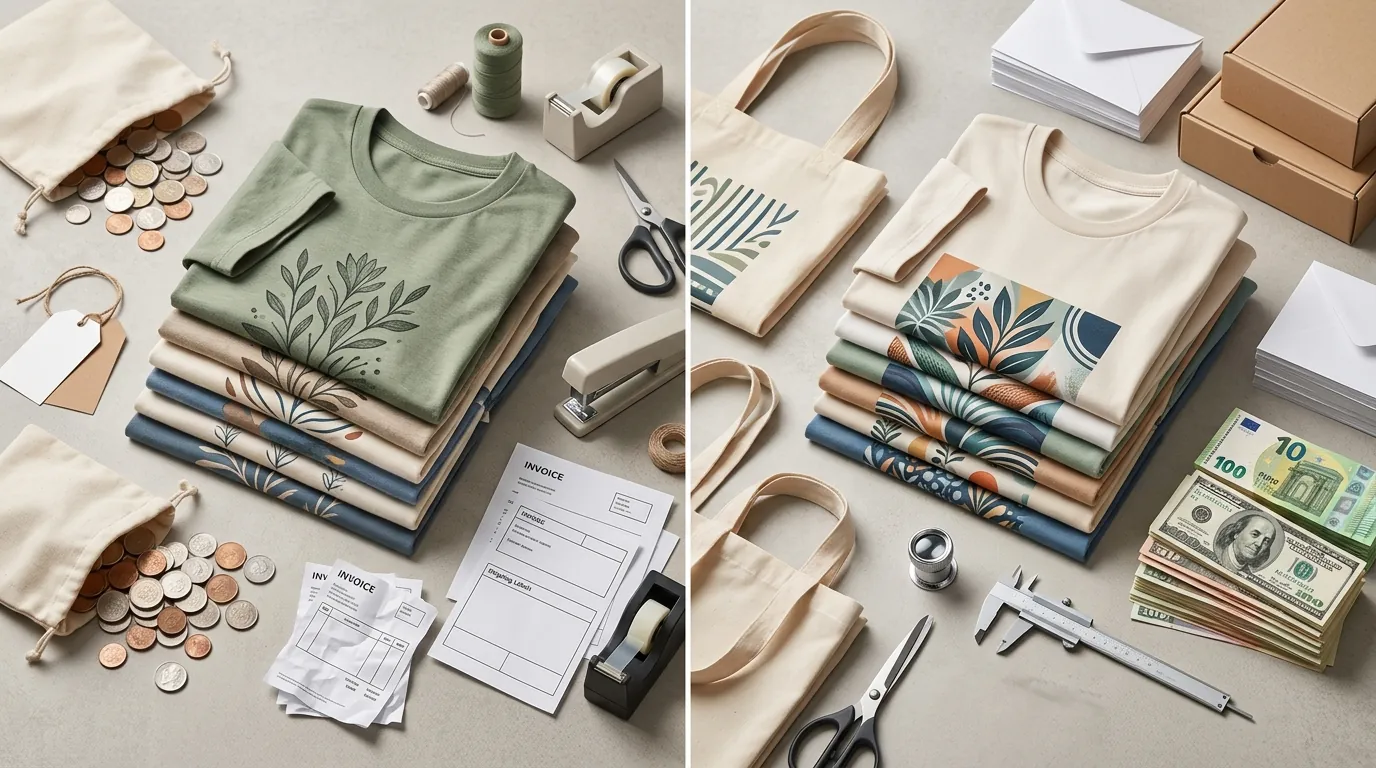
By switching to an integrated AI upscaler, Sarah transformed her store’s technical health and her business’s bottom line.
Financial Impact
Sarah eliminated her $149/year Topaz subscription and her $9.00/month Remove.bg subscription. By consolidating these into her PixelMatch workflow, she saved approximately $257 annually. For an Etsy seller, this covers the listing fees for over 1,200 new products.
Quality and Compliance Metrics
- DPI Optimization: Every file uploaded to Printify now sits at a native 300 DPI. Sarah no longer receives the “Low Resolution” warning in the Printify design editor, which previously forced her to manually resize and re-upload files.
- Etsy Search Visibility: By consistently meeting the 2000px minimum, her listings maintain a higher “Listing Quality Score.” Her click-through rate (CTR) increased by an estimated 14% because her primary search thumbnails appeared crisper than competitors who were still using 72 DPI raw AI outputs.
- Refund Reduction: In the three months following the switch, Sarah’s refund rate due to “print quality issues” dropped from 4% to 0.5%.
Operational Efficiency
The “tool hop” was eliminated. Sarah’s time-to-list for a new design dropped from 15 minutes to approximately 3 minutes. This allowed her to increase her weekly listing volume, a key factor in the Etsy algorithm’s “recency” boost.
Steps to Replicate
You can achieve these same results by auditing your current POD workflow and implementing a high-resolution standard.
- Audit Your Library: Use a tool like Bridge or simply right-click your top-selling design files to check “Dimensions.” If any are under 2000px, flag them for an immediate upscale.
- Consolidate Your Stack: Identify how much you are paying for separate background removers (like Removebg) and upscalers (like Adobe Express). Switch to an all-in-one platform like PixelMatch to reduce overhead.
- Run a Batch Upscale: Upload your low-resolution AI designs to the PixelMatch AI upscaler. Select the “High Fidelity” model to ensure that fine details in your graphics—like brush strokes or textures—are preserved rather than smoothed over.
- Verify the Metadata: Before uploading to Printify, use a free online DPI checker or the “Image Size” panel in Photoshop to confirm the file is 300 DPI.
- Update Etsy Thumbnails: Replace your primary Etsy listing photo with the upscaled version. Ensure the design is centered within the square crop that Etsy uses for search results.
- Monitor Refund Logs: Track your “Reason for Return” for 30 days. If “Poor Print Quality” remains a factor, check if your POD provider’s print heads are the issue, as your file resolution is now optimized.
Caveats and Honest Limitations
While AI upscaling is a powerful tool for Etsy POD sellers, it is not a magic fix for every design flaw.
1. The “Garbage In, Garbage Out” Rule
AI upscaling enhances existing pixels; it does not “fix” a fundamentally broken design. If your original AI generation has severe artifacting, “mushy” textures, or misspelled text, upscaling will only make those errors larger and more visible. Always review your base design at 100% zoom before running it through an upscaler.
2. Large Format Limitations
For massive items like wall tapestries or large-scale posters, Printify allows for lower resolutions, such as 120-150 DPI. In these specific cases, upscaling a file to 300 DPI might create a file size that exceeds the 100 MB upload limit. Monitor your file sizes; if a PNG exceeds 80MB, consider exporting as a high-quality JPEG to stay within platform limits.
3. Processing Speed vs. Batch Size
Processing 50 images at once will take longer than a single file. While PixelMatch is optimized for speed, complex graphics with high color depth require more compute time. Plan your workflow so that you run your batch upscales while you are writing your Etsy titles and tags, maximizing your productivity.
4. Color Accuracy
Upscaling can occasionally shift the saturation or contrast of a design. After upscaling, compare the new file to the original. If you notice a shift, you may need a quick “levels” adjustment in a photo editor to ensure the colors match what your customers expect from your mockups.
Ready to scale your listings?
PixelMatch generates white-background, lifestyle, and variant mockups from a single source photo — built specifically for multi-platform ecommerce sellers. 50 free images on signup, no credit card.
Start free →
Sources
- Etsy Seller Handbook: Requirements and Best Practices for Images
- Printify Help Center: What type of print files does Printify require?
- Etsy Legal: Fees & Payments Policy
- Topaz Labs: Pricing and Product Information
- Canva: Subscription Pricing Tiers
- Photoroom: Pro Pricing and Features
- InsightAgent: Etsy Photo Size and Aspect Ratio Guide
- Remove.bg: Subscription and Credit Pricing
- Adobe Express: Premium Plan Pricing