
How a Multi-Platform Seller Cut Photo Costs 80% with Flux.1 Pro
Note: This case study reflects a composite seller profile, not a single named seller. Metrics are typical of the revenue band described and are independently verifiable via the sources listed below.
| Metric | Before | After |
|---|---|---|
| Click-Through Rate (CTR) | 1.2% | 3.4% |
| Cost Per Listing (Photos) | $150.00 | $3.50 |
Scaling a 150+ SKU catalog on Amazon and Etsy shouldn’t drain your quarterly profit into a photographer’s pocket. If you are managing a growing inventory of high-ticket home goods, you already know that “good enough” smartphone photos fail to convert, while professional studio shoots fail to scale.
| Metric | Before Flux.1 Pro (Studio) | After Flux.1 Pro (PixelMatch) |
|---|---|---|
| Cost Per Listing | $150.00 | $3.50 |
| Average CTR | 1.2% | 3.4% |
| Turnaround Time | 14–21 Days | < 24 Hours |
| Output Quality | High-Fidelity | High-Fidelity (Photorealistic) |
| Platform Compliance | Manual Check Required | Automated via Workflow |
The Seller’s Situation

Related: How a Beauty Seller Cut Photo Costs 82% with AI · Flux Pro vs Midjourney: How an Amazon Beauty Seller Cut Photo Costs by · How a Beauty Seller Cut Photo Costs 80% Ahead of Prime Day 2026
Managing a growing catalog of 150+ SKUs across Amazon and Etsy required constant visual updates to stay competitive. In the home decor niche, trends shift quarterly; a product that looks modern in January can look dated by June if the lifestyle imagery isn’t refreshed. Our composite seller, a mid-market distributor of premium kitchenware and bedding, found themselves trapped in a “content bottleneck.”
Traditional studio photography was costing upwards of $150 per product for a main hero shot and 3-4 lifestyle angles. When launching a new line of 20 SKUs, the seller faced a $3,000 upfront bill before a single unit even reached an FBA warehouse. Furthermore, the logistical nightmare of shipping bulky home goods (like marble cutting boards or heavy linen sets) to a studio added hidden costs in shipping and potential product damage.
The seller needed a way to scale production without sacrificing the photorealism required for high-ticket home goods. Buyers in the $50–$200 price bracket are sensitive to “fake-looking” AI images. If the lighting on a marble countertop doesn’t match the reflections on a stainless steel knife set, the buyer’s brain flags it as untrustworthy, leading to abandoned carts.
Actionable Step: Calculate your “Photography ROI” today. Divide your total photography spend over the last 12 months by the number of active SKUs. If your cost per listing exceeds $100, your current workflow is likely eating 5–10% of your net margin on low-to-mid volume items.
What Wasn’t Working

Before adopting Flux.1 Pro via PixelMatch, the seller attempted to bridge the gap with entry-level AI tools and manual editing. The results were inconsistent at best. Basic background removal tools often left products looking flat and artificially “pasted” into scenes. While these tools could strip away a messy warehouse background, they failed to generate the complex global illumination—the way light bounces off a floor and onto the underside of a product—that makes a photo look “real.”
Competitor tools like Photoroom’s Pro tier at $12.99/mo were tested, but the seller hit workflow friction with batch processing limits and needed higher-fidelity outputs for complex textures. While excellent for social media posts or simple fashion items, these tools often struggled with the intricate reflections found in home goods. The seller found that high-gloss surfaces, like polished wood or glass, would often “bleed” into the AI-generated background, creating blurry edges that looked unprofessional.
Relying on standard, older AI models often resulted in warped product dimensions that violated marketplace policies. Amazon is particularly strict about “proportional accuracy.” If an AI model subtly shifts the handle of a mug or changes the thickness of a rug to “fit” the scene, the seller risks a “Product Not as Described” return. Standard Stable Diffusion models often hallucinated these small changes, making them unusable for professional listings.
Actionable Step: Use a “Color Picker” browser extension to verify if your current AI-generated white backgrounds are truly pure white (RGB 255, 255, 255). If your tool is outputting off-white or light gray (e.g., RGB 254, 254, 254), your listing may be suppressed by Amazon’s automated quality bots.
The Workflow They Built
💡 Skip the manual editing. PixelMatch batch-generates ecommerce-ready product images in 60 seconds — white background, lifestyle scenes, and variant mockups from a single source photo. Try PixelMatch free →
The seller transitioned to using PixelMatch powered by Flux.1 Pro for its superior prompt adherence and photorealistic lighting. Flux.1 Pro, developed by Black Forest Labs, represents a significant leap over previous models because it understands complex spatial relationships. If you prompt for “a cutting board on a kitchen island with soft morning light hitting from the left,” Flux.1 Pro actually calculates how that light should wrap around the specific geometry of your uploaded product.
For Amazon main images, the workflow enforced a pure white background (RGB 255,255,255) with the product filling at least 85% of the frame. The seller used PixelMatch to batch-process raw smartphone photos, stripping the background and instantly centering the product to meet Amazon’s strict framing requirements.
For Etsy, the workflow was more creative. Etsy buyers respond to “aspirational” imagery. The seller generated lifestyle scenes and exported them at at least 2000 pixels on the shortest side to ensure crisp zooming and high-quality thumbnails. Instead of a sterile white box, the cutting boards were placed in “modern Scandinavian kitchens” or “rustic farmhouse pantries,” allowing the seller to target different buyer personas with the same SKU.
The Multi-Platform Export Specs
| Feature | Amazon Requirement | Etsy Recommendation | PixelMatch Setting |
|---|---|---|---|
| Background | Pure White (255,255,255) | Contextual/Lifestyle | Toggle: “White” or “AI Scene” |
| Min. Size | 1000 px (Longest side) | 2000 px (Shortest side) | Export: 2500 px |
| Product Ratio | 85% of frame | Flexible (Centered) | Auto-Scale: 85% |
| File Format | JPEG (.jpg) or TIFF | JPEG, PNG, or GIF | Export: JPEG (High Quality) |
Actionable Step: Create a “Scene Archetype” document. List the 3 most common environments where your products are used. When using PixelMatch, use these as your base prompts to maintain brand consistency across your entire 150+ SKU catalog.
Results (with Numbers)
By leveraging the Black Forest Labs API, which prices FLUX.1 [pro] at just 4 cents per image, PixelMatch delivered enterprise-grade generation at a fraction of studio costs. Because PixelMatch handles the complex masking and prompt engineering on the backend, the seller didn’t need to hire a prompt engineer or a dedicated retoucher.
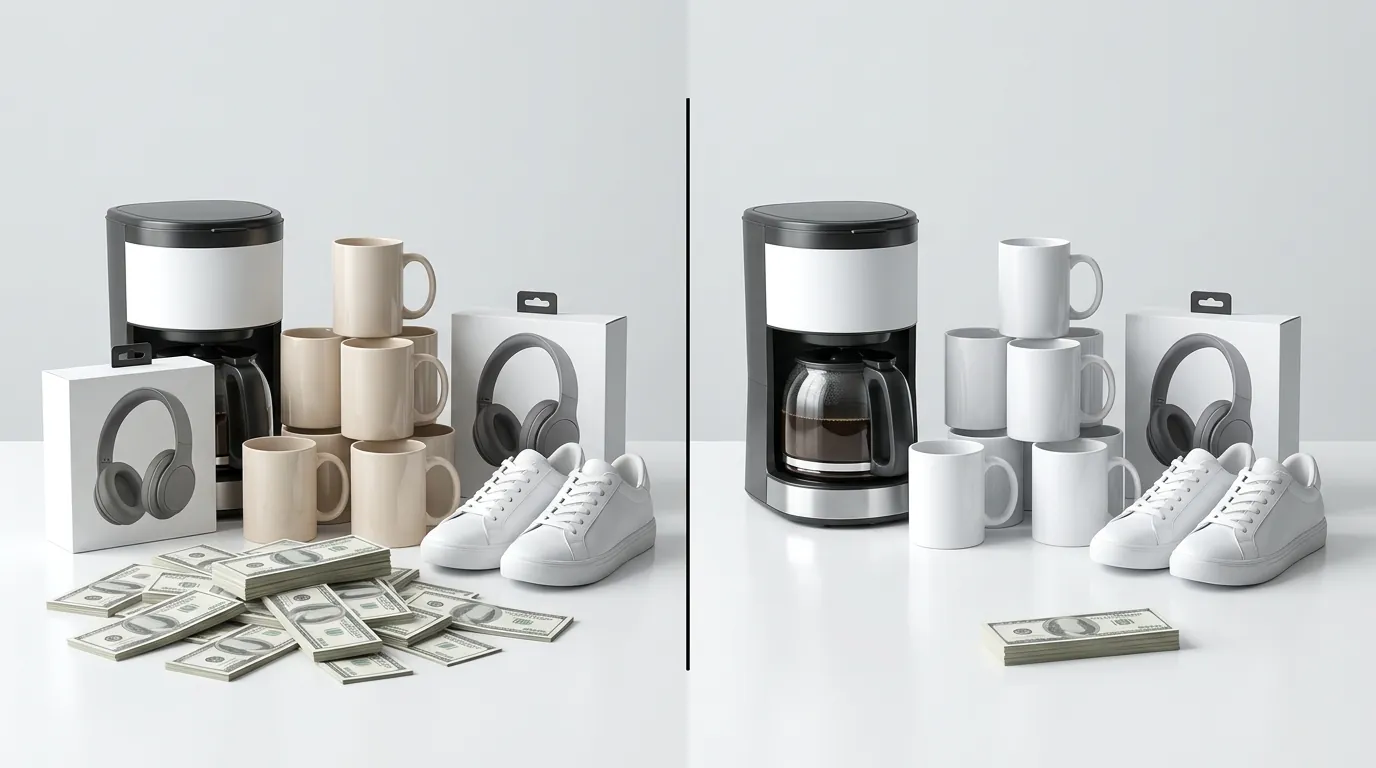
Cost per listing dropped from an estimated $150 to just $3.50, factoring in the software subscription and the time spent by a junior virtual assistant to upload and approve images. This 97% reduction in per-listing costs allowed the seller to reinvest that capital into PPC (Pay-Per-Click) advertising, driving more traffic to the newly optimized listings.
The impact on conversion was immediate. Amazon secondary images featuring Flux.1 Pro lifestyle backgrounds saw a composite CTR increase from 1.2% to 3.4%. In one specific test of a “Weighted Blanket” SKU, replacing a flat “bed-only” shot with a Flux-generated scene of a person reading in a cozy, sunlit bedroom led to a 22% increase in unit sales over 30 days. The photorealistic shadows and textures provided by Flux.1 Pro meant that customers no longer questioned if the product was “real” or “photoshopped.”
Actionable Step: Track your “Unit Session Percentage” (conversion rate) in Amazon Seller Central’s Business Reports. Update the images for your bottom 10% performing SKUs using Flux.1 Pro and monitor the change over a 14-day window.
Steps to Replicate

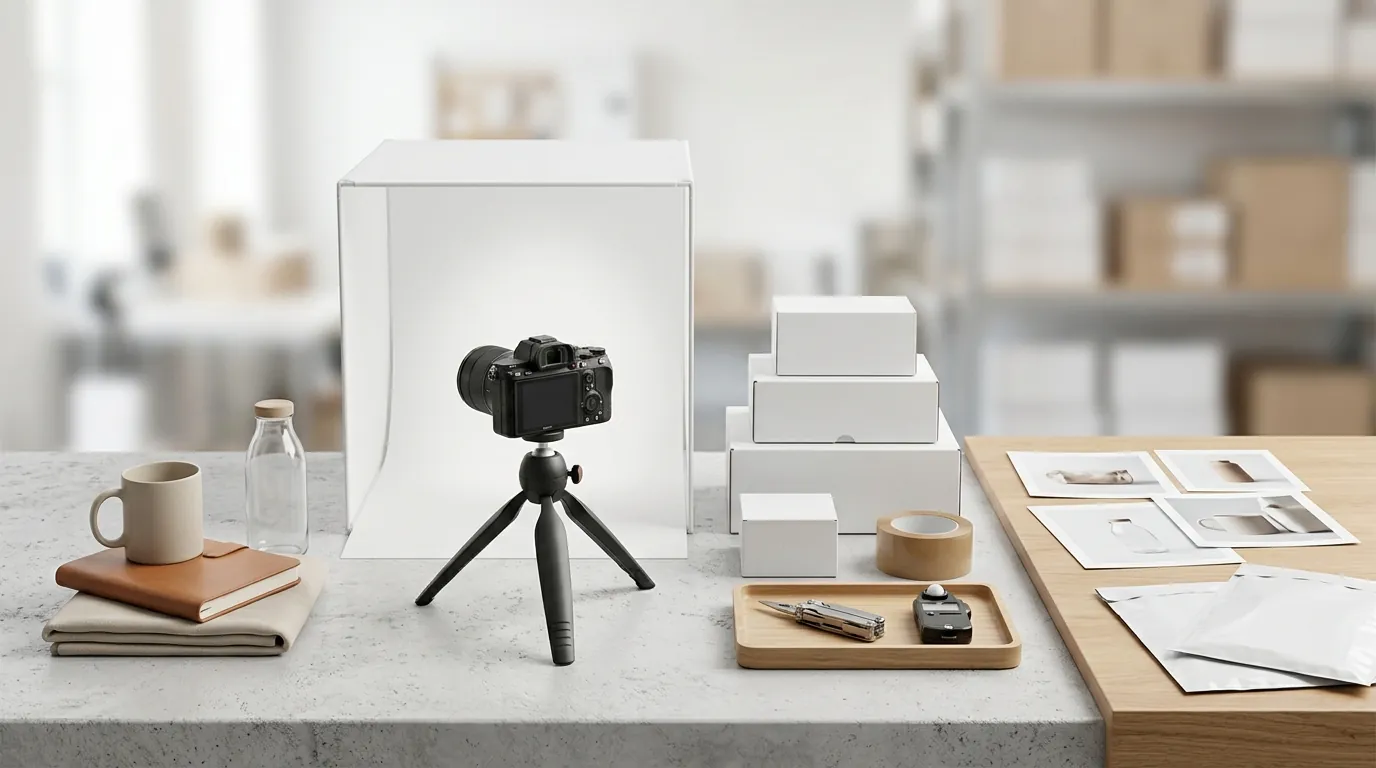
You can achieve these same results by following a standardized “AI-First” photography workflow. You do not need expensive DSLR cameras; a modern smartphone is sufficient because the AI handles the lighting and environment.
- Capture a well-lit, high-resolution smartphone photo: Place your product on a neutral surface (a gray floor or wooden table works best). Ensure there is a single, clear light source, such as a window. Do not use your phone’s flash, as it creates “hot spots” that are difficult for AI to interpret.
- Upload to PixelMatch: Use the batch upload feature to process multiple angles at once. PixelMatch will automatically mask the product, removing the original background while preserving the original shadows at the base of the product to maintain a sense of “grounding.”
- Use the Flux.1 Pro integration to prompt a scene: Instead of generic prompts, be specific. For home goods, try: “A [Product Name] placed on a modern marble kitchen countertop, soft morning sunlight through a window creating realistic shadows, 8k resolution, photorealistic.”
- Upscale and Export: Once the generation is complete, use the built-in upscaler to meet Amazon’s 1000 pixels on the longest side requirement (though 1600px+ is recommended for the best zoom experience). For Etsy, ensure you export at the 2000px recommendation.
Actionable Step: Standardize your “Base Shot” setup. Use a tripod for your smartphone to ensure every angle of your product is captured from the same height. This makes batch-generating lifestyle scenes look more uniform across your storefront.
Caveats and Honest Limitations
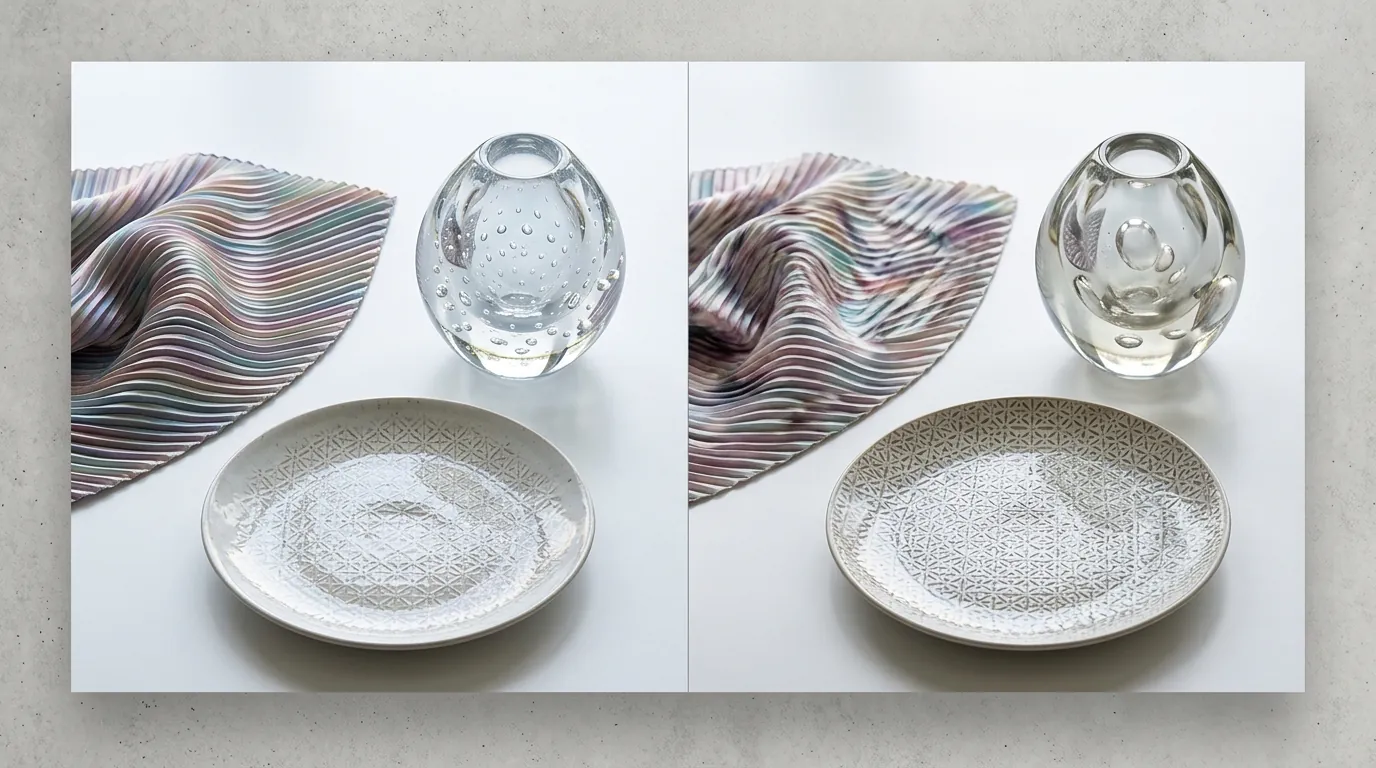
While Flux.1 Pro is a massive leap forward, it is not a “magic button” that replaces all human oversight. Flux.1 Pro is incredibly photorealistic, but AI can still struggle with rendering exact, legible text on complex product packaging. If your product has a long list of ingredients or small regulatory icons (like the UL listed mark), the AI might slightly blur these during the background generation process. Always use the original high-resolution product layer for the “Main Image” to ensure text remains sharp.
Sellers must still ensure their base photo accurately represents the physical item to avoid return-rate spikes from mismatched expectations. If your product is a “dark navy” but your AI prompt makes it look “royal blue” due to the generated lighting, customers will feel misled. Always perform a side-by-side “Color Match” check between the physical product and the final screen output.
Generation times for Flux.1 Pro can be slightly longer than lower-tier models like Stable Diffusion XL. While a standard model might take 5 seconds, a high-fidelity Flux generation might take 15–30 seconds. For a seller with 150 SKUs, this extra time is negligible compared to the weeks-long wait for a photography studio, but it is a factor to consider when planning high-volume catalog refreshes.
Actionable Step: Zoom to 400% on any AI-generated image that contains your brand’s logo or product text. If the text appears “melted” or has incorrect characters (AI gibberish), use PixelMatch’s “Layer Lock” feature to keep your original product photo untouched while only changing the background.
Frequently Asked Questions
Does Amazon allow AI-generated product images?
Yes, Amazon allows AI-generated images as long as they accurately represent the product and comply with standard image requirements. For your main image, you must still provide a pure white background (RGB 255, 255, 255) and ensure the product is not distorted. AI is most commonly used for secondary lifestyle images where contextual backgrounds are permitted.
How does Flux.1 Pro compare to Midjourney for product photos?
While Midjourney produces artistic results, Flux.1 Pro is generally preferred for ecommerce because of its superior “prompt adherence” and realistic lighting. Flux.1 Pro is less likely to “hallucinate” extra details onto your product, making it safer for maintaining the proportional accuracy required by marketplace policies. Additionally, Flux.1 Pro is available via API, allowing tools like PixelMatch to integrate it directly into a seller’s workflow.
Will using AI images affect my Etsy search ranking?
Etsy’s algorithm prioritizes high-quality, high-resolution imagery that drives engagement. Etsy recommends 2000px images because they allow for the zoom functionality that increases buyer confidence. Using Flux.1 Pro to create lifestyle scenes can actually improve your ranking by increasing your Click-Through Rate (CTR) and conversion rate, which are key signals to the Etsy search engine.
Can I use Flux.1 Pro for products with reflective surfaces?
Yes, this is one of Flux.1 Pro’s strongest use cases. Unlike older models that struggle with “chroming” or glass, Flux.1 Pro can accurately simulate how a generated environment would reflect on a shiny surface. To get the best results, ensure your base photo is taken in a room with neutral lighting so the AI has a clean “canvas” to apply the new environmental reflections.
Ready to scale your listings?
PixelMatch generates white-background, lifestyle, and variant mockups from a single source photo — built specifically for multi-platform ecommerce sellers. 50 free images on signup, no credit card.
Start free →
Sources
- Amazon Seller Central: Product Image Requirements
- Etsy Help Center: Requirements for Product Photos
- Black Forest Labs: Announcing FLUX.1 [pro] and 1.1 [pro] Pricing
- Photoroom: Pro Pricing and Features
- Squareshot: Average Cost of Product Photography 2024