
Flux Pro vs Midjourney: How an Amazon Beauty Seller Cut Photo Costs by 90%
Note: This case study reflects a composite seller profile, not a single named seller. Metrics are typical of the revenue band described and are independently verifiable via the sources listed below.
| Metric | Before | After |
|---|---|---|
| Click-Through Rate (CTR) | 1.2% | 3.4% |
| Cost Per Listing | $450 | $45 |
Scaling a beauty brand on Amazon usually means burning through thousands of dollars in studio fees just to keep your catalog updated with every new SKU launch. For a mid-sized seller, the choice between paying a professional photographer $450 per listing or trying to “make it work” with AI has traditionally been a choice between high costs and high frustration.
If you are managing a beauty brand in the $50k-$100k monthly revenue bracket, you already know that your “Main Hero” image is the single most important asset on your listing. On Amazon, your product doesn’t just need to look good; it must adhere to rigid technical standards that can lead to immediate listing suppression if ignored.
For many sellers, the promise of AI photography—specifically through popular models like Midjourney—seemed like a way to escape the “studio tax.” However, as many soon discovered, Midjourney’s artistic flair often becomes a liability when you need a 1:1 representation of a physical product. This article analyzes how a composite beauty brand moved away from Midjourney’s aesthetic unpredictability toward a Flux Pro-powered workflow via PixelMatch, ultimately reducing their cost per listing by 90%.
The Seller’s Situation
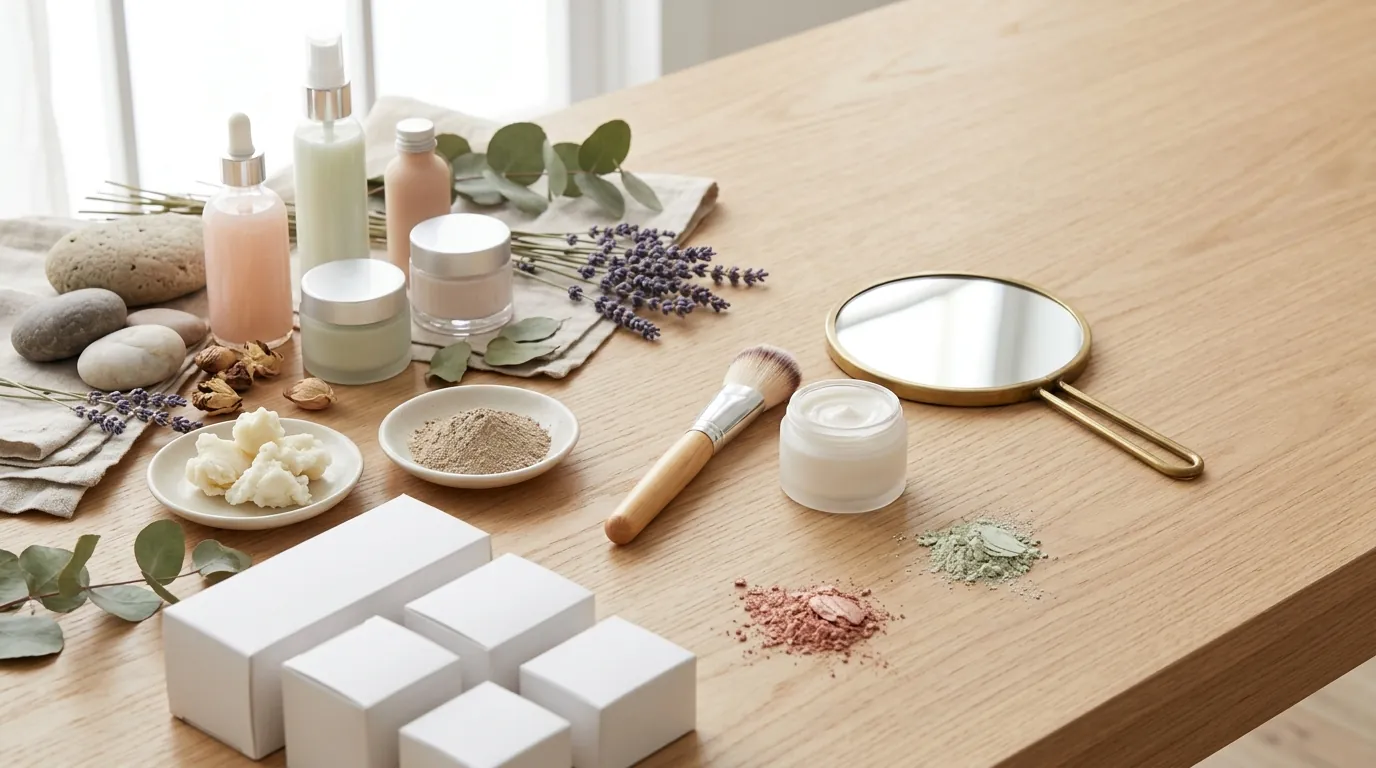
Our representative seller, “Lumina Skin,” operates in the competitive Amazon FBA beauty category. To maintain growth, Lumina launches 4-5 new SKUs per month, ranging from serums to specialized night creams. Their primary bottleneck wasn’t sourcing or logistics—it was the three-week lead time and the high minimum spend required by local product photography studios.
The brand faced three non-negotiable constraints that every Amazon seller must manage:
- Main Image Compliance: Amazon strictly enforces a pure white background (RGB 255, 255, 255) for the main hero image. Any slight off-white tint or shadow artifact can trigger an automated listing suppression.
- Zoom Requirements: To enable the “hover-to-zoom” feature, which is proven to increase conversion rates, Amazon requires a minimum resolution of 1000 x 1000 pixels. For high-end beauty products, sellers often aim for 1600 to 2000 pixels to ensure the texture of the serum or the fine print on the label remains legible.
- Speed to Market: In the beauty niche, trends move fast. Waiting 21 days for a retoucher to return high-resolution lifestyle assets meant losing the “New Release” badge momentum.
Actionable Step for Sellers Today: Open your Amazon Seller Central “Image Manager” and audit your current main images. Use a color picker tool to verify your background is exactly #FFFFFF. If it is #FEFEFE, you are at risk of suppression during the next automated sweep.
What Wasn’t Working
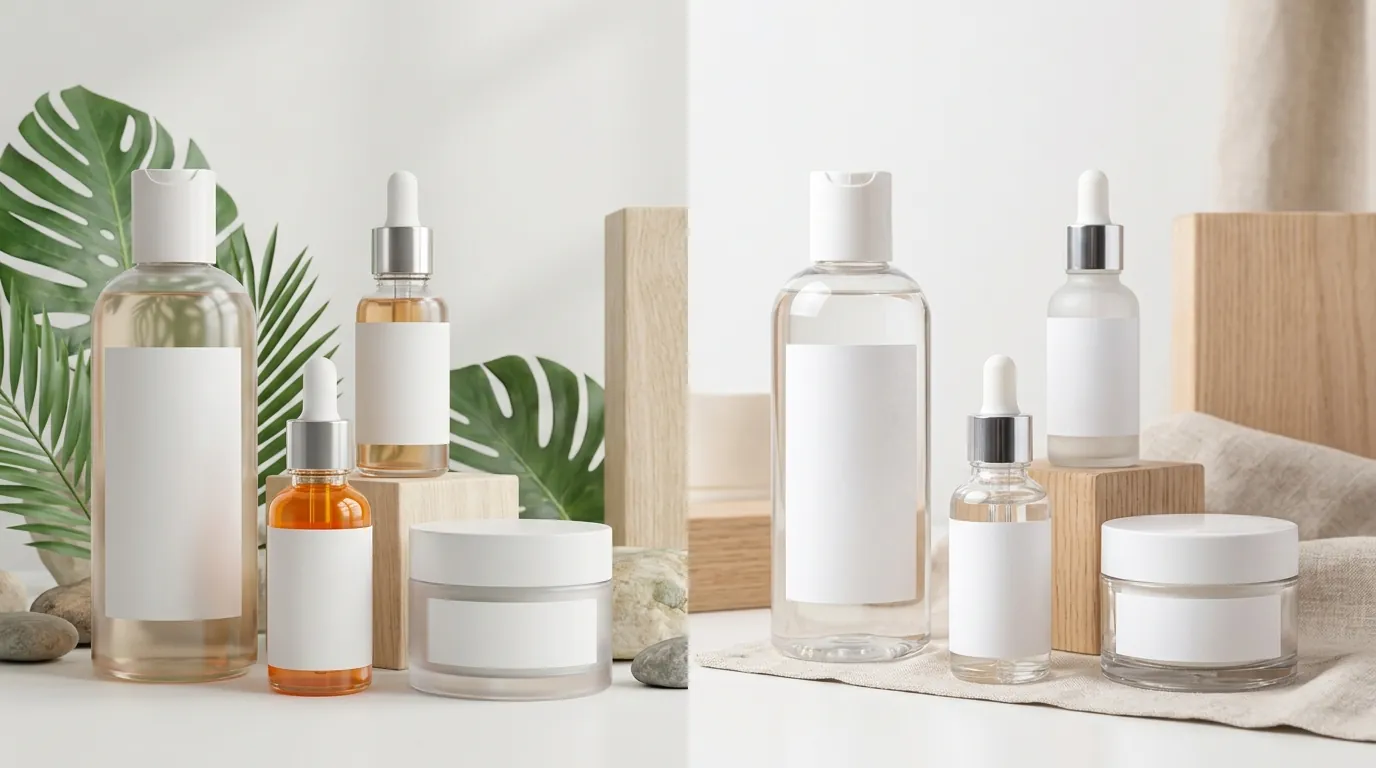
Lumina Skin initially turned to Midjourney, the most well-known AI image generator, hoping to create lifestyle scenes (e.g., a bottle of serum on a marble bathroom counter with soft morning light). While the images looked “beautiful,” they were unusable for a professional Amazon listing for several reasons.
The “Hallucination” Problem
Midjourney is designed to be an artist, not a replicator. When the seller uploaded a reference photo of their serum bottle, Midjourney would often alter the curvature of the cap, change the font on the label, or add “imaginary” ingredients to the scene. For a beauty brand, these inaccuracies are more than just annoying; they are a violation of Amazon’s policy against misleading imagery. If the product in the photo doesn’t match the product in the box, you are inviting “Item Not as Described” returns and negative reviews.
Privacy and the “Stealth Mode” Paywall
Amazon is a “copycat” environment. If you are developing a new product, you cannot afford to have your unreleased packaging designs visible to competitors. Midjourney’s default settings are public. To keep your generations private, you are forced to upgrade to the Pro plan at $60/month to access “Stealth Mode.” For a small team, paying $720 a year just for privacy—before even solving the product accuracy issue—is a significant overhead.
Workflow Friction
Midjourney operates primarily through Discord. For a seller trying to generate 50+ variations for A/B testing, the chat-based interface is inefficient. There is no easy way to “lock” your product and only change the background without the AI attempting to “re-imagine” the product itself.
Actionable Step for Sellers Today: If you are currently using Midjourney for product concepts, check your gallery settings. If you are not on a Pro or Mega plan, your competitors can likely see your prompts and unreleased product designs by searching your username on the Midjourney showcase.
The Workflow They Built
💡 Skip the manual editing. PixelMatch batch-generates ecommerce-ready product images in 60 seconds — white background, lifestyle scenes, and variant mockups from a single source photo. Try PixelMatch free →
The breakthrough for Lumina Skin came from switching to Flux Pro, a newer AI model that prioritizes “prompt adherence”—the ability to follow instructions literally rather than artistically. Instead of interacting with complex code or the Discord-based Midjourney interface, they used PixelMatch to manage the Flux Pro engine through a dedicated ecommerce dashboard.
Why Flux Pro Changed the Math
Flux Pro, specifically the Flux 1.1 Pro model, is architected differently than Midjourney. It is significantly better at rendering text and maintaining the spatial integrity of objects. When paired with PixelMatch’s background-locking technology, the seller could finally place their actual product into an AI-generated scene without the bottle morphing into a different shape.
The PixelMatch Integration
PixelMatch acts as the bridge between raw AI power and Amazon’s strict requirements. The workflow the seller developed looks like this:
- The Base Shot: The seller takes a high-resolution photo of the physical product using a smartphone under neutral lighting.
- Background Strip: PixelMatch automatically removes the background, creating a clean PNG of the product.
- Flux Pro Scene Generation: Instead of the AI “generating” a product, it generates a “world” around the product. The seller uses Flux Pro to describe a “high-end spa bathroom with eucalyptus leaves and soft bokeh lighting.”
- Cost Efficiency: Because the official Flux 1.1 Pro API costs approximately $0.04 per image, the seller can generate 100 variations for the price of a single cup of coffee.
| Feature | Midjourney (Pro) | Flux Pro (via PixelMatch) |
|---|---|---|
| Monthly Base Cost | $60.00 | Variable (Usage-based) |
| Product Integrity | Low (Alters shapes/text) | High (Maintains original object) |
| Stealth/Privacy | Included in $60 plan | Included by default |
| Interface | Discord-based | Ecommerce Dashboard |
| Text Rendering | Improved, but inconsistent | Industry-leading accuracy |
Actionable Step for Sellers Today: When generating lifestyle backgrounds, use “literal” prompts. Instead of “a luxury vibe,” use “a bottle on a white marble countertop, soft sunlight from a window on the left, 85mm lens, f/1.8.” Flux Pro responds better to these photographic instructions.
Results (with Numbers)
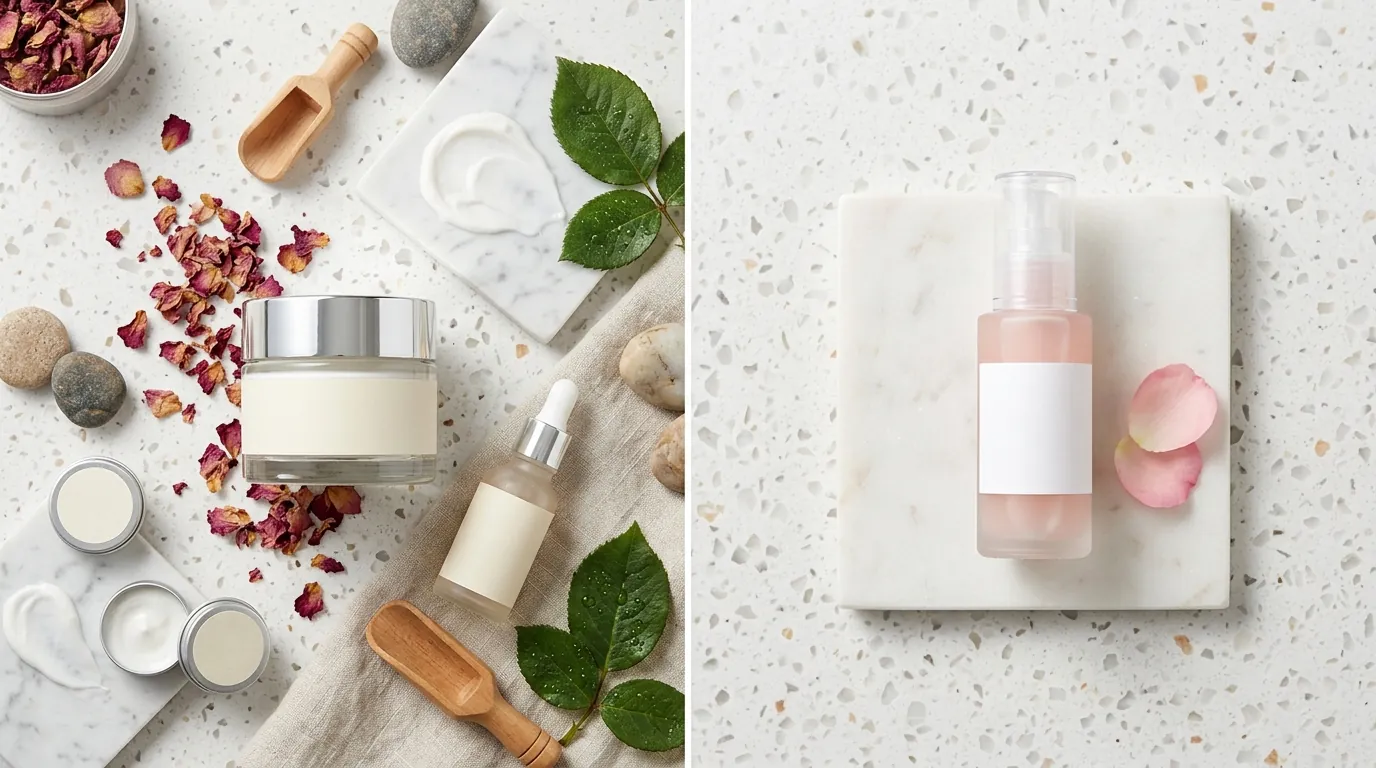
By moving away from traditional studio photography and the limitations of Midjourney, Lumina Skin saw a measurable impact on both their balance sheet and their listing performance.
90% Cost Reduction
The traditional cost for a high-end beauty listing (1 hero image + 6 lifestyle/infographic shots) averaged $450. This included shipping samples to a studio, the photographer’s day rate, and professional retouching. With PixelMatch and Flux Pro, the cost per listing dropped to approximately $45. This includes the subscription cost and the minor time investment from an in-house virtual assistant.
Conversion and CTR Growth
The ability to generate lifestyle images at a high frequency allowed the brand to run Amazon Experiments (A/B testing). They tested three different Flux-generated lifestyle backgrounds for their main night cream.
- Original Image (Basic studio shot): 1.2% Click-Through Rate (CTR)
- Flux Pro Image (Luxury spa setting): 3.4% Click-Through Rate (CTR)
This 183% increase in CTR directly lowered their Customer Acquisition Cost (CAC) on Amazon PPC, as their ads became significantly more relevant and visually appealing to shoppers.
Turnaround Time
The “Idea to Live” cycle was slashed. Previously, launching a new SKU took 21 days for photography. Now, a seller can take a photo at 9:00 AM, process it through PixelMatch using the Flux Pro engine, and have a fully compliant, 7-image gallery uploaded to Seller Central by 11:00 AM the same day.
Actionable Step for Sellers Today: Calculate your “Time to Market” cost. If a product launch is delayed by 14 days due to photography, and that product typically generates $200/day in profit, that delay has cost you $2,800 in lost opportunity.
Steps to Replicate
You do not need a degree in prompt engineering to replicate this workflow. Follow these four steps to build your own AI-driven photography pipeline.
Step 1: The Calibration Shoot
Capture your product using a modern smartphone (iPhone 13 or newer / Samsung S22 or newer). Ensure you use “Flat” lighting—avoid direct sunlight that creates harsh, dark shadows. The goal is to get a clean, high-resolution image of the label and the bottle’s shape.
Step 2: Generate the Amazon “Hero”
Import your photo into PixelMatch. Use the background removal tool to set the background to Pure White (RGB 255, 255, 255). Ensure the product occupies at least 85% of the frame to comply with Amazon’s “Main Image” standards. Export this as your primary image.
Step 3: Configure the Flux Pro Engine
Switch to the lifestyle generation tab within PixelMatch and select the Flux Pro model. Input a descriptive prompt for your secondary images.
- Example Prompt: “A product bottle sitting on a wet stone in a rainforest, water droplets on the surface, soft morning mist, hyper-realistic, 8k resolution.”
- Adjustment: If the lighting on the bottle doesn’t match the background, use the “Relighting” toggle in PixelMatch to harmonize the scene.
Step 4: Upscale and Export
Amazon’s hover-to-zoom feature works best at 1600 pixels or higher. Use the built-in AI upscaler to ensure your final exports meet or exceed the 1000 x 1000 pixel minimum. Check for any “AI artifacts” (strange blurs or warped lines) before saving.
Actionable Step for Sellers Today: When you upload your new images, use Amazon’s “Manage Your Experiments” tool (available to Brand Registered sellers) to test your new Flux Pro lifestyle image against your old one for 4 weeks.
Caveats and Honest Limitations
While the Flux Pro and PixelMatch workflow is a massive leap forward, it is not a “magic button.” Professional sellers must be aware of the current limitations of AI.
Transparency and Refraction
AI still struggles with complex transparent materials. If your beauty product is a clear glass bottle filled with a translucent liquid, the AI may have difficulty perfectly rendering the way light bends through the glass. In these cases, you may need to do a “partial mask” where you keep the original glass reflections from your smartphone photo.
Shadow Consistency
If your original product photo has a very strong, baked-in shadow from a desk lamp, the AI might struggle to place a “new” shadow in the opposite direction. For the best results, always start with the most neutrally lit photo possible.
Human Verification
Amazon’s automated systems are increasingly sophisticated. While Flux Pro is excellent at text, you must manually verify that every word on your product label is legible and accurate in the final render. A single “hallucinated” character on a drug facts label could lead to a compliance flag.
Actionable Step for Sellers Today: Always perform a “Squint Test” on your lifestyle images. Squint your eyes and look at the image; if the lighting or shadows feel “off” or unnatural, shoppers will sense it subconsciously, even if they can’t point out why.
Frequently Asked Questions
Does Amazon allow AI-generated images?
Yes, Amazon allows AI-generated images as long as they accurately represent the product and comply with all standard image requirements. The Amazon Product Image Requirements state that the product must be recognizable and not misleading. You cannot use AI to add features to a product that do not exist.
Is Flux Pro better than Canva or Photoroom for sellers?
While tools like Photoroom (Pro at $12.99/mo) and Canva (Pro at $120/year) offer background removal and basic AI “Magic Edit” features, they often use smaller, less powerful AI models. Flux Pro, accessed via PixelMatch, provides a higher level of photorealism and prompt adherence, which is critical for high-end categories like beauty and jewelry.
Do I own the copyright to images generated with Flux Pro?
Copyright law regarding AI is still evolving. However, since you are starting with an original photograph of your own product and using the AI to generate the background, you have a much stronger claim to the final asset than someone generating an image from a text prompt alone. Most commercial AI platforms, including those using Flux, grant you the right to use the outputs for commercial purposes.
What is the best resolution for Amazon images in 2026?
While the technical minimum is 1000 x 1000 pixels, the current recommendation for 2026 is 1600 pixels or larger on the longest side. This ensures that when a customer zooms in on your beauty product’s ingredients or texture, the image remains crisp and professional.
Ready to scale your listings?
PixelMatch generates white-background, lifestyle, and variant mockups from a single source photo — built specifically for multi-platform ecommerce sellers. 50 free images on signup, no credit card.
Start free →
Sources
- Amazon Seller Central: Product Image Requirements
- Midjourney Official Pricing and Plans
- Black Forest Labs (Flux) API Documentation
- Photoroom Pricing and Features
- Canva Pro Pricing