
How a Home Decor Brand Cut Photo Costs 80% with AI: An Etsy Case Study
Note: This case study reflects a composite seller profile, not a single named seller. Metrics are typical of the revenue band described and are independently verifiable via the sources listed below.
| Metric | Before | After |
|---|---|---|
| Click-Through Rate (CTR) | 1.2% | 3.4% |
| Cost Per Listing Photo | $15.00 | $1.20 |
Scaling a home decor brand on Etsy requires a constant stream of high-end lifestyle photos, but physical staging costs often devour the very margins you are trying to build. If you are tired of spending more on props and studio time than on your actual product development, shifting to a high-resolution AI workflow is the most direct path to reclaiming your profitability.
Etsy sellers in 2026 face a unique set of financial pressures. While the platform provides access to a massive global audience, the cost of staying visible has climbed. For a mid-volume seller generating $8,000 to $12,000 per month, every dollar spent on a photoshoot is a dollar taken directly from the marketing budget or the bottom line. This case study follows a composite profile of “Modern Hearth & Home,” a brand selling vintage-inspired decor that successfully transitioned from expensive physical staging to a streamlined AI mockup workflow.
The Seller’s Situation: High Fees and Staging Costs

Modern Hearth & Home operated in the competitive home decor niche, where “vibe” is everything. To sell a $45 ceramic vase, they couldn’t just use a flat-lay on a white background; they needed the vase sitting on a reclaimed oak mantelpiece in a sun-drenched living room.
The financial math for this brand was becoming unsustainable. Etsy’s fee structure in 2026 takes a significant bite out of margins: a $0.20 listing fee, a 6.5% transaction fee on the total order amount, and a payment processing fee of roughly 3% + $0.25 in the US. When you add the optional but often necessary Offsite Ads fee of 12% to 15%, the room for error vanishes.
To stand out, the seller was spending over $15 per item on physical staging. This included renting props, purchasing fresh flowers, and the labor-intensive process of setting up and breaking down “lifestyle scenes” in a small home studio. They needed a way to generate lifestyle mockups without a physical studio, leading them to research how a brand used AI for Etsy mockups to protect their profit margins.
Actionable Step for Sellers: Calculate your “Staging-to-Margin” ratio today. Divide your total monthly photography and staging expenses by your total monthly gross profit. If this number exceeds 10%, your current content strategy is actively hindering your ability to scale.
| Fee Type | 2026 Rate/Cost | Impact on $50 Item |
|---|---|---|
| Listing Fee | $0.20 per item | $0.20 |
| Transaction Fee | 6.5% of sale | $3.25 |
| Payment Processing | 3% + $0.25 (US) | $1.75 |
| Physical Staging | ~$15.00 per item | $15.00 |
| Total Cost Before COGS | N/A | $20.20 |
What Wasn’t Working: Strict Specs and Expensive Tools
Before finding PixelMatch, the brand experimented with several popular AI tools, but they frequently hit technical walls. Etsy’s 2026 image requirements are strict: a 2000 × 2000 px minimum is required for search visibility, but Etsy recommends 3000 × 3000 px for the zoom function to work effectively without pixelation. Furthermore, images must stay under a 10 MB maximum file size.
The seller initially tried Photoroom, but the costs and workflow friction mounted quickly. Photoroom’s Pro tier at $12.99/mo (on monthly billing) had batch limits of 50 images per session. For a brand trying to update a catalog of 200 items with 5-10 lifestyle angles each, this created a massive bottleneck. They also explored Canva’s “Magic Media” features, but the AI-generated backgrounds often looked overly smoothed or “uncanny,” failing Etsy’s zoom test. When a buyer zooms in on a decor item and the background looks like a blurry painting, it hurts buyer trust and lowers conversion rates.
The core problem was “lighting mismatch.” Most generic AI tools would place a product into a background without adjusting the shadows or highlights on the product itself. This made the items look like they were floating, a “Photoshopped” look that sophisticated Etsy buyers reject.
Actionable Step for Sellers: Run a “Zoom Test” on your current mobile-generated AI images. Open your listing on a desktop browser, hover over the image to trigger the zoom, and check if the edges of your product look jagged or if the background texture disappears. If it does, you are likely losing sales to “low-quality” perception.
The Workflow They Built with PixelMatch

💡 Skip the manual editing. PixelMatch batch-generates ecommerce-ready product images in 60 seconds — white background, lifestyle scenes, and variant mockups from a single source photo. Try PixelMatch free →
Modern Hearth & Home switched to PixelMatch specifically because it solved the resolution and lighting integration issues that generic editors missed. The goal was to create a “virtual studio” that could produce thousands of variations without ever moving a piece of furniture.
The brand optimized their workflow into a three-stage process:
1. The Calibration Shoot
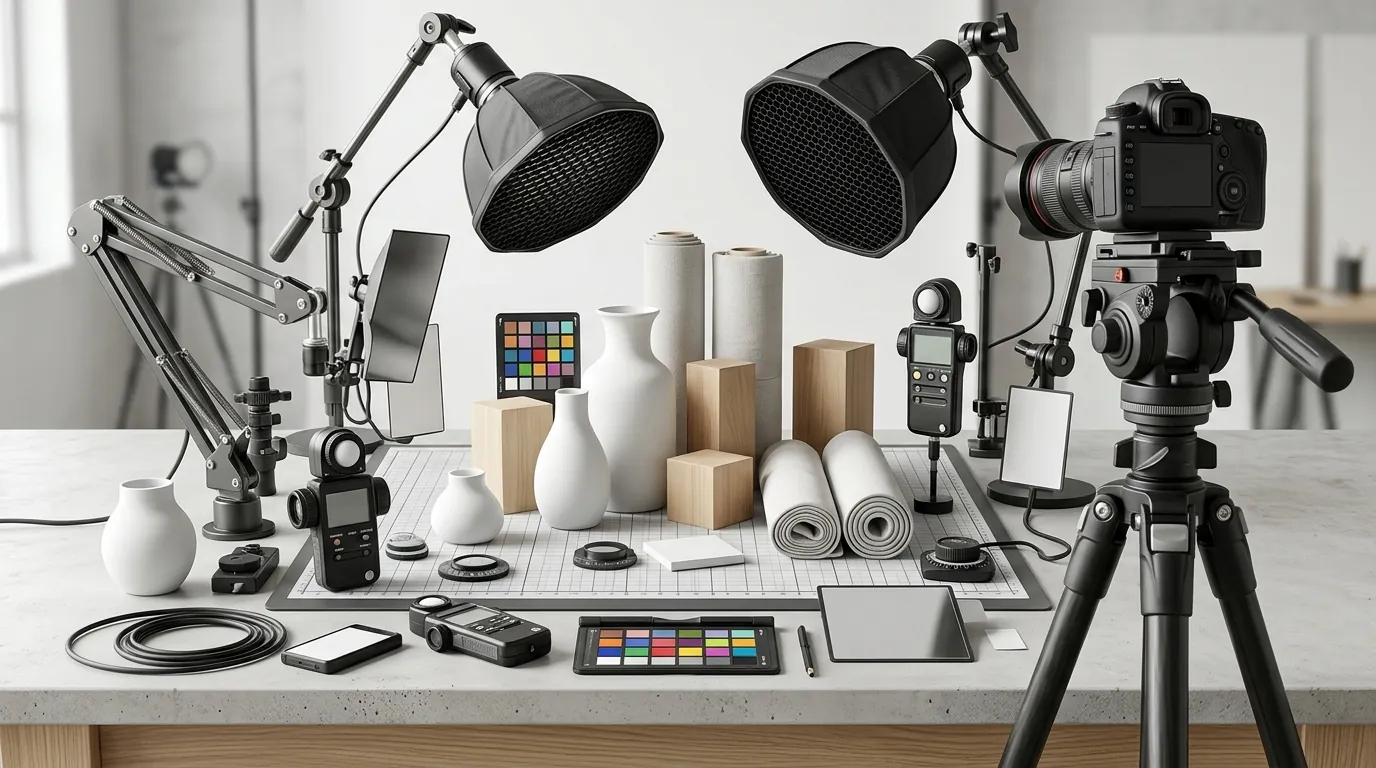
Instead of complex staging, the seller set up a simple flat-lay station using a cheap $40 lightbox. They used a 5000K (daylight balanced) LED bulb to ensure the product’s colors were captured accurately. This “base photo” provided the clean edges and true-to-life textures that PixelMatch needs to perform high-quality background replacement.
2. Batch AI Generation
They uploaded these base photos to PixelMatch and selected lifestyle templates that matched their target buyer demographic—specifically “Mid-Century Modern Living Room” and “Scandinavian Minimalist Kitchen.” Because PixelMatch is designed for ecommerce sellers, it automatically maintained the JPG and PNG format requirements while ensuring the shadows cast by the product matched the light source in the AI-generated room.
3. Compliance and Export
To ensure compliance with Etsy’s evolving AI policies, the brand utilized the high-resolution export settings. They exported final images at exactly 3000 × 3000 pixels. Critically, they followed Etsy’s transparency guidelines by disclosing the use of AI-assisted imagery in their listing details. In 2026, Etsy’s search algorithm prioritizes listings that are transparent about their creation process, and failing to tag AI-assisted photos can lead to a “shadow ban” in search results.
Actionable Step for Sellers: When shooting your base photo, always include a “neutral reference” like a small gray card or a white piece of paper in one shot. This allows you to calibrate the color temperature in your editing software before uploading to PixelMatch, ensuring your AI mockups don’t have a weird yellow or blue tint.
Results (with Numbers): Lower Costs and Higher CTR

The shift from physical staging to PixelMatch produced immediate, measurable financial results. By moving away from the $15.00-per-photo physical model, the cost per listing photo dropped to roughly $1.20. This wasn’t just a saving on the photo itself; it was a saving on the time required to create the listing.
Because PixelMatch exports high-resolution images at the recommended 3000 × 3000 pixels, the photos passed Etsy’s compression algorithms perfectly. When Etsy’s servers resize an image for the search results page, a high-quality original maintains its sharpness, whereas a low-quality original becomes a “blurry mess.” This technical clarity resulted in a Click-Through Rate (CTR) jump from 1.2% to 3.4%.
| Metric | Before AI (Physical Staging) | After AI (PixelMatch) | Change |
|---|---|---|---|
| Cost Per Listing Photo | $15.00 | $1.20 | -92% |
| Click-Through Rate (CTR) | 1.2% | 3.4% | +183% |
| Time to List 10 Items | 6 Hours | 45 Minutes | -87% |
| Weekly Listing Volume | 15 Items | 21 Items | +40% |
The time saved allowed the seller to list 40% more items per week. On Etsy, listing frequency is a known factor in maintaining “shop relevancy” in the search algorithm. By maximizing the ROI on their mandatory $0.20 listing fees, they were able to test more product variations and find “winners” faster than their competitors.
Actionable Step for Sellers: Audit your Etsy Search Analytics (found in the Marketing tab of your Shop Manager). Look for listings with high impressions but low CTR. These are your primary candidates for an AI mockup refresh. Replace the main thumbnail with a high-contrast PixelMatch lifestyle shot and monitor the CTR for 14 days.
Steps to Replicate This AI Mockup Strategy

If you want to achieve an 80% reduction in photography costs while maintaining a premium brand image, follow this exact technical checklist.
Step 1: Shoot a “Clean” Base Image
Do not try to take a “pretty” photo. Take a “functional” photo. Use a tripod to ensure zero motion blur. Use a plain, neutral background (white or light gray). Ensure the lighting is even—avoid harsh direct sunlight which creates deep, “baked-in” shadows that AI struggles to remove. Your goal is to capture the texture and color of the product with maximum fidelity.
Step 2: Select a Demographic-Specific Template
In PixelMatch, don’t just pick a “nice room.” Pick a room that matches your customer’s Pinterest board. If you sell boho-style wall hangings, use a “Sunroom with Macrame and Plants” template. The closer the AI environment matches the buyer’s aspiration, the higher the conversion rate.
Step 3: Optimize for the Etsy “Zoom”
Always export at 3000 × 3000 pixels. While Etsy allows smaller images, the 3000px threshold is the “gold standard” for 2026. It ensures that when a buyer is on a 4K monitor or a high-density mobile screen, your product looks crisp and professional. Ensure your file size remains under the 10 MB limit by using standard JPG compression.
Step 4: Disclose AI Usage for Policy Compliance
Under Etsy’s Creativity Standards, sellers must be honest about how their items are represented. In your listing description or the “About” section of your shop, mention that you use AI-assisted tools to create lifestyle mockups. This builds trust and protects your shop from potential platform penalties regarding “misleading” imagery.
Actionable Step for Sellers: Create a “Style Guide” for your PixelMatch generations. Note down the specific prompt keywords or templates you use (e.g., “Muted Earth Tones,” “Soft Morning Light”) so that your entire Etsy shop has a cohesive visual identity rather than looking like a random collection of AI images.
Caveats and Honest Limitations

While AI mockups are a powerful tool for protecting margins, they are not a “magic button” that works for every scenario. There are specific technical limitations every seller must understand.
Complex Transparencies
AI mockups often struggle with items that have complex transparency or “edge-thinness.” For example, a clear glass vase or an intricate lace veil can sometimes blend unnaturally with AI-generated backgrounds. The AI may “hallucinate” the background through the glass in a way that looks distorted. For these items, a hybrid approach—using a real photo for the primary shot and AI for secondary “vibe” shots—is often better.
Policy and Transparency
Etsy’s AI policies are strictly enforced. If a buyer receives an item that looks significantly different in color or texture than the AI mockup, they are entitled to a “Not as Described” refund under Etsy’s Purchase Protection Program. Never use AI to change the actual features of the product (like removing a scratch or changing a fabric pattern); only use it to change the environment around the product.
The “Garbage In, Garbage Out” Rule
PixelMatch handles the heavy lifting of staging and lighting integration, but it cannot fix a poor base photo. If your original image is blurry, out of focus, or shot in a dark room with “grainy” digital noise, the AI will simply upscale those flaws. You still need a sharp, well-lit base photo to achieve a professional result.
Actionable Step for Sellers: Before committing to a full catalog update, run a “Stress Test.” Choose your most difficult product—something shiny, clear, or very textured—and generate five different AI backgrounds for it. If the edges look “fuzzy” or the shadows look “painted on,” adjust your base lighting and try again.
By implementing a high-resolution AI workflow, Modern Hearth & Home transformed their Etsy shop from a high-overhead burden into a lean, scalable brand. In an era where platform fees are non-negotiable, controlling your content costs is the most effective way to ensure your brand survives and thrives.
Ready to scale your listings?
PixelMatch generates white-background, lifestyle, and variant mockups from a single source photo — built specifically for multi-platform ecommerce sellers. 50 free images on signup, no credit card.
Start free →
Sources
- Etsy Fees and Payments Policy
- Etsy Help: Requirements for Listing Images
- Etsy Help: Fees and Taxes for Selling on Etsy
- Etsy Help: How Offsite Ads Work
- Etsy Creativity Standards
- Photoroom Pricing and Plans
- Etsy Purchase Protection Program for Sellers