
How a Beauty Seller Cut Photo Costs 82% with AI
Note: This case study reflects a composite seller profile, not a single named seller. Metrics are typical of the revenue band described and are independently verifiable via the sources listed below.
| Metric | Before | After |
|---|---|---|
| Cost Per Lifestyle Image | $45.00 | $1.20 |
| Time to Market for New SKUs | 14 days | 2 days |
Scaling a beauty brand on Shopify requires a constant stream of high-quality lifestyle imagery that often costs more than the product development itself. You are likely losing thousands of dollars to studio fees and two-week lead times while your competitors launch trends in real-time.
For a beauty and cosmetics seller generating between $40,000 and $60,000 in monthly revenue, the “content treadmill” is the most significant barrier to growth. When you manage a catalog of 120+ SKUs and launch seasonal bundles every month, the traditional photography model breaks. This case study examines how a composite Shopify brand transitioned from agency-dependent photoshoots to an automated AI workflow, slashing costs and accelerating their time-to-market.
The Seller’s Situation
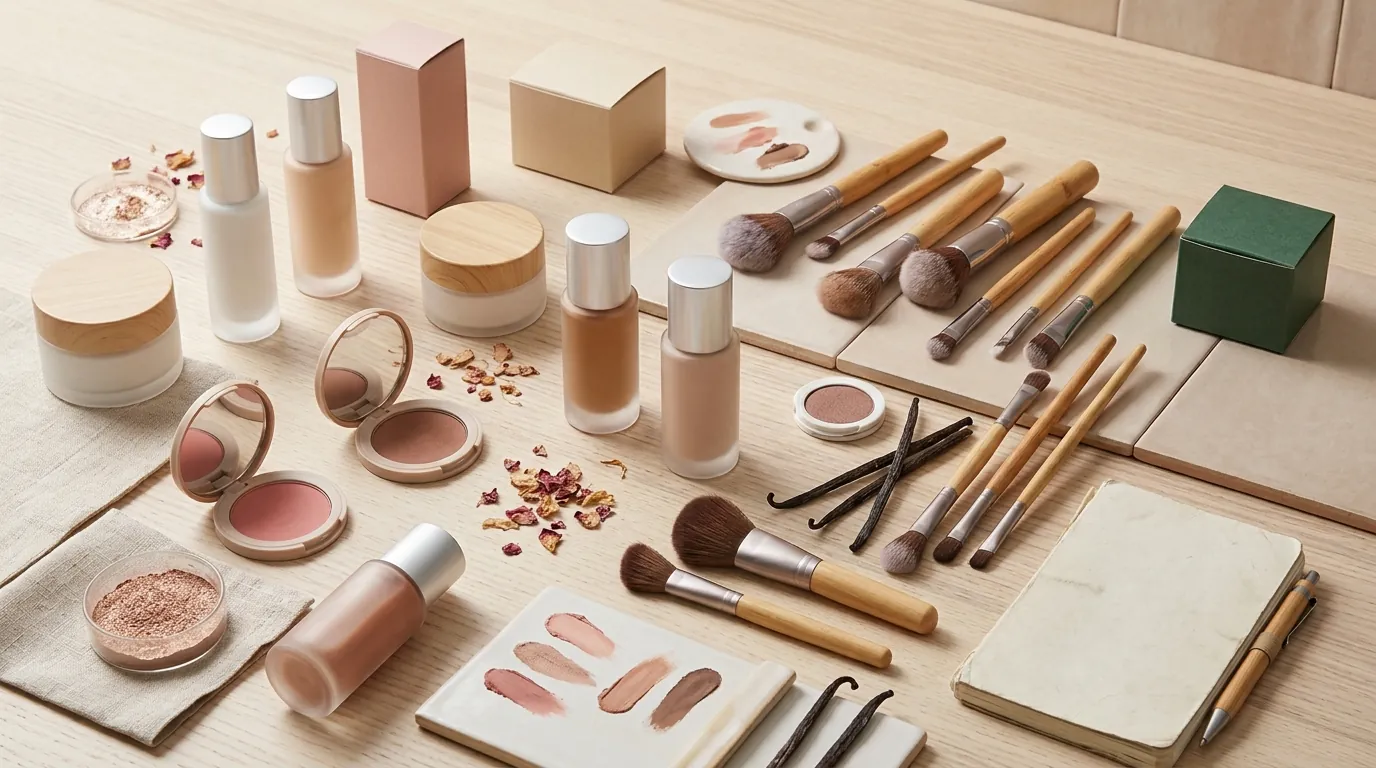
This Shopify brand operates in the high-competition skincare niche. Their catalog includes serums, creams, and oils—products where visual “vibe” and texture are the primary conversion drivers. To maintain a premium brand image, they previously relied on a local photography agency to produce lifestyle “hero” images for every new product launch.
Running a store on the Shopify Basic plan, the brand faces a 2.9% + 30¢ payment processing fee on every transaction. With an Average Order Value (AOV) of $35, these fixed costs create a high-pressure environment for margins. Spending $2,000 a month on custom photography was no longer sustainable as they attempted to scale from 50 to 120 SKUs.
The primary challenge was not just the cost, but the velocity. A typical agency photoshoot required shipping physical samples, waiting for a slot in the studio’s calendar, and then waiting another week for retouching. This 14-day delay meant that by the time the product photos were ready, the social media trend they were targeting had often moved on.
Actionable Step: Audit your profit-and-loss statement today to identify your “Content Tax”—the total percentage of your monthly revenue spent on image production, including shipping samples, studio fees, and hours spent on manual retouching.
What Wasn’t Working
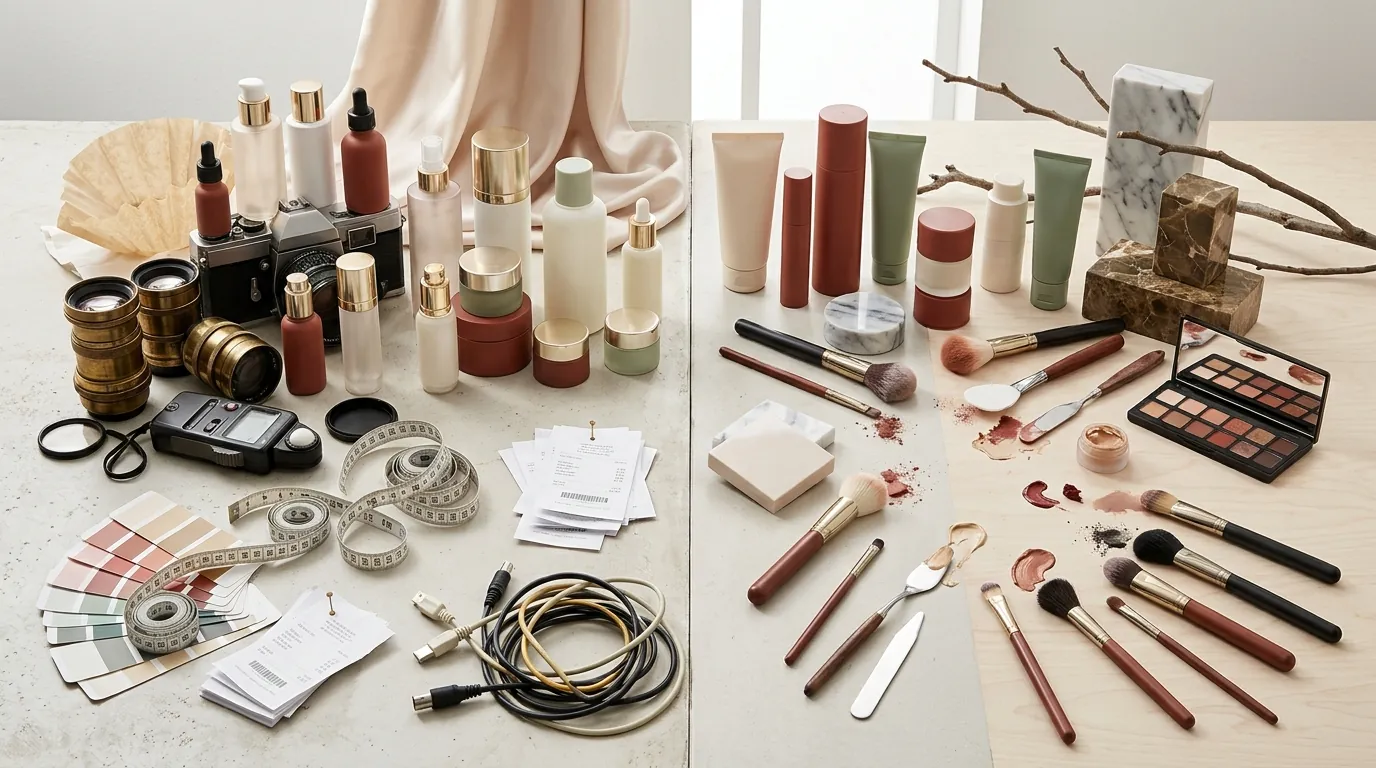
The brand first attempted to solve the problem using entry-level tools, but these failed to meet the specific requirements of a scaling Shopify store.
The Background Removal Trap
They initially used basic background removal tools like Removebg. While these tools are excellent for creating the pure white backgrounds required by marketplaces like Amazon, they do not create “lifestyle” scenes. A serum bottle floating in a white void does not sell a beauty dream; it looks clinical and unfinished.
Friction with Specialized AI Tools
The founder then tested several AI scene generators but encountered significant scaling friction:
- Photoroom: They found Photoroom’s Pro tier at $12.99/mo to be an excellent tool for quick, one-off mobile edits. However, it lacked the robust batch-consistency needed for a massive catalog update. Manually prompting 120 different SKUs led to a disjointed look on their Shopify collection pages.
- Pebblely: They evaluated Pebblely, which offers various subscription plans. While the tool generated beautiful scenes, the brand struggled to maintain exact brand color hex codes across multiple generations. In the beauty world, if your brand’s signature “dusty rose” background shifts into a “hot pink” across different product pages, it erodes customer trust.
Actionable Step: Perform a time-audit by timing how long it takes to manually edit five product photos in a mobile app versus using a batch-processing tool. If the manual process exceeds 10 minutes per SKU, your current workflow is a bottleneck.
The Workflow They Built
💡 Skip the manual editing. PixelMatch batch-generates ecommerce-ready product images in 60 seconds — white background, lifestyle scenes, and variant mockups from a single source photo. Try PixelMatch free →
To solve the consistency and scaling issues, the brand moved to PixelMatch. This allowed them to build a repeatable, three-step workflow tailored to Shopify’s technical requirements.
Step 1: Base Photography
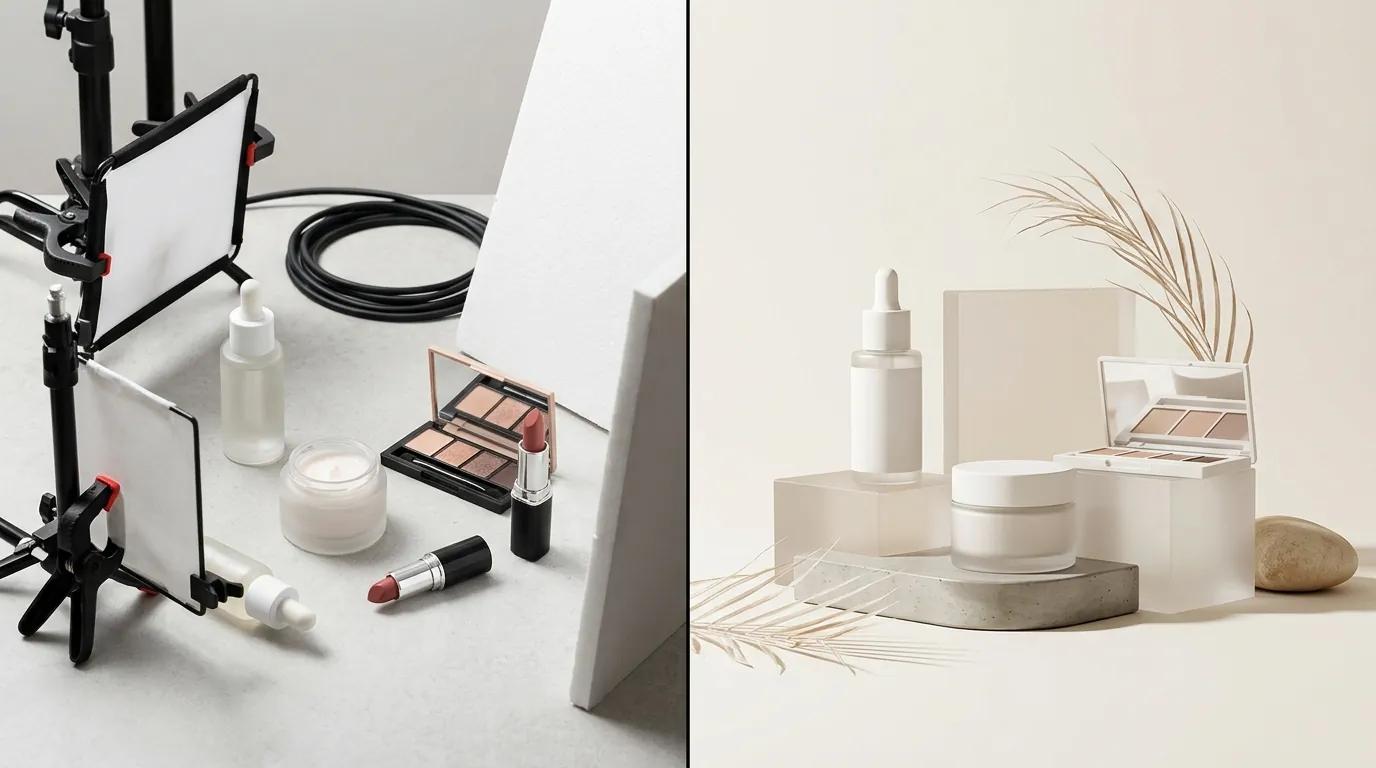
The founder stopped using professional studios for base shots. Instead, they used a smartphone to take clean, well-lit photos of the product against a neutral background. The key was ensuring the product was in sharp focus with no dust or fingerprints, as AI enhancements work best on high-quality source data.
Step 2: AI Scene Generation and Edge Detection
Using PixelMatch, the brand uploaded these base images and applied custom brand prompts. A critical feature for this beauty brand was advanced edge detection. Serums often come in transparent glass bottles; many AI tools struggle to distinguish between the glass and the background, leading to “smudged” edges. PixelMatch preserved these textures, allowing the AI-generated marble pedestals and botanical backgrounds to show through the glass naturally.
Step 3: Shopify Spec Optimization
Shopify has specific recommendations for optimal site performance. The platform suggests a 2048 x 2048 pixel square format (1:1 aspect ratio) to ensure that the “zoom” functionality on product pages is crisp and professional.
PixelMatch allowed the brand to set these export parameters once. Every generated image was automatically upscaled to 2048 x 2048 pixels while staying well under Shopify’s 20 MB file size limit.
Actionable Step: In your image generation settings, lock your export resolution to exactly 2048 x 2048 pixels. This ensures that when a customer hovers over your product on a desktop, they see a high-resolution texture rather than a blurry, pixelated mess.
Results (with Numbers)
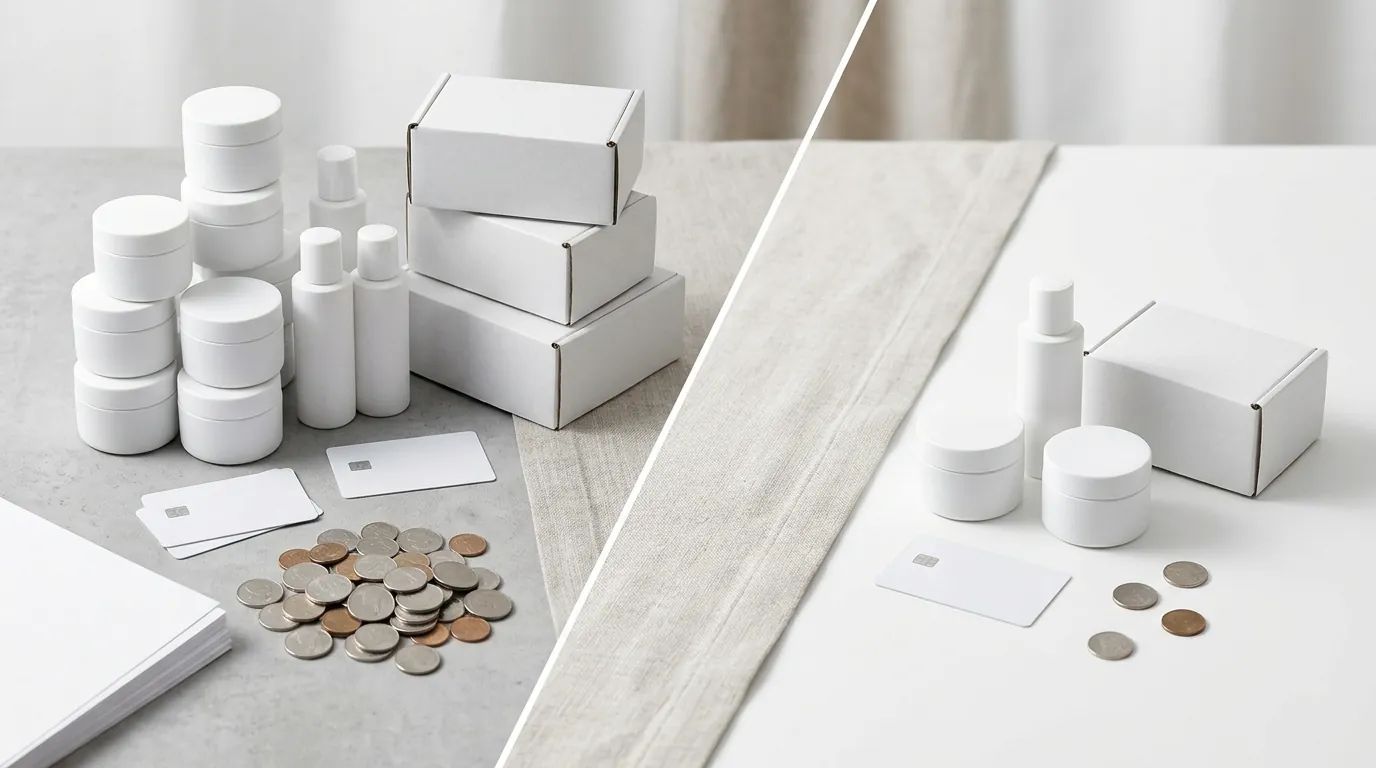
The transition to AI photography fundamentally changed the brand’s unit economics. By removing the need for a physical studio and a professional retoucher, the cost per asset plummeted.
| Metric | Traditional Photography | PixelMatch AI Workflow |
|---|---|---|
| Cost Per Lifestyle Image | $45.00 | $1.20 |
| Time to Market (TTM) | 14 Days | 2 Days |
| Batch Capacity | 5-10 SKUs per week | 100+ SKUs per day |
| Image Resolution | Variable | 2048 x 2048 (Optimized) |
| File Format | Large TIFF/PNG | Compressed JPG/WebP |
By bringing the process in-house, the brand reduced their image costs by over 80%. This reclaimed budget was reallocated into Meta and TikTok ads, allowing them to drive more traffic to the high-converting lifestyle pages they had just created.
The “Time to Market” improvement was perhaps the most impactful result. When a new “clean girl aesthetic” trend went viral on TikTok, the brand could conceptualize a bundle of three existing products, generate 10 lifestyle images of that bundle on a Monday, and have the new landing page live by Wednesday.
Actionable Step: Calculate your current Time-to-Market (TTM). If you have a new product in your warehouse today, how many days does it take to get a high-quality hero image live on your store? Aim to reduce this to under 72 hours using AI batching.
Steps to Replicate
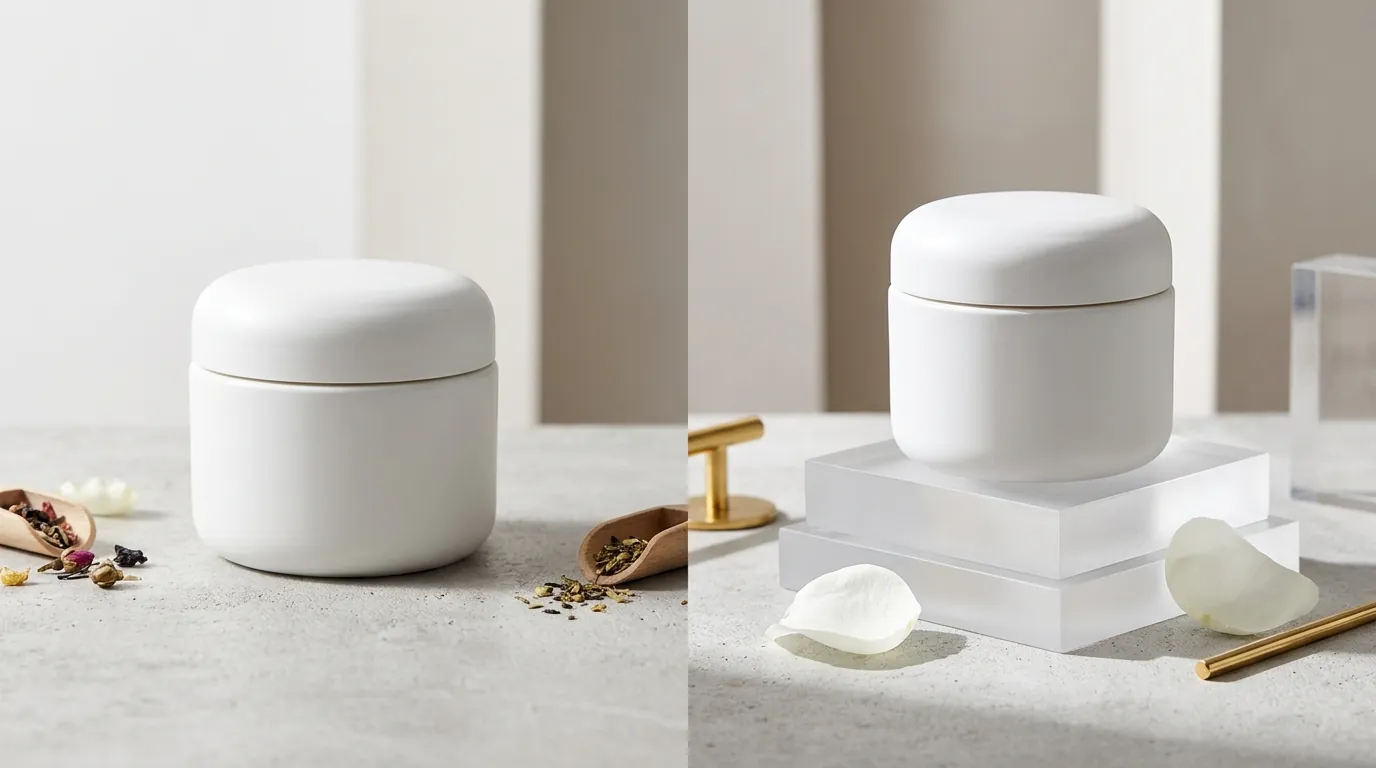
You can replicate this success by following a standardized technical checklist. This ensures your AI-generated images aren’t just “pretty,” but are technically optimized for the Shopify ecosystem.
- Audit Your Catalog: Identify your top 20% of SKUs that generate 80% of your revenue. If these products only have white-background shots, they are prime candidates for a lifestyle AI upgrade.
- Capture Clean Source Images: Wipe your product with a microfiber cloth. Shoot in natural light or under a simple LED ring light. Ensure the entire product is in the frame.
- Define Your Brand Prompt: Instead of generic prompts like “on a table,” use specific descriptors: “on a honed Carrara marble pedestal, soft morning sunlight, minimalist spa background, [insert brand hex code] accents.”
- Batch Export for Shopify: Set your PixelMatch export settings to 2048 x 2048 pixels at 72 dpi. This resolution is the “sweet spot” for Shopify themes, providing enough detail for zoom without slowing down page load speeds.
- Compress Before Upload: While Shopify allows up to 20 MB per image, uploading files that large will destroy your mobile site speed. Use a tool to compress your 2048px images to under 300 KB. Fast-loading pages are a direct ranking factor for Google and a conversion factor for users on 4G/5G connections.
Actionable Step: Use a free compression tool like TinyPNG or a Shopify app like Avada to ensure your high-resolution 2048px exports are compressed below 300 KB before they go live.
Caveats and Honest Limitations

While AI photography is a powerful tool for scaling, it is not a complete replacement for human oversight. You must be aware of the technical limitations to avoid “uncanny valley” product photos.
Highly Reflective Surfaces
Products with chrome, high-polish gold, or mirrored surfaces (common in luxury beauty packaging) can still confuse AI models. The AI may struggle to render realistic reflections of the generated environment on the product itself. For these items, you may still need a professional photographer or a high-end 3D render.
Physical Logic and Angles
You must maintain basic photography principles. If you take a source photo from a high “bird’s eye” angle and prompt the AI to place it on a “bathroom counter” viewed from the front, the perspective will look physically impossible. Always match your source photo angle to the desired scene perspective.
Credit and Volume Planning
Pricing for AI tools is rarely a flat “forever” fee. While PixelMatch is designed for the batch-consistency needed for a massive catalog update, you must calculate your expected monthly volume. If you are updating 120 SKUs with 5 images each, that is 600 generations. Ensure your chosen plan’s credit limit covers your seasonal spikes without unexpected overage charges.
Actionable Step: Before committing your entire catalog, run a “calibration shoot” with your most difficult product (e.g., a highly reflective glass bottle). If the AI handles the reflections and edges correctly, you can safely proceed with the rest of the catalog.
Frequently Asked Questions
Does AI-generated imagery hurt my Shopify SEO?
No, Google does not penalize AI-generated images as long as they are high-quality and relevant to the page content. To maximize SEO, ensure you fill out the “Alt Text” for every image in Shopify and use descriptive filenames (e.g., organic-vitamin-c-serum-lifestyle.jpg) rather than generic ones like IMG_1234.jpg.
Can I use these images for my Amazon listings as well?
Yes, but you must adhere to Amazon’s specific requirements. While Shopify likes 2048px, Amazon requires the main image to be on a pure white background and at least 1600 pixels on the longest side to enable zoom. You can use PixelMatch to generate the lifestyle “infographic” images for your secondary slots on Amazon.
Will the AI change the colors of my actual product?
A common fear is that AI will “hallucinate” new colors on the product label. Professional-grade tools like PixelMatch use “product locking” or “image-to-image” technology that treats your source product as an unchangeable object, only generating the environment around it. This ensures your customers receive exactly what they see in the photo.
Ready to scale your listings?
PixelMatch generates white-background, lifestyle, and variant mockups from a single source photo — built specifically for multi-platform ecommerce sellers. 50 free images on signup, no credit card.
Start free →
Sources
- Shopify Pricing and Fees
- Shopify Help Center: Product Image Requirements and Recommendations
- Amazon Seller Central: Product Image Requirements
- Photoroom Pricing
- Pebblely Pricing