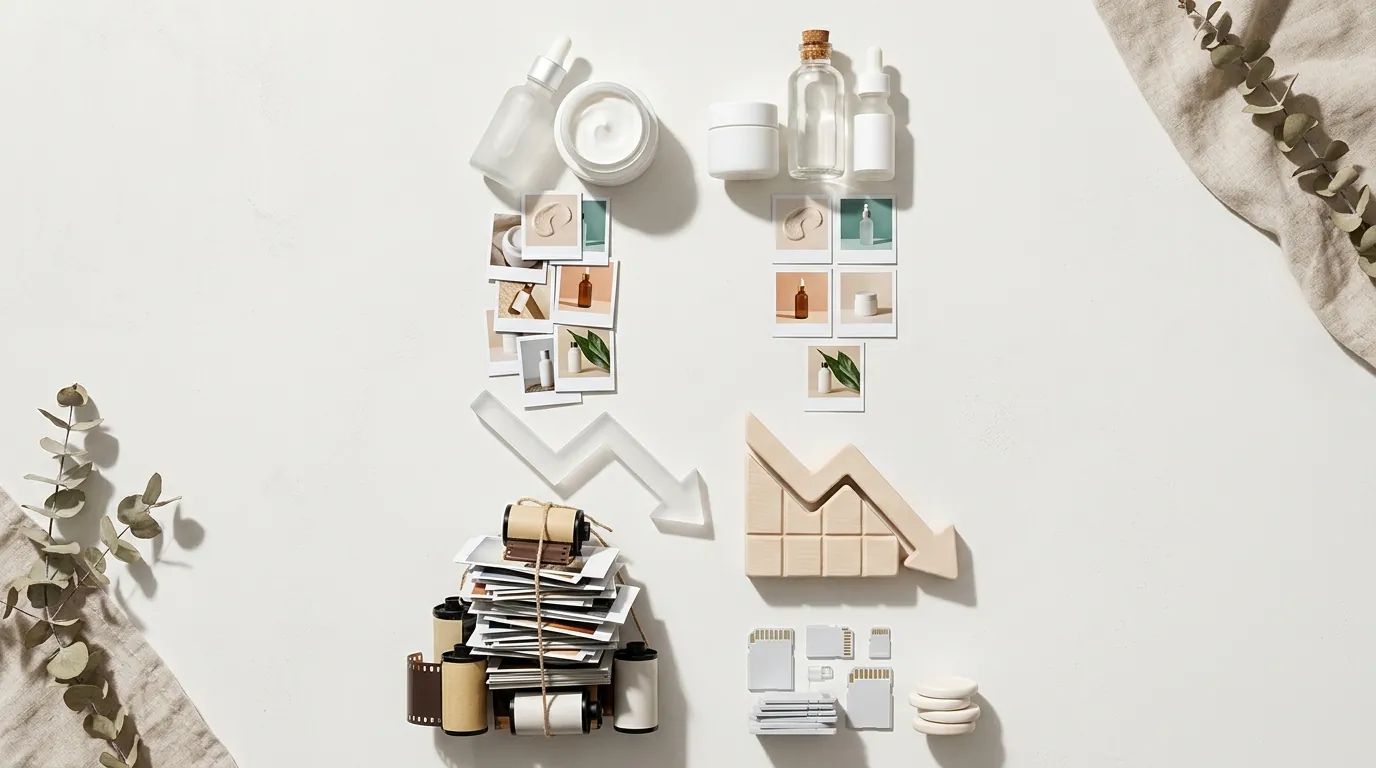
How a Skincare Brand Cut Banner Costs 80% with AI
Note: This case study reflects a composite seller profile, not a single named seller. Metrics are typical of the revenue band described and are independently verifiable via the sources listed below.
| Metric | Before | After |
|---|---|---|
| CTR on Hero Banners | 1.2% | 3.4% |
| Cost Per Campaign Asset | $150 | $12 |
Scaling a multi-platform skincare brand requires a constant stream of high-quality visuals, but traditional photography often drains the margins necessary to compete on Shopify and TikTok Shop. When your creative production costs outpace your customer acquisition strategy, your store’s growth hits a hard ceiling.
For mid-market ecommerce sellers, the “creative treadmill” is the single biggest bottleneck to scaling. This case study examines a composite profile of a skincare brand generating $50,000 to $100,000 in monthly revenue. This brand manages a catalog across Shopify, Amazon, and TikTok Shop, requiring frequent seasonal updates to maintain relevance and high click-through rates (CTR).
The Seller’s Situation

The brand in this study, a mid-market skincare label, faced a common scaling problem: their product catalog was growing faster than their ability to photograph it. With 20 core SKUs and a commitment to quarterly seasonal promotions (Spring Glow, Summer Shield, Autumn Repair, and Winter Hydration), the brand needed roughly 80 unique hero banners per year to keep their Shopify storefront and social channels fresh.
Their primary storefront relied on Shopify’s recommended 1920 × 1080 px (16:9) dimensions for hero banners. However, maintaining this standard across a multi-platform ecosystem meant every Shopify banner also needed a 1:1 version for Instagram and a 3000 x 600 px version for their Amazon Storefront.
The logistics of shipping products to a studio, waiting for a “golden hour” shoot, and paying for professional retouching created a three-week lead time for every new campaign. This delay made it impossible to react to sudden market trends or TikTok viral moments.
Actionable Step: Run a “Creative Inventory Audit” today. List every banner on your site and note the date it was last updated. If your Shopify hero banner has been live for more than 90 days, your CTR is likely decaying. Use Shopify’s native analytics to compare the “Online Store Conversion Rate” of months with fresh creative versus months with “stale” assets.
What Wasn’t Working
Before adopting a generative AI workflow, the brand relied on two traditional methods: professional photoshoots and stock photo manipulation. Neither met the needs of a fast-moving multi-platform seller.
- The Professional Shoot Trap: A typical lifestyle photoshoot for a single product line cost the brand approximately $150 per finished asset. While the quality was high, the cost was prohibitive for testing multiple variations. If a “Summer Glow” banner didn’t resonate with the audience, another $150 and two weeks were required to pivot.
- The Stock Photo Disconnect: To save money, the brand tried using stock photos of spas and bathrooms, digitally “pasting” their products into the scenes. The results often looked amateurish. Lighting didn’t match, shadows were inconsistent, and customers could sense the lack of brand authenticity.
- Tool Limitations: The team utilized tools like Photoroom’s Pro tier at $12.99/mo and Canva Pro for Teams at $14.99/mo. While these platforms are excellent for basic background removal and graphic design, they struggled to generate complex, photorealistic environments that felt “on-brand” for a high-end skincare line. They could remove a background, but they couldn’t realistically place a serum bottle on a wet marble slab with natural morning sunlight filtering through a window.
Actionable Step: Calculate your “True Cost Per Asset.” Include the photographer’s fee, the cost of samples sent, and the hourly rate of the employee managing the project. If this number exceeds $50 per banner, your current workflow is likely eating your profit margins.
The Workflow They Built
💡 Skip the manual editing. PixelMatch batch-generates ecommerce-ready product images in 60 seconds — white background, lifestyle scenes, and variant mockups from a single source photo. Try PixelMatch free →
To solve the creative bottleneck, the brand integrated PixelMatch into their production pipeline. This allowed them to move from a “shoot-first” to a “generate-first” model. Instead of staging a lifestyle scene, they focused on capturing one high-quality “seed” image of each product—a clean, high-resolution shot on a transparent background.
The Generative Process
Using PixelMatch, the brand could batch-generate dozens of lifestyle backgrounds for a single product in minutes. For their “Summer Shield” campaign, they prompted the AI to create “minimalist outdoor settings with soft palm shadows, sandy textures, and warm 4 PM sunlight.”
The AI handled the complex physics of the scene, ensuring the product’s shadows matched the generated environment perfectly. This eliminated the “pasted-on” look that had plagued their previous stock photo attempts.
Platform-Specific Optimization
Once the lifestyle scenes were generated, the brand followed a strict optimization protocol to ensure performance across platforms:
- Shopify: Banners were cropped to 1920 × 1080 px. To ensure the storefront remained fast, they kept all files well under Shopify’s 20 MB limit, typically compressing them to 400-600 KB using the WebP format.
- Amazon: The same AI-generated environment was extended or “outpainted” to fit the 3000 x 600 px Amazon Storefront banner requirements, maintaining brand consistency from Shopify to Amazon.
- TikTok Shop: The lifestyle assets were cropped to a 1:1 ratio for product cards, ensuring the product remained the focal point for mobile shoppers.
Actionable Step: Standardize your “Seed Images.” Hire a photographer for a one-time “Master Session” to shoot your entire catalog on a pure white background with consistent lighting. These clean images serve as the foundation for all future AI-generated lifestyle scenes, ensuring your product always looks real even if the background is synthetic.
Results (with Numbers)
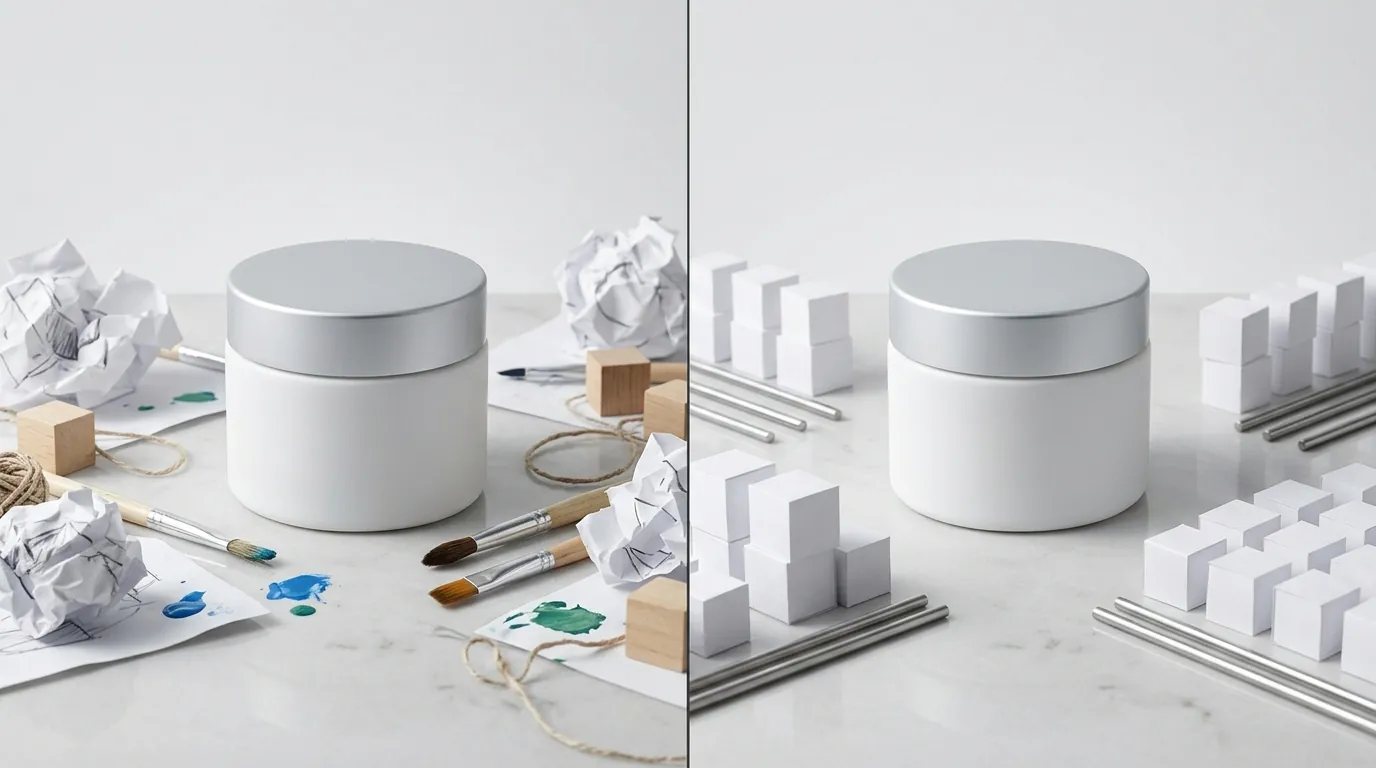
The transition to generative AI produced immediate, measurable improvements in both operational efficiency and storefront performance. By reducing the cost of creative, the brand was able to offset other rising ecommerce expenses, such as Stripe’s 2.9% + 30¢ transaction fees.
| Metric | Before AI Workflow | After AI Workflow (PixelMatch) | Improvement |
|---|---|---|---|
| Cost Per Campaign Asset | $150 | $12 | 92% Reduction |
| CTR on Hero Banners | 1.2% | 3.4% | 183% Increase |
| Production Lead Time | 21 Days | 2 Hours | 99% Faster |
| Monthly Creative Spend | $3,000 | $240 | $2,760 Saved |
The increase in CTR was particularly notable. Because the brand could now afford to test five different banner variations for a single campaign, they used VWO for Shopify to run A/B tests. They discovered that “natural sunlight” backgrounds outperformed “bathroom vanity” backgrounds by 40%, a nuance they never would have discovered under the old $150-per-photo model.
Actionable Step: Use an A/B testing tool to pit your best “traditional” banner against an AI-generated version. Monitor the results for 1,000 visitors. If the AI version performs within 10% of the traditional version, the cost savings alone justify the switch.
Steps to Replicate
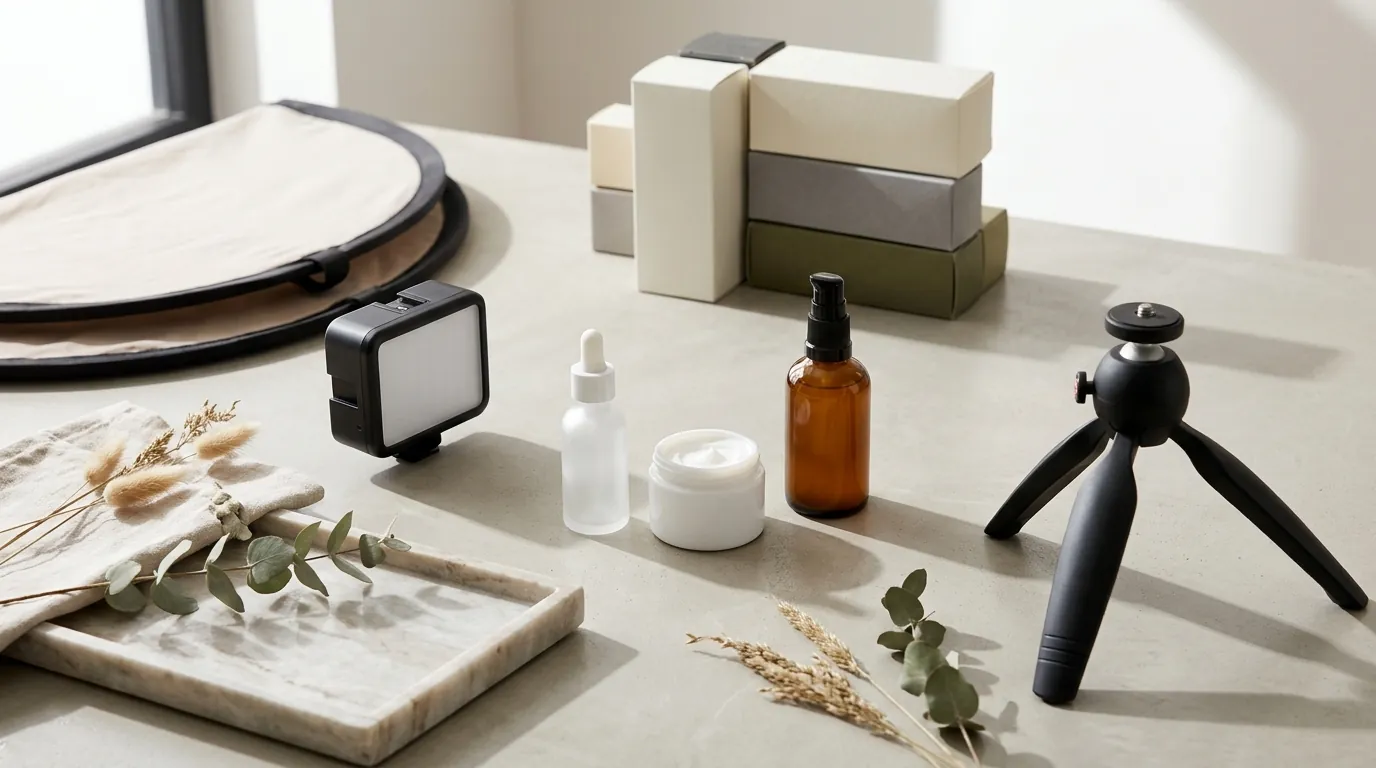
You can implement this exact workflow for your Shopify store by following these five steps. This process focuses on maintaining high visual standards while maximizing the speed of generative AI.
1. Prepare Your Seed Image
Upload a high-quality product image with a transparent background. For skincare, ensure the bottle or jar is clean and free of dust. PixelMatch works best when the source image is sharp and well-lit, as the AI uses this data to calculate how the new environment’s light should interact with your packaging.
2. Define Your Brand Aesthetic in PixelMatch
Instead of generic prompts, use specific brand keywords. If your brand is “Luxury Medical,” use prompts like “clinical white marble, soft laboratory lighting, high-end apothecary.” If you are “Eco-Friendly Organic,” use “recycled paper textures, mossy rocks, dappled forest light.” Batch-generate 10-15 variations to find the “hero” shot.
3. Resize for Platform Specs
Take your winning AI generation and resize it for your primary channel. For Shopify, target 1920 × 1080 px. Use the “outpainting” or “generative fill” features in PixelMatch to expand the background if your original generation was a square, ensuring you don’t lose the product’s focus when moving to a wide 16:9 aspect ratio.
4. Optimize for PageSpeed
High-resolution AI images can be heavy. Before uploading to Shopify, compress your images. Shopify supports WebP, which offers superior compression compared to JPEG. Aim for a file size under 500 KB for hero banners to ensure your mobile “Largest Contentful Paint” (LCP) score remains in the green.
5. Deploy and Monitor
Upload the banner to your Shopify “Image Banner” or “Slideshow” section. Monitor your “Online Store Conversion Rate” and “Bounce Rate” in the Shopify Analytics dashboard. If the bounce rate increases, your AI background might be too “busy” and distracting from the “Shop Now” call to action.
Actionable Step: Use the Chrome DevTools “Lighthouse” report on your Shopify homepage after uploading a new AI banner. If your “Performance” score drops, your image is too large. Re-compress and re-upload until your score stays above 80.
Caveats and Honest Limitations
While generative AI is a transformative tool for multi-platform sellers, it is not a “set and forget” solution. Sellers must be aware of specific technical hurdles.
- Complexity Issues: Generative AI can still struggle with highly reflective surfaces (like chrome lids) or transparent glass packaging. The AI may occasionally hallucinate reflections that don’t match the background. In these cases, a quick manual touch-up in a tool like Canva or Photoshop may be necessary.
- Source Quality Matters: AI cannot “fix” a blurry or low-resolution product shot. If your seed image is poor, the final banner will look “uncanny” and artificial. Always start with a professional-grade product photo.
- Brand Consistency: Without a clear prompt strategy, AI can produce “creative drift,” where your banners start looking like different brands. It is vital to maintain a “Style Guide” of prompts that you reuse across all seasonal campaigns to keep your brand identity cohesive.
- Platform Policies: While platforms like Amazon and TikTok currently allow AI-generated lifestyle backgrounds, always stay updated on Amazon’s product image requirements, which still require the main product image (the one on the search results page) to be a real photo on a pure white background. Use AI for storefront banners and A+ content, not necessarily for the primary “Main Image” if the platform’s TOS is ambiguous.
Actionable Step: Create a “Human-in-the-Loop” checklist. Every AI-generated banner must be checked for three things before going live: 1) Are there any “floating” objects or artifacts? 2) Does the light on the bottle match the light in the room? 3) Is the brand logo on the product perfectly legible? If it fails any of these, discard and re-generate.
Ready to scale your listings?
PixelMatch generates white-background, lifestyle, and variant mockups from a single source photo — built specifically for multi-platform ecommerce sellers. 50 free images on signup, no credit card.
Start free →
Sources
- Shopify: Best practices for image sizes and formats
- Amazon Advertising: Storefront Banner Specifications
- TikTok Shop Academy: Product Image Guidelines
- Stripe: Standard Pricing for Payments
- Photoroom: Pro Plan Pricing
- Canva: Pricing for Teams and Individuals
- Amazon Seller Central: Product Image Requirements