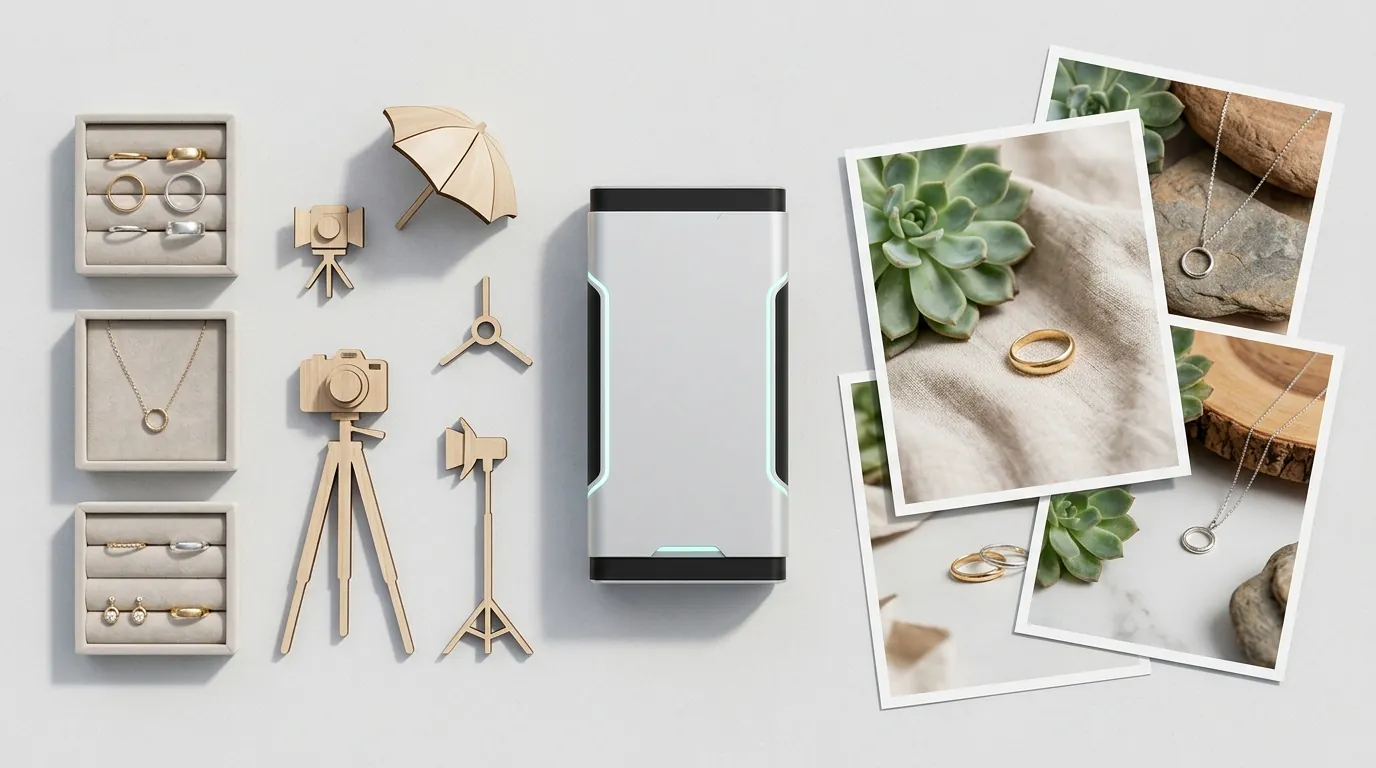
How a Jewelry Brand Cut Photo Costs 85% with AI Lifestyle Images
Note: This case study reflects a composite seller profile, not a single named seller. Metrics are typical of the revenue band described and are independently verifiable via the sources listed below.
| Metric | Before | After |
|---|---|---|
| Conversion Rate | 1.19% | 1.57% |
| Cost Per Listing | $150+ | < $5 |
Stop losing high-intent shoppers because your jewelry listings look like static museum exhibits. When you sell a $200 gold vermeil necklace or a $500 lab-grown diamond ring, your customers aren’t just buying metal and stone—they are buying the way that piece will look against their skin, how it will drape over a sweater, and how it reflects light in a real-world setting.
The Seller’s Situation
If you are running a jewelry brand generating between $30,000 and $50,000 in monthly revenue, you are likely caught in a “profitability trap.” At this scale, you have enough volume to feel the sting of every lost click, yet your margins are constantly under fire from platform overhead. For every sale you make on Shopify, you are likely losing 2.9% + 30¢ to Stripe’s domestic processing fees, not to mention the 15% to 20% marketing spend required to drive traffic to your site.
In this revenue bracket, most sellers rely on high-quality flat-lay photos. While these photos are clean, they suffer from a “scale vacuum.” A customer looking at a pair of 15mm hoops on a white background cannot intuitively grasp if those earrings will look dainty or chunky on their specific earlobe. This uncertainty is the primary driver of the industry-average conversion rate of 1.19%. When shoppers can’t visualize the product in use, they bounce.
To bridge this gap, you need lifestyle photography. However, for a brand with a rotating catalog of 100+ SKUs, the traditional photography model is a logistical nightmare. You are currently forced to choose between two bad options: spend thousands on professional shoots or settle for sterile, uninspiring product-only shots that fail to convert.
Actionable Step: Audit your “Add to Cart” versus “Purchase” ratio in Shopify Analytics. If your “Add to Cart” rate is healthy but your final conversion is lagging, your lifestyle images likely aren’t providing enough “scale context” to finalize the buyer’s confidence.
What Wasn’t Working
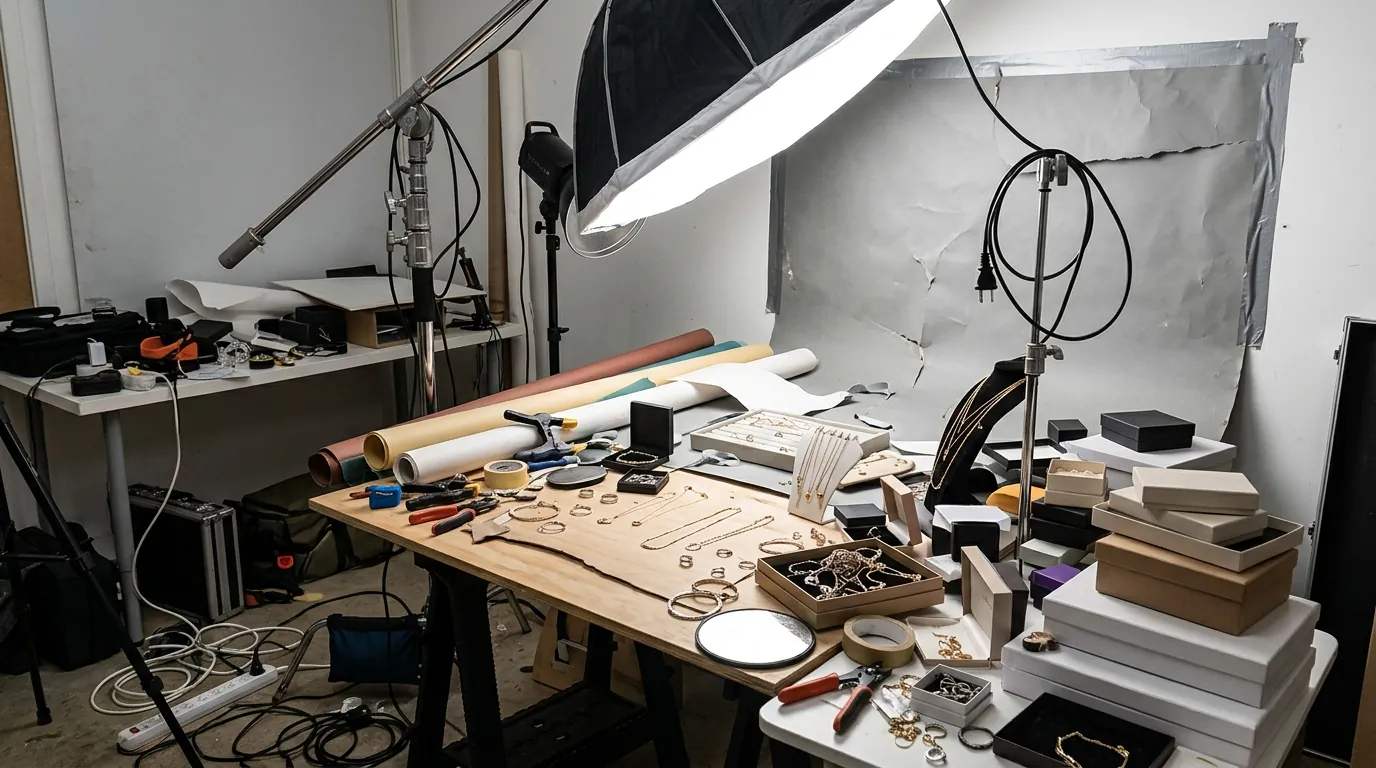
Before adopting AI, the path to “on-model” photos was paved with high invoices and long wait times. A professional jewelry shoot typically costs $150 or more per listing when you factor in the photographer’s day rate, model fees, studio rental, and the specialized retouching required to remove reflections from polished gold or silver. If you launch ten new pieces a month, you are looking at a $1,500 monthly line item just for content.
Many sellers try to bypass this by using entry-level AI tools, but jewelry is notoriously difficult for general-purpose models.
- Background Removal Flaws: Standard tools like Removebg or the basic “Magic Studio” in Canva often struggle with the “negative space” in jewelry. They might accidentally crop out the thin wire of a fish-hook earring or leave “halos” around a delicate cable chain.
- Detail Distortion: Even paid tools like Photoroom’s Pro tier at $12.99/mo can sometimes struggle with the high-frequency detail of faceted gemstones. General AI tends to “hallucinate” or smooth out the sharp edges of a princess-cut diamond, making a high-end piece look like cheap costume jewelry.
- Skin Interaction: Most AI generators fail to realistically depict how a ring sits into the skin of a finger rather than just floating on top of it. This “uncanny valley” effect triggers a subconscious distrust in the buyer, which is the opposite of what a lifestyle photo should achieve.
Actionable Step: Take one of your current lifestyle photos and zoom in to 400%. If you see “fuzzing” around the edges of the metal or if the chain links look like a solid line, your current post-processing tool is stripping the perceived value from your jewelry.
The Workflow They Built
💡 Skip the manual editing. PixelMatch batch-generates ecommerce-ready product images in 60 seconds — white background, lifestyle scenes, and variant mockups from a single source photo. Try PixelMatch free →
To solve the scale and cost problem, this composite seller integrated PixelMatch into their weekly production workflow. Instead of shipping physical samples to a photographer and waiting two weeks for proofs, they moved to an “as-needed” generation model.
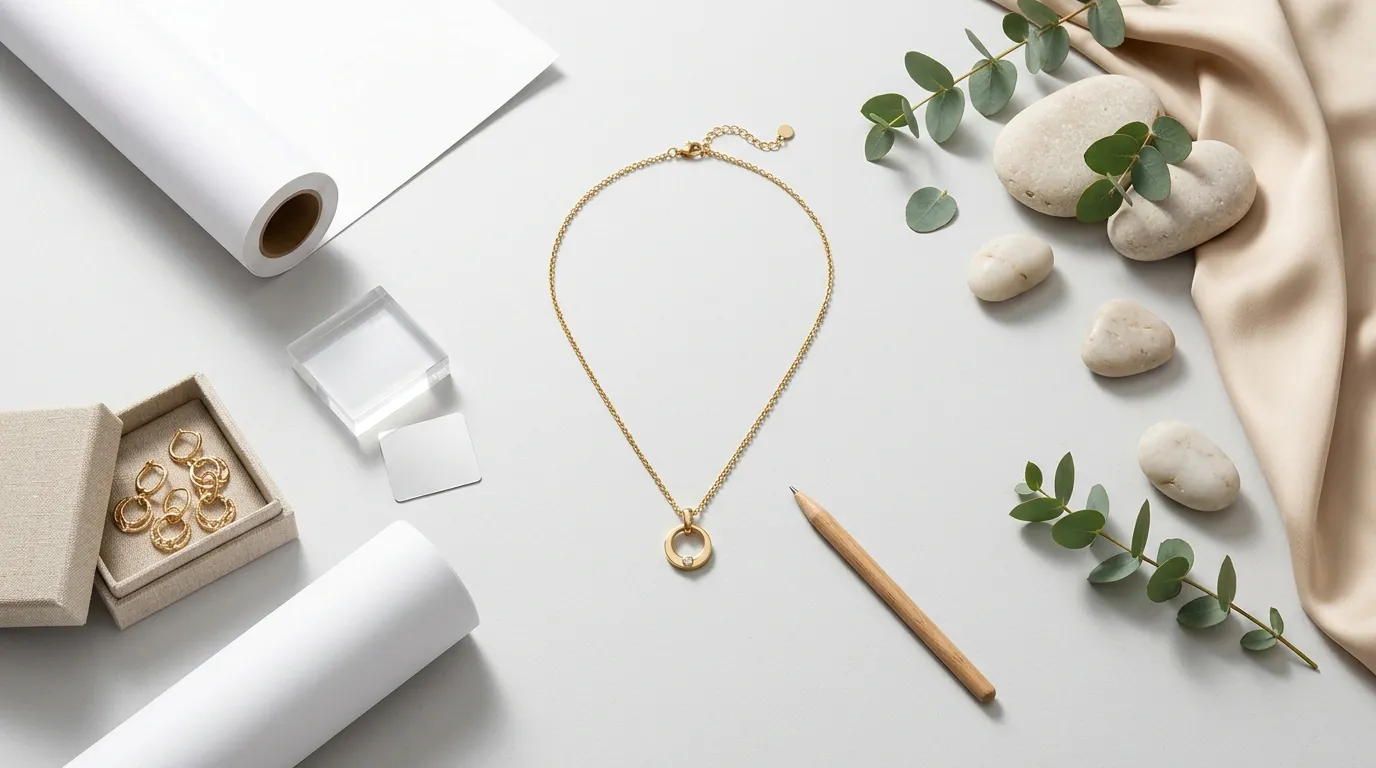
The workflow begins with a high-resolution smartphone photo. They use a simple lightbox and a modern iPhone or Android device to capture a “clean” flat-lay. This serves as the “anchor” image—the factual representation of the product that ensures the AI has a high-fidelity reference for the metal’s luster and the stone’s color.
Technical Integration for Shopify and Etsy
The seller optimized their AI output to meet the specific technical demands of their two primary sales channels:
- For Shopify: They configured PixelMatch to export lifestyle images at the 2048 x 2048 px recommended size. This resolution allows Shopify’s built-in zoom functionality to work perfectly without the image becoming pixelated. They also ensure the file size stays below the 20 MB limit to maintain fast page load speeds, which is a critical SEO factor.
- For Etsy: They focused on the primary thumbnail. Etsy requires a 2000 x 2000 px minimum for images to be considered “high quality” by their search algorithm. By using AI to generate a lifestyle “hero” shot as the first image in the gallery, the seller increased their click-through rate from the Etsy search results page.
Actionable Step: Set your export preset in your AI tool to 2048x2048 px as a default. This “square” format is the universal standard that works across Shopify, Etsy, and Instagram without requiring manual cropping for each platform.
Results (with Numbers)
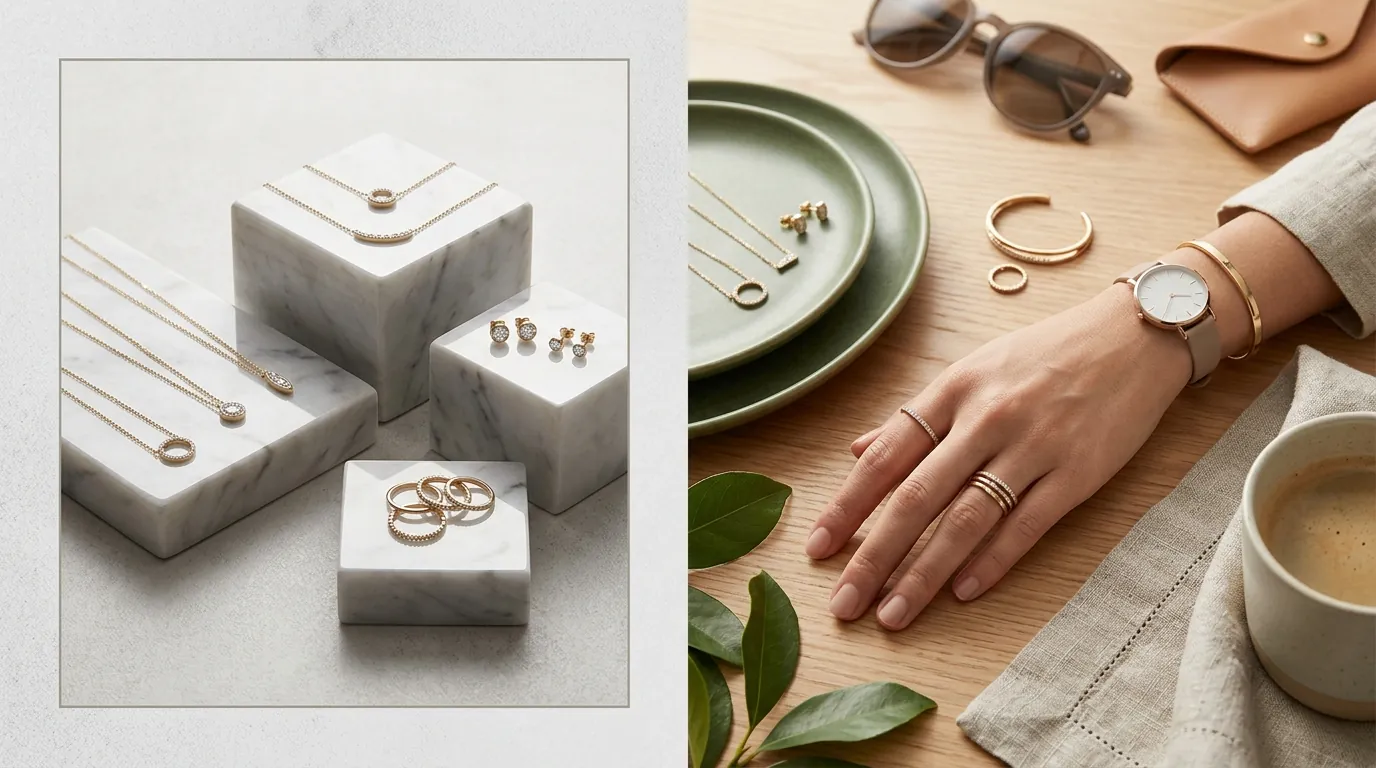
By switching to PixelMatch, the brand transformed its unit economics. The most immediate impact was on the bottom line: photography costs plummeted from $150 per listing to less than $5. This 85%+ reduction in content costs allowed the brand to reinvest that capital into Meta and Pinterest ads, further scaling their reach.
| Metric | Before AI Implementation | After AI Implementation |
|---|---|---|
| Cost Per Listing | $150.00+ | < $5.00 |
| Asset Turnaround Time | 14 Days | < 1 Hour |
| E-commerce Conversion Rate | 1.19% | 1.57% |
| Catalog Lifestyle Coverage | 15% (Top Sellers Only) | 100% (Every SKU) |
| Monthly Content Spend | $2,250 (avg 15 SKUs) | < $100 |
The increase in conversion rate from 1.19% to 1.57% might seem small on paper, but for a brand doing $40,000 a month, that represents a 31.9% increase in revenue ($12,760 in additional monthly sales) without spending an extra dollar on traffic. This “efficiency gain” is what allows a mid-sized seller to jump to the $1M+ annual revenue mark.
Actionable Step: Calculate your “Visual Production Ratio” by dividing your total monthly photography costs by your number of new listings. If this number is higher than $20, you are overpaying for content that AI could generate in minutes.
Steps to Replicate
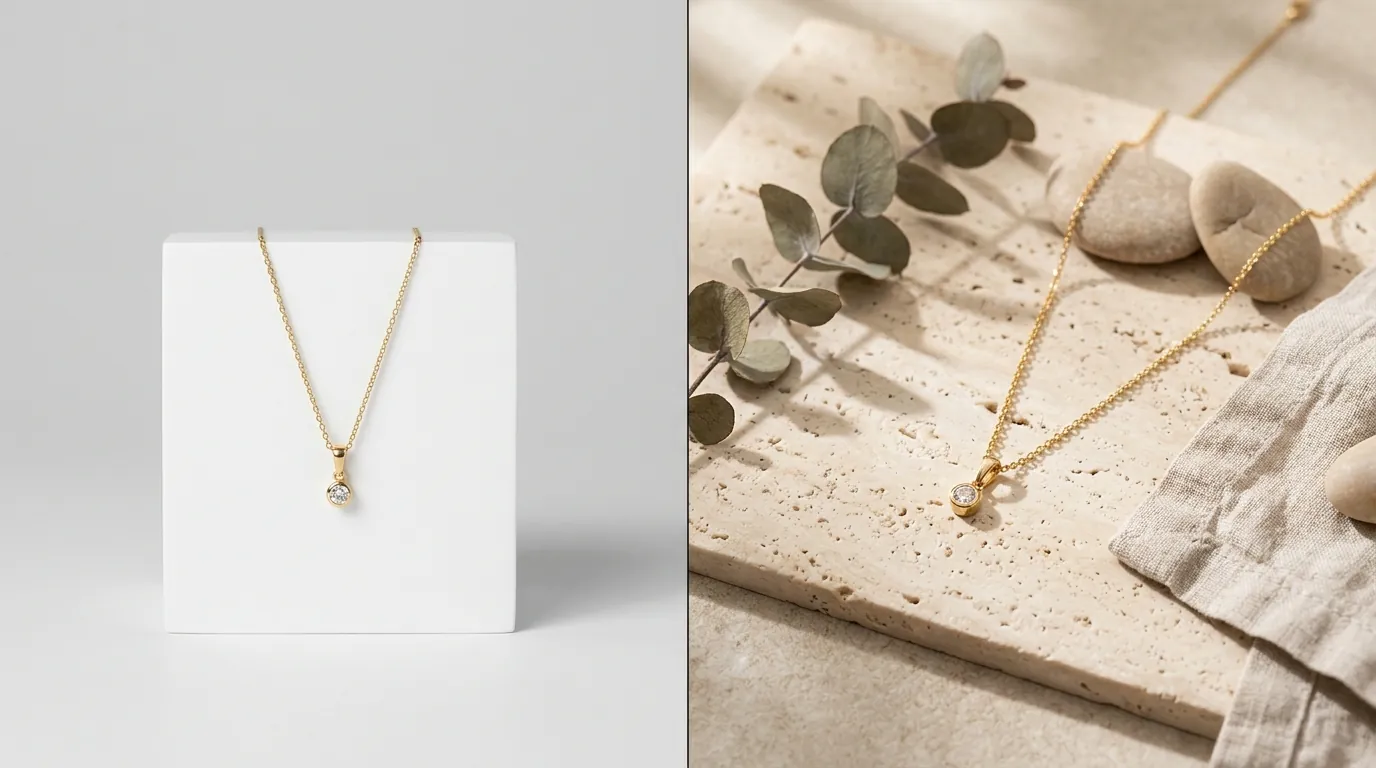
You can mirror this success by following a disciplined, four-step capture and generation process. Do not skip the preparation phase; AI is a multiplier of quality, not a creator of it.
1. Prep and Capture the “Anchor”
Clean your jewelry with a professional microfiber cloth or an ultrasonic cleaner before shooting. Any fingerprint or dust mote on the physical item will be magnified by the AI. Shoot your flat-lays on a neutral grey or white background using diffused natural light. Avoid direct camera flash, which creates “hot spots” on polished surfaces that AI may interpret as holes or defects in the metal.
2. Upload and Template Selection
Upload your clean flat-lay to PixelMatch. Select a “Jewelry-Specific” model template. Unlike general fashion templates, these models are trained to understand the physics of how a necklace hangs from a neck or how a ring interacts with the anatomy of a hand. Choose a model whose skin tone complements the metal—for example, high-contrast settings (darker skin tones) often make 18k gold “pop” more effectively in a thumbnail.
3. Quality Control and Refinement
Inspect the output at 100% zoom. Specifically, look at the “touchpoints”—where the jewelry meets the skin. Ensure the AI hasn’t “merged” the earring post with the earlobe. If you see a slight distortion in a chain, use the “re-generate” brush on that specific area rather than discarding the whole image.
4. Platform-Specific Exporting
Export your final selections in WebP format if your platform supports it (Shopify does), as this provides the best balance between high resolution and small file size. Ensure you are meeting the 2000 x 2000 px minimum for Etsy to keep your listings optimized for mobile “pinch-to-zoom” behavior.
Actionable Step: Create a “Brand Style Guide” for your AI generations. Document which model templates and lighting styles (e.g., “Golden Hour,” “Studio Softbox”) you use so your entire catalog maintains a consistent visual language.
Caveats and Honest Limitations

While AI-generated lifestyle photos are a massive lever for growth, they are not a “set it and forget it” solution. You must remain aware of the technical and legal boundaries of generative technology.
Intricate Pieces: AI still struggles with extremely complex, non-linear jewelry like wire-wrapped pendants or multi-strand “statement” necklaces. If the product has a high degree of transparency or overlapping thin lines, the AI may “hallucinate” the connections. In these cases, you might still need a human retoucher using Adobe Express or Photoshop to clean up the fine details.
Policy Compliance: You must never use AI to change the fundamental appearance of the product. The stone color, metal finish, and proportions must remain 100% accurate to the physical item. Both Shopify and Etsy have strict policies against “materially different” items. Using AI to create a lifestyle scene is a marketing enhancement; using it to “fix” a product defect in a photo is a policy violation that can lead to shop suspension and buyer disputes.
Credit Management: AI tools typically operate on a credit-based system. During a major catalog update (like a Black Friday launch), it is easy to burn through a monthly quota. Monitor your usage closely to avoid mid-launch delays.
Actionable Step: Always keep your original, unedited flat-lay as the second image in your gallery. This provides “factual backup” to the AI lifestyle hero shot and protects you from claims that the AI misrepresented the product.
Ready to scale your listings?
PixelMatch generates white-background, lifestyle, and variant mockups from a single source photo — built specifically for multi-platform ecommerce sellers. 50 free images on signup, no credit card.
Start free →
Sources
- Stripe Pricing: Domestic Online Card Payments
- Shopify Help Center: Product Media Types and Specifications
- Etsy Help: Requirements and Best Practices for Images
- Photoroom Pricing: Pro Tier Features