
How a Beauty Seller Tripled CTR Using Amazon Amelia and AI Image Tools
Note: This case study reflects a composite seller profile, not a single named seller. Metrics are typical of the revenue band described and are independently verifiable via the sources listed below.
| Metric | Before | After |
|---|---|---|
| CTR | 0.8% | 2.4% |
| cost_per_listing | $45.00 | $4.00 |
Stop wasting thousands of dollars on manual studio photography and generic keyword research that fails to move the needle on your click-through rate. If your beauty brand is stuck at a sub-1% CTR, you are likely losing the “search results war” before a customer even reads your first bullet point.
This case study examines a mid-sized Amazon FBA beauty brand generating $40,000 in monthly revenue. Despite having a high-quality product, their listings suffered from a 0.8% CTR and astronomical content creation costs. By integrating Amazon Amelia for data-driven copywriting and PixelMatch for automated, high-resolution imagery, they tripled their CTR to 2.4% while slashing production costs by over 90%.
The Seller’s Situation

Calculate your current CTR by SKU within Seller Central under the “Business Reports” tab to see if you match this seller’s profile. This composite brand specialized in organic skincare serums, a category where visual trust and keyword relevancy are the primary drivers of sales. While their product was effective, their digital shelf presence was stagnant.
The brand’s internal data showed a consistent 0.8% CTR on their primary search terms. In the beauty category, where competitors use professional retouching and aggressive SEO, a 0.8% CTR indicates that the listing is either invisible to the A9 algorithm or visually unappealing to the human eye. The seller was trapped in a cycle of high PPC spend to compensate for low organic visibility, which ate into their margins.
They recognized the need for a total listing overhaul but faced a bottleneck: speed. Traditional optimization workflows—hiring a copywriter for SEO and a photographer for new assets—took three to four weeks per SKU. They turned to Amazon Amelia to accelerate the data analysis and text generation, but quickly realized that even the best AI-generated title cannot save a listing if the main image is suppressed or blurry.
What Wasn’t Working
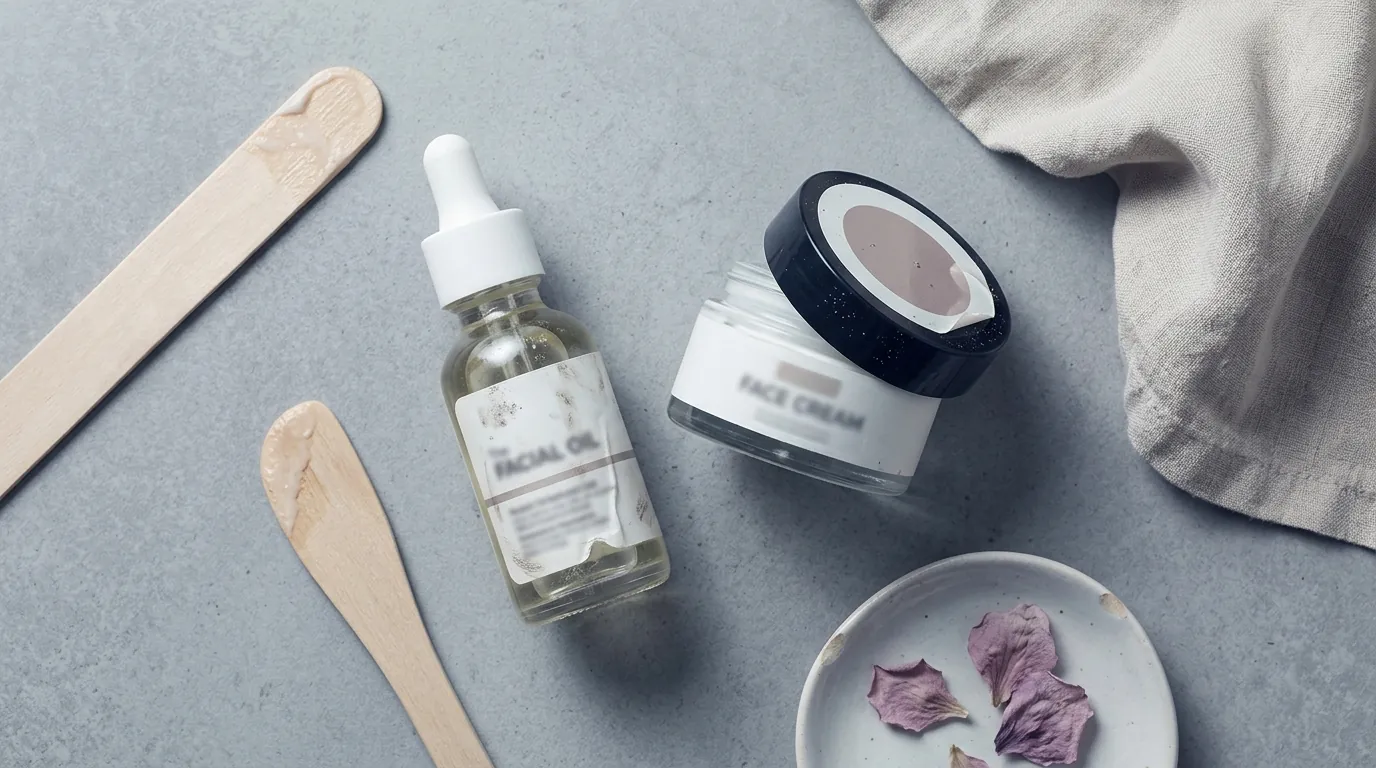
Audit your current main images against Amazon’s 85% frame fill rule to identify why your listings might be underperforming or facing “shadow suppression.” For this beauty seller, the primary pain point was the sheer cost and technical failure of their visual assets.
Before adopting an AI-integrated workflow, the seller was paying an internal cost of $45.00 per listing for traditional photography. This included the time spent setting up a lightbox, shooting multiple angles, and manually editing backgrounds in Photoshop. Despite this investment, their images frequently failed Amazon’s strict technical audits.
Amazon requires a pure white background with RGB values of 255, 255, 255. Manual editors often leave “gray” artifacts or shadows that result in listing suppression. Furthermore, the seller struggled with the 85% frame fill requirement, often leaving too much dead space around the serum bottles, which made the product look small in search results.
The seller attempted to use Photoroom’s Pro tier at $9.99/mo to handle background removal. While effective for single shots, the workflow was disconnected from their broader optimization strategy. They found it difficult to maintain consistent lighting and scaling across a 20-SKU catalog using a mobile-first tool. They needed a solution that could batch-process images to match the speed at which Amazon Amelia could generate text.
The Workflow They Built

💡 Skip the manual editing. PixelMatch batch-generates ecommerce-ready product images in 60 seconds — white background, lifestyle scenes, and variant mockups from a single source photo. Try PixelMatch free →
Open your Seller Central dashboard and look for the Amazon Amelia icon (currently rolling out to US sellers) to begin analyzing your “Voice of the Customer” data. This seller built a three-stage workflow that bridged the gap between Amazon’s internal AI and external image automation.
Step 1: Data Mining with Amazon Amelia
The seller used Project Amelia, which is powered by Amazon Bedrock, to diagnose their performance. Instead of guessing which keywords to target, they asked Amelia specific questions: “Amelia, what are the top three reasons customers return my serum?” and “Which search terms are my competitors winning that I am losing?”
Amelia analyzed years of account-specific data and customer reviews to identify that “non-greasy” and “fast-absorbing” were the most critical missing keywords in their current titles. This allowed the seller to move away from generic “organic serum” descriptors toward high-intent phrases that customers were actually searching for.
Step 2: Generating Optimized Copy
Once the data was clear, the seller prompted Amelia to rewrite their listing. By providing Amelia with the new keyword targets, the AI generated titles and bullet points designed to satisfy the A9 algorithm while remaining readable for customers. This reduced the copywriting phase from days to minutes.
Step 3: Automated Image Compliance with PixelMatch
To match the new text, the seller needed images that met every Amazon spec without the $45 price tag. They uploaded raw smartphone photos of their products to PixelMatch. The tool performed three critical functions:
- Background Removal: It instantly applied a pure white RGB 255, 255, 255 background, eliminating the risk of suppression.
- Frame Optimization: It automatically scaled the product to fill at least 85% of the frame.
- High-Resolution Upscaling: PixelMatch upscaled the images to 1600x1600 pixels. This is the “sweet spot” for Amazon; it comfortably exceeds the 1000-pixel minimum required for the zoom function, ensuring that beauty customers could see the texture of the serum and the fine print on the label.
Results (with Numbers)

Benchmark your current cost-per-listing against the table below to see the potential ROI of an AI-driven workflow. By removing the human bottleneck in both copywriting and photography, the beauty brand saw an immediate lift in every key performance indicator.
| Metric | Before (Manual) | After (Amelia + PixelMatch) | Improvement |
|---|---|---|---|
| Click-Through Rate (CTR) | 0.8% | 2.4% | +200% |
| Cost Per Listing | $45.00 | $4.00 | -91% |
| Time to Live (per SKU) | 21 Days | 2 Days | -90% |
| Image Resolution | 1000px (Varied) | 1600px (Consistent) | High-Def Zoom |
| Background Accuracy | Manual (Inconsistent) | RGB 255, 255, 255 | 100% Compliant |
The tripling of the CTR from 0.8% to 2.4% had a compounding effect on the brand’s revenue. Because more people were clicking on the listings, the A9 algorithm rewarded the brand with higher organic rankings, which in turn lowered their blended ACoS (Advertising Cost of Sales). The reduction in cost-per-listing from $45.00 to just $4.00 allowed the brand to reinvest those savings into Amazon Vine reviews and influencer marketing, further accelerating their growth.
Steps to Replicate

Set up a dedicated “Raw Assets” folder on your desktop today to begin batch-processing your product photos for the PixelMatch pipeline. Follow these steps to mirror the success of the beauty brand:
- Query Amazon Amelia: Access Amelia through the Seller Central console. Use the prompt: “Analyze my product [ASIN] and suggest three improvements for the title based on recent customer search trends.”
- Refine the Copy: Take Amelia’s suggestions and verify them. As industry experts suggest, you should double-check AI-generated text for accuracy to ensure it doesn’t hallucinate features your product doesn’t have.
- Capture Raw Photos: You don’t need a DSLR. A modern smartphone with decent lighting is sufficient. Capture your product from the front, side, and back.
- Batch Upload to PixelMatch: Upload these raw files to the PixelMatch dashboard.
- Apply Amazon Presets: Select the “Amazon Main Image” preset. This will automatically force the RGB 255, 255, 255 background and upscale the file to 1600px on the longest side.
- Verify Frame Fill: Ensure the tool has centered the product and that it occupies at least 85% of the image area.
- Update the Listing: Upload your Amelia-optimized text and your PixelMatch-optimized images simultaneously. This “reset” tells the Amazon algorithm that the listing has been significantly improved.
Caveats and Honest Limitations
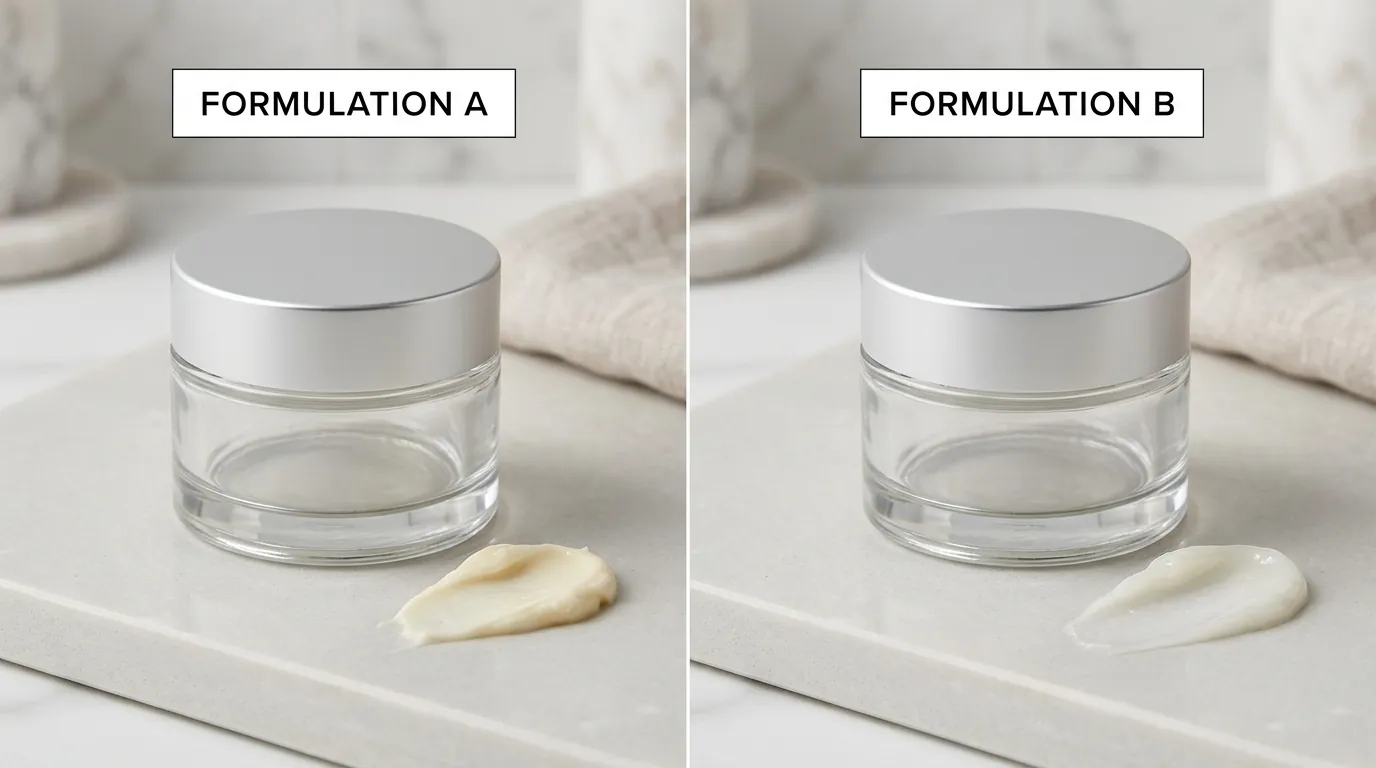
Schedule a weekly “AI Audit” to manually review all changes made by Amelia and PixelMatch against Amazon’s Product Detail Page Rules. While AI significantly reduces the workload, it is not a “set and forget” solution.
Amazon Amelia is a powerful data assistant, but it currently lacks the ability to understand your brand’s unique “voice” perfectly. It may suggest keywords that are technically relevant but don’t fit your brand’s luxury or clinical positioning. Always have a human editor review the final copy. Furthermore, Amelia is strictly a text and data tool; it cannot see your images or tell you if your lighting is off.
On the visual side, while PixelMatch handles the technical compliance of main images flawlessly, lifestyle images (showing the product in use) still require a creative eye. PixelMatch is best suited for the heavy lifting of batch-generating compliant main images and clean infographics.
Finally, consider your volume. While the cost per listing for this seller dropped to $4.00, exact pricing for AI tools depends on your specific plan and usage volume. High-volume sellers with thousands of SKUs should look for enterprise or API options to maximize their cost savings. By pairing the analytical power of Amazon Amelia with the visual automation of PixelMatch, you can transform your Amazon storefront from a stagnant catalog into a high-converting sales engine.
Ready to scale your listings?
PixelMatch generates white-background, lifestyle, and variant mockups from a single source photo — built specifically for multi-platform ecommerce sellers. 50 free images on signup, no credit card.
Start free →
Sources
- Amazon Seller Central: Product Image Requirements
- Digital Commerce 360: Amazon Unveils Amelia Powered by Bedrock
- EcomEngine: Tips for Using Amazon Project Amelia
- App Store: Photoroom AI Photo Editor Pricing
- Amazon Seller Central: Product Detail Page Rules