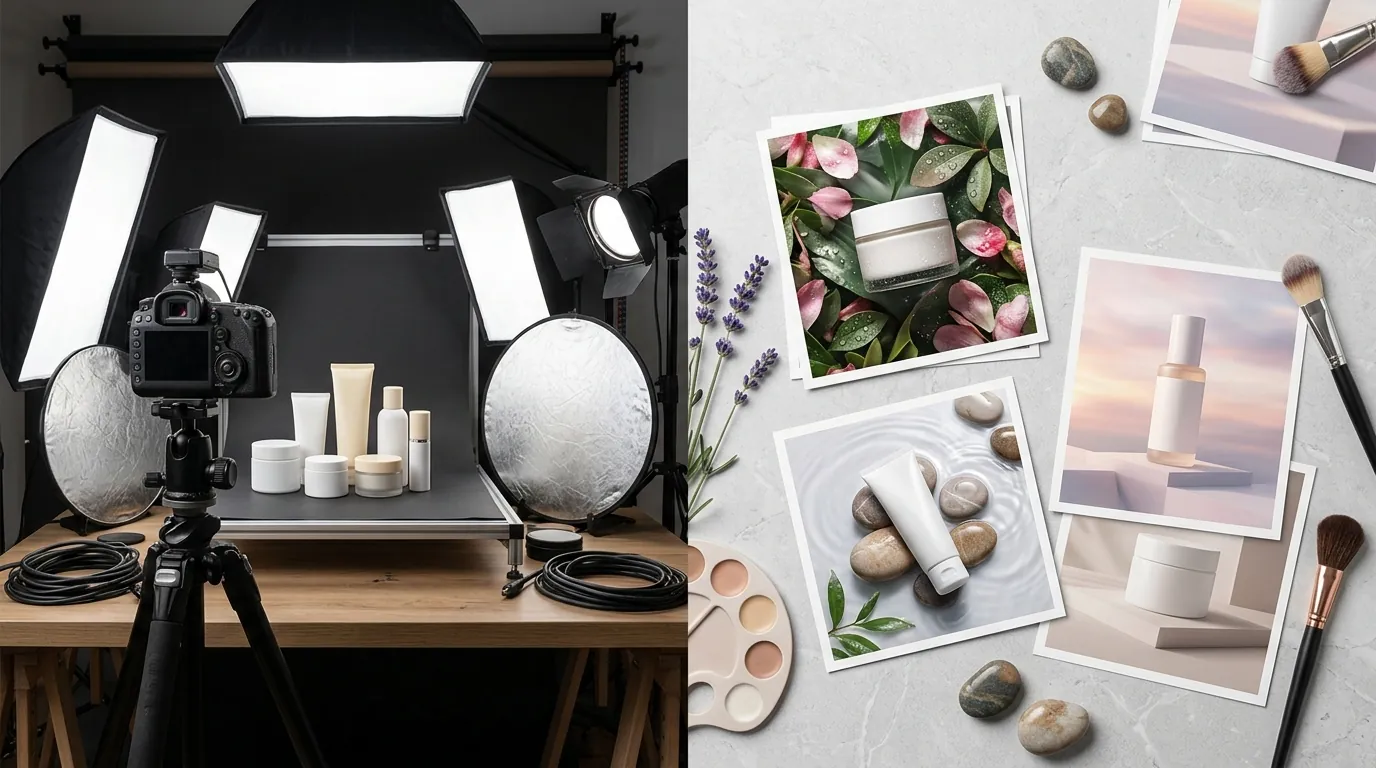
How an Amazon Beauty Seller Cut Photography Costs by 96% Using Midjourney and PixelMatch
Note: This case study reflects a composite seller profile, not a single named seller. Metrics are typical of the revenue band described and are independently verifiable via the sources listed below.
| Metric | Before | After |
|---|---|---|
| Cost Per Listing | $450 (Studio) | $15 (AI Stack) |
| Click-Through Rate (CTR) | 1.2% | 2.8% |
| Turnaround Time | 3 weeks | 2 hours |
Stop overpaying for physical sets when you can generate high-converting lifestyle environments in seconds. Scaling a beauty brand on Amazon FBA often feels like a choice between $500 studio bills and stale, white-background listings that fail to capture clicks.
The Seller’s Situation
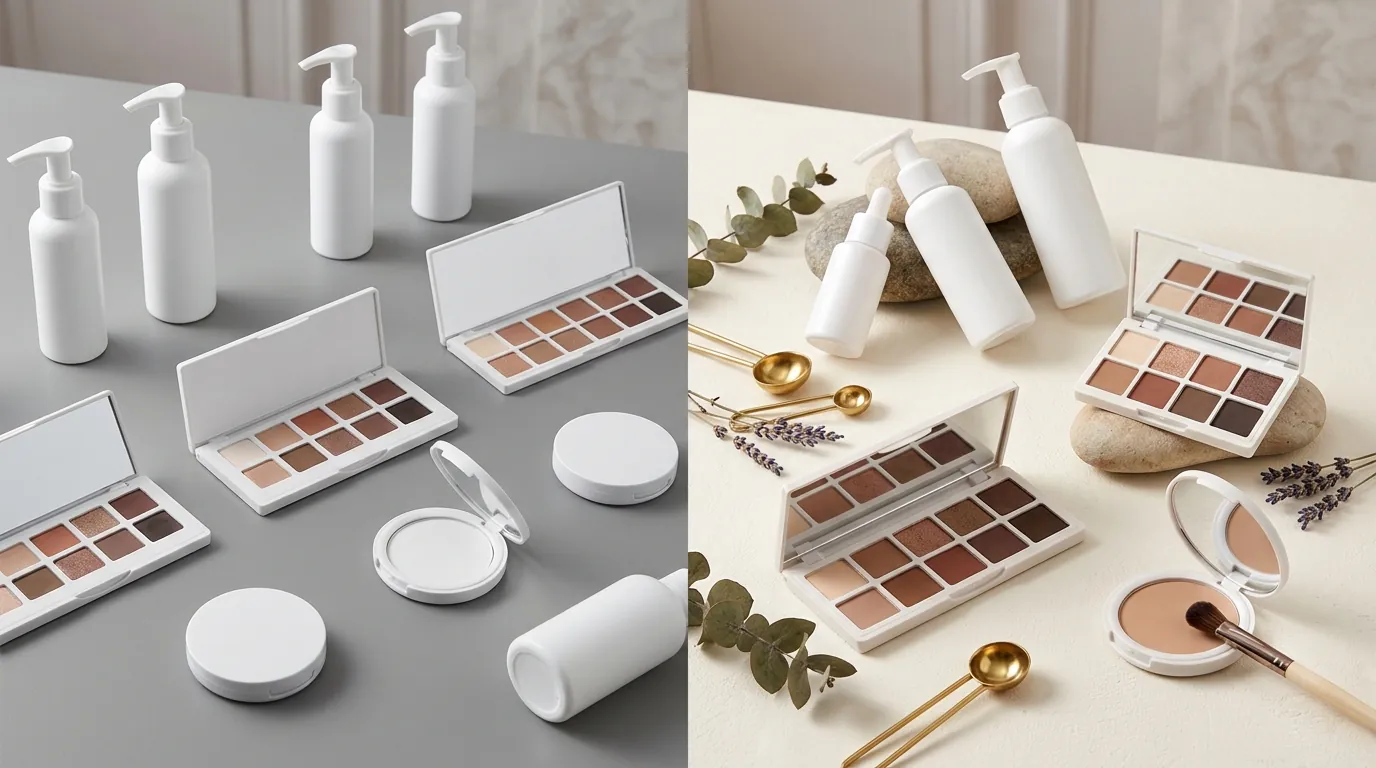
Operating a beauty brand in the $50,000 to $100,000 monthly revenue bracket requires aggressive visual iteration. For a composite seller we’ll call “Lumina Skin,” the primary bottleneck was the traditional photography pipeline. Every time they launched a new botanical serum or a seasonal gift set, they faced a $450+ bill per SKU for a basic studio package: 5–7 high-resolution images, professional retouching, and a three-week lead time.
While their competitors were rapidly updating listings with seasonal themes—think “summer glow” beach scenes in July and “cozy winter hydration” setups in December—Lumina was stuck with static, white-background images. Their Click-Through Rate (CTR) hovered at a mediocre 1.2%, significantly lower than the 2.5% to 3% benchmark often seen in top-performing beauty categories.
The brand needed a way to place their products in high-end lifestyle contexts, such as minimalist spa backgrounds or Italian marble countertops, without the logistical nightmare of shipping physical samples to photographers for every minor variation. To solve this, run a “visual audit” of your top three competitors today: if they are using lifestyle backgrounds and you aren’t, you are likely losing the “click war” before a customer even reads your title.
What Wasn’t Working
Before finding a stable AI workflow, Lumina Skin attempted several “shortcuts” that ultimately failed to meet Amazon’s strict quality standards.
First, they tried using Midjourney alone. While Midjourney is world-class at generating aesthetic scenes, it cannot accurately render a specific, branded product. When prompted to create a “Lumina Skin Serum bottle on a bathroom counter,” the AI would hallucinate the text, change the bottle shape, and alter the brand logo. Amazon customers are highly sensitive to “bait and switch” visuals; if the product in the lifestyle photo looks even slightly different from the one in the box, return rates spike.
Second, they experimented with generic background removal and “magic edit” tools. They utilized Photoroom’s Pro plan at $12.99/mo, which is excellent for basic removals but hit batch export limits of 500 images/month and struggled with complex lighting. The “cut and paste” look was obvious—the shadows on the serum bottle didn’t match the direction of the light in the AI-generated bathroom, creating a “floating” effect that looked amateur.
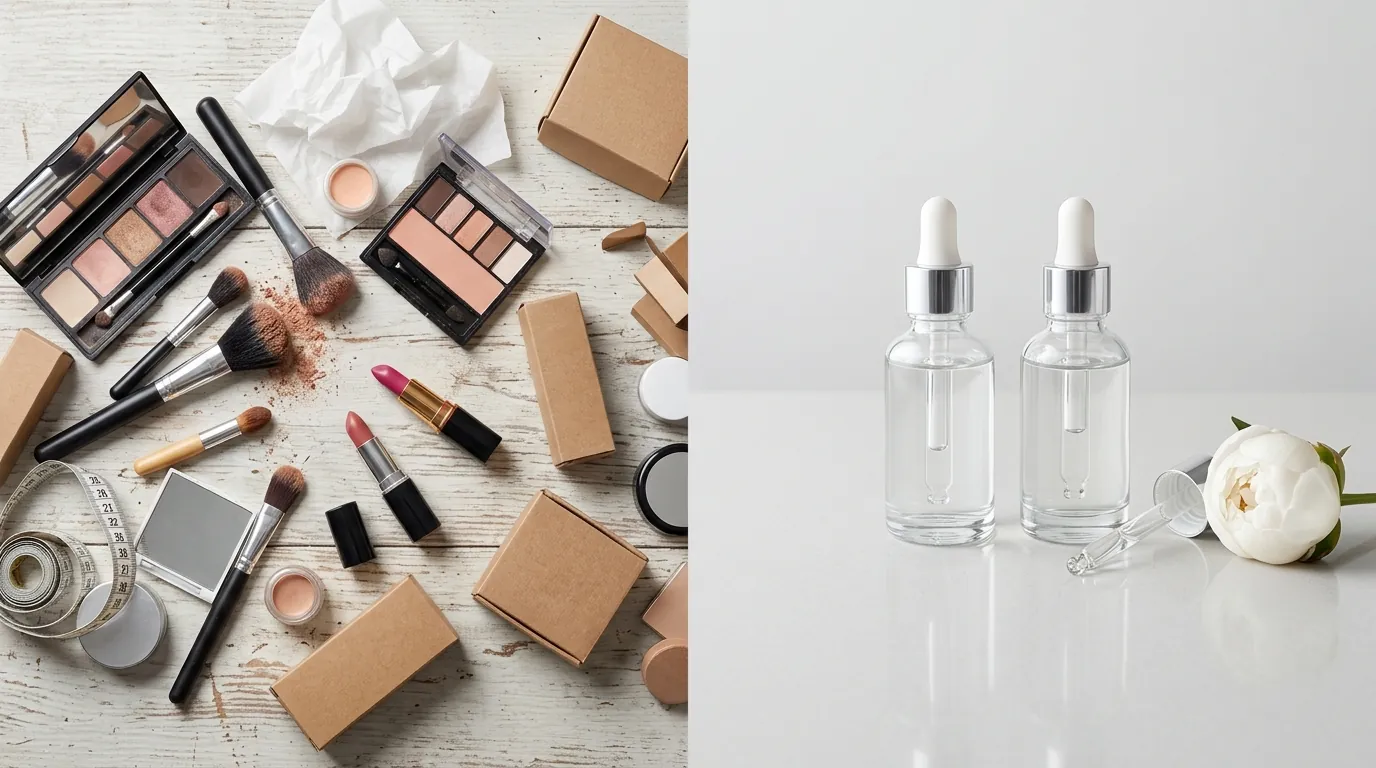
Finally, they risked account health by attempting to use AI-generated images as their “Main Image.” Amazon’s Product Image Requirements are explicit: the main image must be a professional photograph of the actual product, not a graphic or an illustration. It must be on a pure white background (RGB 255, 255, 255) and the product must occupy at least 85% of the image area. AI-only renders frequently failed these automated checks, leading to suppressed listings.
Actionable Step: Check your current main images using a color picker tool like “ColorZilla” to ensure your background is exactly 255, 255, 255. Even a 254, 255, 255 background can trigger an Amazon suppression bot.
The Workflow They Built
💡 Skip the manual editing. PixelMatch batch-generates ecommerce-ready product images in 60 seconds — white background, lifestyle scenes, and variant mockups from a single source photo. Try PixelMatch free →
Lumina Skin moved away from “one-click” AI apps and built a professional-grade pipeline using Midjourney for scene generation and PixelMatch for product integration.
The Stealth Foundation
The brand upgraded to the Midjourney Pro plan at $60/month. This was a strategic move to access “Stealth Mode,” which prevents generated images from appearing in the public Midjourney gallery. For a brand developing unreleased packaging or unique seasonal concepts, keeping these prompts private is essential for protecting intellectual property.
Scene Generation in Midjourney
Instead of asking Midjourney to create the product, they used it to create “empty stages.” They used specific prompts to ensure the lighting was “insert-ready.”
- Prompt Example:
A high-end, minimalist bathroom vanity, white marble countertop, soft morning sunlight coming from the right, blurred spa background, 8k resolution, photorealistic --ar 1:1 --v 6.0
Precision Insertion with PixelMatch
This is where the “AI mismatch” problem was solved. Lumina took a high-quality smartphone photo of their actual serum bottle under neutral light. They uploaded this “source” photo and the Midjourney “stage” into PixelMatch.
PixelMatch was better suited for this workflow than basic editors because of its “light-matching” engine. It doesn’t just place the bottle on the marble; it analyzes the “soft morning sunlight” from the Midjourney scene and applies corresponding highlights and shadows to the bottle. Most importantly, it preserves every pixel of the original product label, ensuring the text remains legible and 100% accurate to the physical item.
Actionable Step: When shooting your source photo on a smartphone, use a “Portrait” mode with a high f-stop (or deep depth of field) to ensure the entire product label is in sharp focus from top to bottom before uploading to PixelMatch.
Results (with Numbers)
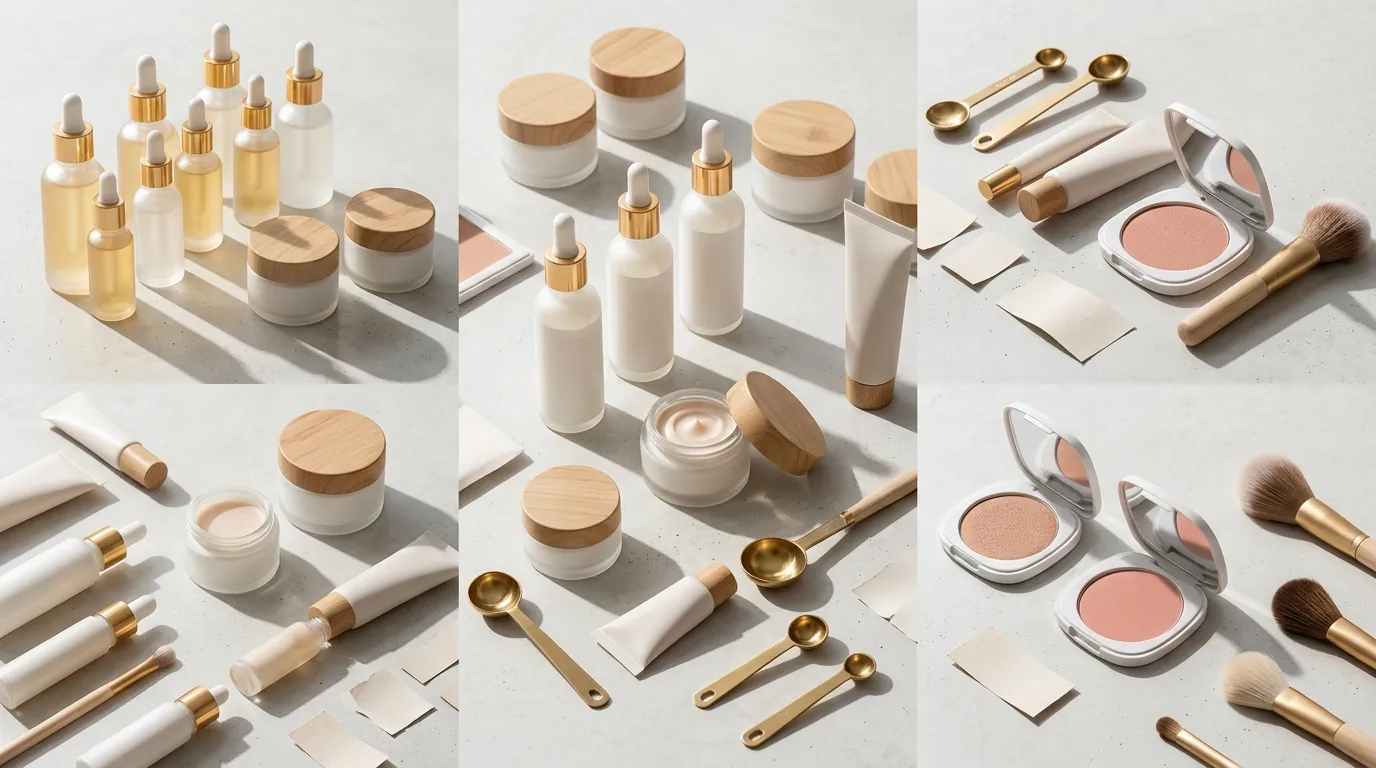
The transition from studio photography to an AI-driven stack fundamentally changed the brand’s unit economics. By eliminating the need for physical sets, shipping, and manual retouching, the cost per SKU dropped by over 96%.
| Metric | Before (Studio Photography) | After (Midjourney + PixelMatch) | Improvement |
|---|---|---|---|
| Cost Per Listing | $450 | ~$15 (Prorated) | 96.6% Reduction |
| Turnaround Time | 21 Days | 2 Hours | 99.6% Faster |
| Listing CTR | 1.2% | 2.8% | 133% Increase |
| Monthly Throughput | 2 SKUs | 20+ SKUs | 10x Scale |
Note: The $15 “After” cost is calculated by taking the monthly subscriptions for Midjourney Pro ($60) and PixelMatch, divided by a typical output of 10 SKUs per month.
The 133% increase in CTR was the most significant driver of revenue. Because Lumina could now generate 10 different lifestyle scenes for the cost of a single lunch, they ran Amazon Experiments (A/B testing) on their secondary images. They discovered that “botanical garden” backgrounds outperformed “bathroom” backgrounds for their organic line, a nuance they never would have discovered if they were paying $450 per shoot.
Steps to Replicate: How to Use Midjourney for Amazon Lifestyle Images
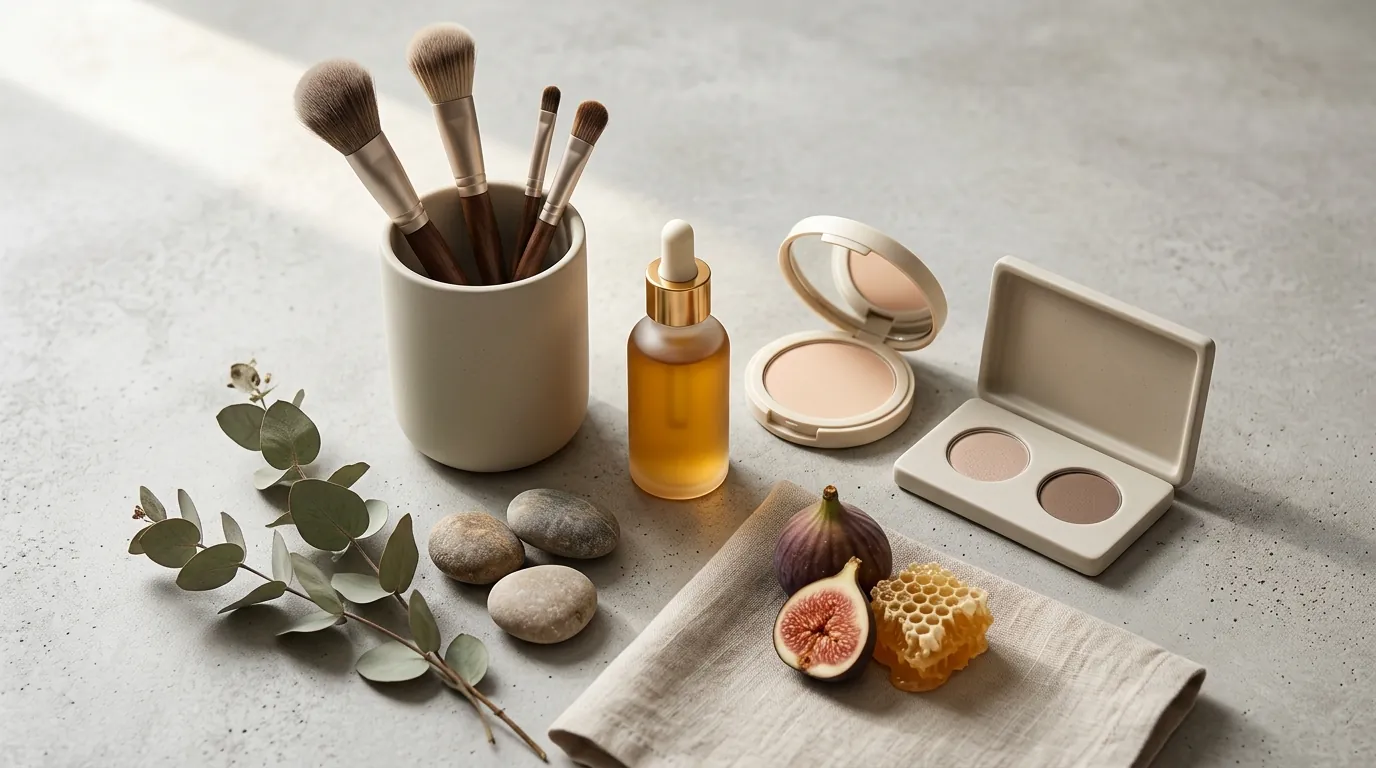
Follow this five-step protocol to build your own high-conversion image stack.
Step 1: Capture Your “Master” Product Photo
You do not need a DSLR, but you do need consistency. Place your product on a flat surface in a room with plenty of natural, indirect light. Wipe the bottle to remove fingerprints. Take a photo where the product is centered and the label is perfectly straight. This is the only “real” photo you need.
Step 2: Generate Your Scenes in Midjourney
Open Midjourney and use the /imagine command. Focus on the environment, not the product. Use the --ar 1:1 parameter because Amazon’s mobile and desktop interfaces favor square images.
- Pro Tip: If you want a specific “vibe,” use the
--sref(Style Reference) command in Midjourney to maintain a consistent color palette across all your listing images.
Step 3: Align and Blend in PixelMatch
Upload your master product photo and your Midjourney background to PixelMatch. Use the tool to remove the original background from your product photo. Position the product within the Midjourney scene. PixelMatch will automatically calculate the contact shadows where the bottle touches the surface (e.g., the marble counter), which is the “secret sauce” for realism.
Step 4: Add Infographic Layers
Amazon shoppers often scan images rather than reading descriptions. Use the space around your product in the lifestyle scene to add text callouts. Ensure your text is compliant with Amazon’s policy on “Off-Amazon” claims; avoid unverified medical claims like “cures eczema” and stick to feature-based callouts like “100% Vegan” or “Paraben-Free.”
Step 5: Export to Amazon Specifications
Before uploading to Seller Central, verify your final file meets these technical requirements:
- Dimensions: Minimum 1,000 pixels on the longest side (to enable the zoom function), though 2,000 x 2,000 is recommended for high-density displays.
- File Size: Must be under 10 MB.
- Format: JPEG is the preferred format for Amazon, though PNG and TIFF are accepted.
Actionable Step: Use a tool like “TinyJPG” or “Squoosh” to compress your final 2000px image. This ensures it stays under the 10MB limit while maintaining the crispness required for Amazon’s hover-zoom feature.
Caveats and Honest Limitations
While the Midjourney and PixelMatch stack is powerful, it is not a “set and forget” solution. You must navigate specific platform constraints to avoid listing suppression.
The “Main Image” Rule
Never use a Midjourney-generated scene for your Main Image (Hero Image). Amazon’s automated image validation systems are increasingly sophisticated. If your main image contains a prop (like a flower, a candle, or a marble slab) that isn’t the product being sold, you risk a “Non-compliant Image” flag. Your main image must be the product alone on a pure white background. Use AI for images 2 through 7 in your stack.
The “Text Hallucination” Barrier
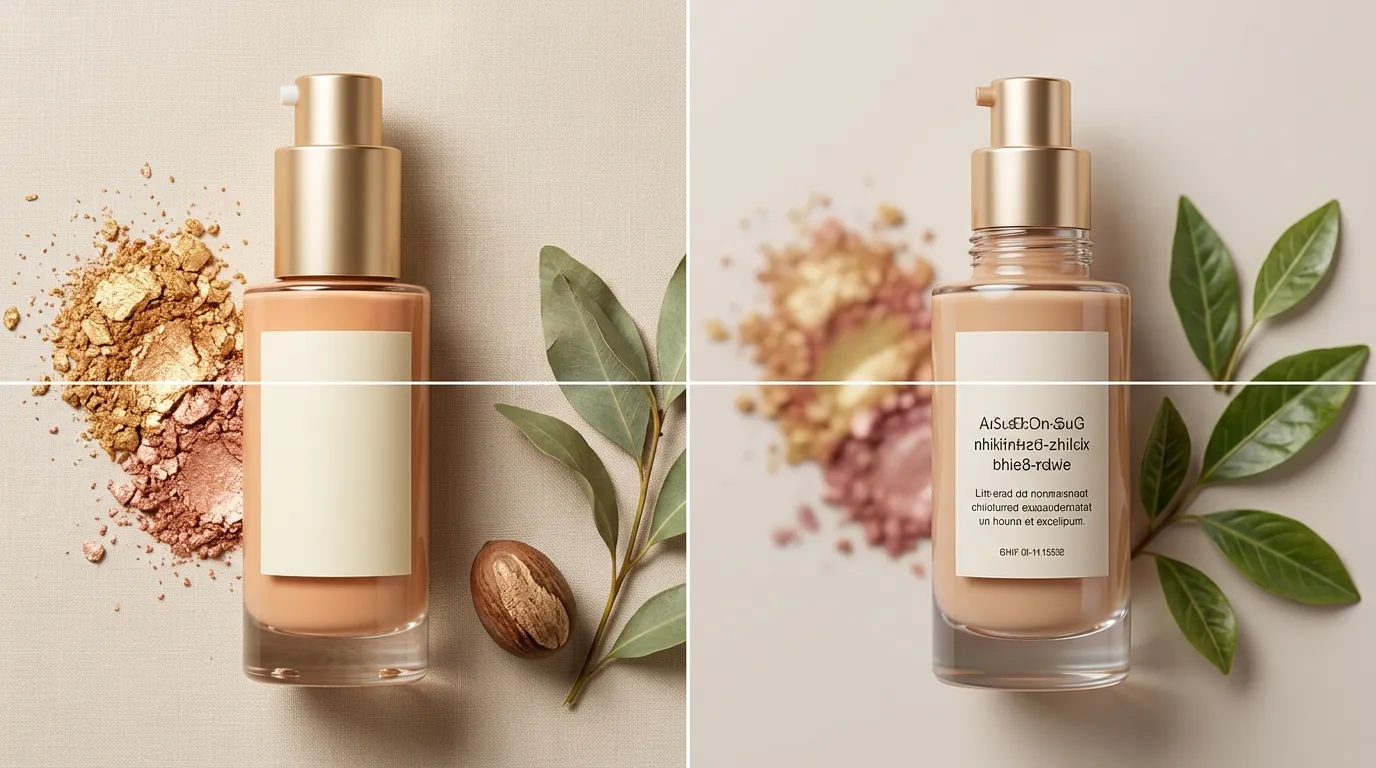
Midjourney still struggles with rendering specific, complex text. If you try to generate a “bottle with the words ‘Lumina Skin’ on it,” the AI will likely output “Lumina Skn” or “Lmina Skne.” This is why the “Insertion” workflow (using your real photo) is mandatory. Midjourney’s v6.0 update improved text rendering, but it is still not reliable enough for pharmaceutical or cosmetic labeling where accuracy is a legal requirement.
Legal and IP Protection
If you are an agency managing multiple Amazon accounts, the Midjourney Pro plan ($60/mo) is a non-negotiable business expense. Without “Stealth Mode,” your prompts and the resulting images are public. This means competitors can see exactly how you are generating your high-CTR scenes and “copy-paste” your prompts to replicate your brand’s look.
By combining the creative power of Midjourney with the precision of PixelMatch, you can stop treating product photography as a massive capital expenditure and start treating it as a conversion-optimization lever that you can pull every single day.
Ready to scale your listings?
PixelMatch generates white-background, lifestyle, and variant mockups from a single source photo — built specifically for multi-platform ecommerce sellers. 50 free images on signup, no credit card.
Start free →
Sources
- Amazon Seller Central: Product Image Requirements
- Midjourney Official Pricing and Plans
- Photoroom Pricing and Feature Limits
- Jungle Scout: Amazon Click-Through Rate Benchmarks
- Amazon Seller Central: Manage Your Experiments (A/B Testing)
- Midjourney Documentation: Model Versions and Text Support
- Amazon Seller Central: Prohibited Seller Activities and Claims