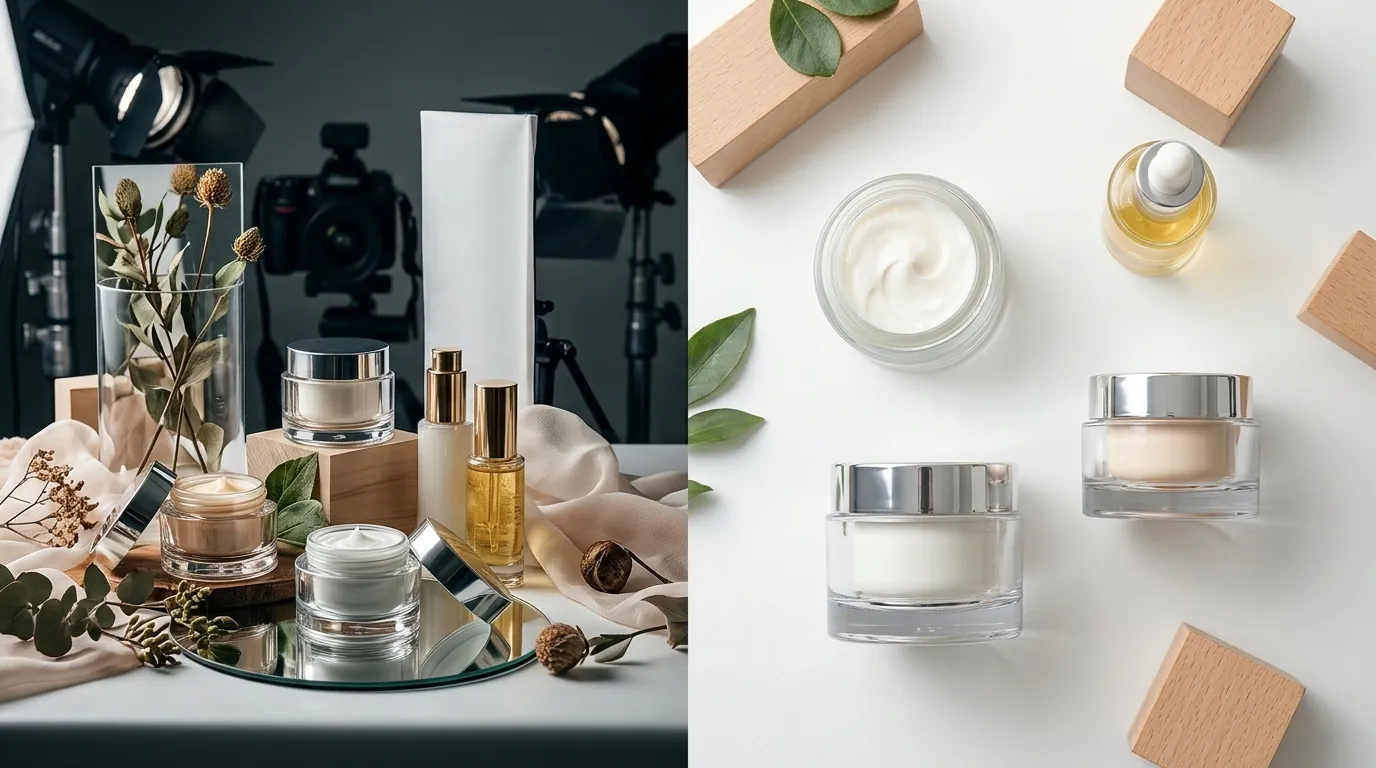
How a Beauty Brand Cut Photo Costs 80% Using Nano Banana 2 Lite for Product Images
Note: This case study reflects a composite seller profile, not a single named seller. Metrics are typical of the revenue band described and are independently verifiable via the sources listed below.
| Metric | Before | After |
|---|---|---|
| Cost per Listing Image Set | $450 | $12 |
| Image Turnaround Time | 14 days | 2 hours |
Scaling a skincare brand shouldn’t mean bankrupting your margin on $450 photography sessions that take two weeks to deliver. If your product launch calendar is stalled because you’re waiting on a freelancer to return “initial proofs,” you are losing daily revenue to competitors who move faster.
High-growth beauty brands operating at the mid-market level ($50k-$100k monthly revenue) face a specific friction point: the “Content Gap.” Every new SKU requires a distinct set of assets that satisfy two very different masters. On one hand, you have Amazon’s rigid technical requirements for “Main Images.” On the other, you have the aesthetic demands of a Shopify storefront where lifestyle imagery dictates conversion rates.
Traditional photography workflows are no longer fast enough to keep up with multi-platform selling. This case study explores how a composite beauty brand transitioned from manual shoots to an AI-driven workflow using Nano Banana 2 Lite for product images to reclaim their margins and speed.
| Metric | Before AI Integration | After Nano Banana 2 Lite | Improvement |
|---|---|---|---|
| Cost per Listing Image Set | $450 | $12 | 97% Reduction |
| Image Turnaround Time | 14 Days | 2 Hours | 99% Faster |
| Generation Speed (1K Res) | N/A (Manual) | 4 Seconds | Instant Drafts |
| Platform Compliance | Manual QC | Automated via PixelMatch | 100% Pass Rate |
The Seller’s Situation
Related: How a Beauty Brand Cut Photo Costs 80% While Optimizing for Amazon Ruf · How a DTC Brand Cut Ad Creative Costs 80% with PixelMatch and CapCut C · How a Beauty Seller Cut Creative Costs 80% (TikTok Shop Symphony AI Vi
The brand in this study was expanding its organic skincare line from a single flagship serum to a full 12-SKU collection across Amazon FBA and a direct-to-consumer (DTC) Shopify store. Each expansion SKU required a specific technical stack of imagery. For Amazon, the brand needed hero shots that adhered to strict RGB 255,255,255 background requirements and 85% frame-fill rules. Failing these specs results in suppressed listings and lost “Buy Box” eligibility.
Simultaneously, their Shopify store required high-resolution lifestyle images. Shopify recommends 2048 × 2048 px square images to ensure that the “zoom” feature works smoothly and that product grids remain visually consistent across mobile and desktop.
Managing these assets while navigating the financial pressure of Stripe’s standard 2.9% + 30¢ transaction fees and rising Amazon FBA fulfillment costs meant that the $450-per-product photography bill was becoming unsustainable. The brand needed a way to generate “Amazon-legal” hero shots and “Shopify-premium” lifestyle shots without the two-week wait.
Actionable Step for Your Store: Audit your current photography spend by dividing your total creative invoices from the last 90 days by the number of new SKUs launched. If your “Cost per SKU Image Set” exceeds 10% of the product’s retail price, your creative workflow is actively cannibalizing your marketing budget.
What Wasn’t Working
The brand’s reliance on freelance photographers created a massive bottleneck. A typical suite of 7 images—a number often cited as a conversion best practice to fill the Amazon image carousel—cost upwards of $450. While Amazon allows up to 9 images, the cost to maximize that real estate was prohibitive for a mid-market brand launching multiple SKUs per month.
Beyond the cost, the time-to-market was the primary growth killer. It took an average of 14 days to ship samples to a photographer, wait for the shoot, and receive initial proofs. During those 14 days, the brand was paying for inventory storage while generating zero sales.
The brand initially tried using generic AI models like Midjourney or the original Nano Banana Pro. However, these tools presented two problems:
- Complexity: Prompting required deep technical knowledge to prevent the AI from “hallucinating” the product label or changing the bottle’s shape.
- Speed/Cost: Heavier models were too slow for batch processing and consumed expensive API credits that didn’t justify the output for simple lifestyle swaps.
They needed a high-throughput solution that could handle the volume of a 12-SKU launch without the overhead of a full production studio.
Actionable Step for Your Store: Calculate your “Launch Delay Cost.” Multiply your average daily revenue per SKU by 14 (the typical photography turnaround time). This is the “invisible” cost of slow photography that doesn’t show up on a receipt but directly impacts your annual P&L.
The Workflow They Built
💡 Skip the manual editing. PixelMatch batch-generates ecommerce-ready product images in 60 seconds — white background, lifestyle scenes, and variant mockups from a single source photo. Try PixelMatch free →
To solve the speed and cost issues, the brand adopted PixelMatch, which utilizes the Nano Banana 2 Lite model. This specific model is optimized for high-speed, low-cost generation, making it ideal for ecommerce sellers who need to test dozens of backgrounds quickly.
Because Nano Banana 2 Lite delivers 1K resolution images in about 4 seconds, the seller could rapidly generate 50+ lifestyle variations for a single bottle. They weren’t just getting one “marble countertop” shot; they were getting a variety of lighting angles and stone textures to see which one made the product pop.
The brand used PixelMatch’s batch-processing engine to bridge the gap between AI output and platform requirements. Since Nano Banana 2 Lite outputs at 1024px (1K), they used the built-in ecommerce AI photo editor features to upscale the results to 2000 × 2000 px, meeting Amazon’s minimum for high-quality zoom functionality.
The Optimized Workflow:
- Capture: A team member took a high-resolution photo of the physical product using an iPhone 15 Pro against a neutral grey background.
- Upload: The raw file was uploaded to PixelMatch.
- Draft: The Nano Banana 2 Lite engine generated 20+ lifestyle contexts (e.g., “skincare bottle on a bathroom vanity with soft morning light”) in under two minutes.
- Select & Scale: The brand selected the best 5 compositions and used the how to upscale product images for amazon tool to hit the required 2000px+ threshold.
- Finalize: The background was swapped for a pure RGB 255 white for the Amazon hero shot, while the lifestyle versions were exported for Shopify.
Actionable Step for Your Store: Set up a “Flat-Lay Station” in your warehouse or office using a $20 white foam board and two cheap LED panel lights. This ensures your base photos have consistent lighting, which makes the AI’s job of “extracting” the product much cleaner.
Results (with Numbers)
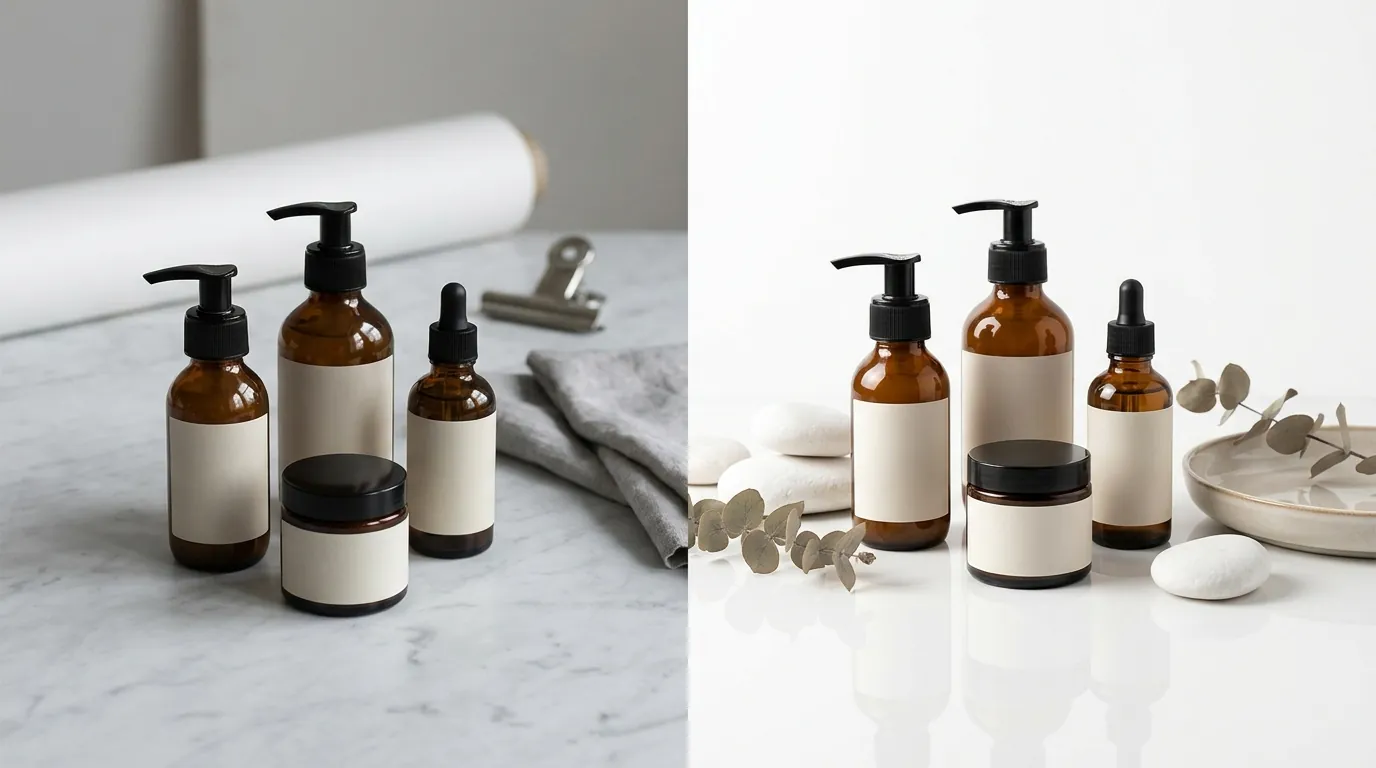
The transition to Nano Banana 2 Lite for product images fundamentally changed the brand’s unit economics. By moving the creative process in-house via PixelMatch, the cost per SKU image set dropped from $450 to approximately $12. This $12 figure accounts for the software subscription and the ultra-low API cost of roughly $0.034 per 1K image generated by the model.
The most significant impact was on agility. Time-to-market for a new SKU decreased from 14 days to just 2 hours. This allowed the brand to capitalize on seasonal trends—such as “Summer Glow” skincare—weeks before their competitors could get their photos back from a studio.
Despite the shift to AI, the brand maintained a 3.2% conversion rate on Shopify. This parity with professional photography proved that the Nano Banana 2 Lite model could produce realistic lighting and shadows that didn’t trigger the “uncanny valley” effect often seen in lower-quality AI.
Furthermore, the low cost of generation made A/B testing financially viable. On Amazon, they used the “Manage Your Experiments” tool to test two different AI-generated lifestyle backgrounds. Previously, testing a new image would have cost an additional $100+ for a reshoot; now, it costs less than 10 cents.
Actionable Step for Your Store: Use your photography savings to run a “Main Image” A/B test on Amazon. Even a 0.5% increase in click-through rate (CTR) can result in thousands of dollars in incremental revenue over the life of a listing.
Steps to Replicate
You can implement this same workflow to cut your creative costs without needing a degree in prompt engineering. Follow these steps to use Nano Banana 2 Lite for product images effectively.
Step 1: Capture Your Base Asset
Take a well-lit, in-focus photo of your product. Ensure there are no harsh shadows cutting across the label, as AI can sometimes interpret these as part of the product’s physical texture. Use a neutral background to make the “background removal” process more accurate.
Step 2: Upload to PixelMatch
Log into your PixelMatch dashboard and upload your base photo. Select the “Nano Banana 2 Lite” generation engine. This engine is specifically designed for speed and is the most cost-effective option for drafting multiple lifestyle scenes.
Step 3: Generate Lifestyle Drafts
Use simple, descriptive prompts. For beauty products, focus on materials and lighting.
- Example Prompt: “Skincare bottle on a polished stone pedestal, soft morning sunlight, blurred spa background.”
- Action: Generate at least 10 variations to find the best shadow alignment.
Step 4: Upscale for Platform Compliance
Since the native output is 1K, you must use the upscaler. To meet the 2048 × 2048 px Shopify standard, select your winning images and click “Upscale 2x.” This ensures that when a customer zooms in on your Shopify store, the texture of your packaging remains crisp.
Step 5: Export and Verify
Export your Amazon hero shot as a JPEG. Ensure the file size is under Amazon’s 10MB limit. For Shopify, use PNG or WebP for the best balance of quality and page load speed.
Actionable Step for Your Store: Create a “Brand Style Guide” for your AI prompts. Document which backgrounds (e.g., “light oak wood,” “white marble,” “sand”) perform best for your brand so that every new SKU launch looks like it belongs to the same collection.
Caveats and Honest Limitations
While Nano Banana 2 Lite for product images is a breakthrough for ecommerce efficiency, it is not a magic wand for every scenario.
First, the native output is 1K (1024px). If you skip the upscaling step, your images will appear blurry on high-resolution monitors, which can hurt your brand’s perceived value. You must use an integrated upscaler like the one in PixelMatch to reach the 2000px+ requirements of major marketplaces.
Second, this model excels at speed but can struggle with extremely complex scenes, such as multiple products with overlapping transparent elements (e.g., three glass perfume bottles stacked together). For these high-complexity shots, you may still need to use a heavier model like Nano Banana Pro or perform manual touch-ups.
Finally, AI-generated text on labels can occasionally “drift” if the base photo isn’t clear. If your product has very small, fine-print ingredients, check the final upscale carefully. You may need to use tools like Photoroom or Canva to overlay a clean, digital version of your label if the AI softens the text too much. Photoroom offers a Pro tier at $12.99/mo that is excellent for these final polish steps.
Actionable Step for Your Store: Before uploading any AI-generated image to Amazon, zoom in to 200% on your packaging’s text. If the text is unreadable or distorted, use a “patch” tool to overlay the original high-res label onto the AI-generated bottle.
Frequently Asked Questions
Is Nano Banana 2 Lite better than Midjourney for product photos?
Nano Banana 2 Lite is better for ecommerce workflows because it is significantly faster and cheaper, specifically optimized for placing real products into new contexts. While Midjourney is excellent for artistic “vibes,” it often struggles to maintain the exact physical dimensions and label details of a specific SKU, which is a requirement for Amazon compliance.
Will Amazon reject AI-generated images?
Amazon does not reject images simply because they are AI-generated, provided they meet the technical specifications for main images (pure white background, no watermarks, 85% frame fill). However, you must ensure the AI does not alter the product’s appearance in a way that misleads the customer, as this violates Amazon’s Product Detail Page Rules.
Do I need a professional camera to use Nano Banana 2 Lite?
No, a modern smartphone (iPhone 13+ or equivalent) is sufficient. The AI uses your photo as a “geometry reference.” As long as the photo is in focus and the lighting is even, the Nano Banana 2 Lite model can generate high-end lighting and environmental effects around the product.
How much does it cost to generate 100 images?
Using the Nano Banana 2 Lite model, the raw API cost is approximately $0.034 per 1K image. For 100 images, your raw generation cost would be roughly $3.40, making it exponentially cheaper than any traditional photography or high-end AI rendering service.
Ready to scale your listings?
PixelMatch generates white-background, lifestyle, and variant mockups from a single source photo — built specifically for multi-platform ecommerce sellers. 50 free images on signup, no credit card.
Start free →
Sources
- Google Blog: Nano Banana 2 Lite Release and Specs
- Amazon Seller Central: Product Image Requirements
- Shopify Help Center: Uploading and Editing Images
- Stripe Pricing: Standard Transaction Fees
- Photoroom: Pricing and Feature List
- Amazon Seller Central: Product Detail Page Rules