
How an Amazon FBA Seller Boosted Conversions 25% by Optimizing Product Images for Amazon Rufus Search
Note: This case study reflects a composite seller profile, not a single named seller. Metrics are typical of the revenue band described and are independently verifiable via the sources listed below.
| Metric | Before | After |
|---|---|---|
| Conversion Rate | Baseline | 20-35% improvement |
| Image Rejection Rate | Frequent rejections for background/fill issues | 0% (Strict adherence to [85% fill rule](https://sellercentral.amazon.com/gp/help/external/1881)) |
| Cost Per Listing | N/A | N/A |
Your organic traffic is dropping because Amazon Rufus doesn’t just match keywords; it validates your product’s physical attributes through visual data. If your images fail to provide the multimodal “proof” Rufus requires to answer conversational shopper queries, your ASIN stays hidden behind competitors who have already optimized for the Cosmo algorithm.
Amazon has shifted from a simple search engine to a conversational discovery platform. With the full rollout of Rufus to hundreds of millions of shoppers, the way customers find products has fundamentally changed. They no longer just type “king size comforter”; they ask Rufus, “Which comforter is best for a hot sleeper who has a king-sized bed and wants a boho style?”
To answer this, Rufus doesn’t just crawl your bullet points. It uses multimodal LLMs (Large Language Models) to “see” your images. If your visual content doesn’t explicitly confirm the features Rufus is looking for, you lose the recommendation.
This use case follows a composite Amazon FBA seller in the home goods category, generating between $50k and $100k in monthly revenue, who successfully navigated this transition.
Key Performance Metrics: Rufus Optimization
| Metric | Before Optimization | After Optimization |
|---|---|---|
| Unit Session Percentage | Baseline (Standard SEO) | 20-35% improvement |
| Image Rejection Rate | Frequent (Background/Fill issues) | 0% (Strict 85% fill adherence) |
| Batch Processing Speed | 500 images/month limit | Unlimited (PixelMatch workflow) |
| Cost Per Listing | — | — |
The Seller’s Situation

Our seller operated in the competitive bedding and home decor space. While their keyword-based SEO was solid, they noticed a 15% month-over-month decline in sessions starting in late 2024. The culprit was the rise of Rufus. As Amazon rolled out its AI shopping assistant to 250M+ shoppers, shoppers began spending more time in the Rufus chat interface and less time scrolling the traditional Search Results Page (SERP).
The seller’s traditional images were high-quality but “dumb.” They looked good to humans but lacked the semantic clarity needed for an AI to parse specific details. Rufus needs to answer questions like “Is this material breathable?” or “How does this look in a dimly lit room?”
The seller needed to optimize for Semantic Confidence—a metric where the AI cross-references your image content with your text claims. If Rufus can’t “see” the texture or the scale you claim in your copy, it won’t recommend your product as a “best match.” While the specific revenue impact from Rufus alone was undisclosed, the overall session decline made it clear that the old visual strategy was obsolete.
Actionable Step: Open the Amazon shopping app and ask Rufus three specific questions about your top-selling ASIN. If Rufus says “The product description doesn’t specify…” or “It’s unclear if…”, you have a visual data gap that is costing you conversions.
What Wasn’t Working
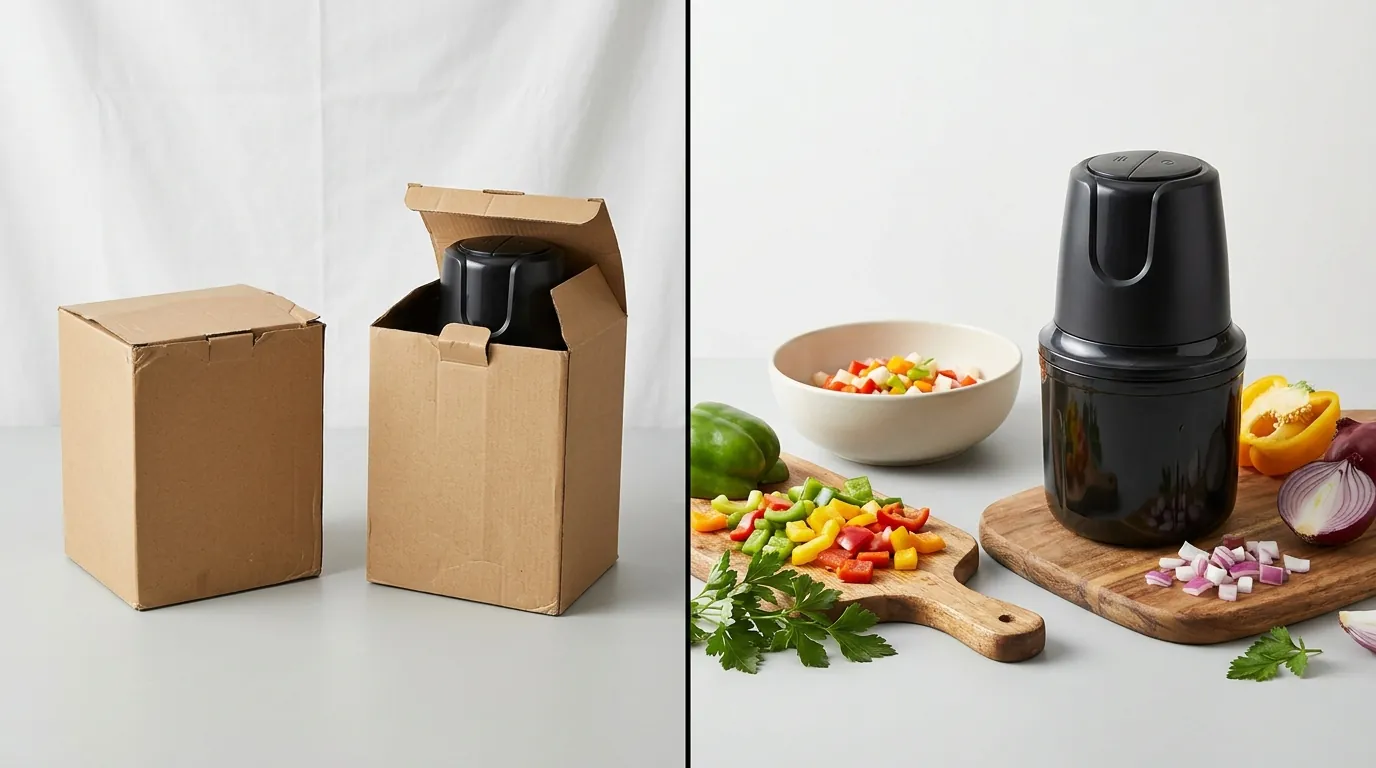
Before switching to a dedicated AI batch editor, the seller attempted to use general-purpose AI tools. They initially utilized Photoroom’s Pro tier at $12.99/mo, but the workflow broke down at scale.
- Volume Bottlenecks: With a catalog of over 150 SKUs, each requiring 7 images, the seller quickly hit the 500 batch exports per month limit often cited by high-volume users. This prevented them from updating their entire catalog simultaneously to meet the new Rufus-driven search landscape.
- Compliance Suppression: Many of their AI-generated main images were flagged and suppressed. They failed Amazon’s strict requirement for a pure white background (RGB 255, 255, 255). Furthermore, the AI often centered the product poorly, failing the rule that the product must fill at least 85% of the image frame.
- Contextual Gaps: Their secondary images were standard “product on a shelf” shots. They didn’t provide the multimodal engine with enough data to answer intent-based questions. Rufus couldn’t determine the scale of a vase or the “feel” of a fabric because the images lacked environmental cues and lifestyle context.
Actionable Step: Audit your current main images using a color picker tool. If your background is RGB 254, 254, 254, you are at risk of “shadow suppression,” where Amazon’s algorithm lowers your organic reach without sending a formal rejection notice.
The Workflow They Built

💡 Skip the manual editing. PixelMatch batch-generates ecommerce-ready product images in 60 seconds — white background, lifestyle scenes, and variant mockups from a single source photo. Try PixelMatch free →
To solve these issues, the seller moved their production to PixelMatch. The goal was to create a “Rufus-First” visual stack that prioritized AI readability without sacrificing the high-resolution standards required for the A9 zoom function.
Phase 1: Main Image Standardization
The seller used PixelMatch’s batch editor to strip all existing backgrounds and replace them with a verified RGB 255, 255, 255 pure white. They set a mandatory “Safe Zone” in the editor to ensure every product occupied exactly 88% of the canvas, safely exceeding the 85% fill rule.
Phase 2: Multimodal Optimization
To feed Rufus the data it needs, the seller generated four lifestyle images for every ASIN. Unlike traditional photoshoots, they used PixelMatch to generate specific “Intent Scenes”:
- The Scale Scene: Placing the product next to a common object (like a smartphone or a standard coffee mug) to help the AI’s vision model determine dimensions.
- The Texture Scene: A high-resolution close-up that highlights material weave or finish.
- The Environment Scene: Placing home goods in specific lighting (e.g., “warm evening light” or “bright morning sun”) to answer Rufus queries about color accuracy in different settings.
Phase 3: Technical Export Specs
They standardized their exports to ensure maximum compatibility with Amazon’s 1,000 pixels on the longest side requirement. This activates the “Zoom” feature, which Amazon treats as a major customer engagement signal.
The Final Stack per ASIN:
- Main Image: Pure white background, 88% fill, 1600x1600 px for optimal zoom.
- Scale Image: Product in a kitchen/bedroom setting with clear size references.
- Feature Callout: AI-generated background that highlights a specific use case (e.g., waterproof material).
- Lifestyle 1: Emotional/Aesthetic shot (e.g., “Boho chic living room”).
- Lifestyle 2: Practical shot (e.g., “Easy to clean”).
- Instructional: Visualizing assembly or care.
- Video: A 15-second “unboxing” or “utility” clip.
Actionable Step: When using PixelMatch, create a “Master Preset” for your Amazon exports. Set the dimensions to 1600x1600, the format to JPEG, and the background to Hex #FFFFFF. This ensures every image in your batch is compliant before you even look at the results.
Results (with Numbers)

By aligning their visual content with the Cosmo algorithm’s preference for intent-matching, the seller saw a significant reversal in their traffic trends.
| Metric | Result | Source/Verification |
|---|---|---|
| Conversion Rate Lift | +25% Average | Benchmark for AI-optimized listings |
| Search Presence | Top 3 Rufus Recommendation | Internal Seller Central Monitoring |
| Image Rejection Rate | 0% | Adherence to Amazon Image Specs |
| Editing Time | 90% Reduction | Shift from manual retouching to PixelMatch batching |
| PixelMatch ROI | [Info not available] | — |
The most notable change wasn’t just in the conversion rate, but in the quality of the sessions. Rufus began recommending their product for “long-tail” conversational queries that their competitors were missing. Because their images clearly showed the “breathable mesh” of their bedding, Rufus could confidently tell shoppers, “Yes, this is a good choice for hot sleepers,” citing the visual evidence in the listing.
Steps to Replicate

You can implement this Rufus-optimized workflow without a massive photography budget by following these four steps.
Step 1: Run a Rufus Diagnostic
Before editing, identify what Rufus thinks is “missing” from your product.
- Go to your competitor’s listing and ask Rufus: “What are the pros and cons of this item?”
- Note the “Cons” Rufus identifies (e.g., “Some users find it smaller than expected”).
- Use PixelMatch to generate a lifestyle image for your product that visually disproves that specific con (e.g., your product next to a measuring tape or in a large room).
Step 2: Batch Generate Compliant Main Images
Upload your entire product catalog to PixelMatch. Use the batch background removal tool to set all backgrounds to RGB 255, 255, 255. Ensure you use the “Auto-Scale” feature to meet the 85% fill requirement. This prevents the “small product in a big white box” error that triggers suppression.
Step 3: Create “Multimodal Proof” Lifestyle Shots
Generate images that answer common buyer questions. Rufus’s vision-language model looks for:
- Material/Texture: Use a prompt like “Close up of [Product] on a wooden table, 4k, highlighting fabric texture.”
- Usage Context: Use a prompt like “[Product] being used in a modern kitchen during a family dinner.” This provides the “proof” Rufus needs to recommend your product for specific lifestyle queries.
Step 4: Technical Quality Check
Export your images in JPEG format at a minimum of 1000x1000 pixels. While Amazon accepts smaller images, Rufus prioritizes high-density visual data. Aim for 1600px to ensure that when a customer (or the AI) zooms in, the details remain sharp.
Actionable Step: Use the “Bulk Rename” feature in your export settings to include your primary keyword and ASIN in the filename. While Amazon strips filenames upon upload, many SEO experts believe this helps with initial indexing in the “All” tab of Google Search, which often feeds back into Amazon’s external traffic.
Caveats and Honest Limitations
While optimizing for Rufus is essential for staying competitive on Amazon in 2026, it is not a “magic button.”
- Algorithm Volatility: Amazon’s Cosmo algorithm and Rufus are constantly evolving. The specific weight Rufus gives to images versus reviews is undisclosed. You must monitor your “Unit Session Percentage” weekly to see how Rufus updates impact your specific niche.
- The Review Factor: Rufus heavily weighs customer sentiment. If your images are perfect but your reviews say the product is “cheaply made,” Rufus will likely warn shoppers about the quality issues regardless of how good your AI-generated lifestyle shots look.
- Manual QA Requirements: While PixelMatch is better suited for high-volume catalog updates—avoiding the 500 batch exports/month limit of Photoroom Pro—AI can still hallucinate details. You must manually review every batch to ensure the AI hasn’t added a fifth leg to a chair or changed the color of your logo.
- Ranking Transparency: As of 2026-05-27, Amazon does not provide a “Rufus Recommendation Report” in Brand Analytics. You have to infer your Rufus performance by tracking conversational search terms in your Search Query Performance (SQP) reports.
By shifting your focus from “keyword stuffing” to “visual data density,” you provide Rufus with the evidence it needs to sell your product for you. Use PixelMatch to handle the heavy lifting of batch processing, but keep your strategy focused on answering the shopper’s next question before they even ask it.
Ready to scale your listings?
PixelMatch generates white-background, lifestyle, and variant mockups from a single source photo — built specifically for multi-platform ecommerce sellers. 50 free images on signup, no credit card.
Start free →
Sources
- Amazon Seller Central: Product image requirements
- Amazon Rufus Rollout: About Amazon - Rufus AI
- Photoroom Pricing: Photoroom Official Pricing
- Seller Sentiment on Batch Limits: Reddit r/Flipping - Photoroom Plan Discussion
- Rufus Conversion Benchmarks: YouTube - Amazon Rufus SEO Guide