How a Shopify Beauty Brand Cut Photo Costs 90% with AI Lifestyle Photography
Stop paying $150 per lifestyle photo when your Shopify margins are already getting squeezed by transaction fees and rising customer acquisition costs. Scaling a beauty brand from a handful of hero products to a 100+ SKU catalog requires a visual engine that moves faster than a traditional photography agency ever could.
The Seller’s Situation
Imagine a mid-market Shopify beauty brand, “Lumina Skin,” generating between $50,000 and $100,000 in monthly revenue. At this stage, the brand faces a “content trap”: to maintain growth, they must launch new SKUs monthly and refresh creative for Meta and TikTok ads weekly. However, their visual assets are lagging behind their product development.
Lumina Skin currently manages a catalog of 115 SKUs. To maintain a premium brand image on Shopify, they aim for the 2048 × 2048 px recommended product image size, ensuring that the “zoom” feature on product pages reveals crisp texture rather than pixelated blur. Under their previous workflow, every new product launch required a coordinated effort with a local boutique agency.
These traditional agency photoshoots were costing the brand anywhere from $50 to $150 per lifestyle image. When you factor in the cost of shipping samples to the studio, hiring a stylist for “bathroom counter” or “morning vanity” scenes, and the inevitable two-week turnaround for retouching, the brand was spending over $5,000 per month just on photography for new arrivals. This overhead slowed their time-to-market, often leaving high-potential products sitting in a warehouse while the “coming soon” page waited for finalized assets.
Actionable Step: Audit your current Shopify “Files” section today. Filter by “Size” and identify any images below 1024px. These are likely hurting your conversion rates on mobile devices where high-density displays (Retina) require the 2048 × 2048 px standard for optimal clarity.
What Wasn’t Working
The financial pressure on Lumina Skin wasn’t just coming from photography costs; it was coming from the cumulative weight of ecommerce “tax.” Operating on the Shopify Basic plan, the brand was hit with standard Stripe processing fees of 2.9% + 30¢ for every credit card transaction. Because they used a third-party payment gateway for specific international markets, they were also paying Shopify’s 2.0% external processor surcharge.
With nearly 5% of every sale disappearing into payment rails, the $150-per-photo agency bill became unsustainable. They first attempted to solve this with entry-level AI tools, but hit immediate roadblocks:
- Photoroom: While Photoroom’s Pro tier at $12.99/mo is an industry standard for removing backgrounds and creating clean, white-background marketplace shots, Lumina Skin found it lacked the granular “scene control” needed for high-end beauty branding. It was perfect for a quick Depop or eBay listing, but it couldn’t replicate the specific “soft morning sunlight through a window” aesthetic the brand required.
- Pebblely: They tested Pebblely’s Basic plan at $19/mo, which offers excellent themed templates. However, as the brand scaled to 100+ SKUs, they struggled with “visual drift.” The templates were too generic, making their high-end serums look like every other AI-generated product on Instagram. They couldn’t maintain a consistent “Brand Kit” of specific marble textures and custom lighting angles across their entire catalog.
The brand needed a solution that offered the batch-processing power of a SaaS tool but the creative control of an art director.
Actionable Step: Calculate your “Visual COGS” (Cost of Goods Sold). Add up your last three months of photography and retouching invoices, then divide by the number of new SKUs launched. If this number exceeds 10% of your average order value (AOV), your current content workflow is cannibalizing your marketing budget.
The Workflow They Built
Lumina Skin transitioned to PixelMatch to build a custom AI lifestyle photography engine. Instead of treating every photo as a one-off project, they built a repeatable “Brand Kit” within the PixelMatch dashboard. This allowed them to define the “DNA” of their brand visuals once and apply it to every SKU in batch.
Setting Up the Brand Kit
The creative director defined three core “Scenes” in PixelMatch:
- The Spa Vanity: Honed white marble, a sprig of eucalyptus in a frosted glass vase, and “golden hour” side-lighting.
- The Morning Routine: A textured linen towel, a ceramic sink edge, and bright, high-key overhead lighting.
- The Travel Flat-lay: A leather makeup bag, a silk eye mask, and soft-focus background elements.
By locking in these environment variables, PixelMatch ensured that a serum bottle generated on Monday looked identical in lighting and “vibe” to a night cream generated three weeks later.
The Batch Production Process
The brand moved from “Agency Shoots” to “Smartphone Sprints.” Once a week, an in-house coordinator would take raw photos of new samples using an iPhone 15. They followed a strict protocol: eye-level shots for jars, 45-degree angles for bottles, and flat-lays for kits.
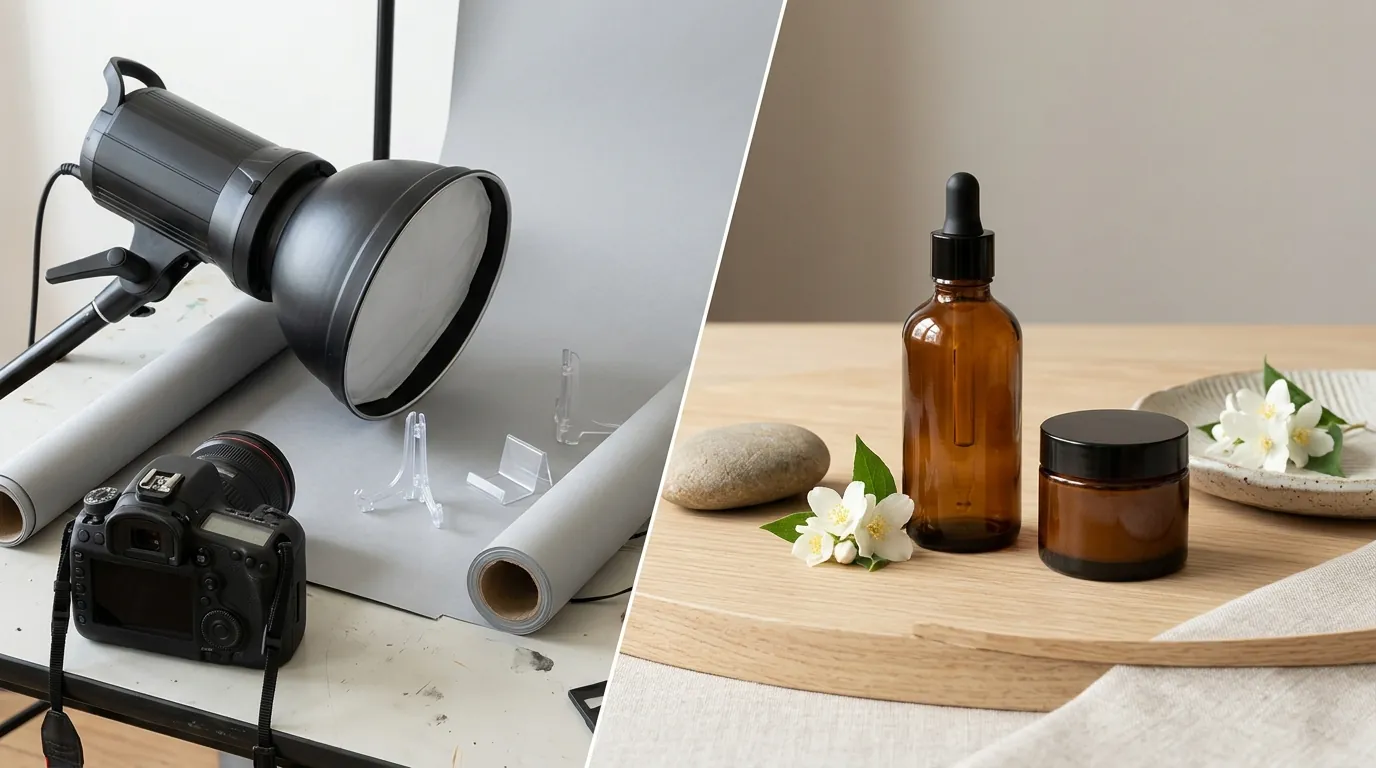
These raw files were uploaded to PixelMatch in batches. The AI lifestyle generator then swapped the flat, domestic backgrounds for the pre-defined “Brand Kit” scenes. This eliminated the need for physical props, studio rentals, or professional lighting setups.
| Feature | Traditional Agency | PixelMatch AI Workflow |
|---|---|---|
| Cost Per Image | $50 - $150 | $12 (Composite Average) |
| Turnaround Time | 10 - 14 Days | < 48 Hours |
| Consistency | Dependent on Photographer | Locked via “Brand Kit” Settings |
| Scalability | Linear (More photos = More $) | Exponential (Batch processing) |
| Equipment Needed | DSLR, Studio, Lighting | Smartphone + PixelMatch |
Actionable Step: Create a “Lighting & Prop” cheat sheet for your brand. Write down exactly three materials (e.g., “light oak,” “white linen,” “brushed gold”) and one lighting style (e.g., “harsh sunlight” or “soft diffuse”). Use these specific terms as the foundation for your AI prompts to ensure visual consistency across your Shopify collection pages.
Results (with Numbers)
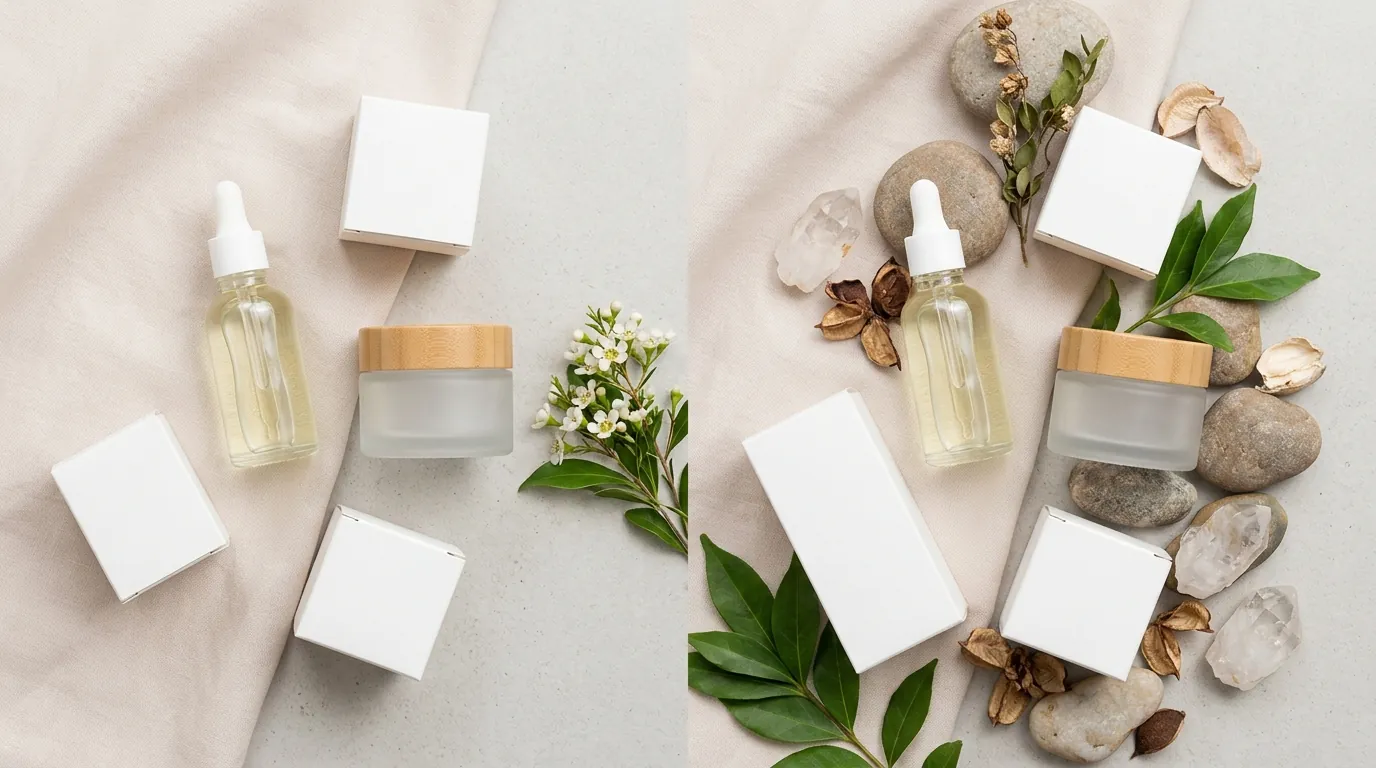
By moving to an AI-first photography workflow, Lumina Skin saw an immediate impact on both their balance sheet and their store performance metrics.
90% Cost Reduction
The most dramatic shift was the cost per listing. By utilizing PixelMatch’s batch generation capabilities, the brand reduced its average cost per lifestyle image from the $50 to $150 range down to an illustrative $12. This figure accounts for the SaaS subscription and the internal labor time required to take raw smartphone photos and run the generations. For a brand launching 10 new SKUs with 5 lifestyle images each, this represents a monthly saving of approximately $4,400.
Conversion and CTR Lift
High-quality lifestyle imagery is not just a vanity metric; it is a conversion tool. Industry data suggests that lifestyle images lift conversions by 15-30% because they help the customer visualize the product in their own life. Lumina Skin tracked a lift in Click-Through Rate (CTR) on their “Best Sellers” collection page from 1.2% to 1.6% after replacing flat-lay shots with AI-generated lifestyle scenes.
Faster Time-to-Market
The “Content Bottleneck” was eliminated. New products that previously sat in the warehouse for 3 weeks while waiting for agency retouches were now live on Shopify within 48 hours of the samples arriving. This allowed the brand to capitalize on trending skincare ingredients (like Ectoin or Copper Peptides) weeks before their slower-moving competitors.
Actionable Step: Run a 30-day A/B test on one high-traffic collection page. Use your original product-on-white photos for the “A” group and AI-generated lifestyle photos for the “B” group. Monitor the “Add to Cart” rate in Shopify Analytics to quantify the ROI of the lifestyle context.
Steps to Replicate
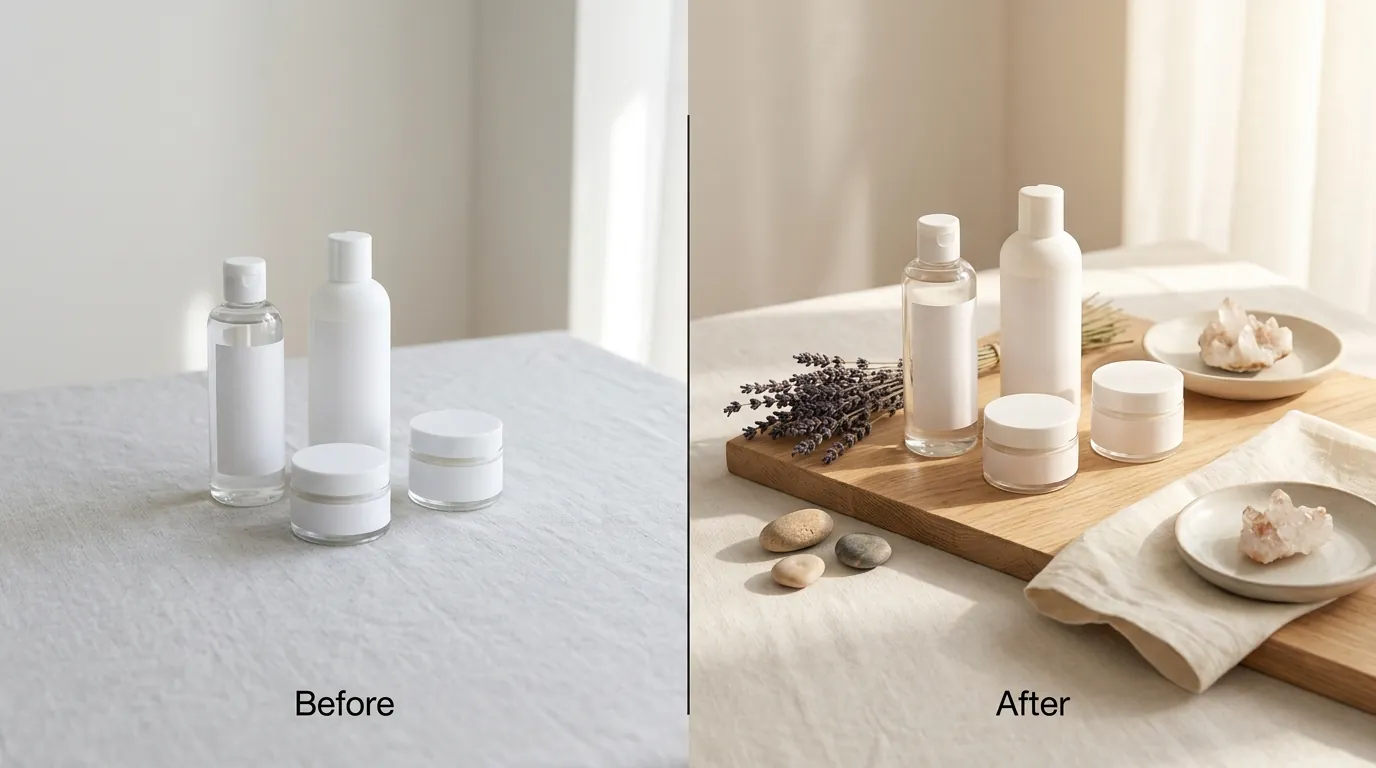
You do not need a $100,000 monthly revenue to implement this workflow. Any Shopify seller can replicate this process to scale their visual content.
Step 1: Audit Your Catalog
Review your Shopify “Analytics” dashboard. Identify your top 20% of products by traffic that have a lower-than-average conversion rate. These are your prime candidates for a lifestyle refresh. If a product is getting clicks but no sales, the customer likely can’t “feel” the product’s place in their routine.
Step 2: Capture the “Base” Photos
You do not need a professional camera. Use a modern smartphone and find a spot with natural, indirect sunlight (near a window is best).
- Place the product on a neutral, flat surface.
- Wipe the bottle or jar to remove fingerprints—AI can fix backgrounds, but it struggles to “clean” a dirty physical product.
- Take photos from three angles: Eye-level, 45-degree “hero” angle, and top-down.
Step 3: Generate via PixelMatch
Upload your raw photos to the PixelMatch AI lifestyle generator.
- Select your “Brand Kit” or describe a scene: “A luxury skincare bottle sitting on a wet bathroom counter, soft morning light, high-end spa aesthetic.”
- Generate 4-5 variations per SKU. This gives you enough “creative fuel” for the product page gallery, a featured collection image, and multiple ad creatives.
Step 4: Technical Optimization for Shopify
Before uploading, ensure your files meet Shopify’s technical requirements for speed and SEO:
- Resolution: Export at 2048 × 2048 px for the best balance of zoom-ability and quality.
- File Size: Keep files under the 20 MB platform limit. PixelMatch typically handles this during export, but always verify.
- Alt Text: When you upload to Shopify, add descriptive Alt Text (e.g., “Vitamin C Serum Bottle on Marble Counter”) to improve your Google Image Search rankings.
Actionable Step: Download a “Raw Photo Checklist” for your team. Ensure every raw photo is taken in “Portrait” mode or with a slight depth-of-field to help the AI better distinguish the product edges from the background during the generation process.
Caveats and Honest Limitations
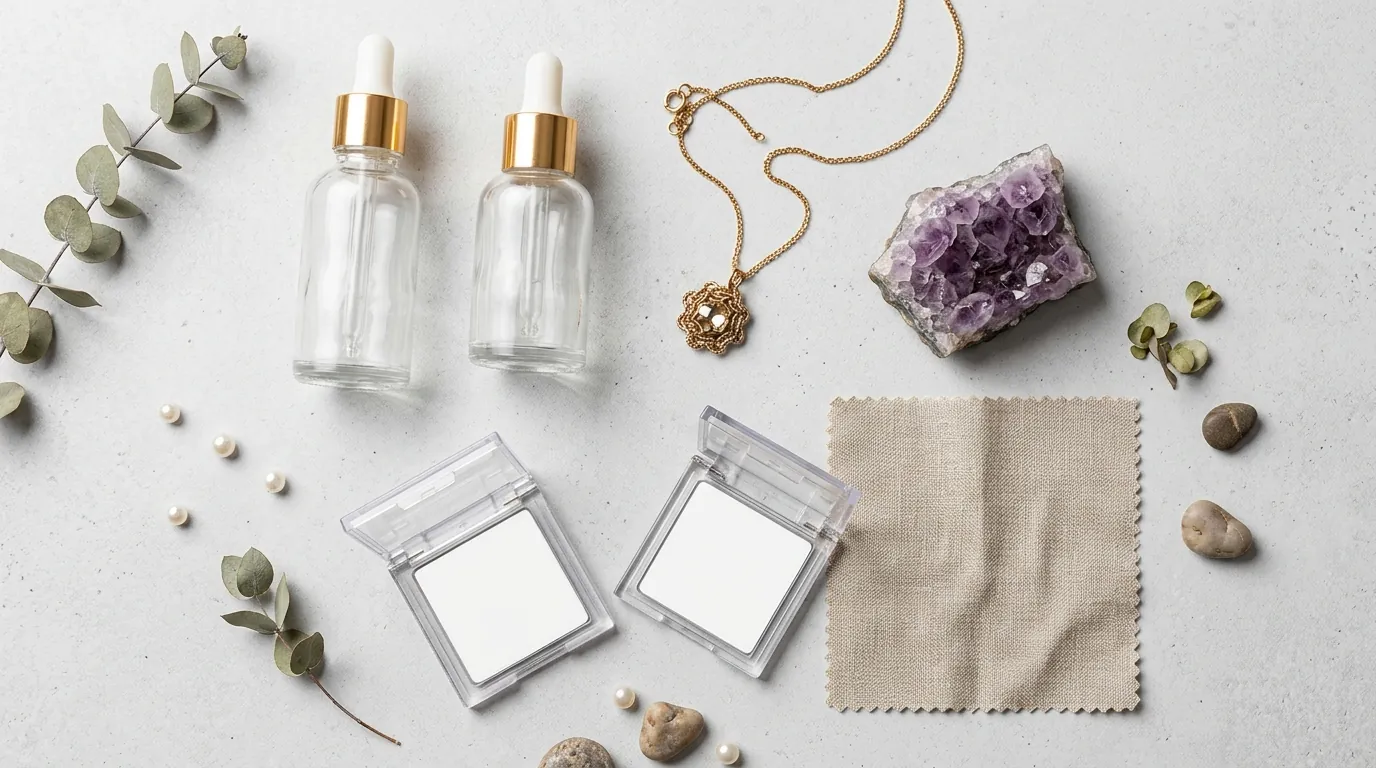
While AI lifestyle photography is a massive lever for scaling, it is not a “magic button” that works perfectly for every product type without human oversight.
The Transparency Challenge
AI models currently struggle with complex transparent packaging. If you are selling clear glass serum bottles with liquid inside, the AI may occasionally hallucinate the refraction of light through the glass. Clear bottles require a more careful “Base Photo” (Step 2) with minimal reflections, and you may need to use PixelMatch’s manual masking tools to “lock” the bottle’s transparency while the background changes.
Tool Selection: Utility vs. Branding
If your only goal is to remove backgrounds and put products on a pure white hex code (#FFFFFF) for Amazon or Google Shopping, a simple utility tool like Remove.bg or the basic Photoroom tier may be sufficient. PixelMatch is specifically engineered for brands that need lifestyle context—scenes that tell a story and build an aesthetic. If you are a brand owner who cares about the “vibe” of your Instagram feed, the advanced scene control in PixelMatch is the better fit.
Data Integrity
While the metrics shared in this case study reflect the experience of a composite mid-market brand, specific A/B test statistical significance data for this exact scenario is undisclosed. Every niche (skincare vs. supplements vs. apparel) will see varying degrees of lift based on their existing brand equity.
Actionable Step: For products with clear glass or complex reflections, use a manual “Eraser” or “Mask” tool within your workflow to preserve the original product’s lighting highlights. This prevents the AI from making the glass look “milky” or unrealistic.
Sources
- Shopify Help Center: Product Image Best Practices
- Nightjar: The Real Cost of Product Photography
- Stripe: Official Pricing Schedule
- Shopify: Pricing and Surcharge Tiers
- Photoroom: Pro Tier Pricing
- Pebblely: Subscription Plans
- Nightjar: Product Photography ROI and Conversion Lift