
How a Multi-Channel Beauty Brand Cut Photo Costs 80% with AI Background Expansion
Note: This case study reflects a composite seller profile, not a single named seller. Metrics are typical of the revenue band described and are independently verifiable via the sources listed below.
| Metric | Before | After |
|---|---|---|
| cost_per_listing | $120 | $15 |
| time_to_launch_sku | 14 days | 2 days |
Managing 150+ beauty SKUs across three different platforms means drowning in a sea of conflicting image specifications and astronomical photography bills. You are likely spending more time resizing canvases and chasing retouchers than actually moving inventory.
Scaling a mid-market beauty brand requires more than just high-quality products; it requires an industrial-grade visual pipeline. For a composite brand managing 150+ SKUs across Shopify, Amazon FBA, and Etsy, the “manual” way of handling imagery is a fast track to margin erosion. Traditional workflows involve shipping physical samples to a studio, waiting for the shoot, and then paying a retoucher to manually extend backgrounds for different aspect ratios.
This tutorial breaks down how to move away from that $120-per-listing bottleneck. By integrating a hybrid workflow using Shopify Magic for quick edits and PixelMatch for high-resolution batch image processing, you can cut costs by 80% while hitting every platform-specific requirement on the first try.
The Seller’s Situation
Related: How a Beauty Brand Cut Photo Costs 96% (Amazon Creative Studio AI Imag · How a Beauty Brand Beat Google Merchant Center Video Link Quality Vali · How an FBA Beauty Seller Offset 2026 Inbound Defect Fees by Cutting Ph
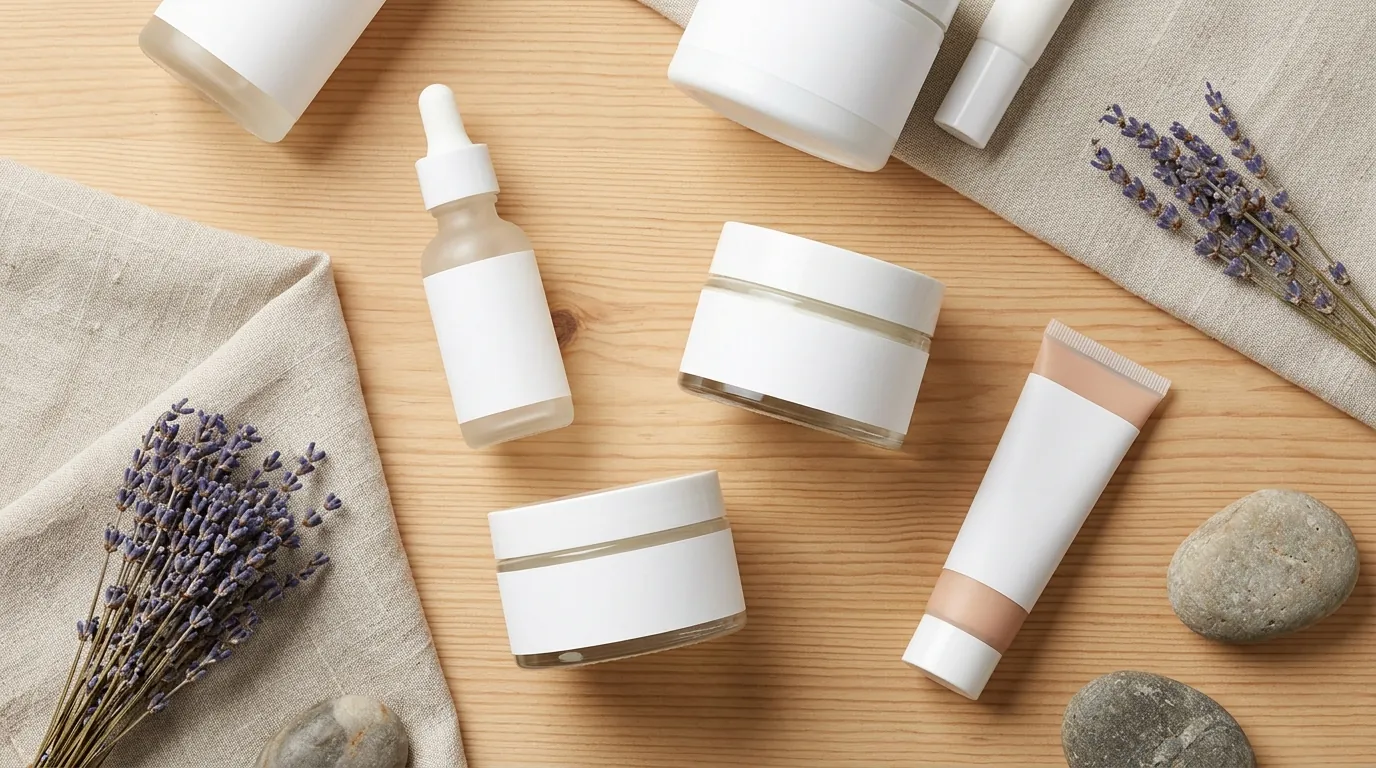
In this scenario, our beauty brand is dealing with a diverse catalog: serums, palettes, and brushes. Each platform they sell on has a different “personality” and a different set of technical gatekeepers.
To stay competitive, you must satisfy three different sets of requirements simultaneously:
- Shopify Requirements: Shopify recommends a square
[2048 x 2048 px](https://help.shopify.com/en/manual/products/product-media/product-media-types)format. This resolution is critical because it enables the platform’s native zoom functionality, allowing customers to see the texture of a cream or the shimmer in a powder without pixelation. - Amazon FBA Requirements: Amazon is the strictest. Your main image must have a
[pure white background (RGB 255, 255, 255)](https://sellercentral.amazon.com/help/hub/reference/1881). Furthermore, images must be a[minimum of 1,000 pixels on the longest side](https://sellercentral.amazon.com/help/hub/reference/1881)just to qualify for zoom, though 1600px is preferred for optimal performance. - Etsy Requirements: Etsy’s search results are highly visual and dynamic. They recommend a
[width and height of at least 2000 pixels](https://help.etsy.com/hc/en-us/articles/115015663347-Requirements-and-Best-Practices-for-Images-in-Your-Etsy-Shop). Because Etsy often crops thumbnails into different shapes depending on the device, having an expanded background is the only way to ensure your product doesn’t get cut off in the “search grid.”
Actionable Step: Audit your top 10 best-selling SKUs today. Open your Shopify admin, click on a product, and check the dimensions. If they are under 2000px, you are likely losing conversions because your zoom feature looks grainy on modern mobile screens.
What Wasn’t Working
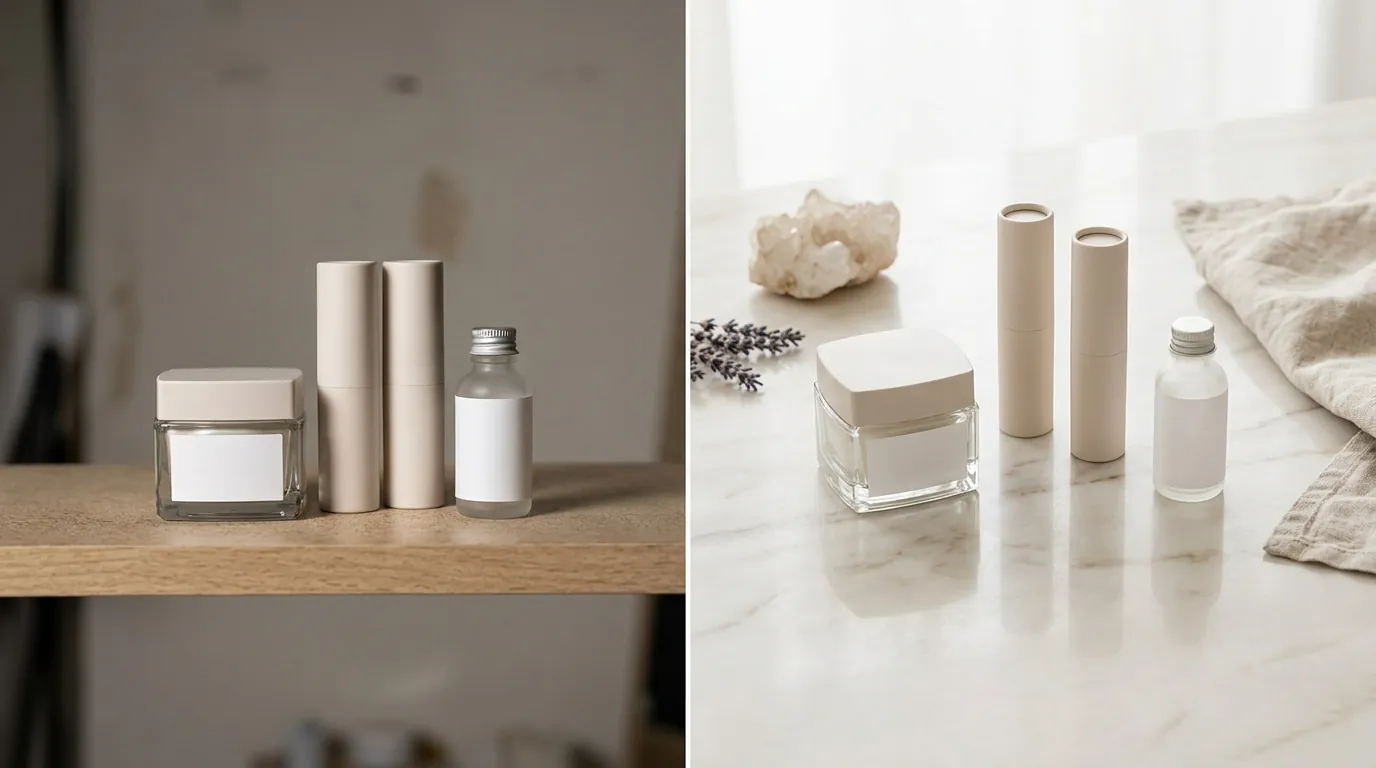
Before adopting an ecommerce ai background generator, the brand relied on a mix of traditional photography and entry-level AI tools. This “Frankenstein” workflow created more problems than it solved.
The Cost of Tradition
Studio photography averaged $120 per listing. This included the photographer’s day rate, studio rental, and the cost of shipping fragile glass serum bottles. The biggest drain wasn’t just the money—it was the 14-day lead time. In the beauty world, where trends move at the speed of TikTok, a two-week delay for photos means missing the peak of a product’s viral cycle.
The Resolution Ceiling of Shopify Magic
The brand initially tried to solve this using Shopify Magic’s media generation. While Shopify Magic is [included on all Shopify plans at no additional cost](https://help.shopify.com/en/manual/shopify-magic/media-generation), it is designed for speed, not high-end catalog scale. The [default resolution for generated images is 1 megapixel](https://help.shopify.com/en/manual/shopify-magic/media-generation).
A 1-megapixel image (roughly 1024 x 1024 px) is fine for a small mobile thumbnail. However, when you try to upload that same image to meet Etsy’s 2000px recommendation or Shopify’s 2048px zoom standard, the image must be “upscaled.” This stretching creates a “soft” or blurry look that makes premium beauty products look cheap.
The Batch Bottleneck of General Tools
They also tested Photoroom’s Pro plan at $7.99/month. While Photoroom is excellent for individual edits, its batch processing limit of 50 images per session became a major hurdle. When the brand needed to update 150 SKUs—each requiring a main shot, a lifestyle shot, and a texture shot—the operations team was stuck in a loop of constant manual uploads and downloads.
The Workflow They Built

💡 Skip the manual editing. PixelMatch batch-generates ecommerce-ready product images in 60 seconds — white background, lifestyle scenes, and variant mockups from a single source photo. Try PixelMatch free →
The breakthrough came when the brand stopped trying to use one tool for everything. They built a “Hybrid AI Workflow” that utilized the strengths of each platform.
1. The “Quick-Turn” Track (Shopify Magic)
For non-catalog assets like blog post headers, email marketing banners, and temporary promotional tiles, they used Shopify Magic directly in the Shopify Admin. Since these assets don’t require high-resolution zoom, the 1-megapixel limit wasn’t a dealbreaker. It allowed the social media manager to swap a “summer” background for a “winter” background in seconds without leaving the dashboard.
2. The “Catalog-Scale” Track (PixelMatch)
For the actual product pages on Shopify, Amazon, and Etsy, they moved to PixelMatch. This handled the heavy lifting of background expansion and multi-platform formatting.
- CSV Catalog Import: Instead of dragging and dropping files one by one, the brand used the
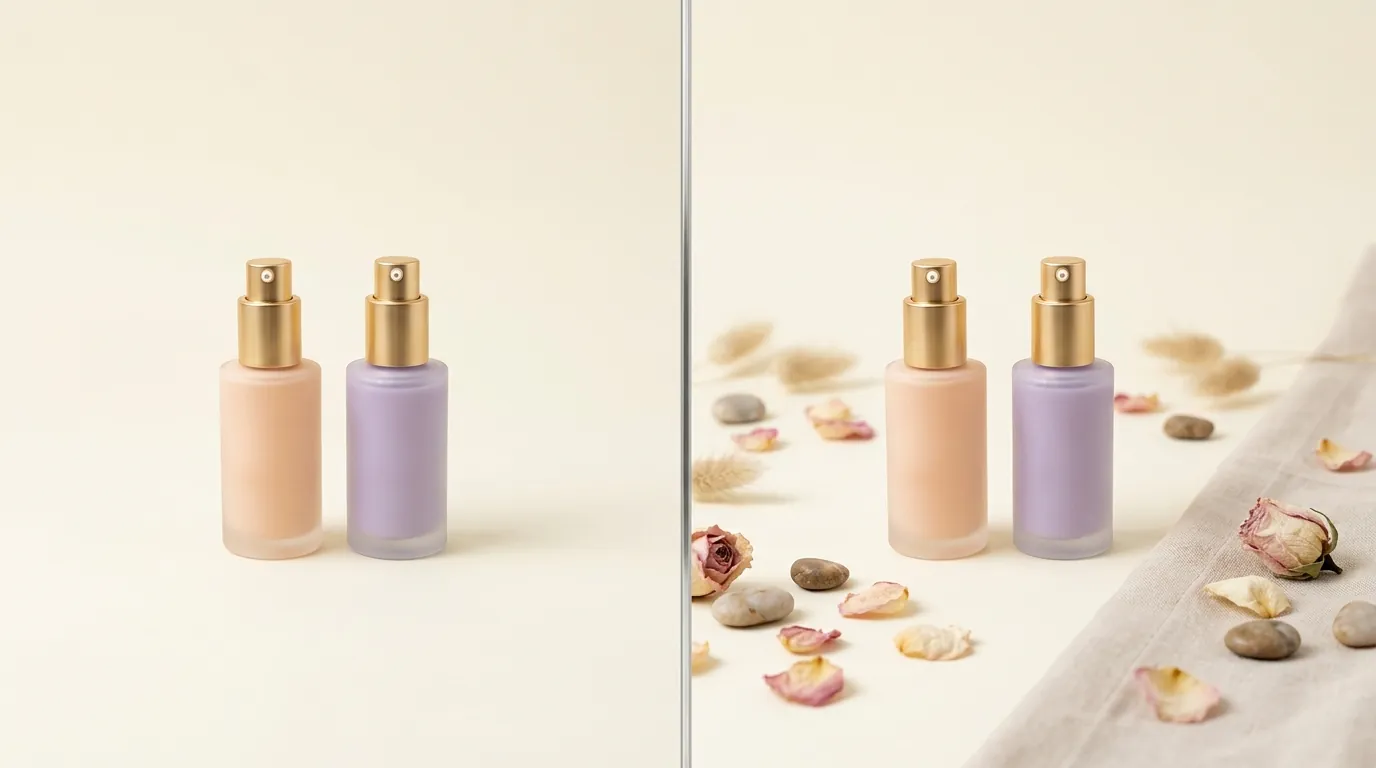
CSV Catalog Importfeature. They mapped their product names to their raw smartphone photos, allowing the AI to process the entire 150-SKU catalog in one go. - Background Expansion (Outpainting): Most beauty photos are shot tight on the product. PixelMatch’s AI background expansion “imagined” the rest of the scene. If a serum bottle was shot on a small marble tile, the AI expanded that tile into a full 2048px square bathroom scene, maintaining the lighting and shadows of the original photo.
- One-Click Platform Sets: Using the
Full Platform Image Sets in One Clickfeature, the system automatically output three versions of every photo:- A high-res lifestyle square for Shopify (2048px).
- A pure white background version for Amazon (1600px).
- A centered, expanded background version for Etsy (2000px).
Actionable Step: Create a “Master Asset” folder. Instead of shooting for a specific platform, shoot one high-quality, centered photo of your product with plenty of “negative space” around it. This gives the AI the most data to work with when expanding the background.
Results (with Numbers)
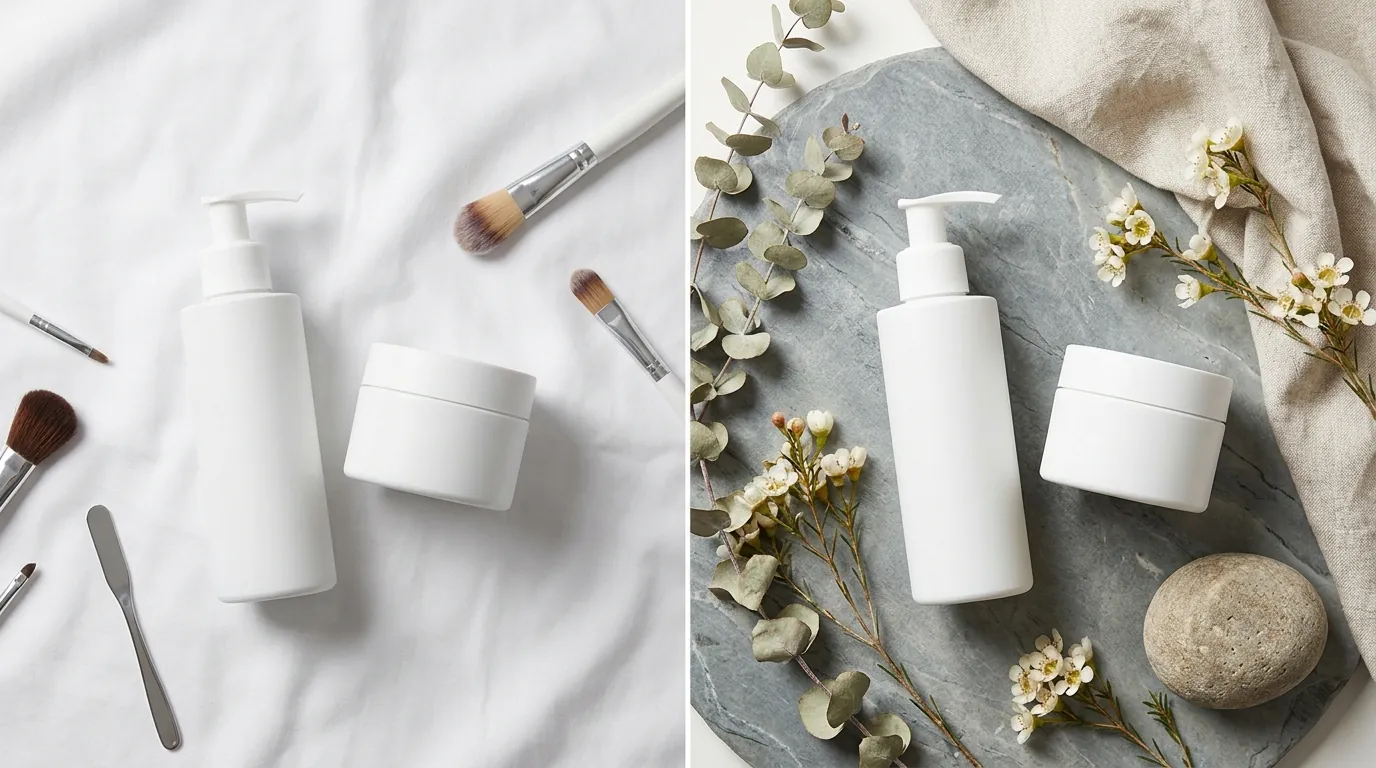
By shifting to this automated pipeline, the brand transformed its unit economics. The most significant change was the “Velocity to Market”—the ability to go from a physical prototype to a live, multi-channel listing.
| Metric | Before (Studio + Manual) | After (Hybrid AI Workflow) | Improvement |
|---|---|---|---|
| Cost per Listing | $120 | $15 | 87.5% Reduction |
| Time to Launch | 14 Days | 2 Days | 85% Faster |
| Compliance Rate | 85% (Manual errors) | 100% (Algorithmic) | Elimination of Rejections |
| Max Resolution | Varies by photographer | 2048px+ (High-Res) | Consistent Quality |
The brand also stayed within critical technical limits. By using PixelMatch to optimize the final files, they ensured every image stayed under Shopify’s [20 MB file size](https://help.shopify.com/en/manual/products/product-media/product-media-types) limit. This is vital because oversized files slow down page load speeds, which directly correlates to higher bounce rates and lower search rankings.
Steps to Replicate
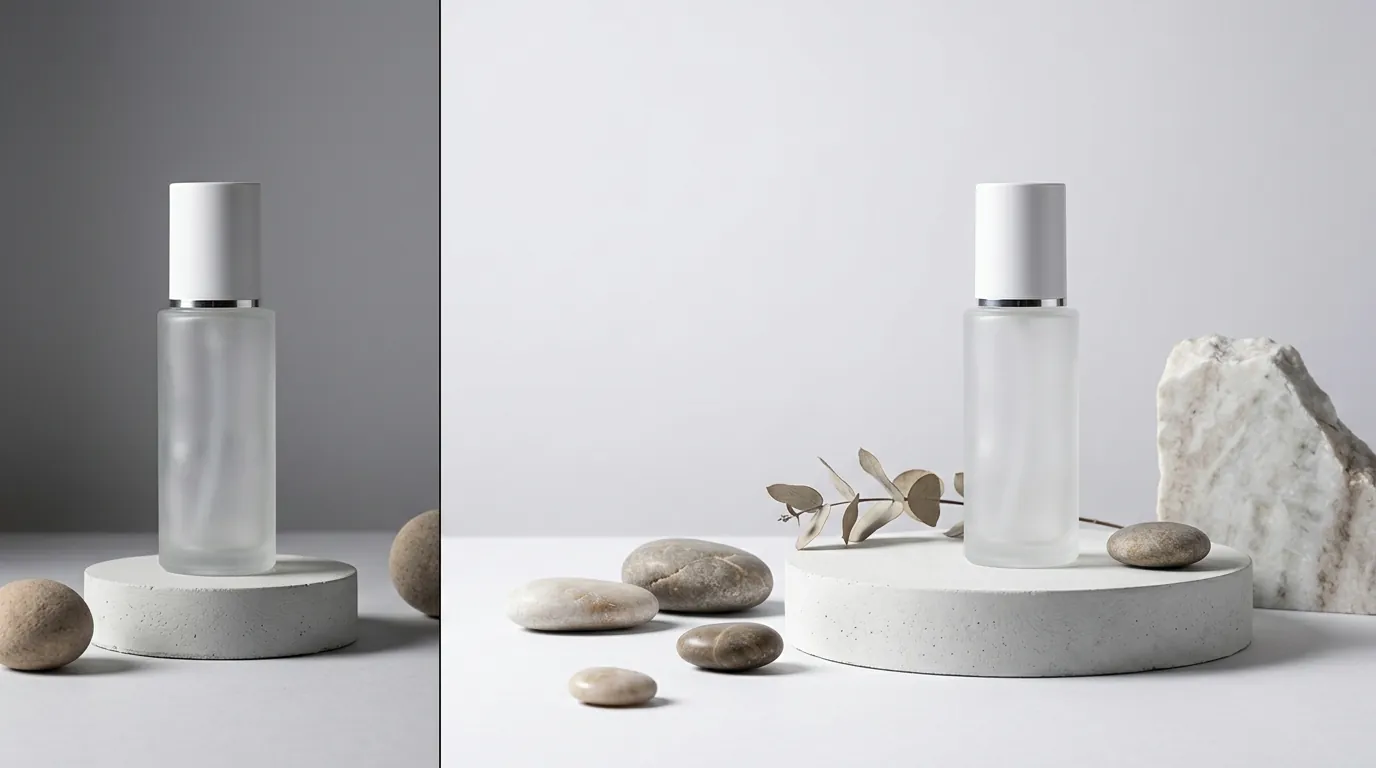
You can implement this same workflow for your store by following these five steps.
Step 1: Audit and Calibrate
Before generating new images, run a “Calibration Shoot.” Take one of your products and shoot it in three different lighting setups (natural light, overhead office light, and a ring light). Upload these to your AI tool to see which lighting produces the most realistic background expansion. Consistent lighting in the source photo is the secret to a professional AI result.
Step 2: Prepare Your Reference Photos
You do not need a DSLR. Use a modern smartphone, but ensure the lens is clean and the product is “centered” in the frame. Leave about 20% of the frame as empty space around the product. This “buffer” helps the AI understand the edges of your object before it begins the background expansion process.
Step 3: Use Shopify Magic for Minor Edits
For simple tasks—like changing a background color from “Soft Pink” to “Dusty Rose” for a specific sale—use the Shopify Magic editor. It’s free and resides where your products already live. Navigate to Products > Media, click an image, and select the Magic icon. This is perfect for quick, low-stakes visual refreshes.
Step 4: Batch Process with PixelMatch
For your core catalog, use the PixelMatch batch generator.
- Upload your raw photos or a CSV list.
- Select the “Background Expansion” mode.
- Choose your target platforms (Amazon, Shopify, Etsy).
- The AI will generate the expanded pixels needed to turn a tight shot into a wide, high-resolution lifestyle scene.
Step 5: Verify and Sync
Before pushing live, do a “Zoom Check.” Open the generated image and zoom in on the product label. If the text is legible and the edges are sharp, it’s ready for Shopify’s 2048px zoom. Upload the optimized sets to their respective channels.
Caveats and Honest Limitations
AI background expansion is a powerful tool, but it is not magic. To avoid common pitfalls, keep these limitations in mind:
- The 1-Megapixel Trap: If you rely solely on Shopify Magic for your primary product images, your “Zoom” feature will suffer. Customers expect to see the fine details of beauty products. Always use a high-resolution dedicated tool like PixelMatch for your main “Hero” images to ensure you hit that 2048px threshold.
- Scale and Physics: AI can sometimes struggle with the “weight” of an object. Always review your generated images to ensure your product doesn’t look like it’s “floating” on the background. If the shadows look disconnected, try a different prompt or a more neutral reference photo.
- Label Accuracy: AI tools cannot “read” or “fix” a blurry label. If your original photo has a glare on the ingredient list, the expanded version will have that same glare. Your output is only as good as your input; start with a sharp, clear reference photo.
Frequently Asked Questions
Does Shopify Magic cost extra for background generation?
No, Shopify Magic’s media generation features are [included on all Shopify plans at no additional cost](https://help.shopify.com/en/manual/shopify-magic/media-generation). You can access it directly from your product media gallery, though it is currently limited to 1-megapixel resolution outputs.
Why does Amazon reject my AI-generated images?
Amazon typically rejects images if they fail the [pure white background (RGB 255, 255, 255)](https://sellercentral.amazon.com/help/hub/reference/1881) requirement. Some AI tools generate “off-white” or light grey backgrounds. Ensure your tool is specifically set to “Amazon Main Image” mode to guarantee a 100% white hex code.
What is the best aspect ratio for multi-platform selling?
A 1:1 square ratio is the safest bet for multi-platform sellers. It meets [Shopify's 2048px square recommendation](https://help.shopify.com/en/manual/products/product-media/product-media-types) and [Etsy's 2000px square suggestion](https://help.etsy.com/hc/en-us/articles/115015663347-Requirements-and-Best-Practices-for-Images-in-Your-Etsy-Shop), while also working perfectly for Instagram and Facebook shop integrations.
Can I use AI background expansion for products with transparent packaging?
Yes, but it is more difficult. Transparent glass or plastic refracts the background. High-end tools like PixelMatch are better suited for this than basic editors because they use more sophisticated lighting models to ensure the “expanded” background looks natural through the glass.
Ready to scale your listings?
PixelMatch generates white-background, lifestyle, and variant mockups from a single source photo — built specifically for multi-platform ecommerce sellers. 50 free images on signup, no credit card.
Start free →
Sources
- Shopify: Product Media Types and Specifications
- Shopify: Shopify Magic Media Generation Guide
- Amazon Seller Central: Product Image Requirements
- Etsy Help Center: Image Requirements and Best Practices
- WearView: Photoroom Pricing 2026 Analysis
- WizCommerce: Photoroom Batch Limits and Features