
How a Home Goods Seller Cut Photo Costs 80% with AI (Shopify Magic & PixelMatch)
Note: This case study reflects a composite seller profile, not a single named seller. Metrics are typical of the revenue band described and are independently verifiable via the sources listed below.
| Metric | Before | After |
|---|---|---|
| Cost per listing | $45.00 | $4.50 |
| Time to publish | 14 days | 2 days |
Scaling a 200-SKU home goods catalog often requires a studio budget that eats your margins and a production calendar that delays your launches by weeks. For multi-platform sellers, the pressure to maintain high-resolution, lifestyle-consistent imagery across Shopify, Amazon, and TikTok Shop creates a massive operational bottleneck.
The Seller’s Situation
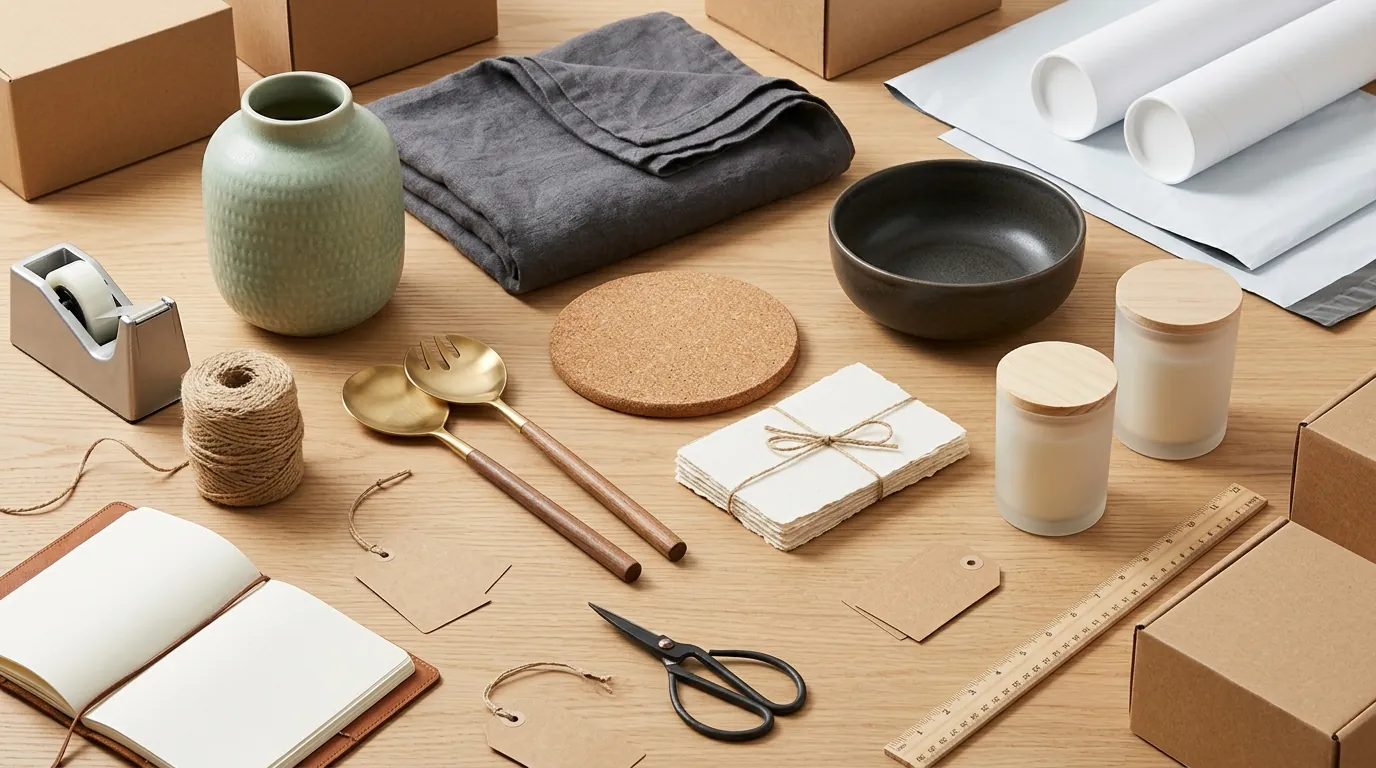
Audit your current per-listing photography spend by totaling your photographer fees, shipping costs to the studio, and the hourly rate of the staff member managing the shoot. For our composite seller—a mid-sized home goods brand managing a growing catalog of 200+ SKUs—this audit revealed a staggering reality. Traditional lifestyle photography was costing upwards of $45 per listing. With 200 items, that is a $9,000 investment before a single dollar of ad spend is deployed.
Beyond the financial cost, the “time-to-market” was a significant pain point. Coordinating with a studio, shipping physical samples, and waiting for the editing cycle meant it took an average of 14 days to get a new product live. This delay prevented the seller from quickly testing new variations or seasonal bundles. To scale, they needed a workflow that could produce high-quality, platform-compliant images in hours, not weeks, without sacrificing the professional “Retina-ready” look that modern consumers expect.
What Wasn’t Working
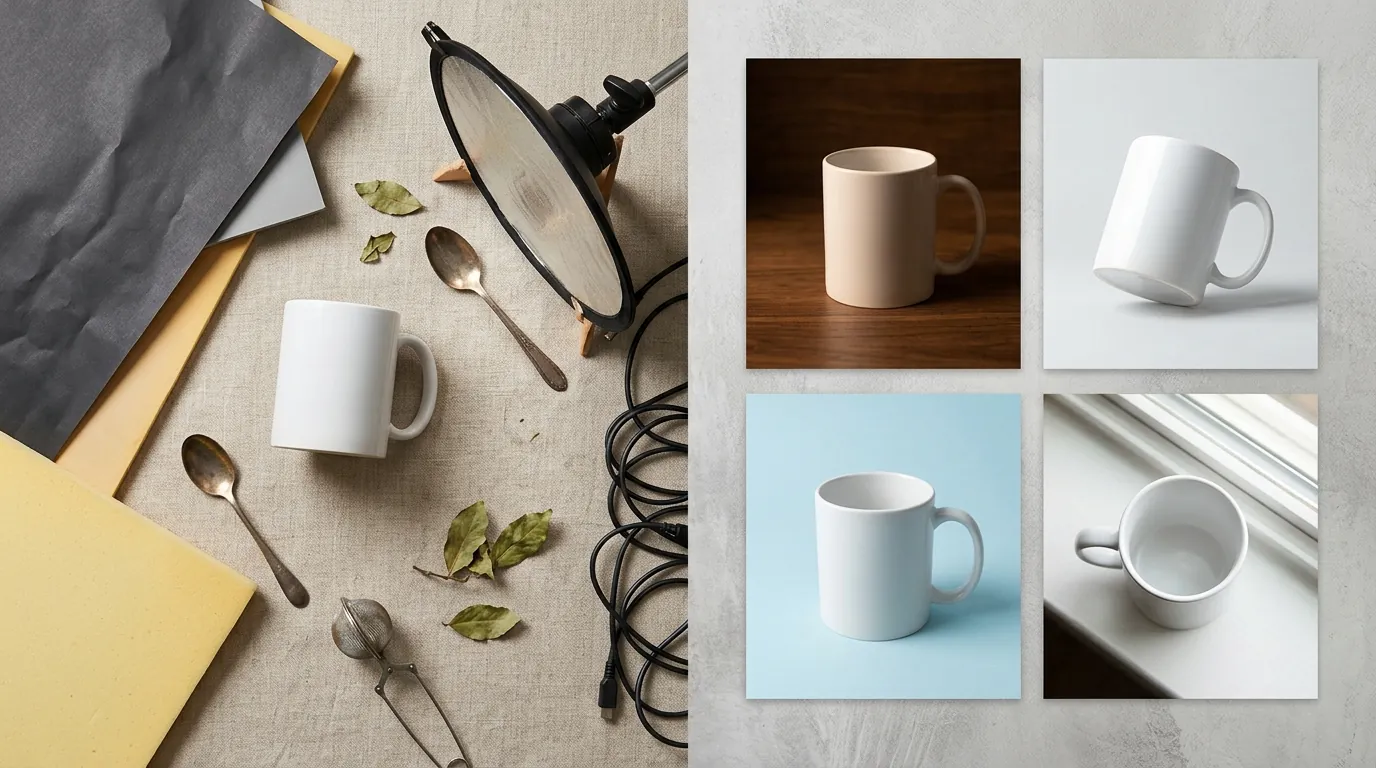
Test a 1-megapixel (MP) image against a 4MP image on a 4K monitor to see why native tools often fall short for high-end home goods. The seller initially attempted to use Shopify’s native AI tool to bridge the gap. While Shopify Magic is available on all Shopify plans at no additional cost, it introduced several technical constraints that hindered a professional-grade workflow.
First, Shopify Magic caps its output at a 1 megapixel (MP) resolution. In practical terms, an image larger than 1 MP is automatically scaled down during the generation process. This makes it nearly impossible to hit Shopify’s own recommended 2048 x 2048 pixels for crisp displays. When a customer zooms in on a 1 MP image to see the texture of a linen pillow or the grain of a wooden bowl, the result is often blurry or pixelated.
Second, the native tool limits workflow speed because it only creates 1 AI-generated scene at a time. For a seller with 200 SKUs, generating five lifestyle angles per product would require 1,000 individual manual prompts and wait cycles.
The seller also explored third-party mobile apps like Photoroom. While effective for single-item edits, they found the Pro tier at $12.99/mo restrictive for high-volume operations due to a 50 images per session batch limit. For a professional catalog, clicking through 50-image batches repeatedly is a significant labor drain. They needed a solution that combined the ease of AI with the batch-processing power of a dedicated SaaS.
The Workflow They Built

💡 Skip the manual editing. PixelMatch batch-generates ecommerce-ready product images in 60 seconds — white background, lifestyle scenes, and variant mockups from a single source photo. Try PixelMatch free →
Set your export preset to 2048x2048 pixels in your AI generator to ensure your images meet the 800 x 800 pixels minimum required for Shopify’s built-in zoom feature to function. The seller moved to a hybrid approach that used the right tool for each stage of the visual pipeline.
Stage 1: The “Clean” Base
The seller used a smartphone to take a high-resolution photo of the product in flat, even light. They used Shopify Magic for quick background removals on simple products where the edge detection was straightforward. For more complex shapes, they used PixelMatch to ensure a clean cutout that preserved fine details.
Stage 2: High-Resolution Batch Generation
Instead of generating scenes one by one, they used PixelMatch to batch-generate lifestyle backgrounds. By uploading 20 SKUs at a time, they could apply a single prompt—such as “modern minimalist living room with natural sunlight and oak flooring”—to the entire batch. This ensured visual consistency across the entire collection, making the Shopify store look like it was shot in a single professional studio session.
Stage 3: Technical Optimization
To maintain site speed, the seller followed strict file handling protocols:
- Format Selection: They saved all transparent background images as PNGs, as other image formats can’t save a transparent background in the Shopify ecosystem.
- Compression: They compressed final lifestyle JPEG files to stay well under Shopify’s 20 MB per file hard limit.
- Multi-Platform Specs: For listings destined for Amazon, they ensured the primary image was on a pure white background at a minimum of 1000 pixels on the longest side to enable zoom, though they aimed for 1600 pixels to meet Amazon’s higher-tier recommendations.
| Feature | Shopify Magic | PixelMatch | Photoroom (Pro) |
|---|---|---|---|
| Max Resolution | 1 MP | 4 MP+ (Customizable) | High Res |
| Batch Limit | 1 at a time | Unlimited Batching | 50 per session |
| Cost | Free with Plan | SaaS Subscription | $12.99/mo |
| Watermark | Invisible Watermark | No Watermark | No Watermark (Pro) |
| Best For | Quick edits | Scaling 100+ SKUs | Mobile-first sellers |
Results (with Numbers)

Calculate your potential ROI by comparing the $4.50 AI generation cost against your current studio invoice. By moving away from full-scale studio shoots, the seller saw an immediate impact on their bottom line and their agility.
The cost per listing dropped from $45.00 to approximately $4.50. This $4.50 includes the cost of the AI subscription and the labor time for a staff member to run the prompts and upload the files. For a 200-SKU catalog, this saved the brand over $8,000 in a single quarter.
The “time to publish” metric was perhaps the most transformative. Previously, a new product launch was a 14-day ordeal. With the AI-driven workflow, the seller could receive a sample on Monday, shoot it on a smartphone, run it through PixelMatch, and have a fully optimized Shopify listing live by Wednesday—a 48-hour turnaround.
Furthermore, because the images were generated at the optimal 2048x2048 size, the store maintained a professional, uniform grid. This prevented the “blurry thumbnail” issue that often occurs when Shopify’s system is forced to upscale low-resolution images to fit a theme’s grid requirements.
Steps to Replicate
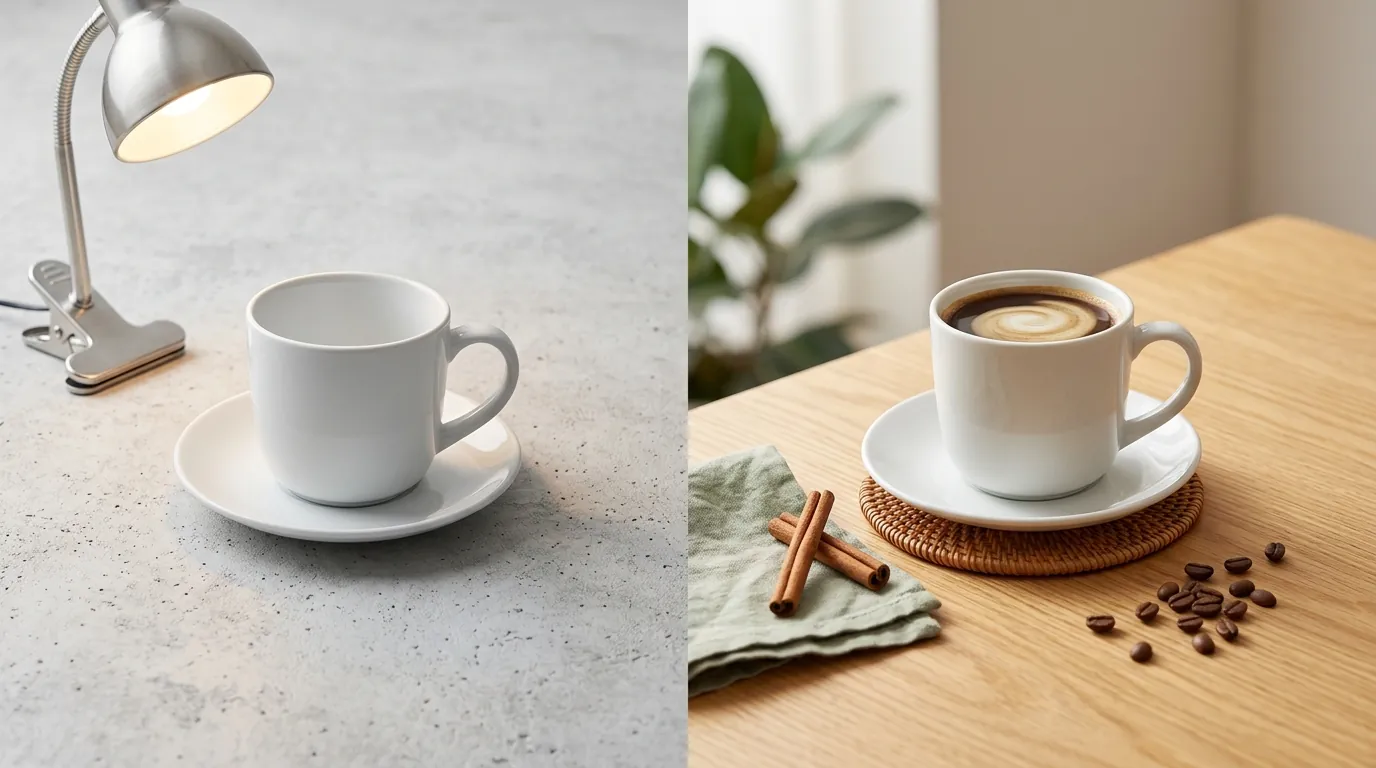
Follow this 5-step checklist to transition your home goods store to an AI-first visual workflow.
- Standardize Your Input: Shoot your product in flat, even lighting against a contrasting background (like a grey wall or floor). Use a modern smartphone with the “Portrait” or “Macro” mode turned off to ensure the entire product is in sharp focus.
- Remove and Refine: Upload the raw photo to PixelMatch to remove the background. Check the edges, especially around textured items like rugs or woven baskets.
- Prompt for Context: Use specific lifestyle prompts that match your brand aesthetic. Instead of “a kitchen,” try “a bright Scandinavian kitchen with white marble countertops and soft morning light.”
- Export for Shopify: Export your images at 2048x2048 pixels. Use JPEG format for lifestyle scenes to keep file sizes small, but use PNG if you are uploading a “cutout” image for a collection page that requires a transparent background.
- Verify Zoom Functionality: Once uploaded to Shopify, hover over the image on your live site. If the zoom doesn’t activate, ensure your image is at least 800 x 800 pixels.
Caveats and Honest Limitations

Check for “halos” or distorted reflections around glass objects before publishing your AI-generated images. While AI has revolutionized product photography, it is not a perfect “set and forget” solution.
AI generation still struggles with complex reflections. If you are selling mirrored sunglasses, highly polished chrome fixtures, or clear glassware, the AI may struggle to accurately reflect the “new” environment it has created. This can result in a “floating” look where the shadows and reflections don’t align with the background.
Merchants should also be aware of platform-specific metadata. For example, Shopify Magic applies an invisible watermark to all generated images. This watermark is compliant with C2PA standards to indicate the image was AI-generated. While this doesn’t affect the visual quality for a customer, some marketplaces may eventually update their policies regarding AI-labeled metadata in primary images.
Finally, for highly specific brand guidelines—such as a specific Pantone color for a wall or a very particular piece of designer furniture in the background—manual Photoshop touch-ups are still occasionally required. AI is excellent for “the vibe,” but it can be difficult to force it to generate a specific, trademarked chair in the background of your product shot.
By combining the strengths of Shopify’s ecosystem with the batch-processing power of PixelMatch, home goods sellers can stop acting like photography coordinators and start acting like growth-focused merchants. Scaling a catalog no longer requires a five-figure studio budget; it just requires a smartphone and the right AI workflow.
Ready to scale your listings?
PixelMatch generates white-background, lifestyle, and variant mockups from a single source photo — built specifically for multi-platform ecommerce sellers. 50 free images on signup, no credit card.
Start free →
Sources
- Shopify Help Center: Media Generation with Shopify Magic
- GemPages: Shopify Product Image Size Guide 2024
- Photoroom Pricing Page
- WizCommerce: Photoroom Pricing Breakdown
- Amazon Seller Central: Product Image Requirements
- Stripe Pricing and Fees
- CheckThat.ai: Photoroom Pricing Analysis