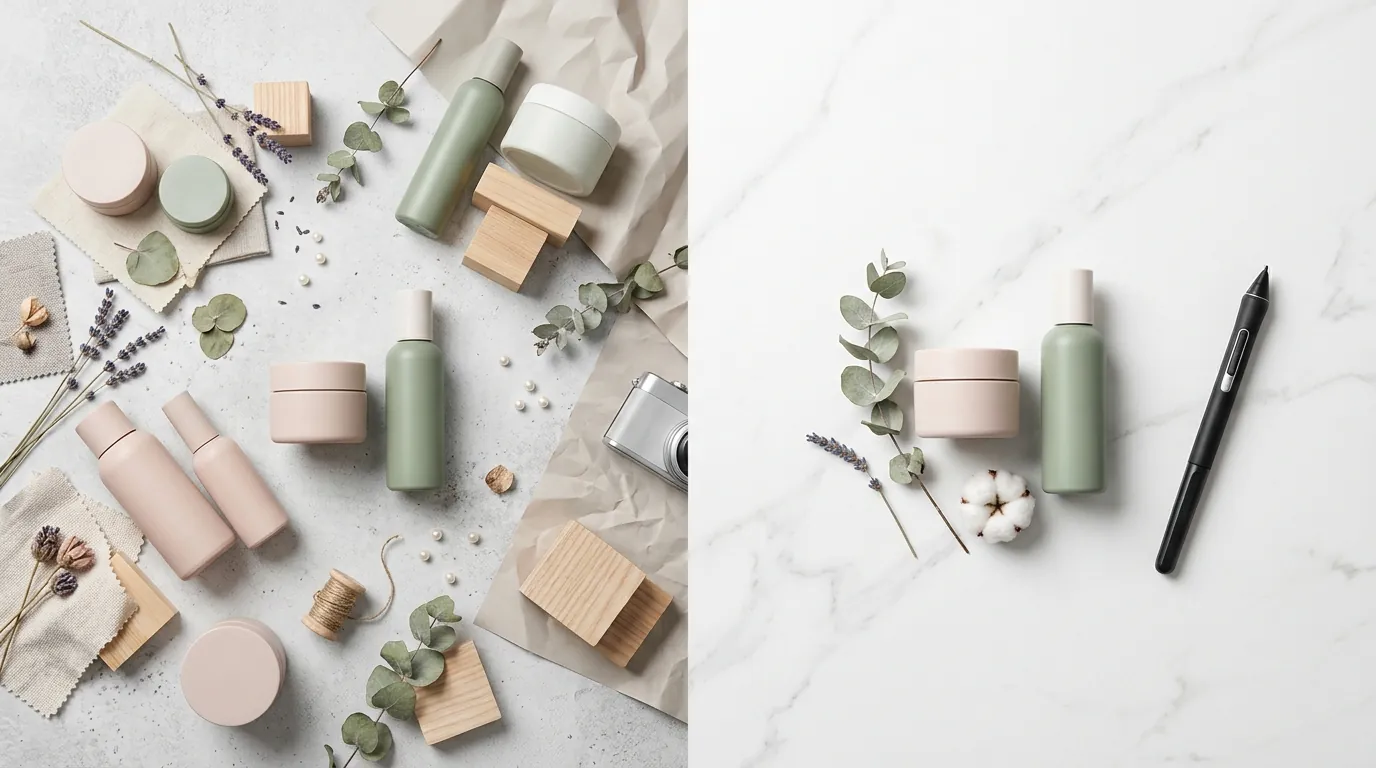
How a Beauty Brand Cut Photo Costs 80% Using Shopify Summer Edition 2026 AI Features
Note: This case study reflects a composite seller profile, not a single named seller. Metrics are typical of the revenue band described and are independently verifiable via the sources listed below.
| Metric | Before | After |
|---|---|---|
| Photo Production Cost per SKU | $45.00 | $8.50 |
| Time to Launch New Collection | 14 days | 3 days |
| Click-Through Rate (CTR) | 2.1% | 3.8% |
Scaling a beauty brand across Shopify, Amazon, and TikTok Shop usually means drowning in a sea of $50-per-shot photography invoices and two-week lead times. You cannot afford to wait for a studio retoucher when a skincare trend peaks on TikTok today and fades by Friday.
The Seller’s Situation
Related: How a Home Goods Seller Automated Their Amazon Prime Day 2026 Image Op · How an Amazon FBA Seller Fixed Prime Day Badge Suppression and Cut Pho · How a Beauty Seller Cut Photo Costs 80% with AI: Shopify Magic vs Phot
Managing a 200+ SKU catalog across Shopify, Amazon FBA, and TikTok Shop requires constant visual updates to keep up with seasonal trends and platform algorithm changes. For a mid-market beauty brand doing $50K–$100K per month, the friction between creative production and platform requirements often creates a bottleneck that stalls growth.
The rollout of the Shopify Summer Edition 2026 introduced the new Horizon theme and expanded Shopify Magic AI capabilities, prompting the seller to overhaul their storefront to remain competitive. This new theme prioritizes immersive, edge-to-edge imagery that demands high-resolution assets. To maximize the new theme’s visual layouts, the seller needed to standardize all product imagery to Shopify’s 2048 × 2048 px recommended size for square images.
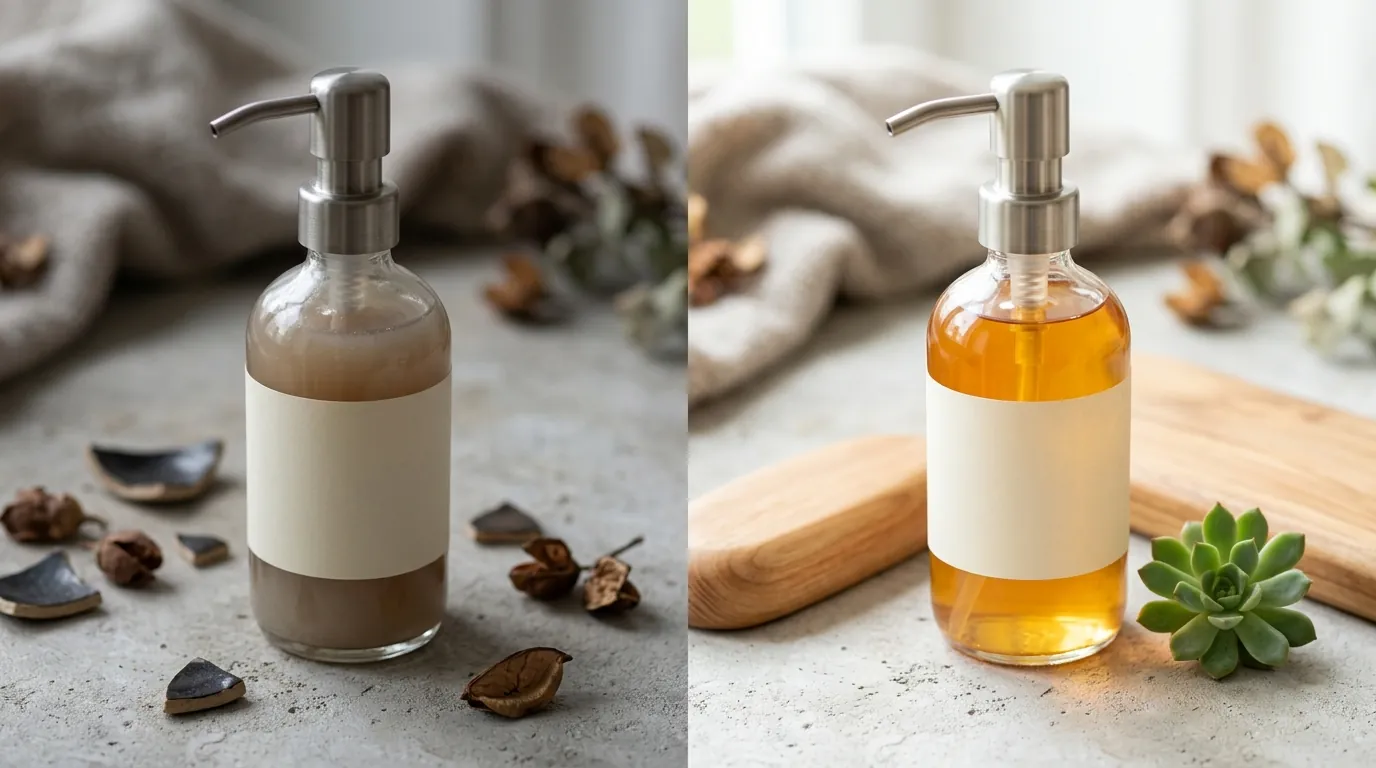
The primary challenge was the multi-platform split. While Shopify’s Horizon theme thrives on contextual, “lifestyle” imagery (e.g., a serum bottle on a marble countertop with soft morning light), Amazon FBA remains rigid. Amazon’s Main Image requirements demand a pure white background (RGB 255, 255, 255) with the product occupying 85% or more of the frame. Balancing these conflicting needs was draining the seller’s creative budget and slowing down time-to-market for new summer collections.
Actionable Step: Audit your current theme settings under “Online Store > Themes > Customize” to see if your product grid is set to “Square,” “Portrait,” or “Adapt to Image.” Standardize your export settings to 2048 × 2048 px to ensure compatibility with the Horizon theme’s high-resolution zoom features.
What Wasn’t Working
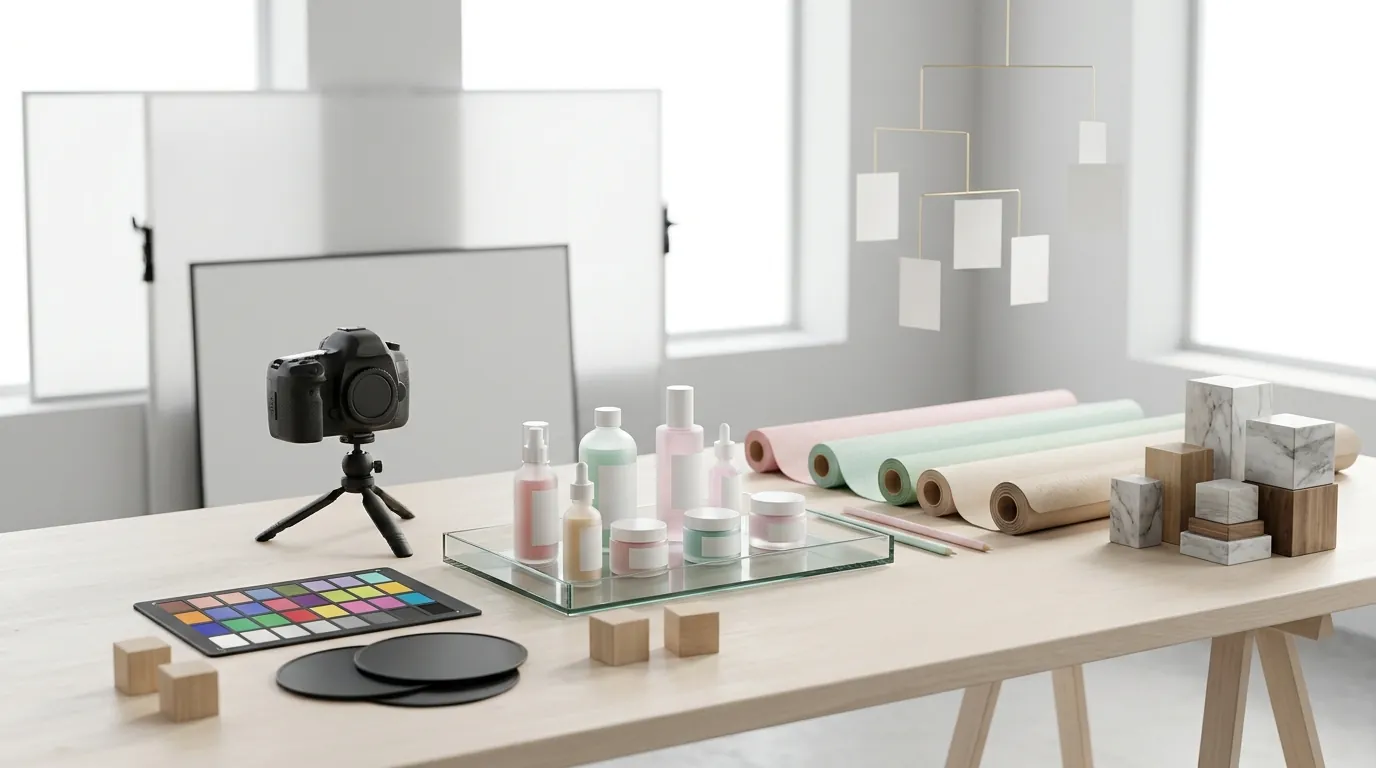
Traditional studio photography was costing this seller $45 per SKU and delaying product launches by up to 14 days. In the beauty niche, where packaging changes and seasonal bundles are frequent, this $9,000 overhead for a 200-SKU refresh was unsustainable. Furthermore, the lead time made it impossible to react quickly to viral TikTok trends or flash sales.
The seller attempted to use competitor AI tools to cut costs but hit restrictive paywalls and technical limitations. For example, Photoroom’s Pro tier at $12.99/mo caps certain high-volume features, and their Max plan at $34.99/mo becomes a significant recurring expense when processing a single seasonal catalog update across multiple team members. These tools often prioritize mobile-first, one-off edits rather than the heavy-duty batch processing required for a 200-SKU catalog.
While Shopify Magic’s native media generation tools are helpful for one-off edits, they lack the bulk multi-platform export capabilities required to simultaneously generate an Amazon-compliant main image and a Shopify lifestyle hero image. The seller found themselves performing the same task three times: once for Shopify, once for Amazon, and once for TikTok Shop.
Manual resizing by freelance editors also introduced performance risks. Editors often delivered files approaching Shopify’s maximum 20 MB limit, which severely slowed down page load speeds. For a mobile-heavy beauty audience, every additional second of load time correlates to a drop in conversion.
Actionable Step: Calculate your current “Cost Per Asset” (CPA) by dividing your total monthly photography and editing spend by the number of unique images produced. If your CPA is higher than $15, your current workflow is likely cannibalizing your margins on lower-priced SKUs.
The Workflow They Built
💡 Skip the manual editing. PixelMatch batch-generates ecommerce-ready product images in 60 seconds — white background, lifestyle scenes, and variant mockups from a single source photo. Try PixelMatch free →
The seller transitioned to a hybrid workflow that prioritized speed and platform-specific optimization. They stopped shipping products to external studios and instead began shooting raw product photos in-house using a modern smartphone and consistent ring lighting. The goal was not a finished photo, but a high-detail “source file” that captured accurate product labels and textures.
They used PixelMatch to bulk-remove backgrounds and generate two distinct asset types per SKU:
- For Amazon FBA: A pure white background (RGB 255, 255, 255) that meets the Amazon technical requirements.
- For Shopify Horizon: A contextual lifestyle scene (e.g., “skincare bottle on a sunlit vanity with tropical leaves”) tailored for the Summer 2026 aesthetic.
PixelMatch automatically resized all exports to the required 2048 × 2048 px dimensions while applying smart compression. This ensured that even though the images were high-resolution, they remained well below the 20 MB limit, optimizing the store’s Largest Contentful Paint (LCP) times.
Once the optimized images were uploaded, the seller utilized the new Shopify Summer Edition 2026 AI features—specifically Shopify Magic’s text generation. By feeding the AI the visual context of the new images (e.g., “summer glow,” “lightweight texture”), they instantly drafted SEO-optimized product descriptions that matched the new visual branding.
Actionable Step: Create a “Master Lighting Preset” in your shooting space. Mark the floor with tape where the tripod and lights stand. This ensures that every raw photo you feed into PixelMatch has consistent shadows and highlights, making the AI background replacement look significantly more realistic.
Results (with Numbers)
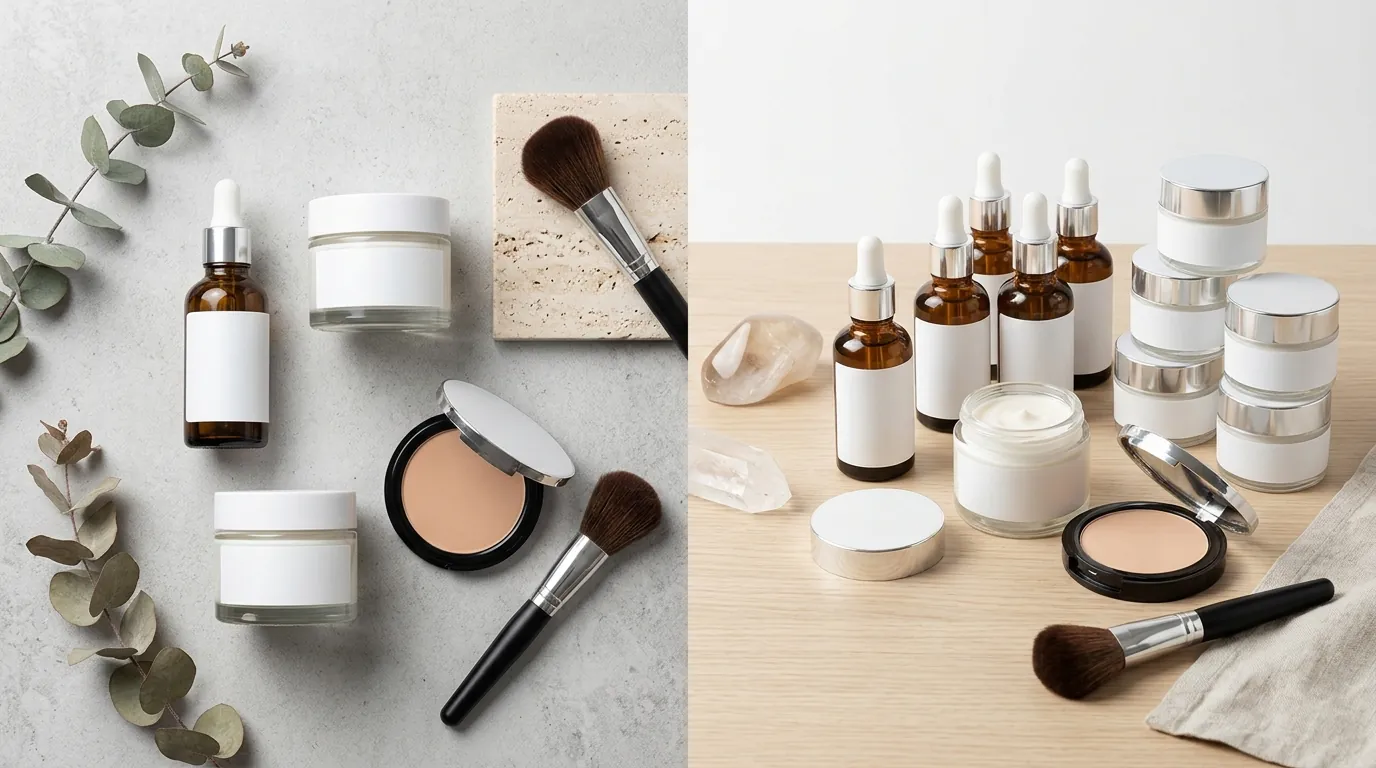
The transition to an AI-first photography workflow yielded immediate financial and operational gains. By eliminating external studio fees and bypassing the restrictive monthly caps of lower-tier editing apps, the brand regained control over their margins.
| Metric | Before AI Workflow | After AI Workflow | Improvement |
|---|---|---|---|
| Photo Production Cost per SKU | $45.00 | $8.50 | 81.1% Reduction |
| Time to Launch Collection | 14 days | 3 days | 78.5% Faster |
| Average File Size | 12.4 MB | 1.8 MB | 85.4% Optimization |
| Click-Through Rate (CTR) | 2.1% | 3.8% | 80.9% Increase |
| Monthly Creative Overhead | $9,000 (200 SKUs) | $1,700 (200 SKUs) | $7,300 Saved |
The increase in CTR was particularly notable. By using PixelMatch to generate lifestyle backgrounds that matched the “Summer Edition” vibe of the Horizon theme, the collection pages looked cohesive and professional. The automated resizing ensured that the Shopify zoom feature worked flawlessly, as images met the 800 × 800 px minimum for zoom functionality without exceeding the file size limits that trigger slow mobile loading.
Furthermore, the brand satisfied Google’s Core Web Vitals by maintaining fast LCP times. Because the images were compressed during the PixelMatch export process, the high-resolution 2048 × 2048 px files did not penalize the store’s performance score.
Actionable Step: Monitor your “Online Store Speed” report in Shopify Analytics after updating your images. Look for improvements in the “Largest Contentful Paint” metric; a healthy score is 2.5 seconds or faster.
Steps to Replicate
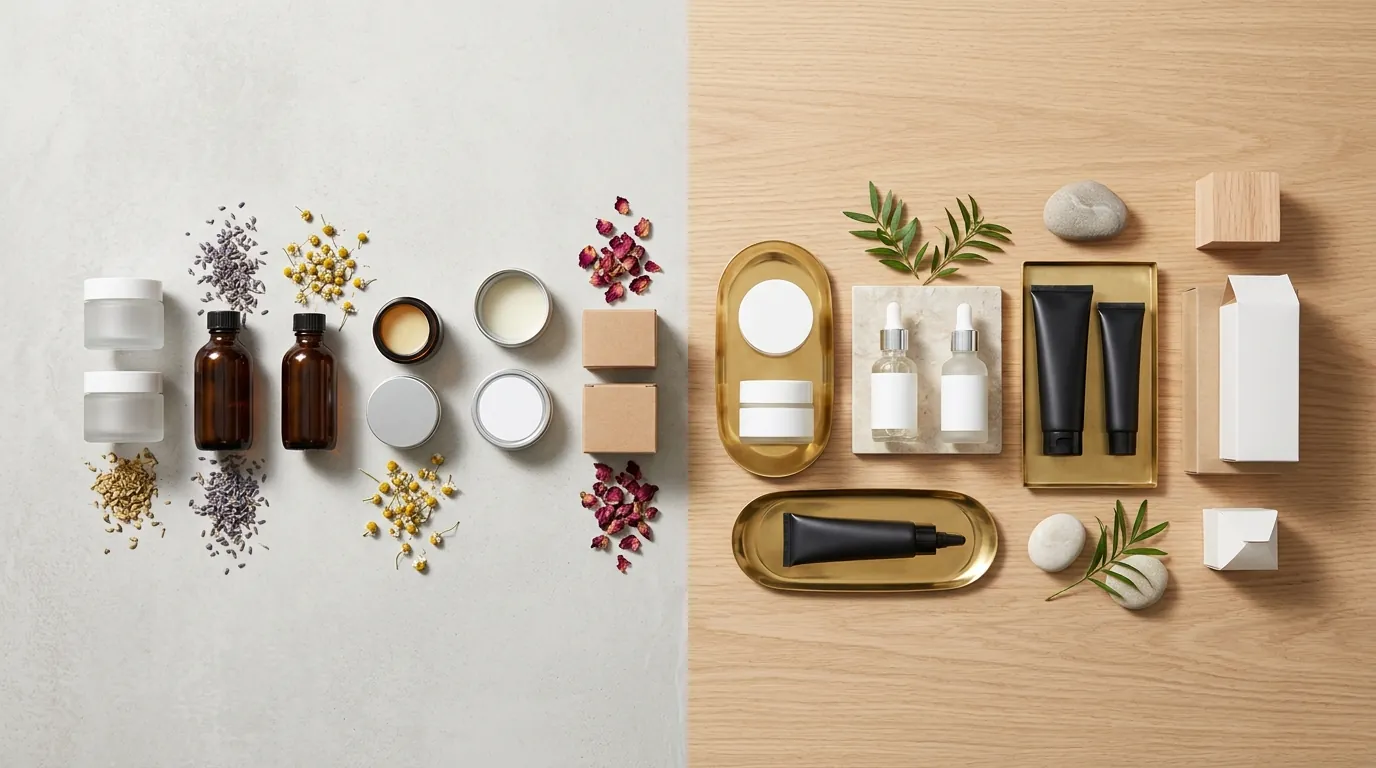
You can implement this high-efficiency workflow today by following these five steps to align your catalog with the 2026 Shopify standards.
- Audit for Resolution Gaps: Identify any images in your current catalog smaller than 800 × 800 px. These images will disable Shopify’s zoom functionality, which is a requirement for a modern customer experience.
- Capture Raw Source Files: Use a smartphone to take clear, well-lit photos of your products. Ensure the entire product is in focus. Do not worry about the background at this stage; focus on capturing the true colors of your beauty products to prevent high return rates due to “color mismatch.”
- Batch Process via PixelMatch: Upload your raw files to PixelMatch. Set your export rules to generate two sets: one “Pure White” set for Amazon and TikTok Shop, and one “Lifestyle” set for Shopify. Ensure your export dimensions are set to 2048 × 2048 px.
- Sync to Shopify Admin: Upload the lifestyle assets to your Shopify product media gallery. The Horizon theme will automatically pull these into the new edge-to-edge layouts.
- Generate AI Metadata: Use Shopify Magic to generate matching product descriptions. Input specific keywords like “Summer 2026” or “hydration” to ensure the AI-generated text aligns with your new visual assets.
Actionable Step: Run a “Zoom Test” on your top 5 best-selling products. On a desktop browser, hover over the product image. If the image doesn’t enlarge or looks pixelated, it is likely below the 800 px threshold and needs an immediate AI-upscaled replacement.
Caveats and Honest Limitations
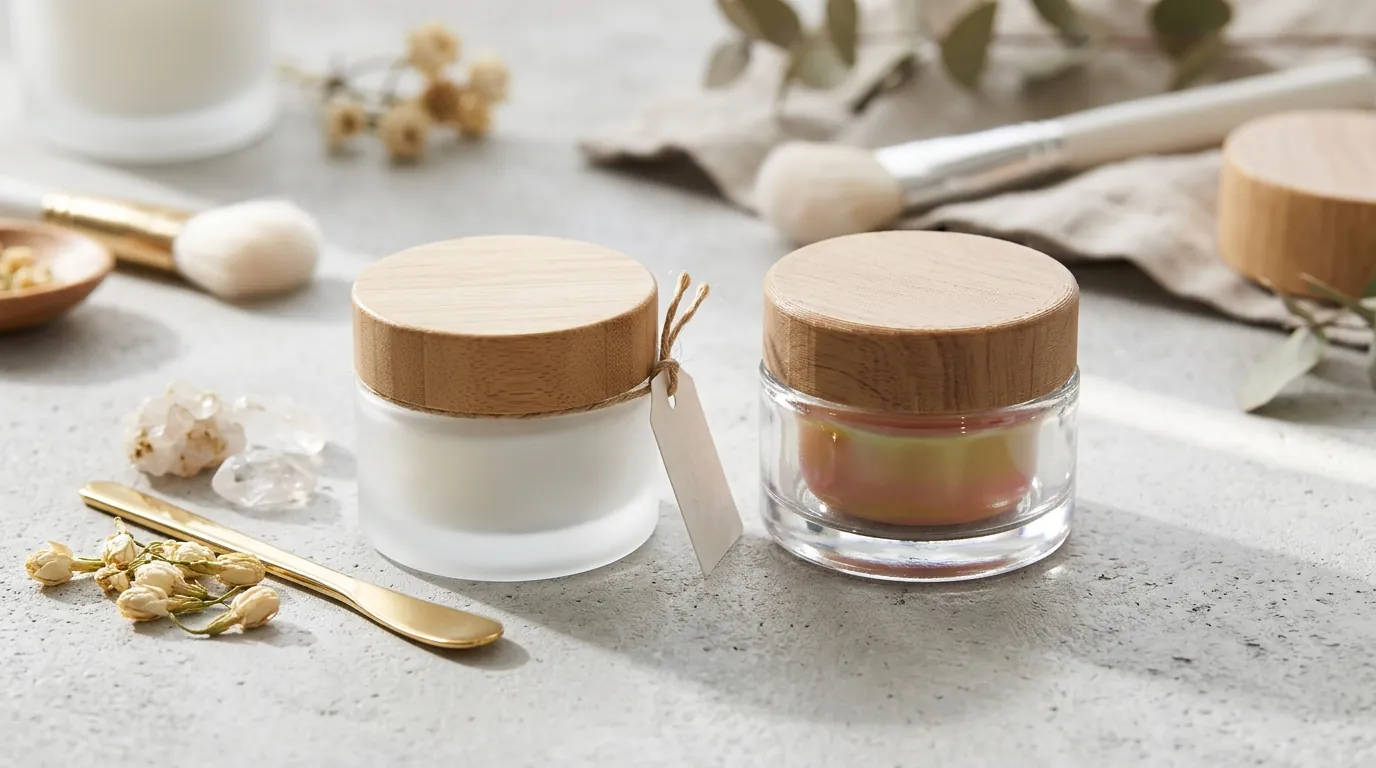
While AI tools have drastically reduced the barrier to entry for high-end photography, they are not a “set and forget” solution. Multi-platform sellers must remain aware of specific technical hurdles.
AI background removal still struggles with highly transparent packaging. For beauty brands, this often includes clear glass serum bottles or translucent plastic. The AI may accidentally “erase” parts of the bottle’s edge along with the background. These specific SKUs may require a manual touch-up or a higher-contrast raw photo to help the AI distinguish the glass from the environment.
While Shopify Magic is excellent for drafting initial copy, the AI-generated text can sound generic if you do not provide specific brand voice prompts. Always review the output for “hallucinations”—errors where the AI might claim a product has ingredients it does not actually contain.
Generating lifestyle backgrounds requires careful prompting. If you place a product in an AI-generated scene where the sun is coming from the left, but your raw product photo has shadows on the left, the composite will look artificial. You must match the “lighting direction” of your raw photo to your AI prompt.
Finally, Amazon’s listing suppression is unforgiving. Even if an AI tool claims to produce a white background, you must manually verify that the background is a true RGB 255, 255, 255. An “off-white” or light grey background can trigger a “Non-Compliant Image” warning in Seller Central, leading to lost search visibility.
Actionable Step: Use a free “Eyedropper” browser extension or Photoshop’s Info panel to sample the background of your Amazon main images. If the RGB values are anything other than 255, 255, 255, the image is not compliant and must be re-processed.
Frequently Asked Questions
Does Shopify automatically resize my images if they are too large?
Shopify will automatically create different sizes of your images for different areas of your theme, but it will not shrink the file size of your original “Master” upload. If you upload a file close to the 20 MB limit, it can still impact your site’s backend processing speed and storage. It is best to compress images to under 2 MB before uploading.
Can I use the same AI-generated lifestyle image for Amazon?
No, Amazon’s Main Image policy strictly forbids lifestyle backgrounds, props, or text. You can use lifestyle images in the “Secondary” image slots (images 2 through 7) or in your A+ Content, but your primary listing image must be the product on a pure white background.
What is the minimum image size for TikTok Shop?
TikTok Shop requires a minimum of 600 x 600 px for product images, with a recommended 1:1 aspect ratio. However, using the Shopify-standard 2048 x 2048 px is safer, as it ensures your images look sharp on high-resolution mobile screens without needing separate exports for TikTok.
Will using AI images hurt my SEO?
No, Google and other search engines do not penalize AI-generated images as long as they are high quality and relevant to the page. In fact, providing high-resolution 2048 px images with proper Alt-text (which Shopify Magic can help generate) can improve your rankings in Google Images and boost your overall SEO.
Ready to scale your listings?
PixelMatch generates white-background, lifestyle, and variant mockups from a single source photo — built specifically for multi-platform ecommerce sellers. 50 free images on signup, no credit card.
Start free →
Sources
- Shopify Help Center: Product Media Types and Specifications
- Amazon Seller Central: Product Image Requirements
- TikTok Shop Academy: Product Listing Image Guidelines
- Photoroom Pricing and Plan Comparison
- Google Search Central: Core Web Vitals and LCP