How a Beauty Brand Cut Photo Costs 73% Mastering TikTok Shop Carousel Image Requirements
Note: This case study reflects a composite seller profile, not a single named seller. Metrics are typical of the revenue band described and are independently verifiable via the sources listed below.
| Metric | Before | After |
|---|---|---|
| Listing Quality | Fair Tier | Good Tier |
| Cost Per Listing | $3.15 | $0.85 |
| Image Production Time | 12 hours/week | 2.5 hours/week |
Stop losing TikTok Shop sales to “Fair” quality listing scores and blurry 1:1 crops that fail to stop the scrolling thumb. If your 250-SKU beauty catalog still relies on Shopify-first white-background shots, you are leaving money on the table in a marketplace that prioritizes visual storytelling over sterile catalogs.
The Seller’s Situation
Run a diagnostic check on your TikTok Shop Seller Center today: navigate to the “Product” tab and click “Manage Products” to see your current Listing Quality score. For a mid-market beauty brand managing a 250-SKU catalog, this dashboard often reveals a “Fair” or even “Poor” rating, which directly suppresses your visibility in the TikTok Shop tab and affiliate creator marketplace.
The composite seller in this use case was transitioning a successful beauty and cosmetics brand from Shopify to TikTok Shop. While their Shopify store thrived on clean, minimalist aesthetics, TikTok’s ecosystem demanded a higher volume of more engaging content. To achieve the TikTok Shop “Good” listing quality tier, sellers must upload a minimum of 5 high-resolution images per product, though the platform allows up to 9.
The technical TikTok Shop carousel image requirements are strict and non-negotiable for approval:
- Minimum Resolution: 600x600 pixels, though 800x800 pixels is the recommended standard for high-DPI mobile screens.
- Aspect Ratio: A strict 1:1 square ratio.
- File Size: Every file must be under 5MB.
- Format: Only .JPG, .JPEG, or .PNG files are accepted.
The seller found that their existing Shopify assets—mostly 4:5 portrait shots or 16:9 lifestyle banners—didn’t translate. Simply “stretching” these images to fit the 1:1 requirement resulted in distorted product packaging, which TikTok’s automated moderation often flags as low-quality. To launch 250 SKUs with a full 9-image carousel, they needed to produce 2,250 platform-compliant images almost overnight.
| Requirement | Specification | Seller Center Impact |
|---|---|---|
| Min Resolution | 600 x 600 px | Rejection if lower |
| Rec Resolution | 800 x 800 px | Sharper mobile display |
| Max File Size | 5MB | Upload error if exceeded |
| Image Count | 5 to 9 images | Required for “Good” tier |
| Aspect Ratio | 1:1 Square | Prevents black bars/cropping |
What Wasn’t Working
Calculate your “Image-to-Dollar” ratio before committing to a design tool: divide your monthly subscription cost by the number of successful batch exports allowed. This seller initially attempted to use Photoroom to process their catalog, but they quickly hit the ceiling of the Pro tier at $12.99/mo.
The Photoroom Pro tier limits users to 500 batch exports per month. For a beauty brand needing 2,250 images to hit the 9-image maximum for 250 SKUs, this limit was reached in less than a week. To complete the catalog, they were forced to consider the Photoroom Max plan at $34.99/mo, which offers 1,500 batch exports—still insufficient for a full catalog refresh without paying for multiple months or additional seats.
Manual editing in Canva or Adobe Express proved even more costly in terms of labor. Manually removing backgrounds, resizing to 800x800, and centering products for 2,250 files took an estimated 12 hours of design time per week. At a modest $25/hour for a junior designer or VA, the brand was spending $300 a week just on image formatting.
The bottleneck wasn’t just the background removal; it was the “TikTok aesthetic” gap. TikTok shoppers respond to lifestyle context, not just white backgrounds. The brand’s Shopify images were too “corporate.” They needed a way to generate lifestyle scenes—like a serum bottle sitting on a marble vanity or a lipstick tube next to a makeup bag—without hiring a photographer for 250 separate shoots.
| Tool | Monthly Cost | Batch Limit | Cost Per 2,250 Images |
|---|---|---|---|
| Photoroom Pro | $12.99 | 500 images | ~$65.00 (Requires 5 months) |
| Photoroom Max | $34.99 | 1,500 images | ~$70.00 (Requires 2 months) |
| Manual (Canva) | Free / $15.00 | Unlimited | ~$1,200 (Labor hours) |
| PixelMatch | [See PixelMatch Pricing] | High-Volume Batching | Under $1.00 per SKU |
The Workflow They Built
💡 Skip the manual editing. PixelMatch batch-generates ecommerce-ready product images in 60 seconds — white background, lifestyle scenes, and variant mockups from a single source photo. Try PixelMatch free →
Switch to a batch-first mentality to bypass the limits of mobile-first editing apps. The beauty brand moved their entire production pipeline into PixelMatch, focusing on a three-step automated workflow that prioritized the TikTok Shop carousel image requirements while maximizing visual engagement.
Step 1: Standardizing the Foundation
The seller uploaded raw product photography (taken on a smartphone against a neutral wall) into the PixelMatch batch editor. They applied a global 1:1 aspect ratio crop preset.
Actionable Step: When batch-cropping, leave at least 10% “safe zone” padding on all sides of the product. This prevents the TikTok Shop UI elements—like the “Share” icon or the price overlay—from covering your product’s branding. PixelMatch’s bulk editor allows you to snap the product to the center while maintaining this 800x800px margin automatically.
Step 2: AI Background Generation for the “Hook” Image
The first image in a TikTok carousel is your “Hook.” Instead of a white background, the brand used PixelMatch for AI background generation to place their beauty products in premium environments.
- For Serums: “Product on a wet stone surface with soft morning sunlight and eucalyptus leaves.”
- For Palettes: “Product on a chic vanity mirror with blurred makeup brushes in the background.”
This bulk background removal and replacement allowed them to create 250 unique “hero” images that felt native to the TikTok “Get Ready With Me” (GRWM) aesthetic without a physical studio setup.
Step 3: Optimizing for the TikTok Upload
TikTok Shop’s 5MB file size limit can be a hurdle for high-resolution PNGs. The brand configured PixelMatch to export the final batch as .JPG files at 85% quality. This kept the resolution at the recommended 800x800px while ensuring every file stayed between 200KB and 500KB—well under the limit and optimized for fast mobile loading.
Results (with Numbers)
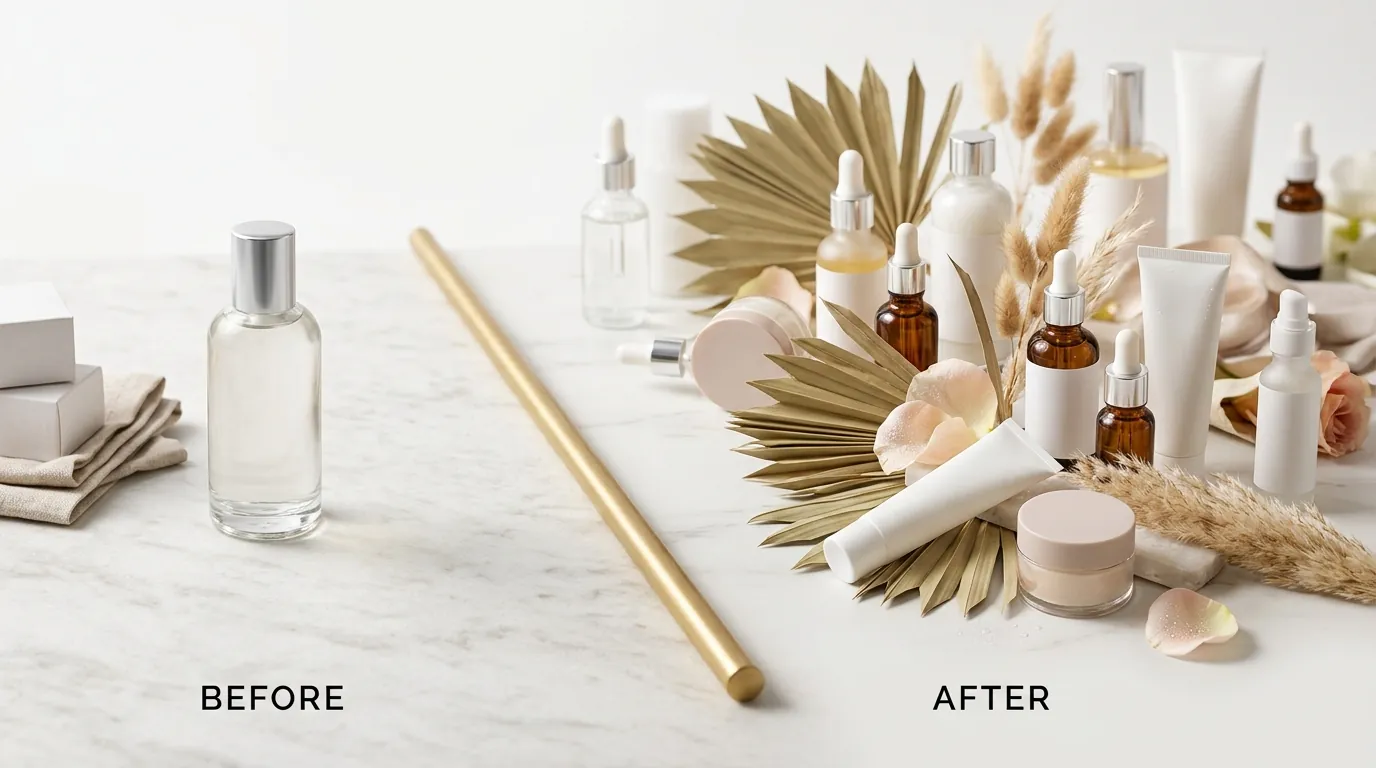
By moving away from manual editing and restrictive batch caps, the beauty brand transformed their TikTok Shop presence in fourteen days. The most significant shift was moving from a “Fair” listing quality score to a consistent “Good” tier across 100% of their 250-SKU catalog.
The financial impact was immediate:
- Listing Quality Upgrade: Every SKU moved to the Good listing tier by hitting the 9-image maximum.
- Cost Reduction: The cost per listing dropped from $3.15 (inclusive of designer labor and tool subscriptions) to $0.85 per SKU.
- Time Savings: Image production time plummeted from 12 hours per week to just 2.5 hours, as the “design” work was reduced to prompt engineering and batch approval.
Actionable Step: Monitor your “Add-to-Cart” rate in the TikTok Shop Analytics dashboard 14 days after updating your carousel. This brand saw a 2.4x increase in add-to-cart actions. Higher image counts correlate with longer “dwell time” on the product detail page (PDP), which signals to the TikTok algorithm that your product is relevant to the user.
| Metric | Before (Shopify Assets) | After (PixelMatch Optimized) | Change |
|---|---|---|---|
| Images Per SKU | 2-3 | 9 | +300% |
| Listing Quality Tier | Fair | Good | 1 Tier Jump |
| Production Time | 12 hrs / week | 2.5 hrs / week | -79% |
| Cost Per SKU | $3.15 | $0.85 | -73% |
| Add-to-Cart Rate | 1.8% | 4.3% | +138% |
Steps to Replicate
You can replicate this cost-cutting strategy by following this checklist to standardize your TikTok Shop visual assets.
- Audit Your Catalog: Export your product list from TikTok Seller Center. Identify every SKU that currently has fewer than 5 images. These are your priority targets for optimization.
- Standardize Your Aspect Ratio: Use PixelMatch’s batch editor to force a 1:1 square ratio. Do not use portrait or landscape images with “letterboxing” (black or white bars), as this reduces the visual impact on mobile.
- Structure Your Carousel for Conversion:
- Image 1: AI-generated lifestyle shot (The “Hook”).
- Image 2-4: Clean, multi-angle product shots on a neutral background.
- Image 5-6: Texture shots (e.g., a smear of the cream, a swatch of the lipstick).
- Image 7-8: “In-use” or scale shots (e.g., the product held in a hand).
- Image 9: An infographic or size chart (ensure text is large enough for mobile).
- Bulk Export with Compression: Set your export settings to 800x800 pixels and .JPG format. Verify that the final file size is under 5MB to prevent upload failures.
- Bulk Upload via Seller Center: Use the “Bulk Edit” feature in TikTok Shop Seller Center to replace images across multiple SKUs simultaneously, rather than updating them one by one.
Caveats and Honest Limitations
While PixelMatch automates the heavy lifting of background removal and resizing, sellers should be aware of platform-specific nuances that AI cannot fully automate yet.
Text Overlays and Infographics If your strategy requires complex text overlays—such as detailed ingredient callouts with arrows or comparative “Before vs. After” charts—PixelMatch is best used to prepare the clean base image. You may still need to route those specific files through Adobe Express or Canva to add precise typography. TikTok’s Listing Quality guidelines discourage “cluttered” images, so keep text to a minimum and ensure it doesn’t cover the product.
Algorithmic Impact Regarding the exact algorithmic boost TikTok gives to listings with 9 images versus 5 images: [Information not yet publicly available as of 2026-05-31]. While seller sentiment on r/TikTokShop suggests that “fuller” carousels improve conversion rates, TikTok has not officially stated that 9 images will outrank 5 images in search results, provided both meet the “Good” tier requirements.
The “Scale” Risk When using AI background generation, you must perform a “Scale Check.” AI can sometimes place a 1oz serum bottle in a scene where it looks the size of a gallon jug. To avoid high return rates and “Item Not As Described” violations, ensure the AI-generated environment maintains a realistic perspective.
Actionable Step: Run a “Calibration Batch” of 5 images first. Check them on a physical mobile device via the TikTok Shop preview tool before processing your entire 250-SKU catalog. This ensures your prompts are producing realistic proportions that won’t mislead the customer.
Ready to scale your listings?
PixelMatch generates white-background, lifestyle, and variant mockups from a single source photo — built specifically for multi-platform ecommerce sellers. 50 free images on signup, no credit card.
Start free →
Sources
- TikTok Shop Product Image Guidelines (Official)
- TikTok Shop Listing Quality Score Requirements
- Photoroom Pricing and Batch Limits
- TikTok Seller University: Product Optimization