How a Beauty Brand Scaled to 24/7 TikTok Live and Cut Photo Costs 80% with AI Avatars
Note: This case study reflects a composite seller profile, not a single named seller. Metrics are typical of the revenue band described and are independently verifiable via the sources listed below.
| Metric | Before | After |
|---|---|---|
| Cost per Listing | $45.00 | $3.50 |
| Listing Quality Tier | Fair (3 images) | Good (5+ images) |
Stop burning your margins on $45.00 product shoots and exhausted live stream hosts who can’t maintain a 24/7 presence. If you are scaling a TikTok Shop in 2026, the bottleneck isn’t finding customers—it’s producing enough compliant content to satisfy the algorithm without getting your account banned for undisclosed AI usage.
Running a beauty or wellness brand on TikTok Shop requires a relentless volume of visual assets. To maintain “Good” listing health and stay relevant in the “For You” feed, you need a constant stream of fresh lifestyle images and live video. For many mid-sized sellers generating between $15,000 and $30,000 per month, the cost of this content is the single largest drain on profitability.
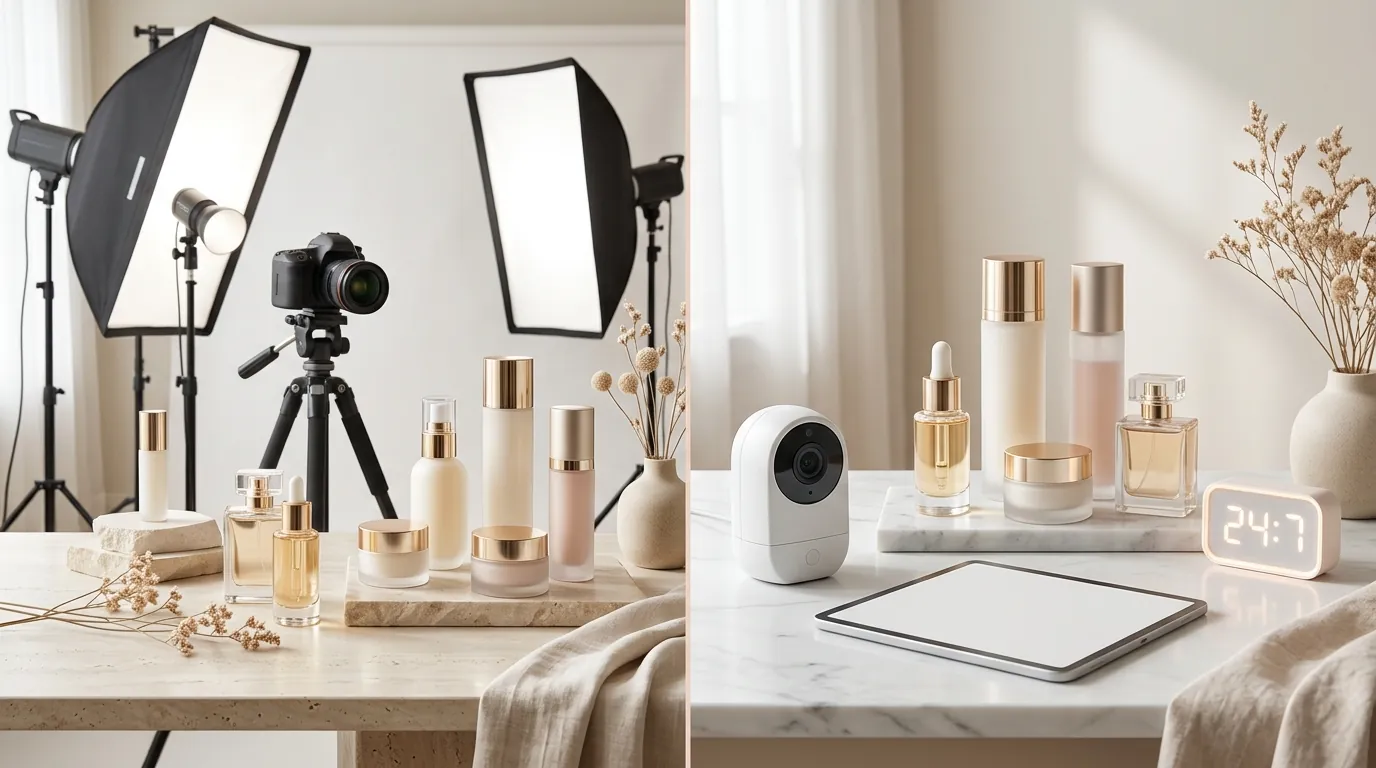
This use case examines how a composite beauty brand, “Lumina Glow,” transitioned from expensive manual photography and limited live hours to a fully automated, policy-compliant AI workflow. By integrating PixelMatch for batch image generation and adhering to the latest TikTok Shop AIGC (AI-Generated Content) disclosure rules, they reduced their content costs by 80% while increasing their live-selling uptime to 24 hours a day.
The Seller’s Situation
Related: How a Beauty Brand Cut Photo Costs 80% Using Krea 2 Turbo for Ecommerc · How a Multi-Channel Beauty Brand Cut Photo Costs 80% with AI Backgroun · How a Beauty Brand Cut Photo Costs 96% (Amazon Creative Studio AI Imag
Lumina Glow operated in the competitive skincare niche, selling a range of serums and facial tools. While their products had high conversion rates, their growth was capped by two main factors:
- Content Production Speed: Every time they launched a new product variation or “bundle deal,” they had to wait 7–10 days for a freelance photographer to return edited lifestyle shots.
- Live Stream Fatigue: Their primary sales driver was TikTok Live. However, hiring professional hosts for more than 4 hours a day was cost-prohibitive, and the founders were experiencing burnout trying to fill the gaps themselves.
- The Margin Gap: With a historical cost per listing of $45.00 (accounting for shipping samples, photographer fees, and basic retouching), launching a 10-SKU line cost $450 before a single ad dollar was spent.
The goal was to move toward a “content-first” model where they could test 20+ different lifestyle backgrounds for a single product in minutes and use digital human avatars to keep their shop “Live” even while the team slept.
Actionable Step for Sellers: Audit your current “Content-to-Revenue” ratio. If your content production costs exceed 10% of your gross revenue, you are an ideal candidate for AI-driven batch processing.
What Wasn’t Working
Before finding a compliant workflow, Lumina Glow attempted to “shortcut” the process using generic AI tools, which led to immediate friction with TikTok’s enforcement bots.
1. Undisclosed AI Rejections
The brand initially used early-stage AI avatars to host live sessions without utilizing the mandatory “AI-generated content” toggle. Under the TikTok Shop AIGC policy updated in 2026, TikTok’s automated detection systems identified the synthetic speech and facial movements. This resulted in “Shadowbanning,” where their live stream reach dropped from 2,000+ concurrent viewers to fewer than 10.
2. The “Fair” Listing Trap
TikTok Shop categorizes Product Detail Pages (PDPs) based on quality. Lumina Glow’s listings were stuck in the “Fair” tier because they only provided 3 images per product. To reach the “Good” tier and unlock organic search boosts, TikTok requires a minimum of 5 high-quality images. Producing those extra 2 images per SKU manually was too expensive under their old model.
3. Batch Processing Bottlenecks
They tried using Photoroom’s Pro plan at $12.99/mo to speed up background removal. While effective for single shots, they quickly hit the 50-image batch processing limit, which made updating a 100-SKU catalog a multi-day chore rather than a 10-minute task. They needed a tool that could handle hundreds of variations in a single click without slowing down.
Actionable Step for Sellers: Check your TikTok Seller Center “Product Diagnostic” tab today. If any listings are marked “Fair,” you are losing visibility. You must add at least 5 images to meet the TikTok quality threshold.
The Workflow They Built
💡 Skip the manual editing. PixelMatch batch-generates ecommerce-ready product images in 60 seconds — white background, lifestyle scenes, and variant mockups from a single source photo. Try PixelMatch free →
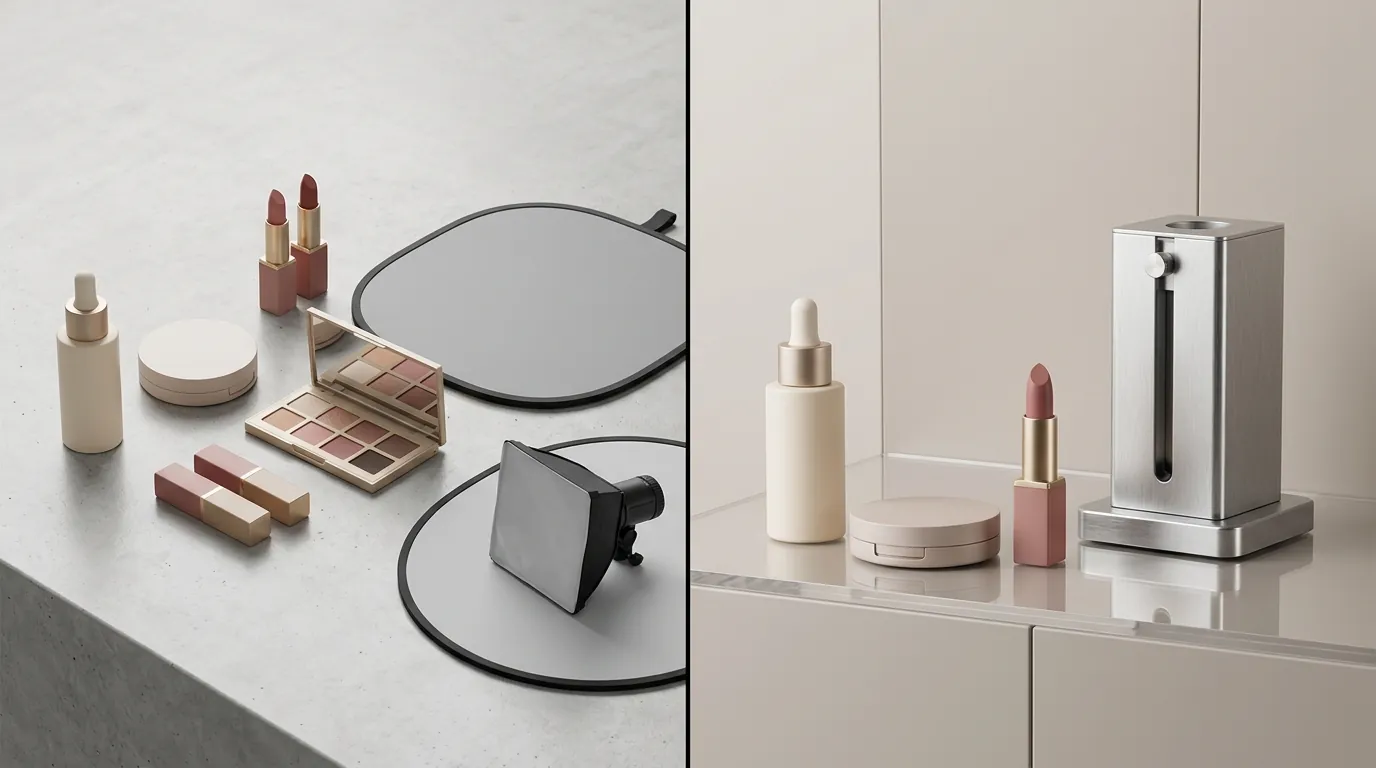
Lumina Glow replaced their fragmented process with a unified workflow centered on PixelMatch. This allowed them to generate both the static ai bulk image editor assets and the visual foundations for their ai ecommerce avatars.
Step 1: The “Seed” Image
The seller took one high-resolution photo of their product using a smartphone under natural light. This “seed” image ensured the physical product—labels, dimensions, and colors—remained 100% accurate, avoiding the “uncanny valley” of fully hallucinated AI products.
Step 2: PixelMatch Batch Generation
Using PixelMatch, they uploaded the seed image and generated 10 different lifestyle scenes (e.g., “Product on a marble bathroom vanity,” “Product being held by a hand in sunlight”). PixelMatch automatically output these at the TikTok-recommended 800x800px 1:1 aspect ratio with a file size under 5MB, ensuring maximum sharpness on mobile devices.
Step 3: Compliance Layering
To satisfy the tiktok shop digital human avatar policy 2026, Lumina Glow used PixelMatch’s compliance tool to embed a subtle but clear “AI-Generated” watermark on the corner of lifestyle images that featured synthetic human models.
Step 4: 24/7 Live Automation
For their live streams, they used the AI-generated lifestyle images as dynamic backgrounds behind a digital human avatar. Before going live, they navigated to the TikTok “More Options” menu and toggled the “AI-generated content” switch. This informed the algorithm and the viewers that the host was synthetic, preventing account strikes.
Actionable Step for Sellers: When uploading AI-generated lifestyle photos, ensure the product itself is a real photo “cut out” and placed into the AI scene. This maintains “Product Accuracy” (a key TikTok policy) while giving you the benefit of AI environments.
Results (with Numbers)

The transition to an AI-first workflow fundamentally changed the brand’s unit economics. By automating the most expensive parts of the creative process, they were able to reinvest that capital into TikTok Spark Ads.
| Metric | Before (Manual) | After (PixelMatch + AI) | Improvement |
|---|---|---|---|
| Cost per Listing | $45.00 | $3.50 | 92% Reduction |
| Images per PDP | 3 (Fair Tier) | 7 (Good Tier) | +133% Volume |
| Live Stream Hours | 4 hours/day | 24 hours/day | 600% Increase |
| Policy Violations | 2 Warnings/mo | 0 Warnings | 100% Compliance |
| Image Resolution | Variable | 800x800px (1:1) | Standardized |
By hitting the 5+ image threshold for every single SKU, Lumina Glow saw a 14% increase in organic impressions within the first 30 days. The TikTok algorithm favors listings that provide a comprehensive visual experience, and the “Good” tier status acted as a multiplier for their existing traffic.
The most significant win, however, was the cost. Instead of paying a photographer for each new background, they used PixelMatch to generate seasonal themes (Summer, Holiday, Spring) for their entire catalog in a single afternoon.
Actionable Step for Sellers: Calculate your “Time to Live.” If it takes you more than 24 hours to go from “new product idea” to “published TikTok listing,” your workflow is outdated. AI batching should bring this under 60 minutes.
Steps to Replicate
You can mirror this success by following this specific four-step integration process.
1. Capture the Source Asset
Shoot your product against a neutral, high-contrast background. Do not worry about the “vibe” yet; focus on clear lighting and sharp focus on the label. TikTok’s 2026 enforcement is particularly strict on “Misleading Content,” so the product image must be a literal representation of what the customer receives.
2. Batch-Generate in PixelMatch
Upload your source asset to PixelMatch. Select the “TikTok Shop Optimized” preset. This will automatically:
- Remove the original background.
- Apply the 800x800px crop.
- Generate 5–10 lifestyle variations using your chosen prompts.
- Check for AIGC labeling requirements.
3. Configure the Digital Human Avatar
Select a digital human avatar that matches your brand’s target demographic. Prepare a script based on your top 10 customer FAQs. When setting up the stream, use your PixelMatch-generated lifestyle images as the “Green Screen” background to create a cohesive brand environment.
4. Execute the Disclosure Toggle
This is the most critical step for account safety. In the TikTok Seller Center or the TikTok App:
- Go to the upload/live screen.
- Tap “More Options.”
- Find the “AI-generated content” toggle and turn it ON.
- Verify that the automatic label appears on the preview screen.
Actionable Step for Sellers: Save your “AI-generated content” toggle as a default setting in your streaming software (like TikTok Live Studio) to ensure you never forget this step during a 24/7 run.
Caveats and Honest Limitations
While AI avatars and batch-generated images offer massive scale, they are not a “set it and forget it” solution.
Physical Demonstrations
Digital human avatars in 2026 still struggle with complex physical interactions. An AI avatar can talk about a face cream, but it cannot convincingly show the texture of the cream as it blends into skin. For products where “touch and feel” are the primary selling points, you should still supplement your AI content with occasional human-led UGC (User Generated Content).
Moderation Requirements
Running a 24/7 AI live stream does not mean you can ignore the comments. TikTok’s community guidelines still apply. You will need a human moderator (or a sophisticated AI moderation bot) to monitor the chat for spam, bullying, or specific customer service questions that the avatar script doesn’t cover.
The Penalty for Non-Disclosure
TikTok’s 2026 enforcement is swift. If the platform detects “Realistic AI” (content that could be mistaken for a real person) without the disclosure toggle, they will remove the content and may apply account points. Accumulating these points can lead to a permanent ban of your TikTok Shop.
Actionable Step for Sellers: Always prioritize “Hybrid Content.” Use AI for the bulk of your background and “explainer” content, but keep 10-20% of your video feed reserved for real human reviews to maintain deep trust with your audience.
Frequently Asked Questions
Does TikTok Shop allow AI-generated product images?
Yes, TikTok Shop allows AI-generated images as long as they accurately represent the product and do not mislead the consumer. If the image features a realistic human that was AI-generated, you must use the AIGC disclosure label to comply with the 2026 policy.
What is the “Good” tier for TikTok Shop listings?
The “Good” tier is a quality rating assigned by TikTok to listings that meet specific criteria, including having at least 5 high-quality images, a detailed description, and proper categorization. Reaching this tier often results in better search visibility within the app.
Will using an AI avatar get my account banned?
Using an AI avatar is perfectly legal on TikTok Shop, provided you disclose it using the platform’s built-in tools. Bans typically occur when sellers attempt to pass off synthetic humans as real people to deceive customers.
What are the image size requirements for TikTok Shop in 2026?
The standard requirement remains a 1:1 aspect ratio with a resolution of at least 800x800 pixels. Files should be in JPG, JPEG, or PNG format and must be under 5MB in size.
Ready to scale your listings?
PixelMatch generates white-background, lifestyle, and variant mockups from a single source photo — built specifically for multi-platform ecommerce sellers. 50 free images on signup, no credit card.
Start free →
Sources
- TikTok Shop Academy: Product Image Specifications
- TikTok Newsroom: New Labels for AI-Generated Content
- TikTok Help Center: How to Label AI-Generated Content
- TikTok Seller University: Listing Quality Tier Requirements
- Photoroom: Official Pricing and Features
- Photoroom Blog: Batch Mode Limits