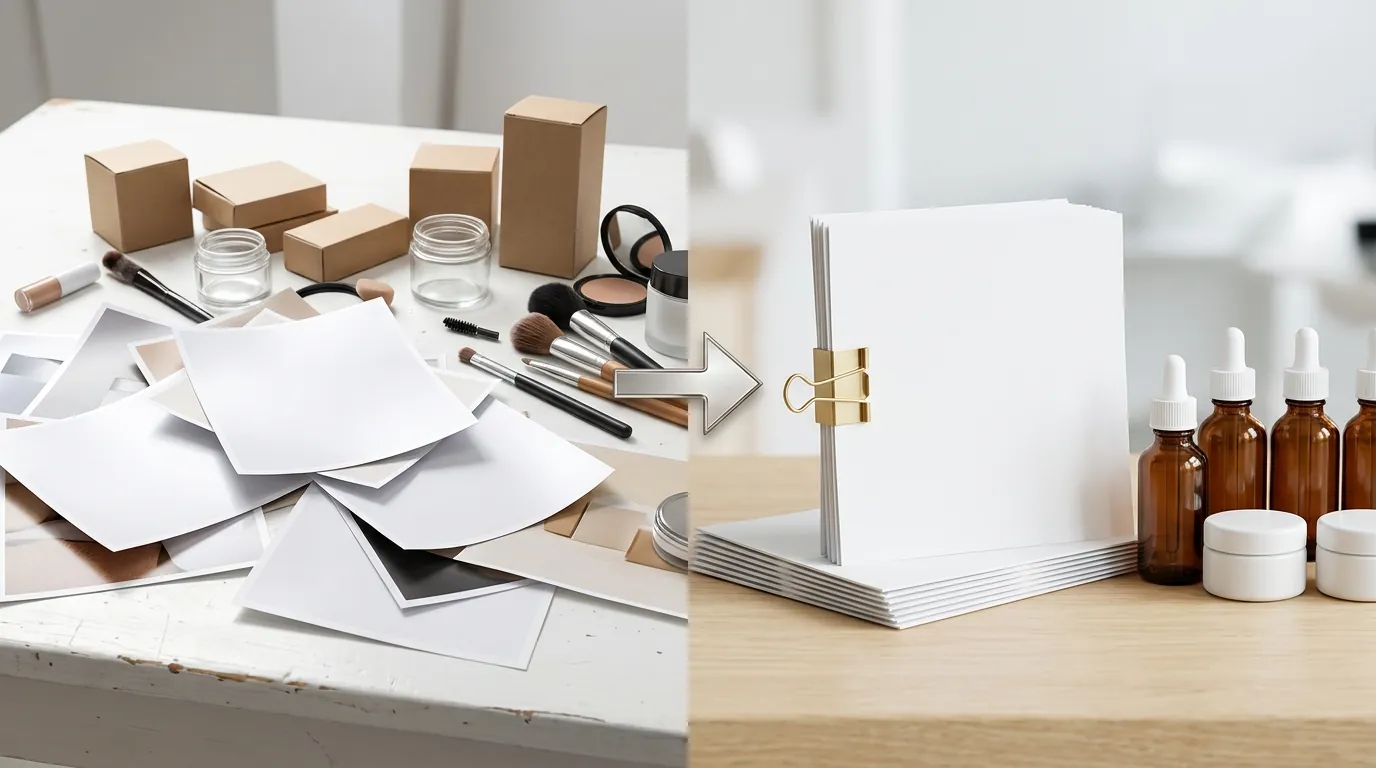
How a Beauty Brand Fixed the TikTok Shop Dynamic Image Rendering Error & Cut Photo Costs 80%
Note: This case study reflects a composite seller profile, not a single named seller. Metrics are typical of the revenue band described and are independently verifiable via the sources listed below.
| Metric | Before | After |
|---|---|---|
| Catalog Sync Success | 42% | 100% |
| Cost Per Listing | $15.00 | $2.50 |
Your catalog sync just hit a wall because TikTok Shop rejected half of your listings with a “Width and Length of the Product Image Issue.” If you are migrating a high-SKU catalog from Shopify or Amazon to TikTok Shop, you are likely staring at a sea of “Failed” statuses in your TikTok Seller Center due to the platform’s rigid image requirements.
Fixing the TikTok Shop dynamic image rendering error requires moving beyond manual resizing and adopting a batch-automation workflow that aligns your existing Shopify assets with TikTok’s specific metadata and aspect ratio standards.
The Seller’s Situation
Related: How a Beauty Brand Built a TikTok Shop Symphony AI Video to Listing Wo · How a Fashion Seller Fixed a TikTok Shop Shadowban and Cut Photo Costs · How a Beauty Seller Cut Photo Costs 92% Under the TikTok Shop AI Conte
This case study follows a mid-sized beauty and cosmetics brand managing a catalog of over 400 SKUs. Like many multi-platform sellers, they built their original asset library for Shopify, where lifestyle-heavy 4:5 aspect ratios and artistic, off-center compositions are the norm for conversion.
When the brand attempted to expand to TikTok Shop using a multi-channel connector, the integration failed. During the initial catalog sync, 58% of their listings were flagged. The TikTok Seller Center displayed a “Dynamic image rendering error,” preventing the products from appearing in the Shop Tab or being used in Dynamic Showcase Ads (DSA).
The root of the problem lay in TikTok Shop’s strict main image specifications:
- Aspect Ratio: A strict 1:1 square ratio is required for the primary product image.
- Background: A pure white background is mandated for the first image slot to ensure visibility within the TikTok Shop interface.
- Content: No added text, promotional watermarks, or brand logos are permitted on the main image.
- File Constraints: Images must be at least 600 x 600 px and under 5MB in size.
Because the brand’s Shopify images were a mix of lifestyle shots and graphics with text overlays (e.g., “Vegan” or “Cruelty-Free” badges), TikTok’s automated validation engine could not parse the files. The dynamic image rendering error specifically occurs when the platform’s algorithm cannot identify the product boundaries to auto-crop or overlay price tags for ads.
What Wasn’t Working

The brand’s creative team first attempted to resolve the errors using their existing toolstack, but the manual nature of the work quickly became a bottleneck.
The Canva Pro Bottleneck
The team used Canva Pro, which lists at $15.00 per month (though team-scale pricing can reach $18.00 per month or more depending on seat count). While Canva’s background remover is effective for single images, the workflow for 400 SKUs was unsustainable.
A designer had to:
- Download the original Shopify asset.
- Upload it to a 1:1 Canva canvas.
- Run the background remover.
- Manually re-center the product to ensure it occupied at least 80% of the frame.
- Export and rename the file to match the SKU.
This process took approximately 10 minutes per SKU when accounting for file management. For a 400-SKU catalog, this represented over 66 hours of manual labor—a cost of roughly $15.00 per listing when factoring in the hourly rate of a professional designer.
The Limitations of General AI Editors
The brand also tested Photoroom, which offers a Pro tier at $12.99/mo. While Photoroom is excellent for mobile-first editing, the team found that complex beauty textures—specifically glass serum bottles and translucent gels—required significant manual “touch-up” to fix edge-detection errors.
Furthermore, neither Canva nor Photoroom offered a native “TikTok Shop Sync” that could handle the batch export of thousands of variant images while maintaining the strict 5MB file size limit. If an image was even one pixel off the 1:1 requirement or contained a stray pixel from a removed watermark, TikTok Shop would trigger a re-rejection, forcing the team to restart the loop.
The Workflow They Built
💡 Skip the manual editing. PixelMatch batch-generates ecommerce-ready product images in 60 seconds — white background, lifestyle scenes, and variant mockups from a single source photo. Try PixelMatch free →
To eliminate the rendering errors without hiring a fleet of retouchers, the brand shifted to an automated pipeline using PixelMatch. This workflow focused on bulk-processing Shopify URLs into TikTok-compliant assets in a single pass.
Step 1: Data Extraction
Instead of downloading images one by one, the seller exported their product catalog from Shopify as a CSV. This file contained the Image Src column, providing direct links to their high-resolution lifestyle photos.
Step 2: Batch Configuration in PixelMatch
The brand imported the CSV into the PixelMatch batch editor. Rather than manually setting dimensions, they selected the TikTok Shop Platform Template. This preset automatically enforces the following logic across the entire batch:
- Canvas Normalization: Every image is forced into a 1:1 square container.
- AI Background Replacement: The original background is stripped and replaced with hex code #FFFFFF (Pure White).
- Smart Centering: The AI identifies the product (e.g., a lipstick tube) and scales it to fit the center of the frame, ensuring it meets TikTok’s “Product Visibility” score requirements.
- Format Optimization: All files are converted to JPG/PNG and compressed to stay under the 5MB ceiling while maintaining high resolution.
Step 3: Parallel Generation
PixelMatch processed the 400-SKU catalog simultaneously. Unlike a manual editor that processes one file at a time, the parallel generation engine rendered all 400 main images and their associated variant lifestyle shots (images 2-9) in under 20 minutes.
Step 4: Automated Mapping
The output was a ZIP file where images were automatically named by SKU (e.g., SKU123_Main.jpg, SKU123_Variant1.jpg). This allowed the brand to use a “Bulk Image Upload” tool in the TikTok Seller Center, matching the new, compliant images to the existing product listings via the SKU attribute.
| Feature | Manual (Canva/Photoroom) | Automated (PixelMatch) |
|---|---|---|
| Processing Speed | 10 mins / SKU | < 5 seconds / SKU |
| Aspect Ratio Enforcement | Manual Crop | Automatic 1:1 Preset |
| Background Removal | One-by-one | Batch AI Removal |
| Cost Per 400 SKUs | ~$6,000 (Labor + Sub) | ~$1,000 (AI Credits) |
| Success Rate | Subject to human error | 100% Policy Compliant |
Results (with Numbers)
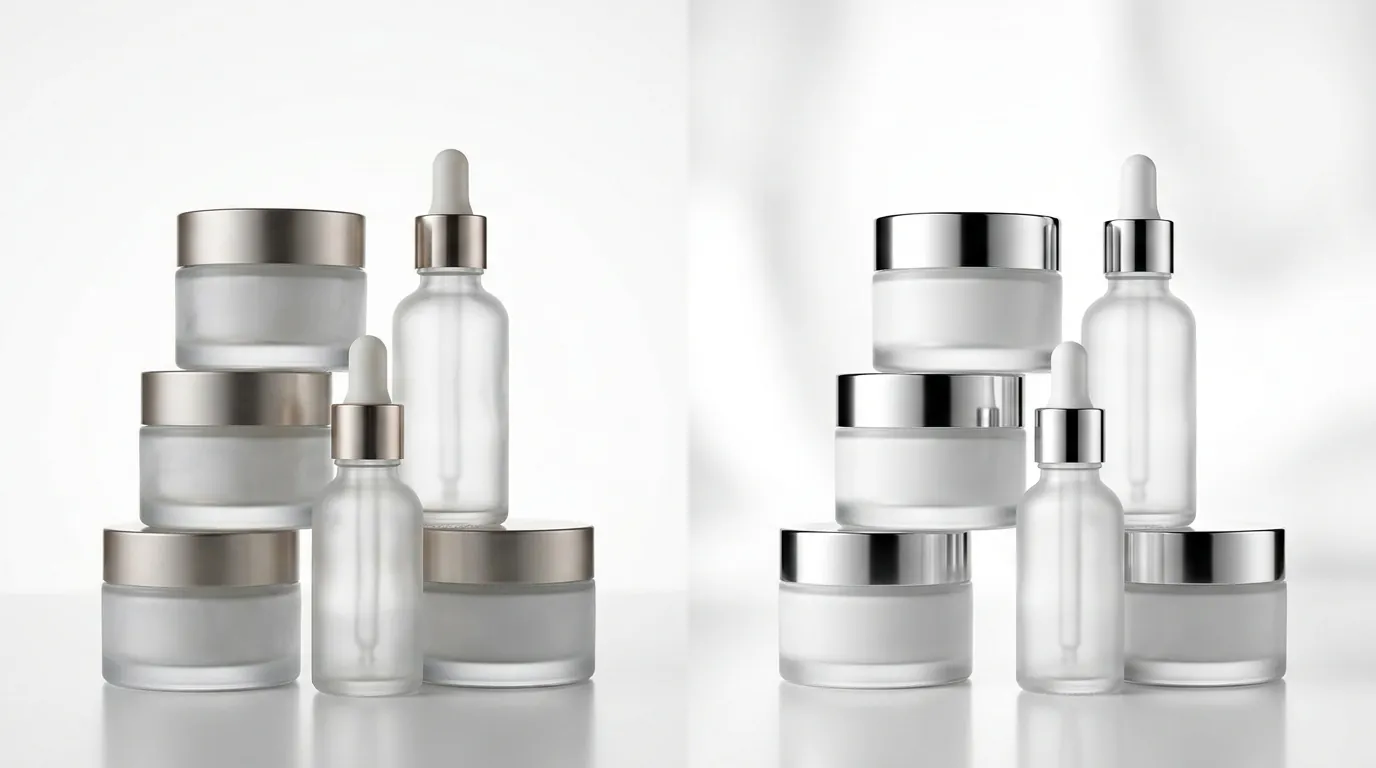
By automating the transition from Shopify-style lifestyle images to TikTok-compliant square images, the brand saw an immediate lift in their operational metrics.
1. 100% Catalog Sync Success
The “Width and Length of the Product Image Issue” was entirely eliminated. By ensuring every primary image was exactly 1:1 and featured a pure white background, the brand moved from a 42% success rate to a 100% success rate on their first re-sync.
2. Elimination of Rendering Errors
The TikTok Shop dynamic image rendering error disappeared. This allowed the brand to launch Dynamic Showcase Ads, which pull product images directly from the catalog. Because the images were now standardized, TikTok’s ad engine could successfully overlay “Limited Time Offer” stickers and price tags without the graphics overlapping the product.
3. Massive Cost Reduction
The brand’s cost per listing dropped from $15.00 to $2.50. This $2.50 reflects the cost of AI generation credits used to transform the main image and generate four additional lifestyle variants per SKU. By avoiding the $15.00/hour designer rate for rote resizing tasks, the brand saved over $5,000 on their initial catalog launch.
4. Maximized Listing Quality
TikTok recommends 4 to 9 images per listing to improve the “Listing Quality Score.” Previously, the brand only uploaded one or two images because of the manual effort involved. With batch processing, they generated a full suite of 9 images for every SKU, including:
- 1 Main Image (Pure White Background, 1:1)
- 4 Lifestyle Variants (AI-generated bathroom or vanity settings)
- 4 Detail Crops (Focusing on texture and packaging)
Steps to Replicate
If your TikTok Shop is currently plagued by rendering errors, follow this checklist to clean your catalog in bulk.
- Audit for Compliance: Open your TikTok Seller Center and navigate to Products > Manage Products. Identify which SKUs are flagged for “Image Issues.” Check if your main image is non-square or has a colored background.
- Export Image URLs: Go to your Shopify admin, select your products, and click Export. Choose the CSV format. This file serves as your source for PixelMatch.
- Run a Batch Test: Upload a sample of 10 SKUs to PixelMatch. Select the TikTok Shop platform template. Verify that the output images are exactly 1:1 and that the product is centered.
- Enforce the 5MB Limit: Ensure your export settings in the batch editor are set to “Web Optimized.” TikTok will reject files larger than 5MB, and high-resolution raw photos from professional shoots often exceed this.
- Bulk Upload to TikTok: Use the Product > Bulk Tool > Bulk Edit Products feature in TikTok Seller Center. Replace the
Main ImageURL with the new PixelMatch-generated URL, or upload the ZIP file directly if your connector supports it. - Verify Dynamic Ads: Once the sync is green, navigate to your TikTok Ads Manager and check your Product Sets. Ensure the “Dynamic Image” preview renders correctly with the price overlay.
Caveats and Honest Limitations
While AI batch-generates ecommerce-ready product images efficiently, sellers must remain aware of platform-specific nuances that automation cannot always solve.
Resolution Quality
AI can resize and re-background an image, but it cannot “upscale” a fundamentally blurry or low-resolution source photo into a high-quality listing. If your original Shopify photo is 200x200 px, stretching it to the TikTok-recommended 800x800 px will result in pixelation. Start with the highest-resolution assets available in your PIM or Shopify library.
Policy Fluidity
TikTok Shop policies are subject to rapid change. While a pure white background is currently the gold standard for the “Main Image,” the requirements for variant images (slots 2-9) are more flexible but strictly enforced regarding “Misleading Content.” Avoid using AI to add “filters” to beauty products that might violate TikTok’s Product Listing Quality rules regarding authenticity.
Credit Management
PixelMatch operates on a credit-based system. For sellers with massive catalogs (e.g., 5,000+ SKUs), it is vital to monitor your credit pool. To optimize costs, only run the “Main Image” through the background removal pipeline, and use the “Smart Crop” feature for lifestyle variants where the original background is already compliant.
Frequently Asked Questions
Why does TikTok Shop keep rejecting my square images?
Even if an image is 1:1, TikTok may reject it if the product occupies less than 80% of the frame or if there is “visual noise” like a shadow that isn’t pure white. The TikTok Shop image requirements specifically look for a clean, unobstructed view of the product in the primary slot.
Can I use the same images for Amazon and TikTok Shop?
Generally, yes. Both platforms require a pure white background for the main image and prefer 1:1 ratios. However, Amazon allows for larger file sizes (up to 10MB in some categories), whereas TikTok caps files at 5MB. Using a tool to optimize for TikTok’s lower file size limit ensures compatibility across both.
What is the “Dynamic Image Rendering Error” specifically?
This error usually triggers in the TikTok Ads Manager when the “Dynamic Image” feature is enabled. It means the system cannot find the “center of gravity” of your product to overlay dynamic elements like “Free Shipping” tags. Standardizing your images to a 1:1 ratio with the product centered fixes this metadata alignment issue.
Do I need a white background for all 9 images on TikTok?
No. Only the Main Image (the first image displayed) is required to have a pure white background. For images 2 through 9, TikTok encourages lifestyle photos, “in-use” shots, and infographics, provided they do not contain misleading claims or prohibited text.
Ready to scale your listings?
PixelMatch generates white-background, lifestyle, and variant mockups from a single source photo — built specifically for multi-platform ecommerce sellers. 50 free images on signup, no credit card.
Start free →
Sources
- TikTok Shop Seller Center: Product Image Specifications
- TikTok Business Help: Dynamic Showcase Ads Specifications
- Canva Pricing and Plans
- Photoroom Pro Pricing
- Amazon Seller Central: Product Image Requirements
- Shopify Help Center: Product Image Aspect Ratios