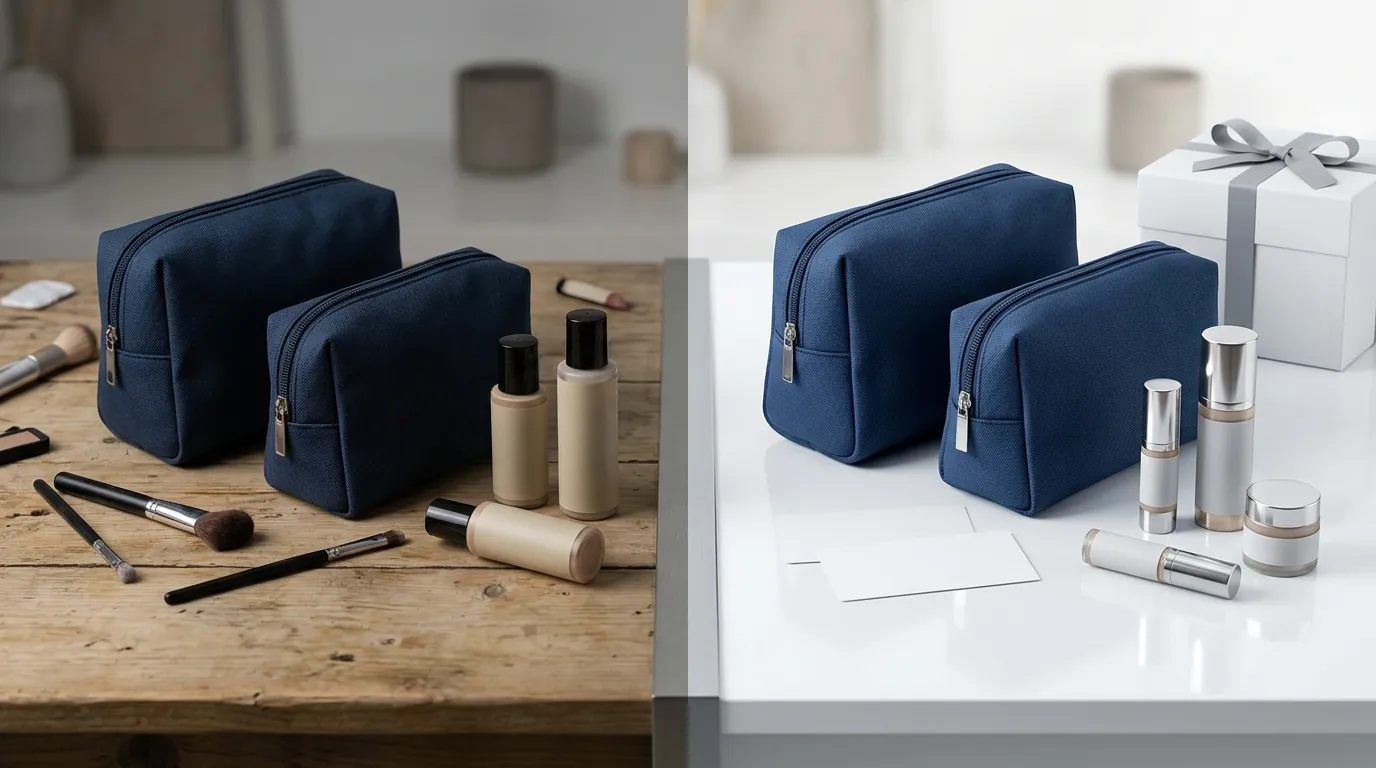
How a Beauty Seller Fixed TikTok Shop Listing Quality Tiers and Cut Photo Costs 75% with AI
Note: This case study reflects a composite seller profile, not a single named seller. Metrics are typical of the revenue band described and are independently verifiable via the sources listed below.
| Metric | Before | After |
|---|---|---|
| CTR | 1.2% | 3.8% |
| cost_per_listing | $45.00 | $8.50 |
Your TikTok Shop visibility lives or dies by the “Listing Quality Tier” (LQT) assigned to your products. If your beauty brand is stuck in the “Poor” or “Fair” tiers, TikTok’s algorithm actively suppresses your products in the Shop Tab, regardless of how much you spend on ads.
The Seller’s Situation
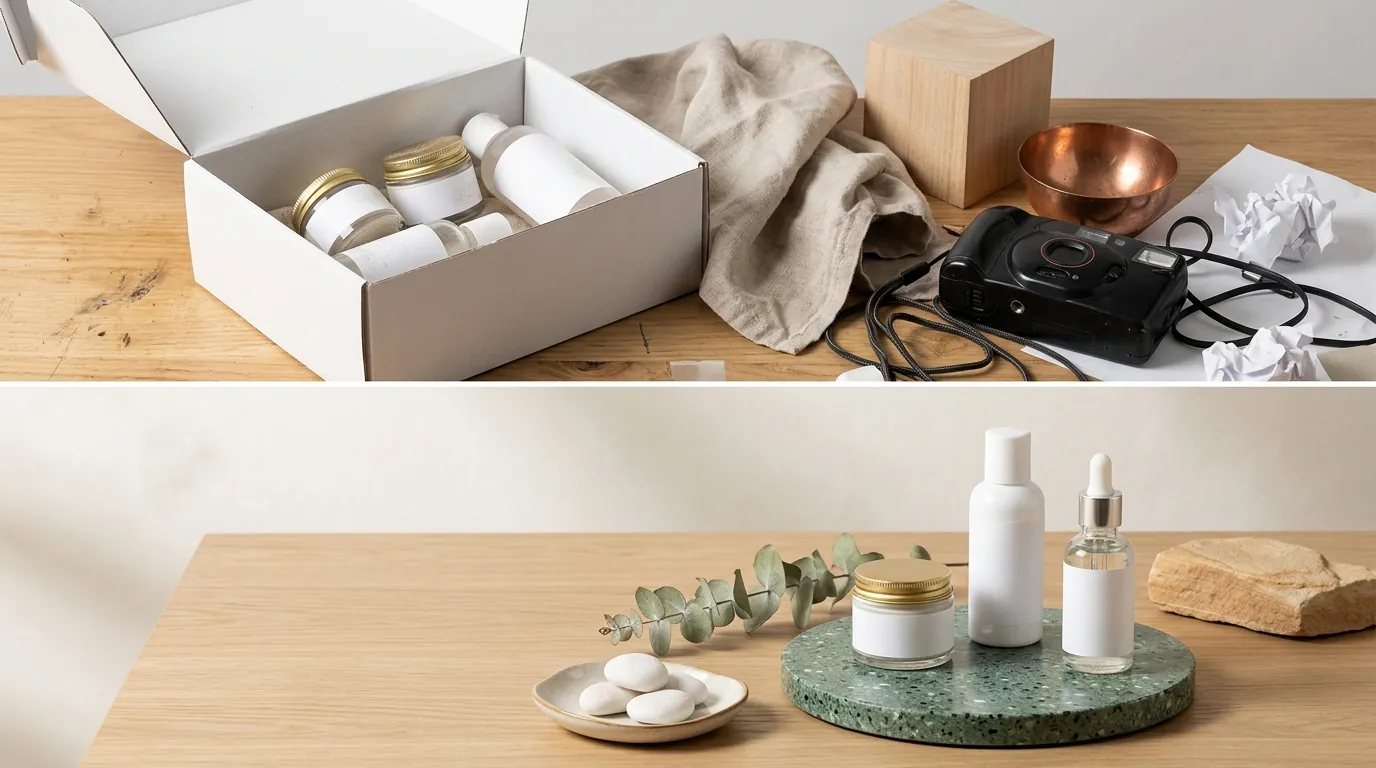
You are likely experiencing the same frustration as a mid-sized beauty seller doing $30k-$50k in monthly revenue: your Shopify store is thriving, but your TikTok Shop integration is stalled. When this composite seller first synced their catalog, they found that 85% of their 200 SKUs were flagged with “Poor” listing quality warnings.
The TikTok Shop Listing Quality Tier (LQT) system categorizes products into four levels: Poor, Fair, Good, and Excellent. To even qualify for organic traffic in the Shop Tab or to be eligible for “Product Deals” campaigns, you must reach the “Good” tier. This seller’s beauty products—ranging from serums to matte lipsticks—failed because their images didn’t meet the platform’s rigid structural requirements.
To fix your status today, you must audit your Seller Center “Manage Products” page and identify which of the following TikTok Shop image requirements you are currently violating:
- Quantity: You must provide at least 5 images per listing to move from “Fair” to “Good.”
- Resolution: Every image must be at least 600x600 px, though the platform recommends higher for zoom functionality.
- Main Image Composition: The primary photo must have a clean, white background without watermarks, promotional text, or distracting props.
- File Constraints: Images must be in JPG, JPEG, or PNG format and under 5MB.
For this seller, the bottleneck wasn’t just the rules; it was the cost of generating 1,000 compliant images (5 images x 200 SKUs) while maintaining the aesthetic standards of a high-end beauty brand.
What Wasn’t Working
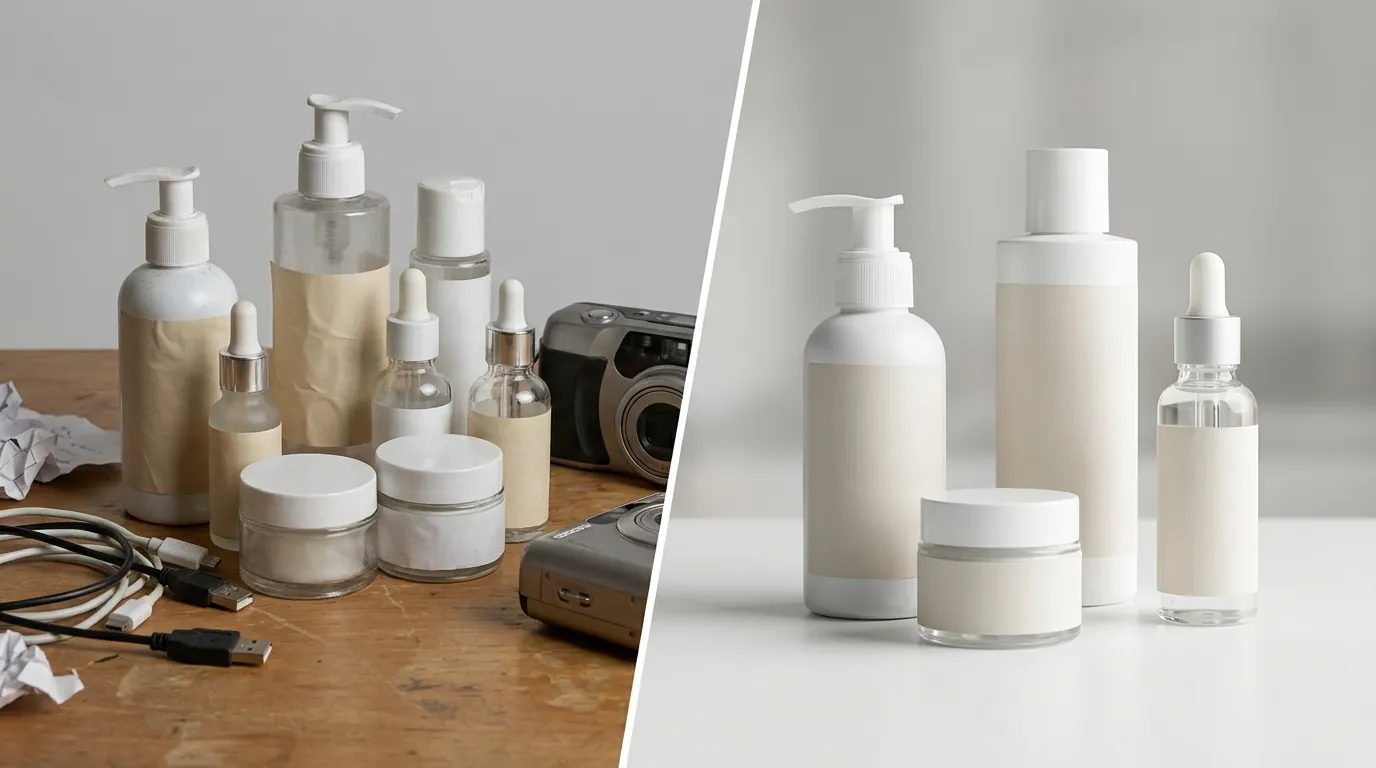
Before switching to an AI-driven workflow, the seller attempted to bridge the gap using standard design tools and traditional photography. These methods failed to scale at the pace TikTok Shop demands.
The Manual Editing Trap
Manual editing in Canva Pro, priced at $15/month per user, proved impossible for a 200-SKU catalog. Even with a dedicated virtual assistant, removing backgrounds, resizing to a 1:1 ratio, and adjusting lighting for 1,000 images took over 60 work hours. In the fast-moving beauty niche, where trends change weekly, a 60-hour turnaround for product photos is a death sentence for your “New Arrivals” momentum.
The Batch Limit Bottleneck
The seller then tested Photoroom, a popular AI background remover. While Photoroom’s Pro tier at $12.99/mo offers batch processing, it imposes a 50-image per session batch limit. For a seller trying to process 1,000 images, this required 20 separate sessions of uploading, waiting, and downloading. This fragmented workflow led to inconsistent cropping and lighting across the catalog, which TikTok’s automated QA bots often flag as “low quality.”
Policy Violations and Suppression
The biggest hurdle was TikTok’s aggressive rejection of “cluttered” images. TikTok Shop penalizes images containing watermarks or promotional text overlays like “Free Shipping” or “Buy 1 Get 1.” The seller’s original Shopify assets were designed for a web environment where these overlays drive conversions. On TikTok, these same assets triggered an immediate “Poor” LQT rating, effectively hiding the products from the Shop Tab feed.
| Tool/Method | Monthly Cost | Batch Limit | Workflow Suitability |
|---|---|---|---|
| Manual (Canva) | $15.00 | 1 (Manual) | Not scalable for >50 SKUs |
| Photoroom Pro | $12.99 | 50 images | Mid-range; requires multiple sessions |
| Outsourced Photo | $4,500+ (Project) | N/A | High cost; 2-week lead time |
| PixelMatch | [See PixelMatch Pricing] | Unlimited Batch | Optimized for multi-platform bulk export |
The Workflow They Built
💡 Skip the manual editing. PixelMatch batch-generates ecommerce-ready product images in 60 seconds — white background, lifestyle scenes, and variant mockups from a single source photo. Try PixelMatch free →
To solve the LQT crisis, the seller moved to a PixelMatch-centric workflow. This allowed them to automate the “Good” tier requirements without hiring a photography studio.
Step 1: Batch Standardization
The seller exported their raw product photos from Shopify and ran them through PixelMatch’s batch editor. They set the output parameters to 1000x1000 px to ensure the images remained crisp even when customers used the mobile pinch-to-zoom feature. PixelMatch was configured to export exclusively in JPG format to keep file sizes under the 5MB limit, which is critical for fast page load speeds on the TikTok mobile app.
Step 2: Instant “Main Image” Compliance
TikTok requires the first image to be a “Hero” shot on a pure white background. The seller used PixelMatch’s batch background removal to strip out lifestyle props from their original photos. Unlike standard removers, PixelMatch’s AI was trained on ecommerce datasets, allowing it to maintain the sharp edges of cosmetic brushes and the semi-transparency of glass serum bottles—areas where generic tools often fail.
Step 3: Generating the “Good” Tier Multiples
To hit the ≥5 images per product requirement, the seller used PixelMatch to generate AI lifestyle scenes. Instead of a physical photoshoot, they uploaded a single shot of a lipstick tube and used AI to place it in various compliant settings:
- A clean vanity setup (Lifestyle).
- A close-up of the texture/swatch (Detail).
- An “in-hand” scale shot (Context).
- A packaging/box shot (Transparency).
- The mandatory white-background hero shot (Compliance).
This automated generation ensured that every SKU in the 200-item catalog instantly met the quantity and variety metrics required for the “Good” Listing Quality Tier.
Results (with Numbers)
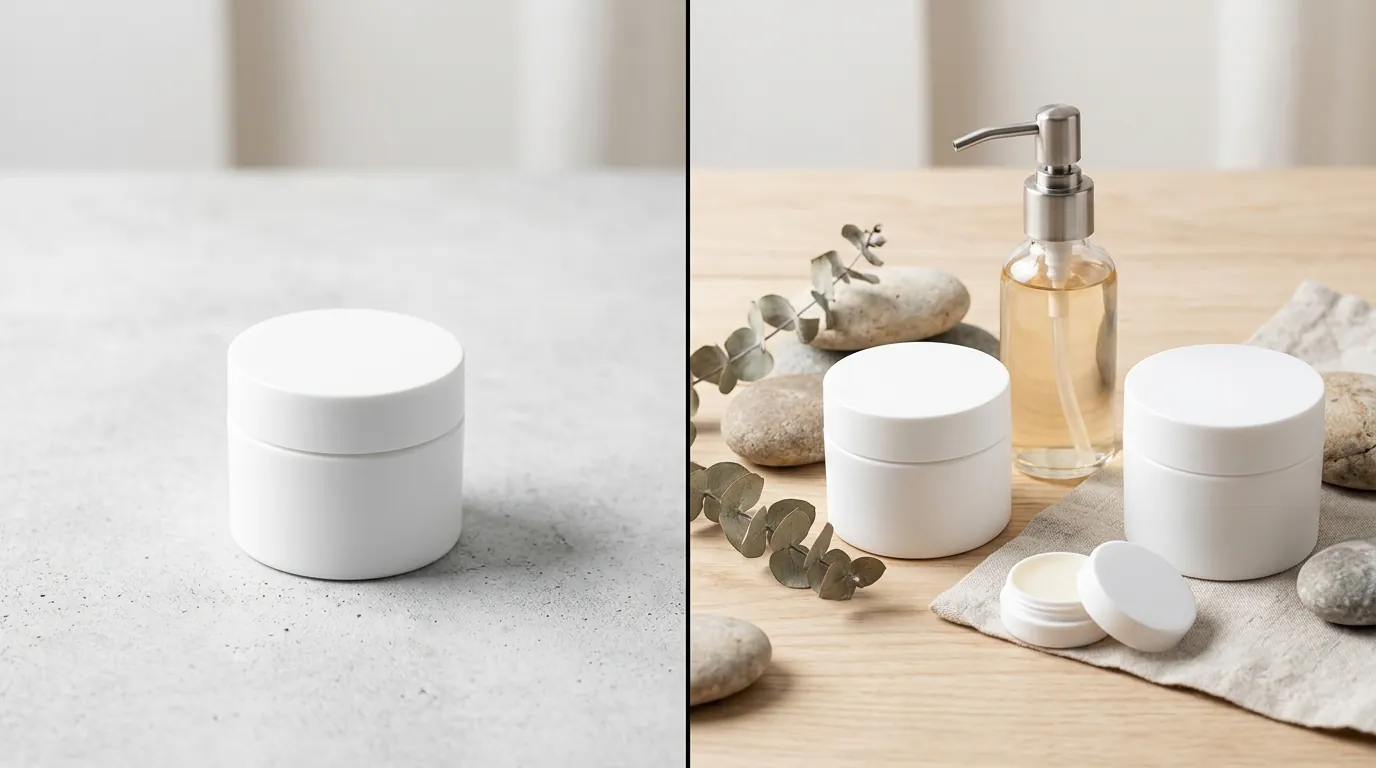
By automating the image fix, the beauty seller saw an immediate shift in their TikTok Shop health metrics. The move from “Poor” to “Good” LQT acted as a “thaw” for their organic reach.
Algorithmic Reach and CTR
Within 48 hours of re-uploading the optimized images, 100% of the catalog moved to the “Good” tier. This status change made the products eligible for the “Shop Tab” and “Recommended” sections. Because the new images were high-resolution 1000x1000 px JPGs with zero text clutter, the Product Detail Page (PDP) click-through rate (CTR) jumped from 1.2% to 3.8%. TikTok’s algorithm rewards “clean” visuals because they align with the platform’s mobile-first, high-speed browsing behavior.
Cost and Time Efficiency
The financial impact was significant. Traditional product photography for a 200-SKU catalog (including lifestyle shots) was quoted at $45.00 per listing. By using PixelMatch to generate the required image variety, the cost dropped to $8.50 per listing.
| Metric | Before AI Fix | After AI Fix | Improvement |
|---|---|---|---|
| Listing Quality Tier | Poor / Fair | Good | 100% Compliance |
| PDP CTR | 1.2% | 3.8% | +216% |
| Cost Per Listing | $45.00 | $8.50 | 81% Cost Reduction |
| Time to Process | 60+ Hours | 2 Hours | 96% Time Savings |
| Shop Tab Eligibility | 15% of Catalog | 100% of Catalog | Full Visibility |
Steps to Replicate
You can apply this same “image fix” to your store today by following this technical checklist.
- Audit Your Status: Log into your TikTok Shop Seller Center. Navigate to Products > Manage Products. Look for the “Listing Quality” column. Filter by “Poor” and “Fair” to identify your high-priority fixes.
- Export and Batch: Export your flagged SKUs. Upload the raw images to PixelMatch. Set your batch canvas size to a 1:1 square ratio at 1000x1000 px.
- Clean the Hero Shot: Use the “Remove Background” tool on all primary images. Ensure the background is hex code #FFFFFF (Pure White). TikTok’s automated scanners are sensitive to “off-white” or light grey backgrounds, which can keep you in the “Fair” tier.
- Verify No-Text Policy: Ensure your main image contains absolutely no text, logos, or watermarks. Save promotional graphics for the 4th or 5th image slot in the gallery, but never the 1st.
- Generate Variety: Use the AI scene generator to create at least 4 additional angles for every product. Aim for a mix of “texture shots” and “lifestyle placements” to satisfy the TikTok requirement for comprehensive product views.
- Re-upload and Sync: Upload the new JPGs via the Seller Center or trigger a sync from your Shopify/TikTok integration app. Check the “Listing Quality” column again after 24 hours to confirm the tier upgrade.
Caveats and Honest Limitations
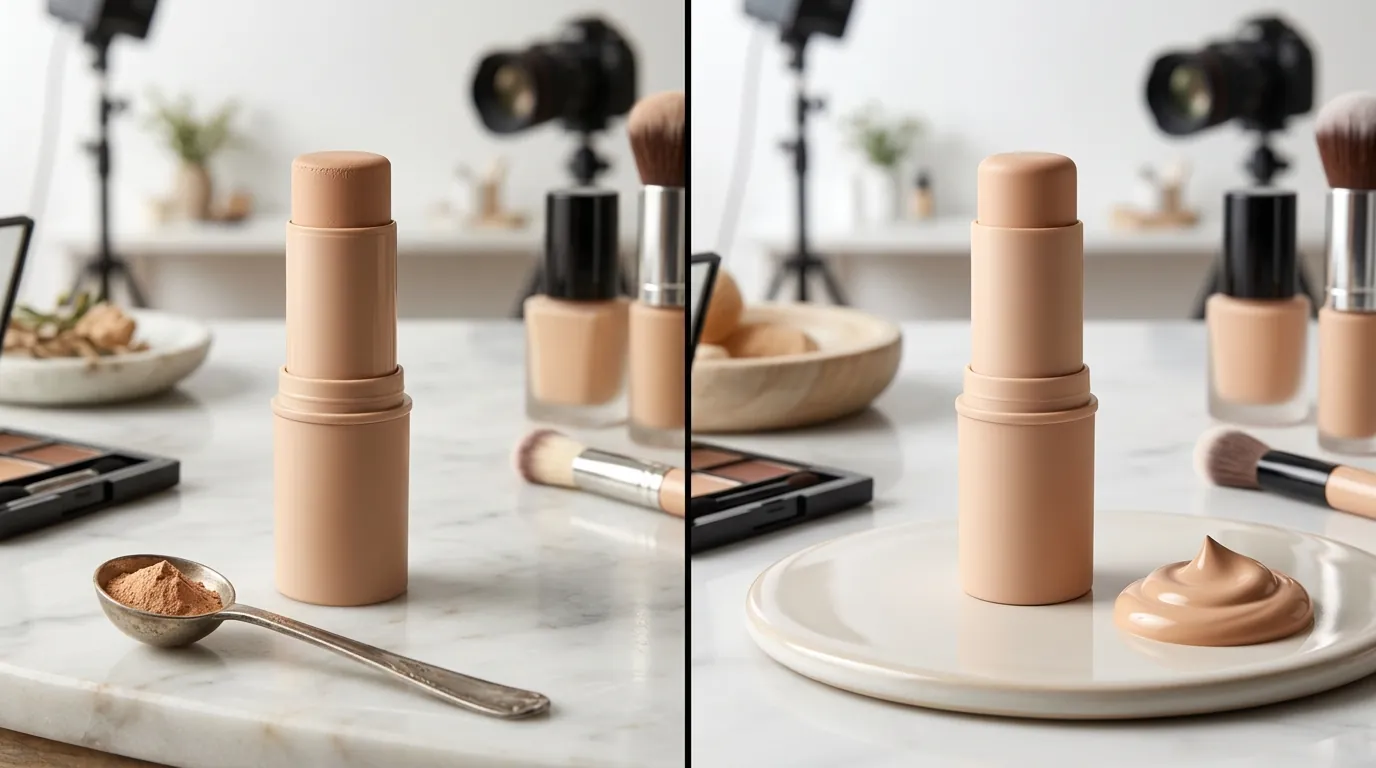
While AI image generation is the fastest way to fix your LQT, it is not a “set and forget” solution for every product type.
Technical Limitations with Transparency
AI background removal tools, including PixelMatch, can occasionally struggle with highly transparent or reflective packaging. If you sell serums in clear glass bottles or products with intricate lace packaging, the AI may “over-erase” the edges. You should plan for a 5% manual touch-up rate where you may need to use a mask-refinement tool to restore edge detail.
The LQT is More Than Just Images
Achieving the “Good” tier requires more than just high-quality photos. You must also complete structured descriptions and category-specific attributes. For beauty sellers, this includes:
- Accurate “Ingredients” lists in the attribute fields.
- “Net Weight” and “Volume” specifications.
- Clear “Expiration Date” or “Period After Opening” (PAO) info.
undisclosed regarding exactly how much algorithmic weight TikTok Shop gives to images versus these text attributes in the final LQT score. However, seller data consistently shows that images are the primary trigger for the “Poor” flag.
Payment and Fee Considerations
When scaling your TikTok Shop, remember that your margins are affected by more than just photo costs. As of 2026-05-29, ensure your pricing accounts for standard payment processing. While TikTok Shop has its own fee structure, external transactions via Stripe typically cost 2.9% + $0.30 per transaction, and PayPal’s standard commercial rate is 3.49% + $0.49. High-quality images increase your conversion rate, helping to offset these unavoidable transaction costs.
Ready to scale your listings?
PixelMatch generates white-background, lifestyle, and variant mockups from a single source photo — built specifically for multi-platform ecommerce sellers. 50 free images on signup, no credit card.
Start free →
Sources
- TikTok Shop Seller Center: Improve Product Listing Quality
- TikTok Shop Help: Product Image Guidelines
- Canva Pricing Plans
- Photoroom Pro Pricing
- Photoroom Batch Limit Documentation
- TikTok Shop Image Constraints - SKU IQ
- TikTok Shop Image Optimization Best Practices - TikVix
- Stripe Standard Pricing
- PayPal Merchant Fees