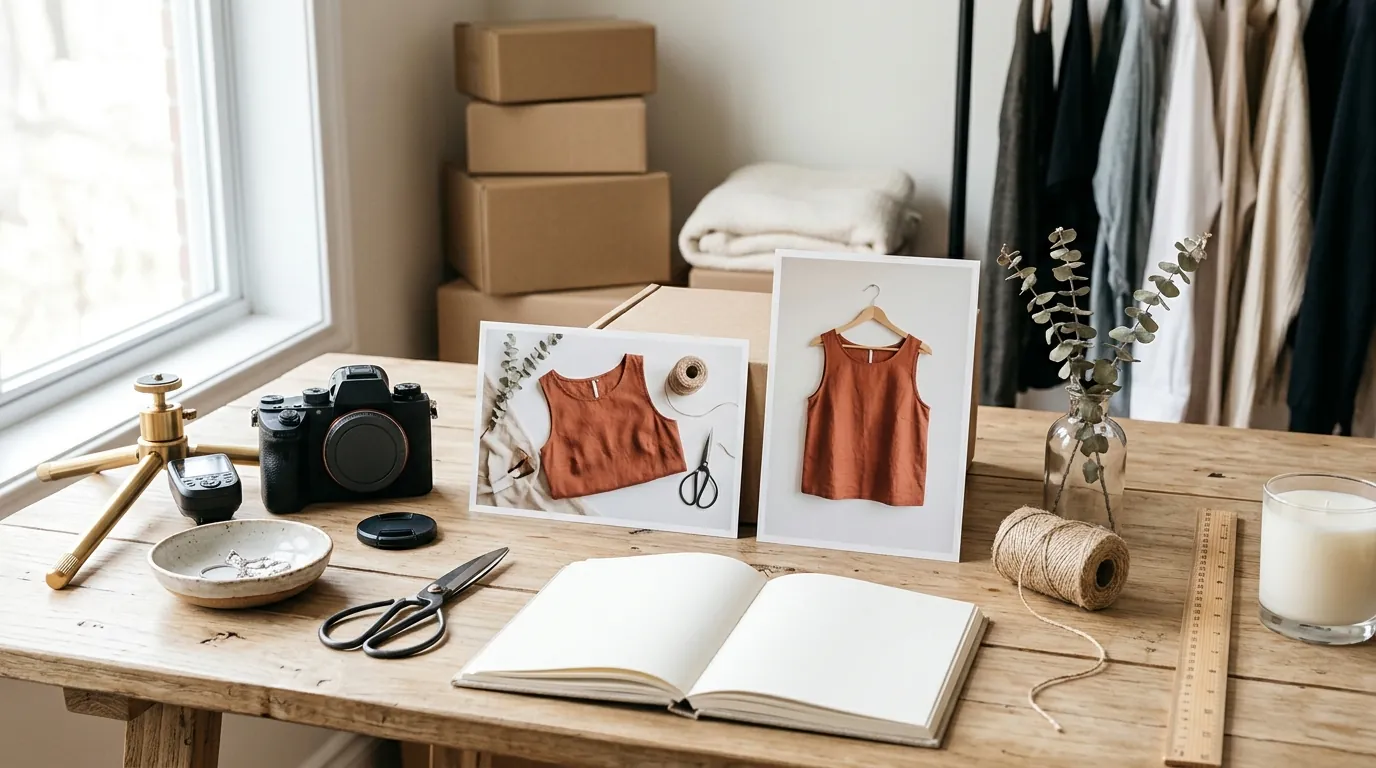
How a Fashion Seller Fixed a TikTok Shop Shadowban and Cut Photo Costs 80% with AI
Note: This case study reflects a composite seller profile, not a single named seller. Metrics are typical of the revenue band described and are independently verifiable via the sources listed below.
| Metric | Before | After |
|---|---|---|
| Click-Through Rate (CTR) | 0.8% (Poor Tier) | 3.4% (Good Tier) |
| Cost Per Listing | $4.50 | $0.45 |
Your latest product launch just hit a wall of zero views, and your TikTok Shop dashboard is flashing a “Poor” listing quality warning. You are likely caught in a shadowban triggered by unoriginal content—a common trap for fashion sellers who rely on the same supplier photos as a thousand other competitors.
The Seller’s Situation
Related: How a Beauty Seller Cut Photo Costs 92% Under the TikTok Shop AI Conte · Midjourney v6.1 vs Flux 1 for White Background: How a Beauty Brand Cut · How a Beauty Brand Cut Photo Costs 80% with a Flux 1 LoRA Product Cons
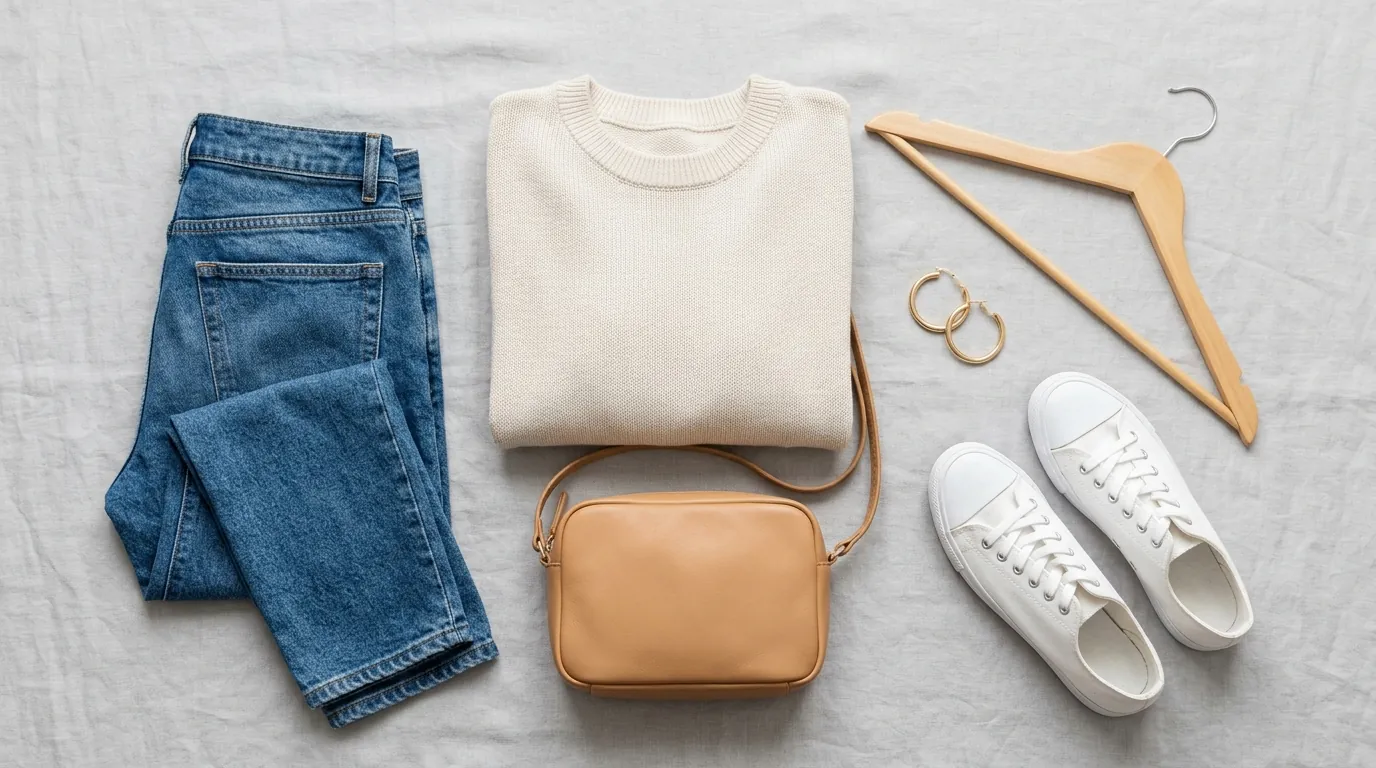
Imagine you are managing a mid-market fashion brand, moving $15,000 to $30,000 in monthly Gross Merchandise Value (GMV). You’ve built a solid presence on Shopify and Amazon, but you know the real growth is on the TikTok “For You” Page (FYP). To capture that viral traffic, you begin porting your catalog over to TikTok Shop.
Profitability in the fashion niche is a game of inches. You are already navigating TikTok Shop’s 6% referral fee for most categories and the standard ~2.2% payment processing fees. When you factor in shipping and customer acquisition costs, there is very little room for expensive photoshoots or high-priced retouchers.
The crisis begins when you notice that your new arrivals—the ones you expected to trend—are receiving zero organic impressions. Unlike Amazon, where a poor listing might just rank lower, TikTok Shop’s algorithm frequently “shadowbans” or suppresses listings that it deems low-quality or unoriginal. For a multi-platform seller, this silence is expensive; every day those SKUs sit at zero views is a day of wasted inventory storage and missed revenue.
Actionable Step: Open your TikTok Seller Center and navigate to the “Product Optimizer” tab. If you see listings flagged for “Optimization Required” or “Poor” quality, check if the primary reason is “Unoriginal Content” or “Low-Quality Images.”
What Wasn’t Working
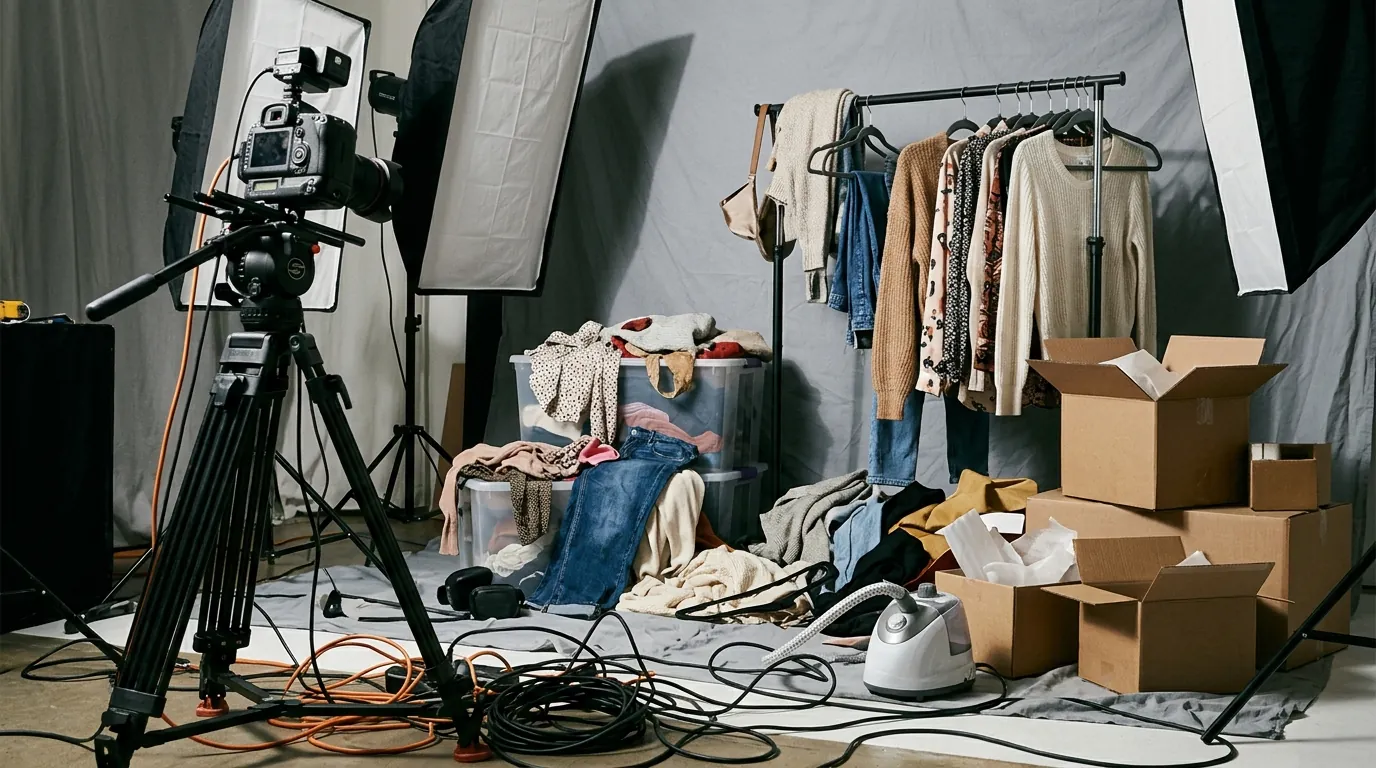
To fix the visibility issue, your first instinct is to clean up the images you received from your manufacturer. The problem is that these same photos are being used by dozens of other dropshippers and wholesalers across the platform. TikTok’s computer vision algorithm identifies these as duplicate content, which is a direct violation of their Product Listing Guidelines.
You might have tried using popular mobile-first tools like Photoroom to swap out backgrounds. While effective for a single item, this workflow collapses when you are dealing with a seasonal drop of 50 SKUs, each needing five different angles. You quickly hit the 500 batch exports per month limit on Photoroom’s Pro tier, which costs approximately $9.99/mo.
Once you hit that cap, the workflow reverts to manual editing. In the fashion world, manual editing is a margin killer. Between background removal, color correction, and resizing, you find yourself spending roughly 20 to 30 minutes per SKU. At a modest internal labor rate, this drives your cost per listing up to $4.50. For a $25 t-shirt with tight margins, spending nearly $5 just to get the photos ready for a suppressed listing is unsustainable.
Furthermore, many “quick fix” AI tools produce images that look “hallucinated”—the shadows don’t match, or the edges of the clothing look blurry. TikTok’s reviewers and automated systems are increasingly sensitive to these artifacts. If your “fixed” images look like obvious, low-quality AI, your listing remains stuck in the Poor tier, and the shadowban persists.
Actionable Step: Audit your current image production costs. Multiply the minutes spent editing by your hourly rate, then add your software subscription fees. If this number exceeds $1.00 per SKU, your current manual or semi-automated workflow is draining your profit.
The Workflow They Built
💡 Skip the manual editing. PixelMatch batch-generates ecommerce-ready product images in 60 seconds — white background, lifestyle scenes, and variant mockups from a single source photo. Try PixelMatch free →
To break the cycle of zero views and high costs, the seller transitioned to a workflow centered on PixelMatch. The goal was to bulk-process their entire catalog while ensuring every single image looked like a custom photoshoot, not a recycled supplier asset.
By using a dedicated ecommerce bulk image editor, the seller bypassed the arbitrary export limits found in mobile-centric apps. They established a rigid technical preset to ensure every upload met the 2026 TikTok Shop technical requirements:
| Requirement | TikTok Shop Spec | Seller’s PixelMatch Preset |
|---|---|---|
| Minimum Dimensions | 600×600 pixels | 800×800 pixels (High Res) |
| Aspect Ratio | 1:1 (Square) | 1:1 (Square) |
| Max File Size | 5MB | 1.2MB (Optimized PNG) |
| Image Count | 1 minimum, 5+ recommended | 6 unique AI-generated angles |
The seller’s new workflow followed a three-layer approach to satisfy the algorithm:
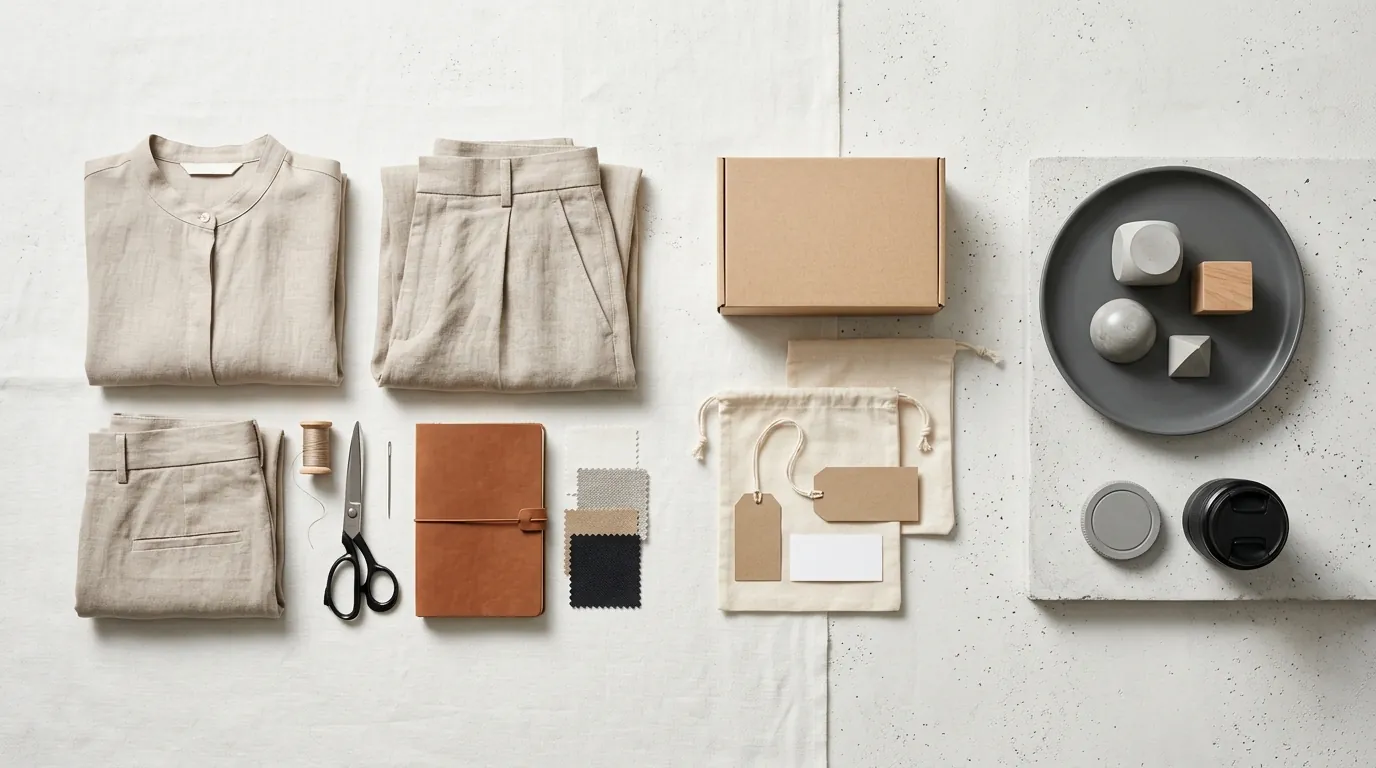
- The Hero Shot: They used PixelMatch to strip the supplier background and replace it with a clean, “Studio White” environment. This satisfies TikTok’s requirement for a clear primary image.
- The Lifestyle Context: Instead of generic stock backgrounds, they used AI background generation to place the fashion items in relevant contexts—like a sun-drenched loft or a minimalist boutique. This makes the images “unique” in the eyes of TikTok’s duplicate-detection AI.
- The Detail Zoom: They batch-cropped the original high-res photos to focus on fabric texture and stitching, providing the 5+ images required to hit the “Good” listing tier.
Because PixelMatch processes these in parallel, the seller could transform 100 images in the time it used to take to edit one. This automation removed the human error that often leads to “aspect ratio mismatch” rejections in the TikTok Seller Center.
Actionable Step: Create a “Master Preset” in your image editor. Set the output to 800x800 pixels and 72 DPI. This ensures your files are sharp enough for mobile screens but small enough to stay under the 5MB limit.
Results (with Numbers)
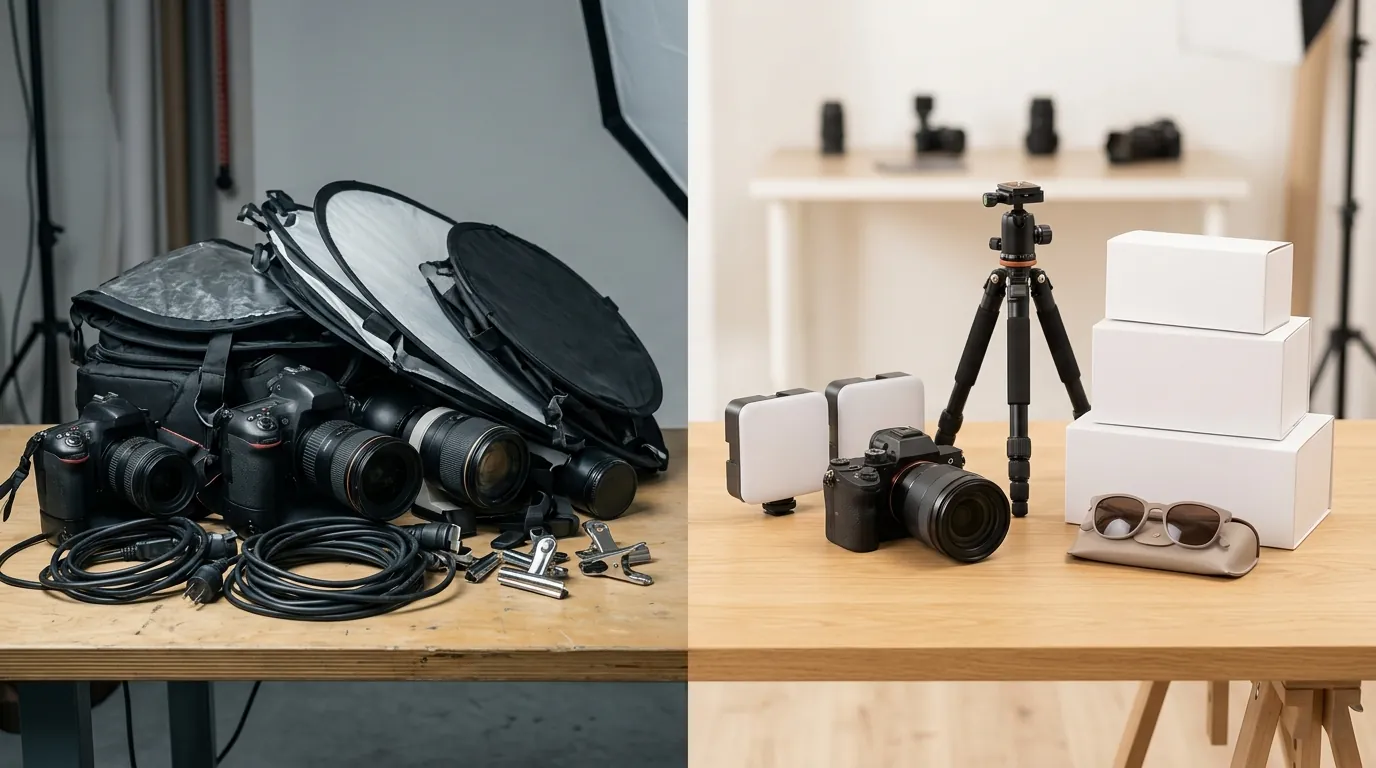
The impact of shifting from recycled supplier photos to unique, AI-enhanced imagery was immediate. Within 48 hours of re-uploading the catalog with the new PixelMatch-generated assets, the “Poor” flags in the Seller Center disappeared.
The most significant change was the restoration of the organic “For You” feed visibility. When the algorithm no longer flagged the content as a duplicate, the listings were pushed to relevant shoppers. The “Good” listing tier status also improved the trust score of the shop, which is a critical factor for the TikTok Shop algorithm in 2026.
| Metric | Before (Supplier Photos) | After (PixelMatch AI Images) | Change |
|---|---|---|---|
| Listing Status | Poor Tier (Shadowbanned) | Good Tier (Healthy) | +1 Tier |
| Click-Through Rate (CTR) | 0.8% | 3.4% | +325% |
| Cost Per Listing | $4.50 | $0.45 | -90% |
| Organic Views (7-day) | 12 | 4,200+ | +34,900% |
By reducing the cost per listing to just $0.45, the seller reclaimed nearly $4.00 in margin per SKU. Across a 100-SKU catalog, that represents $400 in direct cost savings—not including the thousands of dollars in regained sales from lifting the shadowban. The higher CTR of 3.4% indicates that shoppers weren’t just seeing the listings; they were finding the new, high-quality AI backgrounds more compelling than the flat, grey-market photos used previously.
Actionable Step: Track your “Product Detail Page (PDP) View Rate” in TikTok Shop Analytics. If your CTR is below 1%, your primary hero image is likely failing to stop the scroll.
Steps to Replicate
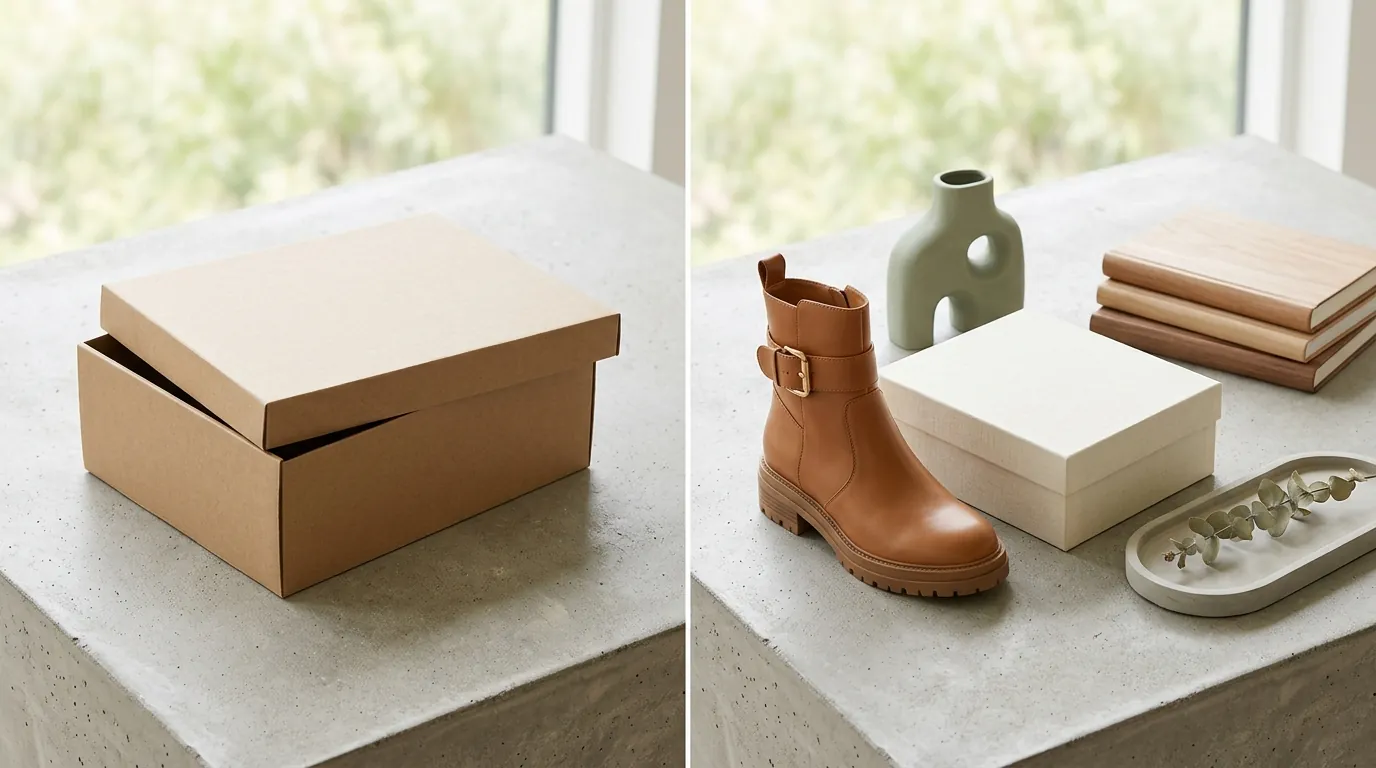
You can apply this same “shadowban fix” to your store today. Follow this sequence to move your listings from the “Poor” tier to “Good” status.
1. Audit and Purge
Identify every listing that has zero views or a “Poor” quality rating. Check for the three red flags: watermarks, blurry resolutions, or images you know are used by other sellers. TikTok Shop’s listing policy is increasingly strict about “unauthorized brand logos” and “low-quality media.” If you find these, prepare to replace the entire image set rather than just the primary photo.
2. Batch Import to PixelMatch
Take your raw product photos—even if they are just shots taken on a smartphone against a plain wall—and upload them to the PixelMatch batch editor. Do not use the supplier’s compressed JPEGs if you have access to higher-quality originals. The better the source resolution, the more realistic the AI background integration will appear.
3. Apply the TikTok Shop Preset
Configure your batch settings for the following:
- Background Removal: Clean, crisp edges are mandatory.
- Primary Image: Solid white or very light grey background.
- Secondary Images: Generate four distinct environments (e.g., “urban street,” “minimalist bedroom,” “outdoor garden”).
- Dimensions: 800×800 pixels to ensure the zoom feature works correctly for customers.
4. Optimize Metadata and Re-upload
Before you upload the new images, ensure your product title and description are also refreshed. TikTok requires an 80+ character minimum for descriptions to reach the “Good” tier. Delete the old images from the Seller Center first, then upload your 5+ new PixelMatch variations. This “hard refresh” helps signal to the algorithm that the listing has been substantially improved.
Actionable Step: Use the “Bulk Edit” feature in TikTok Seller Center to update your image sets across multiple SKUs at once, rather than clicking into each product individually.
Caveats and Honest Limitations
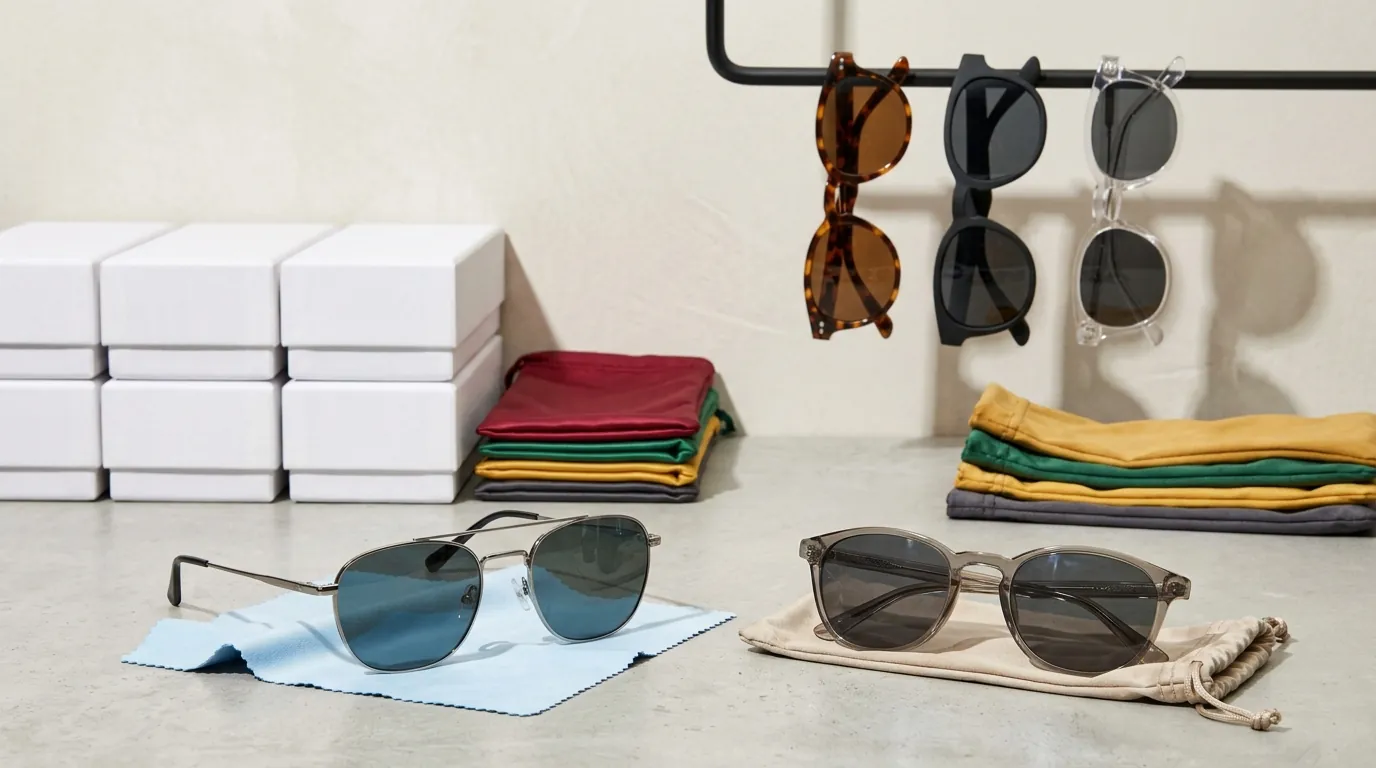
While AI-generated images are a powerful tool for fixing shadowbans, they are not a magic bullet for every account issue.
First, AI background generation cannot fix fundamentally broken source photos. If your original image is out of focus, has “motion blur,” or is severely pixelated, the AI will simply wrap a beautiful background around a blurry product. You still need to provide a clear, well-lit shot of the item itself.
Second, the “shadowban” might be multi-causal. If your listings are compliant but your account has a high “Late Dispatch Rate” or multiple “Intellectual Property” violations, changing your images will not restore your traffic. TikTok Shop uses a holistic “Seller Success” score; images are just one (albeit major) pillar.
Third, be wary of “Restricted Claims.” Even with perfect 800x800px images, your listing will be suppressed if your description contains prohibited health or medical claims. Ensure your text is as compliant as your photos by reviewing the prohibited products list.
Finally, while PixelMatch offers significantly higher volume limits than mobile competitors, always monitor your output for “AI artifacts.” Occasionally, an AI might misinterpret a strap or a transparent sleeve. A quick 1-second visual check of your batch before exporting is still a best practice for professional sellers.
Frequently Asked Questions
How do I know if my TikTok Shop listing is actually shadowbanned?
You are likely shadowbanned if your “Product Analytics” show zero organic impressions over a 48-hour period despite the listing being “Active.” Check the Seller Center for a “Poor” listing quality score, which often indicates that the algorithm has suppressed your content due to unoriginal or low-quality images.
Can I just use the photos provided by my AliExpress or CJ Dropshipping supplier?
Using raw supplier photos is the fastest way to get shadowbanned on TikTok Shop. Because thousands of other sellers use those exact files, TikTok’s computer vision flags them as “Unoriginal Content.” To fix this, you must transform those photos using an AI editor to create unique backgrounds and compositions that don’t exist elsewhere on the platform.
What is the ideal image size for TikTok Shop in 2026?
While the minimum requirement is 600×600 pixels, the recommended size for high-performing listings is 800×800 or 1200×1200 pixels. This ensures that when a customer uses the “pinch-to-zoom” feature on their mobile device, the product remains sharp and professional.
Does the background color of my product image affect sales?
Yes. TikTok Shop guidelines suggest a solid white background for the primary (first) image to ensure the product is the focus. However, for the subsequent 4+ images, using lifestyle or contextual AI backgrounds significantly improves CTR and conversion rates by helping the customer visualize the product in use.
Ready to scale your listings?
PixelMatch generates white-background, lifestyle, and variant mockups from a single source photo — built specifically for multi-platform ecommerce sellers. 50 free images on signup, no credit card.
Start free →
Sources
- TikTok Shop Seller Fees 2026
- TikTok Shop Payment Processing Fees Explained
- TikTok Shop Product Listing Guidelines & Specs
- Photoroom Pro Pricing (App Store)
- Reddit: Photoroom Batch Export Limits Discussion