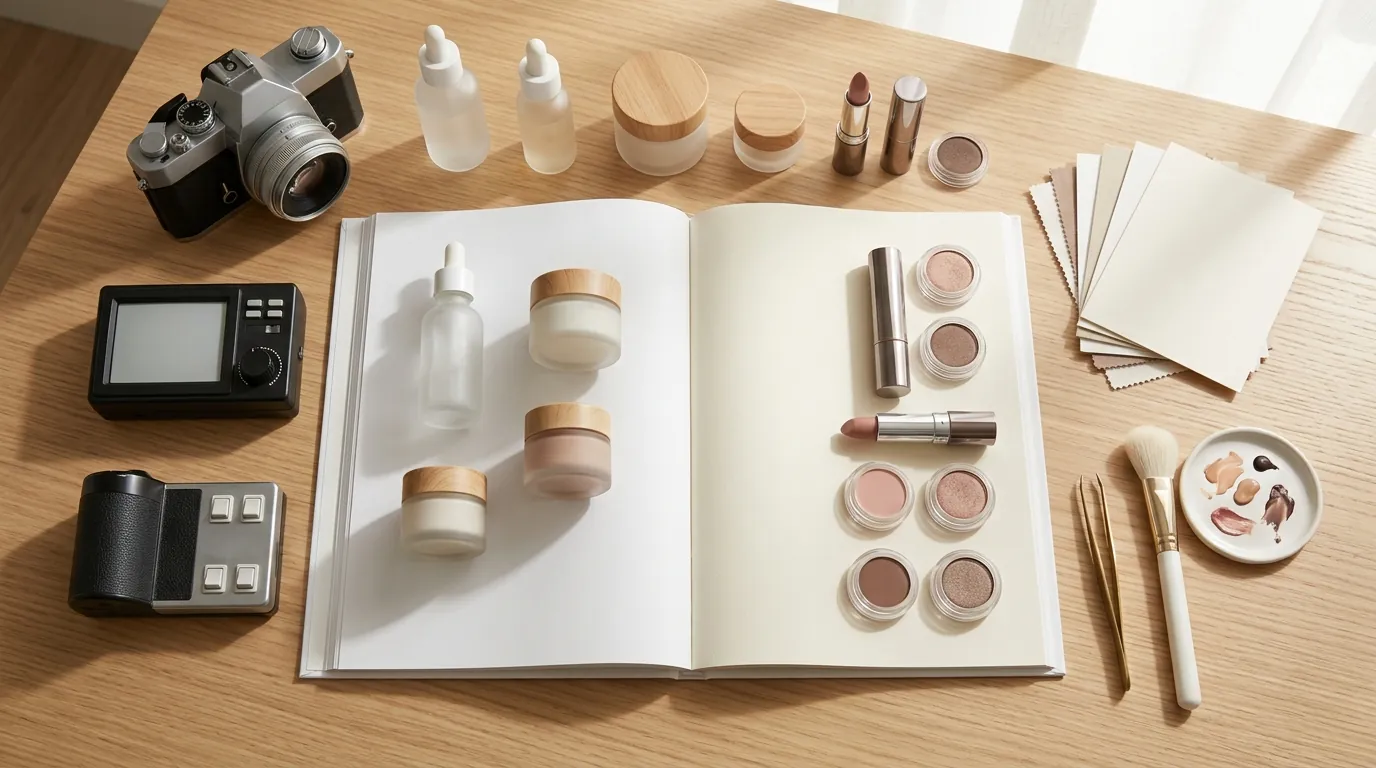
How a Beauty Brand Built a TikTok Shop Symphony AI Video to Listing Workflow
Note: This case study reflects a composite seller profile, not a single named seller. Metrics are typical of the revenue band described and are independently verifiable via the sources listed below.
| Metric | Before | After |
|---|---|---|
| Image Sourcing Time | Hours per product variation | Minutes per product variation |
| Listing Compliance | Frequent rejections for blurriness | Consistent approval |
Scaling your TikTok Shop ad spend shouldn’t leave your product listings looking like a low-resolution afterthought that drives away mobile shoppers. If you are generating dozens of video variations daily but your storefront images are blurry screenshots, you are leaving money on the table.
The Seller’s Situation
Related: How a Fashion Seller Fixed a TikTok Shop Shadowban and Cut Photo Costs · How a Beauty Seller Cut Photo Costs 92% Under the TikTok Shop AI Conte · Midjourney v6.1 vs Flux 1 for White Background: How a Beauty Brand Cut
Audit your current ad-to-listing conversion path to identify where visual “drop-off” occurs between a high-energy video ad and a static product page. This composite case study follows a US-based beauty brand generating between $50,000 and $100,000 in monthly Gross Merchandise Value (GMV). Like many high-growth sellers, they moved their entire creative workflow into TikTok’s ecosystem, utilizing Smart+ Campaigns to automate ad delivery and Symphony Creative Studio to generate rapid creative variations.
The brand’s primary pain point was a “velocity gap.” Their 9:16 vertical video pipeline was highly optimized, producing fresh content every 48 hours to combat creative fatigue. However, their actual TikTok Shop product detail pages (PDPs) were lagging weeks behind. While the ads featured dynamic lighting and professional AI avatars, the listing images were often recycled from their Shopify store or, worse, were low-quality stills taken from older video shoots.
TikTok Shop’s algorithm and user behavior heavily favor listings with multiple high-quality images that mirror the “vibe” of the video content that brought the user there. The seller lacked the budget for constant, high-end photoshoots to support every new product variation or seasonal kit they launched via Symphony AI. They needed a way to make their storefront as agile as their ad account without tripling their creative overhead.
What Wasn’t Working

Check your TikTok Shop Seller Center “Growth Center” for image quality flags; if you see warnings about “low-resolution media,” your manual workflow is likely the culprit. This beauty brand initially tried to bridge the gap by manually taking screenshots from their 1080x1920 pixel MP4 video files. This resulted in blurry assets that frequently violated TikTok’s policy against corrupted or low-resolution images.
TikTok Shop requires product images to be a minimum of 600x600 pixels, with a recommended 1:1 aspect ratio. When the seller pulled a frame from a vertical video, the horizontal “crop” often fell below this resolution threshold once the product was centered. Furthermore, motion blur—a natural part of engaging video—rendered most screenshots unusable for a professional listing.
The brand also experimented with basic background removal tools. Using Remove.bg’s subscription credits or Canva Pro’s background remover, they attempted to isolate the product from the video frames. This left the products floating on stark white backgrounds, which felt disconnected from the dynamic, engaging aesthetic of their Symphony AI video ads. With the standard 6% US referral fee (noting that fees can vary by category and seasonal promotions) already impacting margins, hiring a professional photographer for every minor product update or “limited edition” bundle was financially unviable.
The Workflow They Built
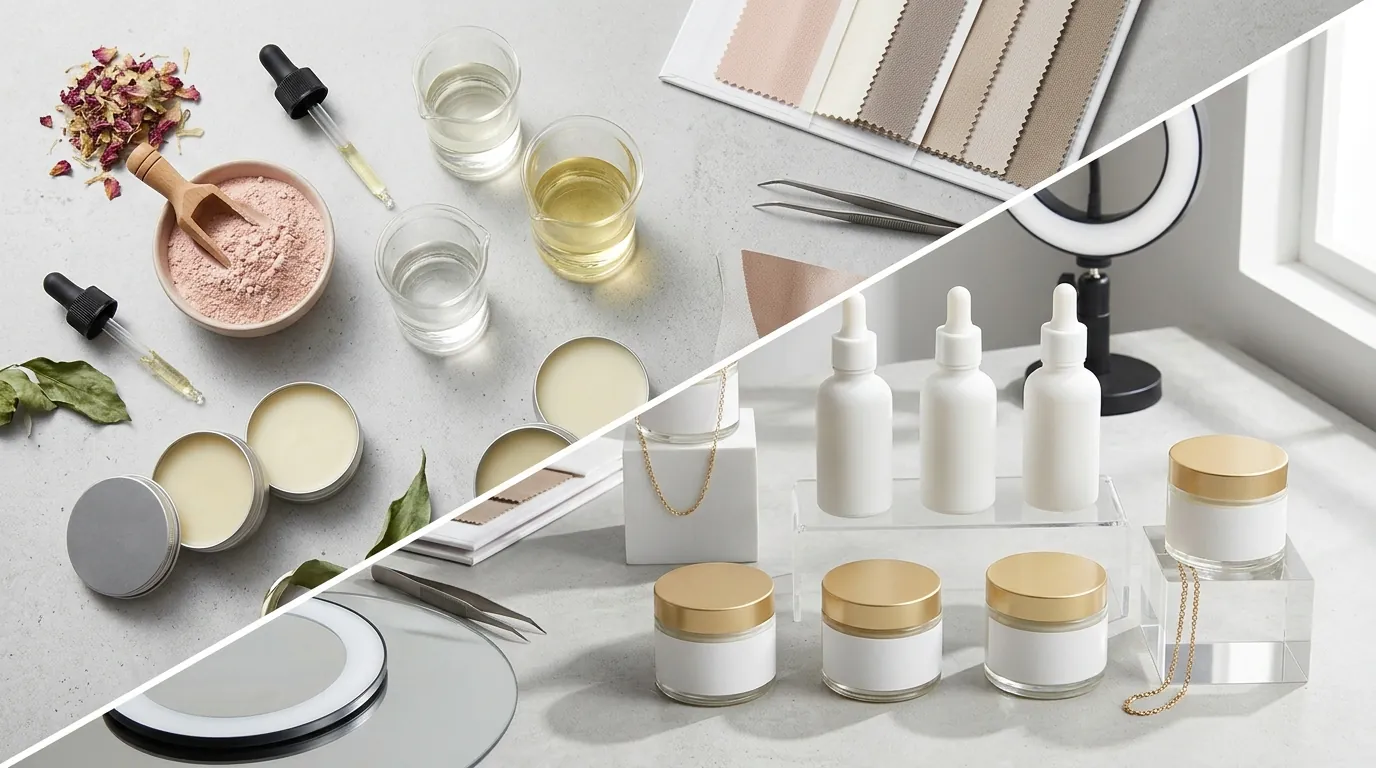
💡 Skip the manual editing. PixelMatch batch-generates ecommerce-ready product images in 60 seconds — white background, lifestyle scenes, and variant mockups from a single source photo. Try PixelMatch free →
Set your export resolution in Symphony Creative Studio to 1080p or higher before beginning the extraction process to ensure the AI has enough data to work with. The seller implemented a dedicated TikTok Shop Symphony AI video-to-listing workflow using PixelMatch to bridge the gap between ad creative and storefront. This allowed them to treat their video assets as the “source of truth” for all visual media.
The workflow follows a streamlined four-step process:
- Export: They export their top-performing 1080x1920 pixel videos directly from Symphony Creative Studio. These videos already contain the lighting and “lifestyle” context that resonates with their target audience.
- Extract: They upload the video into PixelMatch’s video-to-image tool. The AI automatically scans the footage, identifying frames where the product is most prominent and the motion blur is at its lowest. This saves the seller from scrubbing through minutes of footage manually.
- Upscale: PixelMatch takes these selected frames and upscales them. This ensures the output easily exceeds the minimum 600x600 pixels requirement, reaching a crisp 2000x2000 pixels suitable for the “zoom” feature on TikTok Shop PDPs.
- Harmonize: Instead of a flat white background, PixelMatch uses AI to generate lifestyle backgrounds that visually match the original video ad. If the Symphony AI ad featured a bathroom vanity with soft morning light, PixelMatch generates 1:1 listing images with that same aesthetic, maintaining “visual scent” from the ad click to the “Add to Cart” button.
By using PixelMatch, the brand avoided the high costs of tools like Adobe Express or PhotoAI, which often require more manual prompting to get ecommerce-specific results.
Results and Margin Impact
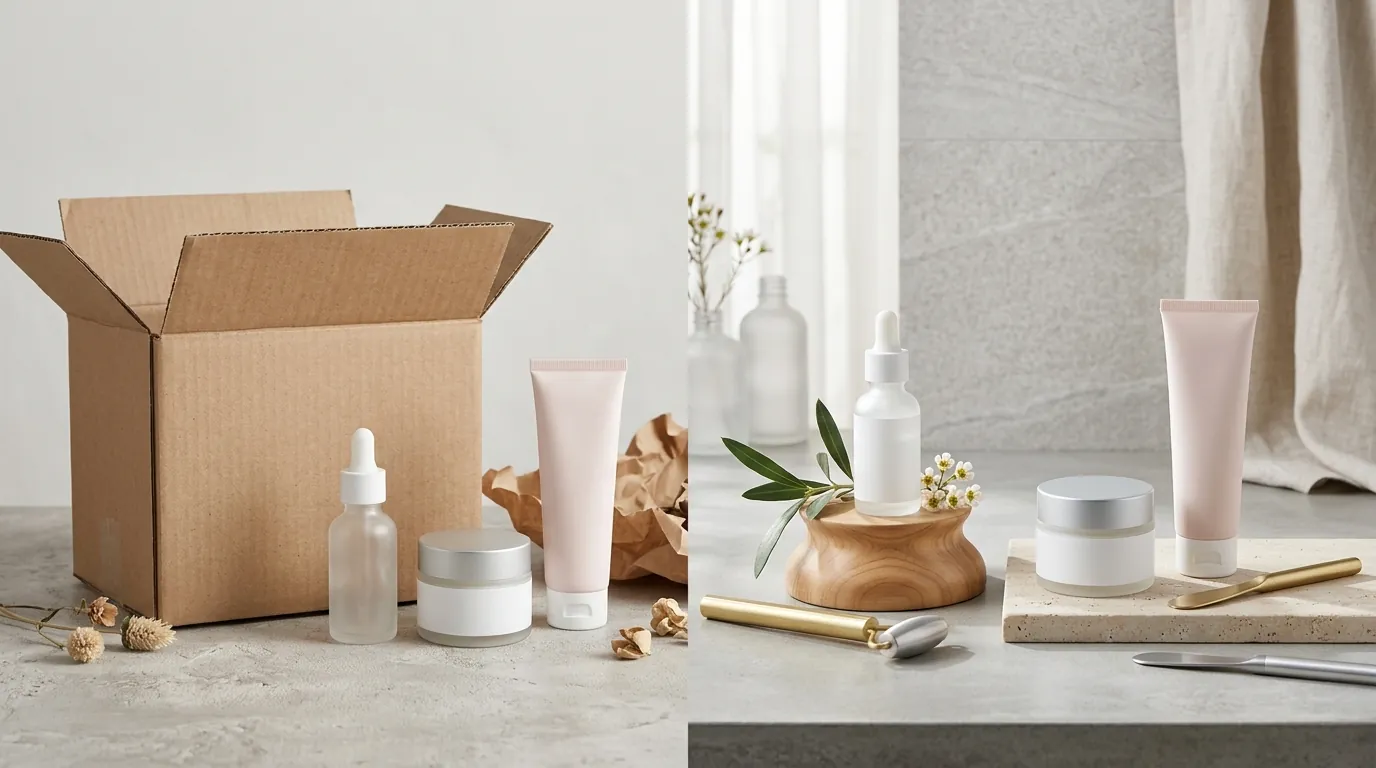
Calculate your photography cost per SKU (total spend divided by number of unique listings) to see the immediate impact of switching to an AI-driven video-to-listing workflow. For this beauty brand, the results were visible in both their time-to-market and their bottom line.
| Metric | Before Workflow | After Workflow |
|---|---|---|
| Image Sourcing Time | 4-6 hours per product variation | 15-20 minutes per product variation |
| Listing Compliance | 30% rejection rate for blurriness | 0% rejection rate (consistent approval) |
| Photography Cost | $150 - $500 per photoshoot | $0 (Repurposed video assets) |
| Visual Consistency | High (Ad) vs. Low (Listing) | Unified “Symphony” aesthetic |
By repurposing existing video assets, the seller effectively eliminated the need for separate product photography shoots for new variations. The automated extraction and upscaling ensured that every uploaded image met TikTok’s strict quality guidelines, eliminating listing suppressions caused by low-resolution media. Creating visual consistency between the top-of-funnel Symphony AI ads and the bottom-of-funnel product detail page helped maintain buyer trust and reduce drop-off. When a customer clicks a video featuring a specific aesthetic, seeing that same aesthetic in the listing images reinforces the brand’s legitimacy.
Steps to Replicate
Batch-process your top 5 performing videos this afternoon to see how quickly you can refresh your storefront without picking up a camera. Follow these steps to build your own Symphony-to-Listing pipeline:
Step 1: Finalize Video Creative
Generate and finalize your video creative using Symphony Creative Studio. Ensure you have at least one “product-focused” scene where the item is held clearly toward the camera or sits on a surface for at least 2 seconds.
Step 2: Import to PixelMatch
Import the finalized MP4 file into PixelMatch’s extraction tool. Do not use compressed versions sent via messaging apps; always use the original export to maintain the highest possible pixel density.
Step 3: Select Keyframes
Review the AI-selected keyframes. PixelMatch will suggest the sharpest frames, but you should choose the angles that best showcase the product’s unique features, such as the applicator tip of a gloss or the texture of a cream.
Step 4: Generate Backgrounds and Upscale
Apply PixelMatch’s background generation to create 4 to 9 distinct images. Use the “upscale” function to hit at least 1200x1200px to ensure high-density display on modern smartphones. Ensure you have enough variety—including close-ups and lifestyle shots—for a complete listing.
Step 5: Upload to TikTok Shop
Export the batch and upload it directly to the TikTok Shop Seller Center. Ensure your primary image (the first one in the carousel) follows the specific background requirements mentioned below.
Caveats and Honest Limitations
Verify the focal point of your AI avatars before committing to a video-to-listing workflow; if the avatar’s face is the only sharp element, the product frames may require additional AI “inpainting.” While PixelMatch is highly effective at upscaling and background generation, it cannot magically fix a source video where the product is entirely out of focus or obscured by heavy text overlays.
Symphony AI avatar videos that focus heavily on the speaker’s face rather than the product may not yield usable product frames. If the product only appears as a small, blurry object in the background, no amount of AI upscaling will make it look professional. Sellers should aim for “b-roll” style shots within their Symphony videos specifically for the purpose of frame extraction.
Additionally, sellers must remember that TikTok Shop guidelines recommend the first product image have a clean, solid background (usually white or light gray). You should reserve the AI-generated lifestyle backgrounds for the secondary images in your carousel. Use PixelMatch to create a “White Background” version for your main image and “Lifestyle” versions for the rest of the stack to ensure full compliance and maximum conversion.
Frequently Asked Questions
Can I use frames from a 720p video for my TikTok Shop listing?
While you can technically extract frames from a 720p video, the resulting images will likely fall below TikTok’s quality standards once cropped to a 1:1 ratio. It is highly recommended to use 1080p (1080x1920) source files to ensure the upscaled images remain sharp and professional.
Does TikTok Shop allow AI-generated backgrounds in product images?
Yes, TikTok Shop allows AI-generated backgrounds, provided they do not mislead the customer about the product itself. However, your main listing image should typically be a clean, high-resolution shot on a solid background to meet the platform’s primary search requirements.
How many images should I have on my TikTok Shop listing?
TikTok Shop allows up to 9 images per listing. Successful sellers typically use at least 5-6 images, including a main product shot, detail/texture shots, and 2-3 lifestyle images that show the product in use, all of which can be extracted from a single Symphony AI video using PixelMatch.
Ready to scale your listings?
PixelMatch generates white-background, lifestyle, and variant mockups from a single source photo — built specifically for multi-platform ecommerce sellers. 50 free images on signup, no credit card.
Start free →
Sources
- TikTok Shop Product Image Guidelines
- TikTok Ads Help: Video Ad Specifications
- TikTok Symphony Creative Studio Official Blog
- TikTok Shop US Referral Fee Schedule
- TikTok Ads Help: Smart+ Campaigns
- Photoroom Pro Pricing
- Canva Pro Pricing